E-commerce is still growing fast, and multi-store operations are becoming more common. Global e-commerce revenue is projected to reach about US$3.88 trillion in 2026, while U.S. retail e-commerce sales reached an estimated US$326.7 billion in Q1 2026, up 9.8% from the same quarter in 2025. For sellers, agencies, and cross-border teams, this growth often means more Shopify stores, Amazon accounts, eBay accounts, ad accounts, customer support roles, and daily login tasks.
But managing multiple e-commerce accounts is not just about opening more stores. The real challenge is keeping each account’s browser profile, cookies, session, proxy setup, fingerprint settings, team access, and operation records clear. A 2025 e-commerce study also found that businesses using a more diversified multi-platform strategy saw 2% to 5% higher total web sales, which helps explain why more sellers work across several channels instead of relying on one platform. This guide compares the best antidetect browsers for managing multiple e-commerce accounts in 2026, so you can choose a tool that fits your store count, team size, and daily workflow.
Why Antidetect Browsers Matter for Multiple E-commerce Accounts
Running a few Shopify, Amazon, eBay, or Etsy accounts may feel easy at first. But once you add more stores, team members, proxies, ad accounts, and daily logins, the real risk is not just having many accounts. The real risk is letting all those accounts share messy browser profiles, mixed cookies, unstable sessions, and unclear access records.
An antidetect browser helps solve this specific problem. It gives each e-commerce account its own browser profile, so the account can keep a separate login environment, proxy setup, cookies, session, fingerprint settings, and access history.
What We Looked for in an Antidetect Browser for E-commerce
The best antidetect browser for e-commerce is not just the one with the most fingerprint settings. It should help sellers and teams keep each store account separate, stable, easy to access, and easy to review during daily work.
When comparing antidetect browsers for e-commerce, we focused on the features that matter most in real multi-store operations:
- Profile isolation: Each Amazon, Shopify, eBay, Walmart, or Etsy account should be able to stay in its own browser profile, with separate cookies, cache, sessions, extensions, and browser data.
- Fingerprint consistency: The browser should help keep each account’s fingerprint settings stable for regular work. Constantly changing the environment can create more confusion than control.
- Proxy management: Each profile should be easy to connect with the right proxy, region, and account use case. A proxy changes the network side, but it does not separate cookies, sessions, cache, or browser history by itself.
- Team access control: Store owners should be able to share the right account environment with VAs, customer support staff, media buyers, or agency members without sharing raw passwords.
- Profile groups and account organization: Teams should be able to organize profiles by store, platform, client, region, task, or team member. This helps reduce wrong-account work during daily operations.
- Activity records and login visibility: Managers should be able to see who accessed a profile, when it was used, and whether the account environment was changed.
- Automation and bulk actions: The tool should support repeated profile work, routine store checks, batch updates, RPA, API, or browser automation when the team needs to reduce manual work.
- Ease of use for non-technical teams: Sellers, VAs, and support staff should be able to use the tool without deep fingerprint knowledge. If the setup is too hard, teams may fall back to personal browsers and shared passwords.
- Pricing that fits the business stage: A solo seller may only need a few profiles, while a growing team may need profile sharing, member roles, activity records, and bulk actions. The right tool should fit the current stage without blocking the next one.
Best Antidetect Browsers for Multiple E-commerce Accounts in 2026
The best antidetect browser for e-commerce depends on how your business works. A solo seller may need simple profile isolation, while an agency may need profile sharing, team permissions, activity records, proxy management, and bulk actions.
Below are several antidetect browsers that are often considered by e-commerce sellers, agencies, and teams managing multiple store accounts. The main difference is not only price. It is how well each tool fits your store count, team size, daily workflow, and need for account environment control.
For e-commerce teams, the hard part is not only opening more browser profiles. The harder part is keeping store accounts, proxies, cookies, sessions, team access, and operation records clear when several people work in the same business.
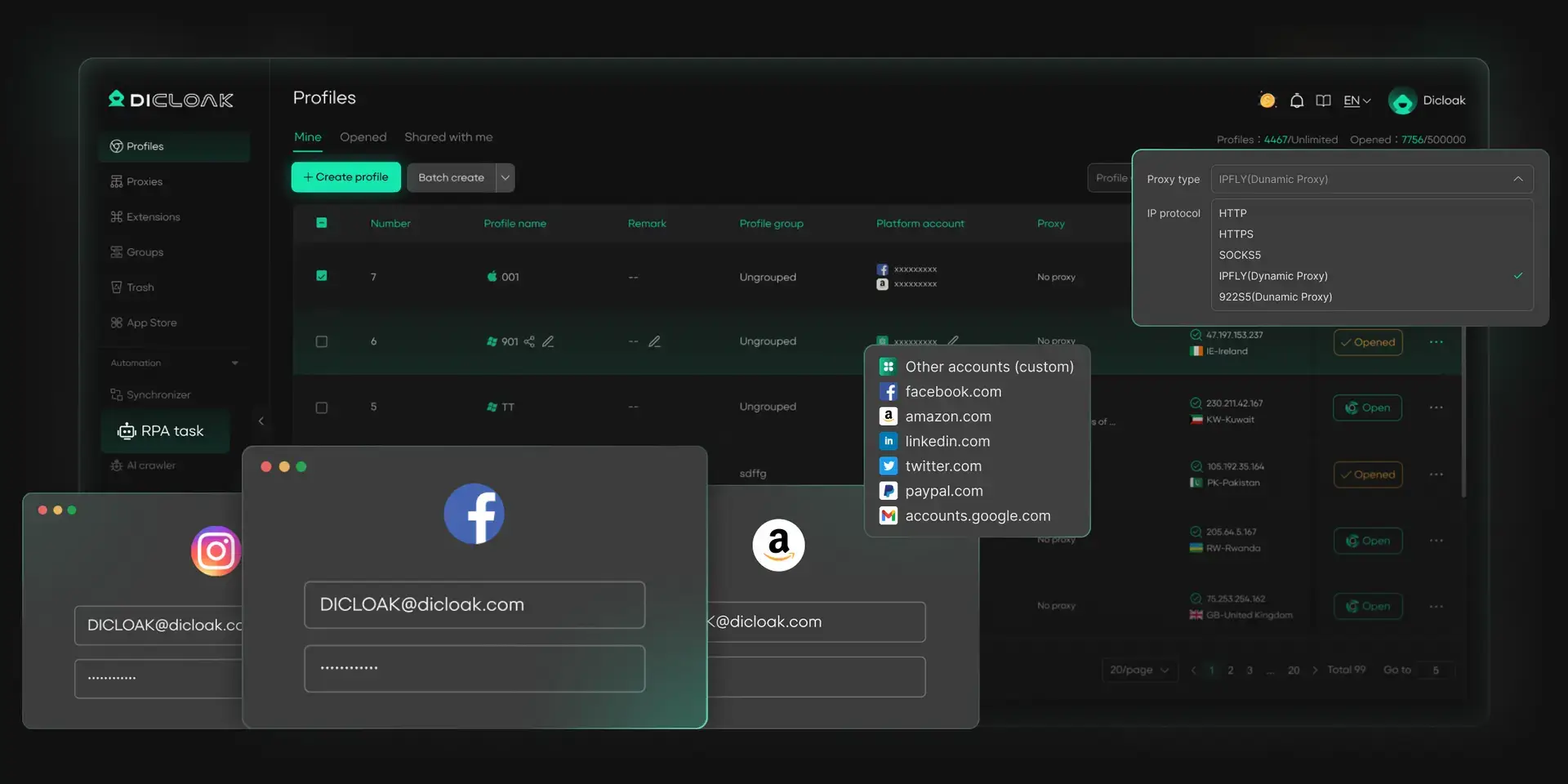
Using DICloak, teams can place each store account in a separate browser profile and keep its cookies, session, fingerprint settings, and proxy setup tied to that account. Teams can also share profiles with the right members, manage access by role, group profiles by store or client, and review operation records when account work needs to be checked. This makes it easier to manage several Shopify, Amazon, eBay, Walmart, or Etsy accounts without mixing browser profiles or team responsibilities.
Key strengths
- Separate browser profiles for different store accounts
- User-configured proxy setup for each profile
- Fingerprint settings for account environment control
- Profile groups for stores, clients, regions, or teams
- Profile sharing for team members
- Member permissions for controlled access
- Operation logs for account work review
- RPA and bulk profile actions for repeated tasks
Best for
- Cross-border e-commerce teams
- Agencies managing client stores
- Sellers with several Shopify, Amazon, eBay, Walmart, or Etsy accounts
- Teams with VAs, support staff, or media buyers
- Businesses that need profile sharing and permission control
Where it stands out
Using DICloak makes the most sense when the problem is not only “we need many profiles.” It is stronger when a team needs to manage many store profiles without mixing account environments, member access, and daily operation records.
Multilogin is often considered by larger teams that want a long-established antidetect browser with profile separation and fingerprint management. It is more suitable for teams that care about stability, brand history, and account environment control.
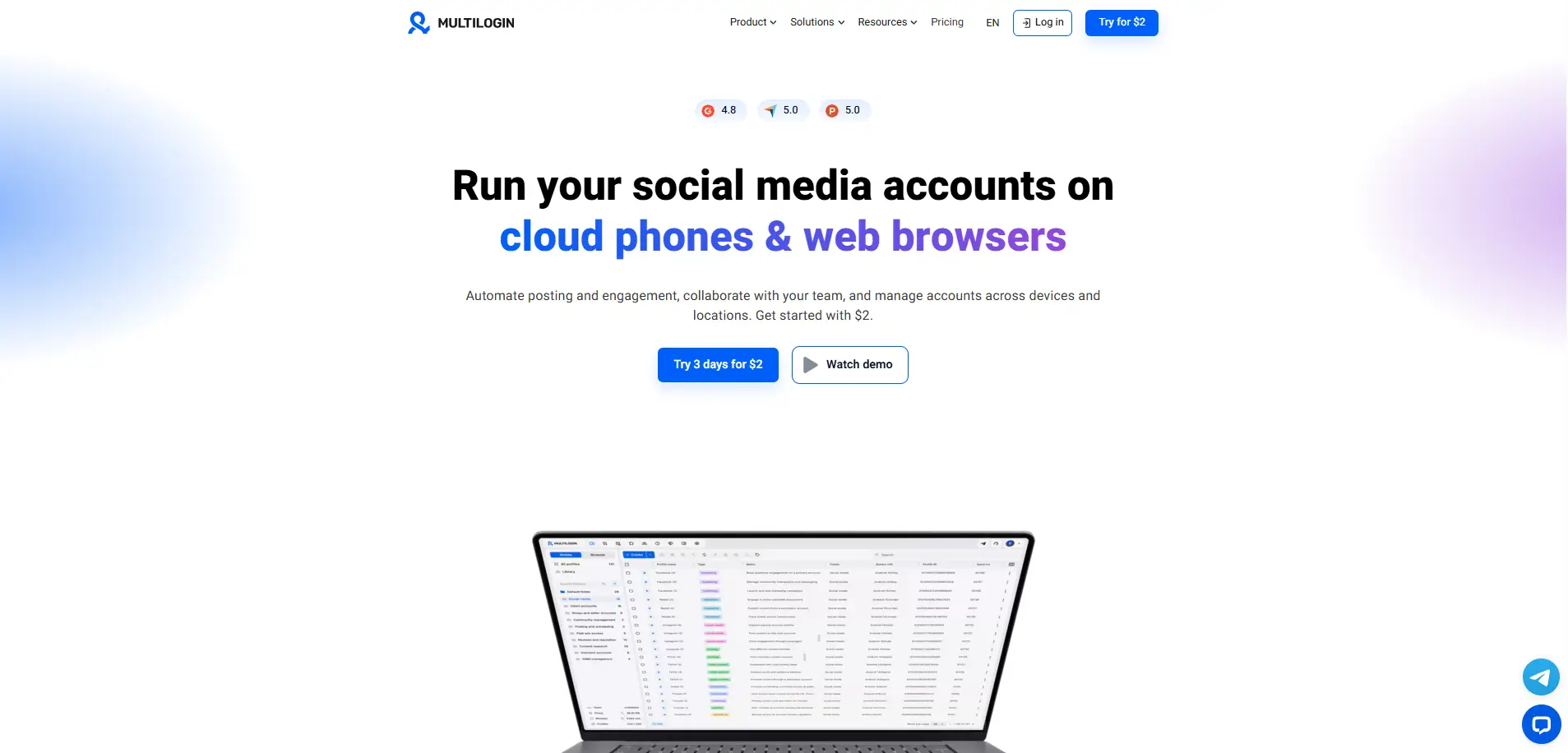
Key strengths
- fingerprint control
- Cloud and local profile sync
- Team and permission features
- Proxy integration
- Automation support
Best for
- Larger agencies
- Higher-budget e-commerce teams
- Sellers manage many stores or ad accounts
Things to consider
Smaller sellers may not need all enterprise-level features. If the main need is only a few store profiles and simple proxy setup, a lighter tool may be easier to start with.
AdsPower is an option for sellers and agencies that manage store accounts and ad accounts at the same time. This is common for cross-border e-commerce teams running Facebook, Google, TikTok, or marketplace ad workflows.
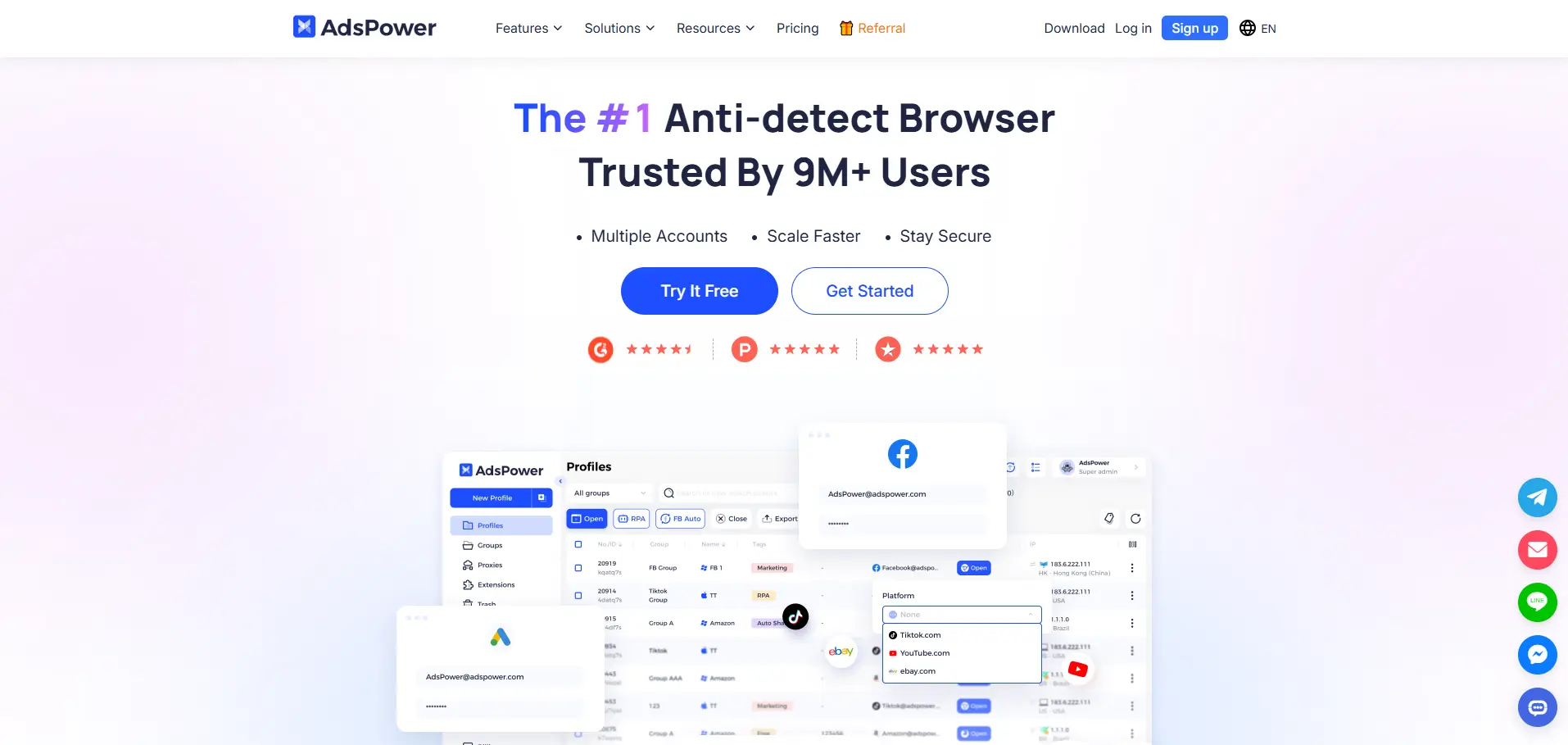
Key strengths
- Bulk profile management
- Team workflow controls
- Proxy settings
- Automation features
- Useful for ad account operations
Best for
- Ad-heavy e-commerce teams
- Cross-border sellers
- Agencies managing many ad accounts
Things to consider
The interface may feel busy for beginners. Some teams may also find that its strongest use cases are closer to ad operations than store backend management.
GoLogin is often easier for users who want basic multi-profile management without a heavy learning curve. It can work well for solo sellers, freelancers, and small e-commerce teams that are just starting to separate account environments.
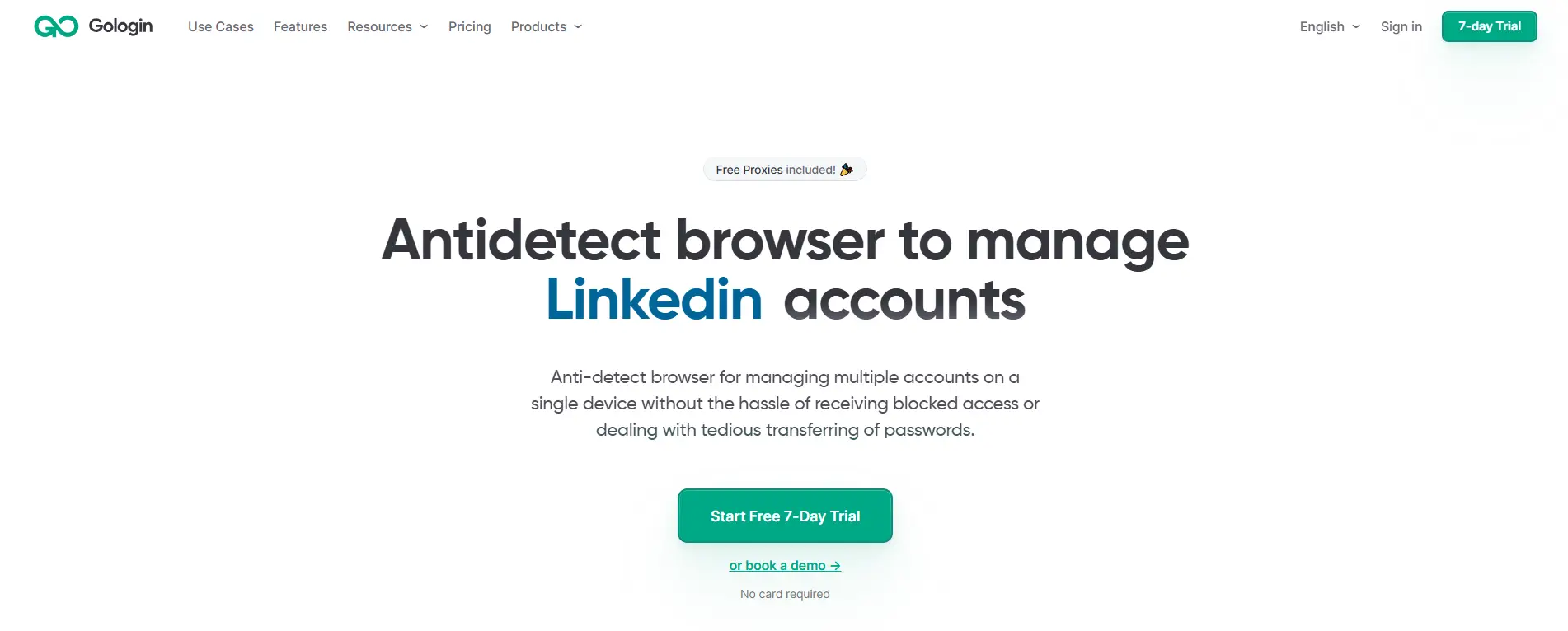
Key strengths
- Simple profile creation
- Proxy setup
- Clean dashboard
- Browser extension support
- Basic team sharing
Best for
- Solo sellers
- Freelancers
- Small Shopify or eBay operators
- Beginners testing a few store accounts
Things to consider
Growing teams may later need stronger permission control, profile grouping, activity records, and deeper team management. If several VAs or departments need controlled access, basic sharing may not be enough.
Incogniton can work for users who mainly need basic separated profiles and do not require a complex team workflow. It is an option for budget-conscious sellers who want to start with a simple multi-account organization.
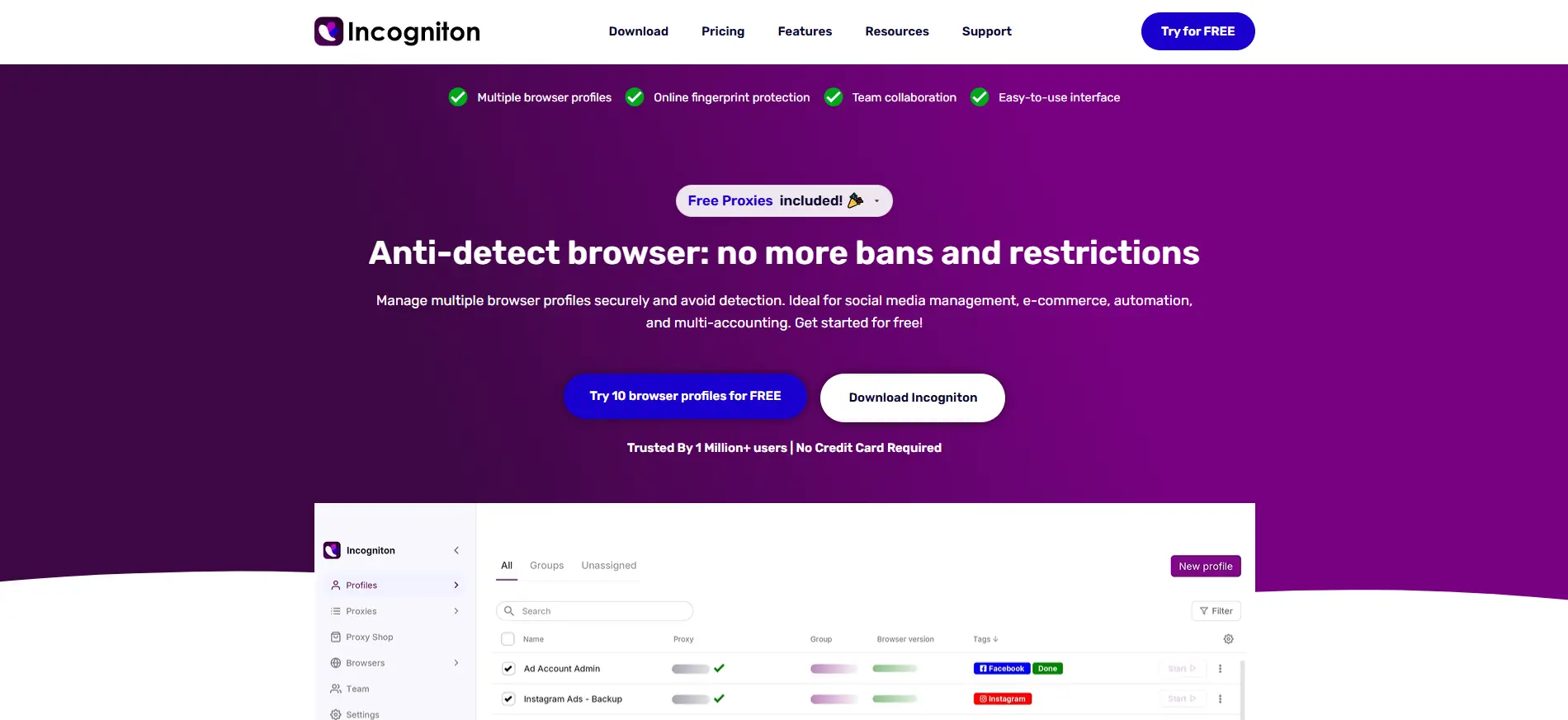
Key strengths
- Browser profile management
- Proxy support
- Simple interface
- Useful for basic multi-account work
Best for
- Budget-conscious sellers
- Small teams
- Users who do not need advanced automation or detailed permissions
Things to consider
It may not be the best fit for agencies or larger e-commerce teams that need strict member access, detailed account organization, operation logs, or scalable team workflows.
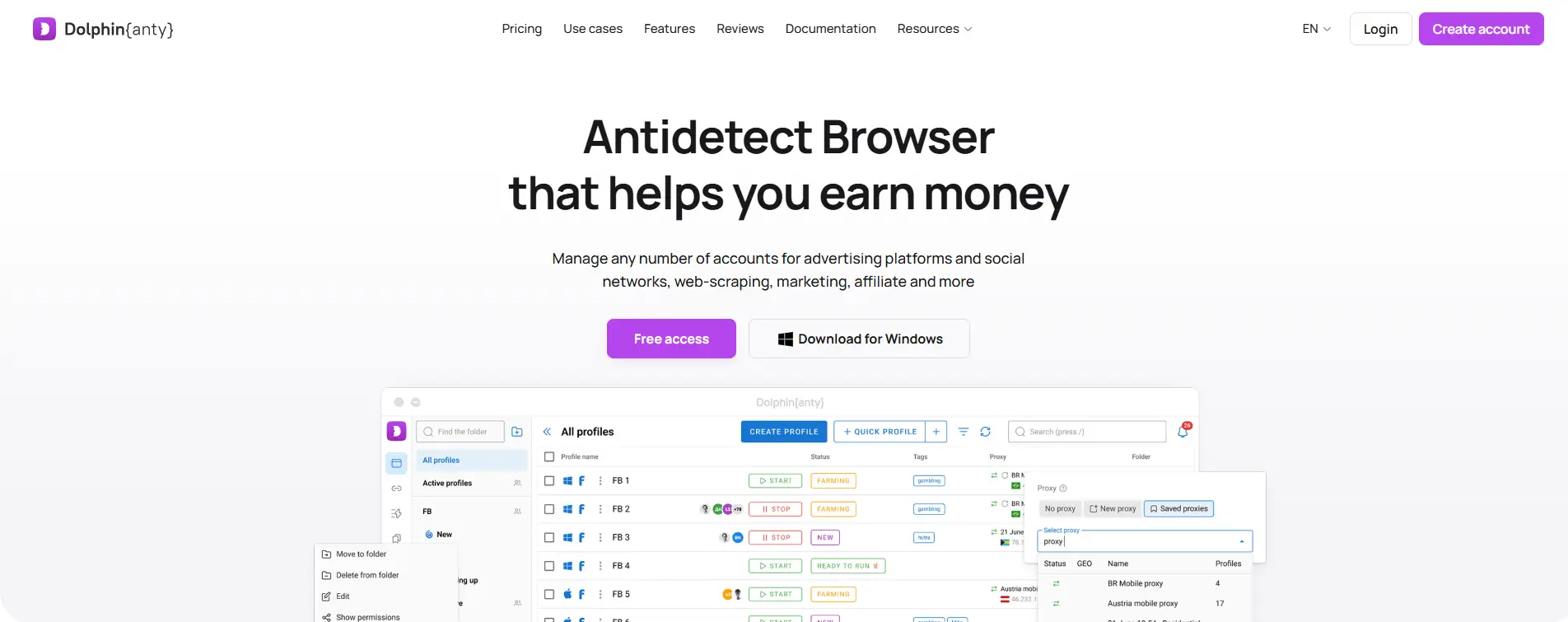
Dolphin Anty is often used in advertising and affiliate-related workflows, so it may be relevant for e-commerce sellers who manage several ad accounts alongside their store accounts. Its fit depends more on how much of your e-commerce work is tied to paid traffic and campaign testing.
Key strengths
- Ad account workflow support
- Bulk profile work
- Proxy support
- Team sharing
- Automation options
Best for
- Media buyers
- Affiliate-style e-commerce teams
- Sellers manage many Facebook, Google, or TikTok ad accounts
- Teams where ad account access is more important than store backend access
Things to consider
It may be less focused on store backend workflows than tools built around broader profile organization, team permissions, and account access records.
Quick Comparison
| Antidetect browser |
Strongest use case |
Main thing to consider |
| DICloak |
Profile isolation, team access, permissions, operation records |
supports the browser profile and access layer |
| Multilogin |
fingerprint and profile management |
May be more than small sellers need |
| AdsPower |
Bulk profile and ad account workflows |
Interface may feel busy for beginners |
| GoLogin |
Simple profile setup |
Team controls may be limited for growing teams |
| Incogniton |
Basic profile separation |
Less suited to complex team workflows |
| Dolphin Anty |
Media buying and ad account work |
Store backend management may not be its main focus |
Choosing the right tool should start with your daily account problem. If your biggest issue is account mixing, focus on profile isolation. If your team keeps logging in from different devices, focus on sharing and permissions. If you handle repeated profile tasks every day, automation and bulk actions matter more.
How to Choose the Right Antidetect Browser for Your E-commerce Business
The right antidetect browser should match your current store count, team size, proxy needs, and daily workflow. Do not choose only by price or fingerprint settings. A solo seller, a small team, and an agency need very different levels of profile control.
Start with your business stage
Solo sellers usually need simple profile creation, easy proxy setup, clear pricing, and enough profiles for their current stores. The goal is to keep each store account in a clean browser profile without spending too much time on technical settings.
Teams managing several stores need more structure. Profile groups, stable proxy binding, account notes, and clear naming become important when there are many Shopify, Amazon, eBay, Walmart, or Etsy accounts to check every day.
Teams working with support staff, or media buyers should focus more on access control than profile count. Shared passwords and random personal browsers can create confusion. Profile sharing, member permissions, and operation logs make account work easier to control.
For agencies, organization matters even more. Client accounts, store accounts, ad accounts, and team members should not sit in one messy profile list. Using an antidetect browser like DICloak can help teams manage profile sharing, role-based access, and operation records in one workspace.
Choose by the problem you actually have
Account mixing usually means the profile setup is not clear enough. In this case, profile isolation should come first. Each store needs its own cookies, sessions, cache, fingerprint settings, and clear profile name.
Unstable login location is a different problem. Here, proxy management matters more. Each profile should stay tied to the right proxy, region, and account use case, instead of changing network settings without a clear record.
Team mistakes often come from poor access control. When several people work on different stores, profile groups, permissions, profile sharing, and activity records help reduce wrong-account work.
Repeated manual work needs workflow support. RPA, API access, bulk actions, or other automation features are useful when they reduce routine setup work, profile checks, or repeated browser actions.
Cost should be judged beyond the monthly price. Profile limits, team seat costs, proxy costs, automation limits, and upgrade rules can matter more as the business grows.
Check the features that matter most for e-commerce
Use these points to test whether the tool fits real e-commerce account work:
- Separate store profiles: Each store account should have its own browser profile, instead of sharing one normal browser workspace.
- Stable browser data: Each profile should keep its own cookies, cache, sessions, fingerprint settings, and extensions.
- Fixed proxy setup: Each profile should stay connected to the right proxy and region for regular account work.
- Profile organization: Profiles should be easy to group by store, platform, client, region, or task.
- Controlled team access: Team members should only access the profiles they need.
- Visible activity records: Managers should be able to review profile access and key account actions.
- Workflow support: RPA, API access, and bulk actions are useful when they reduce repeated browser work.
- Scalable pricing: The tool should fit your current account size and still make sense when your team adds more stores.
The best choice is the tool that matches your real account problem. A solo seller may care most about simple profile isolation. A growing team may need sharing and permissions. An agency may need profile groups, operation logs, and scalable account management.
Frequently Asked Questions About Antidetect Browsers for E-commerce Accounts
What is the best antidetect browser for managing multiple e-commerce accounts?
The best antidetect browser for managing multiple e-commerce accounts is the one that matches your store count, team size, proxy needs, and daily workflow. For e-commerce teams, the key features are separate browser profiles, stable fingerprint settings, proxy configuration, profile groups, team permissions, profile sharing, and operation records. With DICloak Antidetect Browser, teams can manage different Shopify, Amazon, eBay, Walmart, or Etsy accounts in separate browser profiles while keeping team access and account work easier to organize.
Do e-commerce sellers need an antidetect browser or just a proxy?
A proxy is not the same as an antidetect browser. A proxy mainly changes the network side, such as IP location, but it does not separate cookies, sessions, cache, extensions, fingerprint settings, or team access. An antidetect browser helps manage the full browser profile for each store account. For sellers handling multiple e-commerce accounts, a stronger setup is usually one browser profile, one stable proxy setup, and one clear account record for each store.
Can I use one browser profile for multiple e-commerce store accounts?
Using one browser profile for several store accounts is not a clean setup for long-term e-commerce work. Different store accounts may share cookies, sessions, browser history, extensions, and login records inside the same browser space. A separate profile for each store makes account work easier to track and reduces wrong-account actions. This is especially useful when a team manages several Shopify, Amazon, eBay, Walmart, or Etsy accounts every day.
How does an antidetect browser help e-commerce teams with VAs or agencies?
An antidetect browser helps e-commerce teams work with VAs, support staff, media buyers, or agencies by keeping account access more controlled. Instead of sending raw passwords or asking each person to log in from a personal browser, teams can share the right browser profile with the right member. An antidetect browser like DICloak can support profile sharing, role-based permissions, profile groups, and operation logs, which makes it easier to see who worked on which store account.
How many browser profiles do I need for multiple e-commerce accounts?
For e-commerce account management, each store account should usually have its own browser profile. If one Shopify store, one Amazon seller account, and one eBay account are managed from the same team, each account should keep its own cookies, session, fingerprint settings, proxy setup, and access record. For teams, an antidetect browser like DICloak can also help group profiles by store, client, platform, or team member, so daily account work is easier to find, share, and review.
Conclusion
The best antidetect browser for managing multiple e-commerce accounts in 2026 is not simply the tool with the most fingerprint settings. It is the tool that helps each store account keep a separate browser profile, stable proxy setup, clear cookies and sessions, controlled team access, and visible operation records.
For solo sellers, simple profile isolation may be enough. For growing e-commerce teams, agencies, VAs, and cross-border sellers, features like profile sharing, role-based permissions, profile groups, operation logs, and bulk actions become more important. An antidetect browser like DICloak is most useful when your main challenge is not only opening many accounts, but keeping store environments, team responsibilities, and daily account work organized.
 Web Proxy Tools
 Free Tools
 Cookie Plugin
 UA Generator
 MAC Address Generator
 IP Generator
 IP Address List
 2FA Code Generator
 World Clock
 Anonymous Check
 WebRTC Leak Test
 UUID Generator
 Free Web Proxy Site
 Proxy Checker
 FB Ad Checker
 AI Web Scraping
 Free SMM Tools
 Twitter Shadowban Checker
 Instagram Name Checker
 UTM Generator
 Username Generator
 AI Hashtag Generator
 LinkedIn Headline Generator
 Social Media Image Resizer