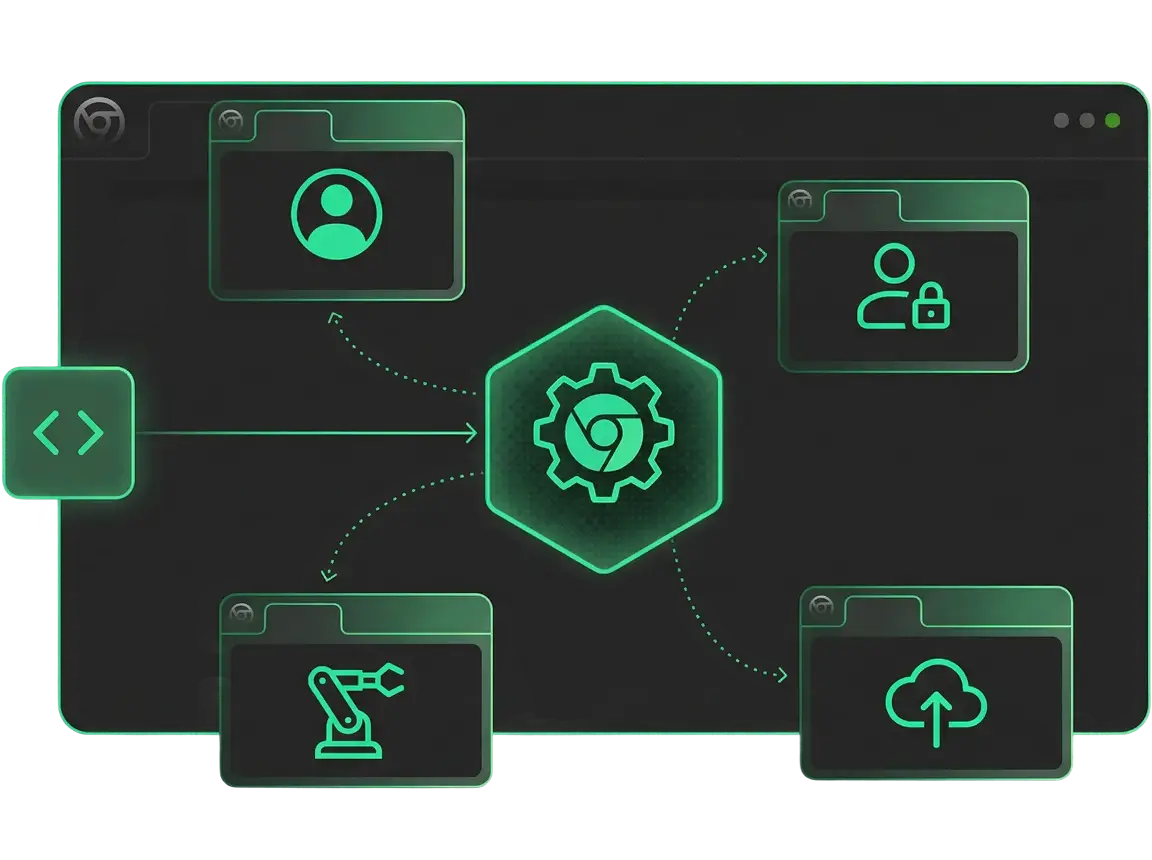
Browser SDK: A Browser Capability Integration Solution for Multi-Account Automation and Environment Isolation.
A lightweight, callable browser development kit based on the Chromium kernel, designed for automation scenarios requiring deep control of browser behavior, supporting seamless integration into existing projects.
Lightweight deployment without local browser installation, directly calling the Chromium kernel.
Dual-Protocol Proxy Binding
Supports HTTP/SOCKS5 proxies with built-in account and IP information binding.
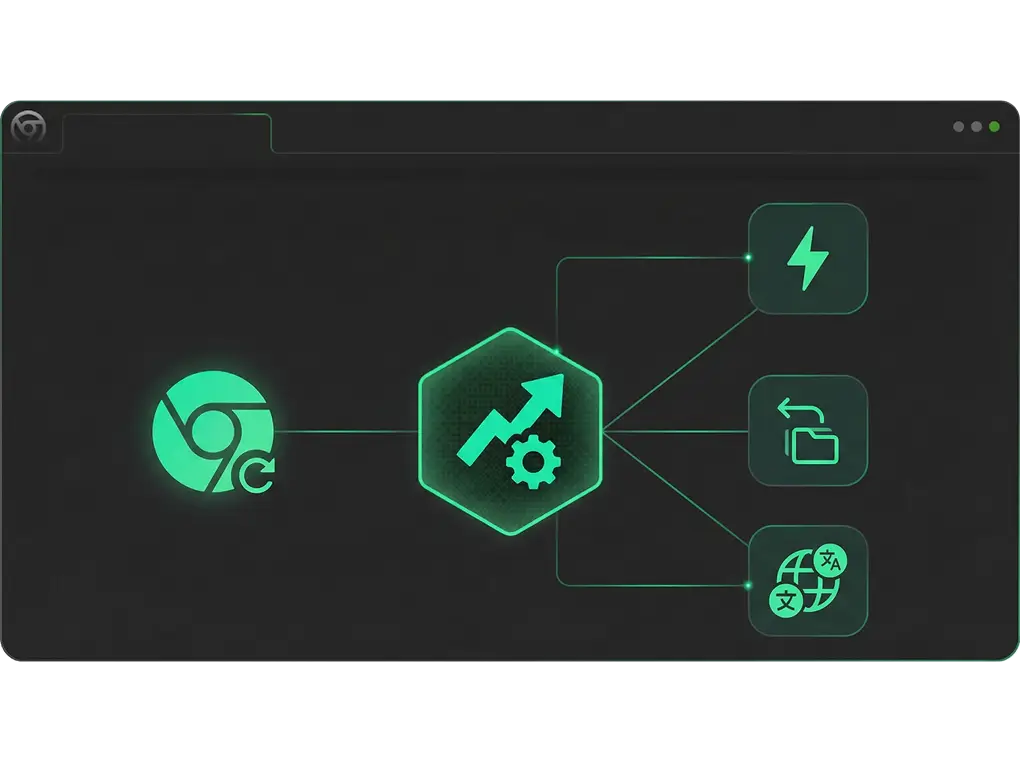
Batch Instance Automation
Instance management with batch start/stop and automatic resource cleanup.
Graded Log Monitoring
Graded logging (debug/info/warn/error) with key event monitoring.
6 Core Advantages, Redefining Browser Automation
Starting from quick invocation and minimalist deployment, covering everything from single-point operations to full-scenario batch deployment. Adapt to various automation businesses instantly without complex modifications.
Powerful Anti-Detection Capability
Supports multi-dimensional fingerprint configuration such as Canvas and WebRTC. Hardware information like device memory and screen resolution can be customized to effectively evade website anti-crawling and automation blocking.
Lightweight & Fast Deployment
No need to install browser software locally; unzip and use. Quickly install dependencies via npm and complete initialization in 3 steps, lowering the technical threshold.
Batch Instance Management
Supports launching multiple browser instances simultaneously with unified fingerprint and proxy configurations. Supports batch closing and resource cleanup to improve automation efficiency.
Flexible Proxy Adaptation
Compatible with HTTP/SOCKS5 proxy types, supporting account/password authentication. Can bind IP region and timezone information to adapt to multi-region business scenarios.
Full-Scenario API Support
Provides complete APIs for initialization, fingerprint configuration, instance start/stop, etc. Supports event listening and error capturing, enabling one-click invocation for scenarios like model training and automated testing.
Cross-System Compatibility
Supports Windows/macOS systems and is compatible with Node.js 18.0.0+ versions. Seamlessly connects to existing projects without additional refactoring.
Supporting Services to Accelerate Business Landing
Provides comprehensive technical support and supporting capabilities to reduce development and operation costs.
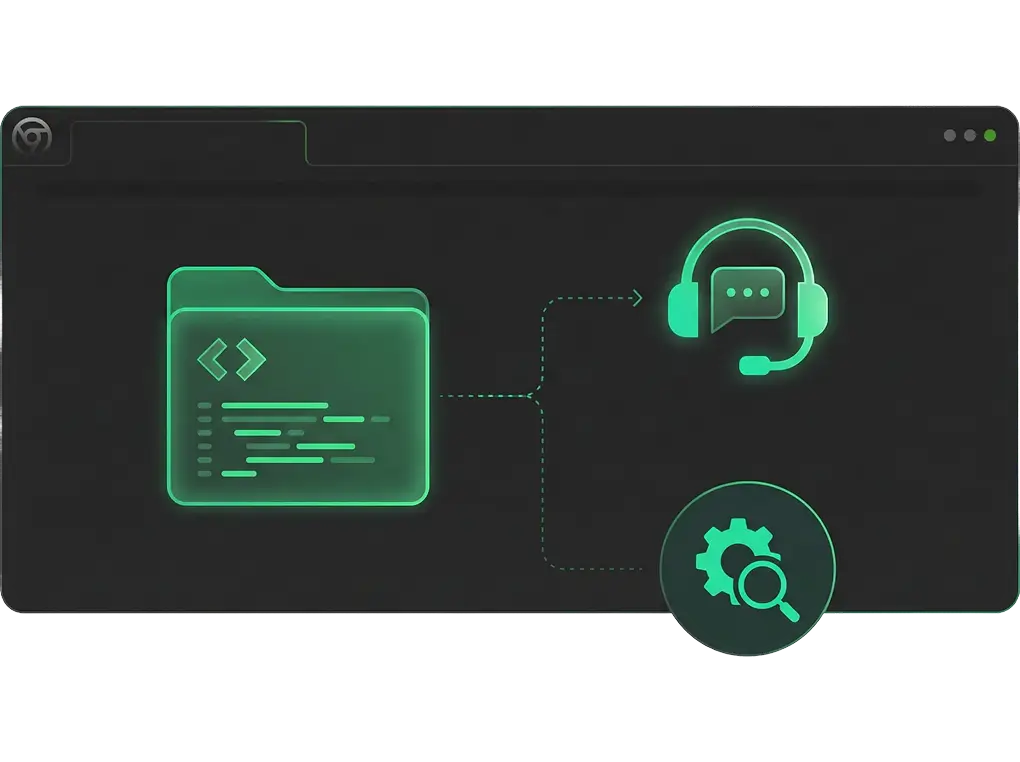
Detailed Development Documentation
Includes API manuals, error code references, and fingerprint type definitions, covering the entire process from basic usage to advanced configuration.