Understanding the Mechanism Behind the Google Verification Prompt
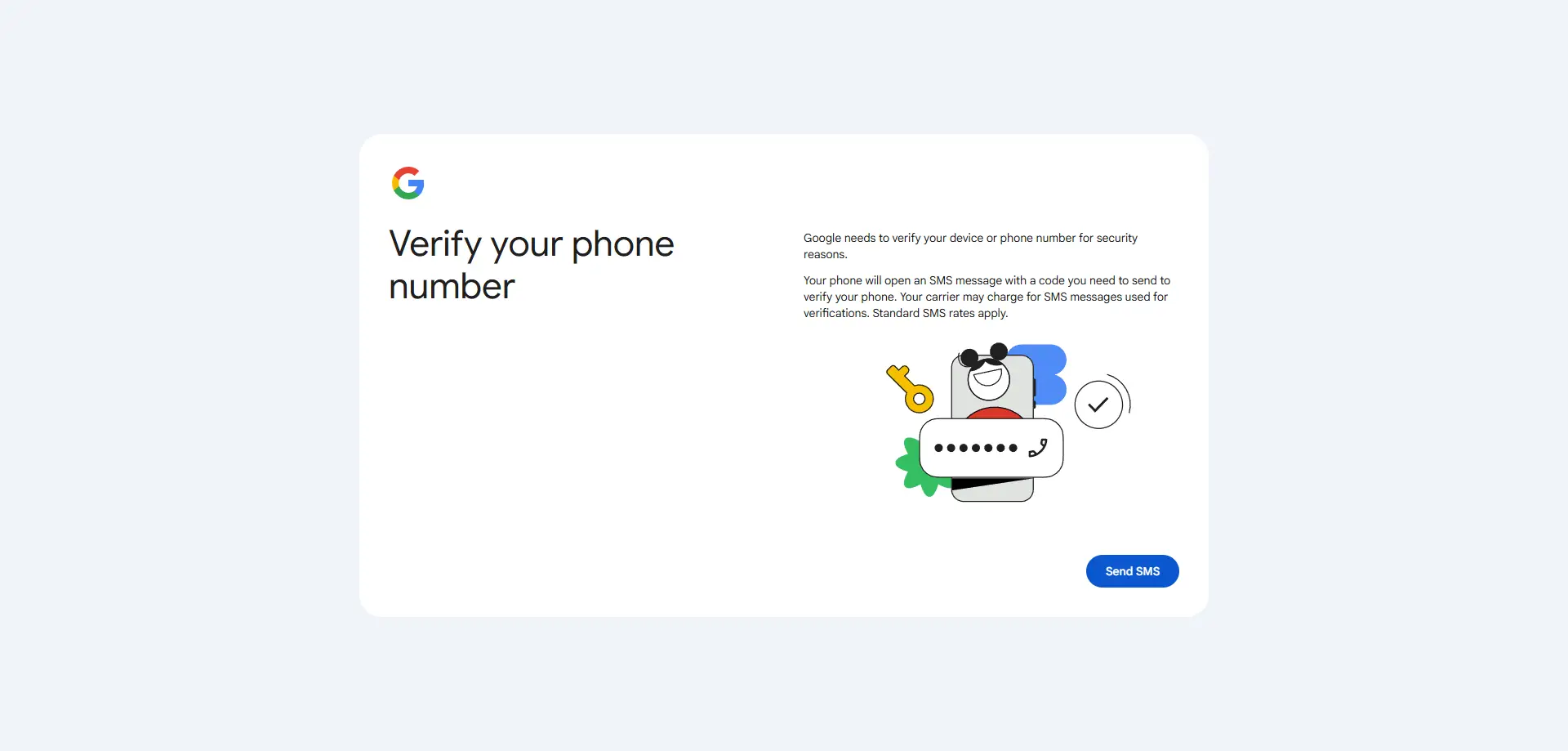
Encountering a mandatory phone verification prompt during account setup is a frequent obstacle for digital growth specialists. This hurdle is rarely random; it is the result of Google’s sophisticated bot-detection systems monitoring for patterns that suggest automated abuse. These systems employ various "detection tripwires" to identify high-risk sign-up attempts before the user even completes the initial form.
The underlying mechanism involves a multi-layered analysis of user signals. Google evaluates IP reputation, browser fingerprints, and sign-up velocity—the frequency at which accounts are created from a specific network or hardware environment. If these signals deviate from those of a typical, organic user, the system triggers a verification request to "prove" the identity is human. When managing 50 e-commerce accounts or scaling a social media fleet, these triggers are commonly observed because standard browsing environments fail to provide the necessary "trust signals" required for frictionless entry.
Why Traditional Efforts to Bypass Google Verify Phone Number Often Fail
Many practitioners rely on "quick fixes" found in legacy guides, such as using Incognito mode, clearing cookies, or signing up through YouTube entry points. While these methods occasionally worked in previous years, they are increasingly unreliable in 2026. These workarounds fail because they do not address the foundational trust signal requirements of modern platforms, which now look far beyond simple browser cookies.
Pro-Tip: Incognito mode is largely ineffective for multi-account growth. While it prevents local cookie storage, it does nothing to mask hardware-level signals. Google’s systems can still see your unique hardware configurations, graphics rendering signatures, and IP address, making "private" browsing easily detectable as a repeat session from the same machine.
Furthermore, Google has unified its sign-up flows across services like YouTube and Gmail. Entry points that once allowed users to skip fields have been integrated into a centralized verification engine that analyzes the consistency of your digital identity before the first page even loads.
To bypass verification triggers, one must understand the depth of data Google extracts through browser fingerprinting. This involves collecting an array of system parameters to create a unique identifier that persists even if you change your IP or clear your cache.
Advanced Canvas and WebGL Fingerprinting
Google uses Canvas and WebGL API calls to determine how your browser renders 2D and 3D graphics. Because rendering is influenced by your specific graphics card driver, version, and hardware architecture, it creates a unique digital signature. This allows platforms to recognize a device even when the user believes they are browsing anonymously, as the hardware "handshake" remains constant across different browser sessions.
Audio Context and Font Enumeration
Detection systems analyze system-level settings, such as the list of installed fonts and the specific way your computer processes audio signals. Font enumeration is a particularly powerful identifier; the specific combination of system, software, and user-installed fonts is rarely identical between two different users. When combined with audio processing configurations, it provides a reliable way for Google to link multiple accounts to a single physical machine.
Timezone and Geographic Inconsistency
A common "red flag" is a mismatch between the reported IP location and the browser’s internal settings. Professional infrastructure must do more than just "set" a timezone; it must synchronize the timezone, language, and geographic data based on the specific IP database of the proxy being used. If a practitioner uses a proxy located in Germany but the browser’s internal clock or language remains set to Eastern Standard Time, Google’s systems immediately flag the session as a spoofed identity.
Isolating Digital Identities to Bypass Google Verify Phone Number Triggers
The most effective strategy for multi-account growth is environment isolation. The objective is not to "hide" but to appear as a different, unique, and legitimate user for every account created.
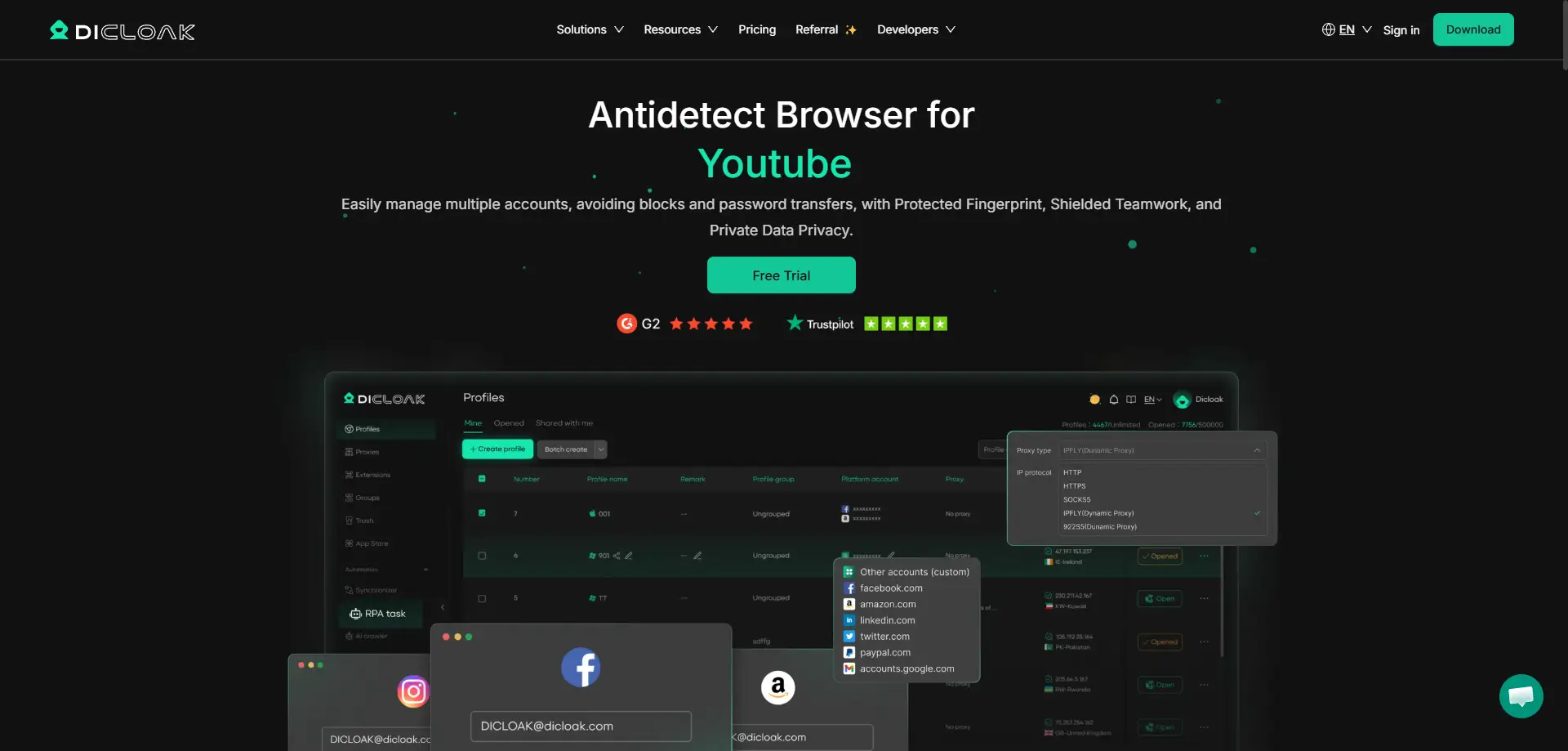
Professional tools like DICloak facilitate this by allowing the management of 1,000+ accounts on a single device through isolated browser profiles. Each profile acts as a distinct sandbox with its own cookies, local storage, and, most importantly, a unique digital fingerprint.
Customizing Fingerprints for High-Trust Signups
To mimic real-world users, practitioners must modify hardware parameters within each profile. DICloak allows the simulation of different operating systems—such as Windows, Mac, iOS, and Android. It is critical to differentiate between "spoofed" fingerprints (emulators) and "genuine hardware identities." While emulators often leave detectable software signatures, professional environments use real hardware parameters (including IMEI, Android ID, and MAC addresses) to mimic legitimate device attestation. This prevents the "device clustering" pattern that typically triggers bulk verification prompts.
Strategic Network Isolation and Proxy Management
Effective network isolation is the second pillar of bypassing verification. It is essential to use high-quality IP addresses to avoid association with known "bot" networks or datacenter ranges.
Pro Tip: Avoid using datacenter proxies for Gmail creation. Datacenter IPs are easily identified as belonging to servers rather than residential homes. Residential IPs provide a significantly higher trust signal and reduce the likelihood of a verification "kill switch" being activated during sign-up.
Supporting configuration of Proxy
High-volume account management requires flexible proxy configuration. DICloak supports major protocols, including HTTP/HTTPS and SOCKS5, allowing practitioners to manage proxy pools with bulk operations. This flexibility is vital for ensuring that each account profile is mapped to a dedicated, high-trust IP.
Pro Tip: For maximum success, consider using proxies from SMS-limited regions such as Mongolia or Colombia. Google’s algorithms often provide a more frequent "Skip" option in these regions because local SMS services can be unreliable, forcing the system to rely on other trust signals for account activation.
Using DICloak to Automate the Account Workflow
Scaling operations requires efficiency without triggering "robotic behavior" detection.
RPA Automation for Repetitive Account Tasks
Robotic Process Automation (RPA) mimics human interactions such as mouse movements and typing cadences. By using DICloak’s built-in RPA tools, practitioners can automate the account creation and "warming" process. This organic behavior significantly increases the "trust score" of the session, as it avoids the instantaneous, scripted form-filling that triggers sign-up velocity flags.
Bulk Operations and Synchronizer Efficiency
For those involved in traffic arbitrage or social media marketing, launching multiple profiles simultaneously via a synchronizer is critical. This allows for the execution of actions across several accounts at once while maintaining the isolation of each profile's underlying fingerprint and IP address.
Operational Comparison: Manual Methods vs. Professional Infrastructure
| Feature |
Standard Browsing (Incognito/Basic Proxies) |
DICloak Professional Infrastructure |
| Success Rate |
Low (Frequent verification prompts) |
Very High (High trust signals) |
| Detection Risk |
High (Fingerprints remain linked) |
Low (Genuinely isolated hardware parameters) |
| Scalability |
Minimal (Manual setup per account) |
High (Bulk operations, RPA, & Synchronizer) |
| Identity Type |
Spoofed/Emulated |
Genuine Hardware (IMEI/MAC simulation) |
Step-by-Step Methodology for Secure Account Creation
To minimize verification risks, follow this technical workflow:
- Create a Unique Profile: Open the DICloak dashboard and create a new browser profile. Ensure you select a specific OS (e.g., Mac or Android) to differentiate the hardware signature.
- Configure Proxy Management: Integrate a residential proxy (SOCKS5/HTTP/HTTPS) from a high-trust region or an SMS-limited region like Colombia. Ensure the browser timezone is synchronized to the proxy IP.
- Launch the Browser Core: Launch the profile using the Chrome-based core. This ensures compatibility with Google’s internal service requirements.
- Execute Account Setup: Navigate to the sign-up page. When prompted, select "For my personal use." This registration path carries higher trust than business-related paths and is more likely to present the "Skip" option for phone verification.
- Add a Recovery Email: This is a non-negotiable step. A recovery email provides a secondary way to regain access and signals to Google that the account has a legitimate backup, improving long-term account health and reducing the risk of retroactive suspension.
Objective Analysis of Professional Multi-Account Tools
Using professional antidetect tools like DICloak offers several strategic advantages:
Pros:
- Hardware Efficiency: No need for extra physical devices to manage thousands of accounts.
- Team Collaboration: Features like profile sharing, permission settings, and operation logs allow distributed teams to work securely.
- Cross-Platform Compatibility: Full support for Windows, Mac, and Linux environments.
- Mobile Attestation: Ability to simulate real Android hardware parameters that pass deeper verification checks than standard emulators.
Cons:
- Learning Curve: Users must understand how to configure technical settings (Canvas, WebGL, etc.) to maximize success.
- Operational Costs: High-quality residential proxies require an ongoing investment to maintain high success rates.
Sustainable Account Recovery and Management
Successfully creating an account is only the first step. To prevent retroactive flagging, accounts must be "warmed up" to simulate organic usage.
When managing a fleet of 50 accounts for airdrop farming or social media marketing, allow a 24-48 hour "cooling period" after creation before initiating high-volume outbound activity. During this time, log in occasionally and build a normal usage pattern, such as browsing or sending a limited number of emails. Using team collaboration tools to share profiles rather than raw login credentials ensures that the account is always accessed from the same "device" (the isolated profile), maintaining consistent security signals across your workforce.
FAQ: Expert Answers on Google Verification Bypass
Is skipping the phone number guaranteed?
No. Google’s algorithms are dynamic. While professional infrastructure like DICloak significantly increases the probability of skipping verification by providing high trust signals, factors like IP quality and regional policy play a role.
Is it safe to use temporary numbers versus isolated environments?
Temporary numbers are often flagged or "burned." If Google requests re-verification later, you will lose the account permanently. Isolated environments paired with a recovery email are the only sustainable long-term strategy.
Does the "Dot + Alias" Gmail trick help with account isolation?
No. The "Dot" trick (e.g., user.name@gmail.com) merely redirects mail to a single primary inbox. It provides no benefit for bypassing verification or managing multiple digital identities, as Google recognizes it as the same underlying account.
How do cloud phones differ from emulators for this process?
Emulators use spoofed device fingerprints that are easily flagged by Google's attestation checks. Professional infrastructure simulates genuine hardware parameters (real device IDs and IMEI signatures), which Google views as a legitimate mobile device, significantly reducing verification triggers.
 Web Proxy Tools
 Free Tools
 Cookie Plugin
 UA Generator
 MAC Address Generator
 IP Generator
 IP Address List
 2FA Code Generator
 World Clock
 Anonymous Check
 WebRTC Leak Test
 UUID Generator
 Free Web Proxy Site
 Proxy Checker
 FB Ad Checker
 AI Web Scraping
 Free SMM Tools
 Twitter Shadowban Checker
 Instagram Name Checker
 UTM Generator
 Username Generator
 AI Hashtag Generator
 LinkedIn Headline Generator
 Social Media Image Resizer





