Browser MCP Server: A Standardized Browser Interface for Your AI Agents
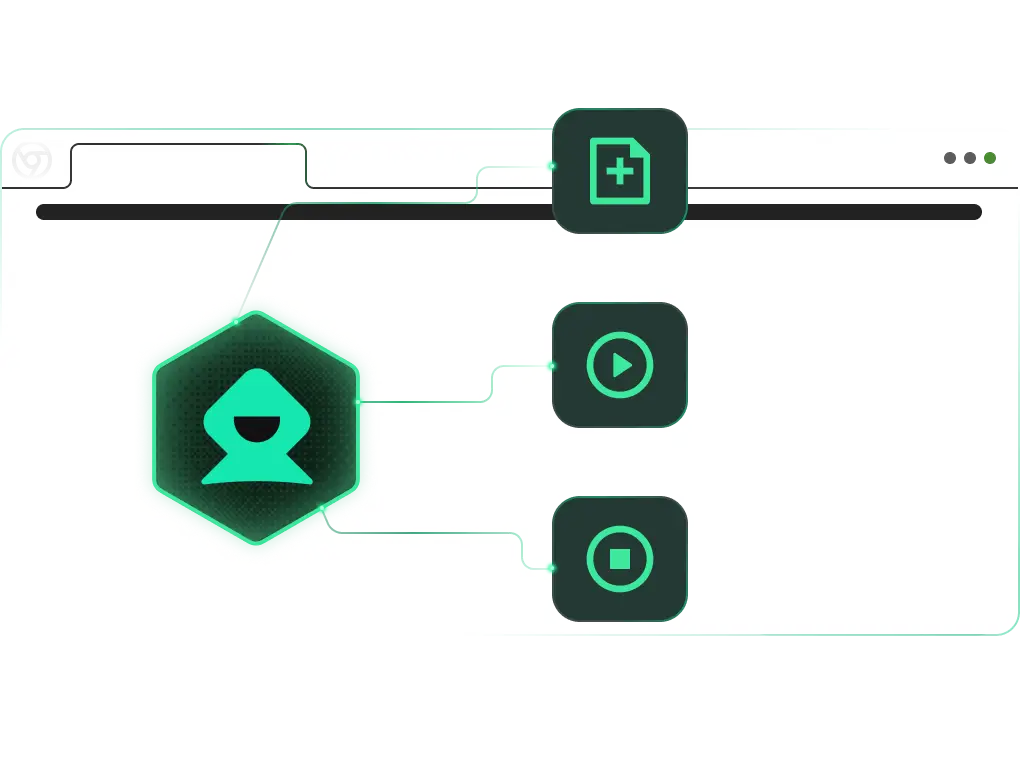
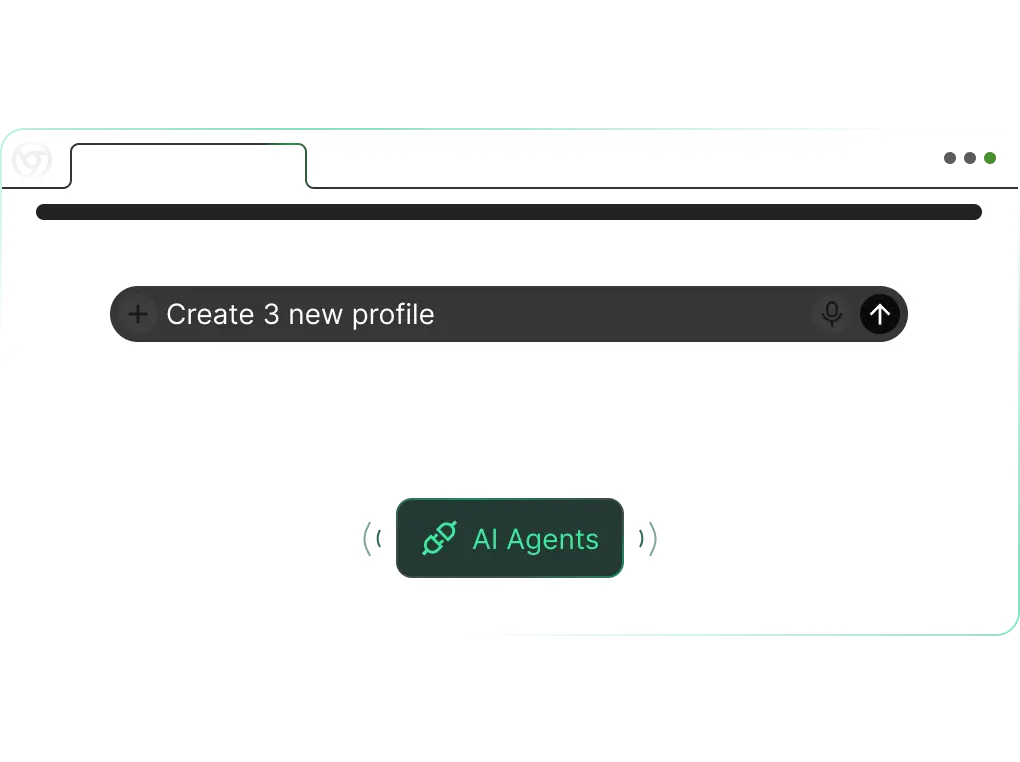
Step into the future of web interaction with DICloak Core MCP Server — the new benchmark for AI-powered DICloak profile management and also integrates a suite of powerful social media automation tools.
Efficiently collect target website cookies in a custom environment, laying the foundation for subsequent automated operations.
TikTok Auto-Browse & Like
Automatically complete TikTok platform interaction tasks, saving manual operation time and improving account activity.
TikTok Follower Scraper
Quickly obtain follower details of target TikTok creators, providing data support for user analysis and operation strategies.
YouTube Video Upload
Realize automated upload of local videos to YouTube with timeout control, ensuring stable and efficient video release.
Amazon Review Scraper
Batch extract product reviews to quickly grasp consumer feedback, assisting in product optimization and market research.
Amazon Search & Add to Cart
Automate the process of searching for target products and adding them to the cart, improving shopping efficiency for bulk purchases.
TikTok Keyword Scraper
Accurately collect videos related to target keywords, facilitating content analysis and trend research on the TikTok platform.
YouTube Like & Comment
Automatically complete interaction behaviors on specified YouTube videos, enhancing account activity and content exposure.
YouTube Targeted Engagement
Precisely interact with target videos to achieve accurate promotion and brand exposure, improving interaction quality.
YouTube Subtitle Scraper
Efficiently extract video subtitles for content sorting, translation and secondary creation, saving manual transcription time.
YouTube Comment Scraper
Collect video comment data in batches to understand audience opinions and needs, providing support for content optimization.
Explore All RPA Features
Access a richer set of RPA tools to meet more diverse automated operation needs and expand application scenarios.
MCP Application Scenarios & Core Values
Based on the concepts of open ecosystem and efficient integration, it creates whole-link value for developers, AI applications/agents, and end-users.
Account Sharing
Securely grant role-based access to your AI/marketing tools, track usage, and streamline team collaboration.
Affiliate Marketing
Launch, track, and scale ads across dozens of affiliate/ad accounts in one hub.
Digital Agency
Stop juggling client social accounts (Facebook, LinkedIn, etc.). Manage scheduling, analytics, and team access in one place—save admin time, deliver better results.
E-Commerce
Sell on Amazon, eBay, Lazada & more with a unified hub: Sync inventory, auto-fulfill orders, and track performance—grow sales without operational hassle.
Web Scraping
Extract public market/competitor data safely: Bypass blocks, mask activity, and get clean insights—no technical skills needed.
Media Buying
Manage ad buys across channels (social, search, display) in one hub. Cut manual work, optimize budgets in real time, and boost ad ROI.
MCP: Automate Web Page Element Operations
Control local browsers based on the MCP protocol to execute page tasks directly on local devices, expanding scenario applicability.
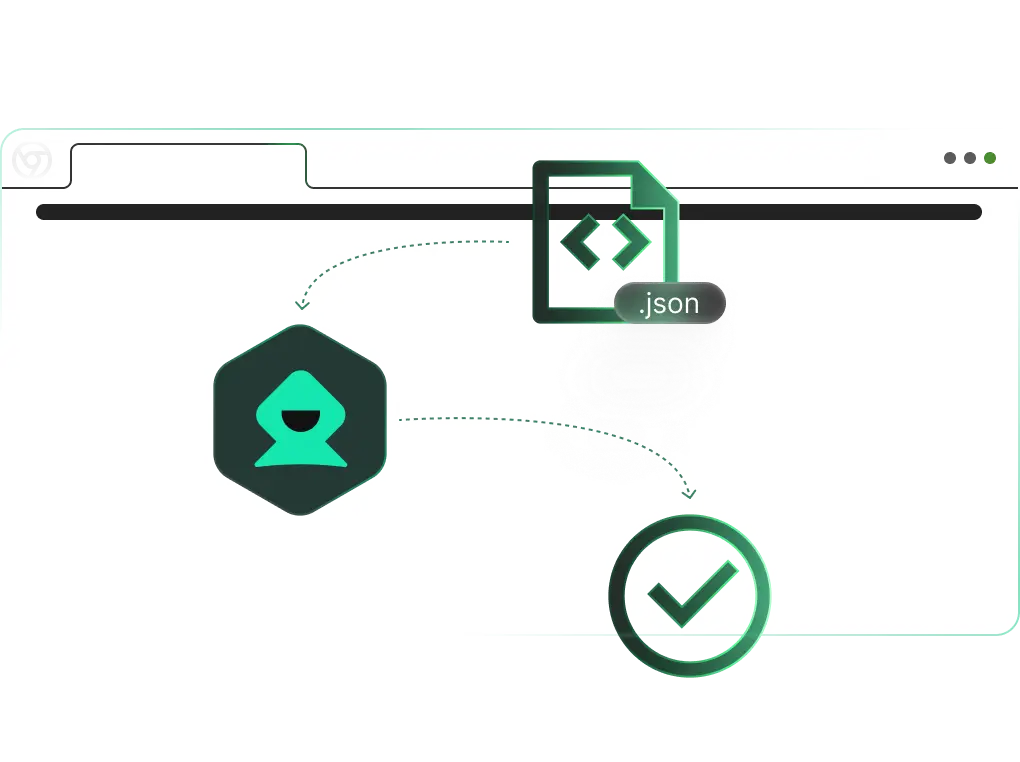
Establish an exclusive connection between the local computer and DICloak's MCP protocol to achieve precise local control of the browser, breaking free from remote control limitations for immediate response.
Flexible Adjustment
Supports custom page operations (clicking, inputting, navigating, etc.) to meet personalized business scenario needs and significantly improve automation workflow flexibility.
Secure and Controllable
All automation operations are executed in the local environment, and core business data is not transmitted through third parties, improving data security.
Access Your Favorite AI Tool Effortlessly
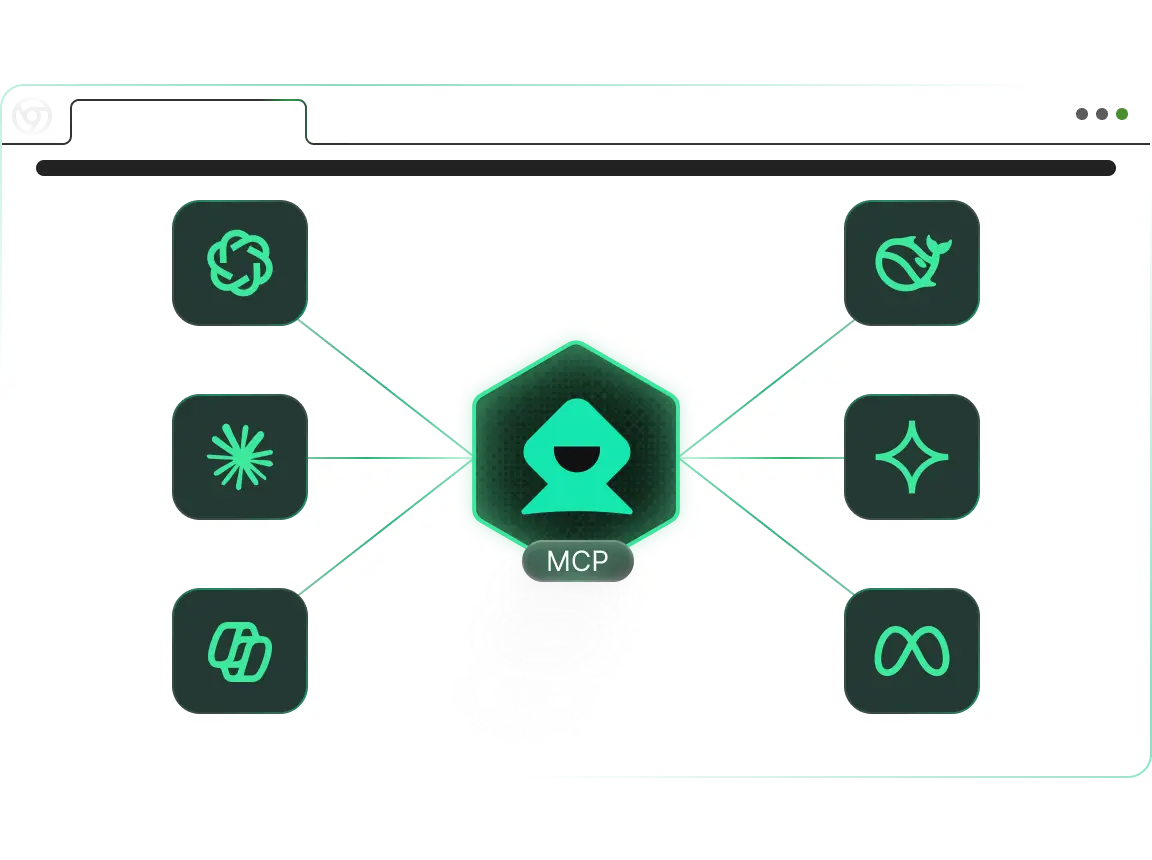
Connect With Your Preferred AI Tool. The DICloak Core MCP Server is built for smooth integration with major MCP-enabled AI assistants and your unique development projects. Operates instantly with AI helpers like OpenAI, Gemini, Claude, Cursor, Copilot, Clain, and others, and can be easily added into your custom solutions using any programming language.