Why are so many users looking for a Gologin alternative right now?
While Gologin has been a reliable tool for years, the landscape of account protection has shifted dramatically in 2026. Security algorithms on platforms like Facebook, Google, and Amazon have become much smarter. They no longer just look at your IP address; they analyze deep technical patterns in how your browser behaves. Because of this, many marketers are noticing more frequent account checkpoints or bans, prompting a search for tools that offer faster updates and better consistency.
The struggle with browser version lag and account safety
The most common reason users switch tools is a sudden drop in account trust. You might be doing everything right—using high-quality proxies and warming up accounts—but if the browser software itself is outdated, you are exposed.
What happens when your browser stays on old Chromium versions?
Most antidetect browsers are built on Chromium, the same open-source engine that powers Google Chrome. Regular users typically run the latest version of Chrome. If the official version is 140, but your automation tool is still running on version 132, you stick out immediately.
Security systems view Chromium version lag as a major red flag. It tells them you are likely using modified software rather than a standard consumer device. The best Gologin alternatives prioritize updating their browser core within days of a major Chrome release, ensuring your traffic blends in with millions of real users.
How small inconsistencies in device data lead to instant account flags
It is not enough to just hide your IP address. Your browser must tell a consistent lie. If you configure a profile to look like an iPhone, every single data point must match that story. This includes your screen resolution, battery status API, and font lists.
A common issue with older tools is "leakage" or mismatches. For example, your User Agent might say you are on a Mac, but your graphics renderer behaves like a Windows PC. This inconsistency creates a unique digital fingerprint that trackers use to ban your entire network of accounts instantly.
Pro Tip: Before committing to a tool, check their "Release Notes" page. If they haven't updated their browser core in more than 30 days, your accounts are at higher risk of detection.
Which Gologin alternative fits your specific workflow?
Price is important, but it is not the only factor. A tool that is cheap but disrupts your daily operations will cost you more in the long run. To choose the right Gologin alternative, you must look at how your team actually works. Do you need to automate thousands of actions, or are you manually managing a few high-value accounts?
Best Gologin alternatives for different budget levels
The market is split between premium tools for enterprises and flexible options for solo players. Some browsers charge for every seat, while others, like DICloak, offer generous free tiers that let you scale up only when you are ready.
Here is a quick breakdown of the top 10 alternatives to help you compare their focus and entry costs:
| Browser |
Best Workflow Fit |
Free Plan Availability |
| DICloak |
Automation & Team Scaling |
Yes (5 Profiles) |
| Multilogin |
Enterprise & High Security |
No (Paid Only) |
| AdsPower |
E-commerce & Social Media |
Yes (2 Profiles) |
| Dolphin{anty} |
Facebook & TikTok Ads |
Yes (5 Profiles) |
| Incogniton |
Solo Marketing |
Yes (10 Profiles) |
| MoreLogin |
Account Farming |
Yes (2 Profiles) |
| BitBrowser |
Low-Budget RPA |
Yes (10 Profiles) |
| Octo Browser |
Speed-Focused Pros |
No (Paid Only) |
| Hidemium |
Mobile App Automation |
Usage Based |
| Browser.lol |
Temporary/Disposable Use |
Yes (Ad-Supported) |
For most growing teams, DICloak offers the best balance. It provides the automation power usually reserved for expensive enterprise plans but keeps the entry point accessible. If you have absolutely zero budget and need volume, BitBrowser or Incogniton are solid starting points, though they may lack the advanced cloud sync features of the premium tools.
Choosing a tool based on your specific platform
Your operating system dictates your choice more than you might think. Most antidetect browsers are built for Windows first. If your team uses macOS, especially newer M3 or M4 chips, you need to verify compatibility.
Tools like DICloak offer robust support across different operating systems because they prioritize cloud-based synchronization. This allows you to create a profile on a Windows desktop and have a team member open it safely on a MacBook without triggering security flags. On the other hand, lightweight tools like Browser.lol run entirely in the web, which is great for quick tasks but less stable for long-term account farming.
Pro Tip: If you manage accounts for mobile-only platforms like TikTok, look for a browser that supports mobile fingerprint emulation. A desktop User Agent on a mobile app platform is an instant giveaway.
How we evaluate the top-rated Gologin alternatives
Choosing the right software is about more than just comparing price tags. We tested these tools by setting up real accounts, running automation scripts, and analyzing how their digital fingerprints appear to sophisticated tracking systems. Our goal is to find a solution that balances cost, security, and ease of use for growing businesses.
Key factors that keep your accounts running longer
To survive in 2026, an antidetect browser must do more than just clear your cookies. We look for three specific capabilities that directly impact how long your accounts survive before facing a ban.
How well the tool hides your real device identity
Every time you visit a website, it checks your "digital fingerprint." This is a collection of data points like your screen resolution, installed fonts, and graphics card renderer (WebGL). A common mistake beginners make is trying to block this data entirely. That actually makes you look more suspicious.
We evaluate tools based on their ability to replace your real data with a consistent, fake identity. The best alternatives do not just hide your information; they generate a new, valid fingerprint that looks exactly like a regular user. If a tool fails to mask your Canvas or AudioContext properly, your accounts will be flagged instantly.
The speed of browser updates to match real-world users
Platforms like Facebook and Google know exactly which version of Chrome or Firefox regular people are using. If the global standard is Chrome 130, but your antidetect browser is still running on Chrome 115, you stand out effectively painting a target on your back.
We prioritize tools that update their browser cores frequently. Staying on an outdated core is one of the easiest ways to trigger a security review, no matter how good your proxies are.
How easy it is for a team to share profiles without leaks
If you work alone, local storage is fine. But if you have a team, moving profile data manually is a security nightmare. Copying and pasting cookies or sending login details via chat creates opportunities for leaks and data corruption.
We look for alternatives that offer encrypted cloud synchronization. This allows you to grant a team member access to a profile without ever revealing the actual password or transferring files. Tools like DICloak excel here by letting you manage permissions centrally, ensuring that even if a team member leaves, your account data stays secure within your business environment.
Ranked: The 10 best Gologin alternatives for 2026
Finding the right replacement for Gologin depends entirely on your specific needs. Some users need a free tier for a side hustle, while agencies require robust automation and team permissions. Based on our testing of stability, fingerprint quality, and update speed, here is how the top market contenders stack up.
DICloak: Best for automation-heavy teams and affiliates
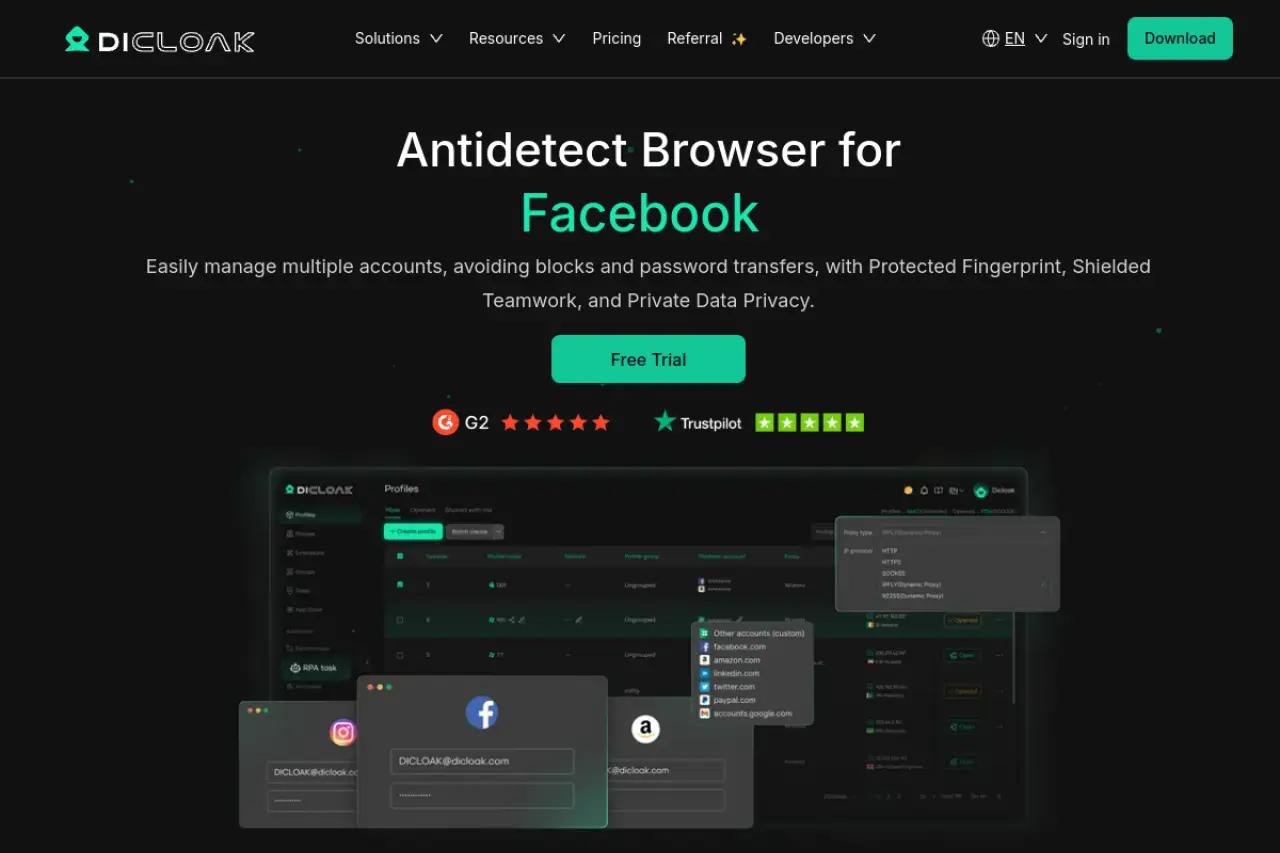
DICloak takes the top spot because it solves the biggest headache for growing businesses: team management. Most browsers make it difficult to share profiles securely, but DICloak uses a synchronized cloud environment. You can assign specific permissions to team members without ever revealing the actual login credentials of your accounts.
Beyond team safety, it includes a built-in RPA (Robotic Process Automation) bot. This allows you to automate repetitive tasks—like warming up accounts, scrolling through feeds, or clicking ads—without needing to know how to code. It is a powerful mix of security and efficiency.
Pros:
- Advanced cloud synchronization prevents data leaks.
- Built-in no-code automation bots.
- Generous free plan for testing.
Cons:
- Advanced RPA features require higher-tier plans.
Pricing: Starts at $8/month. The free plan includes 5 profiles.
Multilogin: The premium choice for high-stakes accounts
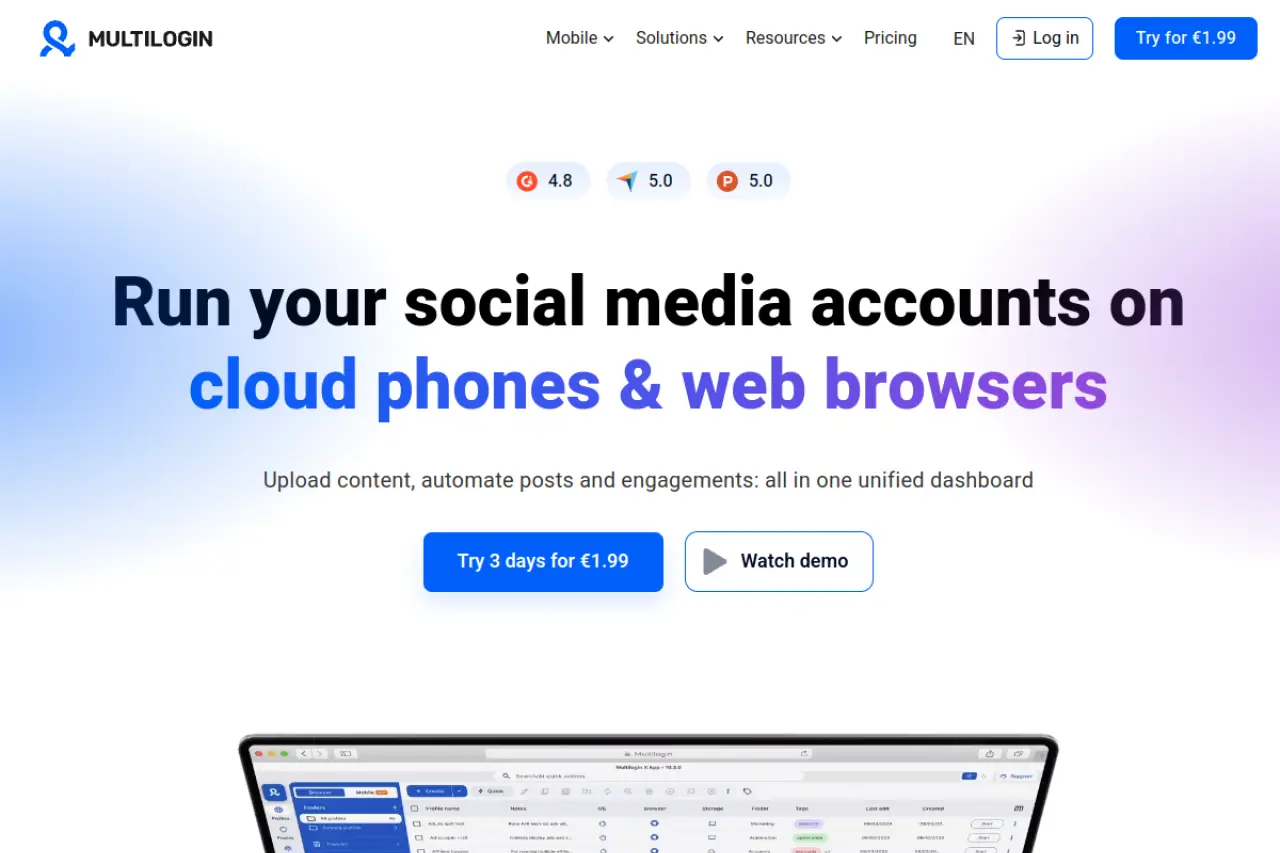
Multilogin is often considered the industry standard for a reason. It does not just rely on standard Chromium; it builds its own custom browsers called Mimic and Stealthfox. This deep level of customization minimizes the risk of "kernel lag," keeping your digital identity consistent with regular users. It is an excellent choice if you manage accounts with high balances where getting banned is not an option.
Pros:
- Extremely high success rate with custom browser cores.
- Cloud phone feature for mobile emulation.
Cons:
- Significantly more expensive than competitors.
- No permanent free tier.
Pricing: Plans start around €99/month.
AdsPower: Best for e-commerce and social media automation
AdsPower is a favorite among e-commerce managers because of its "Synchronizer" tool. If you need to perform the exact same action across 50 different windows—like listing a product or liking a post—this tool lets you do it simultaneously. It also offers strong mobile fingerprinting, allowing you to simulate iOS and Android environments directly from your desktop.
Pros:
- Great window synchronization for bulk tasks.
- Flexible pay-as-you-go pricing model.
Cons:
- The interface is dense and can be overwhelming for beginners.
Pricing: Starts at $9/month with a small free tier available.
Stop losing accounts. Find the best Gologin alternative for 2026. We rank the top 10 tools, featuring DICloak for superior fingerprint masking and automation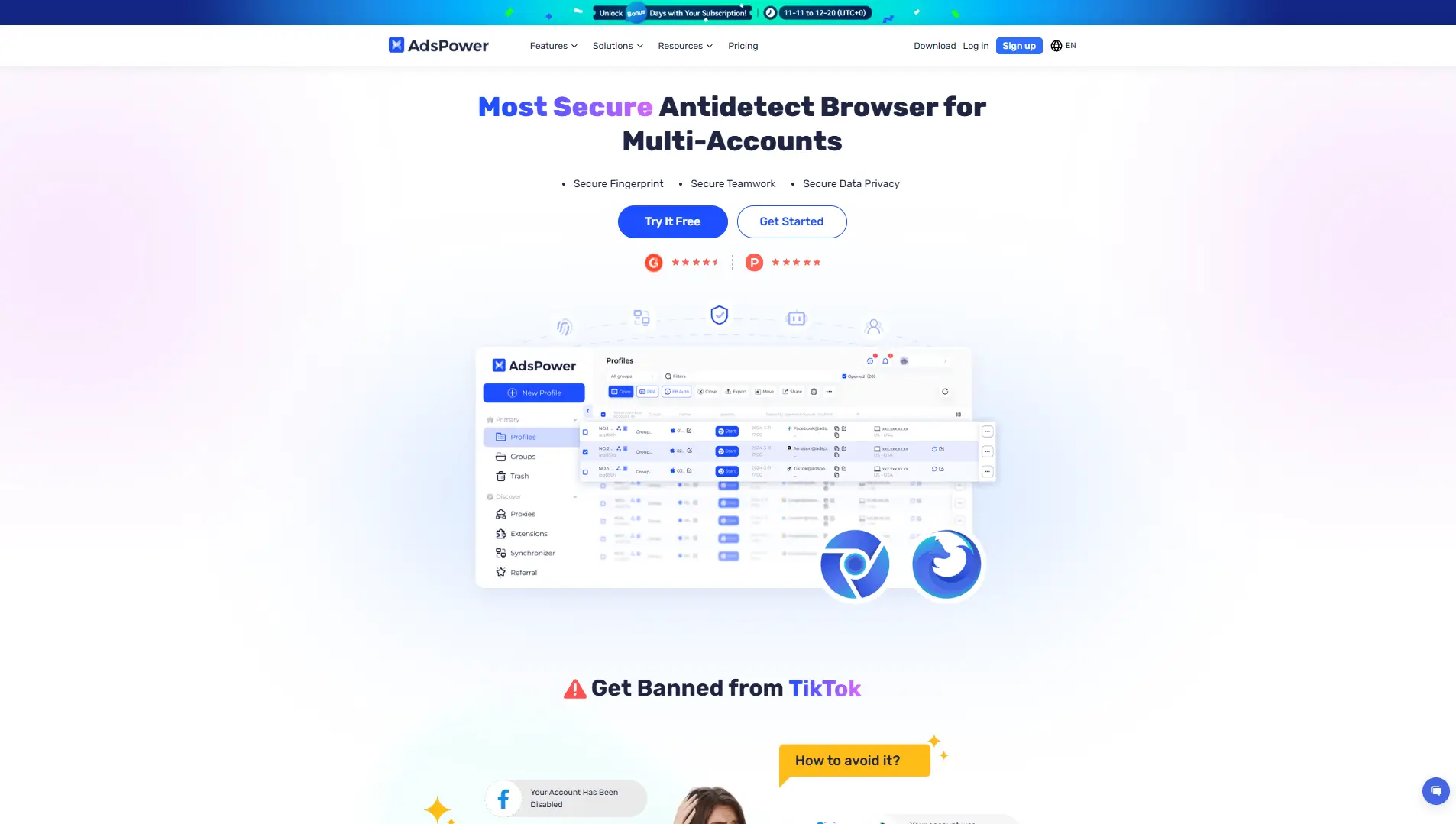
Dolphin{anty}: The top pick for media buyers and FB ads
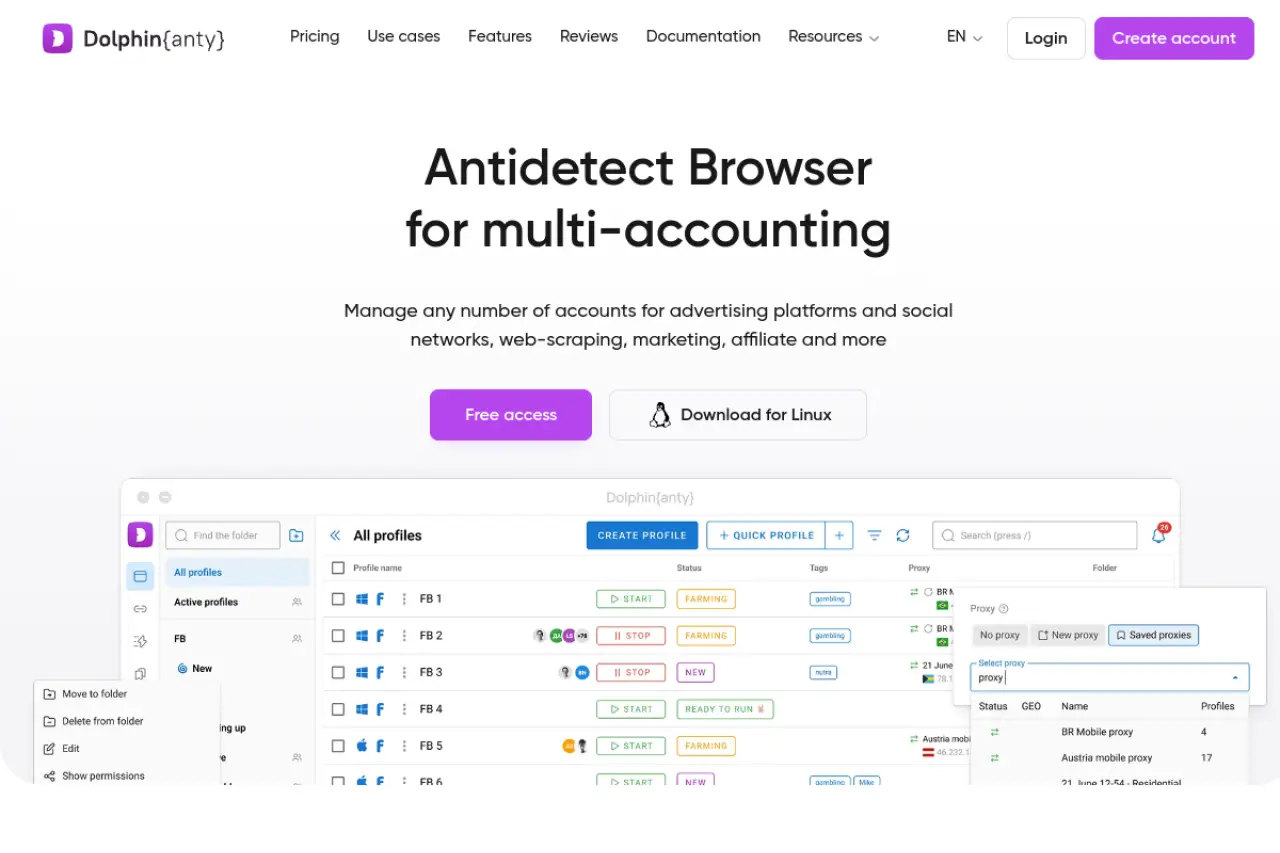
Dolphin{anty} was built specifically with Facebook and TikTok advertisers in mind. It features a unique visual interface that makes tracking ad campaigns across hundreds of profiles easy. One standout feature is the visual cookie robot, which automatically visits websites to build up a credible history for your profiles before you even log into your ad accounts.
Pros:
- Specialized tools for ad management.
- Visual cookie robot simplifies account warming.
Cons:
- Requires a local software installation (no web-only version).
Pricing: Starts at $10/month. Includes 10 free profiles.
Incogniton: Best for solo marketers needing a solid free tier
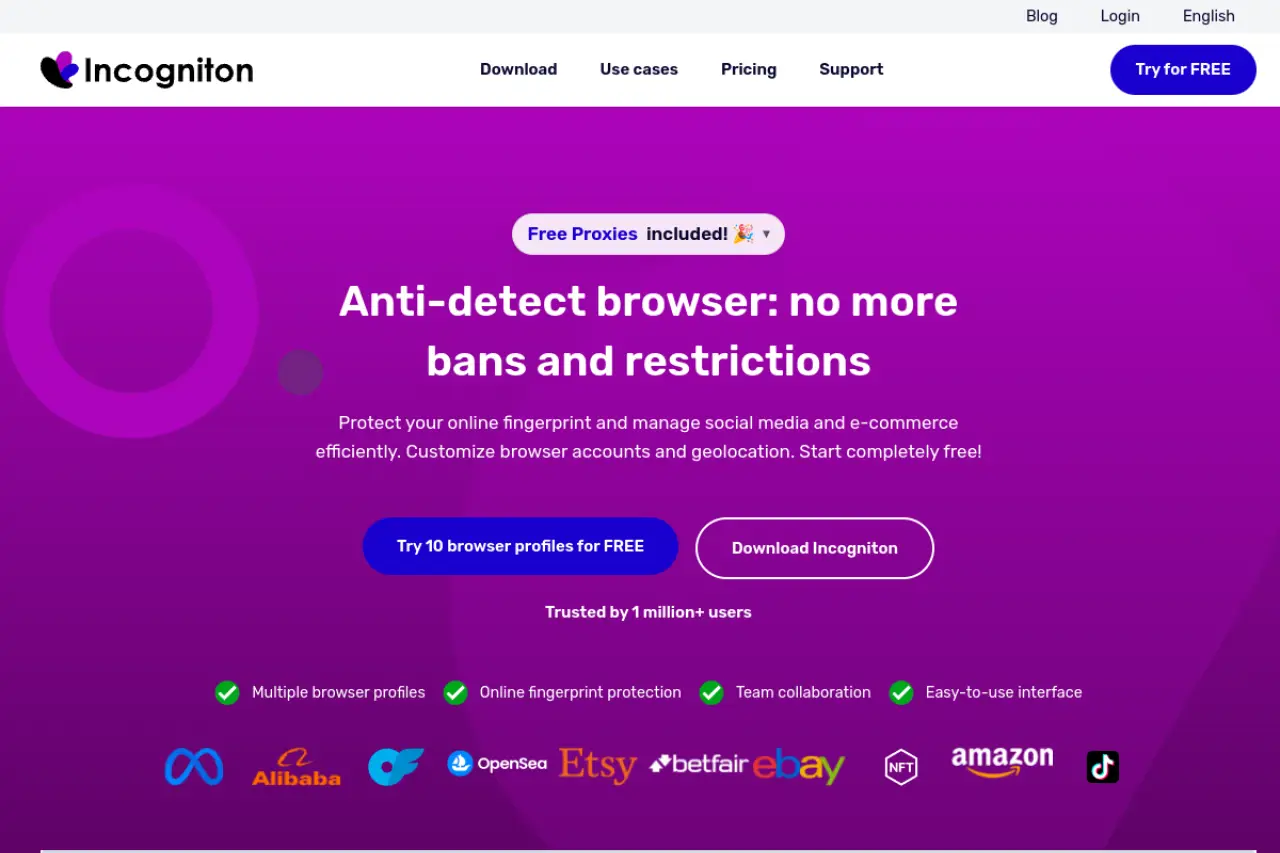
For freelancers or solo entrepreneurs just starting out, Incogniton is a reliable entry point. It offers one of the most generous free plans on the market, giving you 10 permanent profiles without a time limit. It also includes a "paste as human" typing feature, which mimics the natural speed and rhythm of human keystrokes to fool detection algorithms.
Pros:
- Excellent free plan for long-term use.
- Human typing simulation helps bypass behavioral analysis.
Cons:
- Automation features are locked behind paid subscriptions.
Pricing: Free for 10 profiles; paid plans start at $29.99/month.
MoreLogin: Best for real-world canvas identity protection
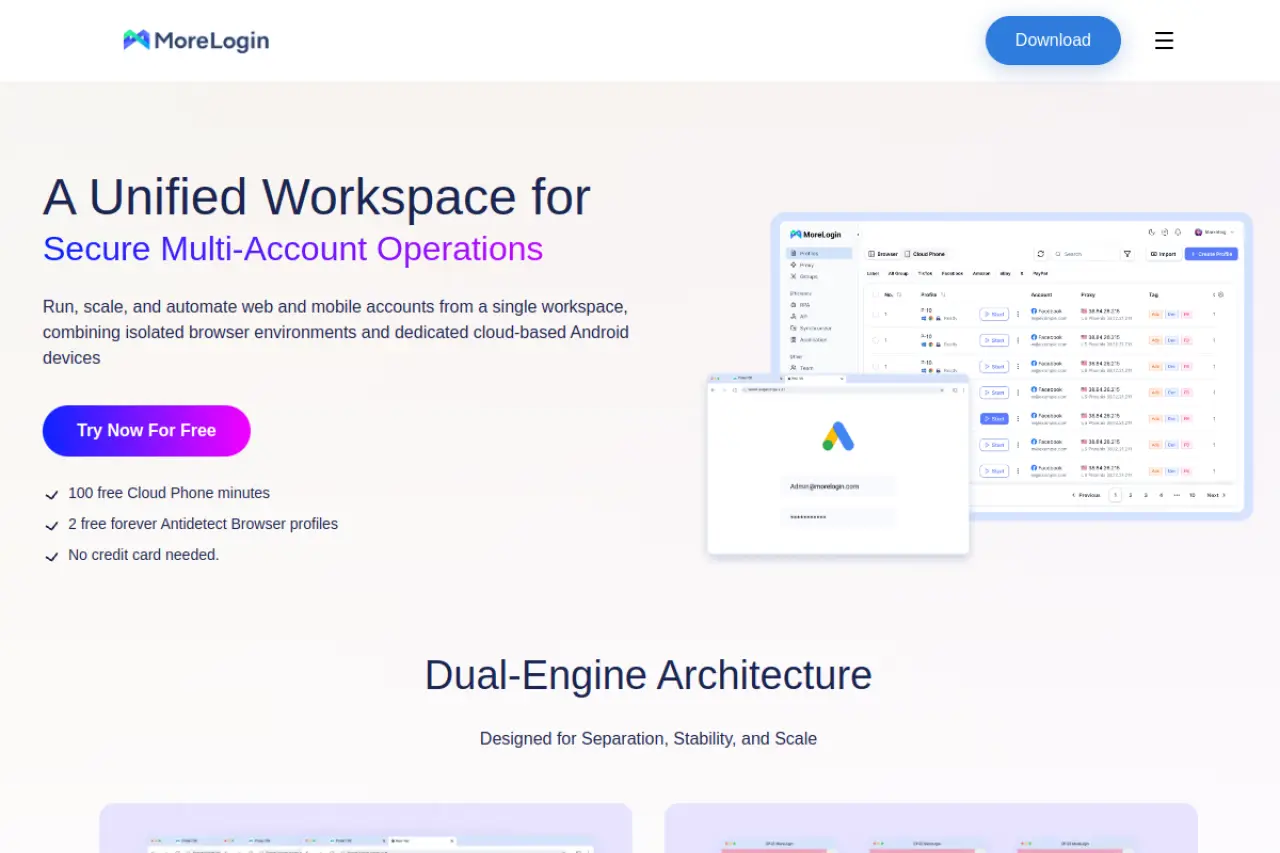
MoreLogin focuses heavily on "Canvas Fingerprinting." Instead of just blocking websites from reading your screen data, it generates a high-quality, real-world canvas signature. This approach is often safer than blocking detection entirely, as it makes your profile look like a genuine user device rather than a masked bot.
Pros:
- High-quality real canvas fingerprints.
- Entry-level pricing is very competitive.
Cons:
- Newer platform with fewer third-party integrations.
Pricing: Starts at $9/month.
BitBrowser: Best for budget-conscious users on a tight budget
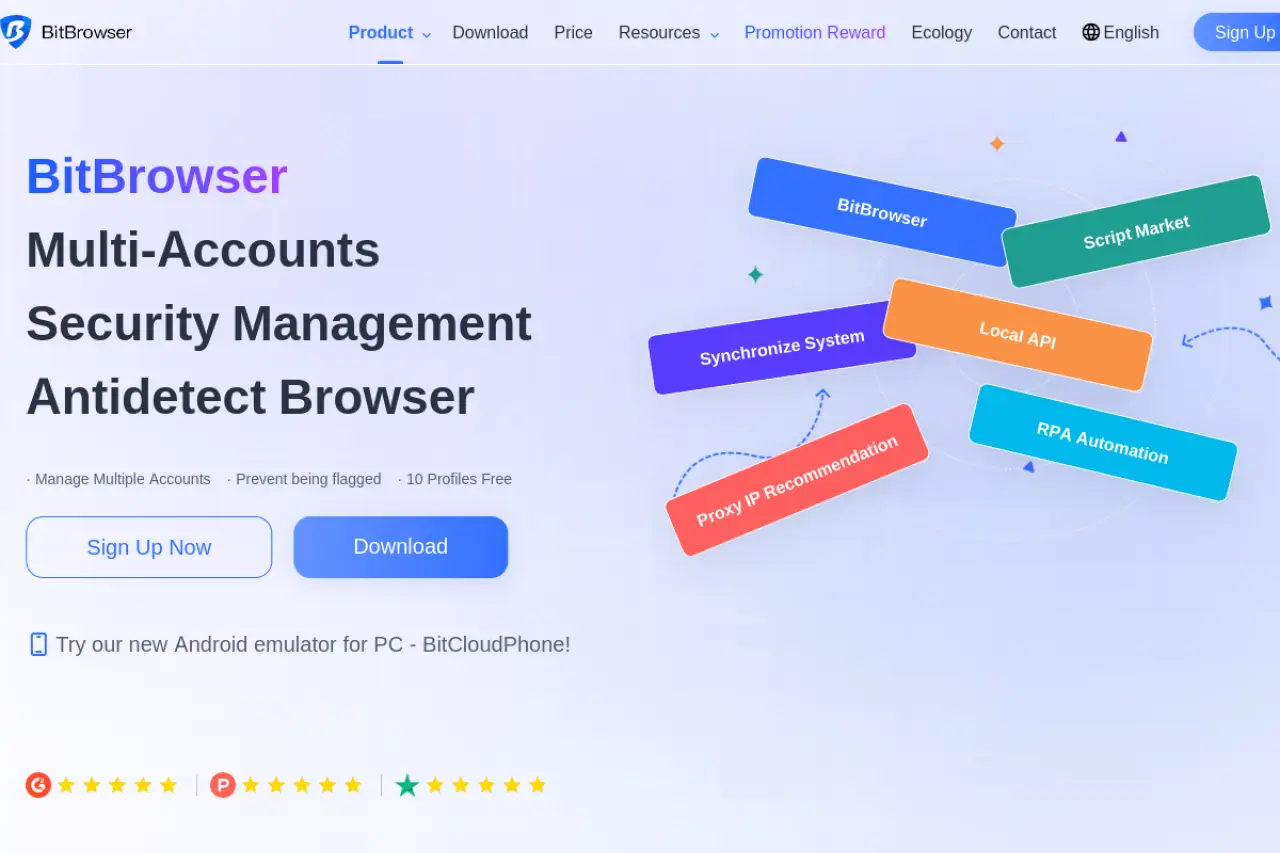
If you need to scale to hundreds of profiles without breaking the bank, BitBrowser is a strong contender. It offers group control features similar to premium tools but at a fraction of the cost. You can organize profiles into groups and apply changes to all of them at once, which is vital for large-scale operations.
Pros:
- Very affordable for bulk profile needs.
- Includes group control features.
Cons:
- Browser core updates can sometimes lag behind major competitors.
Pricing: Starts at $10/month with a 10-profile free plan.
Octo Browser: Best for fast profile creation and real tech
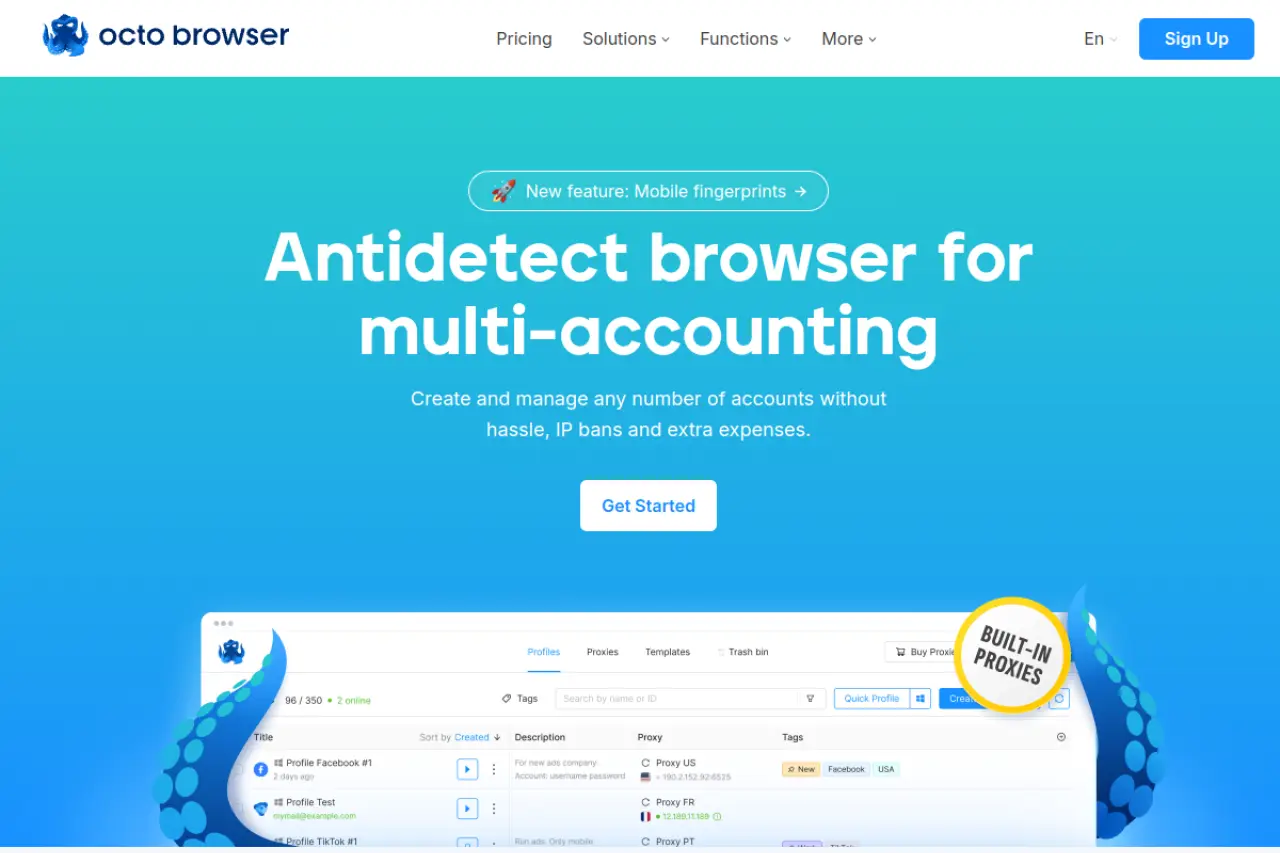
Octo Browser is designed for professionals who prioritize speed. The interface is snappy, and profile creation is nearly instant. It uses "real fingerprint" technology, meaning it injects parameters from real devices rather than generating random noise. This results in very stable profiles for difficult platforms.
Pros:
- Fast performance and clean interface.
- High-quality real device data.
Cons:
- No free plan; strict paid subscription model.
Pricing: Starts at €29/month.
Hidemium: Best for mobile app automation and regional stores
Hidemium shines when you need to target mobile-first platforms like Shopee or Lazada. It has specialized features for mobile device simulation and allows you to organize profiles into folders for better regional management. It is a niche tool that fits specific e-commerce workflows very well.
Pros:
- Strong mobile device emulation capabilities.
- Good organizational tools for different regions.
Cons:
- Steeper learning curve for custom automation.
Pricing: Custom and tiered pricing available.

Browser.lol: Best for temporary and web-based privacy needs
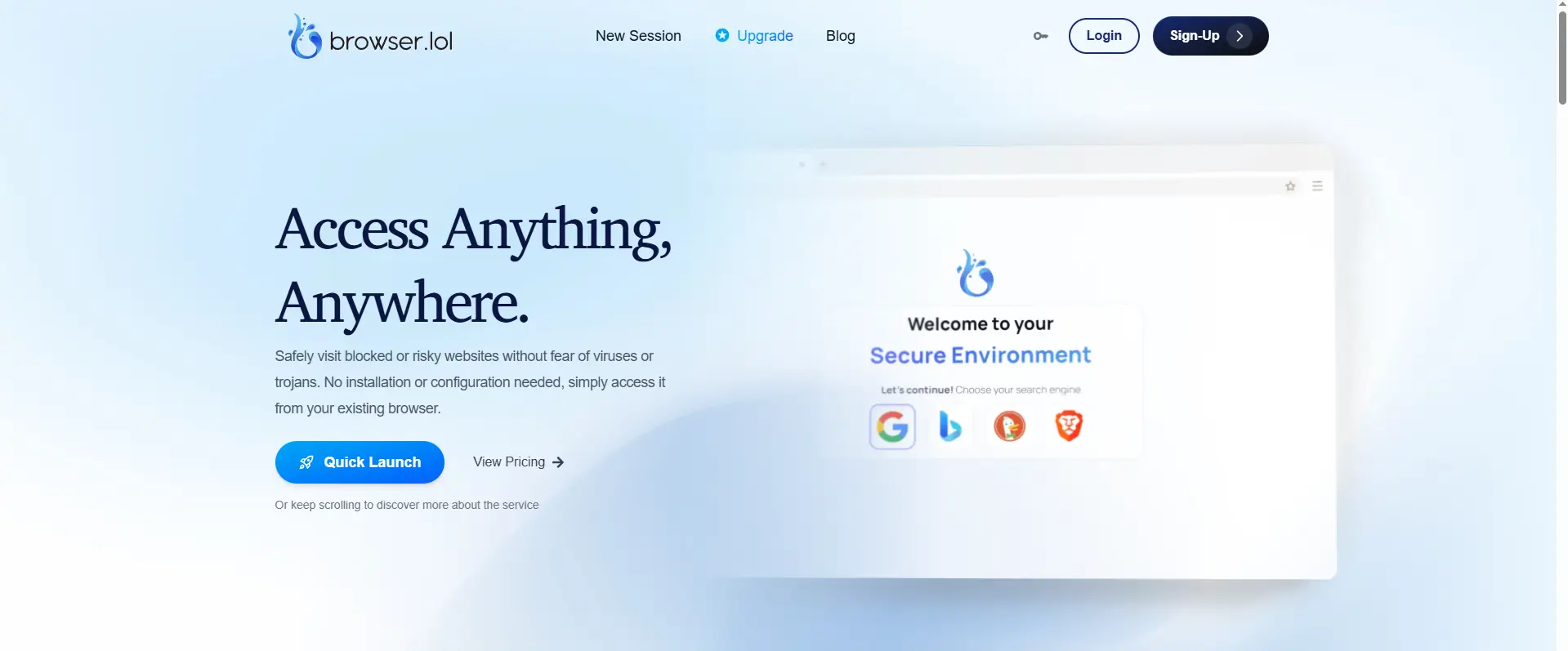
Browser.lol is unique because it is entirely web-based. You do not need to install anything on your computer. It spins up a virtual browser in the cloud that you access through your regular browser. This is perfect for one-off tasks or checking suspicious links, though it lacks the persistence needed for long-term account farming.
Pros:
- No installation required; works in your browser.
- Great for security research and temporary sessions.
Cons:
- Not suitable for managing permanent accounts.
Pricing: Free tier available; premium starts at $9/month.
The Pricing Reality: What to budget for a Gologin alternative
Most users start looking for a new browser because they want to save money. However, the price tag you see on the homepage is rarely what you end up paying. You need to look beyond the base subscription fee to understand the total cost of ownership.
How to choose between monthly and yearly plans
Software companies want you to pay for a full year upfront. They usually offer a 20% to 40% discount to sweeten the deal. If you have a stable business with steady income, this is a smart way to save cash.
However, if you are testing a new traffic source or just starting out, stick to monthly billing. This allows you to switch tools quickly if the software stops updating or if your accounts get flagged. You do not want to be locked into a 12-month contract with a tool that no longer protects your privacy.
When a lifetime deal is worth the risk (and when it isn't)
You might see offers for "Lifetime Access" for a one-time fee. These deals are very tempting, but they carry high risk in the antidetect world. Browser security relies on constant updates. Developers must patch the browser core updates every time Google updates Chrome.
If a company sells lifetime deals, they stop earning money from you after day one. Eventually, they may not have the funds to keep the security features up to date. Use lifetime deals for backup tools, but rely on a subscription service for your main high-value accounts.
The hidden costs of adding extra team members
This is where budgets often break. Many "Starter" or "Base" plans are strictly for one user. The moment you need to hire a virtual assistant or a media buyer, you might be forced to upgrade to a much more expensive tier.
Some tools charge a small fee for each extra seat, while others require you to jump from a $29 plan to a $99 plan just to add one person. Always check the cost of extra team members before you commit to a platform, especially if you plan to grow your agency soon.
Scaling and Teamwork: How these alternatives handle 100+ profiles
Managing five accounts is simple. You can keep track of passwords in a spreadsheet and handle the logins yourself. But when your operation scales to 100 or more profiles, manual methods fall apart. You need software that acts less like a simple browser and more like a command center for your entire business.
Most users do not think about team features until they hire their first virtual assistant. Suddenly, sharing a profile becomes a security risk. If you have to send a cookie file or a password over a chat app, you have already broken your security chain. The best alternatives on this list handle this by allowing you to share access to a profile without ever revealing the actual login credentials to your staff.
What happens to stability when you scale your accounts?
As you add more profiles, your database of digital fingerprints grows. Each profile contains cookies, cache files, and local storage data. In a standard browser, this data clogs up your machine. In a professional antidetect tool, this data must be managed efficiently to prevent lag and crashes.
How different tools handle massive data synchronization
The biggest challenge in scaling is ensuring everyone on your team sees the same data at the same time. If you update a password in New York, your media buyer in London needs to see that change instantly. Tools like DICloak and Multilogin solve this through cloud synchronization. They store your profile data on secure servers rather than your local hard drive. This means your team can access accounts from any device without manual file transfers. Lower-tier tools often rely on local storage, which makes sharing profiles risky and slow.
Why simple tools might slow down your computer at scale
Every open browser profile consumes Random Access Memory (RAM). If you try to open twenty profiles at once for an ad farming session, a poorly optimized tool will freeze your computer. This happens because each profile runs a separate instance of the Chromium engine. Premium alternatives optimize this process by stripping away unnecessary browser code, allowing you to run more profiles with less computer power. If your goal is automation or bulk account management, resource efficiency is just as important as the price tag.
Side-by-side comparison of the top Gologin alternatives
Finding the right replacement involves balancing your budget against the features you actually need. We have analyzed the top 10 options to see how they stack up against each other in terms of cost and technical capability. While some tools focus on raw power for developers, others prioritize ease of use for marketing teams.
Price per profile and team seat comparison
The cost of running multiple accounts varies significantly between these providers. If you need a completely free start, Incogniton and BitBrowser both offer 10 permanent profiles at no cost. Browser.lol also offers a free tier, but it is limited to web-based sessions rather than long-term profile storage. These are excellent choices if you have zero budget and only need basic isolation.
For small teams ready to invest, AdsPower and MoreLogin provide flexible entry points starting around $9 per month. DICloak is highly competitive here as well, offering a free plan for 5 profiles that includes premium features, with paid plans starting at just $8. On the premium end of the spectrum, Multilogin, Octo Browser, and Dolphin{anty} target larger agencies. Their plans often start significantly higher, sometimes exceeding $100 a month for team features that other tools include for less. Hidemium falls in the middle with flexible cloud and local storage options.
Automation and API support for tech-savvy users
The ability to automate tasks without getting banned is a major selling point for these browsers. DICloak and AdsPower lead the pack for non-coders by including built-in RPA tools. This allows you to build bots visually without writing scripts. Hidemium also offers strong automation logic, specifically designed for mobile app emulation tasks.
In contrast, Multilogin, Octo Browser, and Dolphin{anty} take a developer-first approach. They offer robust API support for Selenium and Puppeteer, which is powerful but requires programming knowledge. BitBrowser and Incogniton support automation as well, though they are often used for simpler, bulk operations rather than complex behavioral scripts.
Frequently Asked Questions about finding a Gologin alternative
Switching your primary business tool is never an easy decision. You might worry about losing data, triggering security flags, or facing a steep learning curve with new software. Most users only look for an alternative when they hit a pricing wall or experience a sudden wave of account bans. These answers address the most common concerns we hear from marketers who are ready to move their operations to a new platform.
What is the best free Gologin alternative for beginners?
If you are just starting, you need a tool that offers enough permanent profiles to test your strategy without a credit card. Incogniton is a popular choice because it provides 10 free profiles that do not expire, making it great for learning the basics. However, DICloak is often the better option for modern workflows because its free plan includes access to advanced cloud synchronization and fingerprint customization that other tools lock behind paywalls.
Which Gologin alternative offers the best protection for Facebook Ads?
Facebook uses incredibly sensitive detection systems that look for inconsistencies in your device hardware and network connection. Dolphin{anty} has long been a favorite for this because it was built specifically for media buyers who need to manage hundreds of ad cabinets. DICloak is also a top contender here because its residential proxy integration and mobile device simulation effectively hide the signals that usually trigger immediate ad account restrictions.
Is DICloak a better Gologin alternative for automation tasks?
For teams that rely on efficiency, DICloak offers significant advantages over older platforms. It features a built-in RPA robot that can automate repetitive actions like browsing websites, clicking ads, or warming up accounts without requiring you to write a single line of code. While other browsers support automation, they often require you to connect external tools like Selenium or Puppeteer, which adds complexity and cost to your daily operations.
How do I safely migrate my data to a new Gologin alternative?
The safest way to move your accounts is to transfer your cookies and credentials rather than the entire browser profile folder. You should export your active session cookies as a JSON or text file from your current tool and import them directly when creating a new profile in your new software. This method preserves your logged-in status while allowing the new antidetect browser to generate a fresh, consistent fingerprint that matches its own unique architecture.
 Web Proxy Tools
 Free Tools
 Cookie Plugin
 UA Generator
 MAC Address Generator
 IP Generator
 IP Address List
 2FA Code Generator
 World Clock
 Anonymous Check
 WebRTC Leak Test
 UUID Generator
 Free Web Proxy Site
 Proxy Checker
 FB Ad Checker
 AI Web Scraping
 Free SMM Tools
 Twitter Shadowban Checker
 Instagram Name Checker
 UTM Generator
 Username Generator
 AI Hashtag Generator
 LinkedIn Headline Generator
 Social Media Image Resizer