The Account Ban Crisis: Why Traditional Advertising Methods Fail in 2026
Advertising has changed. Years ago, you could run a business with a single ad account. In 2026, relying on one account is dangerous. If that account gets banned, your revenue hits zero instantly. This is why multi-accounting is now the standard survival strategy for affiliates and agencies. It allows you to operate dozens of accounts simultaneously, ensuring that if one goes down, the others keep generating profit.
The Rise of AI-Driven Fraud Detection
Big platforms like Meta, Google, and TikTok now use advanced Artificial Intelligence (AI) to find and block users. They do not just check your password or IP address. They scan your digital fingerprint—a unique ID created by your computer’s hardware, screen size, and system fonts.
Traditional privacy methods fail completely against this technology. Using "Incognito Mode" or clearing your cookies is useless. These tools hide your browsing history from your family, but they do not hide your device identity from Google. When you try to manage multiple ad accounts safely from Chrome or Safari, the AI sees the same hardware ID logging into different accounts. The result is an immediate account suspension.
The Need for Agency Isolation and Ad Farming
For marketing agencies, the risk is even higher. If you manage ads for 20 clients on one computer, you create a link between them. If one client violates a policy and gets banned, the platform may ban your entire portfolio. This is a "chain ban." To stop this, you need agency isolation. This means keeping every client in a totally separate digital environment.
This environment has also forced marketers to adopt ad farming. This is the process of creating and "warming up" accounts to look like real humans before running ads. However, you cannot farm accounts if your device is flagged. You need digital fingerprint masking to trick the AI into thinking each account is coming from a unique, real device. Without this technical intervention, traditional advertising efforts will fail.
Why Digital Fingerprints Trigger Bans in Antidetect Browsers for Advertising
Having identified that accounts fail, we now diagnose the technical 'fingerprints' that cause these specific failures. Most marketers believe that using a proxy to change their IP address is enough to stay safe. In 2026, this is a dangerous myth. Platforms like Meta and Google use sophisticated AI to scan your device's hardware, not just your internet connection.
This collection of data is called a "digital fingerprint." If you try to manage multiple ad accounts safely from one computer, these platforms see the exact same fingerprint for every login. This triggers an immediate red flag. To survive, you must understand how Antidetect Browsers for Advertising handle these hidden trackers.
Canvas Fingerprinting and Graphics Hardware Profiling
One of the most common ways ad platforms detect you is through Canvas Fingerprinting. This sounds technical, but the concept is simple. When you visit a website, the site secretly asks your browser to draw a hidden image or text block.
Because every computer has a different graphics card and driver version, your browser draws this image in a slightly unique way. The website measures these tiny differences to create a unique ID for your device.
If you log into ten different business accounts, but they all "sign" the canvas image exactly the same way, the AI knows it is the same person. This leads to a "Circumventing Systems" ban. Advanced browsers solve this by adding tiny, invisible noise to the image, making each profile look like a different computer.
WebGL and System Font Entropy: The Hidden Trackers
Beyond simple images, platforms look at WebGL fingerprinting. This technology is used to render 3D graphics in your browser. It reveals deep details about your video card, such as the exact model (e.g., NVIDIA RTX 4060) and the driver version.
If you claim to be an office worker on a standard laptop, but your WebGL report shows a high-end gaming graphics card, the platform flags this as suspicious.
Another hidden tracker is your System Fonts. Your computer has a list of fonts installed. A graphic designer might have 500 custom fonts, while a regular user has 50. This list creates a unique pattern. If you do not use digital fingerprint masking effectively, this font list acts like a barcode stuck to your forehead. Ad platforms scan this list instantly. If the list matches a previously banned account, your new account is blocked before you even run your first ad.
WebRTC Leaks and the Failure of Traditional Proxies
The final major trigger for bans is a WebRTC Leak. WebRTC is a technology that allows browsers to handle real-time video and audio, like in a Zoom call.
The problem is that WebRTC can bypass your proxy settings. Even if you buy an expensive residential proxy to look like you are in New York, a WebRTC leak can reveal your real IP address in London.
When the ad platform sees two different locations at the same time—your proxy IP and your leaked real IP—it marks the session as fraud. To manage multiple ad accounts safely, you need a tool that modifies how WebRTC reports your local IP without disabling it completely, as turning it off can also look suspicious.
How Antidetect Browsers for Advertising Solve Detection
Now that we understand the technical triggers, we explore how antidetect technology provides the mechanical solution. Antidetect Browsers for Advertising are specialized tools designed to fix the vulnerabilities mentioned above. They do not just hide your identity; they create a new, consistent digital identity for every account you own. This allows you to run dozens of ads simultaneously without platforms linking them together.
Digital Fingerprint Masking vs. Active Spoofing Mechanisms
Most people think privacy tools simply hide data. However, for ad platforms, hiding is suspicious. If you block Canvas or WebGL completely, Meta and Google will flag you immediately because normal users do not block these features.
To manage multiple ad accounts safely, these browsers use a technique called active spoofing. Instead of blocking the tracker, the browser feeds it fake information.
For example, when a website asks for your Canvas fingerprint, the browser adds a tiny layer of "noise" to the image. This noise is invisible to the human eye, but it changes the digital hash completely. To the ad platform, you look like a regular user on a unique computer. This process is often called digital fingerprint masking.
This technology handles the complex hardware parameters we discussed earlier. It ensures your User-Agent string matches your fake graphics card, creating a consistent story for the fraud detection AI.
Profile Isolation: Creating Virtual Environments for Each Account
The second major solution is profile isolation. Standard browsers like Chrome mix your data together. Even in Incognito mode, your browser shares global system fonts and hardware details.
Antidetect browsers solve this by creating a "virtual container" for every profile. Think of each profile as a completely separate laptop.
- Cookies & Cache: Each profile has its own local storage. Data never leaks from Profile A to Profile B.
- Proxy Binding: You can assign a different residential IP to each container.
- Hardware Settings: Profile A can look like a Windows PC, while Profile B mimics a Mac.
This isolation effectively stops "chain bans." If one ad account gets suspended, the platform cannot see any connection to your other accounts. Your entire business portfolio remains safe because the link between profiles is technically broken.
Selection Framework: Choosing the Right Antidetect Browsers for Advertising
Understanding the technology is only step one. Now, you must pick the right tool for your business. Not all tools are built the same. Some are made for solo hackers, while others are built for large agencies. To avoid wasting money, you need a clear framework. Here is what you must look for when evaluating Antidetect Browsers for Advertising.
RPA and No-Code Automation for Account Warming SOPs
In 2026, manual work kills profit. You cannot spend three hours a day visiting random websites to "warm up" a new ad account. It is boring and inefficient. This is where RPA automation becomes a requirement, not a luxury.
RPA stands for Robotic Process Automation. Think of it as a "digital robot." It mimics human behavior for you. A good browser will let you build a simple script without writing code.
What a good automation tool does:
- Opens the browser automatically.
- Visits trusted sites like news or shopping blogs.
- Scrolls up and down to fake reading.
- Clicks internal links to build a history.
This process creates "trust" with platforms like Facebook or Google. It allows you to manage multiple ad accounts safely by making every profile look like a real, active user. If a tool does not have a "Cookie Robot" or automation feature, you will struggle to scale.
Team Session Sharing and Role-Based Access Control
If you work with a team, security is your biggest risk. In the past, agencies had to share passwords via chat apps. This is dangerous. If a remote worker logs in from a new device, it often triggers a 2FA check or an instant ban.
Modern tools solve this with team collaboration features. Instead of sharing a password, you share the browser profile itself.
How it works:
- Cloud Sync: The browser saves open tabs and cookies to the cloud.
- Session Sharing: You grant access to a team member.
- Instant Access: They open the profile and are already logged in.
They never see the password. They never trigger a 2FA code. You can also use Role-Based Access Control. This lets you decide who can edit profiles and who can only launch ads. This keeps your data safe and your digital fingerprint masking consistent across your entire agency.
API Access for Scaling Programmatic Ad Operations
For huge operations, even clicking buttons is too slow. If you need to launch 500 accounts in one day, you need an API. An API allows your developers to write code that talks to the browser app directly.
With API access, you can:
- Create thousands of unique profiles instantly.
- Assign a different proxy to every profile automatically.
- Launch all browsers at once to check ad spend.
This is essential for "Arbitrageurs" and large dropshipping teams. It turns account management into a factory process. If you plan to grow big, check the API documentation first. A tool without a strong API will limit your growth.
Top 10 Antidetect Browsers for Advertising: 2026 Rankings
Using the selection criteria discussed above, we provide an in-depth review of the leading products on the market. We tested these tools to see which ones allow you to manage multiple ad accounts safely without triggering security algorithms.
Below is our breakdown of the best antidetect tools available in 2026.
Quick Comparison Matrix
| Tool |
Best For |
Starting Price |
Key Feature |
| DICloak |
Overall Best & Affiliates |
$8/mo |
AI Crawler & RPA Automation |
| Multilogin |
Enterprise Security |
€9/mo |
Stealthfox Privacy Core |
| GoLogin |
Remote Teams |
$49/mo |
Android App & Cloud Launch |
| AdsPower |
E-commerce Automation |
Free / $9/mo |
Synchronizer & RPA Robot |
| Dolphin{anty} |
Traffic Arbitrage |
Free / $89/mo |
Visual Scenarios Builder |
| Incogniton |
Identity Management |
Free / $29.99/mo |
Paste as Human Typing |
| Undetectable.io |
High Volume Creation |
Free / $49/mo |
Local & Cloud Profiles |
| HideMyAcc |
Agency Collaboration |
$10/mo |
Magic Link Transfer |
| IxBrowser |
Budget Users |
Free |
Unlimited Profiles |
| Kameleo |
Mobile Emulation |
€59/mo |
Android/iOS Device Spoofing |
DICloak: Efficient Multi-Account Security for Affiliates
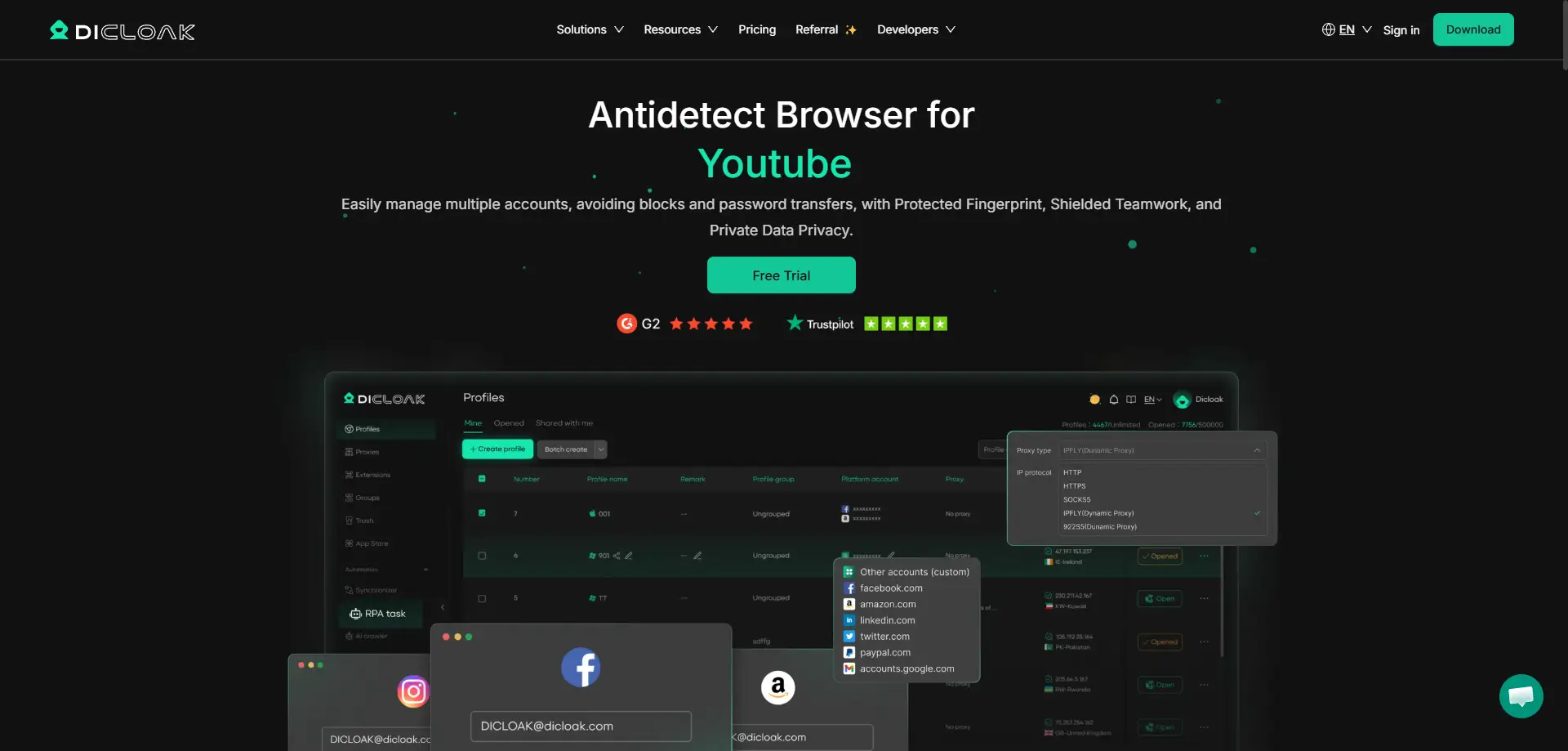
DICloak is our top pick for 2026. It strikes the perfect balance between high-end security and affordable pricing. It is designed specifically for affiliate marketers and social media managers who need to run ads without getting banned.
Why we like it: Most browsers just hide your IP. DICloak uses an AI crawler to automatically browse websites and build up a realistic cookie history for you. This makes your account look "real" to Facebook and Google bots before you even log in. It handles digital fingerprint masking effortlessly, ensuring your Canvas and WebGL readouts match a generic user device.
Key Features:
- RPA Automation: Automate repetitive tasks without coding.
- Window Synchronizer: Control multiple windows at the same time.
- Team Collaboration: Share profiles safely without revealing passwords.
- Custom Fingerprints: Deep control over User-Agent and hardware settings.
Pros & Cons:
- Pros: Very affordable starting price, advanced AI automation, user-friendly interface.
- Cons: Newer to the market compared to legacy tools like Multilogin.
Price: Share Plan starts at $8/month. A free trial is available.
Multilogin: The Premium Standard for Enterprise Anonymity
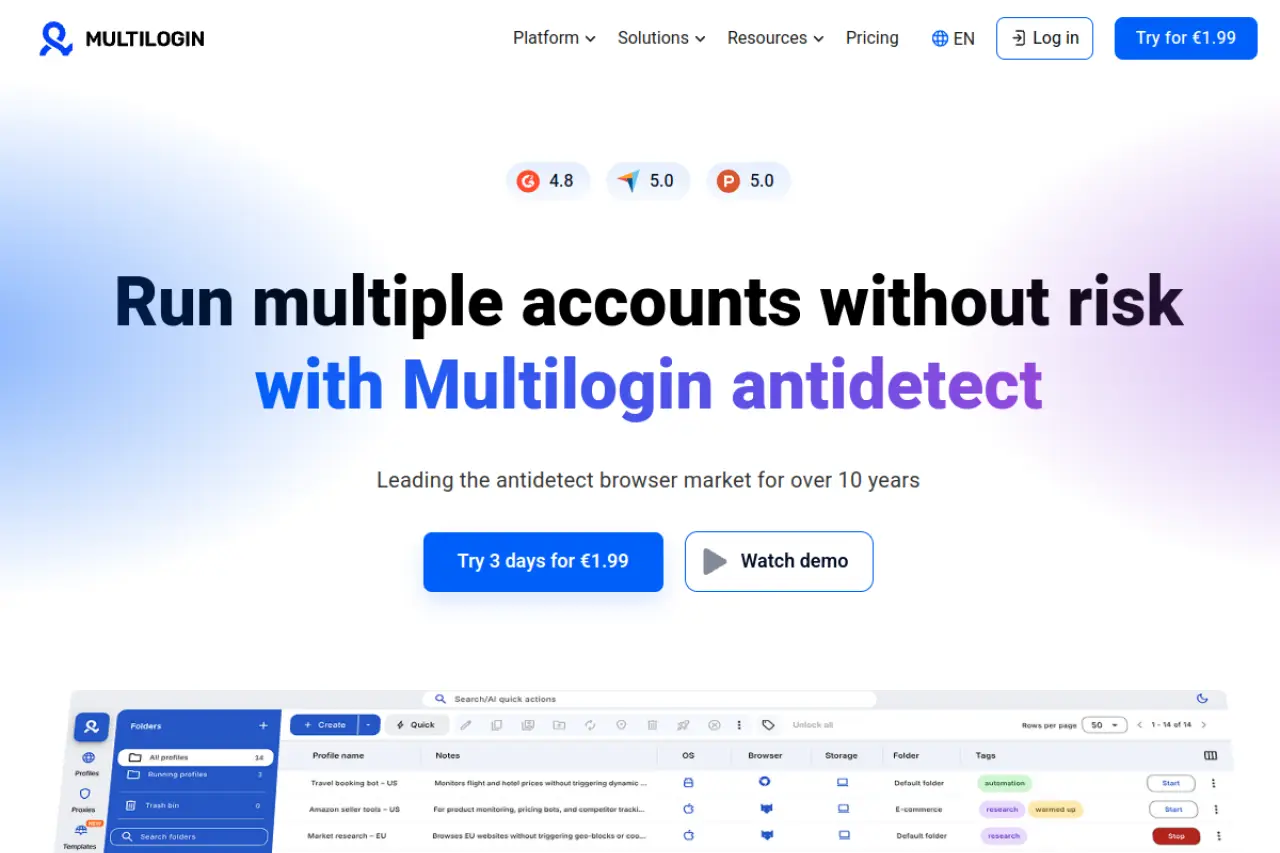
Multilogin targets large enterprises and teams that cannot afford a single mistake. It does not use standard Chrome; instead, it uses its own custom browsers called "Stealthfox" and "Mimic."
Why we like it: It offers deep control over browser fingerprinting. The tool replaces your original fingerprints with valid data rather than just blocking them. This prevents websites from knowing you are hiding something.
Pros & Cons:
- Pros: Extremely high success rate, custom browser cores, excellent support.
- Cons: Interface can be complex for beginners.
Price: Plans start at €9/month (Pro 10).
GoLogin: User-Friendly Fingerprint Management for Teams
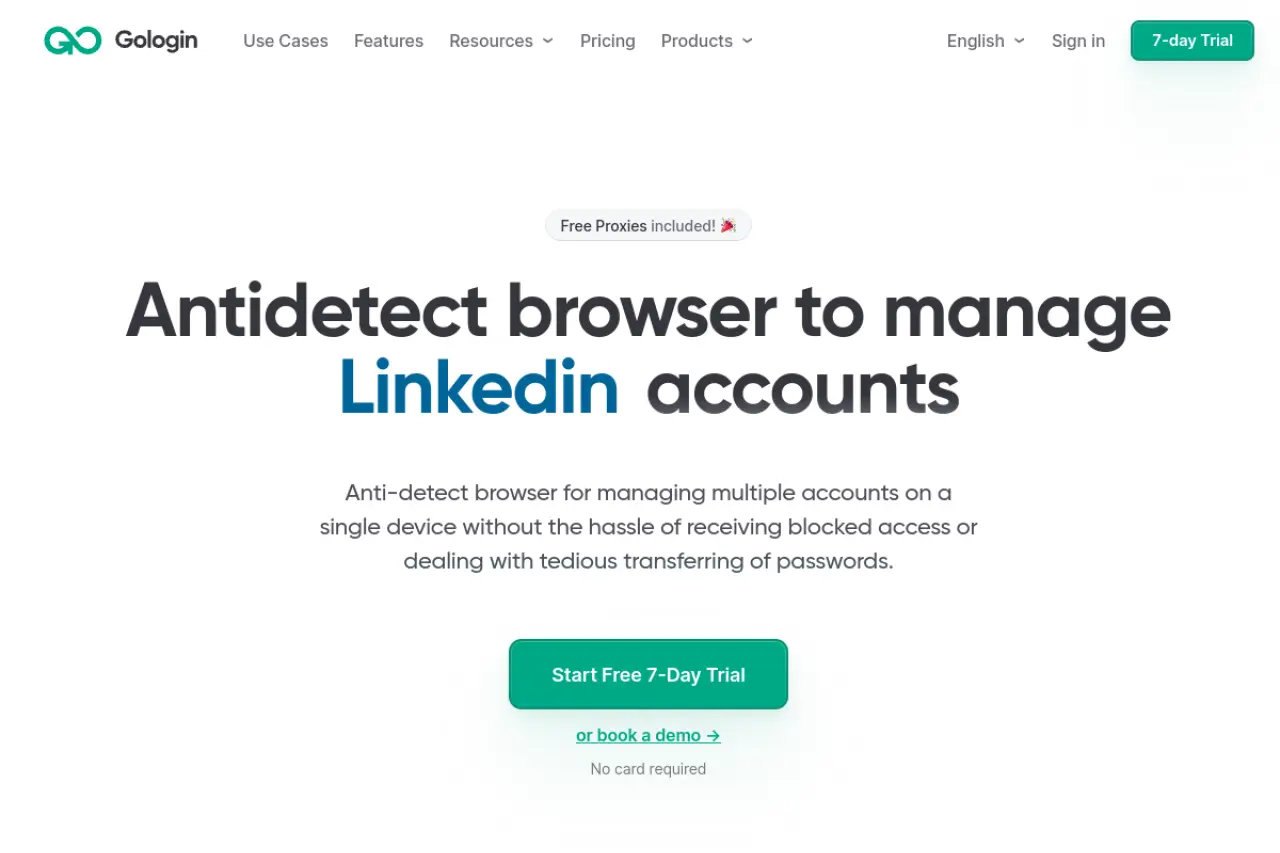
GoLogin makes Antidetect Browsers for Advertising accessible to everyone. You do not need to be a technical expert to use it. It is famous for its cloud-based architecture, which lets you run profiles directly in the cloud without downloading bulky software.
Why we like it: It includes a free Android app. This allows you to manage your ad accounts from your phone while on the go. The "Orbita" browser core is updated frequently to match Chrome updates.
Pros & Cons:
- Pros: Cloud launch feature, mobile app, free built-in proxies for testing.
- Cons: Cloud profiles can be slower than local profiles on slow internet.
Price: Professional plan starts at $49/month.
AdsPower: Dominating E-commerce and Social Automation
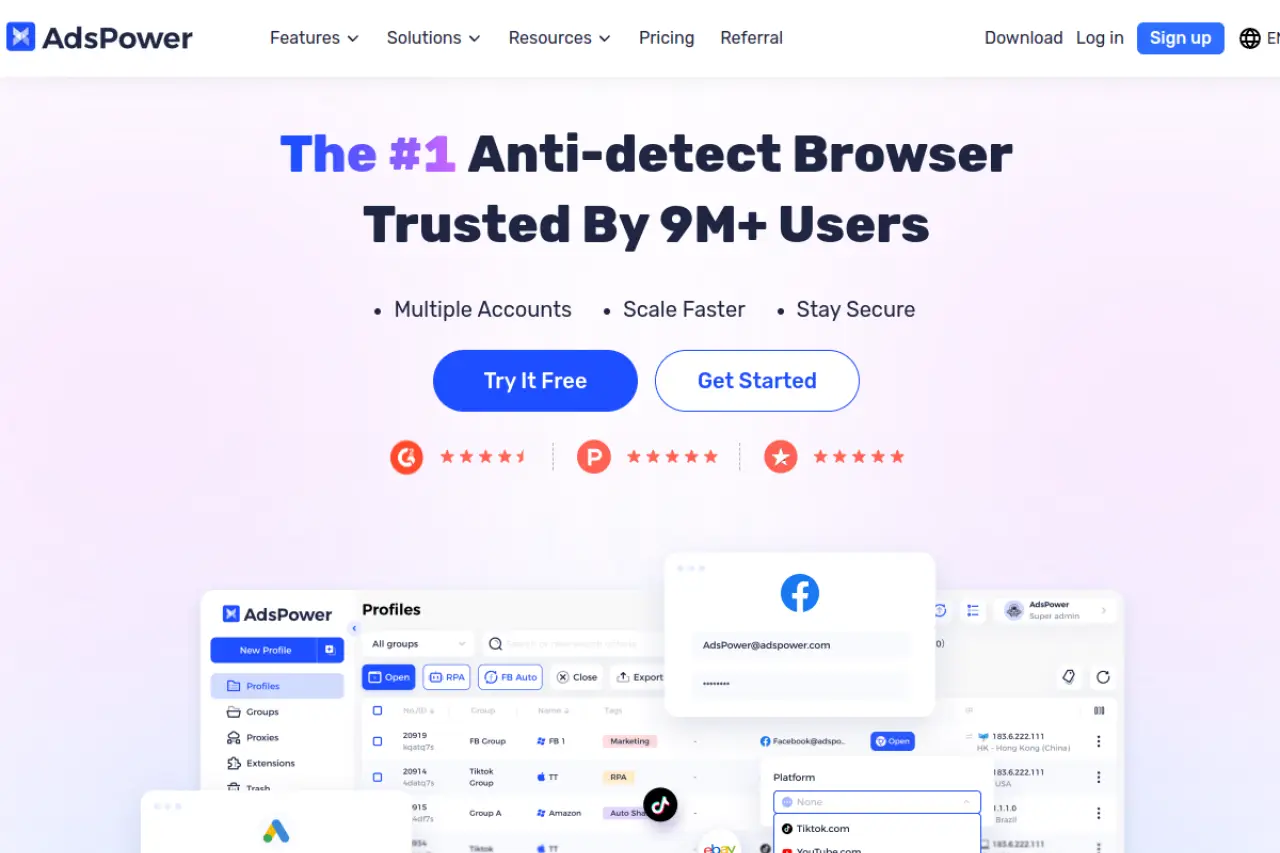
AdsPower is a favorite among dropshippers and automation experts. If you need to manage hundreds of accounts, this tool helps you speed up the process.
Why we like it: The "RPA Robot" is a standout feature. You can program it to check ad spend, like posts, or browse products automatically. It also supports both Chromium (SunBrowser) and Firefox (FlowerBrowser) engines, giving you more flexibility in how you appear to ad platforms.
Pros & Cons:
- Pros: Strong automation tools, flexible pricing, supports two browser engines.
- Cons: The interface is text-heavy and can feel cluttered.
Price: Has a Free plan (2 profiles). Base plan starts at $9/month.
Dolphin{anty}: Optimized for High-Velocity Traffic Arbitrage
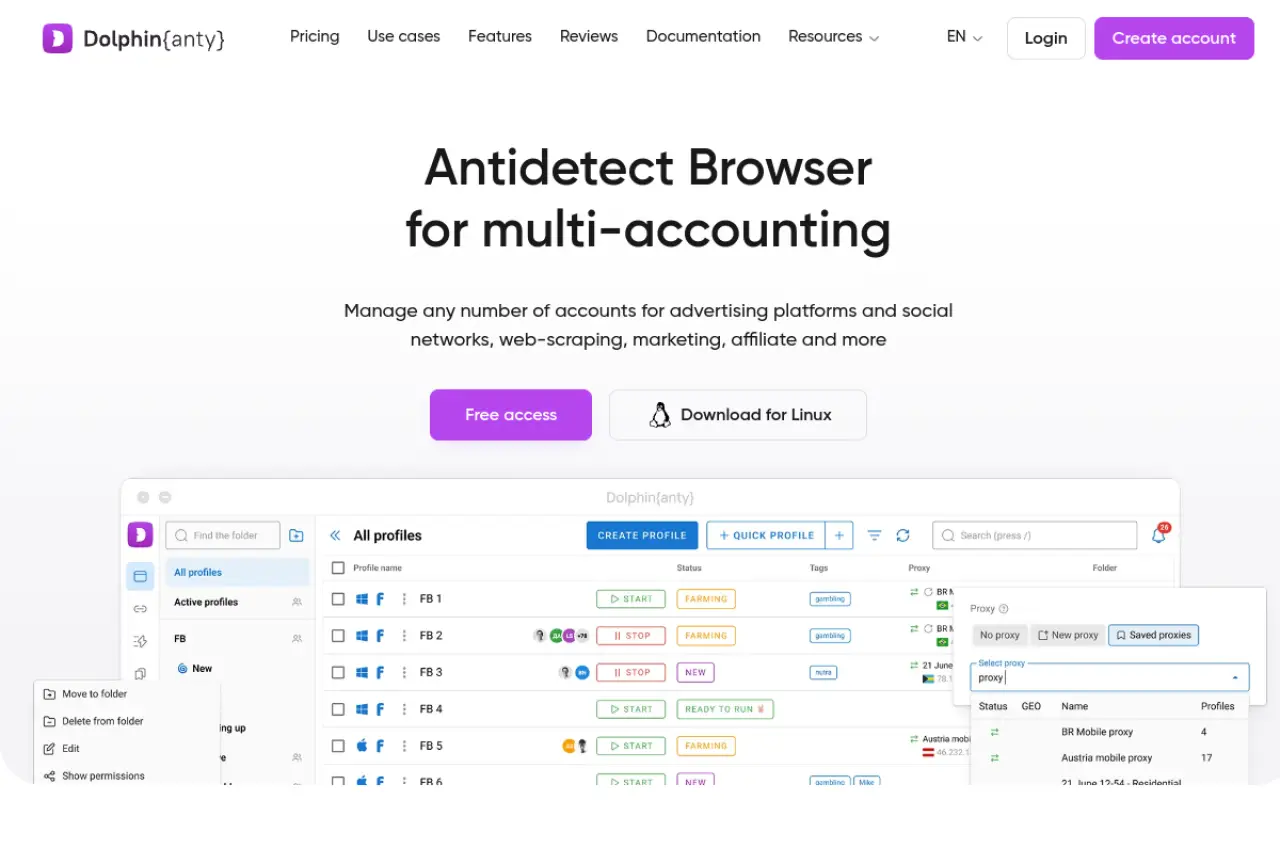
Dolphin{anty} was built by affiliate marketers for affiliate marketers. It is designed to handle the high churn rate of Facebook ad farming.
Why we like it: The interface is very visual. You can add statuses, tags, and notes to every profile (e.g., "Warming Up," "Banned," "Active"). It also has a built-in "Cookie Robot" to warm up profiles automatically.
Pros & Cons:
- Pros: Excellent for Facebook farming, intuitive UI, mass profile editing.
- Cons: Can be resource-heavy on older computers.
Price: Free plan (10 profiles). Base plan starts at $89/month.
Incogniton: Bridging Anonymity with Multi-Identity Management
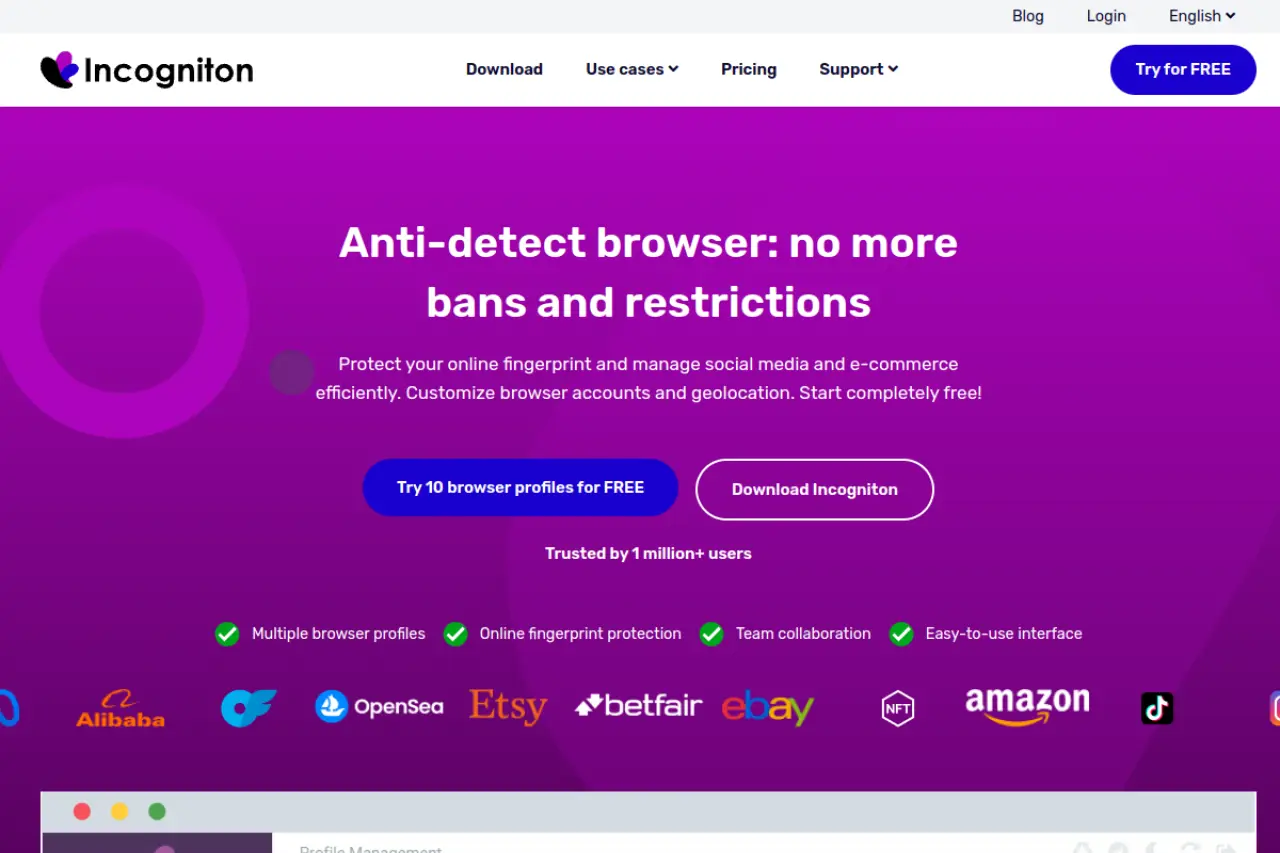
Incogniton is a robust tool for managing multiple online identities. It focuses heavily on "humanizing" the browsing experience to fool detection bots.
Why we like it: It features a "Paste as Human" typing simulation. When you copy-paste a password, Incogniton types it out character by character. This prevents sites from detecting that you are using a bot or a clipboard manager.
Pros & Cons:
- Pros: Generous free plan, unique human typing feature, reliable isolation.
- Cons: Slower sync times compared to DICloak.
Price: Free Starter (10 profiles). Entrepreneur plan starts at $29.99/month.
Undetectable.io: Local vs. Cloud Profile Flexibility
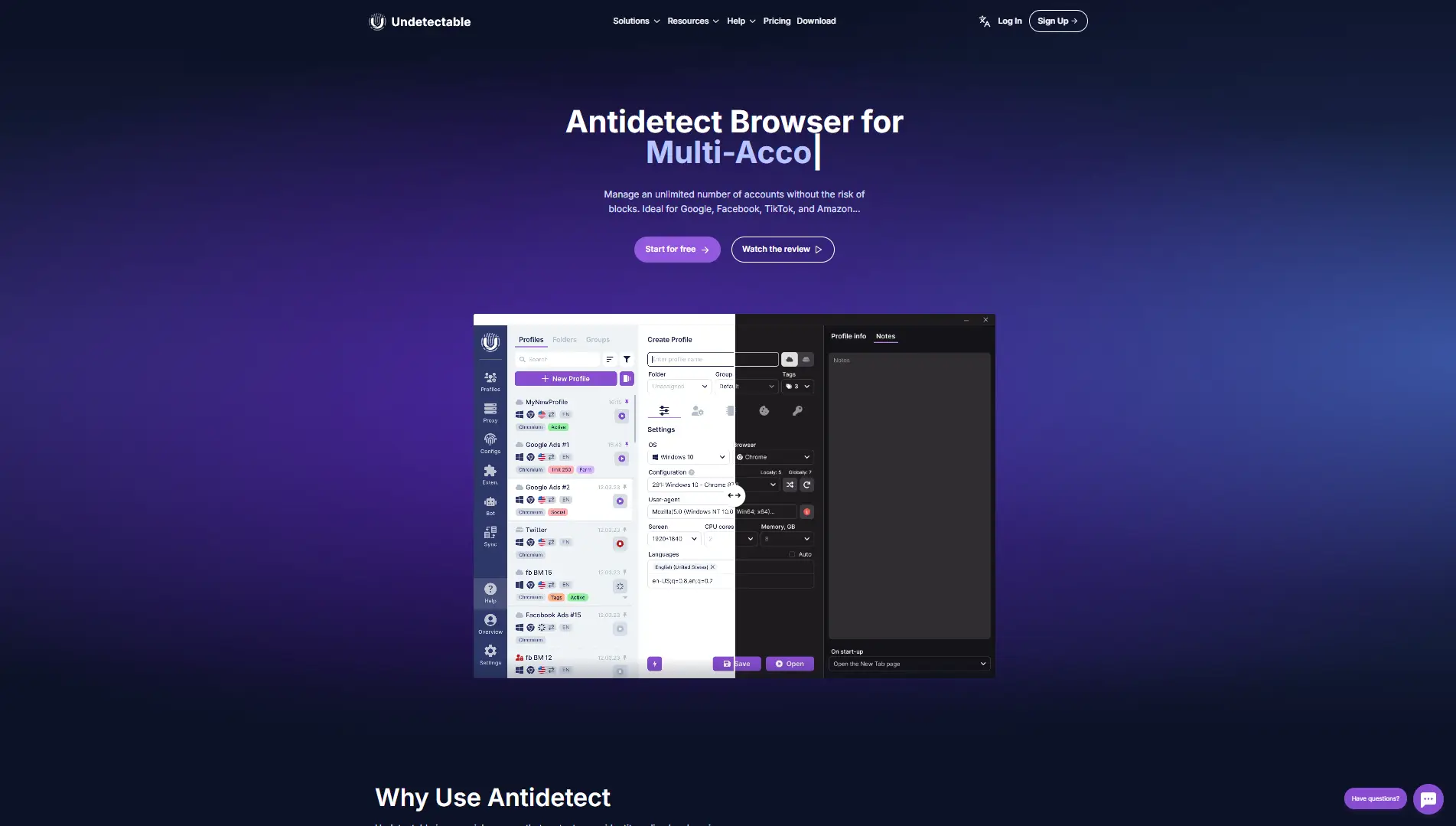
Undetectable.io offers a unique hybrid system. You can choose to store profiles locally on your PC (for speed) or in the cloud (for sharing).
Why we like it: It allows for "Mass Profile Creation." You can generate 50 profiles in seconds using optimized configurations. This is perfect for users who need to scale up quickly after a ban wave.
Pros & Cons:
- Pros: Unlimited local profiles, flexible storage options, bot automation support.
- Cons: The local profile setup requires more disk space on your computer.
Price: Free plan (5 cloud profiles). Base plan starts at $49/month.
HideMyAcc: Collaborative Identity Protection for Agencies
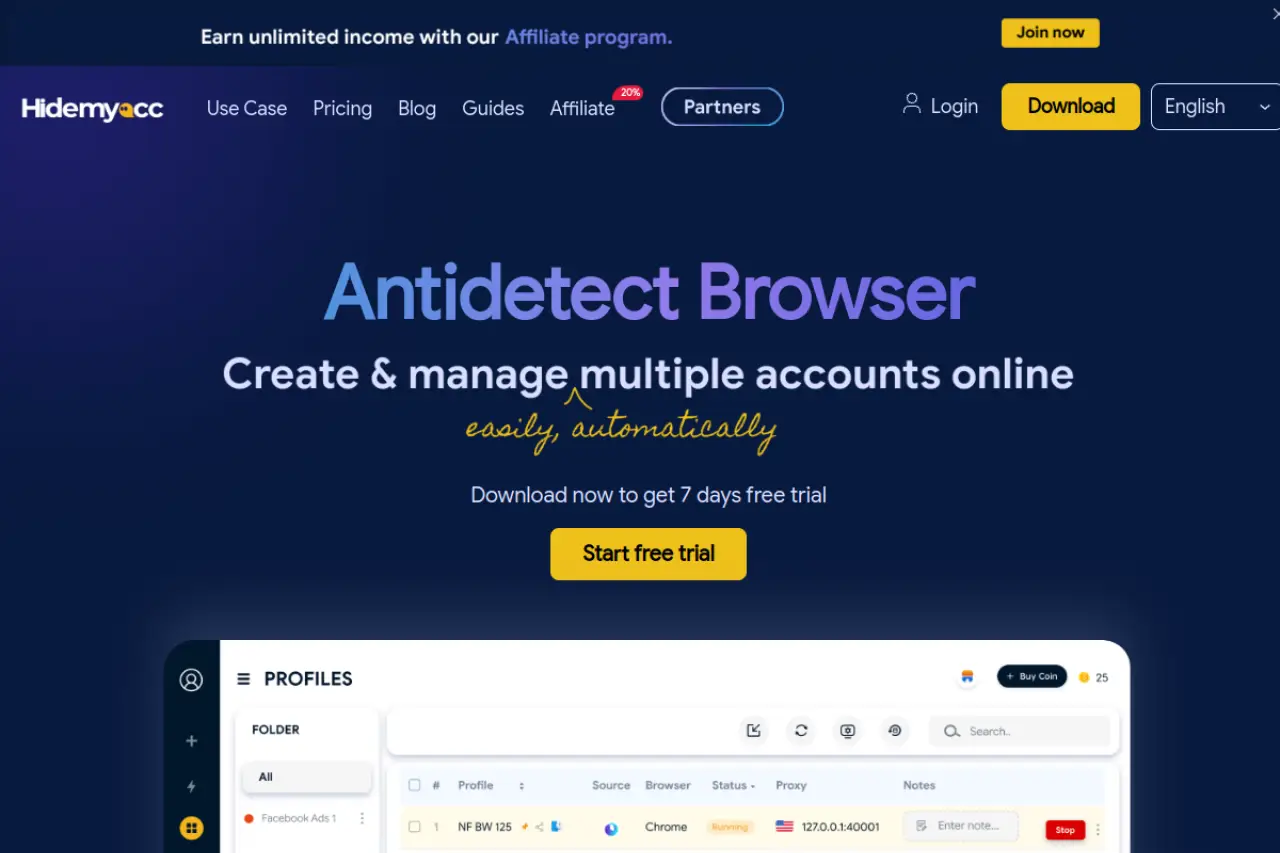
HideMyAcc is a streamlined browser focused on simplicity and team speed. It uses a "Ghosty" browser core to minimize tracking.
Why we like it: The "Magic Link" feature is excellent. You can transfer a browser profile to another user by sending them a simple link. They can open the profile immediately without needing your login credentials.
Pros & Cons:
- Pros: Fast profile transfer, simple interface, good for non-tech teams.
- Cons: Fewer advanced automation features than AdsPower.
Price: Mini plan starts at $10/month.
IxBrowser: The Case for a Permanently Free Unlimited Tool
IxBrowser challenges the market by offering a permanently free model for basic usage with unlimited profiles.
Why we like it: It is a great entry point for beginners with zero budget. While it lacks some of the advanced spoofing of premium tools, it provides basic isolation for low-risk accounts.
Pros & Cons:
- Pros: Unlimited profiles for free, lightweight, easy extension management.
- Cons: Fingerprinting protection is less robust than premium tools like DICloak.
Price: Free ($0/month). Professional starts at $3.99/month.
Kameleo: Advanced Stealth with Mobile Emulation Mastery
Kameleo is for technical users who need to mimic mobile devices perfectly. It supports Android and iOS emulation on a desktop.
Why we like it: With the rise of TikTok and mobile-first ads, desktop fingerprints are often suspicious. Kameleo lets you browse as if you are on an iPhone or Android tablet. It also allows you to spoof your Canvas API readout with "Intelligent" noise.
Pros & Cons:
- Pros: Best-in-class mobile emulation, unlimited profiles, strong privacy.
- Cons: No cloud sync (profiles are local only), higher price point.
Price: Startup plan starts at €59/month.
FAQ about Antidetect Browsers for Advertising
You might still have questions about using these powerful tools. We know that running ads at scale comes with risks. This FAQ section covers the most common legal concerns and technical doubts users face in 2026. Our goal is to help you use Antidetect Browsers for Advertising safely and profitably. Here are the answers to the final friction points preventing you from scaling up.
Is using Antidetect Browsers for Advertising legal?
Yes, owning and using the software is legal in most countries. It is simply a tool for privacy and data management. However, how you use it matters. While the browser is legal, using it to commit fraud, steal identities, or use stolen credit cards is a crime. For most marketers, the main risk is violating a platform's Terms of Service, not breaking the law.
How many ad accounts can I run per browser profile?
The strict rule is one account per profile. Never mix them. If you log into two different Facebook business managers from the same profile, they will share the same cookies and cache. If one account gets banned, the other will be linked and banned instantly. To manage multiple ad accounts safely, you must keep every digital identity completely isolated.
What is the difference between Datacenter and Residential proxies?
Datacenter proxies come from large server farms (like AWS or Azure). They are very fast but easy to detect. Ad platforms like Google and Meta flag them immediately. Residential proxies come from real home devices connected to Wi-Fi. They look like normal user traffic. For advertising, you almost always need residential IPs to build trust.
How do I ensure my digital fingerprint doesn't leak during a session?
You need high-quality software that handles digital fingerprint masking. Always run a test on a checking site (like Iphey or Whoer) before logging into your money accounts.
 Web Proxy Tools
 Free Tools
 Cookie Plugin
 UA Generator
 MAC Address Generator
 IP Generator
 IP Address List
 2FA Code Generator
 World Clock
 Anonymous Check
 WebRTC Leak Test
 UUID Generator
 Free Web Proxy Site
 Proxy Checker
 FB Ad Checker
 AI Web Scraping
 Free SMM Tools
 Twitter Shadowban Checker
 Instagram Name Checker
 UTM Generator
 Username Generator
 AI Hashtag Generator
 LinkedIn Headline Generator
 Social Media Image Resizer