Why are people looking for reliable alternatives to NSTBrowser today?
Losing an account you worked hard to build is frustrating. You do everything right, warm up the profile, and suddenly—banned. Many users originally chose NSTBrowser to manage multiple accounts safely. But lately, teams are hitting walls. Whether it is a spike in random account bans or a clunky interface that slows down your workday, people are actively searching for NSTBrowser alternatives that offer more stability.
Common frustrations that lead users to switch from NSTBrowser
When you manage multiple accounts, your antidetect browser is your safety net. It creates a unique browser profile for each account. Think of this profile as a digital disguise. If the disguise slips even a little bit, platforms catch you. Here is exactly why users are packing up and looking for software like nstbrowser that better fits their daily workflows.
Unexpected account flags during routine logins
The biggest dealbreaker is getting flagged for no obvious reason. Modern security systems look closely at your digital fingerprint. This includes hidden hardware data like Canvas and WebGL (which are simply ways your browser draws 2D and 3D graphics). If your antidetect tool does not perfectly mask these details, websites quickly figure out that your multiple accounts belong to the same person. Users have reported that NSTBrowser sometimes struggles to keep these profiles fully isolated, leading to sudden bans during completely normal logins.
Pro Tip: Always test a new antidetect browser with one or two low-value "burner" accounts before moving your entire business over. This helps you confirm the tool effectively stops tracking without risking your main assets.
Complex setup for team members and shared profiles
Working alone is one thing, but bringing a team into the mix changes everything. You need to safely share accounts with virtual assistants without exposing the actual passwords or triggering a login location flag. NSTBrowser's setup process for adding team members can feel overly complicated. If you have to spend hours training a new hire just to open a secure browser window, you are losing valuable time.
Pricing plans that don't scale well for small agencies
Cost is often the final push. When you only need a handful of profiles, the price feels manageable. But as your agency grows and you need more team seats or higher profile limits, the monthly bills can skyrocket. Small businesses are realizing they need a budget multi-account browser that scales smoothly, rather than one that locks essential collaboration features behind expensive enterprise tiers.
How we evaluate the top alternatives to NSTBrowser
Finding the right nstbrowser competitors is not just about picking the cheapest option. When your business relies on multiple accounts, you need software that actually works. We tested the top tools on the market to see how they handle real-world stress. We focused on the features that keep your accounts safe and your team moving fast. Here are our testing criteria.
What matters most when choosing an NSTBrowser competitor?
A good antidetect browser must do more than just hide your IP address. It must create an airtight browser profile. We looked at 4 main areas to find the best tools for you.
Consistency in preventing linked account bans
The core job of any antidetect browser is fingerprint spoofing. This means it feeds fake hardware data to websites so they cannot link your accounts together. If a tool leaks your real Canvas or WebGL data, you get banned. We tested each tool to see if their digital fingerprints hold up against strict platforms like Facebook and Amazon. The best tools block these tracking scripts every single time.
Ease of use for non-technical team members
You should not need a computer science degree to launch a secure profile. Many users leave NSTBrowser because the interface feels too complex for new hires. We evaluated how easy it is to share accounts, set up proxies, and assign permissions. A clean, simple dashboard saves you hours of training time.
Cost per active browser profile
Pricing structures can be tricky. Some tools look cheap upfront but charge extra for adding team members or using cloud storage. We broke down the true cost per profile. We want to make sure the pricing makes sense whether you run 10 accounts or 1,000. It is crucial to find a budget multi-account browser that does not compromise on security.
Speed of built-in automation and syncing tools
Doing the same task in 50 different windows manually is a nightmare. That is why built-in automation matters. We tested tools that offer window synchronizers and robotic process automation. A synchronizer simply copies your mouse clicks and types from one main window into dozens of others at the same time. This feature is a massive time-saver for crypto airdrop farming and social media management.
Pro Tip: Look for tools that include a free window synchronizer. Paying for third-party automation software on top of your browser subscription can easily double your monthly costs.
The 7 best NSTBrowser alternatives for managing multiple accounts
Now that you know how reliable window synchronizer and airtight security matter, it is time to find your perfect match. If you are tired of sudden account bans or clunky interfaces, you need a browser profile that truly mimics real human devices.
We prioritize tools that create an isolated digital identity, meaning they never leak your real hardware data to tracking scripts.
To help you make a smart switch, we have broken down the top software options on the market. The core job of these tools is to prevent cross-account tracking, but they all serve slightly different workflows. Here is a quick overview of how the top NSTBrowser alternatives compare.
| Tool |
Best For |
Price per month |
Profiles |
| DICloak |
Social media & team sharing |
$8/month |
20 |
| Octo Browser |
High-stakes affiliate campaigns |
€10/month |
3 |
| MoreLogin |
Mobile profiles on ARM |
$9/month |
2 |
| BitBrowser |
Free basic entry point |
$10/month |
10 |
| Undetectable |
Unlimited local storage |
$49/month |
5 (Cloud) |
| Hidemium |
Deep browser engine customization |
Custom |
Custom |
| Browser.lol |
Quick stateless sessions |
$9/month |
Free basic |
DICloak: The best all-rounder for social media managers
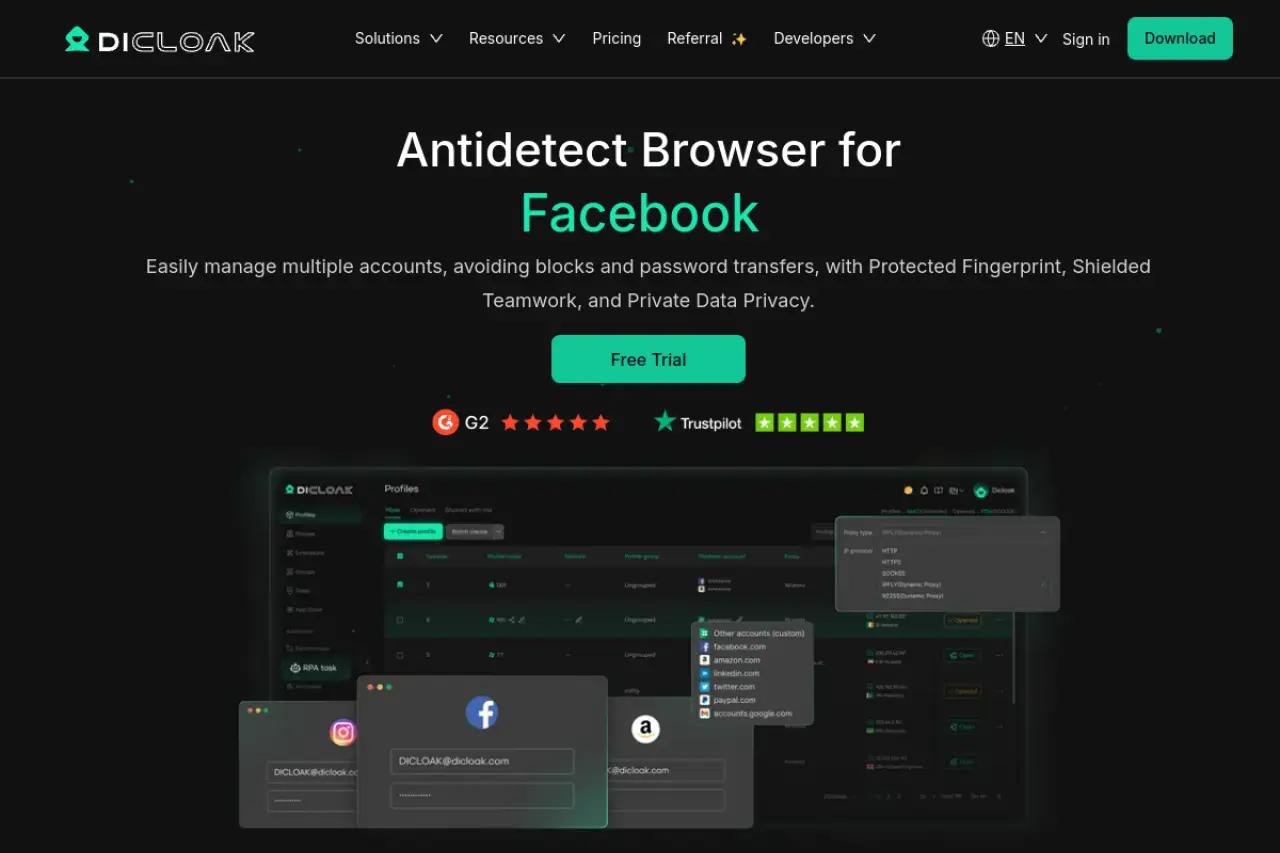
DICloak is our top recommendation for anyone migrating away from NSTBrowser. It perfectly balances an affordable price point with enterprise-grade isolation. DICloak lets you securely share profiles with your team using role-based access, meaning your virtual assistants never see your raw passwords. It also includes intuitive AI-driven bots for automating repetitive tasks.
Best for: Marketers handling 5 to 50 social media accounts
Key Strength: User-friendly role management for small team teams
Key Limitation: Automation features are locked behind higher tiers
Pricing: Very competitive entry price at $8 per month
Octo Browser: The choice for high-stakes affiliate marketing
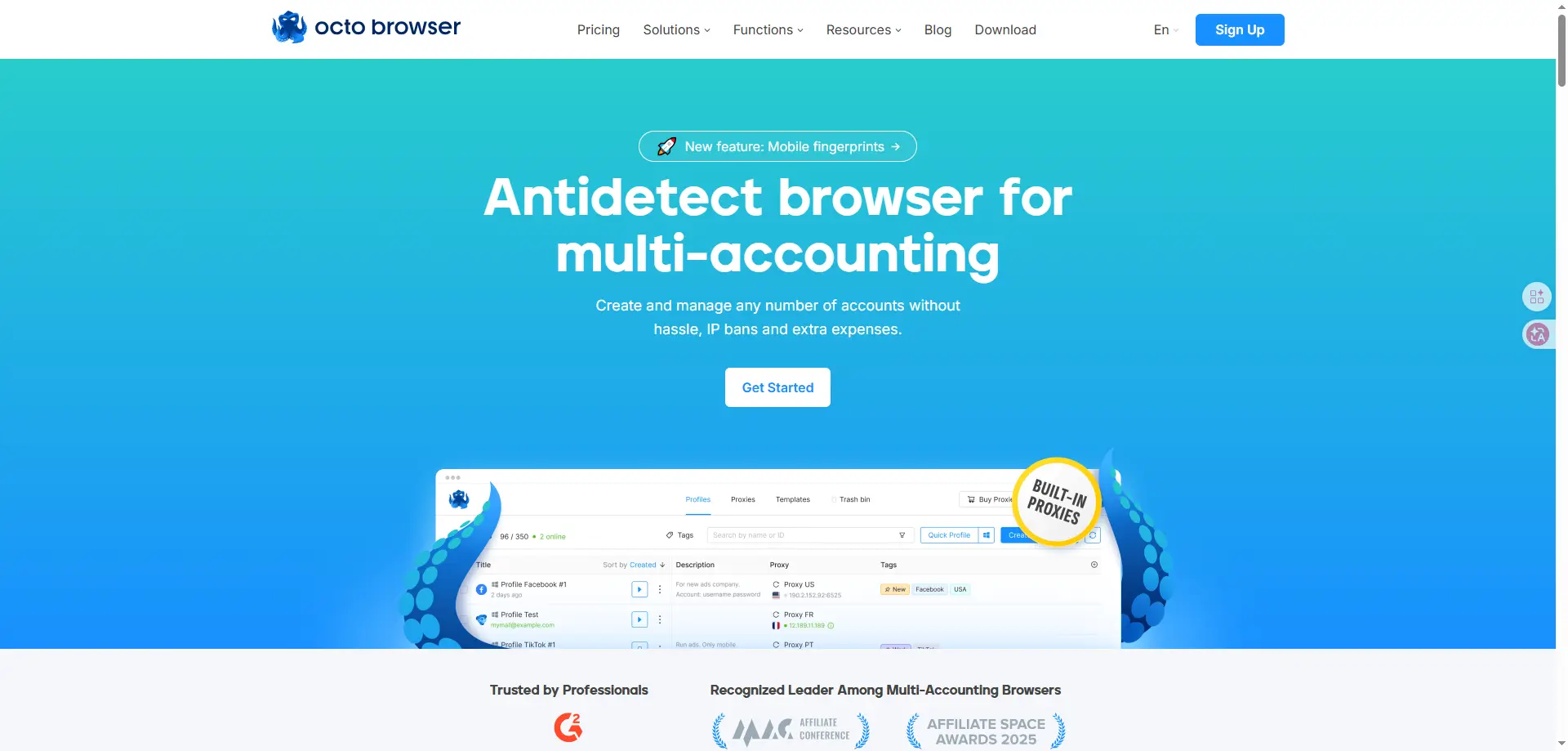
Octo Browser builds its spoofing profiles using real device data. This means it copies the exact hardware setup of real users, making it incredibly hard for platforms to detect you. It also features a built-in proxy shop so you can buy IP addresses without leaving the app.
Best for: Professional agencies running 100+ high-value accounts
Key Strength: Extremely stable device profiles that look like real users
Key Limitation: Higher starting price than some budget competitors
Pricing: Premium tiers starting at €10 per month
MoreLogin: Best for crypto farmers and e-commerce sellers
MoreLogin: Best for crypto farmers and e-commerce sellers
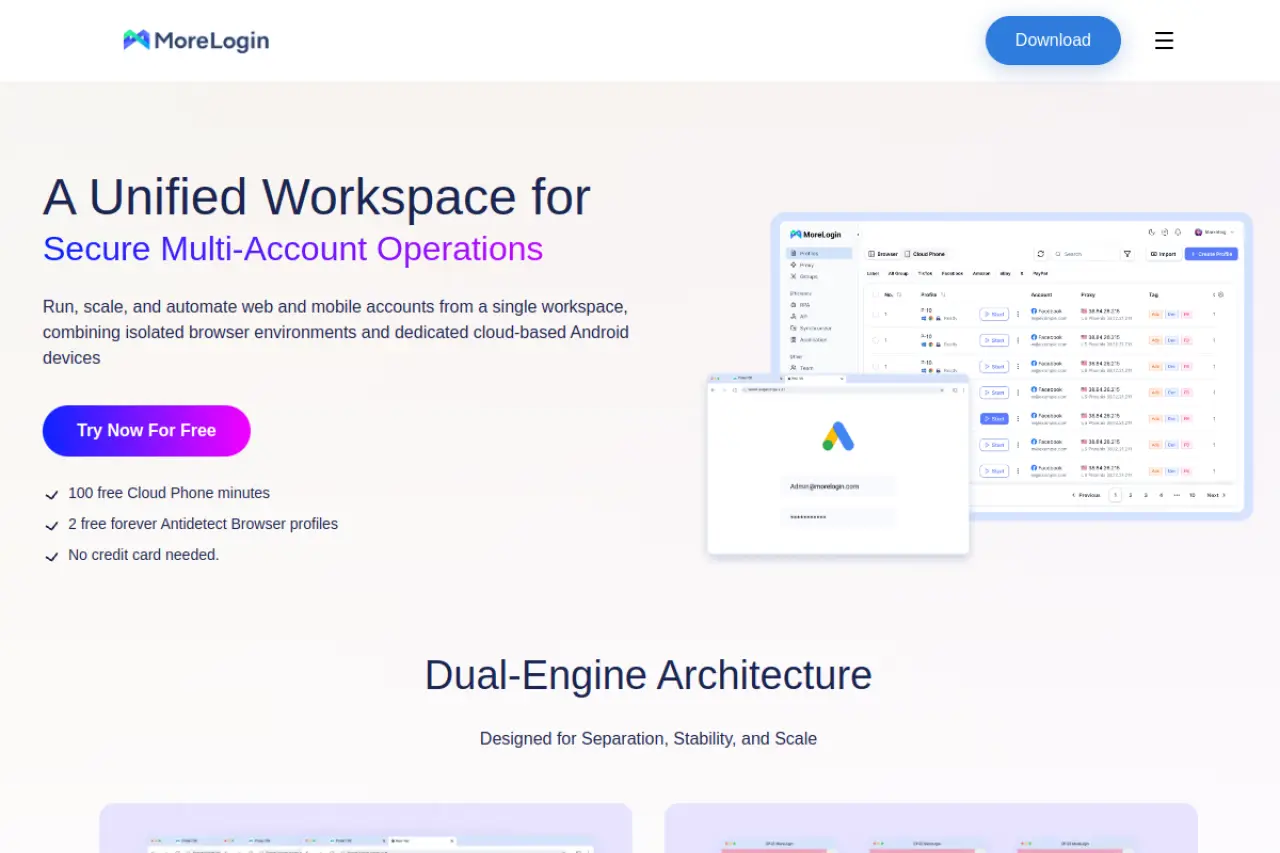
MoreLogin uses machine learning to generate unique Canvas fingerprints. Canvas is a tracking method where websites ask your browser to draw a hidden image, identifying you based on how your graphics card processes it. MoreLogin successfully blocks this tracking.
Best for: Users needing mobile-style profiles on ARM architecture
Key Strength: Advanced tools to replicate actions across many windows
Key Limitation: Interface can feel cluttered for simple one-off tasks
Pricing: Affordable pro plans starting at $9 per month
BitBrowser: The most cost-effective alternative for beginners
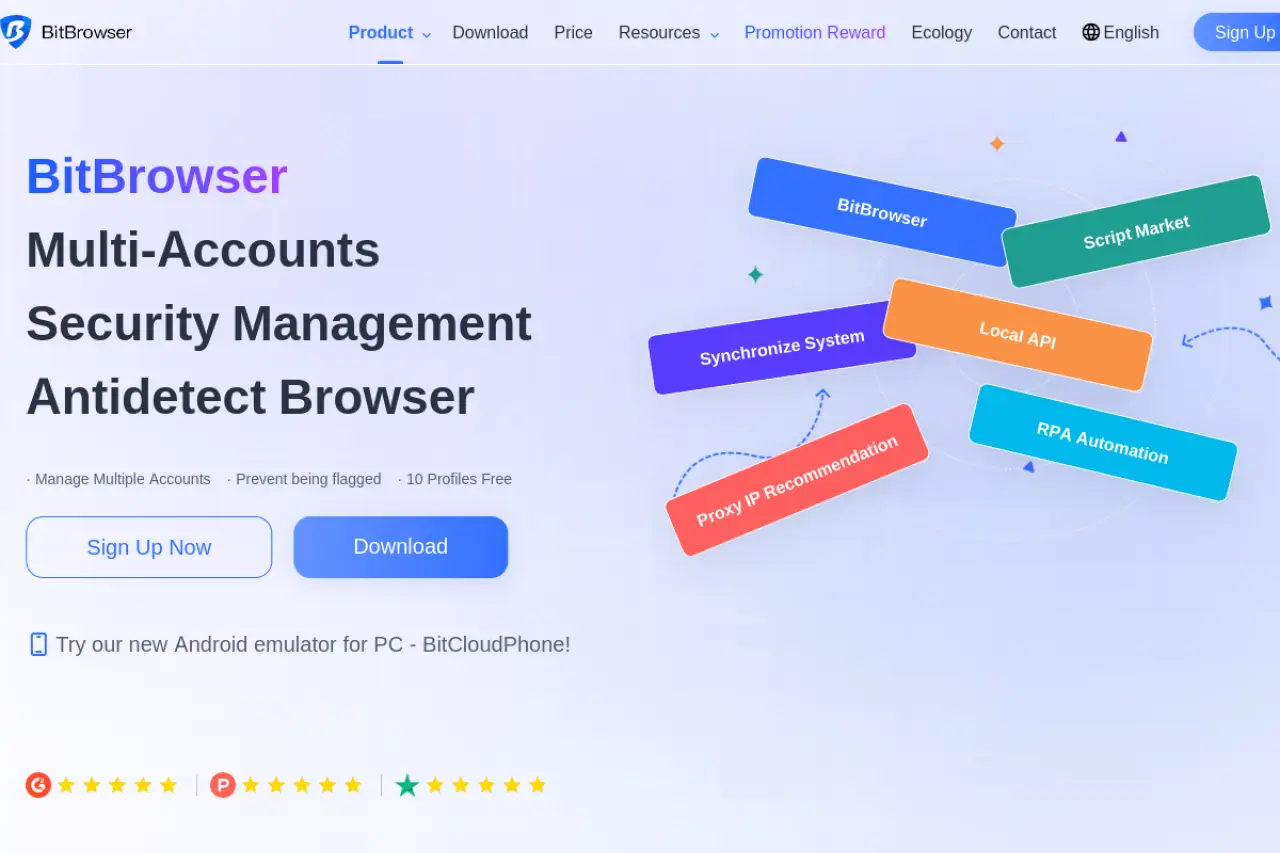
If you need a free entry point, BitBrowser gives you ten permanent profiles. It features a built-in script store to help you automate routine clicks without needing to write code. It operates on both Chrome and Firefox kernels.
Best for: Freelancers needing 10 free profiles for basic work
Key Strength: Includes built-in automation tools for free users
Key Limitation: Security levels may not hold up for high-risk platforms
Pricing: Free tier available with $10 monthly upgrades
Undetectable: Best for solo operators needing unlimited local profiles
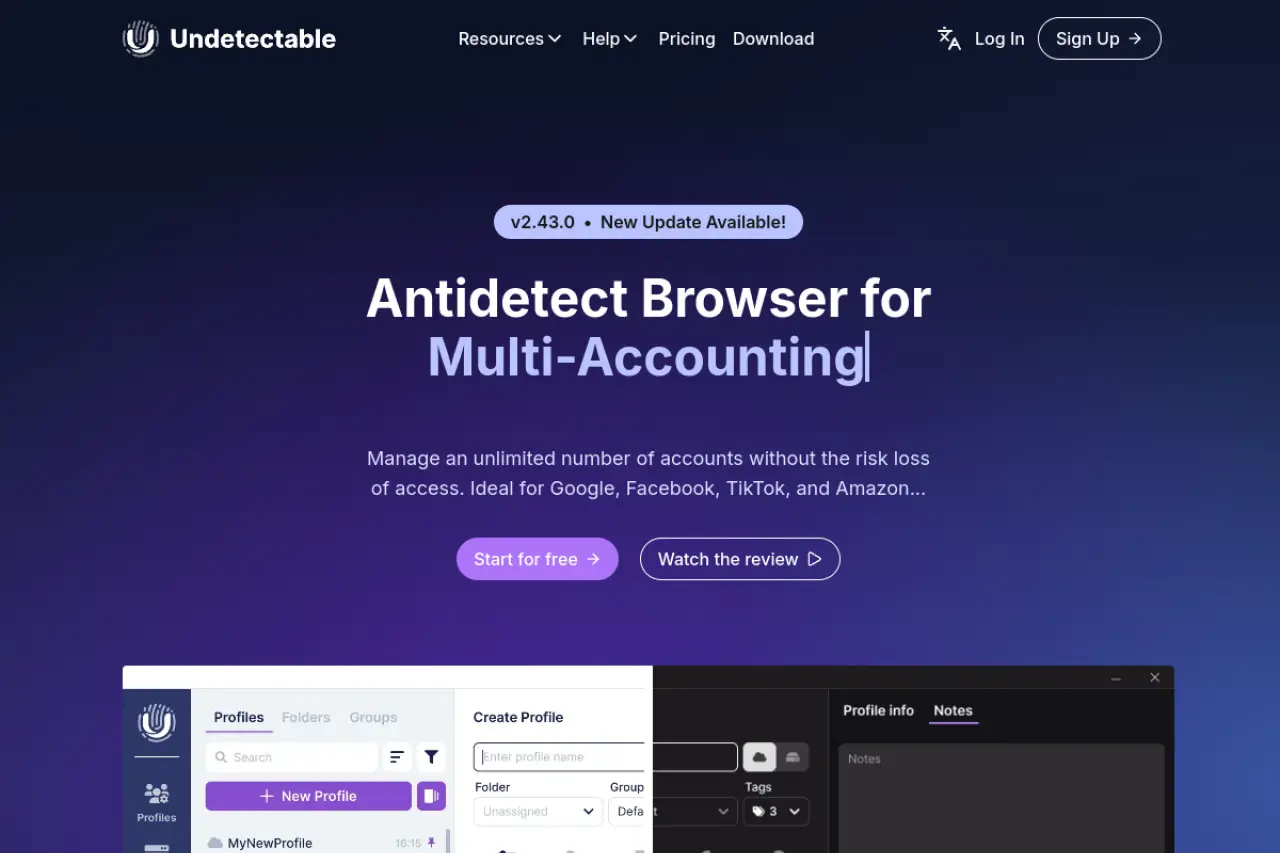
Storing accounts on your own computer is a great way to maintain strict control. Undetectable allows this by offering unlimited local profiles on every paid plan. It also features an automated bot that visits popular websites to warm up your accounts.
Best for: Users who want to store accounts on their own hardware
Key Strength: Unlimited local storage on all paid subscription plans
Key Limitation: Cloud syncing features cost significantly more
Pricing: Mid-range pricing starting around $49 per month
Hidemium: Best for deep customization and different browser engines
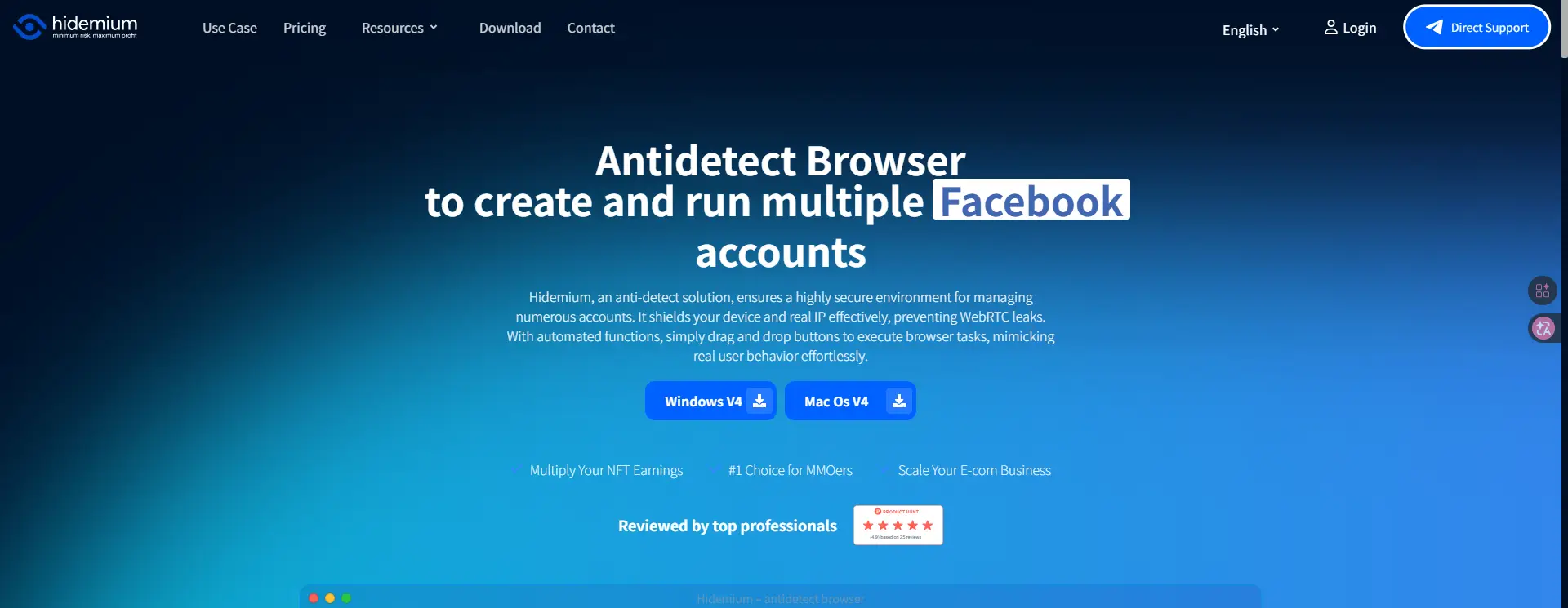
Hidemium offers deep control over your digital identity. You can easily choose between Chrome, Edge, Safari, and Firefox engines for your profiles. It also provides AI-powered prompt scripts, allowing you to type out automation rules in plain English directly on the hidemium.io platform.
Best for: Advanced users who need to mimic specific devices
Key Strength: Supports Chrome, Edge, Safari, and Firefox engines
Key Limitation: Steep learning curve for the automation script builder
Pricing: Custom plans based on cloud or local storage needs
Browser.lol: Best for quick and anonymous one-off browsing

Sometimes you just need to open a suspicious link without risking your local device. Browser.lol lets you spin up a disposable, virtual browser directly from your current tab. No software installation is required, and everything is wiped completely clean the moment you close the session.
Best for: Testing suspicious links without installing software
Key Strength: Runs entirely in your web browser with zero setup
Key Limitation: Not built for long-term account management
Pricing: Free with a $9 monthly premium option
How to budget for an NSTBrowser alternative
Balancing your budget with your security needs is exactly where we need to focus next. When you start an nstbrowser pricing comparison, it is easy to just look at the monthly sticker price. But that is only half the story.
What will your total monthly cost look like for 50+ accounts?
Managing a few profiles is cheap, but scaling to 50 or more accounts changes the math. You are no longer just paying for the software. You are paying for the safety of your business assets. Let us break down what a realistic monthly budget looks like when you run a medium-sized operation.
Understanding the cost per profile across different tools
Every budget multi-account browser handles pricing differently. Some charge a flat rate, while others bill you per active profile. If you run 50 accounts, a premium tool like DICloak sits in a sweet spot, offering robust team features for a fair price of 28.8 dollars a month for 100 profiles. You need to calculate the actual cost per profile to see which tool fits your wallet.
The hidden costs of proxies and automation add-ons
The browser subscription is just your starting point. To keep your accounts safe, you must buy high-quality proxies. A proxy acts like a mask for your internet connection, giving each account a unique IP address. Good proxies can easily double your monthly software costs. Also, if you need automation tools to run tasks while you sleep, some platforms charge extra. DICloak includes basic AI-powered automation at its mid-level tier, which can save you from buying third-party scripts. Always factor in proxy costs before choosing a browser, because a cheap tool with bad proxy management will waste your time.
Why the cheapest tool might cost you more in account bans
It is tempting to grab the absolute cheapest nstbrowser alternatives available. However, weak browser profiles lead to immediate account bans. If a platform uses outdated fingerprinting methods, websites will easily link your accounts together. Losing a seasoned advertising account costs far more than saving a few dollars a month on software. You want a tool that consistently updates its core engine to outsmart detection mechanisms. Value is always more important than finding the lowest price.
What usually goes wrong when switching to an NSTBrowser alternative?
Once you find the right value, the next hurdle is the actual move. Switching to nstbrowser alternatives is exciting, but the transition period is where most people drop the ball. A hasty migration can trigger the exact account bans you are trying to avoid. Let us look at the traps waiting for you and how to sidestep them safely.
Common mistakes that lead to account flags during migration
Moving your business assets from one browser profile to another is like transplanting a delicate tree. If you shock the roots, the plant dies. When websites notice sudden, dramatic changes in your browser fingerprint—the unique digital trace your computer leaves behind—they raise an immediate red flag.
Reusing old cookies without properly cleaning the profile
HTTP Cookies tell a website who you are. If you export your session data from your old tool and dump it into a new one without matching the previous fingerprint perfectly, you are asking for trouble. Imagine handing a security guard an ID with a different person's face. The platform's detection mechanisms will instantly notice the mismatch between your old cookies and your new hardware profile.
Pro Tip: Always let a new profile sit on a fresh IP address for a few hours before importing sensitive cookies from your old setup.
Choosing the wrong proxy type for high-security platforms
Your new browser is only as invisible as its internet connection. A common mistake is pairing a premium antidetect tool with cheap datacenter proxies. These proxies come from server farms, not real internet service providers. High-security platforms spot them instantly. If you are managing valuable ads or store accounts, you need residential proxies. These route your connection through real home Wi-Fi networks, making you look like a standard user.
Scaling too fast before testing the tool's stability
It is tempting to migrate all 50 of your accounts on day one. Do not do this. Different tools handle background tracking elements like Canvas and WebGL (the graphics data websites use to identify your screen and video card) differently. Before doing a mass migration, move two or three low-value accounts first. Run your daily tasks on them for a week. Check if the new profile holds up. A phased rollout protects your main revenue streams from unexpected mass bans.
FAQs about the best NSTBrowser alternatives
What is the best free alternative to NSTBrowser for small teams?
DICloak is the top choice for small teams looking for a free or low-cost entry point. It offers a permanent free tier with five isolated browser profiles. If you need to add team members later, their base plan is highly affordable and includes secure role-based access to share accounts safely.
Can I automate these NSTBrowser alternatives using basic scripts?
Yes, most top competitors support standard automation frameworks like Puppeteer and Selenium. If you do not know how to code, options like DICloak include built-in AI automation to handle repetitive tasks for you.
Is it safe to switch from NSTBrowser to a cheaper tool for Facebook Ads?
It is safe only if the cheaper tool still provides robust fingerprint spoofing. Facebook uses advanced tracking, so you cannot compromise on core security features just to save money. Tools like DICloak offer enterprise-grade hardware masking at a budget-friendly price, keeping your ads running smoothly.
Which NSTBrowser alternative is best for managing crypto airdrop accounts?
For users managing multiple crypto airdrop accounts, DICloak is often a strong NSTBrowser alternative if the main goal is handling many browser profiles at a lower cost. It is suitable for bulk profile management, team collaboration, and repetitive workflow support.
How do these alternatives to NSTBrowser keep my accounts from being linked?
They give each account its own unique digital identity. This means websites see different hardware details, operating systems, and IP addresses for every profile you open. Even if you run 50 accounts on the same computer, the website thinks they are 50 different people in different locations.
 Web Proxy Tools
 Free Tools
 Cookie Plugin
 UA Generator
 MAC Address Generator
 IP Generator
 IP Address List
 2FA Code Generator
 World Clock
 Anonymous Check
 WebRTC Leak Test
 UUID Generator
 Free Web Proxy Site
 Proxy Checker
 FB Ad Checker
 AI Web Scraping
 Free SMM Tools
 Twitter Shadowban Checker
 Instagram Name Checker
 UTM Generator
 Username Generator
 AI Hashtag Generator
 LinkedIn Headline Generator
 Social Media Image Resizer