Why users are switching to Vision Browser alternatives in 2026
Business operations require absolute stability. When your browser profile fails, your revenue stops. In 2026, many agencies and e-commerce brands are actively moving away from legacy setups. They are searching for reliable Vision Browser alternatives to protect their digital assets. This shift is not just about finding a cheaper tool. It is about securing your core business infrastructure. Teams need platforms that can scale rapidly without introducing new security risks.
Common frustrations that drive people to look for other tools
Switching multi-accounting software is a major operational decision. Companies do not migrate unless their current system creates unacceptable bottlenecks. Three main technical and financial issues are driving this market shift.
Unexpected account flags and identity leaks
Account bans destroy your return on investment. If an advertising platform detects your real hardware, your entire network of accounts is at risk. Recent updates in website tracking make basic profile masking obsolete. You need deep control over tracking parameters like Canvas and WebGL, which dictate how websites read your graphics hardware. When a tool fails to isolate these data points, websites immediately flag your activity. Businesses are migrating to newer platforms because they simply cannot afford unexpected downtime caused by identity leaks.
Complex setups that take too much time to manage
Time is your most expensive resource. If your team spends hours configuring proxy connections or building manual profiles, you lose money. Older browsers often require complex, manual adjustments for every single account launch. Modern automation workflows demand absolute efficiency. Companies are switching because they need streamlined operations. Platforms featuring built-in robotic process automation and simple interface designs let your team launch campaigns faster. You need a system that functions smoothly out of the box.
Pricing plans that don't scale well for growing teams
Software costs must align directly with your business growth. Many legacy browsers essentially punish you for scaling your operations. When you add more team members or require a higher volume of profiles, subscription fees often multiply rapidly. You need flexible licensing that supports collaborative team workspaces without hidden penalties. Agencies managing hundreds of client accounts are migrating to tools offering better user seat management and password-free sharing. Sustainable growth requires software pricing that makes logical business sense.
Which Vision Browser alternatives should you pick?
Choosing the right platform means protecting your revenue. Out of all the Vision browser competitors available in 2026, you need a solution that balances team scaling with deep fingerprint security.
After reviewing the market, DICloak stands out as the strongest business infrastructure. It provides built-in automation workflows and strict hardware isolation at a scalable price. If your agency runs massive ad campaigns, AdsPower and Multilogin remain reliable, though significantly more expensive. Ultimately, your choice should prioritize account safety and how easily your team can manage daily operations.
How we evaluated the top alternatives to Vision Browser
You need software that protects your daily operations, not just another generic tool. When searching for Vision browser alternatives, we looked past marketing claims and tested the core infrastructure. We evaluated platforms based on how well they secure your data, streamline team workflows, and protect your return on investment. The best tools treat account safety as a fundamental business requirement, not an optional add-on.
The critical factors that actually keep your accounts safe
A secure business infrastructure requires multiple layers of defense. We broke down our testing into four specific areas that directly impact your operational stability and team efficiency.
How well the tool hides your identity from websites
Basic masking no longer works. Modern anti-detect browsers similar to Vision must completely replace hardware parameters. We tested each platform's ability to spoof Canvas, WebGL, and font data without leaking your real device profile. If a tool fails these deep fingerprinting checks, your entire network faces immediate bans. True security requires a dedicated browser kernel.
Ease of use for daily account management tasks
Complex software destroys team productivity. We prioritized platforms that make launching and managing profiles simple. Your team should not spend hours configuring settings for every new campaign. We looked for built-in automation workflows and logical folder structures. The best software allows your staff to focus on scaling campaigns, rather than troubleshooting software glitches.
Reliability of proxy connections and profile isolation
A secure browser is useless if your network connection leaks. We evaluated how smoothly these tools integrate with high-quality proxies. Each browser profile must remain strictly isolated. Cross-contamination between accounts is a fatal flaw. We checked for forced traffic routing and encrypted local storage to ensure your data never bleeds across active sessions.
Quality of customer support and frequency of updates
Advertising platforms update their detection algorithms constantly. Your software must evolve just as fast. We reviewed the update history of every tool to see how quickly they patch security vulnerabilities. We also tested customer support response times. When an issue threatens your active accounts, you need fast, professional help from the development team.
The best Vision Browser alternatives ranked for performance
When your business relies on stable account access, choosing the right infrastructure is a high-stakes decision. The best Vision browser alternatives replace basic fingerprint masking with deep hardware spoofing and robust workflow automation. We ranked the top platforms based on their ability to protect your ad spend, streamline team operations, and provide clear return on investment.
DICloak: Best for social media managers needing easy automation

Why it works: Built-in RPA for handling repetitive tasks automatically
DICloak delivers reliable security at a highly scalable price point. It uses deeply customizable browser fingerprints to isolate each session. What sets it apart is the built-in RPA (Robotic Process Automation) through Automa. Your team can automate repetitive actions without writing a single line of code. This protects your margins by reducing human error and saving daily management time. You also gain cloud synchronization and password-free account sharing, making team expansion safe and highly efficient.
Key limits: Currently supports Windows and Mac only At the moment, the platform is available for Windows and Mac users, which may be a limitation for teams that need support for other operating systems. However, its hardware isolation is designed to stay stable in demanding team environments.
Pricing: Affordable entry starting at $8 for 20 profiles
Pricing scales logically for growing teams. A free plan covers 5 profiles permanently. The Base Plan costs just $8 per month for 20 profiles, while the Plus Plan secures 100 profiles for $28.80 per month.
AdsPower: For ad agencies running high-volume campaigns
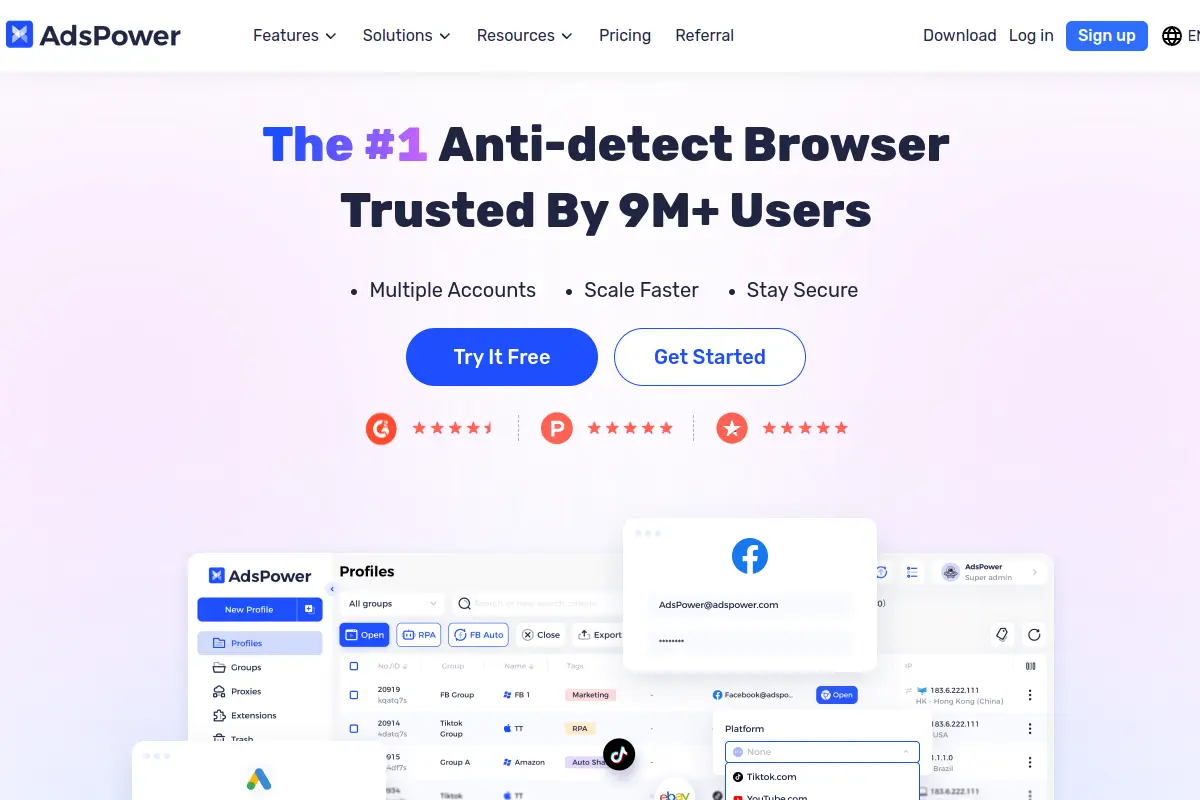
Why it works: Advanced management for thousands of browser profiles
AdsPower handles massive operations. It offers two distinct anti-detect cores (Chromium and Firefox) to pass strict platform checks. Agencies manage multiple Google Ads accounts safely using its multitiered permission settings and detailed action logs. This level of internal oversight mitigates the risk of rogue employees compromising campaigns. It also features a flexible no-code RPA robot for broad automation.
Key limits: Interface can feel cluttered for beginners
The sheer volume of features and settings creates a steep learning curve. New staff members will require structured training before they can navigate the dashboard efficiently.
Pricing: Flexible tiers including a basic free plan
A free plan allows 2 profiles. Professional tiers start at $9 per month for 10 profiles and scale precisely based on the volume of profiles your team requires.
Multilogin: For teams that prioritize long-term account safety
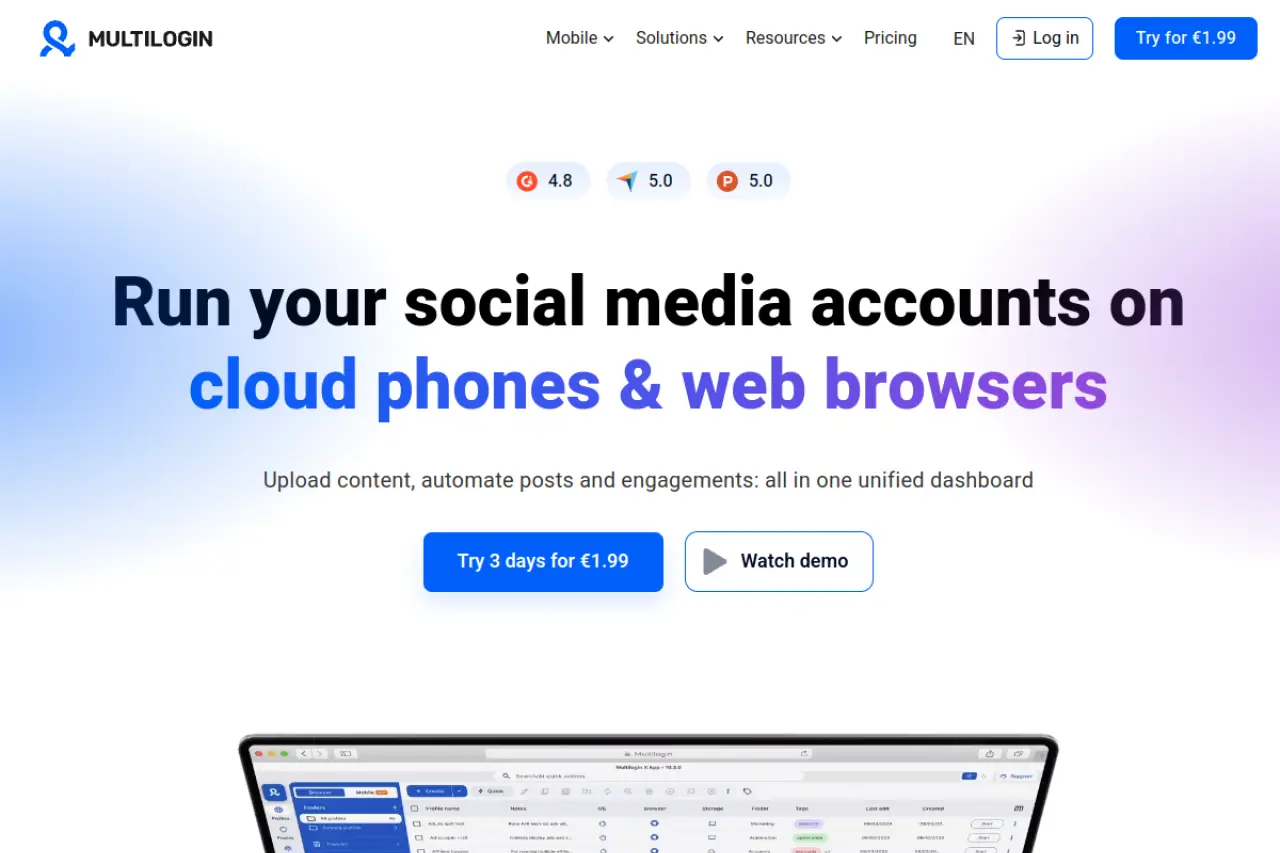
Why it works: Stability for expensive ad accounts
Multilogin replaces hardware parameters instead of merely masking them. It deploys custom Mimic and Stealthfox engines to offer maximum stability for high-value ad accounts. It also integrates premium residential proxy traffic pools directly into the platform, ensuring your network connections remain untainted.
Key limits: Significantly more expensive than most other options
The operating cost is a major barrier for smaller agencies. You pay a high premium for the brand's established reputation and core infrastructure.
Pricing: Premium subscription model aimed at professional businesses
There is no permanent free tier. Professional plans begin at €49 per month for 50 profiles and scale up to €159 per month for 300 profiles.
GoLogin: For users who need cloud access on the go
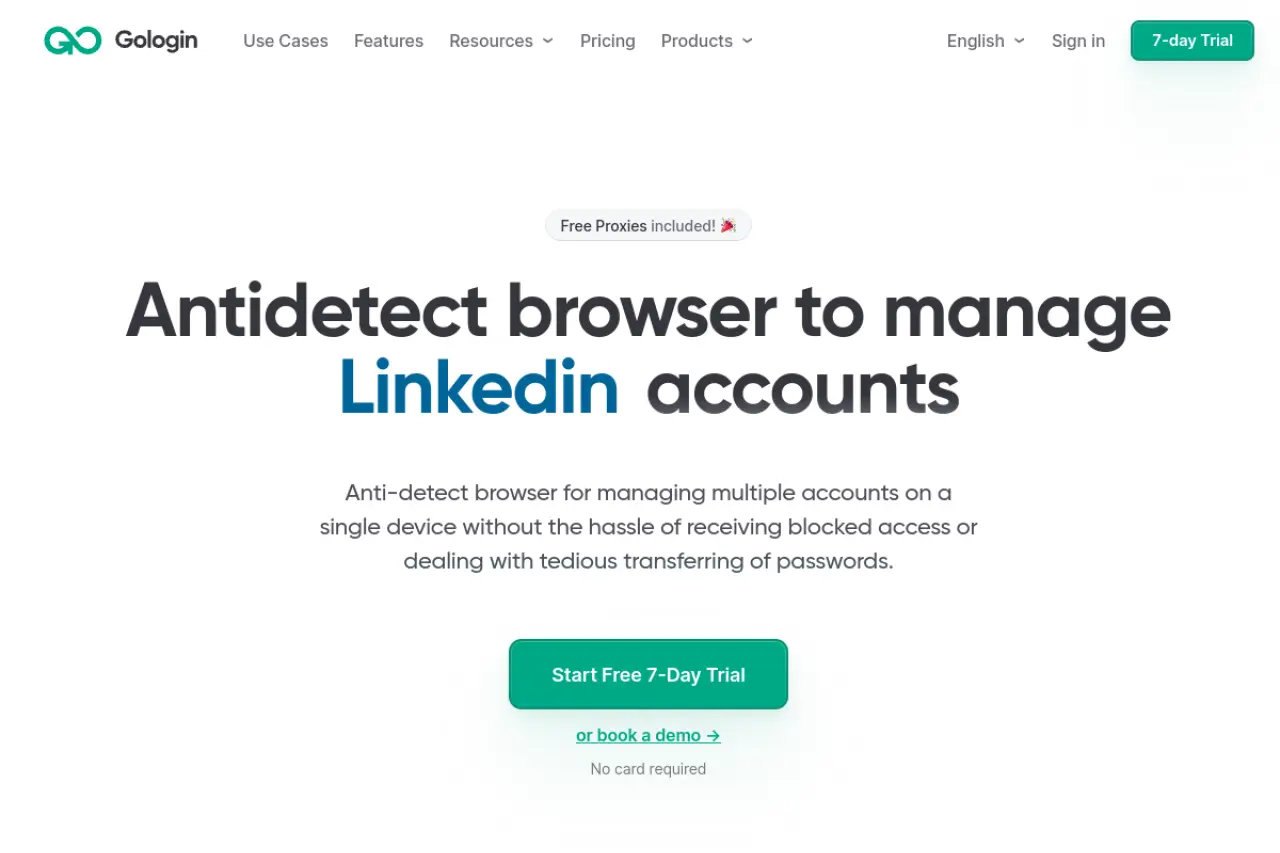
Why it works: Launch profiles directly from the web without an app
GoLogin provides operational flexibility. It enables web-based cloud launches, meaning you do not need to install local desktop software to access your secure profiles. This proves highly valuable for remote teams or managers traveling without their primary work devices. The platform also offers built-in free proxy servers to help launch campaigns immediately.
Key limits: Basic automation features compared to RPA-heavy tools
While it handles cloud access, its internal automation tools lack the deep visual, no-code capabilities found in competing platforms.
Pricing: Competitive monthly rates with built-in free proxies
Professional plans start at $9 per month for 10 profiles. Larger business operations can secure 300 profiles for $119 per month.
Dolphin Anty: For media buyers on TikTok and Facebook
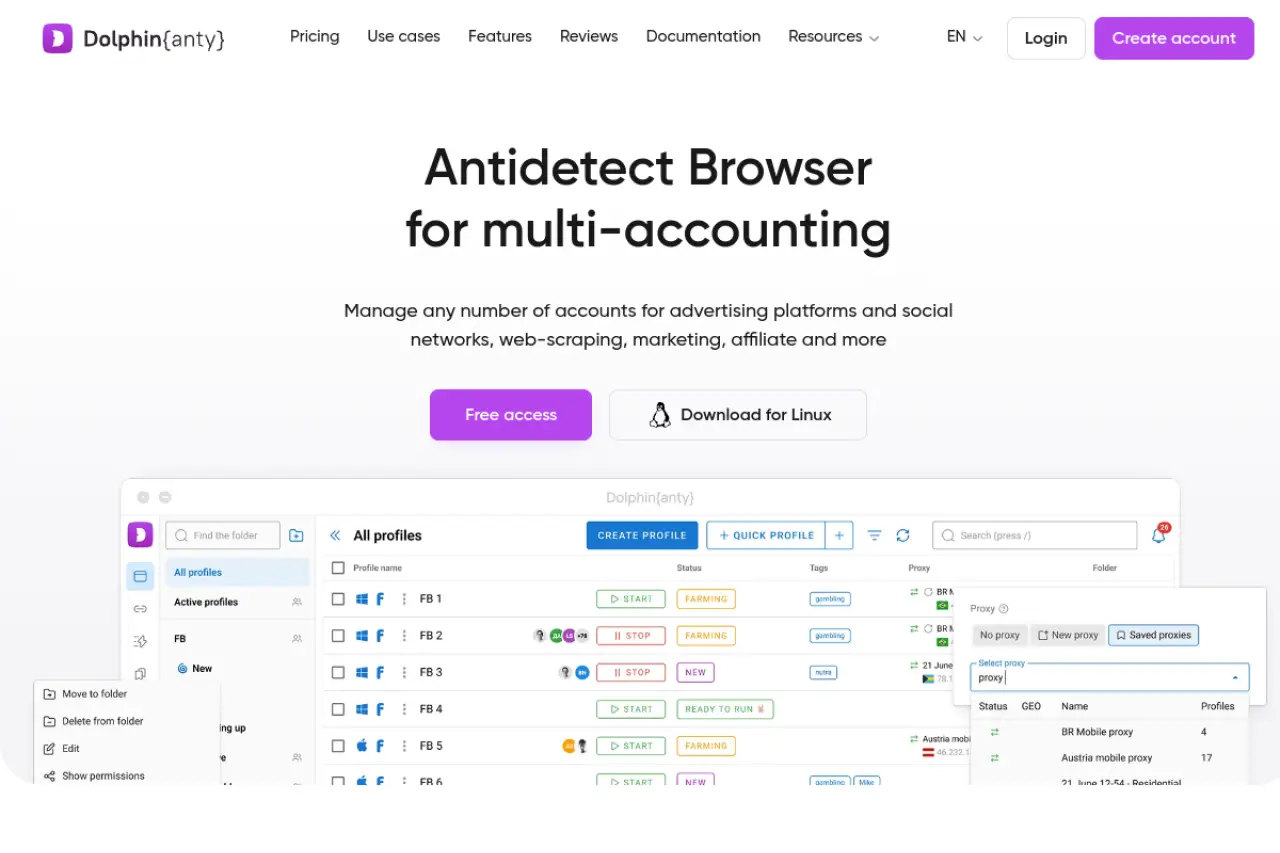
Why it works: Special tools designed specifically for social media ads
For Facebook Ads multi-accounting, Dolphin Anty features an optimized visual scenario builder for routine task automation. The platform includes specialized bulk operation tools tailored directly to media buyers, allowing rapid status tracking and tag-based workflows.
Key limits: Occasional performance slowdowns during high traffic
Some enterprise users report minor software lag when managing hundreds of profiles simultaneously or executing bulk proxy validations.
Pricing: Popular free tier for up to 10 profiles
They offer a dependable free plan covering 5 profiles. Paid options start at $10 per month for 20 profiles, scaling to $89 per month for 100 profiles.
Octo Browser: For fast setups and crypto airdrop farming
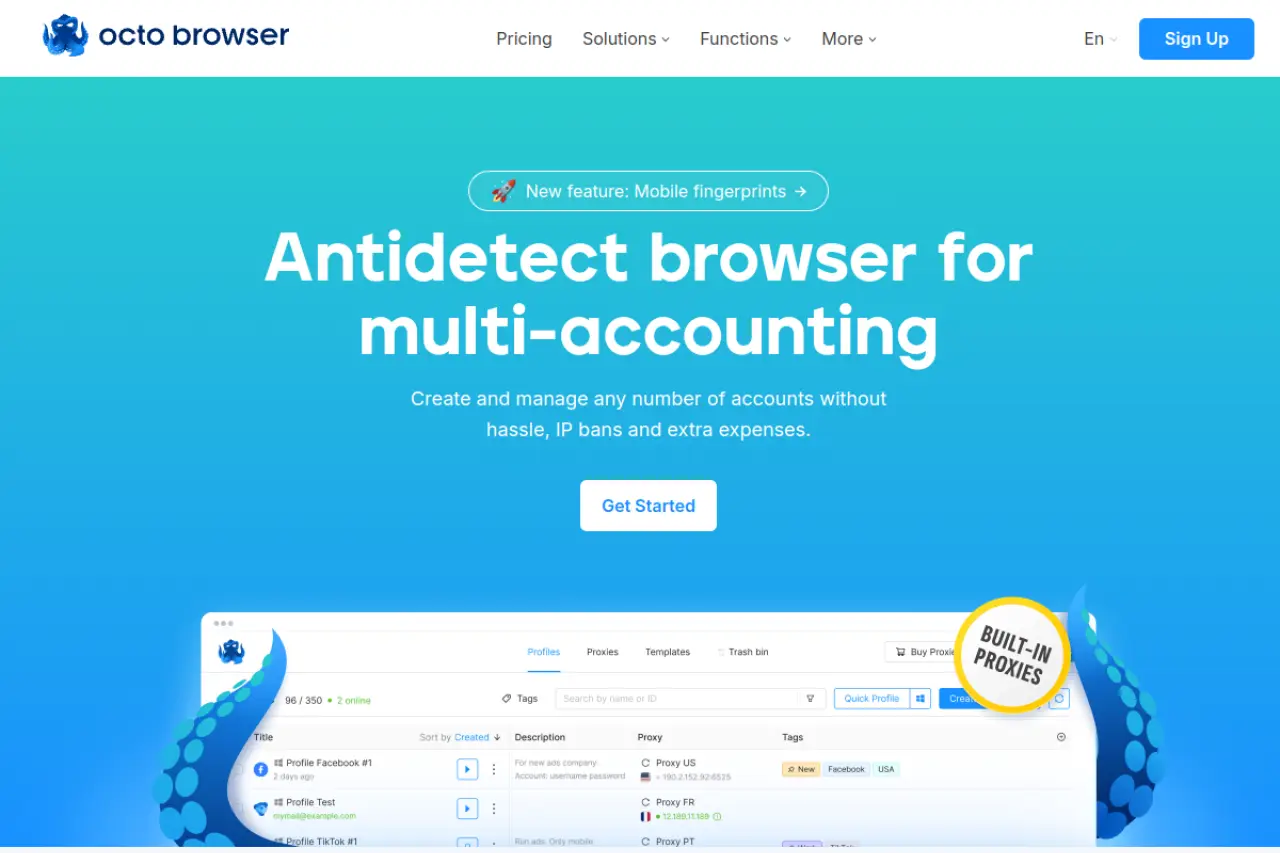
Why it works: Extremely fast profile creation and clean identity scores
Octo Browser passes rigorous security checks like Pixelscan and Whoer. It utilizes deep Chromium-based kernel spoofing to secure your digital footprint. The setup process is remarkably fast, featuring an integrated proxy shop directly within the core application. For teams scaling crypto or e-commerce operations, the built-in Cookie Robot streamlines the critical profile warm-up phase.
Key limits: Lacks deep no-code automation for non-tech users
While it supports complex API workflows, it does not offer an intuitive visual RPA builder for staff members operating without coding experience.
Pricing: Tiered model based on the number of active profiles
Entry plans start at €10 per month for 3 profiles. The Base tier costs €79 per month for 100 profiles, scaling logically for larger enterprise deployments.
Incogniton: The choice with a generous free plan
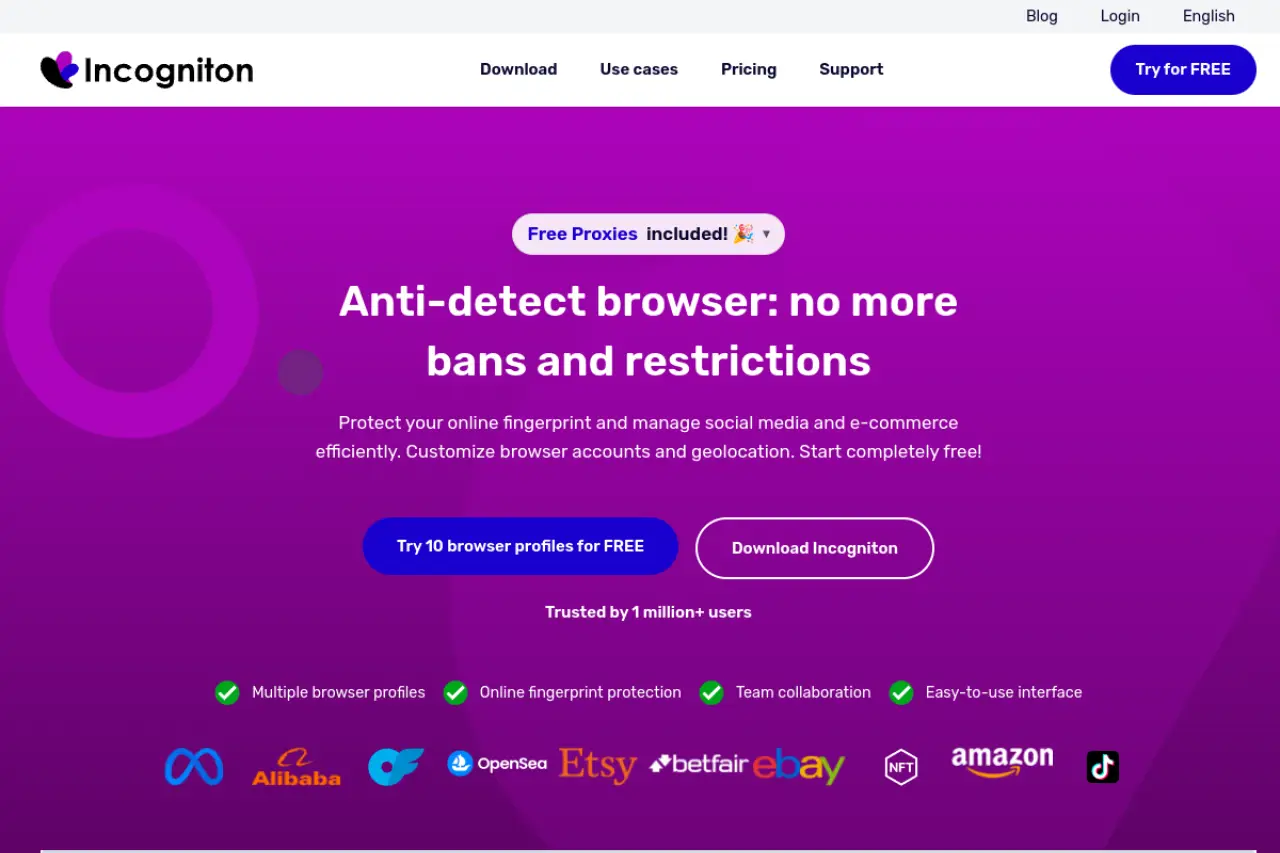
Why it works: Simple interface and features like human-typing simulation
Incogniton provides solid baseline security for structured team management. It features a Cookie Collector for automatic profile warm-up and a Paste as Human Typing tool designed to evade advanced behavioral bot detection. The shared workspaces and folder assignments make it very simple for management to delegate specific operational tasks securely.
Key limits: Slower feature rollout compared to top competitors
The platform's core technology updates slightly slower than some innovators in the space. This presents a minor risk as platform detection algorithms evolve.
Pricing: Great starter plan for those testing the waters
It offers a generous initial free plan granting 10 profiles for two months. Professional paid plans cost $79.99 per month for 150 profiles.
Comparing Vision Browser against its biggest competitors
After reviewing independent solutions like DICloak, it is time to map out the broader market. When you transition away from Vision Browser, you need a clear view of how the top platforms stack up against each other. The right business infrastructure requires balancing operational cost, automation power, and deployment speed. We evaluated the top 7 multi-accounting tools to help your team scale safely.
A side-by-side analysis cuts through the marketing noise. Below is a structured comparison of the leading Vision Browser competitors available in 2026.
| Product |
Base Paid Plan |
Target Use Case |
Automation Setup |
| DICloak |
$8/mo (20 profiles) |
Social Media & Agencies |
Built-in Visual RPA |
| Multilogin |
€9/mo (10 profiles) |
Enterprise E-Commerce |
API-first (Selenium) |
| GoLogin |
$9/mo (10 profiles) |
QA & Affiliate Marketing |
API & Synchronizer |
| AdsPower |
$9/mo (10 profiles) |
Ad Agencies |
No-code RPA Robot |
| Dolphin Anty |
$10/mo (20 profiles) |
Media Buying |
Visual Scenario Builder |
| Incogniton |
$19.99/mo (10 profiles) |
Web Scraping |
API & Action Sync |
| Octo Browser |
€10/mo (3 profiles) |
Crypto & Affiliate |
API & CDP Integration |
Scaling operations requires predictable costs. If you need maximum profiles without breaking your budget, DICloak stands out. At just $8 per month for 20 profiles, it delivers aggressive value for growing teams.
What to expect from the pricing of Vision Browser alternatives
While speed and automation drive daily efficiency, your underlying budget dictates long-term sustainability. Moving away from Vision Browser means navigating a complex pricing landscape. Multi-accounting software pricing goes far beyond flat monthly fees. You are investing in secure business infrastructure, so understanding the exact cost structure is critical to protecting your overall return on investment.
How to budget for your multi-accounting software
Budgeting for anti-detect tools requires looking past the initial marketing price tag. You must evaluate your current team size, your expected profile scaling, and the actual level of security required to keep your business online.
Why the 'cheapest' option might cost you more in banned accounts
Low pricing tiers often rely on outdated fingerprinting technology. If you choose a bottom-tier provider simply to save money, you dramatically increase your risk of platform detection.
Platforms like DICloak provide an great balance, offering strong baseline security starting at $8 per month for 20 profiles. However, relying on completely free tools for revenue-generating business assets is a dangerous operational risk. You must pay for reliable infrastructure to secure your income streams.
Understanding the difference between profile limits and user seats
Software costs scale in two distinct directions: the total number of browser profiles you need, and the number of team members who need access. Many alternatives advertise high profile limits but charge steep penalties for adding user seats. If you manage a large team of media buyers or assistants, evaluate the true cost of collaboration. DICloak provides structured plans tailored for high-volume team sharing, whereas enterprise legacy tools often lock multi-user access behind expensive premium tiers. Always calculate your monthly software cost based on active staff requirements, not just profile capacity.
Hidden costs like high-quality residential proxies
The anti-detect browser is only half of your security equation. To successfully isolate accounts, every single profile requires a unique, clean IP address. Multi-accounting platforms rarely include reliable proxies in their standard subscription price. You must independently purchase premium residential or mobile proxies to pair with your profiles. These external connection services will frequently equal or exceed your browser subscription cost. You must factor these network expenses into your total operational budget before committing to a platform.
How team collaboration works in these Vision Browser alternatives
Budgeting for external proxies is just one part of scaling your operations. The real test of your multi-accounting software is how well it handles your growing team. When you switch from Vision Browser, you need tools that let multiple people work together securely. Business scaling requires delegation because you cannot manage hundreds of accounts alone. Modern alternatives offer structured workspaces that protect your business assets while keeping daily operations smooth.
Managing account access without sharing passwords
Sharing login credentials via spreadsheets is a massive security risk. It invites internal theft and triggers suspicious login alerts from advertising platforms. Advanced stealth browsers solve this problem by storing active session data directly within the profile itself.
DICloak handles this exceptionally well. It allows password-free account sharing among your team members. Your media buyers simply launch the browser profile and are instantly logged into the platform. They never see the actual account password. This secures your valuable business assets from both internal leaks and external platform bans.
Setting up roles for assistants and team members
Giving everyone full admin access is dangerous. You must control who can see, edit, or delete your assets. Top-tier platforms let you assign specific roles to different users. For example, DICloak provides convenient group authorization features, making it easy to allocate secure access rapidly as your agency grows.
How to safely transfer profiles between different users
Employee turnover happens. When team members change, you must move profiles without triggering security flags. High-quality alternatives use cloud synchronization and deep hardware fingerprint masking to keep identities consistent. If an account manager in London transfers a profile to a buyer in New York, the target website still reads the exact same virtual device. The software isolates the session and prevents any data leaks during the handover.
Keeping track of work logs to prevent account overlaps
Two people opening the same ad account simultaneously almost always results in an instant ban. You need clear visibility into your team's daily actions.
Tools like DICloak include detailed activity logs and profile tagging. You can instantly see who launched a profile and exactly when they closed it. This reduces the risk that costly account overlaps and enforces accountability across your entire workforce.
Common questions about switching to Vision Browser alternatives
Now that your team collaboration and logging systems are set, you likely have a few final operational concerns. Changing your business infrastructure is a major decision. Business owners often ask the same critical questions before moving their data away from their current setup. Here are the most common questions about switching to Vision Browser alternatives, answered directly so you can make a profitable choice.
What is the most affordable Vision Browser alternative for small teams?
Cost matters when scaling operations. For small teams needing powerful multi-accounting tools on a budget, DICloak is the standout choice. Its base plan starts at just $8 per month for 20 profiles. This gives you enterprise-level security without the heavy price tag. And DICloak includes built-in automation to handle daily tasks, saving both money and labor hours.
Can I find a free Vision Browser alternative that actually works?
Yes, but you must evaluate the limits. Most platforms offer a freemium model to let you test their software. DICloak provides completely free plans for up to five profiles. The free tier uses the same secure browser engines as their paid versions. They are perfect for testing compatibility, but you will need a paid plan to run a scaling agency.
How do these Vision Browser alternatives prevent accounts from being banned?
They protect your business assets by controlling your browser fingerprint. A fingerprint is the unique data your device sends to websites, like your screen size, graphics card, and operating system. Standard browsers share all this data, linking your accounts together. Top alternatives replace these details with authentic, secure custom parameters. This process isolates every session. When you log into fifty different accounts, advertising platforms see fifty completely different, legitimate users.
Is it easy to move my profile data to a new Vision Browser alternative?
Migrating your business operations is simpler than you might expect. You do not have to manually recreate every account. Most top-tier platforms allow you to mass-import your existing proxy lists and cookies using standard spreadsheet files. You simply export your session data from your current tool, format it, and upload it to the new platform. Your accounts stay active, and your team can resume work immediately without triggering suspicious login alerts.
 Web Proxy Tools
 Free Tools
 Cookie Plugin
 UA Generator
 MAC Address Generator
 IP Generator
 IP Address List
 2FA Code Generator
 World Clock
 Anonymous Check
 WebRTC Leak Test
 UUID Generator
 Free Web Proxy Site
 Proxy Checker
 FB Ad Checker
 AI Web Scraping
 Free SMM Tools
 Twitter Shadowban Checker
 Instagram Name Checker
 UTM Generator
 Username Generator
 AI Hashtag Generator
 LinkedIn Headline Generator
 Social Media Image Resizer