Why Traditional Methods Fail Without Antidetect Browsers for Anonymous Browsing
In 2026, relying on a simple VPN or "Incognito Mode" to run a business is a guaranteed way to fail. Platforms like Facebook, Google, and Amazon have evolved. They no longer just check your IP address. They analyze your entire digital identity. If you manage multiple accounts, your biggest risk is account linkage.
This happens when a platform realizes two different accounts are actually run by the same person. Once linked, if one account gets banned, they all get banned. This is why you need professional Antidetect Browsers for Anonymous Browsing. They are the only tools that can truly separate your business assets.
The Death of Simple Anonymity in 2026
Years ago, you could switch accounts just by clearing your cookies or opening a private window. That does not work today. Modern websites use browser fingerprinting to identify you. This technology looks at your computer's hardware, screen resolution, fonts, and even your battery level to create a unique ID.
A standard VPN only hides your location. It does not hide your specific device. To a website, you look like the same person just wearing different clothes. You need a specialized browser fingerprint spoofing tool 2026 capable of altering your device's core identity. Without this, your "private" windows are completely visible to security algorithms. Even if you change your IP, your hardware fingerprint remains the same, leading to immediate detection.
Behavioral Biometrics: How Platforms Track Your Mouse and Typing
Platforms now track how you act, not just who you are. This is called Behavioral Biometrics. Advanced AI systems record your mouse movements, typing speed, and click patterns to verify you are human.
If you use a basic automation bot or copy-paste text the exact same way across 50 accounts, the system flags you. Real humans have natural variations in how they move a mouse. High-end tools now include features to randomize this data. They make your digital actions look human and unique for every profile. This prevents the platform from linking your accounts based on your physical habits.
The High Cost of Account Linkage for Businesses
For an agency or affiliate team, account linkage is a financial disaster. Imagine you have 20 ad accounts running profitably. One account gets flagged for a minor policy violation. Because you logged into all of them from the same standard browser, the platform's AI links them together.
Suddenly, you lose all 20 accounts instantly. Your revenue drops to zero overnight. This is the "chain ban" effect. The only way to stop this is strict isolation. Each account must exist in its own separate digital container, completely unaware of the others. This protects your bottom line and ensures that one mistake does not destroy your entire operation.
How a Browser Fingerprint Spoofing Tool 2026 Restores Trust
To stop account linkage, you need more than a simple proxy. You need a dedicated browser fingerprint spoofing tool 2026. These tools do not just hide who you are. They build a completely new, trusted digital identity for each of your business accounts.
In the past, security meant hiding. In 2026, security means blending in. By using Antidetect Browsers for Anonymous Browsing, you replace your real device data with a generic, non-suspicious profile that platforms trust. This allows you to operate at scale without fear of immediate detection.
Virtual Profile Isolation: Creating Digital Silos
The core technology that protects your business is profile isolation. Think of this like having 50 distinct physical laptops sitting on one desk.
Standard browsers leak data between tabs. If you log into two Facebook accounts in a regular Chrome window, they share "Local Storage." This links them instantly. Even "Incognito Mode" does not fully separate this data.
A professional tool creates a Digital Silo for every account. Each profile acts as a self-contained container. It has its own separate cookie jar, cache, and local database. When you open Profile A, it cannot see or touch the data in Profile B. This strict separation ensures that a ban on one account never spreads to your other assets.
Kernel-Level Spoofing vs. Extension-Based Masking
Many beginners try to use free browser extensions to change their identity. This is dangerous for business operations.
Extensions only change surface-level data, like your User-Agent string. They act like a cheap mask. Advanced detection scripts can easily look behind the mask to see your real hardware. This mismatch—where your header says "iPhone" but your screen resolution says "Desktop"—creates a "Red Flag."
Enterprise-grade tools use Kernel-Level Spoofing. They modify the actual code of the browser engine (usually based on Chromium). When a website asks for your Canvas Fingerprint or AudioContext, the browser generates a consistent, fake response from the core. The website sees a genuine, valid device, not a spoofed one.
Cloud Synchronization: Managing History and Cookies Across Teams
Security often fails when you hand off accounts to your team. Sending a username and password to a remote employee usually triggers a "New Device Login" verification (2FA). This slows down your workflow and risks locking the account.
Modern tools solve this with Cloud Synchronization. The software saves the entire browser session—including active cookies, history, and open tabs—to a secure cloud server.
When your employee opens the profile on their computer, they resume the session exactly where you left off. The website sees the same cookies and digital fingerprint. It believes it is the exact same device, just reconnecting. This allows you to scale your team operations without triggering security algorithms or constantly needing 2FA codes.
11 Elite Antidetect Browsers for Anonymous Browsing: In-Depth 2026 Reviews
Selecting the right infrastructure is the most critical decision for your security. You need a platform that handles Antidetect Browsers for Anonymous Browsing without slowing down your team. We tested the top tools available in 2026. We focused on stability, automation, and how well they prevent account bans.
Below is a quick comparison of the top 11 contenders, followed by deep-dive software reviews.
| Browser |
Best For |
Starting Price |
Free Plan? |
| DICloak |
Overall Best & RPA Automation |
$8/mo |
Yes |
| Multilogin |
Enterprise Teams |
€9/mo |
No |
| GoLogin |
Cloud Flexibility |
$49/mo |
No |
| AdsPower |
E-commerce Management |
$9/mo |
Yes |
| Dolphin Anty |
Ad Arbitrage |
$10/mo |
Yes |
| Incogniton |
Budget Teams |
$19.99/mo |
Yes |
| Hidemyacc |
Account Farming |
$10/mo |
No |
| ixBrowser |
High Volume Creation |
$3.99/mo |
Yes |
| Kameleo |
Mobile Emulation |
€59/mo |
Yes (Limited) |
| Ghost Browser |
Productivity |
$21/mo |
Yes |
| Nstbrowser |
Web Scraping |
$29.9/mo |
Yes |
DICloak: Mastery of Fingerprint Customization and RPA
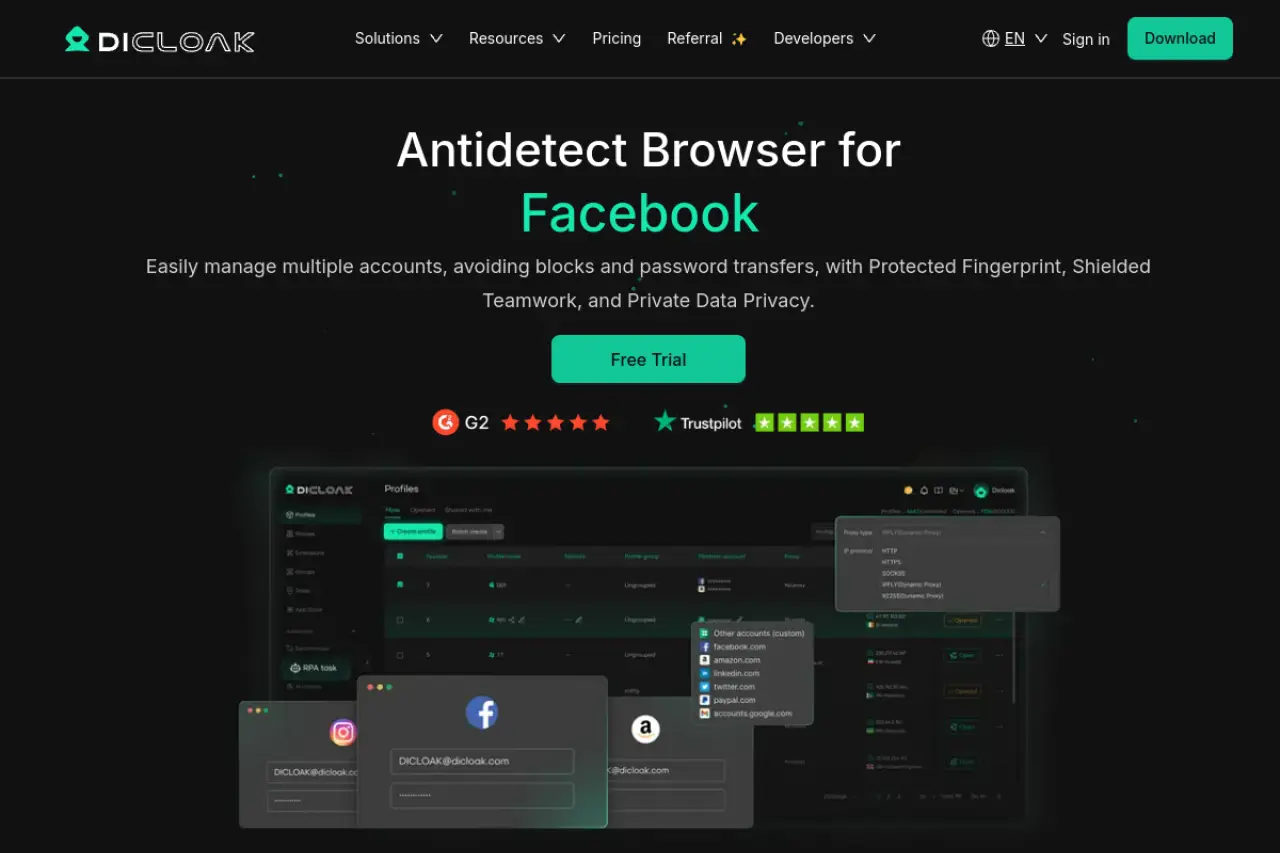
DICloak is our top recommendation for businesses that need to scale safely. It is more than just a privacy tool. It is a complete workspace for managing hundreds of accounts. Its standout feature is the built-in RPA (Robotic Process Automation). This allows you to program "bots" to warm up accounts, browse websites, and interact with content automatically. You do not need to know how to code to use it.
The browser offers deep control over your digital identity. You can customize every part of your fingerprint, from fonts to WebGL data. This makes it the premier browser fingerprint spoofing tool 2026 for serious marketers. For teams, the "Window Synchronizer" is a game-changer. It lets you control multiple open windows at once by performing actions in just one main window.
Key Features:
- No-Code RPA Automation: Build bots to handle repetitive tasks like liking posts or scrolling news feeds.
- Deep Fingerprint Control: Adjusts AudioContext, Canvas, and WebRTC to look like a real user.
- Team Collaboration: Share profiles securely without revealing passwords.
- Proxy Support: Works with HTTP, HTTPS, and SOCKS5 proxies.
Price:
- Free: $0/month (5 profiles).
- Base: $8/month (Basic team features).
- Plus: $28.8/month (Includes RPA bots and Synchronizer).
- Share+: $138/month (Unlimited team seats).
Pros:
- Excellent built-in automation tools.
- Very affordable entry price.
- Strong team synchronization features.
Cons:
- Advanced RPA features require the "Plus" plan.
Verdict: DICloak delivers the best value for money. It combines enterprise-grade security with automation tools that usually cost thousands of dollars. It is the smart choice for growing agencies.
Multilogin: The Premium Standard for Enterprise Operations
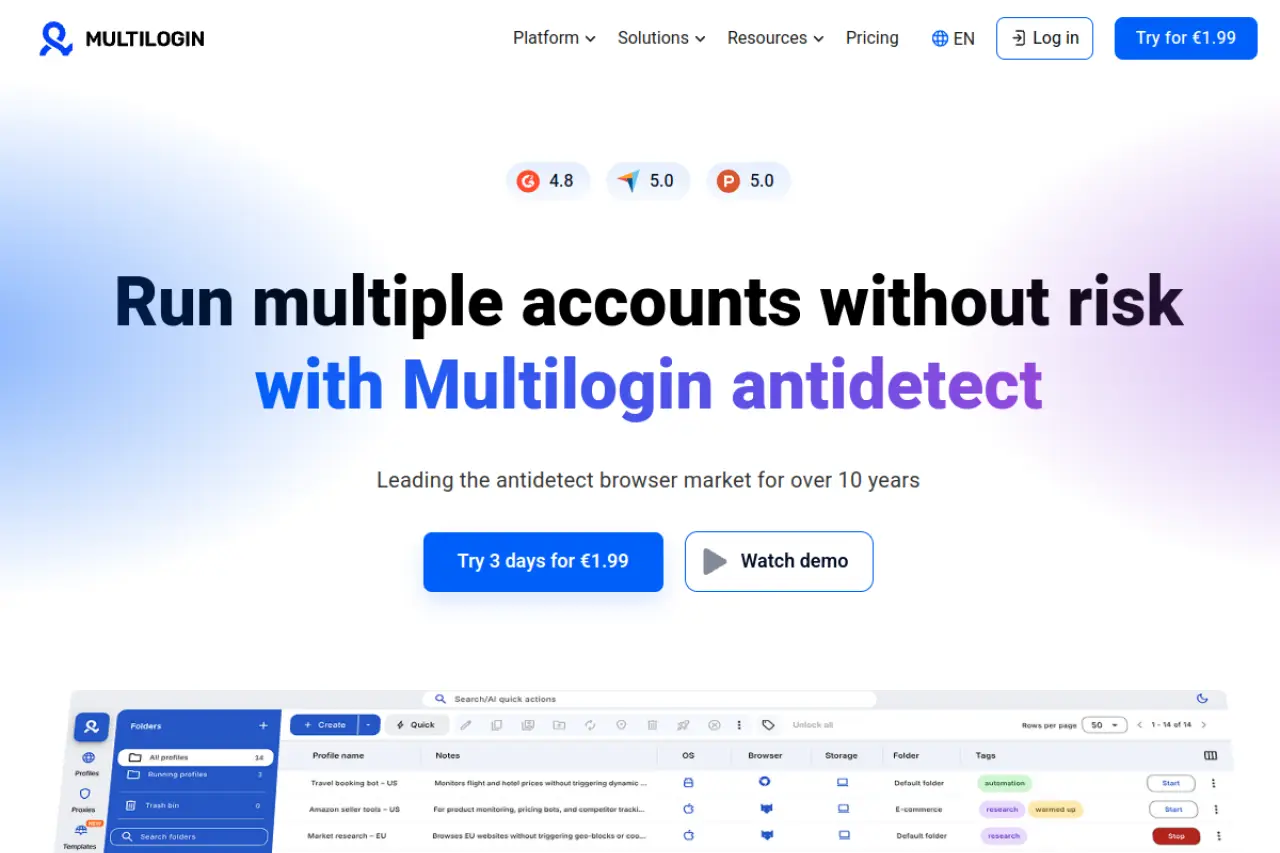
Multilogin is often called the grandfather of the antidetect industry. It is built for stability and high-stakes operations. If you manage accounts with high balances, this tool offers peace of mind. It uses two custom privacy engines: Mimic (based on Chrome) and Stealthfox (based on Firefox). These engines replace the original browser core to prevent data leaks.
Multilogin focuses heavily on preventing browser fingerprinting. It does not just mask your data; it generates a completely native, valid fingerprint. This reduces the chance of "Suspicious Activity" flags on platforms like Facebook or Google Ads.
Key Features:
- Dual Privacy Engines: Choose between Mimic or Stealthfox.
- Native Automation: Supports Selenium, Puppeteer, and Playwright.
- Residential Proxy Traffic: Some plans include high-quality proxy data.
Price:
- Pro 10: €9/month (10 profiles).
- Pro 50: €49/month (50 profiles + 3GB proxy traffic).
- Business: €159/month (300 profiles + unlimited seats).
Pros:
- Highly trusted in the industry.
- Includes residential proxy traffic in plans.
- Very stable for large teams.
Cons:
- Higher cost compared to competitors.
- No free plan (only a paid trial).
Verdict: If budget is not an issue and reliability is your only metric, Multilogin is a strong contender. It is best suited for established enterprises.
GoLogin: Versatile User Experience for All Skill Levels
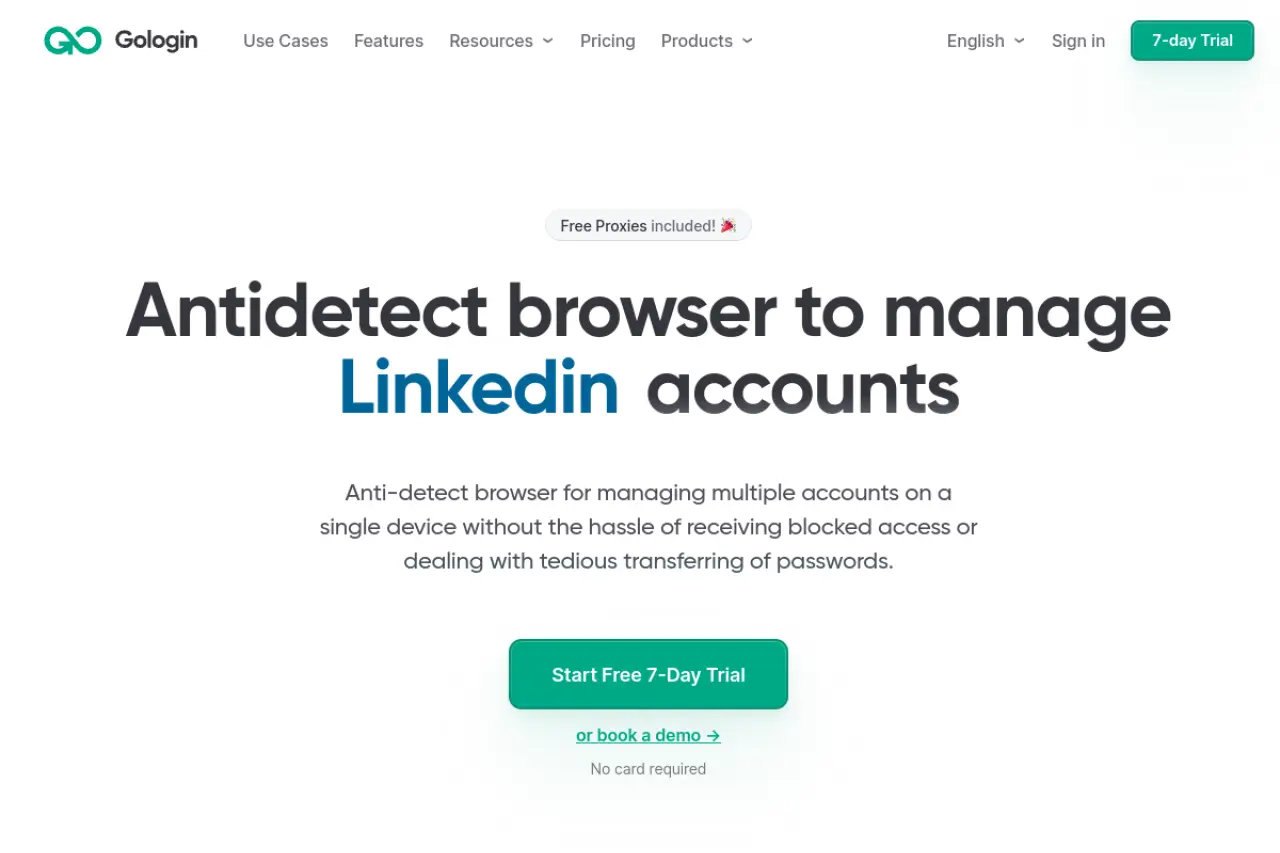
GoLogin makes anonymity accessible. It is famous for its ease of use. You can launch a secure profile with one click. A unique feature is its cloud-based launch capability. You can run the browser in the cloud and view it on any device, even an old tablet. This is perfect for managers who need to check account status while traveling.
The tool includes free proxies, which is great for testing. However, for serious business use, we recommend connecting your own residential IPs. The interface is clean and modern, making it easy to onboard new employees who are not technical experts.
Key Features:
- Cloud Launch: Run profiles on remote servers.
- Android App: Manage profiles from your phone.
- Free Proxies: Includes basic proxy traffic for simple tasks.
Price:
- Professional: $49/month (50 profiles).
- Business: $119/month (300 profiles).
- Enterprise: $199/month (1,000 profiles).
Pros:
- User-friendly interface.
- Mobile app support is unique.
- Good cloud infrastructure.
Cons:
- Free proxies are often too slow for heavy ad farming.
Verdict: GoLogin is excellent for remote teams and digital nomads. It offers flexibility that other desktop-only tools cannot match.
AdsPower: Specialized E-commerce and Social Media Management
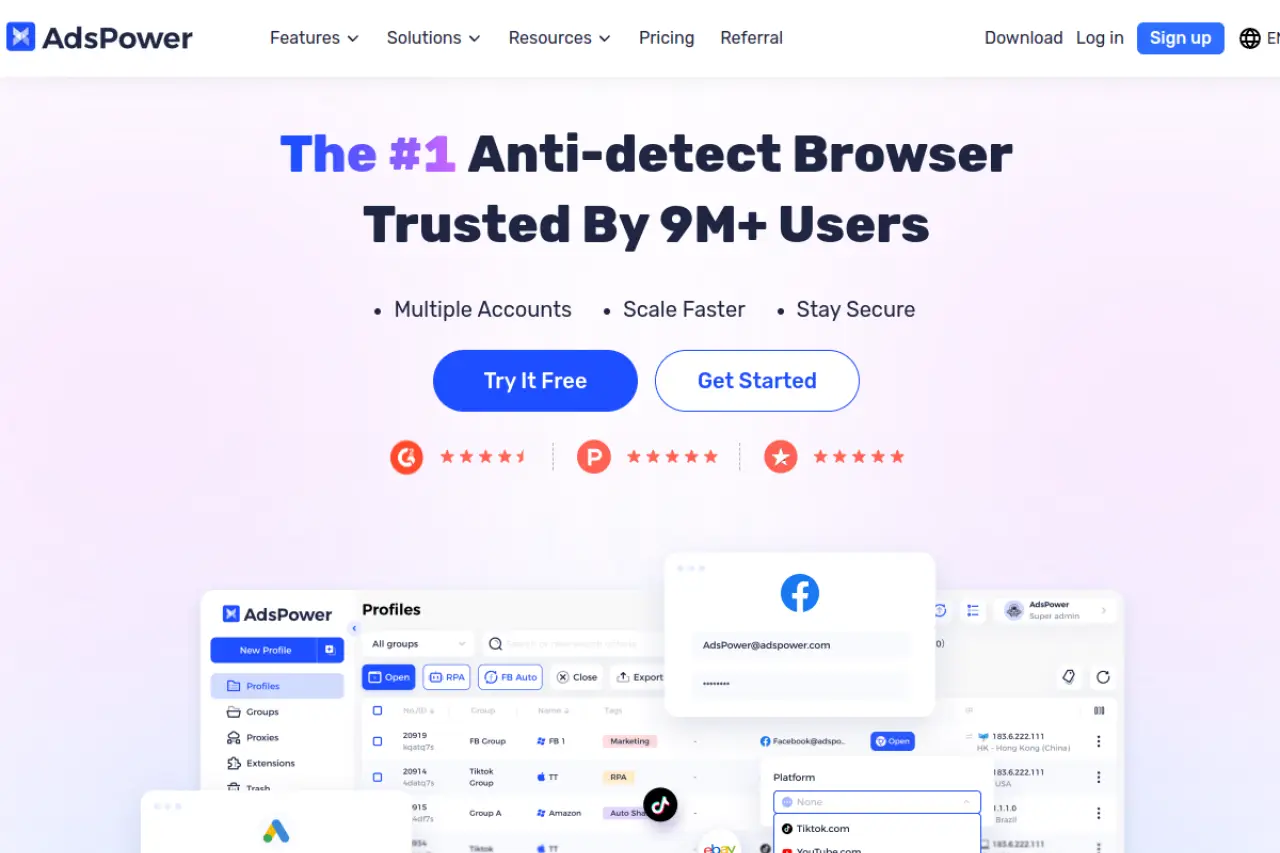
AdsPower dominates the e-commerce sector. If you run stores on Amazon, eBay, or Shopify, this tool is designed for you. It has specific features to stop accounts from being linked by payment or shipping data. It also excels at social media management.
The software includes a "Synchronizer" feature. This allows you to type in one window and have the text appear in ten other windows instantly. This is vital for mass messaging or posting updates across multiple accounts at the same time.
Key Features:
- RPA Robot: Automates social media tasks like "warm-up".
- Window Sync: Controls multiple windows simultaneously.
- Local API: strong support for custom integrations.
Price:
- Free: $0/month (2 profiles).
- Professional: $9/month (10 profiles).
- Business: $61/month (200 profiles).
Pros:
- Very strong automation features.
- Cost-effective for small teams.
- Great performance for social media apps.
Cons:
- Interface can feel cluttered with too many options.
Verdict: AdsPower is the best specific tool for e-commerce sellers and social media agencies. Its synchronization tools save hours of manual work every day.
Dolphin Anty: The Choice for High-Volume Traffic Arbitrage
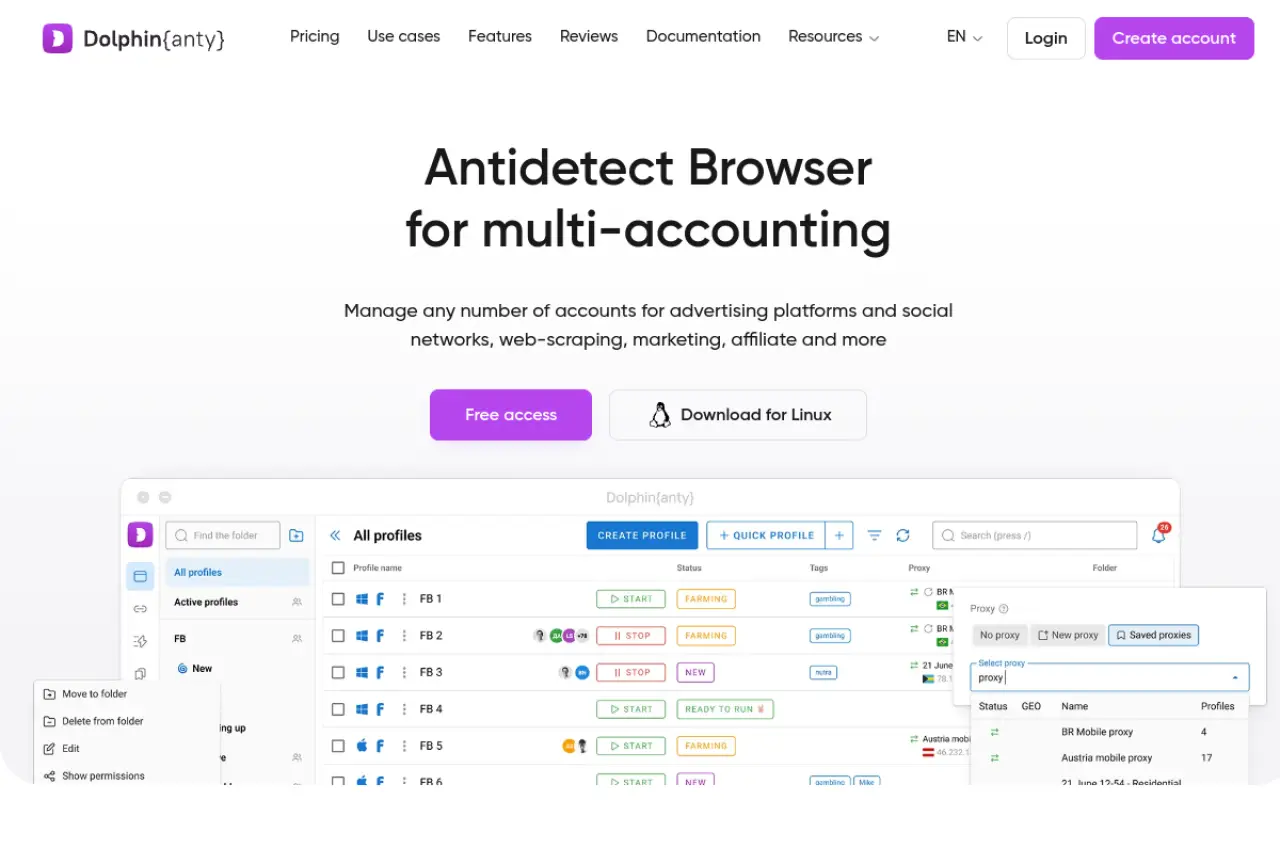
Dolphin Anty was built by affiliate marketers for affiliate marketers. It is optimized for speed and high-volume traffic. If you are running hundreds of Facebook Ad accounts, this is a top choice. The interface allows you to tag, group, and manage profiles very quickly.
It includes a built-in "Cookie Robot." You can feed it a list of URLs, and it will visit them to build up a browsing history. This makes your accounts look active and trusted before you even launch a campaign.
Key Features:
- Real Fingerprints: Uses data from real users to blend in.
- Cookie Robot: Automates the history-building process.
- Facebook Automation: Specialized tools for ad managers.
Price:
- Free: $0/month (10 profiles).
- Starter: $10/month (20 profiles).
- Base: $89/month (100 profiles).
- Team: $159/month (300 profiles).
Pros:
- Designed specifically for media buyers.
- Fast and lightweight interface.
- Generous free plan.
Cons:
- Support can sometimes be slow during peak hours.
Verdict: For traffic arbitrage and ad farming, Dolphin Anty is a powerhouse. It streamlines the chaotic process of managing ad campaigns.
Incogniton: Bridging the Gap Between Privacy and Teamwork
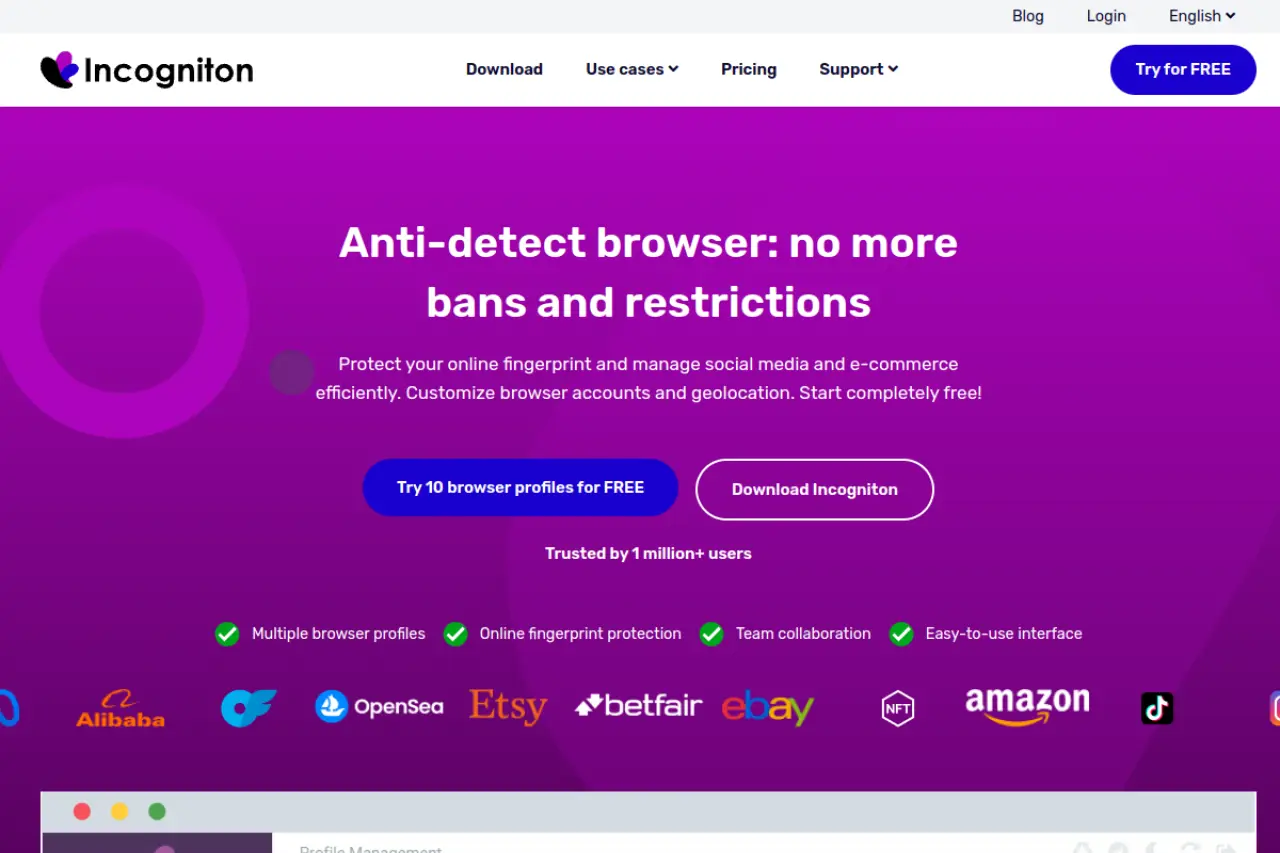
Incogniton offers a balance of power and affordability. It is widely used by smaller agencies that need to move beyond basic tools. It supports both Selenium and Puppeteer automation, making it easy to integrate with other business software.
One of its strengths is the "Paste as Human" typing simulation. When you paste a password or text, the browser simulates keystrokes. This prevents detection systems from seeing that you copied and pasted data, which is a common bot behavior.
Key Features:
- Team Seats: Cheap plans include multiple user logins.
- Paste as Human: Mimics natural typing speeds.
- Cookie Collector: Automatically gathers cookies to warm profiles.
Price:
- Starter: Free (10 profiles).
- Starter Plus: $19.99/month (10 profiles + API).
- Entrepreneur: $29.99/month (50 profiles).
- Professional: $79.99/month (150 profiles).
Pros:
- Very affordable for the feature set.
- Good API support for developers.
- Reliable cookie management.
Cons:
- The user interface is less modern than competitors.
Verdict: Incogniton is the best budget-friendly option for teams. You get premium features like API access and automation without the high enterprise price tag.
Hidemyacc: Advanced Protection for Sensitive Multi-Accounting
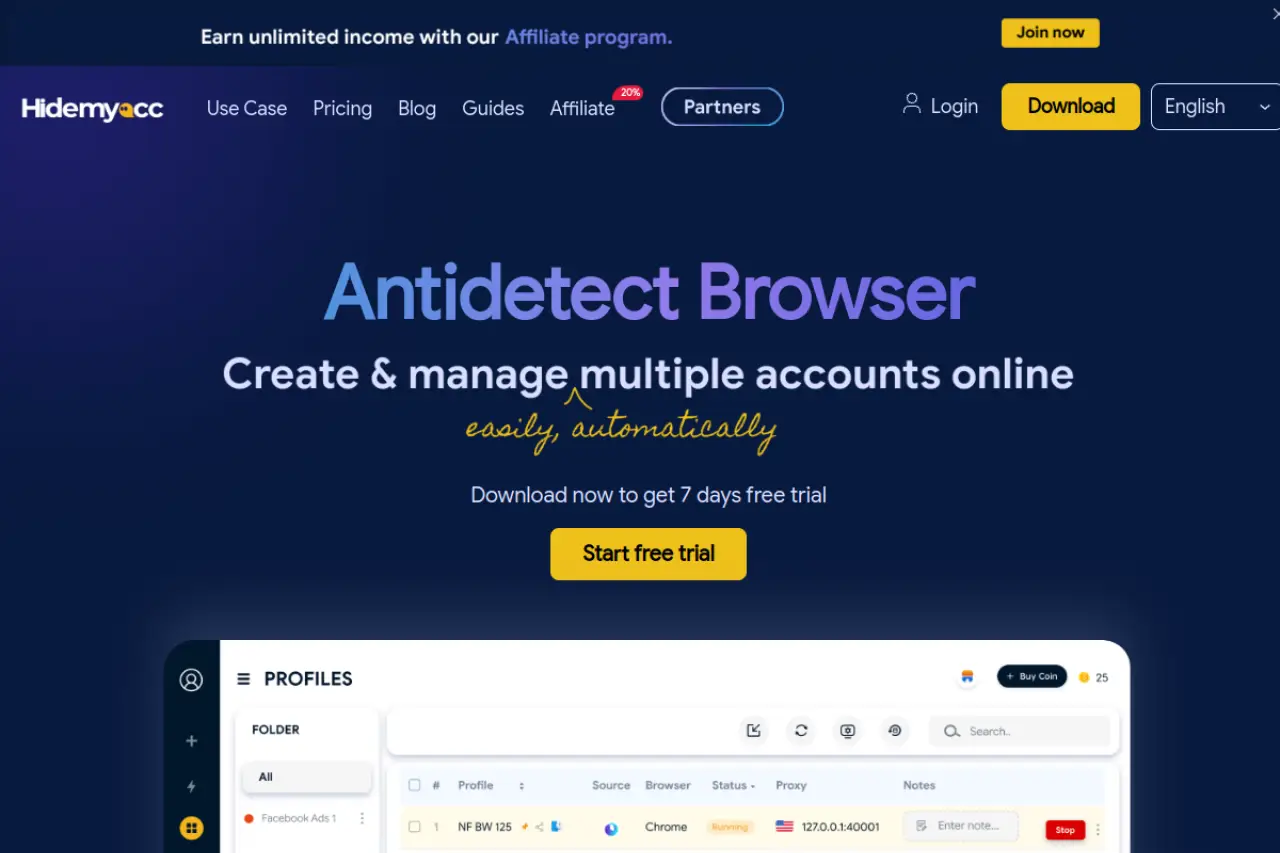
Hidemyacc focuses on "Magic Link" technology. This allows you to share a browser profile with a partner or client via a simple URL. They can access the account without needing your login credentials or even the software installed in some cases.
It provides a "Ghosty" browser core that is optimized for speed. This tool is popular among users who farm accounts for games or crypto projects because it handles system resource usage very efficiently.
Key Features:
- Magic Link Sharing: Easy access for external partners.
- Auto-Backup: Saves cookies and data automatically.
- Mobile Fingerprints: Simulates Android and iOS devices.
Price:
- Mini: $10/month (5 profiles).
- Starter: $29/month (30 profiles).
- Base: $49/month (100 profiles).
Pros:
- Innovative sharing features.
- Lightweight on computer resources.
- Good mobile emulation.
Cons:
- Smaller community and documentation base.
Verdict: Hidemyacc is great for agile teams that need to share access quickly. The Magic Link feature solves many logistical headaches.
ixBrowser: Cost-Effective Cross-Border E-commerce Solutions
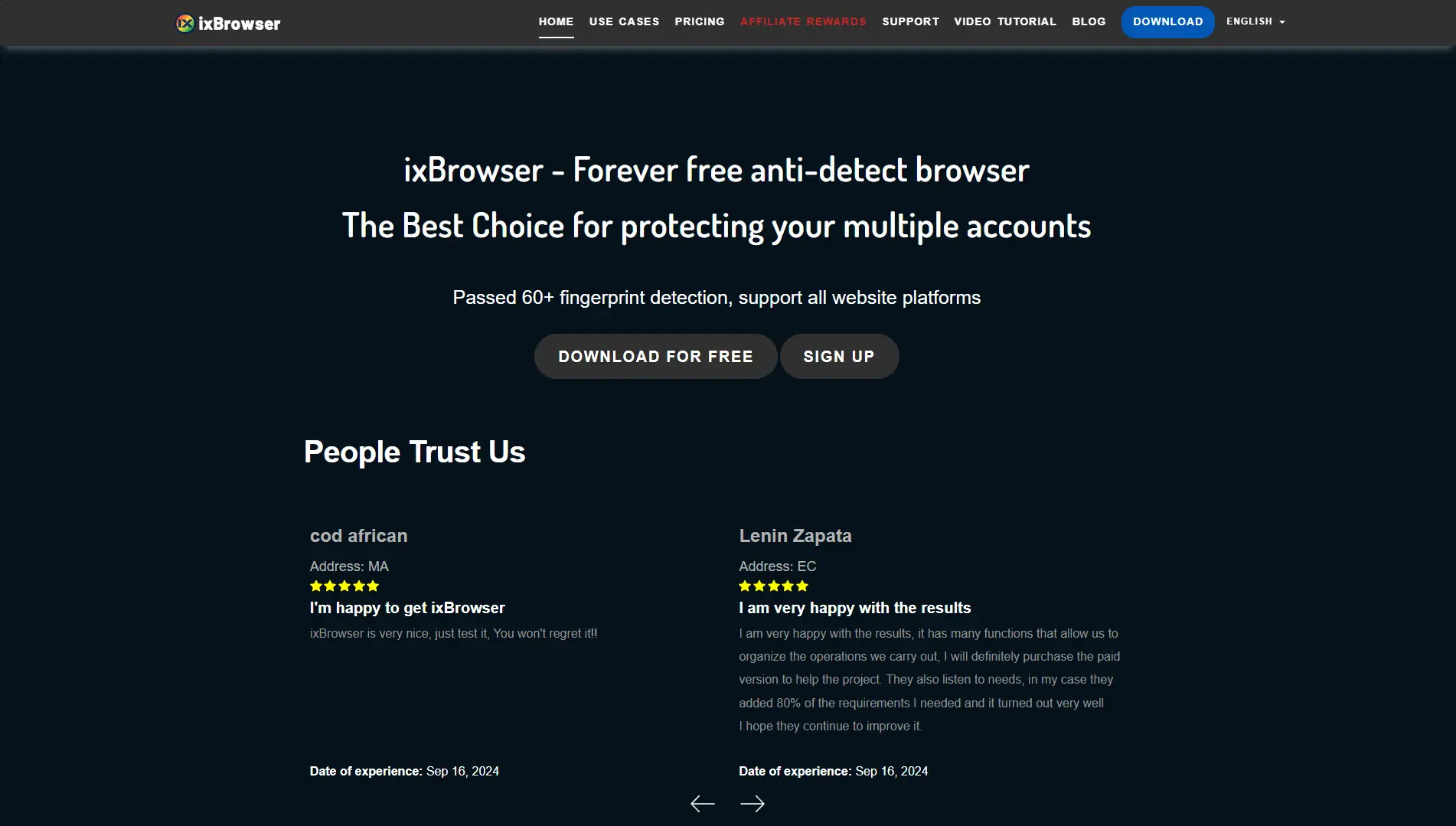
ixBrowser takes a different approach. It offers unlimited profiles on its free plan, with limits only on how many new profiles you can create per day. This makes it incredibly attractive for businesses with massive inventories of accounts that sit idle for long periods.
It is designed for cross-border e-commerce, such as selling on marketplaces in different countries. It focuses on isolating the profile data so that your UK store does not link to your US store.
Key Features:
- Unlimited Profiles: Pay for creation speed, not storage.
- Profile Transfer: Easily move profiles between users.
- Extension Support: Fully compatible with Chrome extensions.
Price:
- Free: Unlimited profiles (10 new creates/day).
- Professional: $3.99/month (100 new creates/day).
- Business: $9.99/month (500 new creates/day).
Pros:
- Lowest cost per profile on the market.
- Simple setup for beginners.
Cons:
- Lacks advanced automation features found in premium tools.
Verdict: If you need to maintain thousands of dormant accounts cheaply, ixBrowser is unbeatable. It is a utility tool for volume.
Kameleo: Stealth Browsing with Infinite Mobile Profiles
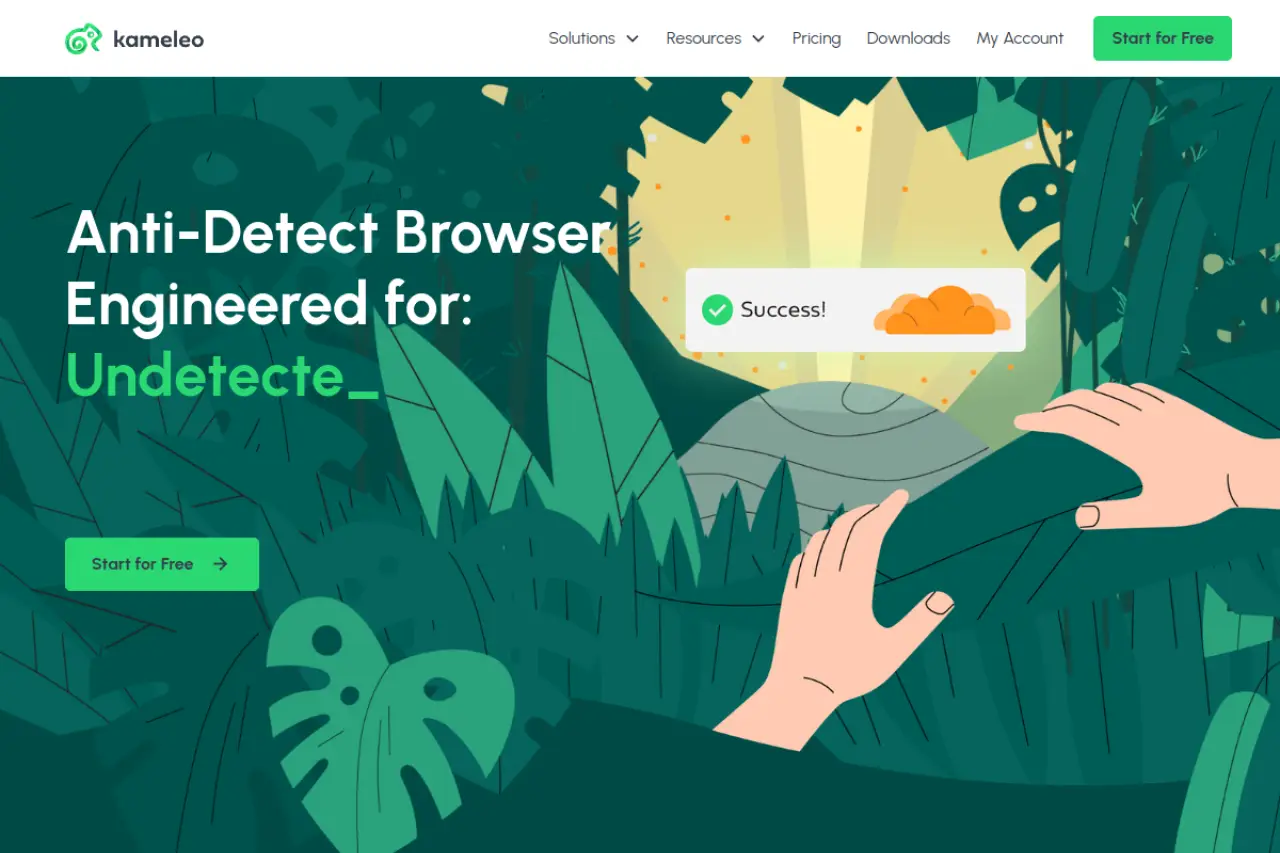
Kameleo is unique because it supports unlimited local profiles on all paid plans. Its claim to fame is mobile emulation. Most browsers just change the "User-Agent" header to say "Android." Kameleo actually emulates the touch events and screen dimensions of a mobile device.
This is critical for apps like TikTok or Instagram that trust mobile traffic more than desktop traffic. It connects to an app on your actual phone to use your mobile 4G/5G connection as the proxy, ensuring the IP address matches the device fingerprint perfectly.
Key Features:
- Mobile App Spoofing: True Android/iOS emulation.
- Unlimited Local Profiles: No caps on profile numbers.
- Automation: Supports external automation frameworks.
Price:
- Startup: €59/month.
- Business: €299/month (Adds mobile features).
- Enterprise: €1,499/month.
Pros:
- Best-in-class mobile simulation.
- Unlimited profiles feature is huge for heavy users.
Cons:
- Complex setup compared to cloud browsers.
- No cloud sync on basic plans (local storage only).
Verdict: Kameleo is the specialist's choice for mobile app automation. If your business relies on TikTok or Instagram, this is the tool you need.
Ghost Browser: Streamlining Multi-Session Productivity
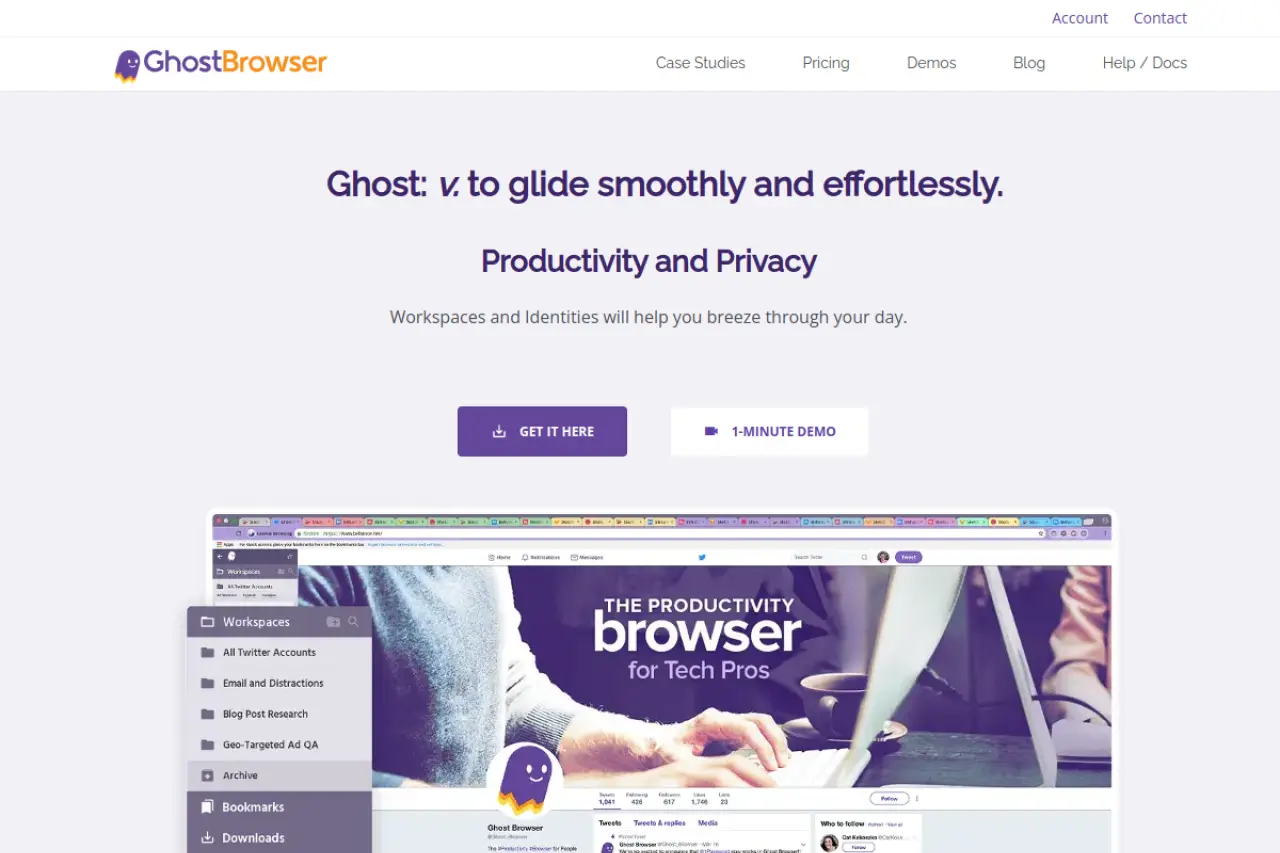
Ghost Browser is less about "spoofing" and more about productivity. It is designed for social media managers and QA testers who need to be logged into 50 accounts at once. It uses "Identities" (colored tabs) to separate cookies.
While it does offer proxy control per tab, it does not have the deep fingerprint masking of tools like DICloak or Multilogin. It is not recommended for high-risk account farming but is excellent for managing legitimate client accounts that just need cookie separation.
Key Features:
- Color-Coded Tabs: Visual separation of accounts.
- Workspaces: Save groups of tabs to open later.
- Proxy Control: Assign different IPs to different tabs.
Price:
- Free: 3 Identities.
- Basic: $21/month.
- Pro: $46/month.
Pros:
- Extremely fast workflow.
- Great for legitimate agency work.
- Easy to organize projects.
Cons:
- Weak fingerprint protection for black-hat tasks.
Verdict: Ghost Browser is a productivity beast for agencies managing white-hat client accounts. It keeps your workspace organized.
Nstbrowser: The Powerhouse for Web Scraping and Data Extraction
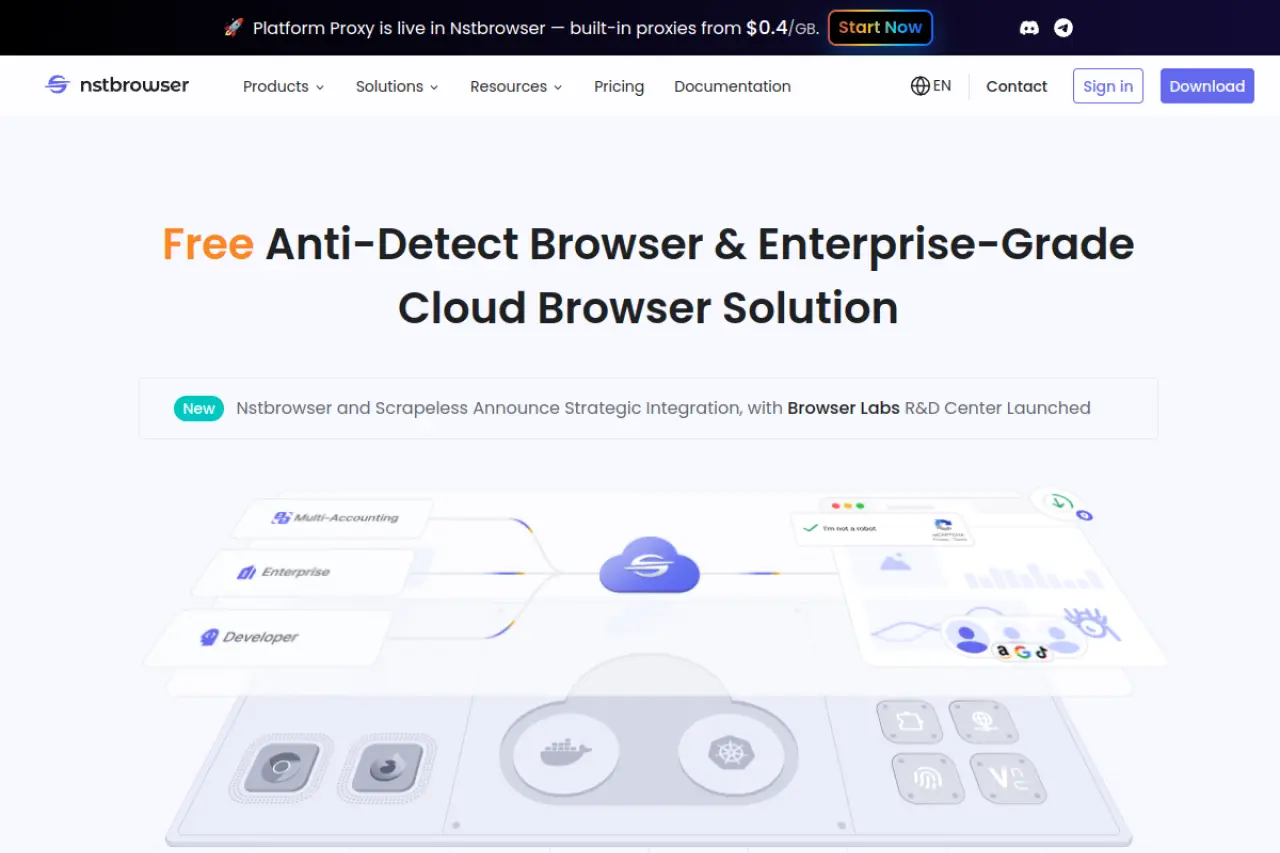
Nstbrowser is built for developers and data scientists. Its primary focus is web scraping. If you need to scrape pricing data from Amazon or travel sites, this browser helps you avoid IP bans and CAPTCHAs.
It integrates with "Browserless" technology, allowing you to run thousands of scraping tasks in the cloud without needing a visual interface. It handles the fingerprint rotation automatically so your scraper looks like a real user.
Key Features:
- Cloud Clusters: Run massive scraping jobs.
- CAPTCHA Unblocker: Auto-solves security checks.
- DevTools: Deep integration for coding scripts.
Price:
- Free: Pay-as-you-go.
- Professional: $29.9/month (3,000 launches/day).
- Enterprise: $59.9/month (100,000 launches/day).
Pros:
- Incredible scale for data extraction.
- Solves CAPTCHAs automatically.
Cons:
- Requires technical knowledge to use effectively.
Verdict: Nstbrowser is the top pick for technical teams building data scrapers. It handles the heavy lifting of fingerprint rotation so you can focus on the data.
Operational Strategy: Mastering Antidetect Browsers for Anonymous Browsing Workflows
Owning a Ferrari does not make you a race car driver. The same logic applies to your security tools. You have selected your software, but without a solid plan, you will still get banned. To get real value from Antidetect Browsers for Anonymous Browsing, you need a Standard Operating Procedure (SOP).
An SOP is a step-by-step guide your team follows every time they open a browser. It removes human error. In 2026, platforms like Facebook and Google do not just look at your IP address. They look at your behavior. If you act like a bot, you get treated like a bot.
The following strategies turn your browser fingerprint spoofing tool 2026 into a reliable business asset.
Cookie Warming: Establishing Trust via the 'Cookie Robot'
When you create a new browser profile, it is "clean." It has no history, no saved logins, and no cache. To a website's security algorithm, a perfectly clean browser looks suspicious. Real users have history.
You must "warm up" the profile before you log into high-value accounts like Facebook Ads or Amazon Seller Central.
The Warming SOP:
- Profile Creation: Set up your profile with a static residential IP. Do not turn it on yet.
- The Cookie Robot: Use the automation features in tools like DICloak. Set the "Cookie Robot" to visit 20-30 popular websites. Good examples are local news sites, weather channels, and shopping blogs.
- Time Delay: Let the robot browse for at least 24 hours. It should scroll pages and click random links. This builds a file of HTTP cookies that makes you look like a regular human.
- The Safe Login: Only after the browser has this history should you log into your target account. The platform sees the cookies and trusts the device more.
Crypto Airdrop Farming: Executing Sybil Attacks Safely
Airdrop farming relies on volume. You want to simulate 100 different users to qualify for 100 rewards. In the crypto world, this is called a Sybil attack. Blockchains are transparent, so if you make a mistake, all your wallets will be linked and blacklisted.
Your strategy here focuses on "entropy," or randomness.
The Farming SOP:
- Wallet Isolation: Create a unique browser profile for every MetaMask wallet. Never open two wallets in the same window.
- Funding Hygiene: This is where most people fail. Do not send Ethereum to all 100 wallets from the same main exchange account. The blockchain records this link. Instead, use a mixer or withdraw to distinct sub-accounts first.
- Randomized Activity: Do not execute transactions on all wallets at the same time. If 100 wallets swap a token at 9:00 AM, you are flagged. Use the scheduler in your antidetect browser to spread these actions over 3-5 days.
- Hardware Consistency: Ensure your Canvas fingerprint remains static for each profile. If your "computer" specs change every time you log in, the decentralized app (dApp) will flag the wallet as suspicious.
Ad Arbitrage Scaling: Managing Profile Hand-offs
Agencies often have a "Farmer" who creates accounts and a "Media Buyer" who runs the ads. Transferring these accounts between people is dangerous. A sudden change in location or device ID triggers a "Checkpoint" or an immediate ban.
You need a seamless hand-off process that keeps the digital fingerprint intact.
The Hand-off SOP:
- Cloud Synchronization: Never export cookies to a text file and email them. This breaks the session. Use the "Team Share" feature found in browsers like DICloak or Multilogin. This syncs the entire opened tab and session data through the cloud.
- Proxy Stability: The IP address must travel with the profile. If the Farmer uses a New York IP and the Buyer opens it with a London IP five minutes later, the account dies. Ensure the proxy subscription is active and assigned to that specific profile ID.
- The "No-Logout" Rule: Instruct your team never to click "Log Out" on the social platform. Simply close the browser tab. This keeps the session token alive. When the next team member opens the profile, they are already logged in, bypassing the login screen and 2FA checks entirely.
FAQ: Common Questions About Antidetect Browsers for Anonymous Browsing
Is using an antidetect browser legal for business?
Yes, managing multiple accounts for business purposes is legal in most jurisdictions. Companies use these tools for competitive intelligence, ad verification, and social media management. However, using these browsers for fraud, carding, or credential stuffing is illegal. Always ensure your activities comply with local laws and platform terms.
How do antidetect browsers differ from private browsing modes?
Private modes (like Chrome Incognito) only stop your computer from saving history locally. They do not hide your identity from websites. Websites can still track you via your digital fingerprint. An antidetect browser alters the data you send to websites, making you appear as a completely different device and user.
Do I need to change my hardware to avoid detection?
No, you do not need to buy expensive new computers. High-quality software like DICloak masks your actual hardware parameters, such as your Canvas hash and RAM. The software creates a virtual hardware profile that overlays your physical device, allowing you to run dozens of unique profiles from a single laptop.
Will an antidetect browser protect me from 2FA triggers?
Yes, if you configure it correctly with a static IP address. Platforms trigger Two-Factor Authentication (2FA) when they detect a new device or location. By using a consistent browser profile and proxy, you establish a "trusted device" status. This allows your team to log in repeatedly without facing security checkpoints.
 Web Proxy Tools
 Free Tools
 Cookie Plugin
 UA Generator
 MAC Address Generator
 IP Generator
 IP Address List
 2FA Code Generator
 World Clock
 Anonymous Check
 WebRTC Leak Test
 UUID Generator
 Free Web Proxy Site
 Proxy Checker
 FB Ad Checker
 AI Web Scraping
 Free SMM Tools
 Twitter Shadowban Checker
 Instagram Name Checker
 UTM Generator
 Username Generator
 AI Hashtag Generator
 LinkedIn Headline Generator
 Social Media Image Resizer