Why a High-Performance Antidetect Browser for Windows is Essential in 2026
Running a business with multiple accounts is dangerous today. If you manage ads or farm airdrops, you know the risk. A single mistake can destroy your entire operation. This is why a high-performance Antidetect Browser for Windows is the only safe tool for modern growth teams. In 2026, simple privacy tricks no longer work to protect your revenue.
The Reality of Advanced Tracking and Account Bans
Years ago, you could run multi-accounting operations using just a VPN and "Incognito Mode." Those days are over. Platforms like Facebook, Google, and Amazon now use AI to track who you are. They do not just check your IP address. They check your specific hardware.
When you visit a site, it reads your computer's unique setup. It looks at your screen resolution, your graphics card, and even your installed fonts. This data creates a unique ID called a device fingerprint. If 50 accounts log in from the exact same Windows computer, the platform knows it is one person. They will link the accounts together immediately.
This leads to the worst nightmare for any marketer: account bans. If one account gets flagged, the platform bans every account linked to that fingerprint instantly. This is a "chain reaction" ban.
To stop this, you need software that handles browser fingerprint spoofing. It makes your one computer look like hundreds of different, real Windows devices. It hides your true identity by creating a unique "mask" for every single profile. This stops platforms from linking your work together and keeps your business safe.
Understanding Browser Fingerprint Spoofing: The Science Behind Account Safety
Since we established that platforms track more than IPs, this section explains the technical components of that tracking. When you visit a website, it collects specific data about your device to create a unique ID. This ID is your digital fingerprint. Browser fingerprint spoofing is the technology that modifies this data to protect your identity.
It allows you to manage multiple accounts on one computer by making each profile look like a separate, real physical device. Without this, even the best proxy cannot save you. To use an Antidetect Browser for Windows effectively, you must understand exactly what websites are looking for.
Canvas Fingerprinting and WebGL: The Mathematical Signatures of Hardware
The most common tracking method used today is Canvas Fingerprinting. When you visit a site, it secretly asks your browser to draw a hidden image or text in the background.
You might think every computer draws the letter "A" the same way. This is false. Your specific graphics card, drivers, and operating system render pixels slightly differently. The website takes this unique drawing and turns it into a code, or "hash."
If you log into 50 Facebook accounts from the same PC, the website sees the exact same drawing hash 50 times. This links your accounts immediately. A high-quality Antidetect Browser for Windows solves this by adding "noise." It changes a tiny percentage of the pixels in the drawing. The image looks the same to a human, but the code is mathematically unique for every profile.
AudioContext and Client Rects: How Sound and Screen Geometry Betray You
Tracking goes deeper than just graphics. Platforms also analyze your AudioContext. This does not mean they are listening to your microphone. Instead, they send a small audio signal through your browser to see how your hardware processes it. Your sound card and drivers create a unique signature based on how they handle the waves.
Websites also check Client Rects. This measures how your browser positions elements, like buttons or text boxes, on the screen. It reveals your true screen resolution and zoom level.
If your profile claims to be an iPhone, but your Client Rects show the dimensions of a 27-inch desktop monitor, you will be flagged instantly. Effective browser fingerprint spoofing ensures that your screen geometry matches the device you are pretending to use.
The Importance of Behavioral Analysis in Modern Fingerprinting
In 2026, having a clean technical fingerprint is not enough. Security AI now tracks Behavioral Analysis. This system watches how you act on the page.
They measure:
- Mouse Path: Humans move the mouse in curves. Bots move in straight lines.
- Typing Speed: Humans vary their speed. Scripts type instantly.
- Scroll Patterns: Humans read and pause.
If your technical settings are perfect but your behavior looks robotic, your "Trust Score" drops. This triggers a manual review or a ban. Advanced tools now include RPA (Robotic Process Automation) that mimics human hesitation. This ensures your account looks natural, keeping your business safe from detection.
How a Professional Antidetect Browser for Windows Isolates Digital Identities
Now that you understand the hidden traps like Canvas fingerprinting and AudioContext analysis, you need a tool that can handle them. A standard VPN or incognito window is not enough. You need architecture that fundamentally changes how your computer talks to the internet.
This is where a professional Antidetect Browser for Windows steps in. It does not just hide your IP address. It creates a completely separate digital environment for every single account you run. The goal is simple: ensure Facebook or Amazon believes each account is logged in from a different, real physical device.
Sandboxing and Profile Isolation: Creating Virtual Silos
The core technology behind this software is browser profile isolation. Imagine your standard Google Chrome browser as a large open house. If you open a new tab, you are just in a different room of the same house. The cookies, cache, and local storage are shared or easily linked. If one room gets messy (flagged), the whole house is in trouble.
An antidetect browser changes this structure. Instead of a house, it builds an apartment complex. Each profile you create is a separate, sealed unit.
How it works technically:
- Separate Cookies: Each profile has its own cookie jar. Profile A cannot see or access the cookies of Profile B.
- Isolated Local Storage: Websites save data on your hard drive to track you. The software creates a unique folder for each profile. When you close Profile A, its data is locked away. Profile B starts fresh.
- Virtual Containers: technically known as sandboxing, this prevents cross-contamination. Even if a tracker tries to read your global system fonts or plugins, the browser limits what they can see to just that specific "apartment."
This means you can run 50 profiles simultaneously. To the website, it looks like 50 different people sitting at 50 different computers.
Real-Time Fingerprint Injection vs. Generic Masking
Old privacy tools used "masking." They simply blocked websites from reading your data. In 2026, this is a dangerous strategy. If a website asks for your screen resolution and you refuse to answer, you look suspicious. You look like a bot.
Modern Antidetect Browser for Windows solutions use Real-Time Fingerprint Injection. Instead of blocking the question, they provide a fake but valid answer.
The Process:
- The Request: A website asks your browser, "What graphics card are you using?"
- The Interception: The antidetect browser catches this request before it hits your real hardware.
- The Injection: The software looks at your profile settings. You configured it to look like a generic Dell laptop. The browser injects a fake "Canvas Hash" that matches a Dell laptop.
- The Response: The website receives the fake data. It looks 100% real.
This technique is called browser fingerprint spoofing. The key is consistency. If you claim to be using an Apple iPhone (User Agent) but your graphics renderer says "NVIDIA GeForce 3060" (PC Hardware), you will get banned. High-quality software ensures all these data points match perfectly, so your digital lie holds up under pressure.
Bypassing WebRTC Leaks to Preserve True Location
One of the most common ways users get caught is through a WebRTC leak. WebRTC is a technology that allows browsers to handle video and voice calls directly. To work, it needs to know your direct IP address to connect you to other users.
The Danger: Even if you use a proxy to hide your location, WebRTC can bypass it. It can query your local network interface and reveal your real "Local IP" (usually assigned by your ISP router). If you are running 100 accounts, and they all leak the same Local IP range, they are instantly linked.
The Solution: A professional Antidetect Browser for Windows modifies how WebRTC behaves. It does not disable it (which looks suspicious). Instead, it alters the routing:
- Public IP Replacement: It forces WebRTC to report the IP address of your proxy, not your home internet.
- Local IP Masking: It generates a random, fake Local IP for each profile.
By controlling this leak, the software ensures that your location data supports your story, rather than betraying it. This keeps your "Trust Score" high and your accounts safe.
The 11 Best Antidetect Browser for Windows Solutions for Scaling Operations
Now that you understand how browser fingerprint spoofing protects your identity, it is time to choose the right tool. In 2026, the market is crowded. We tested the major players to find which software actually delivers on its promises of anonymity and speed.
Below is our core comparison of the Best Antidetect Browser for Windows solutions. These tools are ranked by their ability to scale operations, protect against "Chain Reaction" bans, and manage team workflows efficiently.
| Browser |
Best For |
Starting Price |
Free Plan? |
| DICloak |
Overall Privacy & Security |
$8/mo |
Yes (5 Profiles) |
| AdsPower |
E-commerce Automation |
$9/mo |
Yes (2 Profiles) |
| Multilogin |
Enterprise Security |
€9/mo |
No |
| GoLogin |
Cloud & Remote Teams |
$49/mo |
Trial Only |
| Dolphin Anty |
Affiliate Marketing |
$10/mo |
Yes (10 Profiles) |
| Incogniton |
Budget Scaling |
$19.99/mo |
Yes (10 Profiles) |
| Undetectable |
Hybrid Local/Cloud Storage |
$49/mo |
Yes (5 Profiles) |
| Hidemyacc |
Custom Fingerprints |
$10/mo |
No |
| ixBrowser |
Low-Cost Bulk Accounts |
$3.99/mo |
Yes (Unlimited\\\\\\\*) |
| Kameleo |
Mobile Emulation |
€59/mo |
Yes (Limited) |
| Ghost Browser |
General Productivity |
$21/mo |
Yes (3 Identities) |
DICloak: Specialized Privacy Protection for Social Accounts
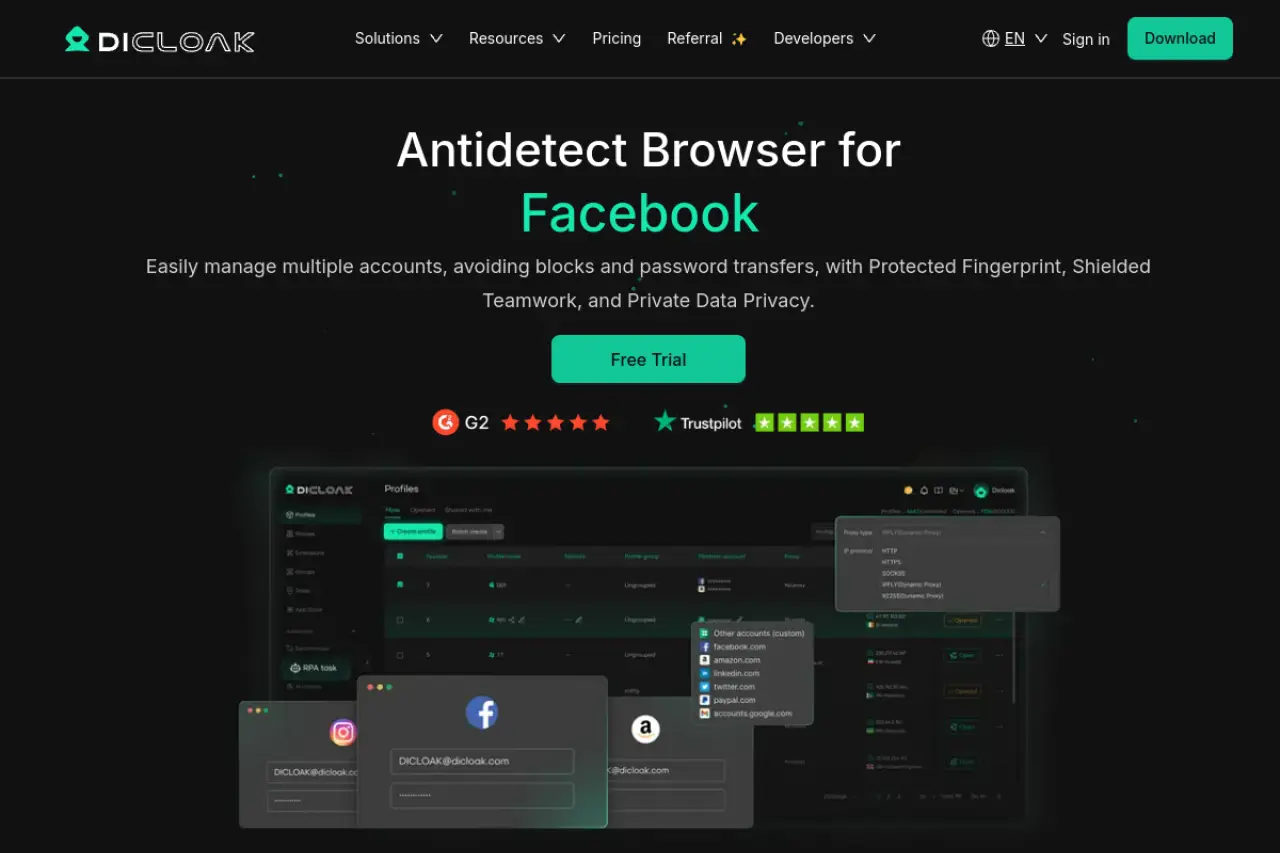
DICloak is our top recommendation for 2026. It stands out because it balances high-level security with an easy interface. If you manage social media accounts or run ads, this tool is built to stop bans before they happen. It uses advanced isolation technology to make every profile look like a completely different physical device.
Key Features:
- Deep Fingerprint Control: It automatically adjusts parameters like Canvas, WebGL, and AudioContext to match real hardware.
- RPA Automation: You can build "no-code" bots to warm up accounts automatically. This saves hours of manual clicking.
- Team Collaboration: Share profiles securely without revealing passwords or proxy details to your staff.
Pricing:
- Free: $0/month for 5 profiles. Great for testing.
- Base: $8/month. Adds team features.
- Plus: $28.8/month. Includes RPA bots and window synchronizers.
- Share+: $138/month. Unlimited team members and dedicated support.
Verdict: DICloak offers the best value for money. It provides enterprise-grade protection at a price accessible to small teams. If you need a Best Antidetect Browser for Windows that just works, start here.
AdsPower: The Leader in RPA and E-commerce Automation
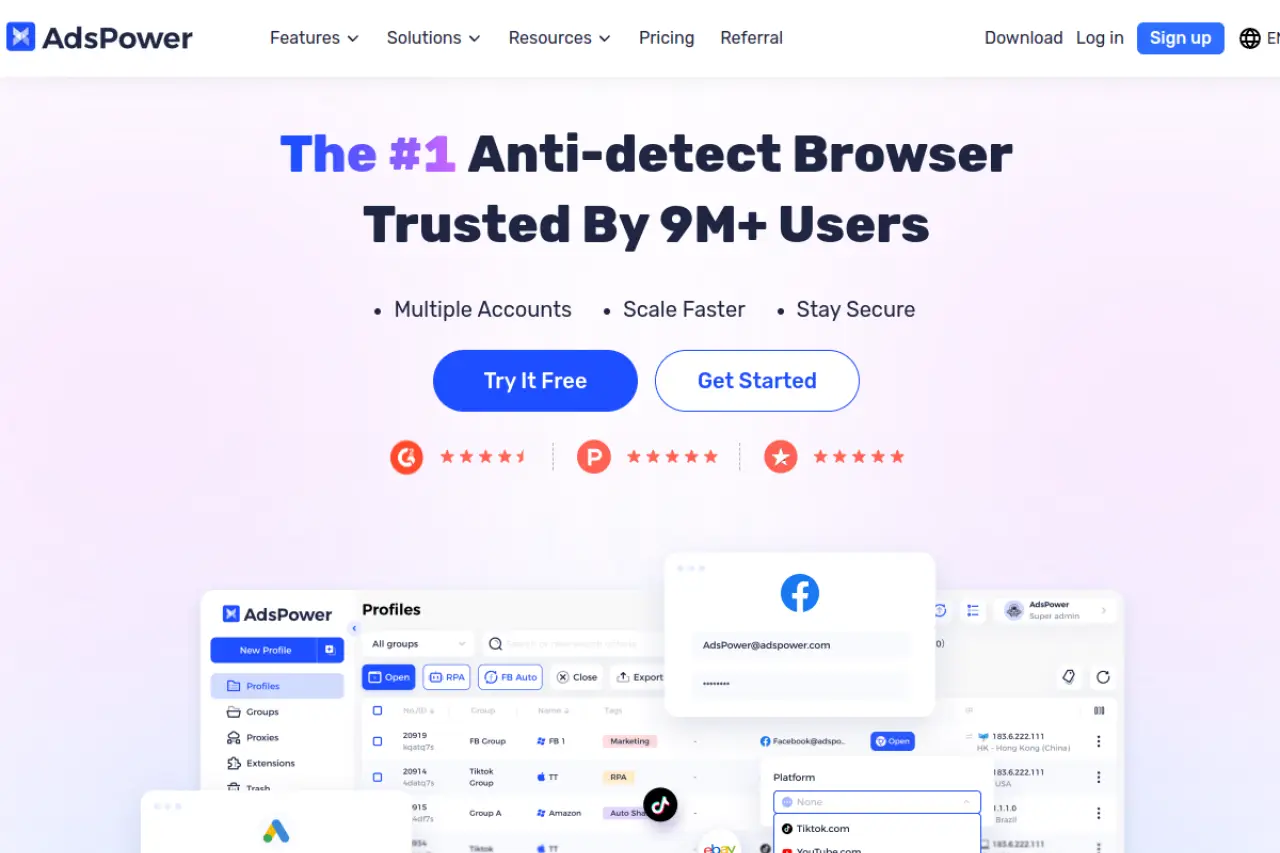
AdsPower is a heavy hitter in the e-commerce space. It is famous for its automation tools. If you manage 50 stores on Amazon or eBay, you know how repetitive the work is. AdsPower solves this with its Robotic Process Automation (RPA) features.
Key Features:
- RPA Robot: Automate tasks like "browse product," "add to cart," or "like post" without writing code.
- Synchronizer: Control one window, and the mouse movements are copied to all other open windows instantly.
- Dual Engine: Choose between Chrome (SunBrowser) and Firefox (FlowerBrowser) cores for better compatibility.
Pricing:
- Free: $0/month for 2 profiles.
- Professional: $9/month for 10 profiles.
- Business: $61/month for 200 profiles.
Verdict: This is the best choice for dropshippers and automation heavy-users. The synchronizer alone can triple your team's output.
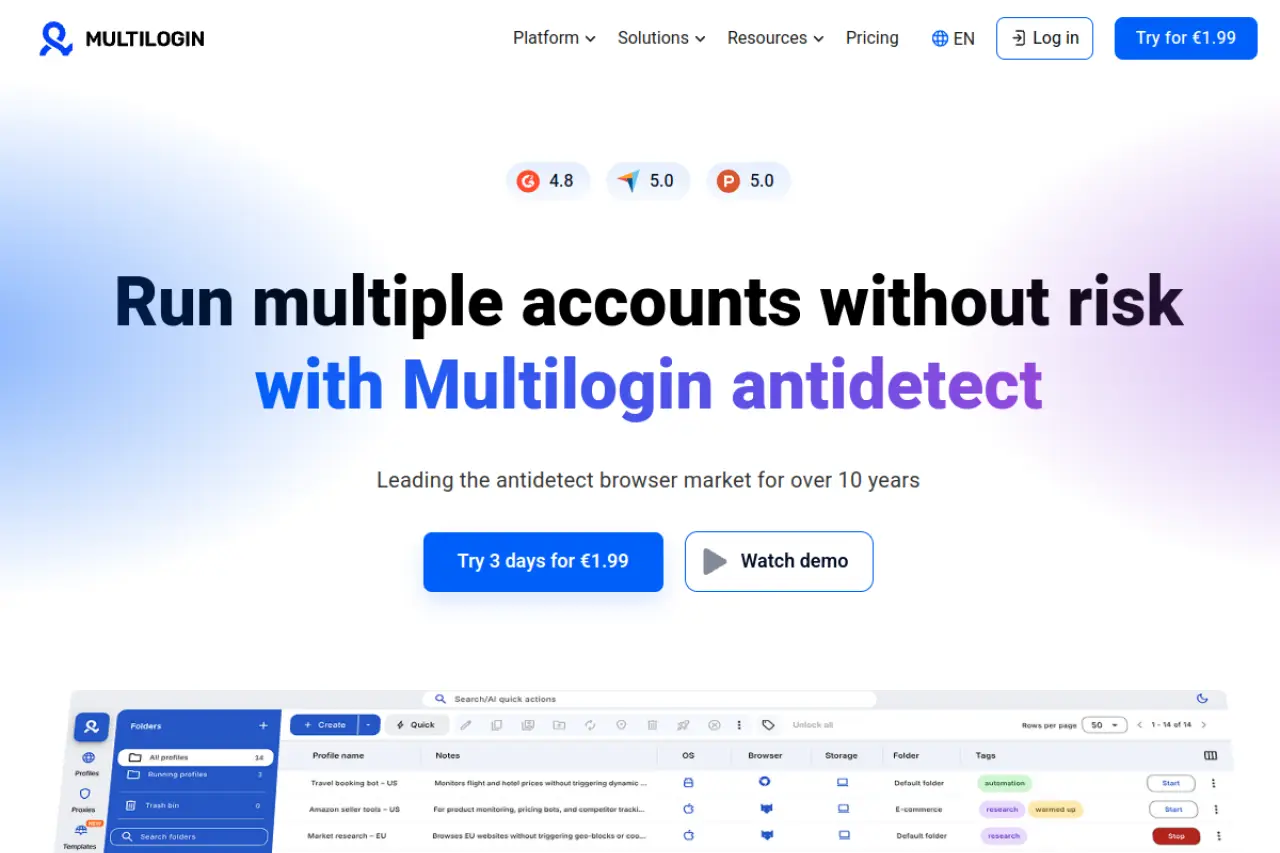
Multilogin: High-End Security for Enterprise-Level Identity Management
Multilogin is often called the pioneer of the industry. It focuses strictly on security and is often used by larger agencies that cannot afford a single leak. It does not use standard Chrome; it uses custom-built browsers called Mimic and Stealthfox to bypass difficult detection systems.
Key Features:
- Residential Proxies: Some plans include high-quality proxy traffic, so you do not need to buy it separately.
- Cookie Import: Quickly import seasoned accounts via JSON.
- Automation API: Robust API for developers building custom farming scripts.
Pricing:
- Pro 10: €9/month for 10 profiles (includes 1GB proxy traffic).
- Pro 50: €49/month for 50 profiles.
- Business: €159/month for 300 profiles and unlimited team seats.
Verdict: Multilogin is expensive but powerful. It is the right choice for enterprise teams where account security is more important than budget.
GoLogin: Simplicity and Cloud Integration for Remote Teams
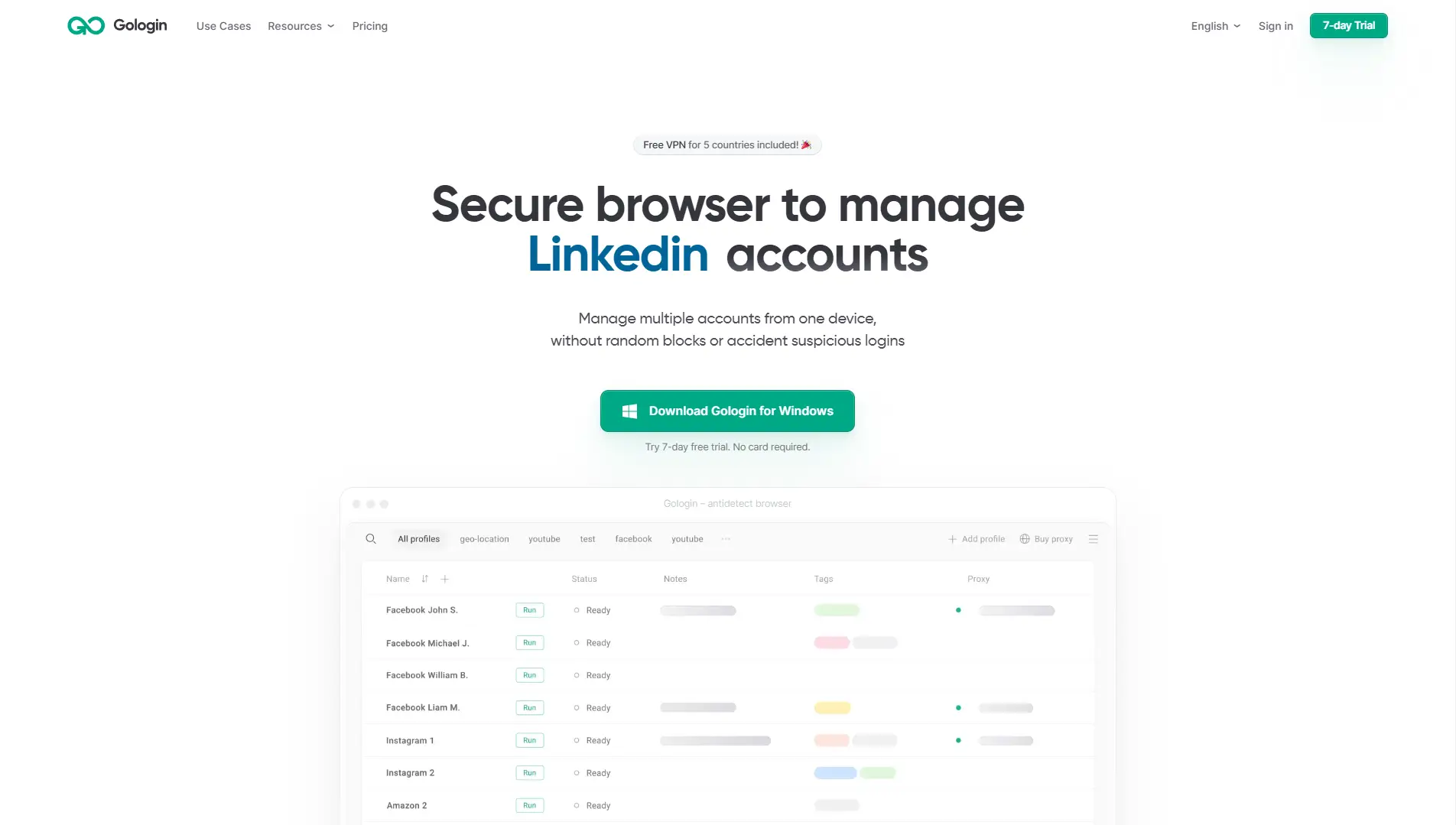
GoLogin makes it very easy to run accounts from anywhere. Its standout feature is its cloud-based approach. You can run profiles directly in the cloud or use their Android app to manage accounts on the go. This is rare in the top browsers 2026 market.
Key Features:
- Cloud Launches: Run the browser on GoLogin's servers if your own computer is slow.
- Android App: Manage and run profiles from your phone.
- Free Proxies: Includes some free proxy traffic for testing.
Pricing:
- Professional: $49/month for 50 profiles.
- Business: $119/month for 300 profiles.
- Enterprise: $199/month for 1,000 profiles.
Verdict: If you have a remote team or travel often, GoLogin's cloud features and mobile app make it incredibly flexible.
Dolphin Anty: Optimized for Affiliate Marketing and Arbitrage
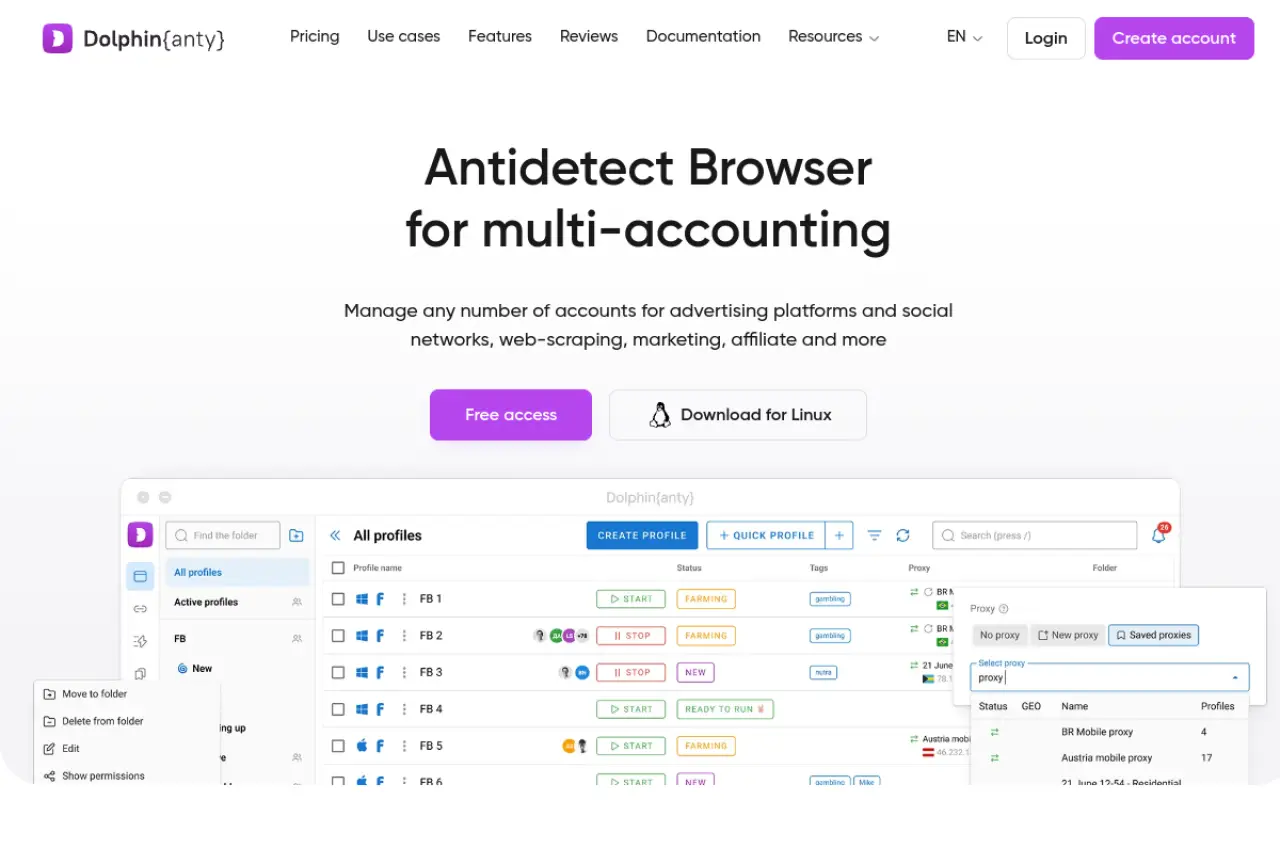
Dolphin Anty was built by affiliate marketers for affiliate marketers. The interface is designed to help you organize hundreds of ad campaigns. It includes statuses, tags, and notes that make it easy to see which accounts are "active," "banned," or "warming up."
Key Features:
- Real Fingerprints: Focuses on copying real user data rather than just generating random noise.
- Smart Management: Bulk actions for cookies and extensions are very fast.
- Automation Scripts: Built-in scripts for Facebook and TikTok specifically.
Pricing:
- Free: $0/month for 10 profiles.
- Starter: $10/month for 20 profiles.
- Base: $89/month for 100 profiles.
- Team: $159/month for 300 profiles.
Verdict: This is a top pick for traffic arbitrage teams running Facebook or TikTok ads. The UI is clean and data-focused.
Incogniton: Bridging the Gap Between Power and Accessibility
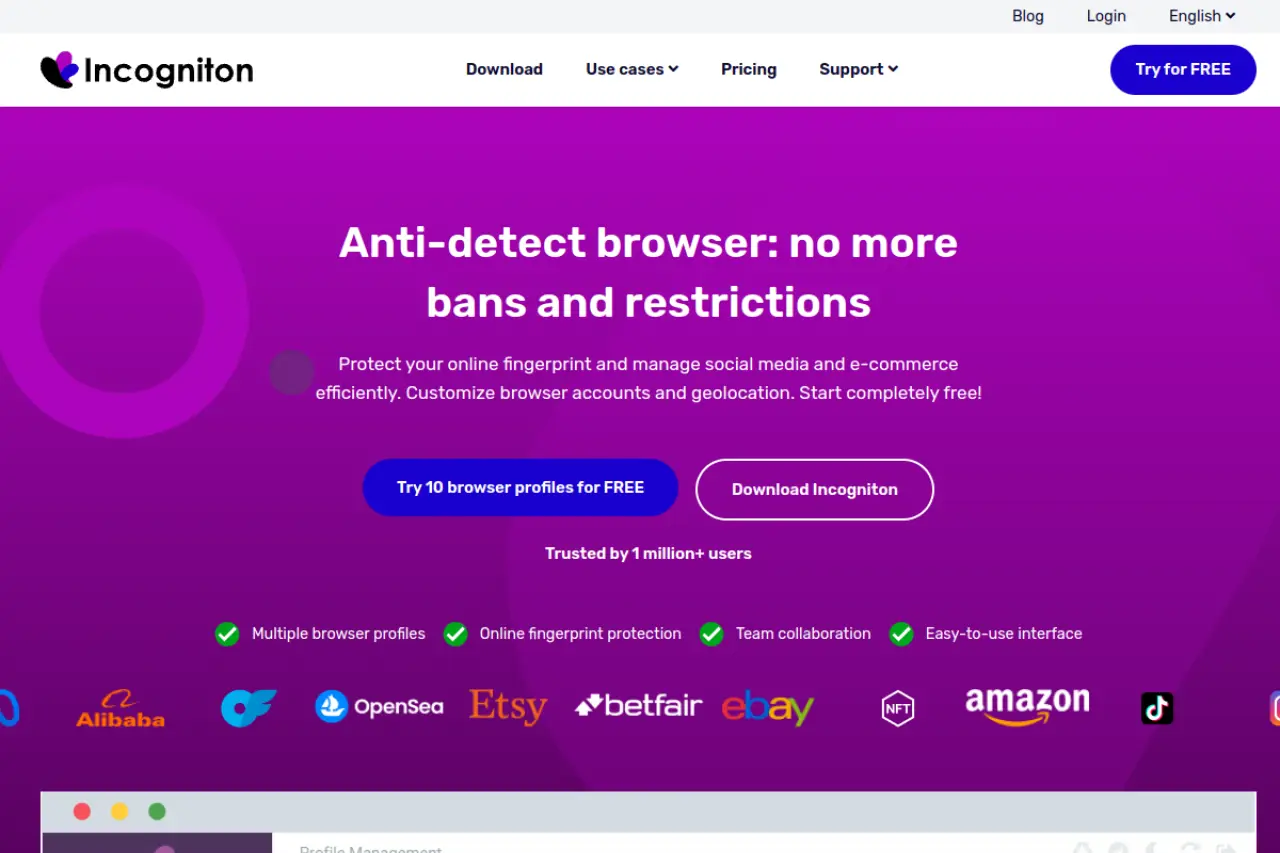
Incogniton is a strong contender for users who need a lot of profiles but have a smaller budget. It offers a generous free plan and integrates well with automation frameworks like Selenium.
Key Features:
- Cookie Collector: A built-in tool that automatically visits websites to build up a cookie history before you log in to important accounts.
- Bulk Creator: Create hundreds of profiles in one click using CSV templates.
- Paste as Human: A typing emulation feature that mimics human keystrokes.
Pricing:
- Starter: Free for 10 profiles.
- Starter Plus: $19.99/month for 10 profiles (adds API).
- Entrepreneur: $29.99/month for 50 profiles.
- Professional: $79.99/month for 150 profiles.
Verdict: Incogniton is excellent for solo entrepreneurs and coders who want to build their own automation using Python or Selenium.
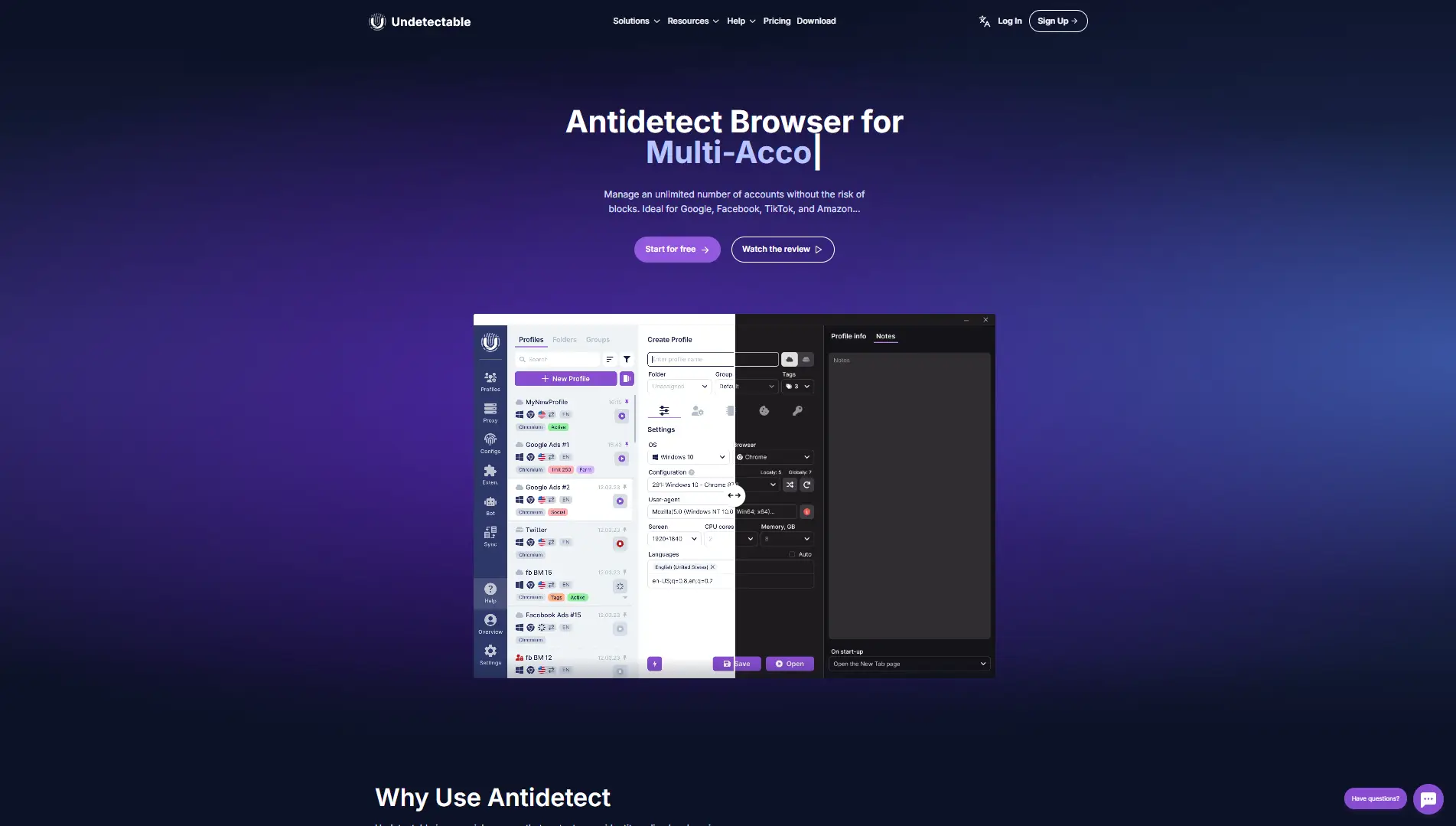
Undetectable: Hybrid Local and Cloud Profile Storage
Undetectable solves a specific problem: storage limits. Most browsers charge you per profile. Undetectable allows you to store unlimited profiles on your own local hard drive, only charging for the "cloud" profiles you sync between devices.
Key Features:
- Local Profiles: Keep your data on your own PC for maximum speed and privacy.
- Configuration Store: Buy high-quality device fingerprints directly within the app.
- Cookie Bot: Simple bot to warm up local profiles automatically.
Pricing:
- Free: 5 cloud profiles.
- Base: $49/month for 50 cloud profiles (Unlimited Local).
- Professional: $99/month for 100 cloud profiles (Unlimited Local).
Verdict: If you have a powerful PC and do not need to sync every single profile to the cloud, this tool can save you a lot of money.
Hidemyacc: Advanced Customization of Digital Fingerprints
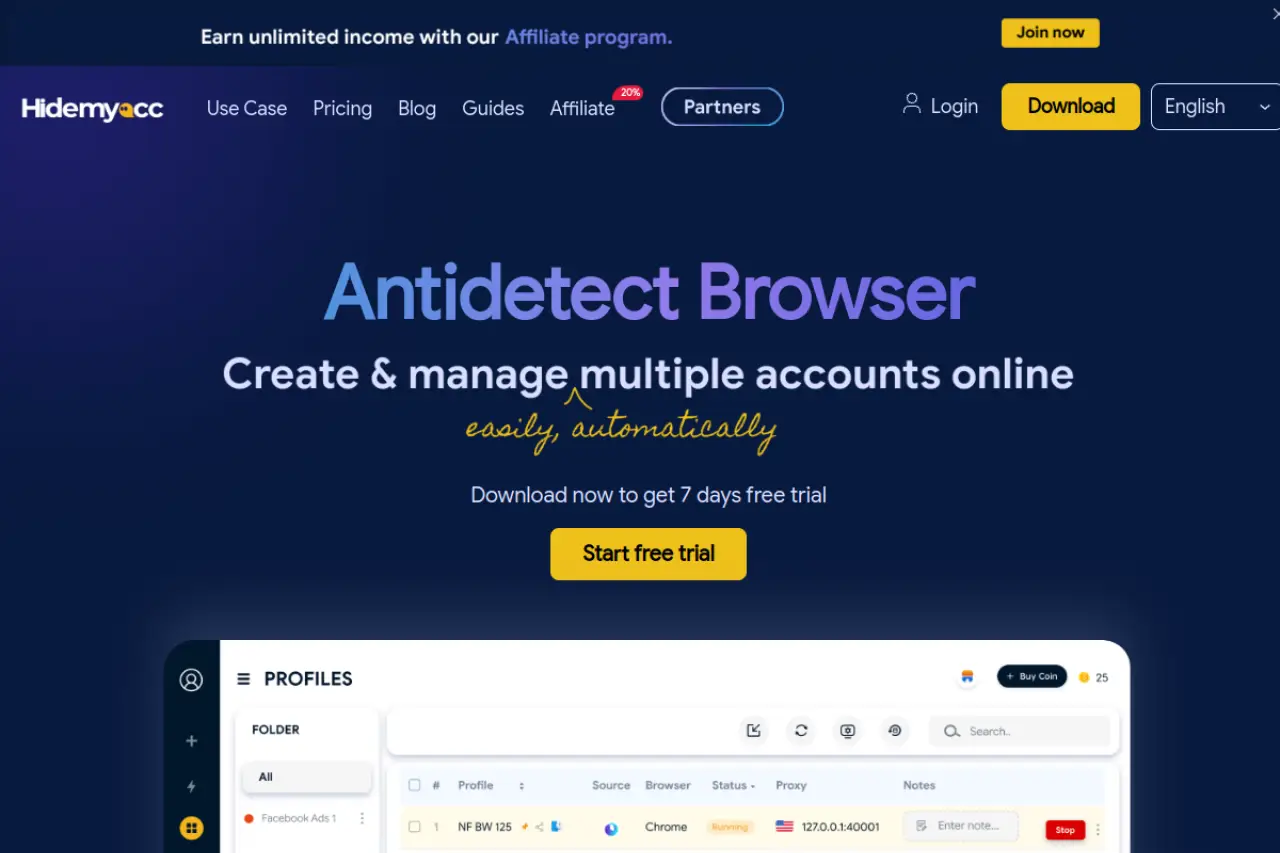
Hidemyacc is known for its "Magic Link" feature and deep customization. It allows you to tweak very specific hardware parameters. It is also lighter than some competitors, meaning it runs faster on older Windows laptops.
Key Features:
- Magic Link: Share a browser profile with a client via a simple link, allowing them to view the account without logging in.
- Mobile Fingerprints: Strong simulation of Android and iOS devices.
- Ghosty Software: A custom browser core optimized for speed.
Pricing:
- Mini: $10/month for 5 profiles.
- Starter: $29/month for 30 profiles.
- Base: $49/month for 100 profiles.
- Business: $199/month for 1,000 profiles.
Verdict: Hidemyacc is great for agencies that need to show work to clients without handing over the keys to the account.
ixBrowser: The Permanently Free Powerhouse for Budget-Conscious Teams
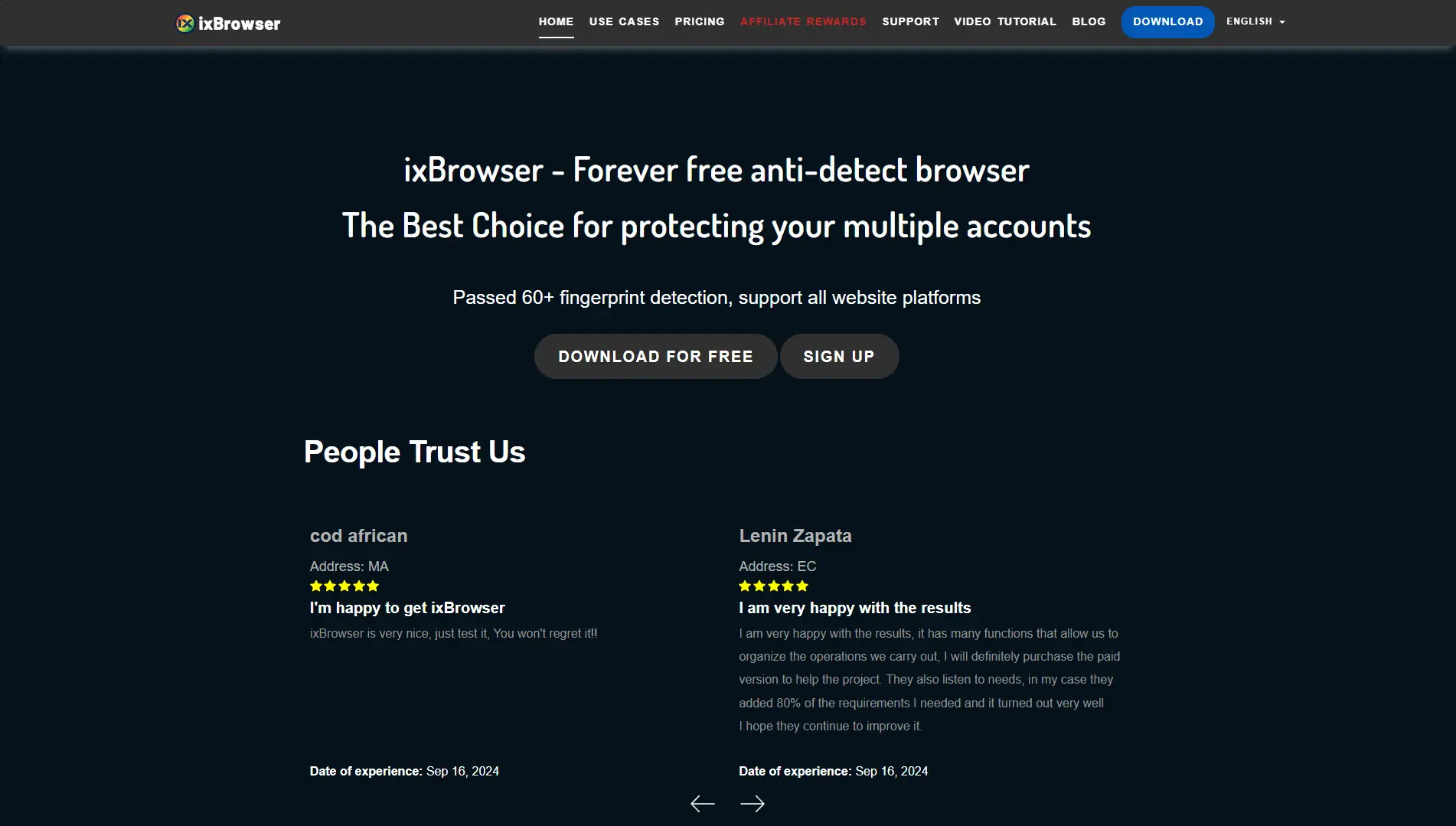
ixBrowser disrupts the market by offering a "permanently free" model for unlimited profiles. They monetize by selling additional services like proxies, rather than the browser itself.
Key Features:
- Unlimited Profiles: You can create as many as you want, though there is a daily creation limit.
- Extension Support: Supports Chrome extensions natively.
- Team Members: Even the free version supports basic team functions.
Pricing:
- Free: $0/month. Unlimited profiles (Limit 10 new creations/day).
- Professional: $3.99/month. 100 new creations/day.
- Enterprise: $19.99/month. 1,500 new creations/day.
Verdict: For a "bootstrapper" with zero budget, ixBrowser is the only option that offers unlimited scale for free.
Kameleo: Unlocking Mobile and Desktop Emulation on One Platform
Kameleo takes a different approach. It focuses heavily on mobile emulation. While other browsers just change the "User Agent" string, Kameleo actually emulates the mobile touch events and screen geometry.
Key Features:
- Mobile App Emulation: Connect your real Android phone to the PC to use its authentic fingerprint.
- Canvas Spoofing: Uses an "Intelligent Canvas Spoofer" to create non-unique, natural noises.
- Automation: Supports complex scraping tasks.
Pricing:
- Free: €0/month (Manual only, limited features).
- Startup: €59/month.
- Business: €299/month (Adds mobile profiles).
Verdict: This is a technical tool best suited for developers and data scrapers who need to look like mobile users.
Ghost Browser: Productivity and Multi-Session Multi-Tasking
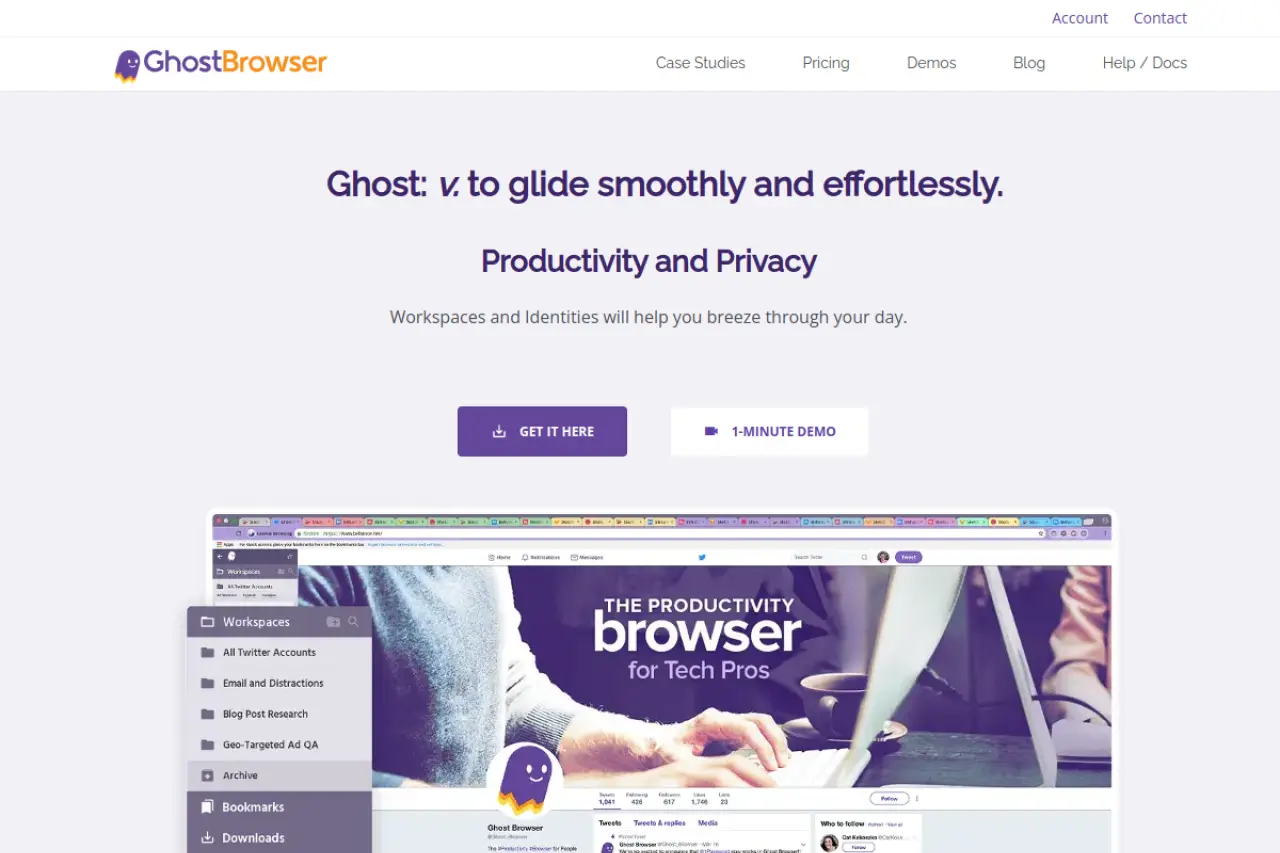
Ghost Browser is less of a "spoofer" and more of a productivity tool. It is built on Chromium and is designed for social media managers who need to log into five different Twitter accounts at once without opening five different windows.
Key Features:
- Identities: Color-coded tabs that each have their own "cookie jar."
- Workspaces: Save a set of tabs (e.g., "Client A Socials") and open them all instantly next time.
- Proxy Control: Assign a different proxy to each tab or identity.
Pricing:
- Free: 3 Identities.
- Basic: $21/month.
- Pro: $46/month.
Verdict: Ghost Browser is not for high-risk "farming." It is for legitimate agency work where you just need to keep client sessions separate. It does not have the deep fingerprint spoofing of DICloak or Multilogin.
Frequently Asked Questions about Antidetect Browser for Windows
If you are new to multi-accounting, you likely have technical concerns about safety and setup. This Antidetect Browser for Windows FAQ addresses the most common questions we hear from affiliate marketers and business owners in 2026.
Is an Antidetect Browser for Windows legal to use for affiliate marketing?
Yes, the software itself is completely legal. It is a privacy tool designed to protect data, similar to a VPN or an ad blocker. However, how you use it matters. Using these browsers for legitimate multi-accounting (like managing ads for different clients) is a standard business practice. Using them to commit fraud, theft, or cybercrimes is illegal.
Does an antidetect browser hide my identity from my ISP?
No, not by itself. An antidetect browser manages browser fingerprint spoofing (masking your hardware ID, screen resolution, and fonts). To hide your actual internet location and data from your ISP, you must bind a Proxy (specifically a Residential or Mobile Proxy) to the browser profile. The browser protects your device identity, while the proxy protects your network identity.
Can I use an antidetect browser on Windows 10 and Windows 11?
Yes. Almost all major solutions, including DICloak, are fully optimized for Windows 10 and Windows 11. In fact, running these tools on Windows is often safer than on macOS. If you spoof a Windows fingerprint while actually using a Windows machine, your "User Agent" matches your real hardware. This creates a more consistent and trustworthy digital footprint.
How do I prevent my team from seeing my proxy credentials?
You need a browser with "Team Management" or "Member Permissions" features. As the admin, you enter the proxy username and password into the profile settings. You then share access to that profile with your employee. They will see a "Start" button to launch the browser, but they cannot view or copy the proxy credentials. This keeps your expensive residential proxies secure.
Why is my trust score still low after using an antidetect browser?
A low trust score usually comes from "inconsistency" in your fingerprint. Security systems look for mismatches. For example, if your IP address is in New York but your system Timezone is set to London, you will be flagged. Similarly, if you claim to be an iPhone user but your WebGL Renderer shows a desktop NVIDIA graphics card, the site knows you are lying. You must ensure all data points align logically.
Which Antidetect Browser for Windows offers the best API for Python?
For developers looking to automate tasks, tools like DICloak offer robust Local APIs. These allow you to control browser profiles using Python scripts with Selenium or Puppeteer. You can write code to automatically open profiles, visit websites, and perform "warm-up" actions without any manual clicking. This is essential for scaling operations efficiently.
 Web Proxy Tools
 Free Tools
 Cookie Plugin
 UA Generator
 MAC Address Generator
 IP Generator
 IP Address List
 2FA Code Generator
 World Clock
 Anonymous Check
 WebRTC Leak Test
 UUID Generator
 Free Web Proxy Site
 Proxy Checker
 FB Ad Checker
 AI Web Scraping
 Free SMM Tools
 Twitter Shadowban Checker
 Instagram Name Checker
 UTM Generator
 Username Generator
 AI Hashtag Generator
 LinkedIn Headline Generator
 Social Media Image Resizer