Why Modern Antidetect Browsers for Lead Generation are Essential
Many lead generation experts make a costly mistake. They buy high-quality proxies, yet their accounts still get banned. Why does this happen? The answer lies in how tracking technology has evolved. Years ago, platforms only tracked your IP address. Today, they track your specific device.
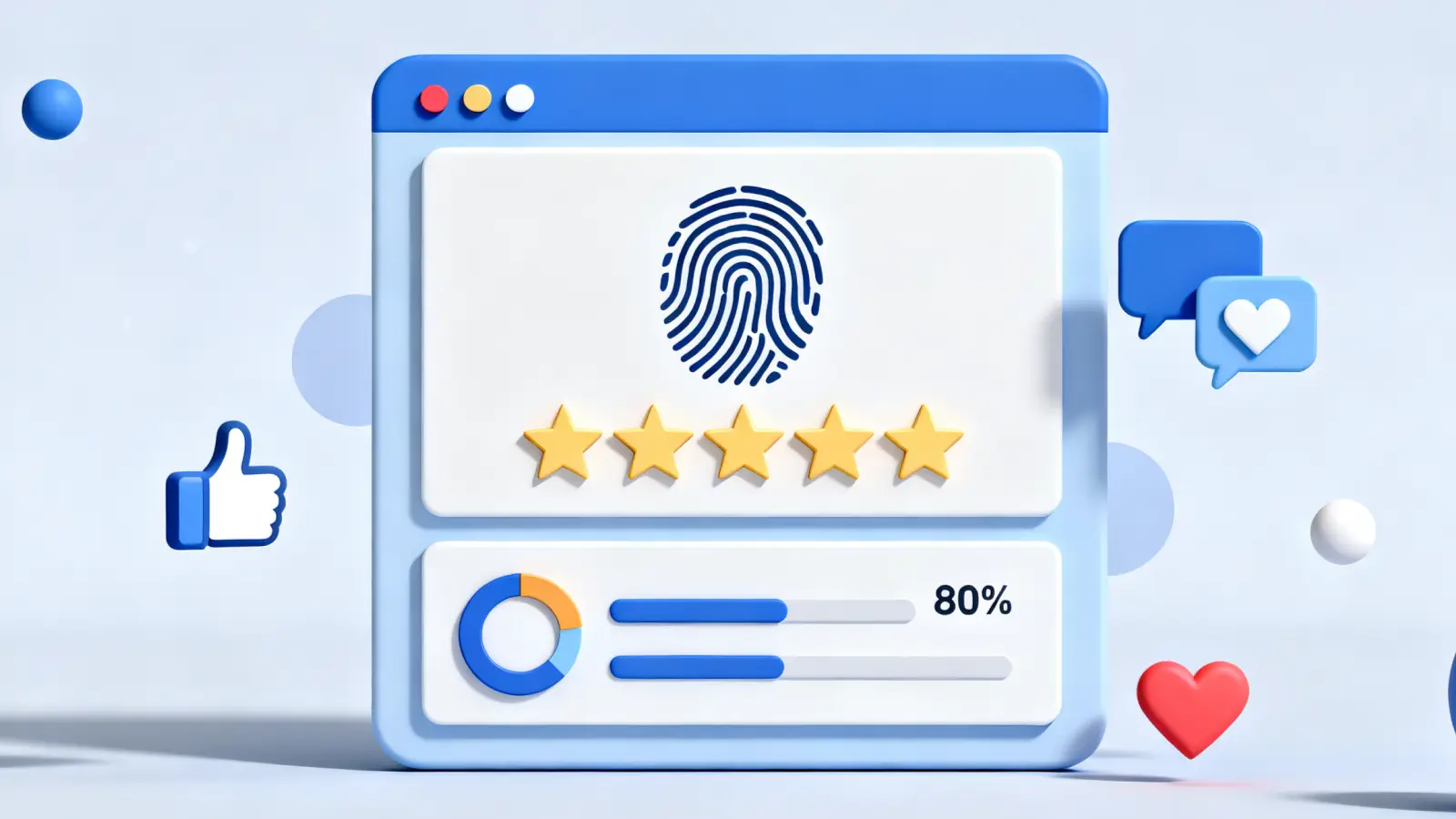
This advanced tracking is called Digital Fingerprinting. It creates a unique profile of your computer based on hundreds of data points. If you log into five different LinkedIn accounts from the same Chrome browser, you are sending a clear signal. You are telling the platform that one person controls all those accounts. To stop Lead Gen Account Bans, you must understand that hiding your IP is no longer enough. You need to mask your entire digital identity.
The Silent Killer: Canvas and WebGL Fingerprinting
Most users never see the most dangerous tracking methods. They happen in the background. Two of the most common techniques are Canvas and WebGL fingerprinting.
Canvas Fingerprinting forces your browser to draw a hidden image. Your computer's graphics card and software render this image in a unique way. The platform takes the code from that image and turns it into a unique ID, or "hash."
WebGL Fingerprinting works similarly but focuses on your 3D graphics renderer.
Here is the problem for lead generation:
- You create 10 accounts.
- You use different proxies for each one.
- You use the same computer for all of them.
- The platform sees 10 different IPs, but one single Canvas hash.
This links all your accounts together instantly. Once the security system flags one account, it blocks the entire chain. To solve this, you need tools that spoof these rendering values for every profile.
"Changing your IP address without altering your browser fingerprint is like wearing a mask but showing your ID card. You are still identifiable." – Cybersecurity Analyst
Behavioral Analysis and the Anatomy of Bot Detection
Platforms do not just look at your hardware. They also look at how you act. This is called behavioral analysis.
Security algorithms track tiny details:
- Mouse Movements: Bots move in perfect straight lines. Humans move in curves and hesitate.
- Typing Speed: Pasting text instantly is a red flag. Real users vary their typing speed.
- Time on Page: Browsing too fast signals automation.
If you use basic scripts for lead generation, you might trigger these alarms. Modern security systems assign a "trust score" to your session. If your behavior looks robotic, your score drops. A low score leads to verification challenges or immediate restrictions.
Hardware Identifiers and the Risk of Device Linking
Your physical computer hardware broadcasts a strong signal about who you are. This creates a solid Browser Identity that is hard to fake without the right software.
Platforms read data points deep inside your system, including:
- AudioContext: The specific way your computer processes sound signals.
- Media Devices: The names and IDs of your microphones and cameras.
- System Specs: The exact amount of RAM and CPU cores you have.
This creates a massive risk for Multi-accounting security. If you run an agency, you might log into a client's account from your powerful office PC. If that PC is also linked to flagged accounts, you risk banning your client's asset.
This is why "incognito mode" fails. It does not hide your hardware specs. It only stops your browser from saving history. To scale safely, you must use an antidetect browser that provides a separate, virtual hardware environment for every single account.
How Antidetect Browsers for Lead Generation Neutralize Tracking Algorithms
You now know that simple proxies are not enough. Your hardware screams your identity to every website you visit. To solve this, you need Antidetect Technology. These specialized browsers do not just hide your IP address. They completely change who you appear to be.
The core solution is Profile Isolation. Instead of fighting the tracking algorithms, these browsers feed them false information that looks 100% real. The software creates a distinct "virtual container" for every account you own. This ensures that LinkedIn or Google sees 50 different people on 50 different computers, even if you are just one person on a single laptop.
The Logic of Profile Isolation and Environment Spoofing
Think of a standard browser like a large open office. Everyone shares the same air, the same coffee machine, and the same cookies. If one person gets sick (banned), the whole office is at risk.
Profile Isolation changes this. It turns your browser into a building with hundreds of separate, locked rooms.
- Cookies and Cache: Each room has its own local storage. Data from Account A never touches Account B.
- Digital Personas: Each room gets a unique identity. One room looks like a Windows PC using Chrome. The next room looks like a Mac using Safari.
This process is called Fingerprint Spoofing. The browser intercepts requests from websites and answers them with fake data. If a website asks, "What graphics card do you have?", the browser replies with a specific, consistent answer for that profile, regardless of what your real computer actually has.
Managing Navigator Objects and User-Agent Consistency
The most common mistake in manual spoofing is mismatched data. This happens when you lie about one thing but forget to change the details that go with it.
The Navigator Object is a set of data inside your browser that tells websites about your device. It includes your User-Agent string, which is like a digital ID card. It says, "I am running Chrome 130 on Windows 10."
However, tracking algorithms are smart. They check for consistency.
- The Trap: If your User-Agent says "iPhone," but your Navigator Object says you have a computer mouse and a physical keyboard, you get flagged. iPhones use touchscreens, not mice.
- The Solution: High-quality antidetect tools ensure consistency. If you choose a mobile profile, the browser automatically emulates touch events and removes mouse indicators.
Creating Synthetic AudioContext and Font Signatures
Websites use very creative ways to identify you. Two of the trickiest are fonts and sound.
- Font Enumeration: Websites check which fonts you have installed. A graphic designer will have hundreds of custom fonts, while a standard office user has only the basics. This list creates a unique ID.
- AudioContext: Your computer makes tiny, unique mathematical errors when processing audio signals. These errors act like a fingerprint.
Antidetect browsers neutralize this by adding "noise."
- For Fonts: The browser loads a standard list of fonts for every profile, hiding your custom system fonts.
- For Audio: The software adds a microscopic layer of random noise to the audio signal. Humans cannot hear it, but it changes the "hash" or ID that the website sees.
By randomizing these values for each profile, you ensure that no two accounts ever look like they come from the same machine.
Critical Features to Look for in Antidetect Browsers for Lead Generation
Now that you understand how fingerprint spoofing protects your identity, it is time to choose the right tool. Not all software is built for business scale. To find the best fit, you need a strict Browser Evaluation framework. The most urgent feature for any lead generation business is a robust Automation API. Without this, you are stuck doing manual work that limits your growth potential.
Automation API Support (Selenium, Puppeteer, Playwright)
Lead generation is a numbers game. You cannot manually visit 500 LinkedIn profiles or send 200 emails every day without burning out. You need software that can do the heavy lifting for you.
This is where the Automation API comes in. It allows external programs to control your antidetect browser. Instead of you clicking the mouse, a script does it for you. Industry-standard tools like Selenium and Puppeteer connect directly to the browser profile.
This feature is critical for two main reasons:
- Mass Action: You can run scripts to scrape data from Sales Navigator or auto-fill forms on hundreds of sites simultaneously.
- Cookie Warm-up: New accounts are often banned immediately because they lack history. You can use the API to run a Cookie Warm-up script. This robot visits neutral websites (like news or shopping sites), scrolls, and clicks links to build a realistic history of cookies.
Top-tier tools like DICloak offer specialized "RPA" (Robotic Process Automation) features. These let you build these workflows visually, so you do not even need to know how to code to keep your accounts safe and active.
Team Collaboration and Granular Permission Management
As your agency grows, you will need to hire help. However, handing over login details to a Virtual Assistant (VA) is a security nightmare. If your VA logs in from a different country, platforms like Facebook will trigger a "Suspicious Login" alert and lock the account.
Team Management Features solve this problem completely.
Modern antidetect browsers store the "session" (your logged-in state) in the cloud. When you share a profile with a team member, they do not need your username or password. They simply click "Start" in their browser, and the software loads your active session from the cloud. To the website, it looks like the same user is continuing their work.
Look for these specific permission controls:
- Launch Only: The team member can use the profile but cannot see the proxy settings or export the cookies.
- Group Sorting: Ability to organize profiles into folders (e.g., "Client A," "Client B") and assign specific staff to those folders.
- Transfer Rights: The ability to securely move a profile from one user to another without triggering a specialized security check.
By using these features, you stop "chain bans" caused by team mistakes and ensure your client data stays inside your company.
Reviewing the Top 10 Antidetect Browsers for Lead Generation in 2026
Now that you understand the critical features like Automation APIs and Team Collaboration, it is time to look at the tools themselves. We tested the industry's Top Antidetect Browsers to see which ones actually deliver on their promises for high-volume lead generation.
Choosing the right software is not just about price. It is about Operational Security (OpSec). A cheap tool that leaks your IP address will cost you more in banned accounts than you save in subscription fees. Below is our detailed breakdown of the best Lead Gen Software available in 2026, evaluated by their ability to scale safely.
Quick Comparison: Top 10 Browser Tools
| Browser Tool |
Starting Price |
Best For |
Free Plan? |
| DICloak |
$8/mo |
Overall Best for Security & RPA |
Yes (5 Profiles) |
| Multilogin |
€9/mo |
Enterprise & Large Teams |
No |
| GoLogin |
$49/mo |
Easy Scaling & Cloud Web |
Yes (Trial) |
| AdsPower |
$9/mo |
Social Media Automation |
Yes (2 Profiles) |
| Dolphin{anty} |
$10/mo |
Affiliate Marketing |
Yes (10 Profiles) |
| Incogniton |
$19.99/mo |
Agency Account Syncing |
Yes (10 Profiles) |
| Browser.lol |
$9/mo |
Disposable Cloud Sessions |
Yes |
| Octo Browser |
€29/mo |
Universal Crypto/E-com |
No |
| MoreLogin |
$9/mo |
Mobile Fingerprinting |
Yes (2 Profiles) |
| Hidemium |
Custom |
Local & Mobile Simulation |
No |
DICloak: Secure Multi-Accounting with Enhanced Privacy
DICloak stands out as the top recommendation for 2026. It perfectly balances advanced security features with a user-friendly interface. If you run an agency that manages hundreds of client accounts, this is the Lead Gen Software you need.
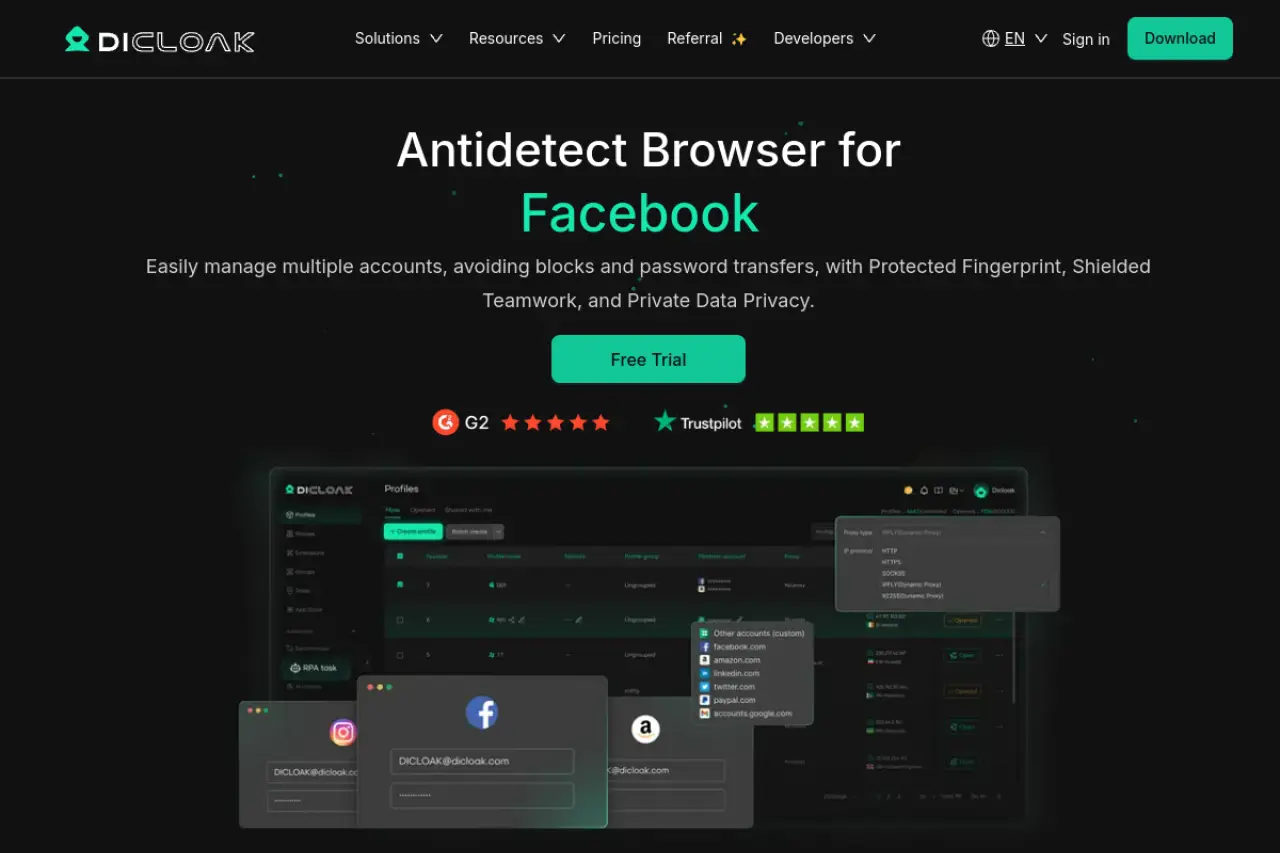
The standout feature here is the RPA (Robotic Process Automation). Most browsers require you to know coding (Python or JavaScript) to automate tasks. DICloak lets you build automation workflows visually. You can create a "bot" that logs into LinkedIn, scrolls for 5 minutes, and likes a post—all without writing a single line of code. This is essential for the "Warm-Up" phase we discussed earlier.
Key Features:
- Visual RPA Automation: Build warm-up scripts without coding skills.
- Team Collaboration: Share profiles securely without revealing passwords.
- Deep Fingerprinting: Modifies Canvas, WebGL, and AudioContext to look like a real user.
- Window Synchronizer: Control multiple windows at once for mass actions.
Pros:
- Excellent free plan for testing (5 profiles).
- High-quality privacy protection prevents "chain bans."
- Very intuitive for non-technical team members.
Cons:
- The "Share+" plan for unlimited teams is a higher tier investment.
Verdict: DICloak is the best all-arounder for agencies and growth teams who need security and automation in one package.
Multilogin: The Enterprise Standard for Profile Isolation
Multilogin is the veteran of the industry. It is often the first name that comes up in 2026 Browser Reviews because it set the standard for profile isolation. It is designed for large enterprises that cannot afford a single mistake.
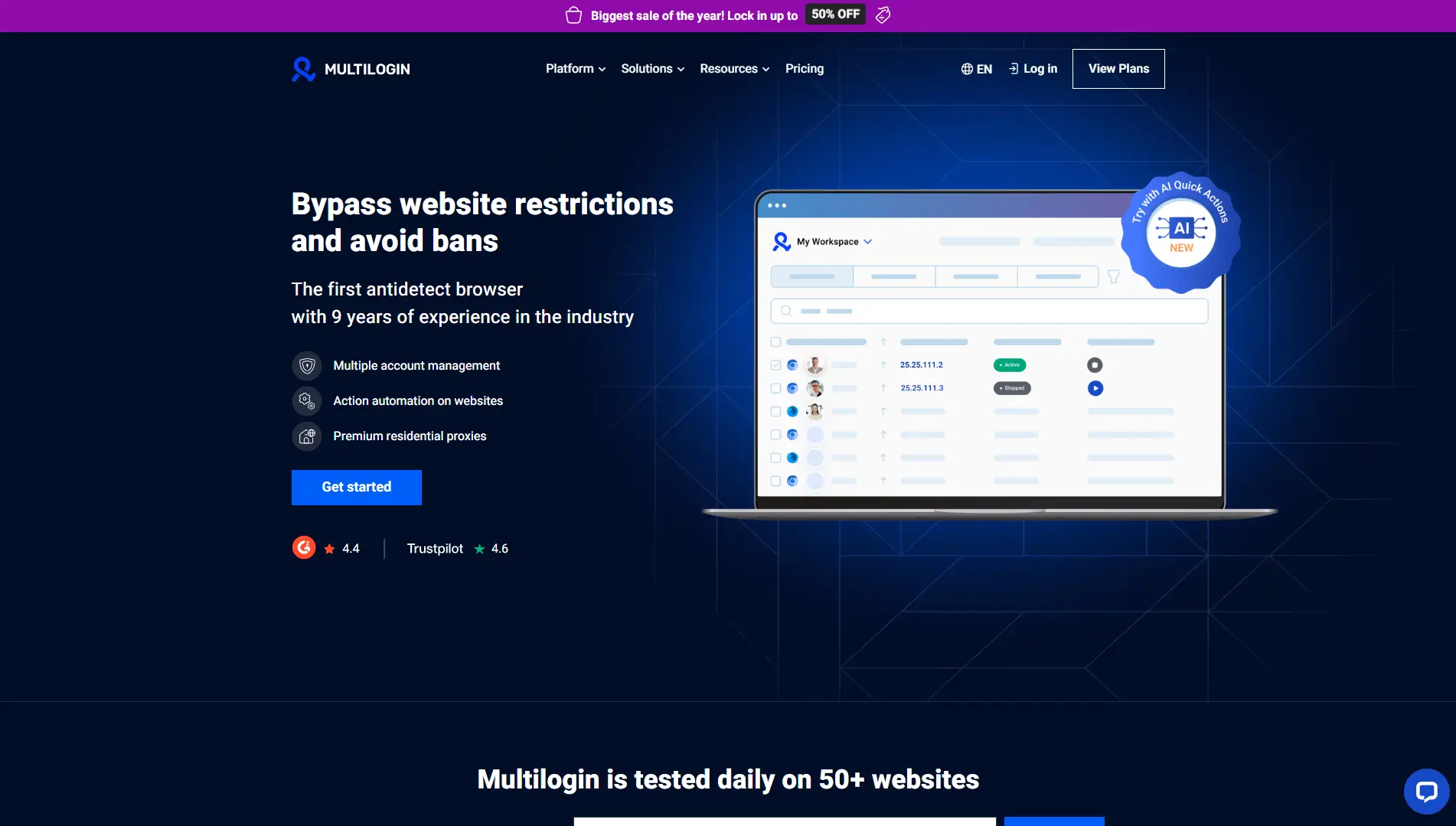
Multilogin uses two custom privacy browsers: Mimic (based on Chrome) and Stealthfox (based on Firefox). This dual-engine approach ensures that your digital fingerprint looks natural regardless of the platform you are targeting.
Key Features:
- Residential Proxies Included: The Pro plans come with high-quality proxy traffic built-in.
- Dual-Engine Core: Choose between Chrome or Firefox environments.
- Automation API: High limits for Selenium and Puppeteer scripts.
Pros:
- Extremely reliable and battle-tested infrastructure.
- Native automation support is robust for developers.
- Includes proxy traffic, which saves money on separate proxy providers.
Cons:
- It is one of the most expensive options on the market.
- No free plan, only paid subscriptions.
Verdict: If budget is not an issue and you need the highest level of stability for thousands of accounts, Multilogin is a solid choice.
GoLogin: User-Friendly Fingerprint Management for Fast Scaling
When discussing Multilogin vs GoLogin, the latter often wins on usability and accessibility. GoLogin has made a massive impact by offering a cloud-based solution that works directly in your web browser or via an Android app.
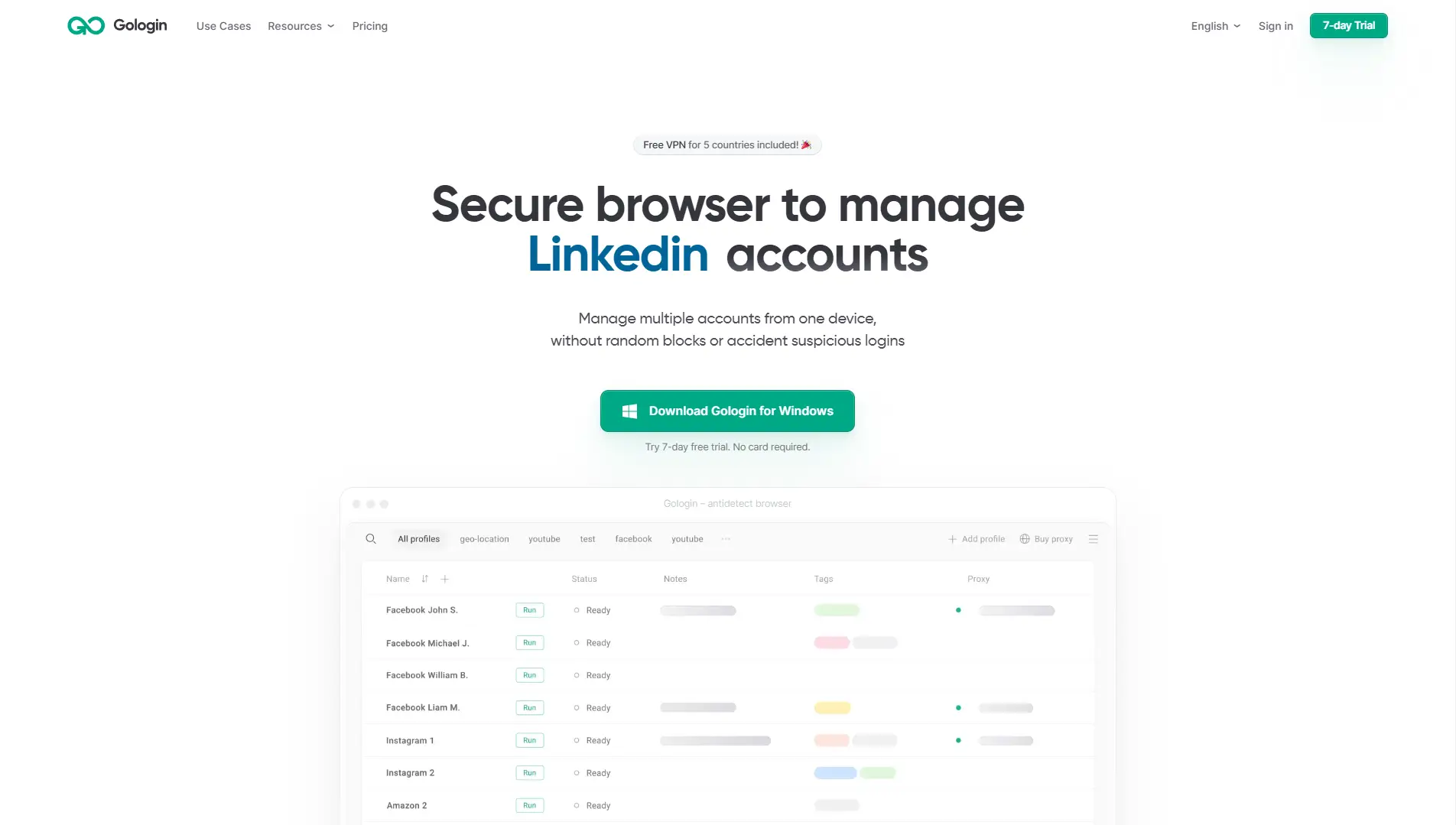
For lead generation teams on the move, GoLogin is fantastic. You can launch your profiles from a mobile device using their Android app. This helps mimic mobile traffic, which social platforms often trust more than desktop traffic.
Key Features:
- Cloud Launch: Run profiles without installing the software locally.
- Android App: Manage accounts from your phone.
- Free Proxies: Includes free proxy traffic for basic use.
Pros:
- Very easy to set up for beginners.
- Flexible pricing starting at $49/month for 50 profiles.
- Good API documentation for developers.
Cons:
- The free proxies are often slow and not suitable for high-stakes accounts.
- The interface can be slower than desktop-native apps.
Verdict: GoLogin is perfect for remote teams and those who need to manage accounts from mobile devices.
AdsPower: Specialized Social Media and E-commerce Lead Gen
AdsPower is a favorite among social media marketers. It is famous for its Synchronizer feature. This tool allows you to open 10 different browser windows and control them all at once. If you type a message in the "Master" window, it types the same message in all 9 other windows instantly.
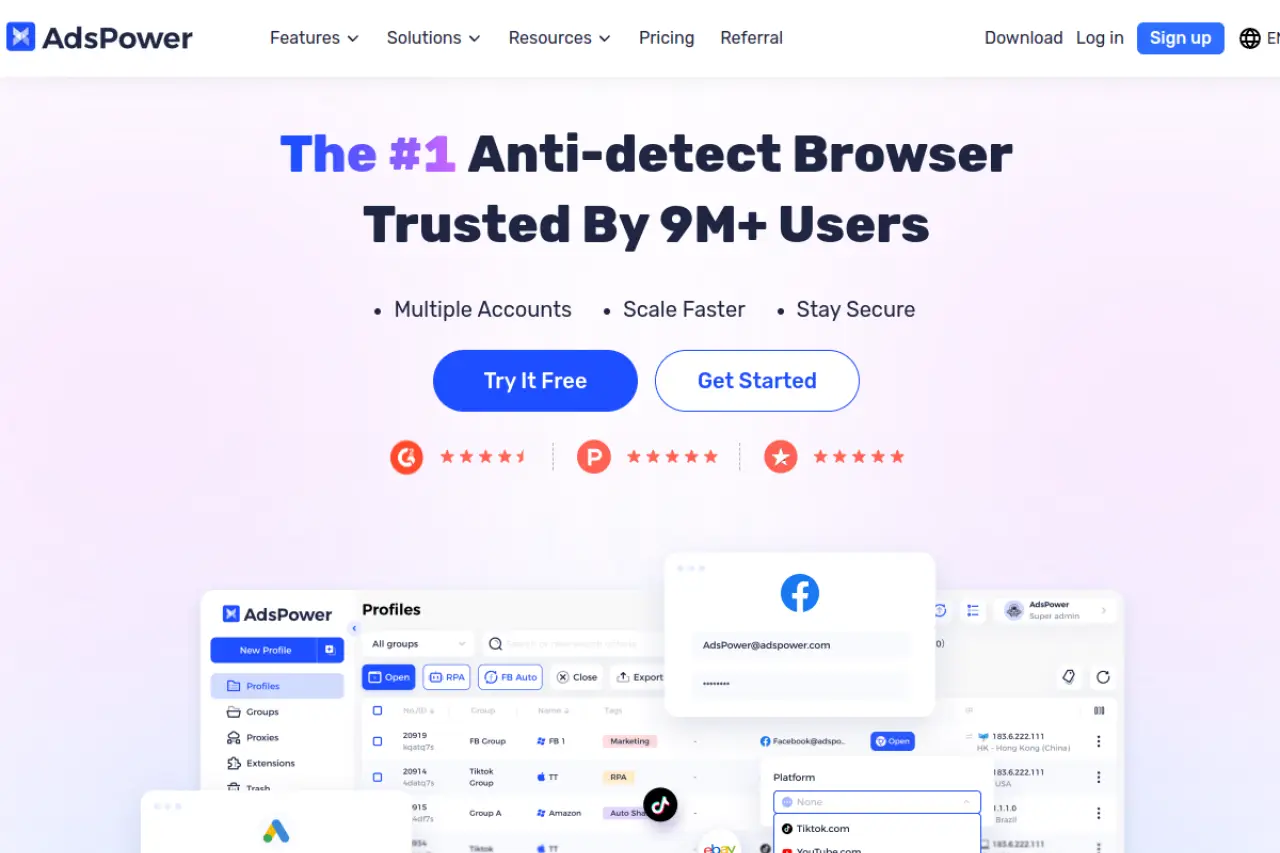
This is a game-changer for manual lead generation. You can send connection requests on 10 LinkedIn accounts simultaneously, drastically cutting down your work time.
Key Features:
- Window Synchronizer: Control multiple profiles with one mouse and keyboard.
- RPA Robot: Similar to DICloak, it offers template-based automation.
- Application Center: Easy integration with extensions.
Pros:
- Very affordable starting price ($9/month).
- Great free plan (2 profiles).
- Specific features designed for Facebook and TikTok ads.
Cons:
- The interface is cluttered with many features, which can be overwhelming.
- Learning curve for the Synchronizer tool is steep.
Verdict: Best for teams doing heavy social media outreach who need manual control at scale.
Dolphin{anty}: Optimized for High-Volume Affiliate Workflows
Dolphin{anty} was built by affiliate marketers for affiliate marketers. While it is great for ads, its features translate perfectly to lead generation. It focuses on speed and mass profile creation.
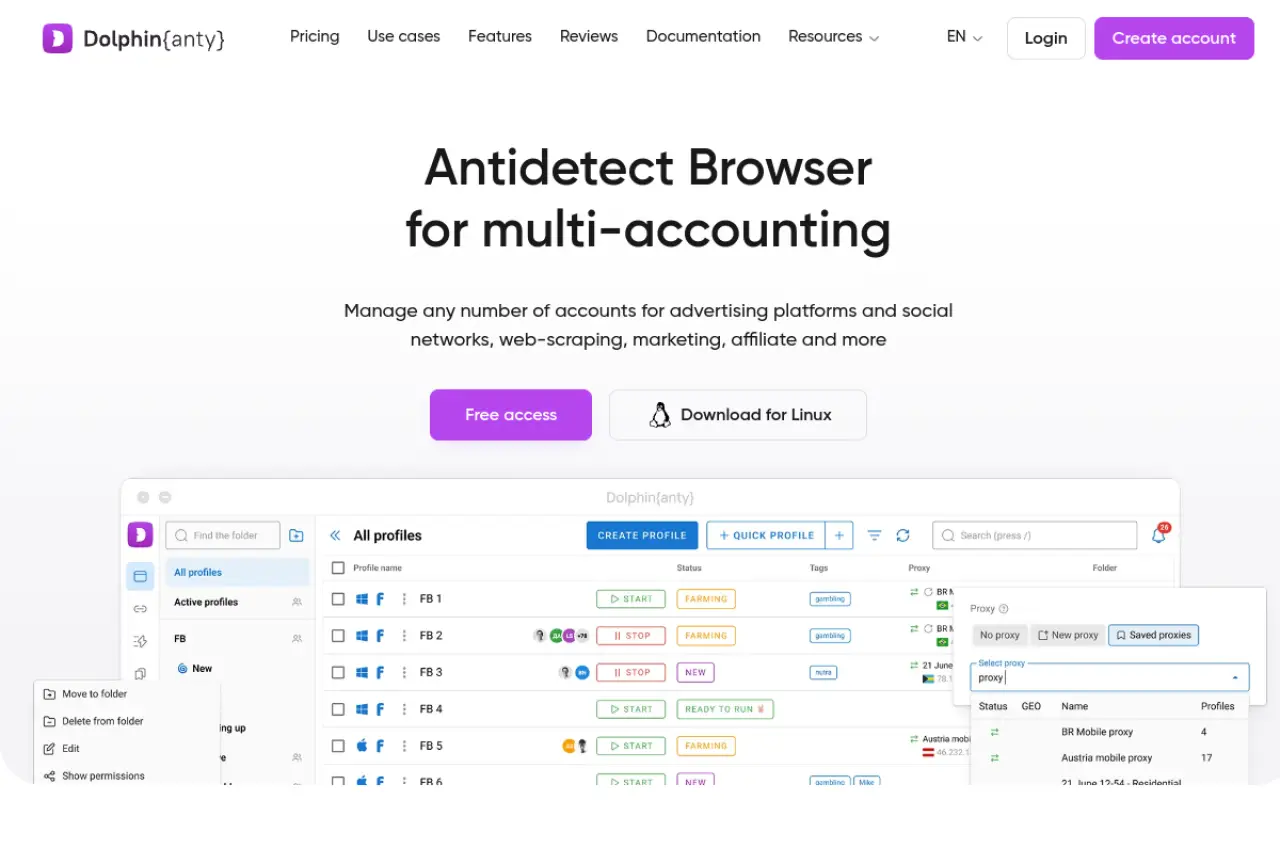
A unique feature is the "Smart Paste" and "Cookie Import" tools. You can buy accounts from a provider and upload them into Dolphin{anty} in bulk. The software automatically parses the data and sets up the profiles for you.
Key Features:
- Real Fingerprints: Uses a database of real user fingerprints.
- Status Tags: Label profiles (e.g., "Warming Up," "Ready," "Banned") for easy sorting.
- Facebook Automation: Built-in tools specifically for FB ad management.
Pros:
- Modern, dark-mode interface that is easy on the eyes.
- Generous free plan (5 profiles).
- Fast profile loading times.
Cons:
- Support can sometimes be slow during peak hours.
- Primarily focused on Russian and European markets, though English support is good.
Verdict: Excellent for "churn and burn" lead gen strategies where you need to replace accounts quickly.
Incogniton: The Powerhouse for Agency Account Synchronization
Incogniton is a strong contender for agencies that need to give separate access to different team members. It offers a very generous free plan allowing 10 profiles, which is great for small startups testing the waters.
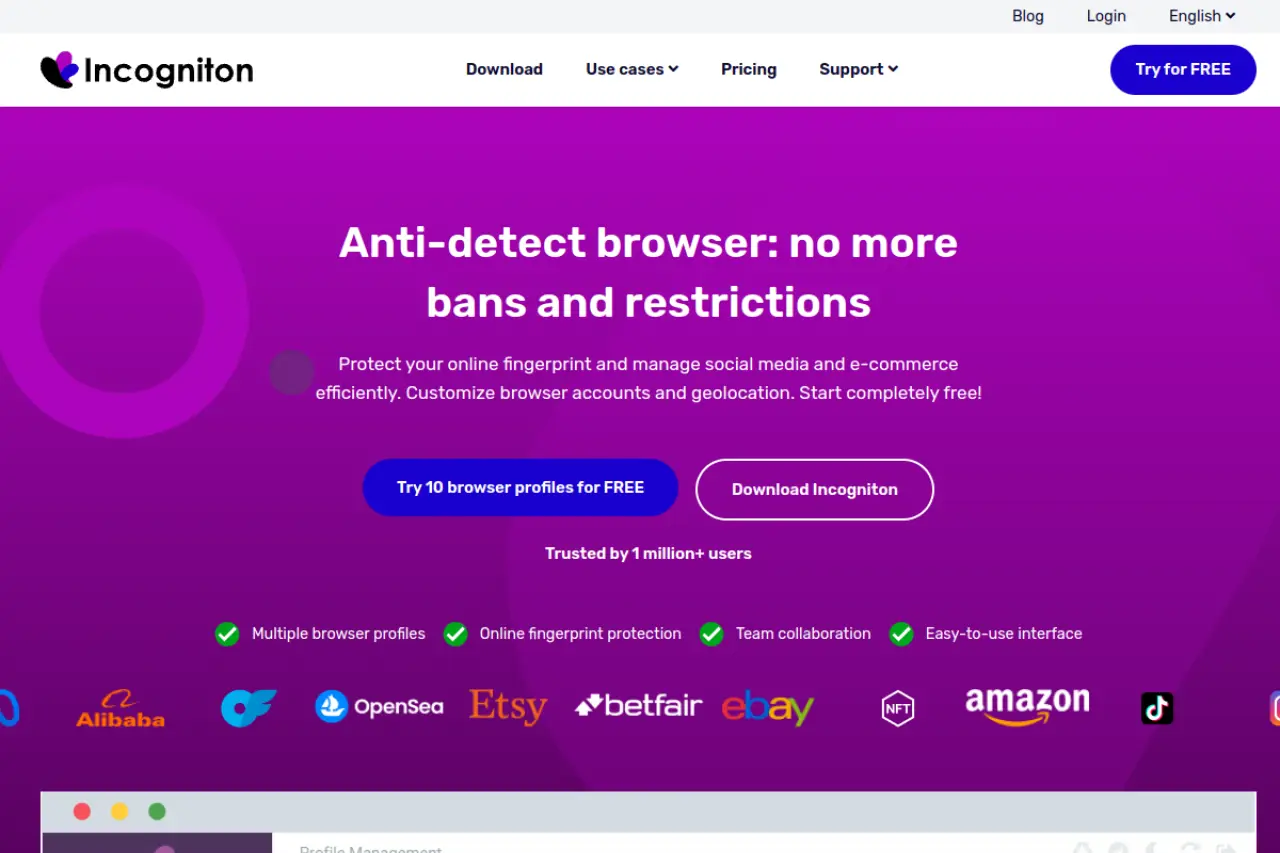
It integrates well with Selenium and Puppeteer, making it a good choice if you have a developer on your team who wants to write custom scraping scripts for lead data.
Key Features:
- Data Synchronization: seamless cloud sync across devices.
- Bulk Creator: Create 50 profiles in one click.
- Cookie Management: Import/Export cookies easily.
Pros:
- One of the best free plans in the industry.
- Very stable for long-term account farming.
- Simple, no-nonsense interface.
Cons:
- Can be resource-heavy on your computer RAM.
- Fewer built-in automation tools compared to DICloak.
Verdict: A solid, reliable workhorse for agencies who want a free start before scaling up.
Browser.lol: Sandboxed Cloud Sessions for Disposable Lead Gen
Browser.lol takes a completely different approach. It is a cloud-based virtual browser. Instead of spoofing a fingerprint on your computer, it streams a browser from a server to you. It is like watching a video of a browser that you can control.
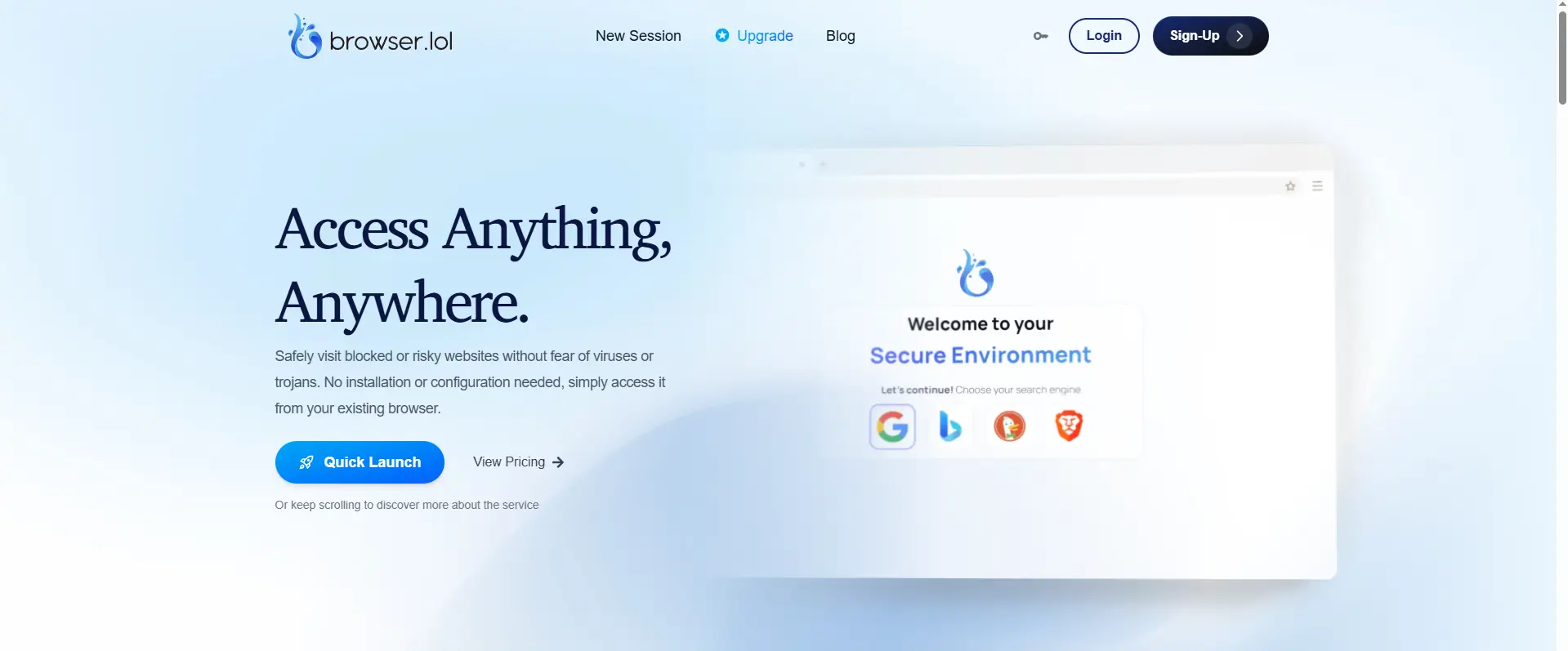
This is useful for highly sensitive scraping where you do not want any trace of the activity on your local machine.
Key Features:
- No Installation: Runs entirely in your web browser.
- Disposable Sessions: Close the tab, and the session is gone forever.
- Tor Integration: Option to route traffic through the Tor network.
Pros:
- Ultimate privacy for the local machine.
- Pay-as-you-go flexibility.
- Great for one-off tasks.
Cons:
- Not suitable for long-term account farming (cookies are hard to maintain).
- Can have latency (lag) since it is a video stream.
Verdict: Best for quick, disposable research or scraping tasks, not for managing long-term LinkedIn accounts.
Octo Browser: Universal Protection Across All Verticals
Octo Browser markets itself as a universal tool. It is fast and handles Browser Fingerprinting with high precision. It is widely used in the crypto and e-commerce space, which means its security standards are incredibly high—perfect for lead gen.
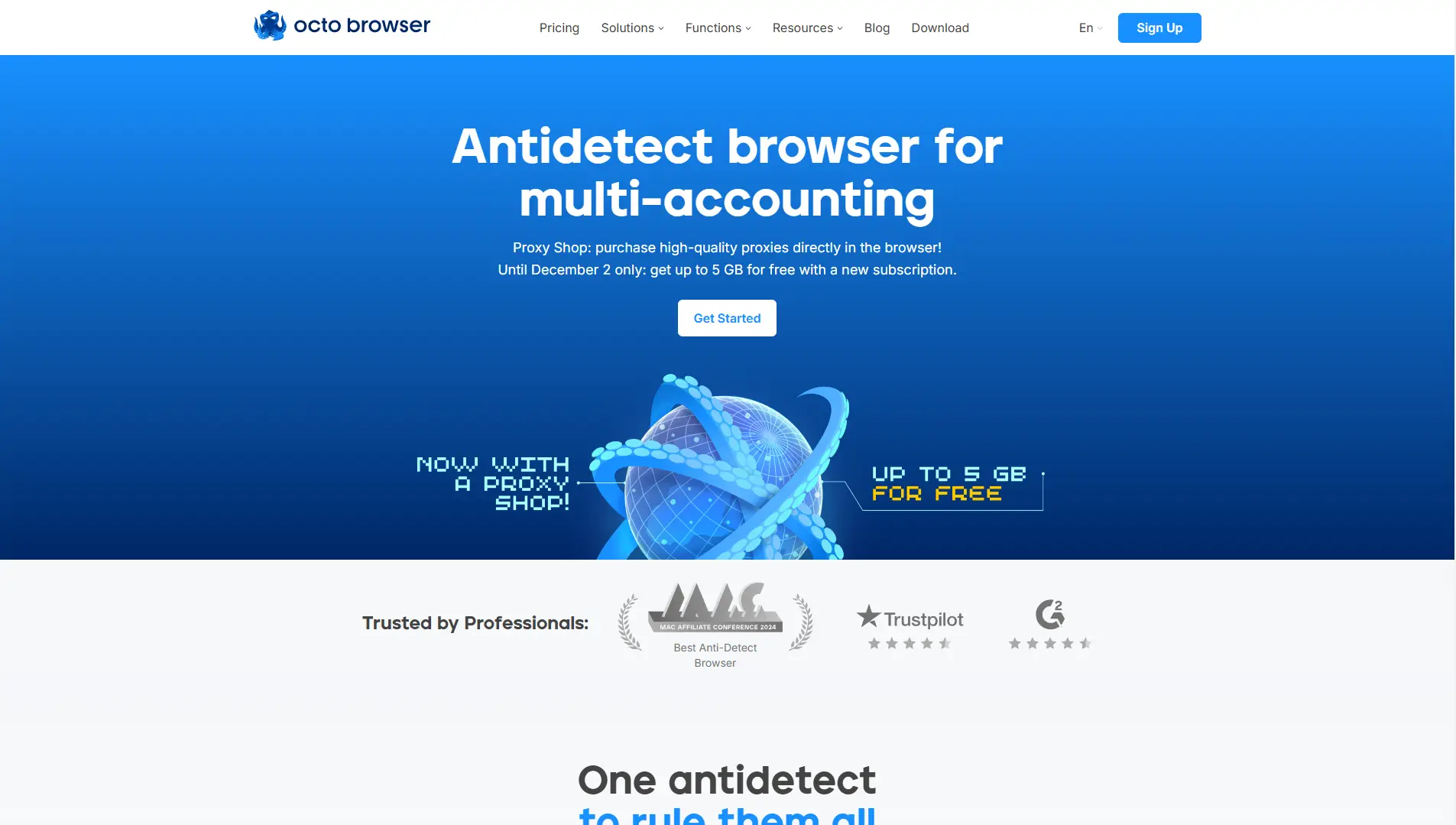
It allows for unlimited devices on its subscription plans, which is a rare feature. Most tools limit how many computers you can log in from.
Key Features:
- Real Device Fingerprints: Uses actual device data, not generated noise.
- Unlimited Devices: Log in from office, home, or laptop without limits.
- API Automation: Full control for complex scripts.
Pros:
- Very fast interface (written in Go and React).
- High trust score on checking sites like Pixelscan.
- Flexible tag management for profiles.
Cons:
- Pricing is in Euros and slightly higher than average.
- No permanent free plan (only paid tiers).
Verdict: A premium, high-speed option for teams who value performance and speed above all else.
MoreLogin: Leading the Way in Mobile Fingerprint Emulation
MoreLogin has carved out a niche by focusing on "Real Canvas Fingerprints." They claim to collect fingerprints from billions of real users worldwide to ensure your profile blends in perfectly.
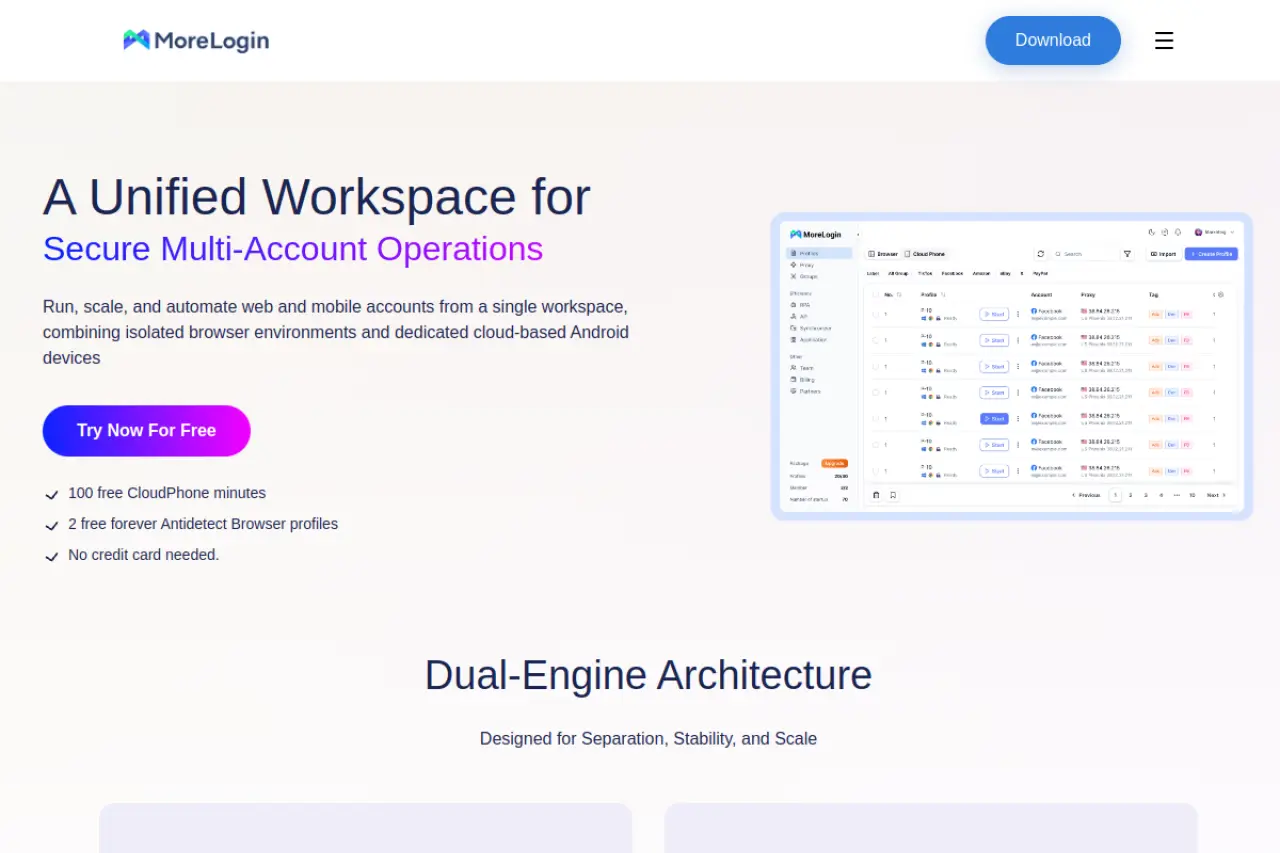
Their standout feature is the ability to emulate Cloud Phones. This allows you to run mobile apps or mobile browser versions on a desktop interface, which is fantastic for Instagram or TikTok lead generation.
Key Features:
- Cloud Phone: Run Android environments in the cloud.
- Real Canvas: Advanced spoofing technology.
- Team Roles: Granular permission settings.
Pros:
- Competitive pricing ($9/month).
- Unique mobile emulation features.
- Good anti-linking protection.
Cons:
- Newer to the market, so fewer third-party integrations.
- Interface is still evolving.
Verdict: The best choice if your lead generation strategy relies heavily on mobile-first platforms like TikTok or Instagram.
Hidemium: Advanced Mobile Simulation for Local Lead Gen
Hidemium is a powerful tool that offers both cloud and local storage options. It is particularly strong in mobile device simulation, allowing you to mimic specific phone models (e.g., iPhone 14 Pro, Samsung S23).

For local lead gen, this is crucial. If you are targeting leads in a specific city, looking like a mobile user on a local ISP network is the highest form of trust you can establish.
Key Features:
- Mobile Fingerprints: extensive library of mobile device profiles.
- Local & Cloud Plans: Choose where your data lives.
- Automation Support: Compatible with standard automation frameworks.
Pros:
- Flexible storage options for security-conscious teams.
- Great for emulating mobile traffic.
- Customizable plans for enterprise needs.
Cons:
- Pricing structure is complex (mix of plans).
- Steeper learning curve for beginners.
Verdict: Ideal for advanced users who need specific mobile device signatures and local data control.
Frequently Asked Questions about Antidetect Browsers for Lead Generation
What are the best proxy types for antidetect browser profiles?
For lead generation, you should avoid Datacenter Proxies. Platforms like Facebook and LinkedIn flag them immediately because they come from server farms, not real homes.
Instead, use Residential Proxies or Mobile 4G/5G Proxies.
- Residential Proxies: These assign you an IP address from a real home Wi-Fi network. They are stable and cost-effective for daily management.
- Mobile Proxies: These use IP addresses from cellular towers. They have the highest "trust score" because platforms rarely ban mobile IPs (since thousands of real users share them).
How do I handle 2FA challenges when sharing profiles with a team?
The biggest pain point for agencies is the "verify it's you" login loop. You can solve this by sharing Browser Cookies, not just passwords.
When you log in to an account on a tool like DICloak, the browser saves a "session cookie." This is a digital pass that tells the website you are already logged in. Premium antidetect browsers allow you to sync this profile to the cloud. When your team member opens the profile on their computer, the website sees the same cookie and fingerprint. It thinks it is the same device, so it does not ask for Two-Factor Authentication.
Can platforms detect the use of antidetect technology?
Yes, but only if you use low-quality tools or bad settings. Big platforms use scripts to look for "inconsistencies." For example, if your browser says it is running on an iPhone, but the hardware reveals a massive PC graphics card, you will get flagged.
Advanced browsers like DICloak do not just "block" trackers; they feed them fake but realistic data. This is called "noise" or Fingerprint Spoofing. If a browser simply blocks the tracker (like an ad blocker), the website knows you are hiding something. If the browser provides a consistent fake identity, you look like a normal user.
How many accounts can I safely run on a single machine?
Technically, you are only limited by your computer's RAM (memory). Each browser profile acts like a separate Chrome window. A modern computer with 16GB of RAM can easily handle 10-20 active profiles at once.
However, for safety, the rule is strict isolation. You can store 1,000+ profiles on one machine, but you should never link them. Do not use the same recovery email for all of them. Do not use the same credit card. As long as the digital fingerprints are unique and the proxies are different, the platform treats them as 1,000 different people, regardless of which physical computer you use.
 Web Proxy Tools
 Free Tools
 Cookie Plugin
 UA Generator
 MAC Address Generator
 IP Generator
 IP Address List
 2FA Code Generator
 World Clock
 Anonymous Check
 WebRTC Leak Test
 UUID Generator
 Free Web Proxy Site
 Proxy Checker
 FB Ad Checker
 AI Web Scraping
 Free SMM Tools
 Twitter Shadowban Checker
 Instagram Name Checker
 UTM Generator
 Username Generator
 AI Hashtag Generator
 LinkedIn Headline Generator
 Social Media Image Resizer