Looking to manage multiple accounts safely or stay truly anonymous online? In 2026, traditional browsers and basic privacy tools are no longer enough to bypass advanced fingerprinting, behavioral analysis, and anti-fraud systems. That’s where an antidetect browser comes in. A specialized tool, it creates isolated profiles with unique fingerprints, proxies, and device settings, letting you operate multiple accounts, gather data, or conduct research without being detected.
In this guide, we explore the best antidetect browser in 2026, compare 10 leading options, and highlight how to choose the right solution based on security, automation, team collaboration, and pricing—helping you find the tool that fits your needs perfectly.
What is an Antidetect Browser?
An antidetect browser is a specialized browser designed to hide or modify your digital fingerprint, making each browsing session or profile appear as a completely different, real user. This prevents websites from linking multiple activities back to the same person or device.
Unlike traditional browsers, which expose stable identifiers such as IP address, device specifications, operating system, time zone, cookies, and browser settings, an antidetect browser actively changes and isolates these parameters. As a result, platforms cannot easily detect that multiple accounts are being controlled from one source.
In simple terms, every browser profile created in an antidetect browser has its own independent online identity. Each profile looks like a unique device, from a specific location, using a specific system and browser setup. This makes antidetect browsers essential tools for users who need strong privacy protection or manage multiple accounts safely.
Antidetect browsers are widely used in scenarios such as:
- Social media marketing (SMM)
- E-commerce account management
- Affiliate marketing
- Web scraping and data collection
- Market research and ad verification
By preventing fingerprint-based tracking and cross-account linking, antidetect browsers significantly reduce the risk of bans, restrictions, and unwanted exposure.
How Does an Antidetect Browser Work?
Antidetect browsers work by modifying and isolating key browser fingerprints that websites rely on for identification. These include both network-level and browser-level signals.
Key mechanisms include:
- Unique browser profiles
Each profile is created with its own hardware, software, and network configuration, ensuring complete isolation between accounts.
- Fingerprint manipulation
Parameters such as user agent, screen resolution, language, time zone, WebRTC data, canvas rendering, fonts, and audio fingerprints are altered to mimic real devices.
- Data isolation
Cookies, cache, local storage, and session data are stored separately for each profile, preventing cross-contamination and tracking between accounts.
- Proxy integration
Antidetect browsers are commonly used with residential, mobile, or datacenter proxies to mask the real IP address and location, creating a fully independent online persona.
Together, these techniques make it extremely difficult for websites to determine that multiple sessions or accounts belong to the same user, while still maintaining realistic and stable browsing behavior.
Why Use an Antidetect Browser?
As websites and platforms become more sophisticated, traditional privacy tools like incognito mode, VPNs, or standard browsers are no longer enough. Modern platforms rely on advanced fingerprinting and behavior analysis to identify users across sessions and accounts. This is where antidetect browsers become essential.
1. Stronger Privacy and Online Anonymity
Every time you go online, your browser leaks dozens of signals—device type, operating system, screen size, fonts, time zone, and more. Combined, these signals create a unique digital fingerprint that can identify you even without cookies or logins.
An antidetect browser minimizes this exposure by:
- Masking or modifying browser fingerprints
- Isolating tracking data between sessions
- Preventing cross-site and cross-account tracking
This provides a much higher level of privacy than traditional browsers, especially for users who want to avoid profiling, surveillance, or unwanted data collection.
2. Safe Management of Multiple Accounts
Most online platforms strictly prohibit managing multiple accounts from the same device or IP. Once detected, users may face account suspension, shadow bans, or permanent blocks.
Antidetect browsers solve this problem by creating independent browser profiles, each with:
- A unique fingerprint
- Separate cookies and storage
- A dedicated IP via proxy integration
This allows users to manage multiple accounts on platforms like social media, e-commerce marketplaces, ad networks, and forums without triggering automated detection systems.
3. Reduced Risk of Bans and Platform Restrictions
Modern anti-fraud systems do not rely on a single signal. They analyze behavior patterns, device consistency, network data, and historical fingerprints.
By maintaining stable yet unique profiles, antidetect browsers help:
- Avoid account linking
- Reduce false positives in fraud detection
- Maintain long-term account health
This is especially important for businesses and professionals whose revenue depends on account stability.
4. Higher Efficiency for Professional Use Cases
For marketers, affiliates, data analysts, and researchers, efficiency matters as much as privacy.
Using an antidetect browser makes it possible to:
- Run multiple workflows in parallel
- Access region-restricted content
- Test ads, websites, or user experiences from different environments
- Collect data at scale with a lower detection rate
Compared to using multiple physical devices or virtual machines, antidetect browsers are far more scalable and cost-effective.
5. Designed for Modern Internet Environments
The modern web is no longer cookie-based alone. Fingerprinting techniques such as canvas, WebGL, audio, font, and WebRTC tracking are now standard.
Antidetect browsers are built specifically to address these technologies, making them a long-term solution rather than a temporary workaround.
Best Antidetect Browsers to Consider in 2026
With browser fingerprinting, behavioral analysis, and anti-fraud systems becoming more advanced in 2026, choosing the right antidetect browser is no longer just about hiding an IP address. Stability, fingerprint consistency, team collaboration, automation support, and long-term account safety now play a critical role in determining which tools truly deliver value.
In the following section, we review 10 leading antidetect browsers to consider in 2026, analyzing their core strengths and limitations to help you identify the solution that best aligns with your operational goals.
1. DICloak Antidetect Browser — Best Overall Choice in 2026
DICloak Antidetect Browser is a professional solution for managing multiple online accounts securely in 2026. It creates fully isolated browser profiles, each with its own unique fingerprint, cookies, and proxy configuration, helping users avoid account linking, bans, and detection across platforms like social media, e-commerce, and ad networks.
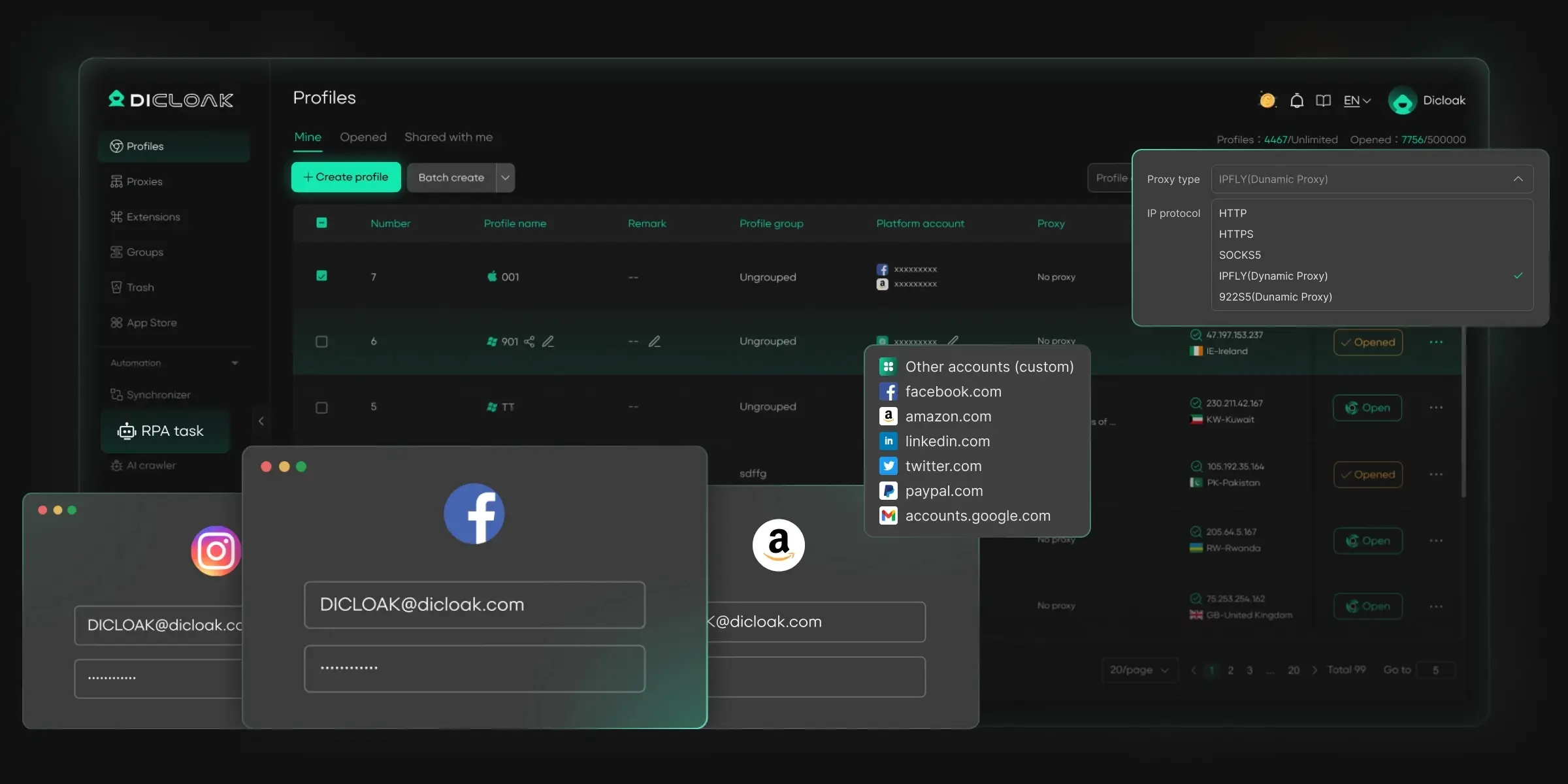
Beyond fingerprint isolation, DICloak stands out with built-in automation and AI tools. Users can automate browsing tasks, data collection, and repetitive workflows using ready-made RPA templates or simple natural-language commands, with no coding required. Features like window synchronization and traffic simulation make large-scale operations more efficient, especially on traffic-sensitive platforms.
DICloak also supports secure team collaboration with role-based access control, detailed operation logs, and strong data protection mechanisms. Passwords are fully hidden, developer tools can be restricted, and packet capture attempts are automatically blocked, making it the best antidetect browser for agencies and shared accounts.
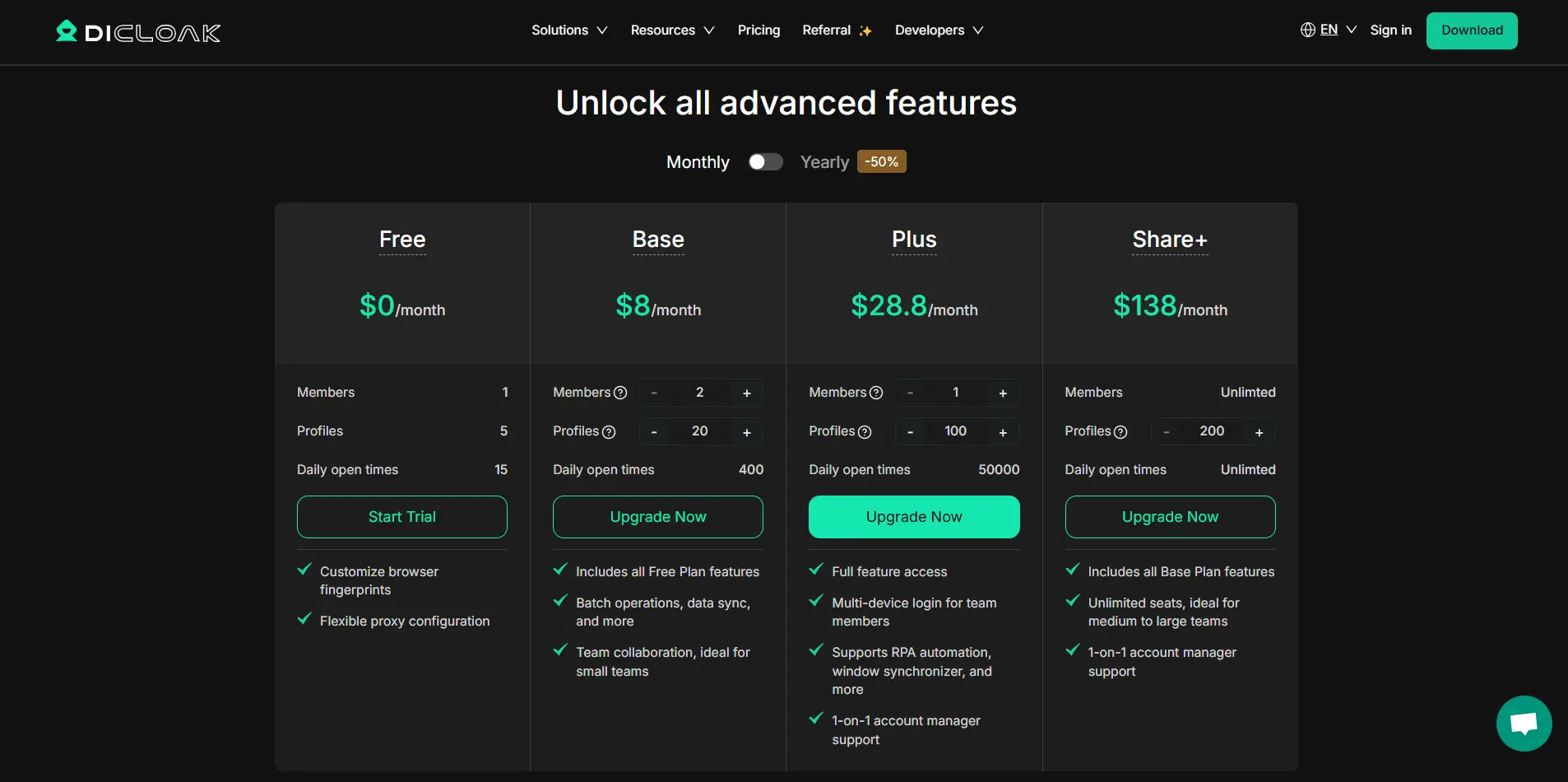
- Starting price: $8/month
- Free version: Yes, a life-time free plan with 5 browser profiles
- Automation & API: Yes (RPA, AI automation, OpenAPI)
- Team collaboration: Yes
- Best for: Multi-account management, automation-driven workflows, and secure account sharing in 2026
2. Multilogin
Multilogin is an established antidetect browser designed for multi-account management, privacy protection, and geo-bypass scenarios. It is commonly used by digital marketers, affiliate teams, researchers, and users who require stable fingerprint isolation across multiple online profiles.
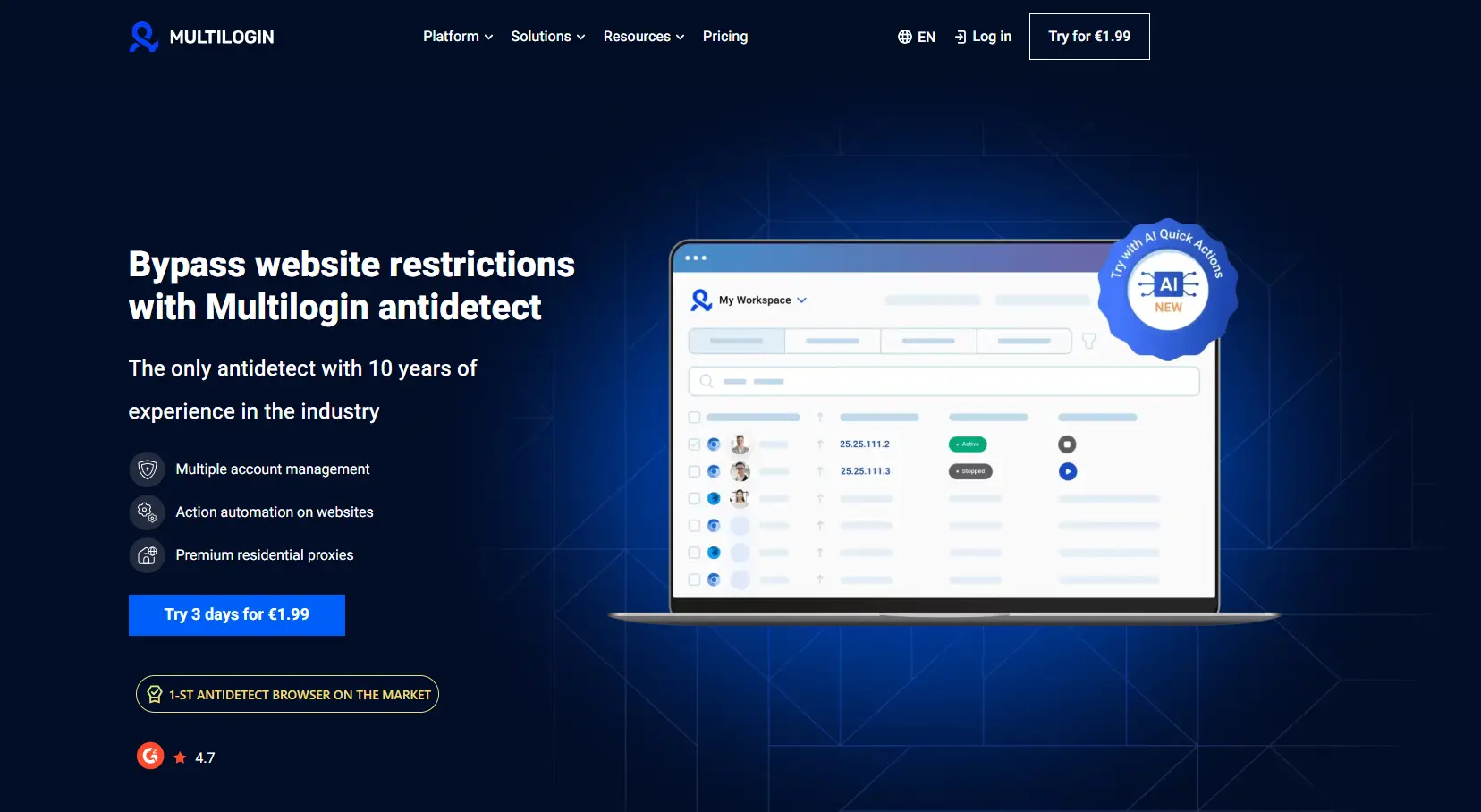
Multilogin focuses on fingerprint spoofing rather than disabling browser parameters. It modifies key identifiers such as canvas, WebGL, user agent, and device attributes to generate realistic browser fingerprints that are harder for anti-fraud systems to flag. Users can run modified Chromium- or Firefox-based browsers, each profile appearing as a distinct device.
The platform supports the creation and management of a large number of isolated browser profiles, each configurable with its own proxy settings. It is compatible with various proxy types, including HTTP, SOCKS, residential, and mobile proxies, allowing flexible IP management. Browser profile data can be stored locally or in encrypted cloud storage, depending on user preference.
Multilogin also provides automation support through tools like Selenium and Puppeteer, enabling developers to create and manage profiles programmatically. Team collaboration is available on selected plans, allowing multiple users to access and operate shared profiles under defined limits.
- Starting price: €9/month (limited profiles)
- Paid trial: Yes, a 3-day trial for €1.99
- Automation & API: Yes (Selenium, Puppeteer, API with rate limits)
- Team collaboration: Yes (team seats depend on plan)
- Notes: Higher-tier plans can be significantly more expensive compared to many other market solutions. Additionally, some users have reported that browser profiles occasionally fail to open, which may affect workflow reliability.
3. Gologin
GoLogin is a well-known antidetect browser designed to help users stay anonymous, bypass platform restrictions, and manage multiple accounts from a single environment. It is commonly used by marketers, data researchers, and teams that require browser fingerprint isolation with cloud-based access.
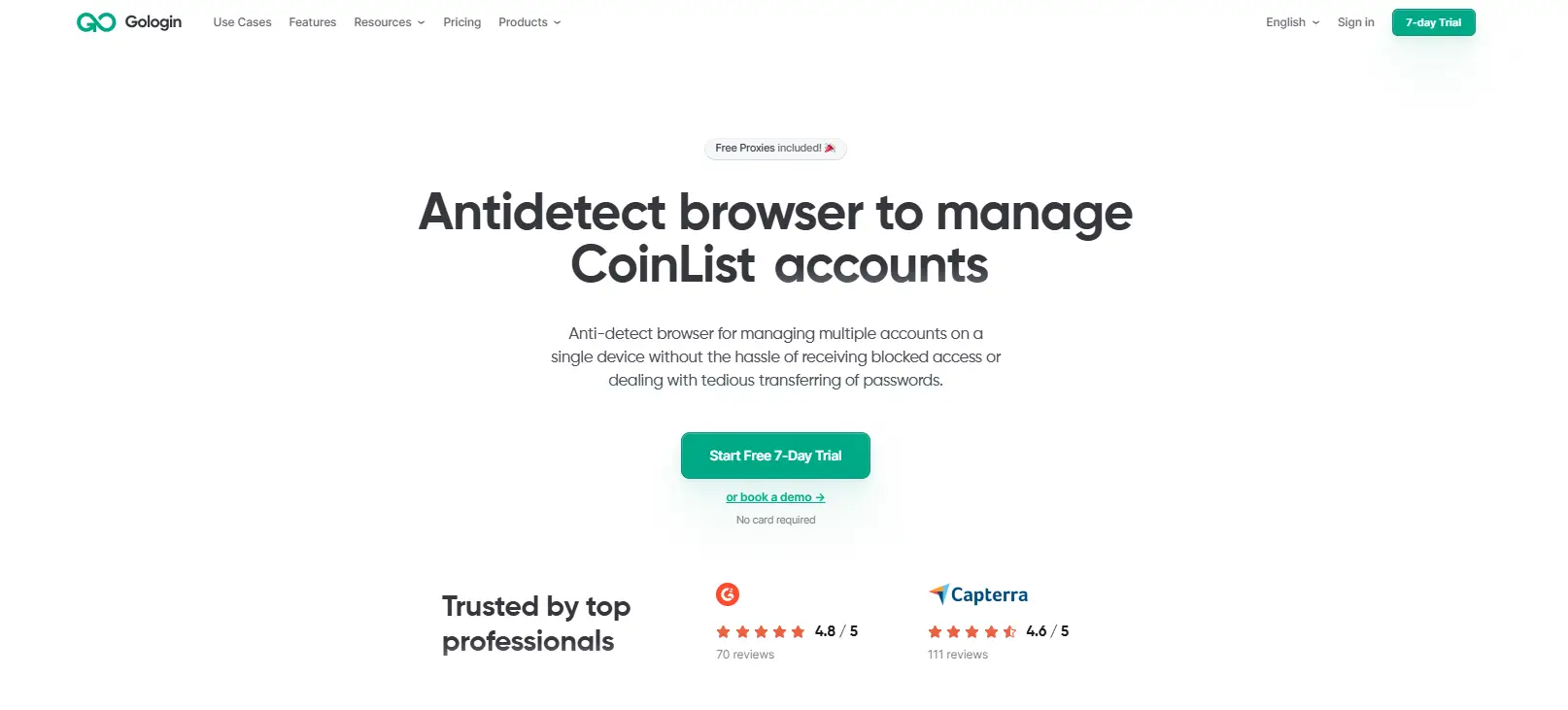
GoLogin creates separate browser profiles, each with its own digital fingerprint, including IP address, time zone, cookies, WebRTC data, and device parameters. With more than 50 configurable fingerprint options, users can customize profiles to better match real-world browsing environments and reduce detection by fraud prevention systems.
The platform is known for its simple and beginner-friendly interface, making it accessible to users who are new to antidetect browsers. A built-in proxy checker displays IP details such as country and latency before launching a profile, helping users validate proxy quality in advance.
GoLogin stores profile data using AES‑256 encryption and offers cloud-based profile syncing, which supports remote work and team collaboration. For advanced workflows, it provides API access and supports automation through Puppeteer and Selenium, allowing users to run scripted tasks or data collection at scale.
- Starting price: $24/month for 100 browser profiles
- Free trial: Yes, a 7-day plan with 3 profiles (no team collaboration)
- Automation & API: Yes (API up to 1,200 requests/min, Puppeteer, Selenium)
- Team collaboration: Yes
- Note: Some advanced fingerprint and team features are limited to higher-tier plans, and long-term scalability may require upgrading as operations grow.
4. AdsPower
AdsPower is an antidetect browser primarily designed for digital marketing, e-commerce, affiliate campaigns, cryptocurrency management, and social media operations. It enables users to run multiple accounts while keeping each browser profile isolated with unique fingerprints and proxy configurations.
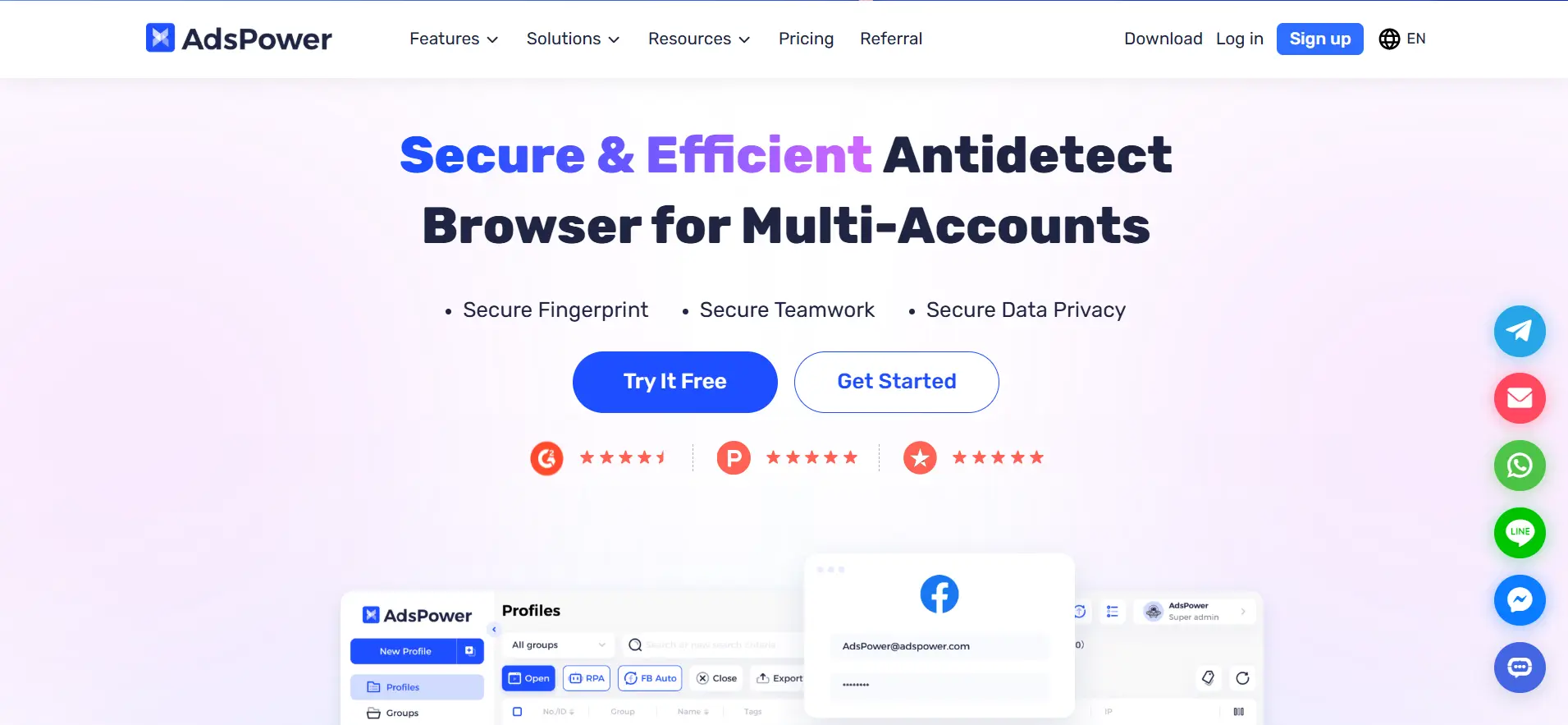
Each profile in AdsPower functions as an independent browsing environment, ensuring cookies, cache, and device parameters are separated. The platform supports batch and quick profile imports, making it easy to prepare multiple profiles for social media marketing or e-commerce campaigns.
For advanced workflows, AdsPower offers headless browsing, allowing automation scripts to run in the background for tasks like posting, account creation, or data collection. Built-in RPA tools let users replicate repetitive actions without coding, saving time on large-scale operations. Profiles can also be synced for multi-account management, and team access with role control and activity logs ensures organized collaboration.
- Starting price: $9/month for 10 browser profiles
- Free trial: Yes, a 3-day plan with 2 profiles
- Automation & API: Yes
- Team collaboration: Yes, with role control and logs
- Note: There have been reports of data leaks in past AdsPower versions. Users should exercise caution, avoid storing sensitive credentials, and consider additional encryption or secure password management when using AdsPower in team profiles.
5. GeeLark
GeeLark is an antidetect browser designed for users who need to manage multiple online identities securely and efficiently. It is particularly useful for digital marketers, affiliate managers, web scrapers, and anyone prioritizing privacy and operational flexibility. GeeLark stands out by offering cloud-based mobile devices, making it ideal for mobile-first platforms like TikTok.
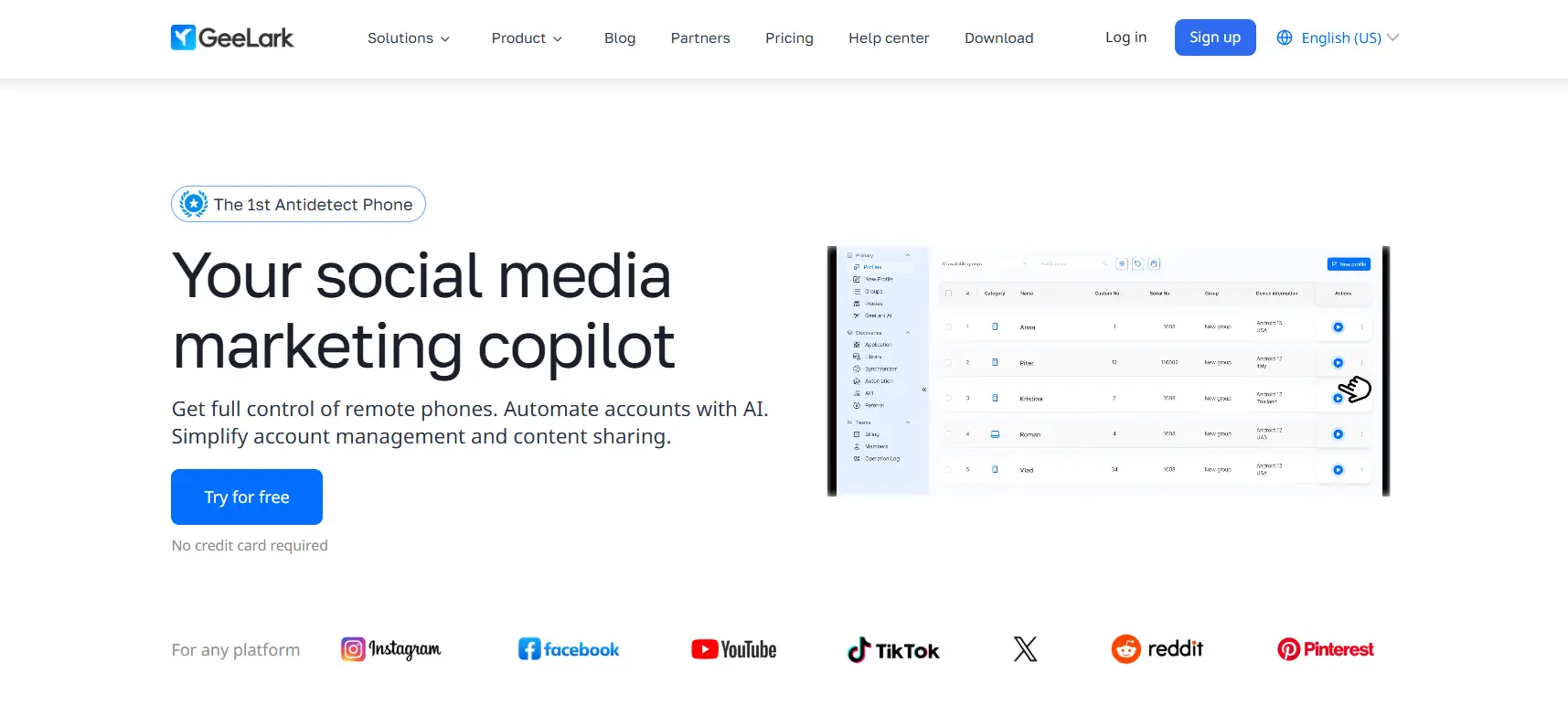
Each profile in GeeLark operates in an isolated browser profile, with built-in proxy support, unique fingerprints, and profile sync. The platform provides automation tools, API access, team collaboration features, and operation logs, allowing users to manage multiple accounts safely and streamline repetitive tasks like account warm-up or posting.
GeeLark also introduces cloud phones as a primary product, generating unique fingerprints for each device profile. Unlike traditional Android emulators, cloud phones do not occupy local disk space while still providing real mobile device environments. Users can also create antidetect browser profiles under the same subscription for additional flexibility.
- Starting price: $5/month for 5 profiles and 60 bonus minutes
- Free version: Yes, 2 profiles and 30 bonus minutes
- Automation & API: Yes (RPA automation, API access, ADB integration)
- Team collaboration: Yes, with role & permission management
- Note: GeeLark offers a simple interface with strong mobile fingerprinting capabilities, but free plan limits and monthly usage minutes may restrict larger-scale operations. Users should plan subscriptions carefully to ensure sufficient profiles and cloud minutes for their workflows.
6. Incogniton
Incogniton is a Chromium-based antidetect browser designed for managing multiple accounts securely and efficiently. It isolates each browser profile with separate fingerprints, cookies, and proxy settings, minimizing detection and ban risks. Incogniton also supports bulk profile creation, making it ideal for social media marketing, digital campaigns, and multi-account management.
Profiles can be fully customized, including WebRTC, location, timezone, and other key browser parameters. The built-in proxy checker displays IP, timezone code, GMT offset, and even latitude/longitude coordinates for precise geo-targeting. Automation tools like Selenium and Puppeteer are compatible, and API access allows advanced users to run large-scale workflows. A synchronizer feature lets you copy actions from one profile to another, saving time on repetitive tasks, and the "paste as human typing" function mimics natural input when filling forms.
Team collaboration is supported with shared profiles, permissions, and a simple, intuitive dashboard. Profiles can also be tagged, sorted, and annotated, keeping multi-account operations organized.
- Starting price: $19.99/month for 10 browser profiles
- Free trial: Yes, a starter plan provides 10 profiles during the first two months and 3 profiles afterward
- Automation & API: Yes (Selenium, Puppeteer, synchronizer, paste-as-human typing)
- Team collaboration: Yes, with shared profiles and permission controls
Note: Incogniton's free plan features are limited after the trial, and scaling to larger operations may require paid tiers.
7. Morelogin
MoreLogin is an antidetect browser focused on multi-account management, helping users avoid detection and account bans. It offers a clean, cloud-based interface with separate browser profiles, proxy support, and team collaboration tools, making it suitable for small to medium-sized businesses, agencies, and project-based operations.
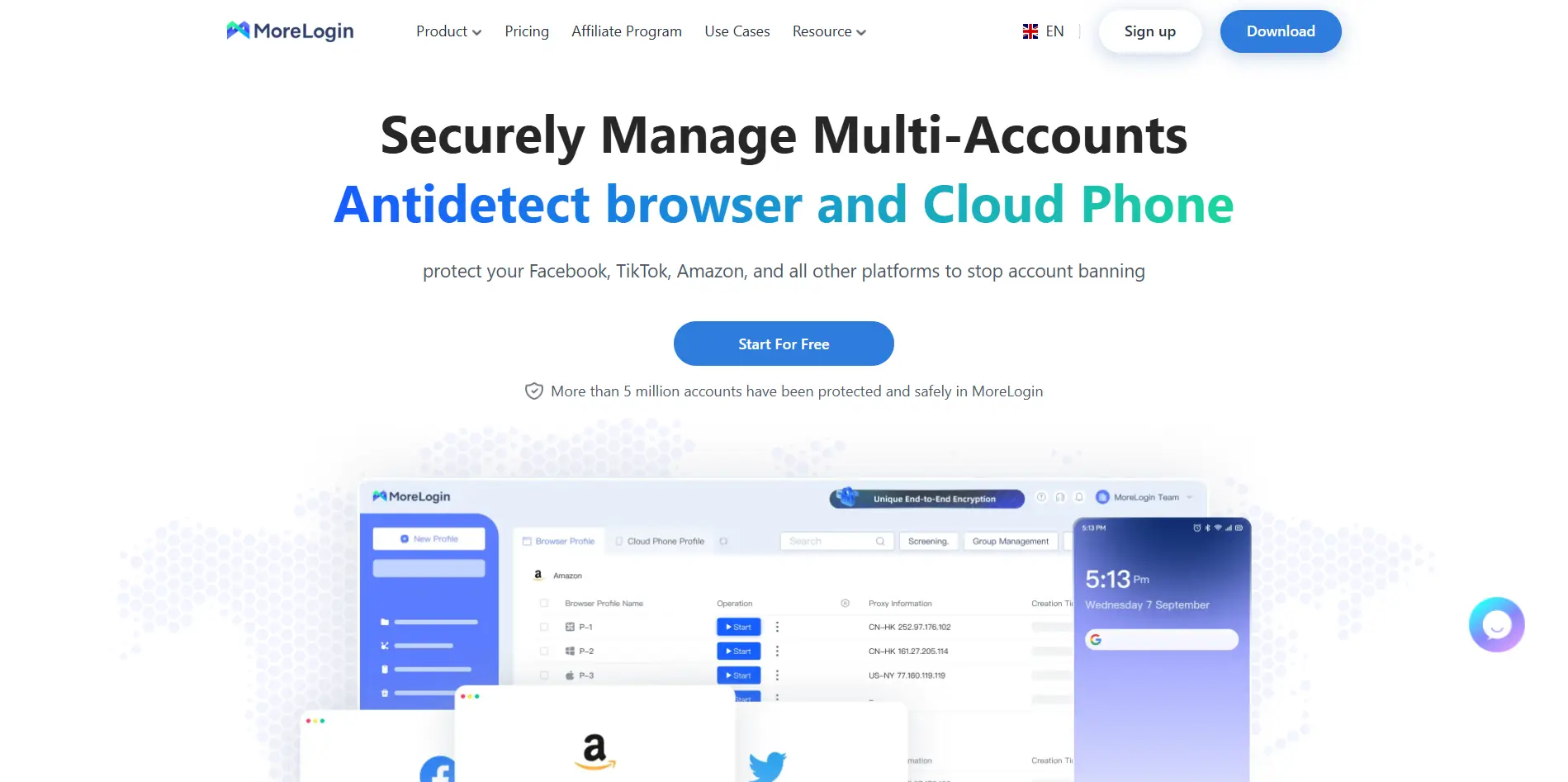
Each profile in MoreLogin operates independently, with its own fingerprint, proxy, and customizable settings. The Synchronizer feature allows users to replicate mouse and keyboard actions across multiple profiles simultaneously, enabling faster workflow execution. The platform also supports browser automation via Selenium or Puppeteer, extension management, profile transfer, and detailed logs for tracking usage and costs.
- Starting price: $9/month for 10 profiles
- Free version: Yes, 2 profiles with limited fingerprint features
- Automation & API: Yes (Selenium, Puppeteer, Local API)
- Team collaboration: Yes, with permissions and shared profile access
- Note: MoreLogin's free plan is limited to 2 profiles, and the proxy setup can be challenging for beginners. Large-scale operations may require higher-tier plans or direct negotiation with the provider.
8. Kameleo
Kameleo is an antidetect browser designed for managing multiple browser profiles with configurable fingerprints. It supports both desktop and mobile device fingerprint simulation, allowing users to emulate Android-based environments when websites apply different logic to mobile traffic.
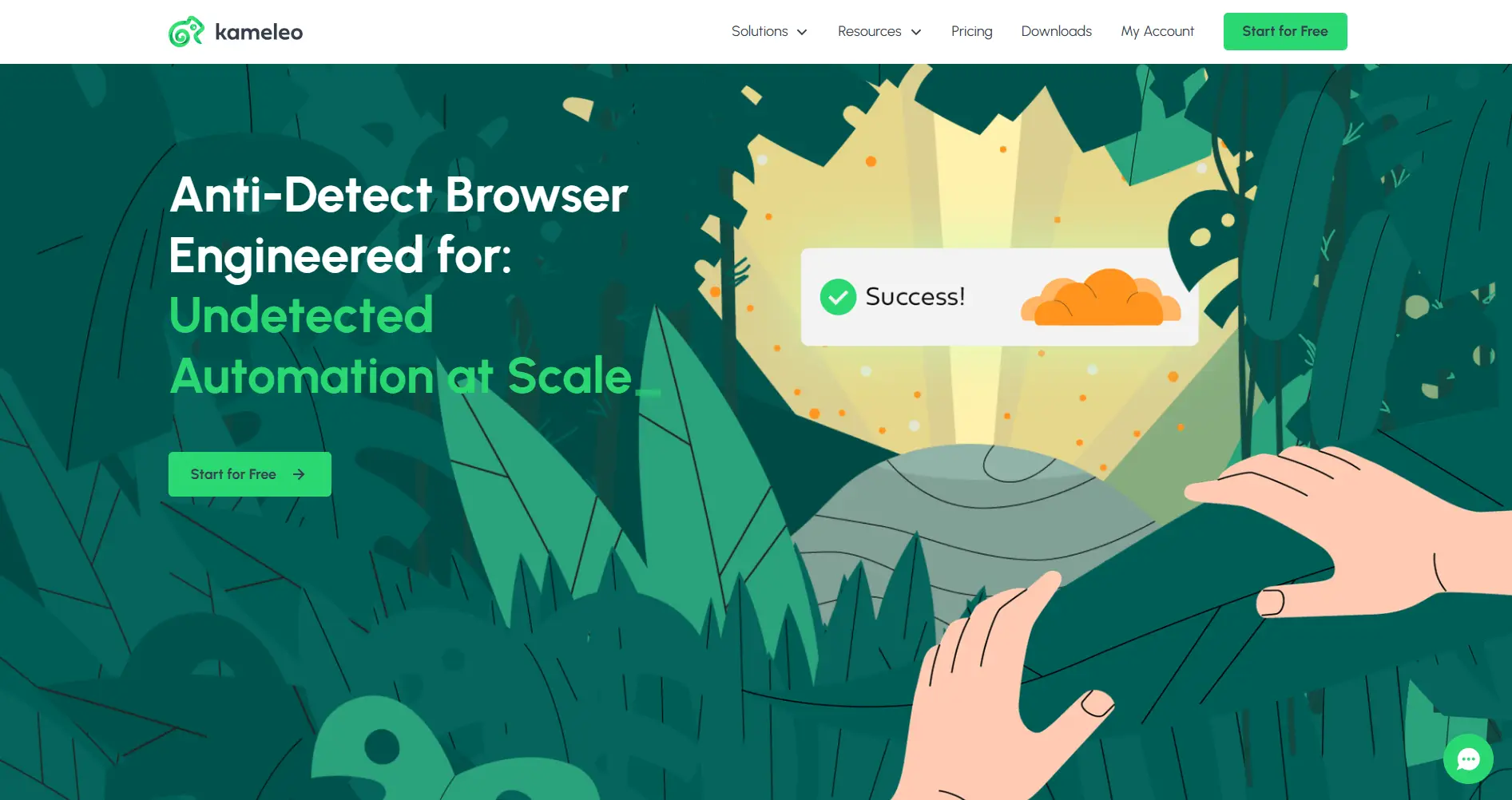
Kameleo uses a base profile system, where common fingerprint templates are adjusted slightly to generate individual environments. Each profile runs in isolation with its own browser parameters, proxy configuration, cookies, and storage. The platform supports multiple browser engines, including Chrome, Firefox, Safari, and Edge, and allows profile automation through Selenium for scripted or bulk actions.
For workflows that require mobile-like behavior, Kameleo can simulate Android fingerprints at the browser level, including canvas-related parameters. Automation features are available for repetitive tasks, and profiles can be grouped for organization and access control. The interface separates profiles, automation, and settings into distinct sections for management purposes.
- Starting price: €45/month
- Free version: Yes, with usage time and concurrency limits
- Automation support: Yes (Selenium)
- Team collaboration: Yes
- Note: Kameleo limits the number of concurrent browsers per plan, which may restrict larger workflows. Customer support response times have been reported as slow, and the interface and configuration options may require technical familiarity, especially for users focused on automation or mobile fingerprinting.
9. Octo Browser
Octo Browser is an antidetect browser designed for scenarios that require stricter control over browser profiles, such as cryptocurrency operations, financial workflows, and security-focused tasks. It focuses on profile isolation, fingerprint customization, and team-based usage.
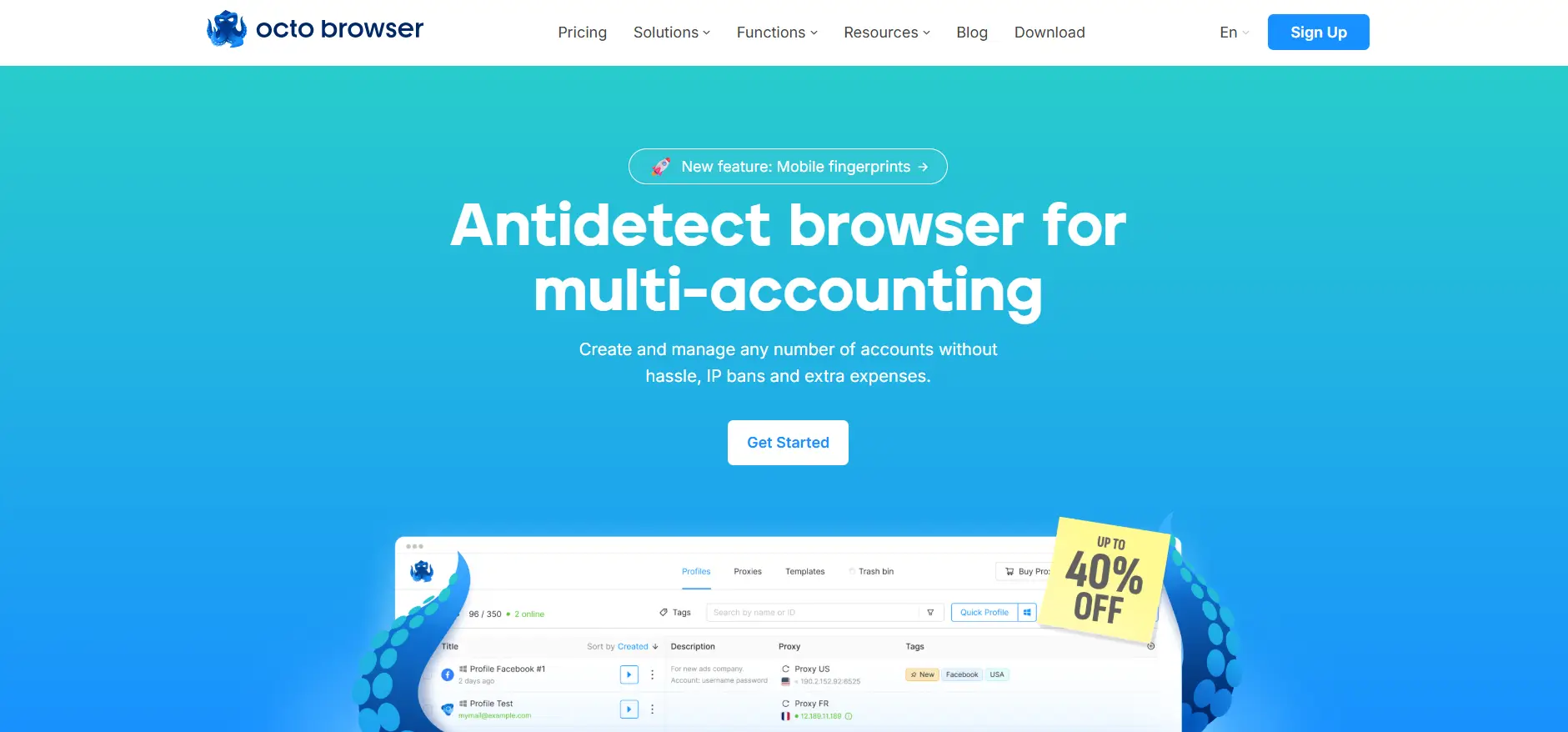
Each browser profile runs in a fully separated environment with its own cookies, cache, and fingerprint parameters. Octo allows users to configure proxies on a per-profile basis and provides profile templates to speed up environment creation, which can be useful for repetitive setups or agency workflows.
For advanced users, Octo Browser offers fine-grained control over browser behavior, including fingerprint customization. Team access is supported, enabling shared profiles for collaboration. Additional tools such as bulk proxy uploads, cookie automation, and API access are available on higher-tier plans. There are no device limits, allowing accounts to be accessed from multiple devices if needed.
- Starting price: €10/month
- Free trial / version: No
- Automation & API: Available on higher-tier plans
- Team collaboration: Yes
- Note: Octo Browser does not offer a free plan, and the entry-level subscription is limited in both profile count and features. Users should carefully evaluate whether its positioning and pricing structure fit their operational needs.
10. Nstbrowser
Nstbrowser is an antidetect browser used in environments with strict access restrictions, such as sites protected by Cloudflare Turnstile or CAPTCHAs. These protections can block automated tasks, but Nstbrowser includes a built-in CAPTCHA bypass through cloud fingerprinting, with full solving support planned.
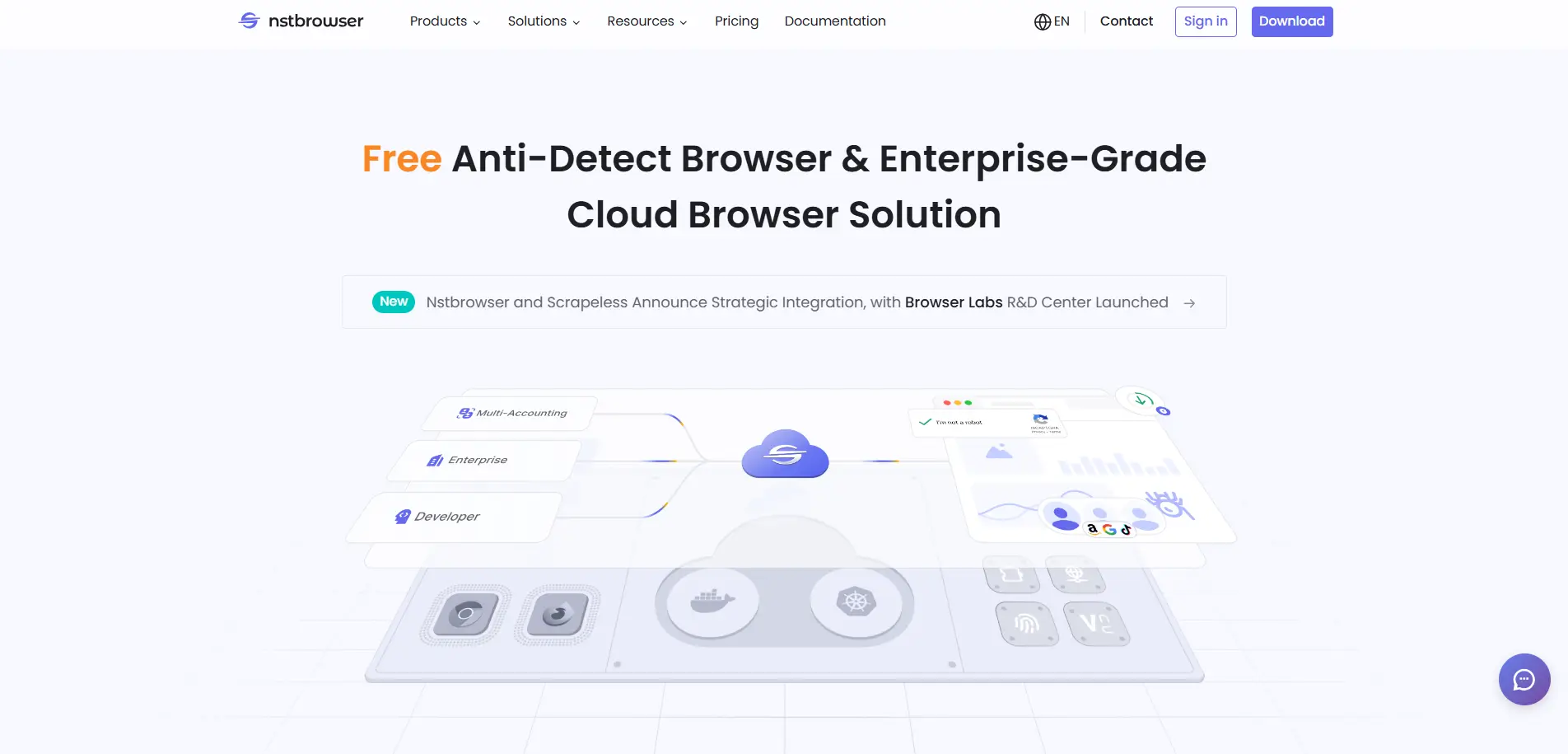
Users can create multiple isolated browser profiles, each with unique fingerprints and proxies. It supports headless mode, RPA automation, and integration with frameworks like Puppeteer, Playwright, and Selenium. Team collaboration is possible through profile grouping and access sharing, and cloud workflows handle repetitive tasks without technical knowledge.
- Starting price: $29.9/month
- Free version: Yes, limited daily profile launches
- Automation & API: Yes
- Team management: Yes
- Note: The free plan offers many features but is limited by daily launches. Paid plans are expensive, and long-term availability of the free plan is uncertain.
Comparison of the 10 Best Antidetect Browsers in 2026
| Browser |
Starting Price |
Free Version |
Automation & API |
Team Collaboration |
Key Strengths |
Main Limitations |
| DICloak |
$8 / month |
Yes (5 profiles, lifetime) |
RPA, AI automation, OpenAPI |
Advanced (roles, logs, access control) |
All-in-one automation, strong security, safe account sharing |
Windows & macOS only |
| Multilogin |
€9 / month |
No (paid trial) |
Selenium, Puppeteer, API |
Yes (plan-based) |
Mature fingerprint spoofing |
High cost at scale, occasional profile launch issues |
| GoLogin |
$24 / month |
Yes (3 profiles) |
API, Selenium, Puppeteer |
Yes |
Beginner-friendly, cloud sync |
Advanced features locked behind higher tiers |
| AdsPower |
$9 / month |
Yes (2 profiles) |
RPA, API, headless mode |
Yes (roles & logs) |
Marketing-focused automation |
Past data leak reports, free plan very limited |
| GeeLark |
$5 / month |
Yes (2 profiles) |
RPA, API, ADB |
Yes |
Cloud phones, mobile fingerprints |
Usage minutes limit, scaling costs |
| Incogniton |
$19.99 / month |
Limited trial |
Selenium, Puppeteer, API |
Yes |
Strong proxy tools, profile sync |
Free features reduced after trial |
| MoreLogin |
$9 / month |
Yes (2 profiles) |
Selenium, Puppeteer, Local API |
Yes |
Simple UI, synchronizer |
Limited free plan, proxy setup learning curve |
| Kameleo |
€45 / month |
Yes (usage-limited) |
Selenium |
Yes |
Mobile fingerprint simulation |
High price, concurrency limits |
| Octo Browser |
€10 / month |
No |
API (higher tiers) |
Yes |
Strict profile isolation |
No free plan, limited entry tier |
| Nstbrowser |
$29.9 / month |
Yes (daily limits) |
RPA, API, headless |
Yes |
CAPTCHA bypass, scraping workflows |
Expensive paid plans, free plan uncertainty |
How to Choose the Best Antidetect Browser for Your Needs
With so many antidetect browsers available in 2026, the "best" choice depends less on brand popularity and more on how well a tool matches your actual workflow. Different users prioritize different factors, such as security, automation, pricing, or team collaboration. Understanding these dimensions will help you avoid overpaying for unused features or choosing a tool that cannot scale with your operations.
Security and Data Protection
Security is the foundation of any antidetect browser. Beyond profile isolation, look for encrypted storage, hidden credentials, access controls, and protection against data interception. Strong security design is especially important when working with teams or managing high-value accounts.
Fingerprint Stability and Realism
Stable and realistic fingerprints reduce detection risk over time. Browsers that maintain consistent parameters across sessions are generally safer than tools that frequently change or disable fingerprint components. Long-term account safety depends heavily on fingerprint consistency.
Automation and Workflow Efficiency
Automation can significantly improve efficiency when managing multiple accounts. Some browsers focus on manual control, while others offer RPA, APIs, or no-code automation. The best choice depends on whether you need simple task repetition or scalable, automated workflows.
Team Collaboration and Account Sharing
If you work in a team or agency environment, collaboration features become essential. Role-based access control, operation logs, profile permissions, and secure sharing mechanisms help prevent misuse and internal data leaks. Some browsers allow unlimited team members only on expensive plans, while others integrate collaboration features more flexibly. Choosing a tool that matches your team size and management structure is key to long-term scalability.
Pricing and Long-Term Cost
Pricing models vary widely across antidetect browsers. Some tools offer low entry prices but become expensive as you scale profiles or add team members. Others include free plans that are suitable for testing but limited for production use. When comparing prices, it’s important to consider the cost per profile, automation access, and team features—not just the starting price. A slightly higher monthly fee may be more cost-effective if it replaces multiple tools.
Use Case Alignment
Finally, the best antidetect browser is the one designed for your specific use case. Social media management, e-commerce operations, ad account management, data scraping, and mobile-first platforms all have different requirements. A tool optimized for one scenario may be inefficient or risky in another. Clarifying your primary use case before choosing a browser will help ensure better performance, fewer bans, and smoother daily operations.
Why Choose DICloak as Your Antidetect Browser in 2026
When evaluating antidetect browsers against your needs in 2026, several factors make DICloak stand out as a balanced and practical choice:
Comprehensive Feature Set
DICloak combines robust fingerprint isolation with built-in automation and AI tools. Its support for RPA, natural-language automation, and ready-to-use templates helps users streamline workflows without coding. It also offers advanced team controls, secure credential handling, and anti-tampering protections that go beyond basic profile separation.
Competitive Pricing and Free Plan
DICloak offers a lifetime free plan with 5 profiles and competitively priced paid plans that include automation, API access, and team features. The platform also runs frequent promotions and discounts, making it a more affordable option for long-term use.
Responsive Customer Support
DICloak offers support via its official website, email, Telegram, and WhatsApp. Backed by a dedicated technical team, it provides responsive assistance and optional remote support with user consent, which many users cite as a key advantage during setup and daily operations.
Positive User Feedback and Adoption
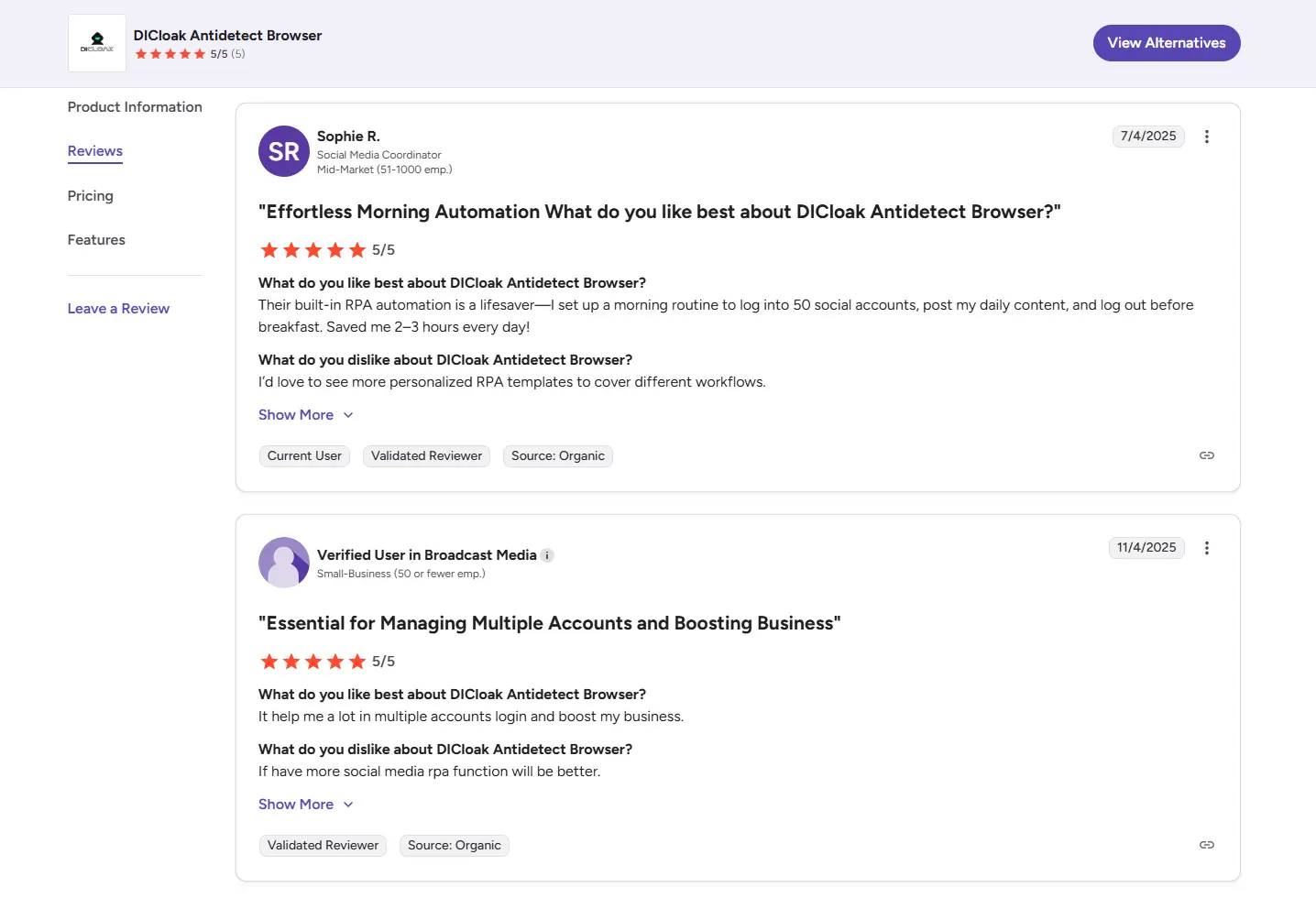
Users of DICloak often note its practical balance of usability and depth—automation built into the browser, clear role management for teams, and consistent profile behavior. Positive feedback in G2 and Trustpilot tends to emphasize reliability in long-term account management and ease of scaling operations compared to tools with steeper learning curves or fragmented feature sets.
Balanced for Both Solo Users and Teams
Whether you’re an individual marketer, e-commerce operator, or part of a larger agency, DICloak’s combination of security features, automation support, and collaboration tools offers flexibility that adapts as your workflow grows. Its security measures include a security mode for extensions to prevent unauthorized access, role-based access control to manage team permissions, hidden passwords, and automatic blocking of packet capture attempts—helping ensure that both accounts and sensitive data remain protected while enabling efficient multi-account operations.
Final Thoughts
Antidetect browsers provide a practical way to manage multiple accounts, protect privacy, and navigate increasingly sophisticated online security measures. Choosing the right best antidetect browser depends on factors such as fingerprint stability, automation capabilities, team collaboration, security, and pricing.
Among the antidetect browsers available in 2026, DICloak stands out with its robust features, competitive pricing, responsive customer support, and positive user feedback. Whether you’re managing multiple accounts solo or as part of a team, try DICloak today to streamline your workflow, enhance security, and scale your online operations safely and efficiently.
Frequently Asked Questions (FAQs)
1. What is an antidetect browser?
An antidetect browser is a specialized browser that hides or modifies your digital fingerprint. Each profile appears as a unique user with its own device settings, cookies, and IP, helping you manage multiple accounts safely and maintain online privacy.
2. Why do I need an antidetect browser?
Websites use fingerprinting, behavioral analysis, and anti-fraud systems to detect multiple accounts from the same user. An antidetect browser prevents account linking, reduces the risk of bans, and ensures secure multi-account management.
3. How does an antidetect browser protect my privacy?
It isolates cookies, cache, and storage for each profile, manipulates browser fingerprints, and integrates with proxies. This prevents cross-account tracking and minimizes exposure to online surveillance or profiling.
4. Can I use an antidetect browser for team collaboration?
Yes. Many antidetect browsers, like DICloak, support role-based access, shared profiles, and operation logs. Teams can safely collaborate while controlling permissions and protecting sensitive credentials.
5. What features should I look for in the best antidetect browser?
Key features include fingerprint stability, automation tools (RPA, APIs), secure profile isolation, team collaboration, proxy integration, and responsive customer support. Pricing and long-term scalability are also important considerations.
 Web Proxy Tools
 Free Tools
 Cookie Plugin
 UA Generator
 MAC Address Generator
 IP Generator
 IP Address List
 2FA Code Generator
 World Clock
 Anonymous Check
 WebRTC Leak Test
 UUID Generator
 Free Web Proxy Site
 Proxy Checker
 FB Ad Checker
 AI Web Scraping
 Free SMM Tools
 Twitter Shadowban Checker
 Instagram Name Checker
 UTM Generator
 Username Generator
 AI Hashtag Generator
 LinkedIn Headline Generator
 Social Media Image Resizer