Why Your Multi-Store Empire is at Risk: The Need for an Antidetect Browser for Shopify Sellers
If you run a dropshipping empire on a standard browser like Chrome or Safari, you are building on sand. Shopify’s security algorithms are designed to find connections between accounts. Once they link your stores, a single violation of one shop can trigger a catastrophic shutdown of your entire portfolio. This is why a professional Antidetect Browser for Shopify Sellers is not just a tool—it is your primary insurance policy. Without it, you are exposing your revenue to massive dropshipping risks every time you log in.
The 'Chain Ban' Nightmare: Why One Flagged Store Can Kill Your Entire Business
The biggest threat to scaling a business is the "Chain Ban." This happens when Shopify’s algorithm detects that several stores belong to the same person. If one store gets flagged—perhaps due to a sudden spike in chargebacks or a shipping delay—the platform automatically bans every other store linked to that identity.
Standard browsers leak your digital identity. They share your IP address, device type, and even your screen resolution. To survive, you must manage multiple Shopify stores without linking them. An antidetect browser creates a separate, isolated environment for each store. This ensures that if one business fails, the others remain safe and operational. This isolation is the only reliable method for Shopify chain ban avoidance in 2026.
Payment Gateway Freezes: Managing the Sensitivity of Shopify Payments
Cash flow is the lifeblood of e-commerce. Processors like Shopify Payments (powered by Stripe) and PayPal are extremely sensitive to risk. They often treat dropshipping as a "high-risk" activity.
If you log into five different financial dashboards from the same computer, you trigger security flags. These platforms track device fingerprinting data to identify users managing multiple accounts. Once detected, they may freeze your funds for 180 days to cover potential refunds. Using an antidetect browser allows you to access each payment gateway through a clean, unique digital profile. This separation protects your healthy accounts from being guilty by association.
Virtual Assistant Vulnerabilities: Why Local Logins Trigger Fraud Flags
Scaling often requires a team, including remote Virtual Assistants (VAs). However, e-commerce platforms typically expect store owners and operators to log in from a consistent business location.
When a VA logs in from a different network environment using their local connection, the platform may flag the activity as a suspicious login attempt. This can trigger temporary account restrictions or additional verification steps that interrupt daily operations.
By using an antidetect browser like DICloak, you can create a dedicated browser profile with a stable residential proxy configuration. Your VA can securely access this profile from any location. From the platform’s perspective, the login environment remains consistent, helping maintain account stability and reducing unnecessary security checks.
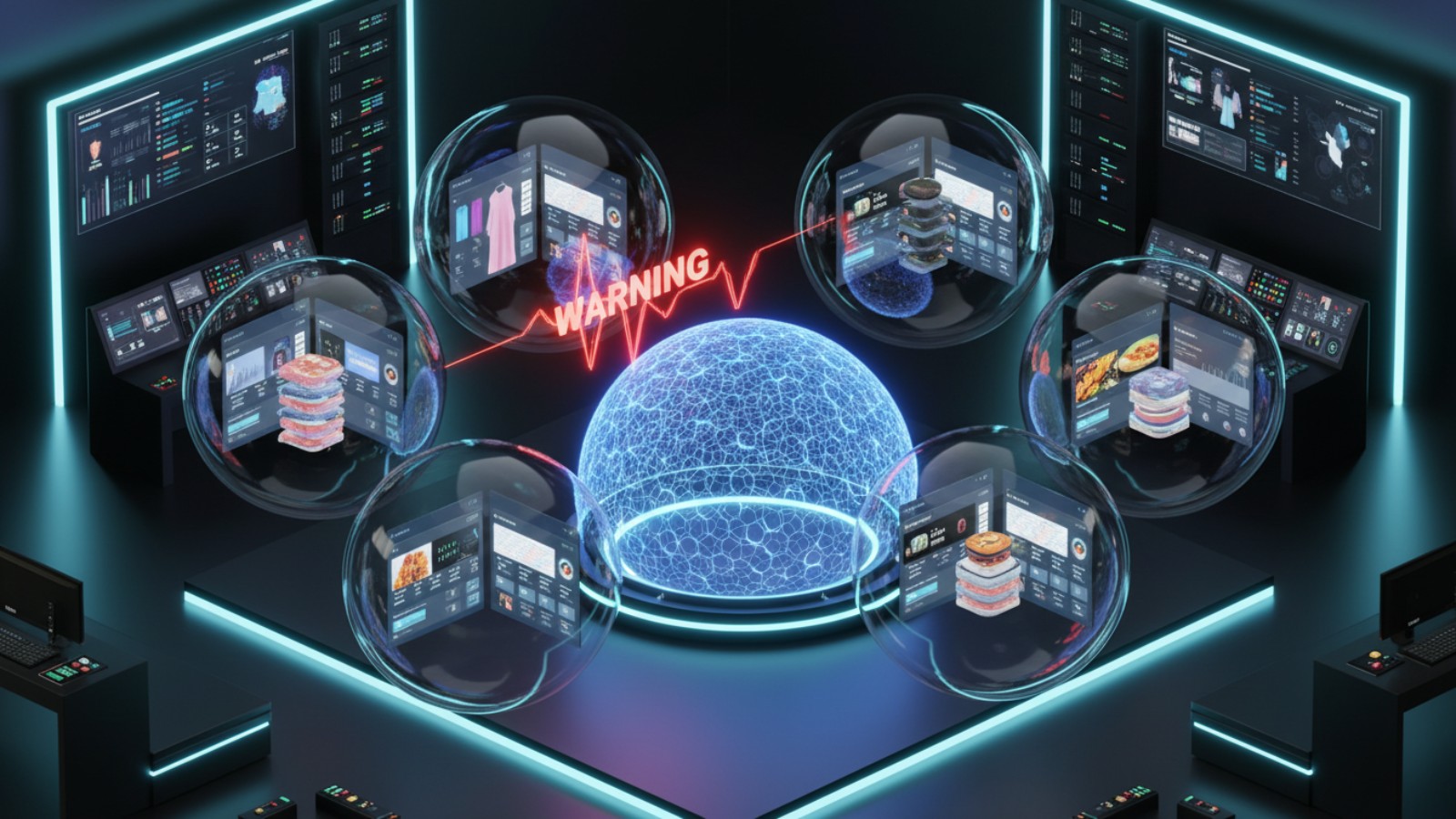
Shopify Risk Analysis Hardware Fingerprint: The Technical Reason Accounts Get Linked
Your Virtual Assistant's location is just the tip of the iceberg. The real danger lies deeper in your computer's system configuration. Shopify assigns a unique digital ID to your machine, known as a Shopify risk analysis hardware fingerprint. This is the technical "DNA" of your device.
If you log into Store A and Store B from the same computer, Shopify sees identical fingerprints. Even if you use different emails and clear your cookies, the hardware matches. This creates a permanent link between the accounts. If one store fails a review, the algorithm pulls the chain, banning every store connected to that hardware ID.
The Invisible Tracker: Canvas and WebGL Fingerprinting Explained
The most accurate tracking method Shopify uses involves your graphics card. This is called Canvas Fingerprinting. When you visit the login page, Shopify secretly asks your browser to render a small image or text string.
Because every computer has slightly different graphics hardware and drivers, your device draws this image uniquely. This renders a unique "hash" or code.
Standard browsers like Chrome cannot hide this. Incognito mode does not change your graphics card. To succeed, you need isolated browser profiles dropshipping setups. Tools like DICloak allow you to "spoof" this data. They tell Shopify you are using a different graphics card for each profile, ensuring Shopify chain ban avoidance by breaking the technical link.
Shopify IP Address Tracking: Why Modern Detection Goes Beyond the Router
Most sellers understand they need a different IP address for each store. However, Shopify IP address tracking is sophisticated. It does not just look at the number; it analyzes the quality of the IP.
Shopify can instantly detect if an IP comes from a data center (like AWS or DigitalOcean). Real shoppers do not browse from data centers; they browse from home connections (ISPs like Verizon or BT). Using a cheap data center proxy is a major red flag.
To pass this security check, you must pair your browser profile with residential proxies for e-commerce. These IPs belong to real residential devices. They make your connection appear legitimate and high-trust, preventing immediate "High Risk" flags upon account creation.
Behavioral Analysis: How Shopify Tracks Your Navigation Patterns
Finally, Shopify analyzes how you interact with the page. Their security scripts track mouse movements, keystroke speeds, and copy-paste actions.
If you paste a password into a field instantly, it looks like a bot. If your mouse moves in perfect straight lines, it triggers fraud alerts. Advanced antidetect browsers include "Paste as Human" features. This types out your credentials at a human speed. It mimics natural behavior, which is essential for avoiding manual reviews during the sensitive account warming phase.
Essential Criteria for Choosing an Antidetect Browser for Shopify Sellers
Understanding how Shopify tracks you is only half the battle. You need the right armor to protect your income. Choosing the right Antidetect Browser for Shopify Sellers is the most critical decision for your business infrastructure. A standard browser cannot hide your digital footprint effectively.
To ensure best browser selection, you must look for tools that offer specific commercial features. It is not just about privacy; it is about operational stability. Below is a breakdown of the critical features required to keep your stores safe and profitable.
| Critical Feature |
Why Shopify Sellers Need It |
| Residential IP Integration |
Prevents "Data Center" flags during payment verification. |
| Team Permission Levels |
Allows VAs to work without triggering location fraud alerts. |
| Cookie Import/Export |
Transfers "trust" from warmed-up accounts to new profiles. |
| API Access |
Enables automated order fulfillment at scale. |
Residential Proxies for E-commerce: Ensuring High-Trust IP Reputation
Your IP address acts like a digital passport. If you enter Shopify using a cheap datacenter IP (like one from AWS), their security algorithms see a red flag immediately. Real customers shop from home connections, not server farms.
You must look for browsers that integrate seamlessly with residential proxies for e-commerce. These proxies route your traffic through real ISP connections (like Verizon or BT). This gives your store a high-trust reputation. Tools like DICloak make this easy by allowing you to bind a specific residential IP to a specific profile. This ensures that every time you open that store, the "location" remains consistent and trustworthy. This stability is the first line of defense against Shopify Payments high risk workaround issues.
Automation API: Why Scaling Requires API Support
Running two stores manually is manageable. Running fifty stores is impossible without help. If you want to scale dropshipping business automation, you cannot rely on manual clicking. It is too slow and prone to errors.
Professional sellers need browsers that allow to write scripts—or "bots"—that perform repetitive tasks for them. They can automate inventory checks, order processing, and even account warming. Advanced tools like DICloak provide a robust API that lets your developers control the browser programmatically. This keeps your activity consistent and frees up your team to focus on strategy rather than data entry.
Team Management Features: Syncing Profiles Across Global Staff
The biggest security risk often comes from internal access inconsistencies. When a Virtual Assistant (VA) logs into a store from a network environment that differs from the store’s usual operating location, the platform may detect an abrupt location change. This behavior is commonly flagged as high-risk and can lead to immediate account restrictions or temporary locks.
You need a browser that lets you manage multiple Shopify stores without linking user locations. Look for "Team Member" or "Cloud Sync" features. This allows you to create a secure profile hosted in the cloud. You assign access to your VA. When they open the profile, the browser loads your pre-configured fingerprint and proxy. To Shopify, it looks like the login is still coming from your main office. This feature effectively eliminates the risk of location-based bans.
Top 6 Tools: Reviewing the Best Antidetect Browser for Shopify Sellers in 2026
You now understand the risks of chain bans and the technical requirements for safety. Now, we must select the infrastructure that supports your business. The right Antidetect Browser for Shopify Sellers protects your revenue streams and allows you to manage multiple Shopify stores without linking them together.
Below is a comparison of the top tools available in 2026. These platforms have been evaluated based on security, team collaboration features, and automation capabilities.
| Tool |
Best For |
Free Plan? |
Starting Price |
| DICloak |
Overall Best Security & Scaling |
Yes (5 Profiles) |
$8/mo |
| Incogniton |
Bulk Profile Creation |
Yes (10 Profiles) |
$19.99/mo |
| Browser.lol |
Quick Disposable Checks |
Yes (Ad-supported) |
$9/mo |
| Octo Browser |
Real Device Spoofing |
No |
€10/mo |
| MoreLogin |
Mobile/Cloud Phone Emulation |
Yes (2 Profiles) |
$9/mo |
| Hidemium |
Advanced Automation Scripts |
Yes (5 Profiles) |
$15/mo |
DICloak: Advanced Multi-Account Management for Social Media Marketing and E-commerce
DICloak stands out as the premier solution for serious merchants. It is built specifically to handle the complex needs of scaling businesses. If your goal is Shopify chain ban avoidance, this tool offers the most robust protection. You can configure your own proxies (including residential options) to keep login network environments consistent across team access.

Key Features:
- Custom Proxy Configuration: Assign your own proxies to specific profiles to keep each login environment consistent.
- Team Collaboration: The "Share+" plan allows unlimited team members. This is critical for letting VAs manage customer service without triggering fraud alerts.
- RPA Automation: Use the built-in "Robot" to automate repetitive tasks like order fulfillment or warming up cookies.
- Mobile Emulation: Mimics iOS and Android devices, which is excellent for checking mobile ad placements.
Pros:
- High success rate for Shopify Payments high risk workaround due to clean fingerprints.
- User-friendly interface for non-technical team members.
- Strong focus on preventing WebRTC leaks.
Cons:
- The free plan is limited to 5 profiles, mainly for testing.
Pricing:
- Free Plan: 5 profiles.
- Base Plan: $8/month for 20 profiles.
- Plus Plan: $28.80/month for 100 profiles.
- Share+ Plan: $138/month for 200 profiles and unlimited members.
Verdict: DICloak is the top recommendation for growing agencies and multi-store owners. It balances high-end security features with an interface your team can actually use.
Incogniton: Streamlined Fingerprint Customization for Dropshippers
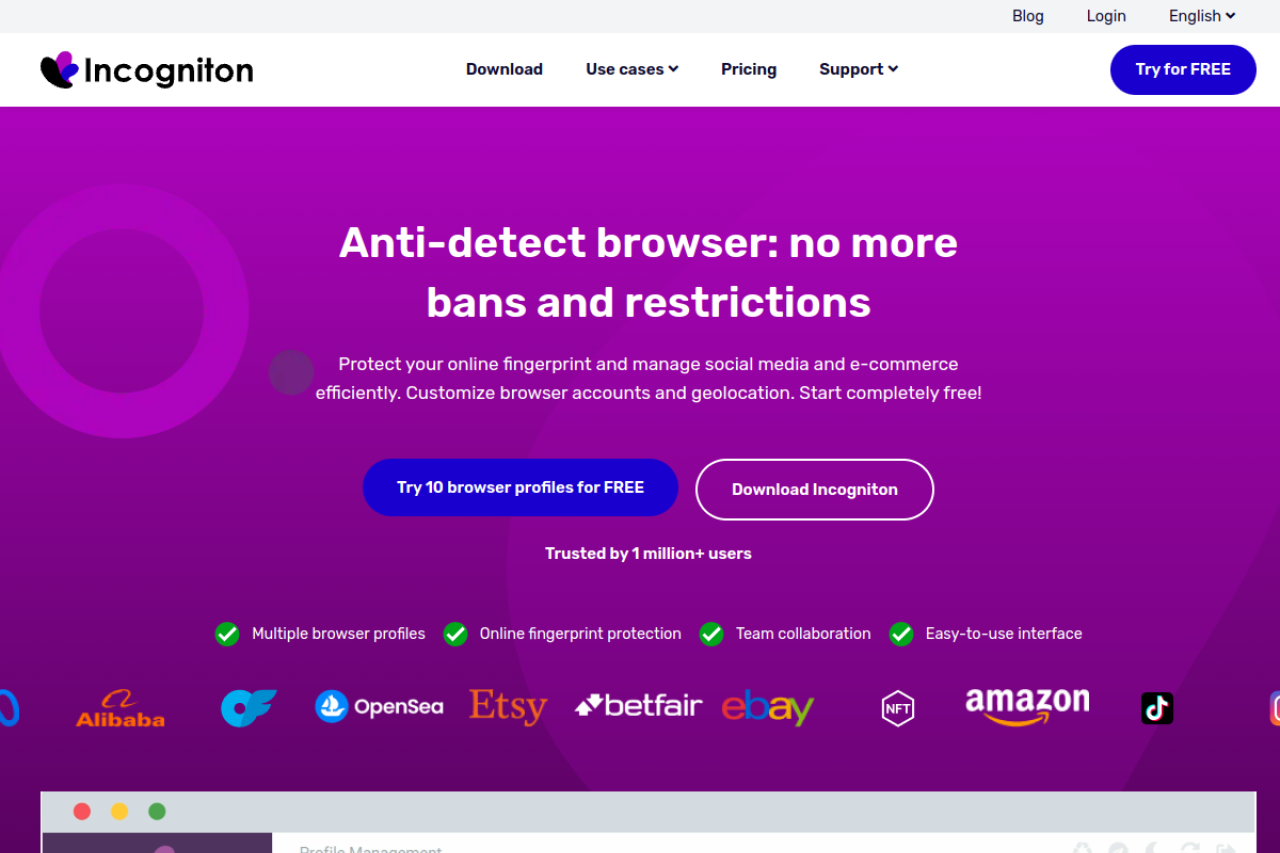
Incogniton is a strong contender, especially for those who need isolated browser profiles dropshipping on a budget. It is well-known for its generous free tier, making it a favorite for beginners launching their first stealth stores.
Key Features:
- Cookie Collector: Automatically builds browsing history to increase the "trust score" of your profiles.
- Bulk Creator: Allows you to generate dozens of unique browser profiles in seconds using templates.
- Paste as Human: Simulates natural typing speeds when entering passwords or credit card details.
Pros:
- Excellent free tier for starting out.
- Detailed control over fingerprint parameters like fonts and media devices.
Cons:
- The interface can be slower than competitors when running many profiles.
- Free tier limits drop after the first 2 months.
Pricing:
- Starter: Free (10 profiles for 2 months, then 3 profiles).
- Starter Plus: $19.99/month for 10 profiles.
- Entrepreneur: $29.99/month for 50 profiles.
Verdict: Incogniton is excellent for solopreneurs who need detailed control over their browser fingerprint without high monthly costs.
Browser.lol: Disposable Virtual Sessions for Quick Store Checks
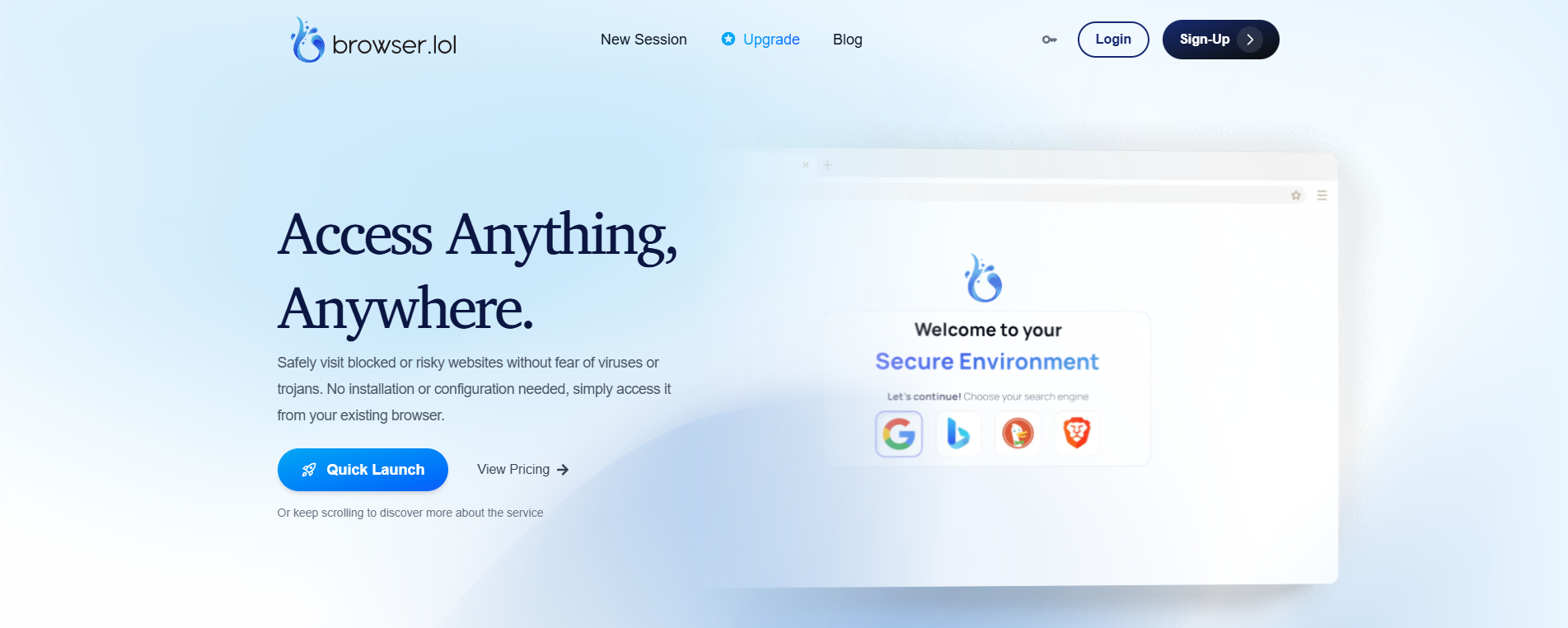
Browser.lol offers a different approach. It provides cloud-based, disposable browsers. This is not for running a store long-term. Instead, it is useful for securely checking your store's appearance from a different location or testing suspicious links without exposing your main machine.
Key Features:
- Cloud Isolation: The browser runs on their server, not your device. No malware can reach your computer.
- No Installation: Access it instantly via your standard web browser.
- Disposable Sessions: Once you close the tab, all data is wiped.
Pros:
- Zero setup time.
- Protects your local hardware ID completely.
Cons:
- Not suitable for managing a Shopify store long-term (no persistent cookies).
- Free version is ad-supported and slower.
Pricing:
- Free: $0 (Ad-supported).
- Premium: $9/month.
Verdict: Use this as a utility tool for quick checks and security tests, not for daily store operations.
Octo Browser: High-Performance Real Device Spoofing
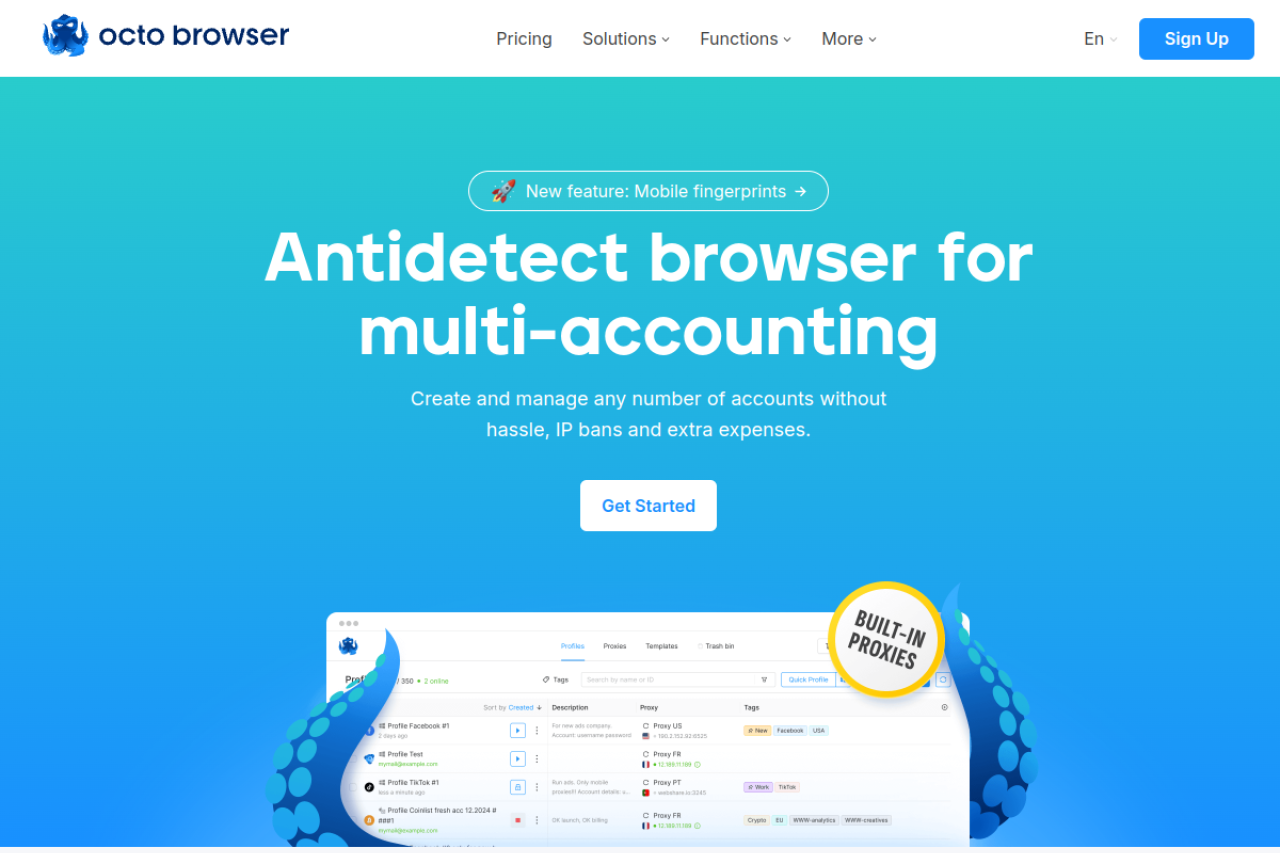
Octo Browser is designed for speed and accuracy. It focuses on using "real device" parameters rather than just blocking trackers. This helps you blend in with normal traffic, reducing the chance of triggering Shopify IP address tracking algorithms.
Key Features:
- Real Fingerprints: Uses a database of real system parameters to spoof your identity.
- Tagging System: Organize hundreds of profiles with custom tags (e.g., "Store A", "Payment B").
- High Performance: Built on a lightweight Chromium core that handles heavy multitasking well.
Pros:
- Extremely fast interface.
- Passes advanced fingerprint checkers (like Pixelscan) easily.
Cons:
- No free plan available.
- Pricing is in Euros, which may vary for some users.
Pricing:
- Lite: €10/month for 3 profiles.
- Starter: €29/month for 10 profiles.
- Base: €79/month for 100 profiles.
Verdict: Octo Browser is a premium choice for sellers who value speed and organization and are willing to pay for performance.
MoreLogin: Cloud Phone Solutions Meets Browser Security
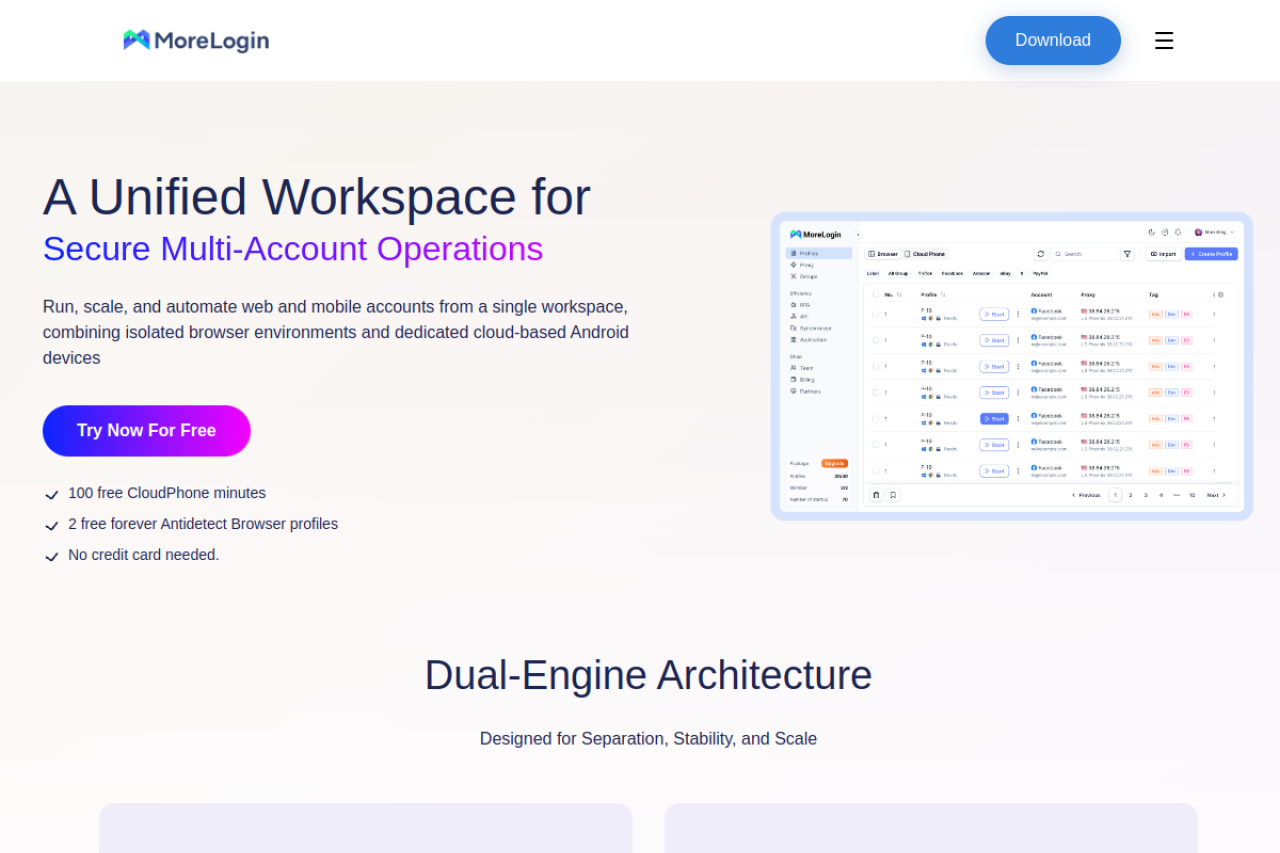
MoreLogin addresses a specific pain point: mobile verification. Many payment gateways require SMS verification or mobile app logins. MoreLogin integrates cloud phone emulation directly into the browser, helping you scale dropshipping business automation on mobile-first platforms like TikTok Ads.
Key Features:
- Cloud Phone: Emulates a real Android phone environment for app-based management.
- Synchronizer: Control multiple windows with one mouse. Useful for listing products across multiple stores simultaneously.
- Canvas Fingerprint Protection: Advanced masking for graphics rendering data.
Pros:
- Unique mobile phone capabilities.
- Competitive pricing for small teams.
Cons:
- The cloud phone feature can be resource-intensive.
Pricing:
- Free: $0 (2 profiles).
- Pro: Starts at $9/month for 10 profiles.
Verdict: If your workflow involves mobile apps or TikTok ad management alongside Shopify, MoreLogin offers features that others do not.
Hidemium: Automation-First Browser for Scaling Shopify Operations
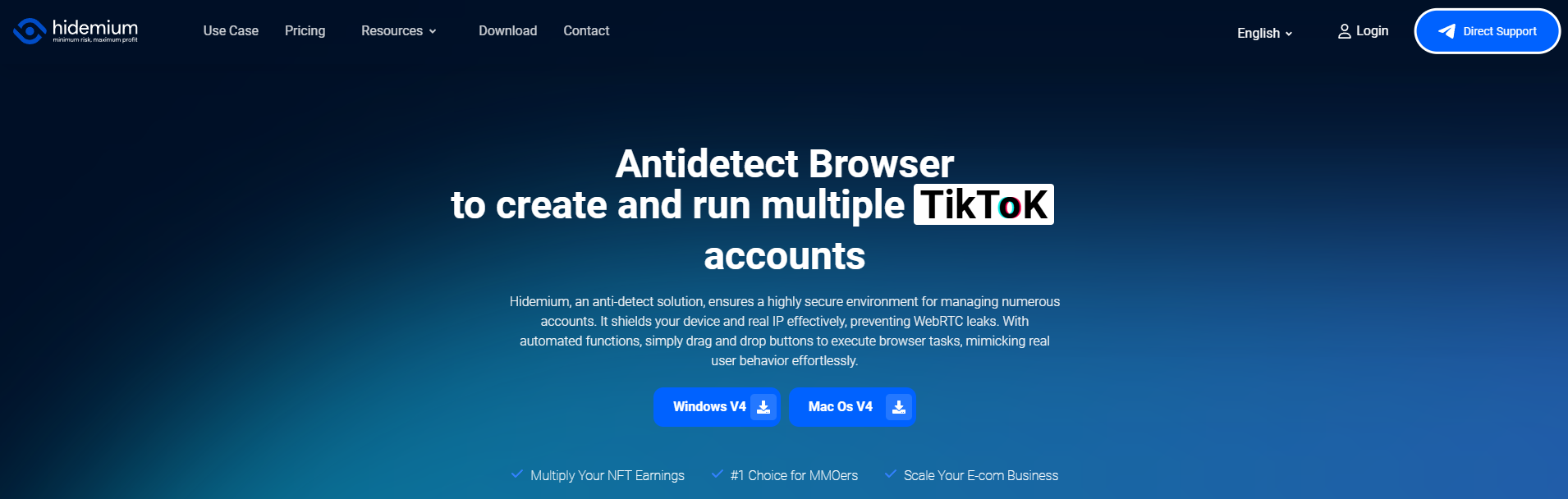
Hidemium is built for automation. If you rely on scripts to manage your stores, this tool provides the environment you need. It supports drag-and-drop automation building, which allows you to create complex workflows without deep coding knowledge.
Key Features:
- Visual Automation Builder: Create bots to auto-browse, click, and fill forms.
- Mobile Device Emulation: Strong support for changing User Agents to mobile devices.
- Team Member Management: Assign specific profiles to specific employees.
Pros:
- Powerful for users who want to automate boring tasks.
- Good scaling options for large enterprises (up to 13,000 profiles).
Cons:
- The interface can be overwhelming for beginners.
- Requires a learning curve to use the automation builder effectively.
Pricing:
- Free: $0 (5 profiles).
- Basic: $15/month for 30 profiles.
- Advanced: $20/month for 100 profiles.
Verdict: Hidemium is the best choice for tech-savvy sellers who want to automate their daily operations to save time.
Scaling Your Dropshipping Business: Practical Workflows for Shopify Sellers
Having the right software is only half the battle. To truly scale dropshipping business automation, you need strict procedures. A secure browser like DICloak gives you the platform, but your daily habits determine your safety.
You must move from manual tasks to a standardized Shopify workflow. If you operate without a plan, you risk cross-contamination. This section covers the exact Standard Operating Procedures (SOPs) needed to build a total "Air Gap" solution and keep your stores safe.
Cookie Warming SOPs: Building Trust Scores Before Your First Sale
A brand new browser profile looks suspicious to Shopify. It has no history, no cache, and no cookies. If you create a new profile and immediately try to open a store, risk algorithms often flag this as bot activity. You must "warm up" the profile first to establish a high trust score.
The Warming Workflow:
- Proxy Selection: Always bind residential proxies for e-commerce to your profile. Do not use datacenter IPs. Shopify trusts connections that look like they come from a real home Internet Service Provider (ISP).
- Generate History: Before you visit Shopify, you need to browse the web. Spend 2-3 days visiting news sites, blogs, and even competitor stores (like Amazon or eBay). This builds a realistic HTTP cookie history.
- Automate the Process: Doing this manually for 50 stores is impossible. Use the RPA automation features in DICloak to handle this. You can set a "Cookie Robot" to visit a list of top 100 websites automatically. This gives your browser profile a legitimate digital footprint without you lifting a finger.
By the time you log into Shopify, your browser looks like it belongs to a real, active user. This simple step is critical to avoid immediate restrictions.
The Stealth Launch: Integrating Ad Accounts with Your Shopify Profiles
Once your profile is warm, you are ready to launch. The goal is to manage multiple Shopify stores without linking them together. A common mistake is using the secure browser for Shopify but a regular Chrome browser for Facebook Ads. This breaks your security.
The "Air Gap" Strategy:
- Unified Sessions: Log into your Facebook or TikTok ad account inside the same antidetect profile as your Shopify store. The cookies and IP address must match. If you log into Facebook from a New York IP and Shopify from a London IP within minutes, you will trigger a security lock.
- Financial Isolation: Never mix funds. This is the financial "Air Gap."
- Cards: Use a unique virtual credit card for the subscription to each store.
- Payouts: Use services like Airwallex to generate unique bank account numbers for each store.
- Consistent Location: If you are using a Shopify Payments high risk workaround, ensure your billing address matches your proxy location.
By keeping the ad account, store login, and payment method isolated within one specific DICloak profile, you create a "hermetic seal" around that business. If one store faces a ban, the others remain completely invisible and safe.
FAQ about Antidetect Browser for Shopify Sellers
Managing a multi-store operation requires precision and the right infrastructure. Below is the Antidetect Browser for Shopify Sellers FAQ to answer your critical questions about security, risk mitigation, and scaling your dropshipping empire.
Can Shopify detect if I am using an antidetect browser?
Not if you use a premium tool configured correctly. Advanced browsers like DICloak are designed to spoof your Shopify risk analysis hardware fingerprint. They make your profile look exactly like a standard Chrome or Safari user on a real computer. Detection usually occurs because of low-quality proxies or inconsistent user behavior, not the browser software itself.
How many Shopify stores can I run on one antidetect browser?
There is no hard limit. You can manage 50, 100, or even more stores within a single software interface. However, you must follow the rule of one store per profile. Never open two different stores in the same browser profile. Keeping them isolated prevents a "chain ban" from affecting your entire business portfolio.
Do I need a different proxy for every browser profile?
Yes. You need a unique IP address for every single store. If two stores share the same IP, Shopify's algorithms will link them as being owned by the same person. You should use a static IP so your location remains consistent. This stability prevents security flags during login.
Is using an antidetect browser against Shopify's Terms of Service?
Using a browser to protect your business privacy and data is not inherently against the rules. Many legitimate enterprises use these tools for security and team collaboration. However, using any tool to circumvent a permanent ban or engage in fraud violates their policies. Most sellers use them to manage multiple Shopify stores without linking them for asset protection.
What is the difference between a residential and datacenter proxy for Shopify?
Residential proxies for e-commerce are essential because they belong to real home internet service providers (ISPs) like Verizon or AT&T. They have a high trust score. Datacenter proxies come from cloud servers (like AWS) and are often flagged as "bot traffic" or high-risk immediately. Never use datacenter IPs for your main store login.
How do I move my existing Shopify store into an antidetect profile?
First, set up a profile with a residential proxy located near your actual physical location. This reduces suspicious "travel" flags. Log in to your store and browse normally for a few days to build a cookie history. Do not change passwords or payment details immediately after moving the account, as this can trigger a security lock.
 Web Proxy Tools
 Free Tools
 Cookie Plugin
 UA Generator
 MAC Address Generator
 IP Generator
 IP Address List
 2FA Code Generator
 World Clock
 Anonymous Check
 WebRTC Leak Test
 UUID Generator
 Free Web Proxy Site
 Proxy Checker
 FB Ad Checker
 AI Web Scraping
 Free SMM Tools
 Twitter Shadowban Checker
 Instagram Name Checker
 UTM Generator
 Username Generator
 AI Hashtag Generator
 LinkedIn Headline Generator
 Social Media Image Resizer