The Evolution of Digital Identity: Why You Need Antidetect Browsers for E-commerce in 2026
If you are still relying solely on clearing cookies to manage multiple seller accounts, you are operating on a playbook that expired five years ago. In the high-stakes landscape of 2026, platforms like Amazon and TikTok Shop have weaponized data analytics, making Antidetect Browsers for e-commerce an absolute necessity rather than a luxury. This shift isn't just about hiding; it is about fundamentally restructuring how your digital identity is perceived by the algorithms governing the global marketplace.
The Death of Traditional Anonymity and the Rise of Fingerprinting
Gone are the days when a simple IP change could trick a platform into thinking you were a new user. Today, e-commerce giants employ browser fingerprinting protection 2026 standards that look far beyond your internet connection. They examine the intrinsic properties of your device—your hardware configuration, installed fonts, screen resolution, and even your battery status.
When you log into Account A and then Account B using the same computer, even with different proxies, the platform sees the exact same hardware signature. It is equivalent to wearing a different mask but using the same voice and fingerprints at a crime scene. This immediate linkage leads to what we call "chain bans," where one suspended account drags down your entire portfolio instantly. To survive, you must move beyond simple masking and embrace true digital identity isolation tools.
How Canvas and WebGL Fingerprinting Expose Your Seller Accounts
The most invasive detection methods happen entirely in the background, often without you knowing a check has occurred. Two of the most common techniques are Canvas and WebGL fingerprinting.
Canvas Fingerprinting forces your browser to draw a hidden image or text. Because every computer's graphics card and driver combination renders this image slightly differently (due to anti-aliasing and sub-pixel rendering), the resulting image acts as a unique serial number for your device.
Similarly, WebGL (Web Graphics Library) exposes your specific GPU model and vendor to the website. If you are running 50 accounts that all claim to be from different households but all utilize the exact same niche graphics driver, the platform's fraud detection system flags this as an anomaly. By using browser fingerprinting techniques, algorithms can identify your device with over 99% accuracy, regardless of your IP address.
Behavioral Analysis: The Final Layer of Account Association
Even if you successfully spoof your hardware, 2026 algorithms have introduced a third layer of verification: Behavioral Biometrics. Platforms now analyze how you interact with their site. This includes:
- Typing Cadence: The speed and rhythm at which you type passwords or product descriptions.
- Mouse Dynamics: The specific curvature of your mouse movements and click velocity.
- Navigation Patterns: The order in which you click menus or how quickly you scroll through terms of service.
Standard bots fail these tests immediately because they act too perfectly or too quickly. This is why modern ecommerce scale automation requires sophisticated "Cookie Robots" found in antidetect browsers. These tools warm up accounts by mimicking human inconsistency—scrolling through news sites, pausing to "read," and building a realistic browsing history before you ever attempt to list a product. Without this behavioral camouflage, a fresh account with a clean history is immediately treated as a "high-risk" entity.
Solving the Linkage Crisis: Technical Secrets of Antidetect Browsers for e-commerce
While behavioral camouflage addresses the human element of detection, the technical foundation of your operation relies entirely on mitigating hardware linkage. This is where Antidetect Browsers for e-commerce become the critical infrastructure for sustainable scaling. Unlike standard privacy tools that merely block trackers, these specialized browsers engineer a completely new, consistent digital fingerprint for every account you manage, effectively turning one physical computer into hundreds of distinct virtual devices.
To the platform's security algorithms, your single laptop appears as a diverse crowd of users—one logging in from a Windows desktop in London, another from a Mac in New York, and a third from an Android tablet in Berlin. Understanding how this illusion is maintained requires looking under the hood at the difference between surface-level masking and deep system spoofing.
Kernel-Level Spoofing vs. Simple Header Masking
In the early days of multi-accounting, merchants relied on simple browser extensions to switch their "User-Agent"—the text string that tells a website what browser you are using. In the context of browser fingerprinting protection 2026 standards, this method is suicide for an account.
The problem with simple extensions is that they only change the HTTP header. However, modern websites use JavaScript to query the browser's internal properties. If your header claims you are using an iPhone, but the JavaScript query reveals a dedicated graphics card found only in PCs, you create a "consistency leak." This mismatch is a red flag that screams manipulation.
High-quality digital identity isolation tools solve this by operating at the kernel level. They do not just inject a script to lie about your identity; they rely on modified versions of browser engines (usually Chromium or Firefox Quantum). When a website queries the navigator object or checks hardware concurrency, the browser engine itself returns the spoofed data natively. This ensures that your User-Agent, screen resolution, platform, and hardware capabilities are mathematically consistent, passing advanced checks like those found on Pixelscan.
Dynamic Digital Identity Isolation: Creating 1:1 Virtual Environments
The core value proposition of these tools is the creation of a "virtual profile." Think of a profile not as a tab, but as a completely self-contained operating environment. When you launch a profile, the software creates a sandbox that isolates:
- Local Storage & Cookies: Each profile has its own database. Amazon cannot read the cookies from your eBay profile, and Facebook cannot see that you are logged into 50 other accounts.
- Hardware Parameters: You can configure a specific amount of RAM, CPU cores, and media device inputs (microphones/cameras) for each profile.
- Font Enumeration: Browsers typically list all fonts installed on your OS. Antidetect browsers restrict this list to a standard set common to the spoofed OS, preventing your unique collection of custom fonts from identifying you.
This isolation allows for ecommerce scale automation. You can run 20 profiles simultaneously, and as far as the internet is concerned, they are 20 different machines located in different households.
WebRTC and AudioContext Leak Protection Protocols
Two of the most dangerous leaks for e-commerce sellers involve multimedia protocols that bypass standard proxy settings.
WebRTC (Web Real-Time Communication) is a technology used for browser-based audio and video calls. To function, it needs to know your true IP address to establish a direct connection, often bypassing your configured proxy. Antidetect browsers implement varied handling modes:
- Disable: Completely turns off WebRTC (risky, as it looks suspicious).
- Fake/Spoof: Replaces your local IP with the IP of the proxy you are using, ensuring the leak matches your mask.
Similarly, AudioContext Fingerprinting analyzes how your machine processes audio signals. By testing the audio stack, platforms can visualize a unique signature of your audio hardware. Sophisticated browsers add a microscopic level of "noise" to the audio signal readout. This noise is invisible to the human ear but mathematically alters the fingerprint just enough to make it unique for that profile, yet consistent every time you log in.
By controlling these deep technical layers—WebRTC, AudioContext, and WebGL—you ensure that your Antidetect Browsers for e-commerce provide a fortress of anonymity that withstands even the most aggressive scrutiny from marketplace algorithms.
Selection Criteria: How to Choose Antidetect Browsers for e-commerce at Scale
Understanding the kernel-level isolation and audio noise injection discussed previously is vital, but technical prowess alone does not solve business logistics. When you are managing 50 Amazon seller accounts or running hundreds of buyer profiles for sneaker drops, the software's ability to integrate into your workflow is just as critical as its ability to spoof a User-Agent. In 2026, the market is flooded with digital identity isolation tools, but they are not created equal. To select the right Antidetect Browsers for e-commerce, you must evaluate them against three non-negotiable operational pillars: automation capability, team scalability, and long-term fingerprint consistency.
Automation Readiness: API Support for Selenium and Puppeteer
If your scaling strategy involves manually logging into every account to check orders or warm up cookies, you have already created a bottleneck. True ecommerce scale automation relies on the ability to programmatically control your browser profiles.
When evaluating a tool, look specifically for "Local API" support or compatibility with headless browser frameworks like Selenium and Puppeteer. A robust antidetect browser should allow you to write a script that opens Profile #1, navigates to a competitor's listing, adds an item to the cart, and then closes the profile—all without you touching the mouse.
Key capabilities to look for:
- Headless Mode: The ability to run the browser in the background without a graphical user interface (GUI) to save server resources.
- RPA (Robotic Process Automation): Some tools, like AdsPower and DICloak, now include visual "no-code" automation builders. This is perfect if you don't have a developer on staff but need to automate repetitive tasks like "cookie farming" or daily account activity generation.
- Port Management: Does the tool allow you to assign specific ports to specific profiles? This is crucial for integrating with external botting software.
Team Collaboration: Permissions, Profiles, and Virtual Assistants
The moment your e-commerce business grows beyond a solo operation, account security becomes a nightmare. Traditionally, giving a Virtual Assistant (VA) access to an account meant handing over the username, password, and 2FA backup codes. This triggers "Suspicious Login" flags because the VA is logging in from a different device and location than you.
Modern Antidetect Browsers for e-commerce solve this via cloud synchronization. You should choose a tool that supports "Session Transfer" or "Profile Sharing." This feature allows your VA to launch the exact same browser profile you use—complete with your cookies, local storage, and tabs—on their machine. To Amazon or eBay, it looks like the same computer is simply being turned on again.
Checklist for Team Features:
- Granular Permissions: Can you restrict a team member to only "Launch" a profile without giving them the ability to "Edit" the proxy settings or "Delete" the profile?
- Activity Logs: Can you see who launched which profile and when? This is essential for internal audits.
- Cloud vs. Local Storage: For teams, cloud storage of profiles is mandatory so data syncs across devices instantly.
Fingerprint Consistency: The Stability of Long-Term Sessions
The final and most subtle criterion is the stability of the digital fingerprint over time. Cheap or free tools often generate a "noisy" fingerprint that changes slightly with every launch, or they fail to update their cores when the major browsers (Chrome, Firefox) release updates.
In the context of browser fingerprinting protection 2026, consistency is trust. If your browser core is running Chrome 110 but your User-Agent claims to be Chrome 135, platforms will immediately flag the discrepancy. The best tools maintain a strict update schedule, releasing new browser cores within days of the official Chromium releases. Furthermore, they ensure that a profile created six months ago maintains the exact same Canvas hash and AudioContext readout today, preventing the "identity drift" that leads to account reviews.
To help you navigate the landscape, we have compiled a comparison matrix of the leading tools available this year, focusing on their entry costs and primary strengths for e-commerce operations.
| Product |
Entry Price |
Best For / Key Strength |
| DICloak |
$8/mo |
Shielded Teamwork & RPA Automation |
| Multilogin |
€9/mo |
Enterprise-grade stability & Residential Proxies |
| GoLogin |
$9/mo |
Cloud profile management & Free Proxies |
| AdsPower |
$9/mo |
Precision automation & Synchronizer tools |
| Dolphin{anty} |
$10/mo |
Affiliate marketing & Social Commerce focus |
| Incogniton |
$19.99/mo |
Bulk account management with Selenium support |
| Browser.lol |
$9/mo |
Disposable, web-based sandboxing |
| Octo Browser |
€29/mo |
Advanced fingerprint spoofing for experts |
| MoreLogin |
$9/mo |
Real canvas fingerprinting & Cloud phone |
| Hidemium |
$15/mo |
Mobile profiles & Advanced isolation |
Top 10 Antidetect Browsers for e-commerce in 2026: Comprehensive Reviews
Having compared the technical specifications and entry barriers, it is time to analyze the specific capabilities of the market leaders. To select the best Antidetect Browsers for e-commerce, you must look beyond the marketing claims and examine how each tool handles browser fingerprinting protection 2026 in real-world scaling scenarios. Whether you need ecommerce scale automation or robust digital identity isolation tools for a remote team, the following reviews break down the pros, cons, and technical nuances of the top ten contenders.
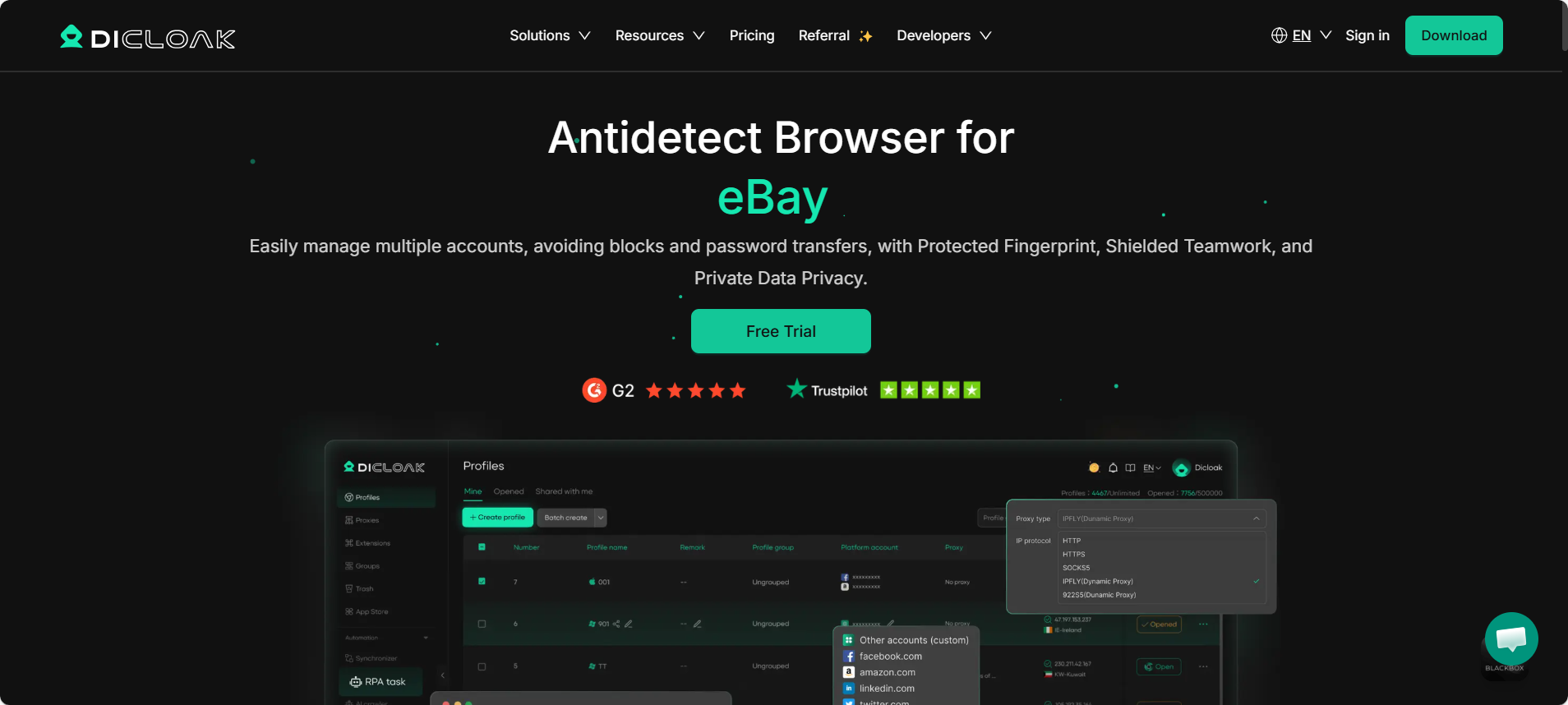
DICloak: Shielded Teamwork and Advanced Profile Protection
DICloak has emerged as a robust solution for merchants who prioritize team security without sacrificing automation capabilities. It is particularly effective for organizations that need to share access to Seller Central or Facebook Business Manager without exposing the master credentials.
Key Features:
- Shielded Teamwork: Allows granular permission settings, ensuring VAs can access accounts without viewing sensitive proxy data.
- RPA Automation: Built-in tools to automate repetitive tasks like order processing or inventory checks.
- Cloud Sync: Instant synchronization of cookies and tabs across devices.
Price: Free Plan (5 profiles); Base Plan: $8/month (20 profiles). Verdict: A particularly strong entry point for growing teams, offering affordable scalability combined with enterprise-grade isolation, making it a highly recommended choice for teams planning to expand securely.
Multilogin: The Gold Standard for Enterprise Multi-Accounting
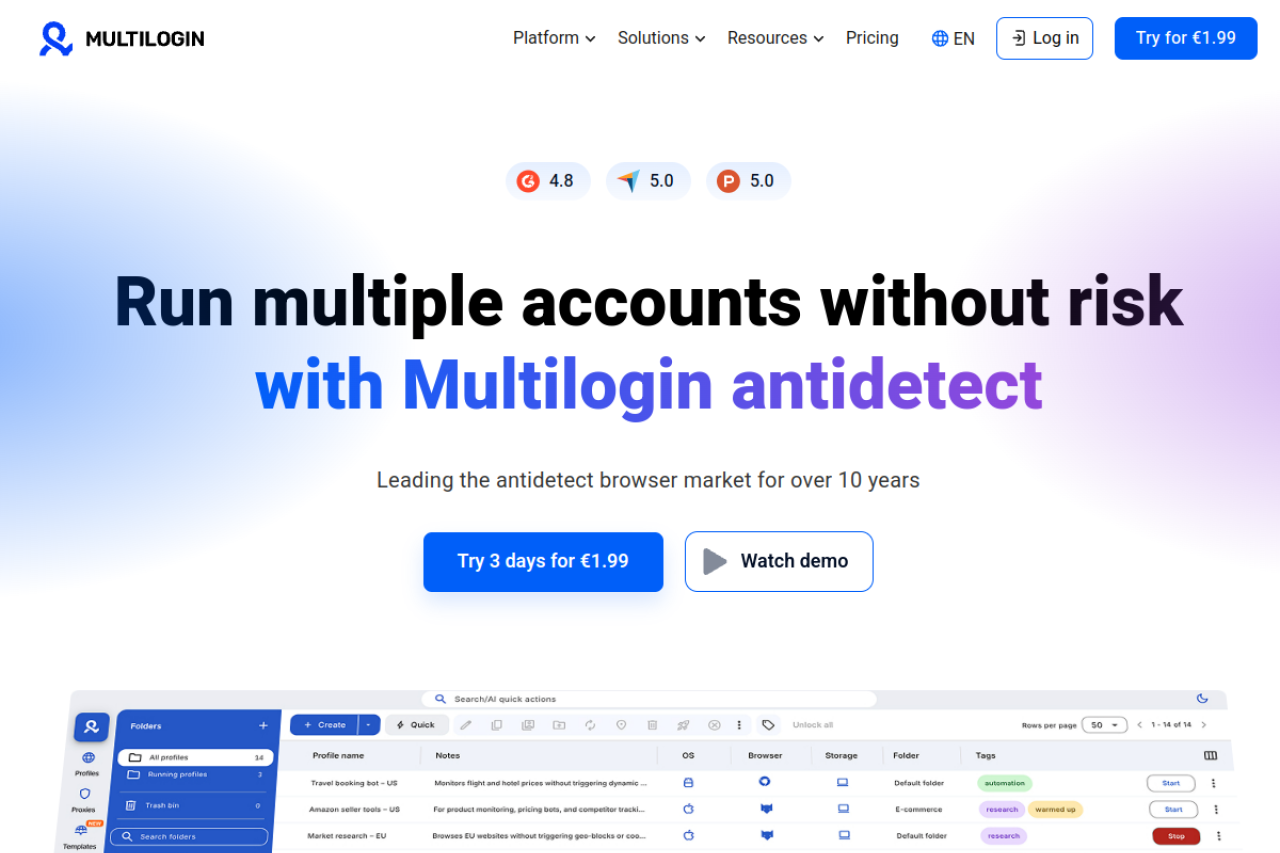
Multilogin remains the heavyweight champion for high-stakes operations. It is widely regarded as the most reliable tool for evading sophisticated detection algorithms on platforms like Amazon and eBay. Its proprietary browsers, Mimic and Stealthfox, replace the standard browser fingerprints entirely rather than just masking them.
Key Features:
- Native Browser Cores: Uses custom-built cores (Mimic and Stealthfox) for deeper fingerprint consistency.
- Residential Proxies: High-quality integrated proxy networks to reduce third-party reliance.
- AI Quick Actions: Automates the profile "warm-up" process to generate realistic cookie histories.
Price: Pro 10: €9/month; Pro 100: €79/month. Verdict: Nice choice for enterprise users where account suspension would result in massive financial loss,but the cost is a bit higher.
GoLogin: Simplicity Meets Robust Cloud Profile Management
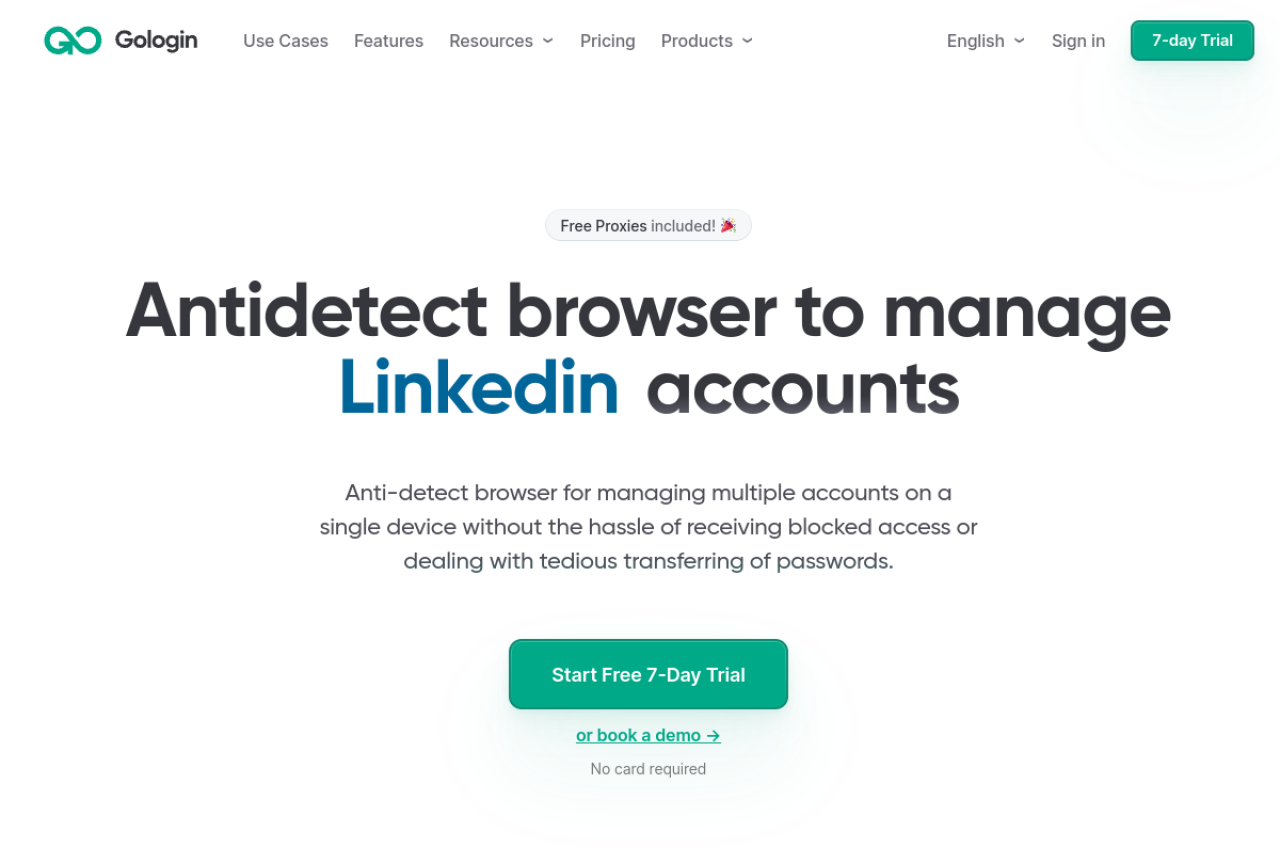
GoLogin distinguishes itself with a user-friendly interface and a unique cloud-based execution model. It allows users to run profiles directly in the cloud, which is a game-changer for merchants with limited hardware resources or those who need to manage accounts via an Android app.
Key Features:
- Cloud Launch: Run browser profiles on remote servers to save local CPU/RAM.
- Android App: Full management capability from mobile devices.
- Free Proxies: Includes a set of free proxies for testing (though residential proxies are recommended for production).
Price: Professional (10 profiles): $9/month; Business (300 profiles): $119/month. Verdict: Designed for digital nomads and merchants who need flexibility across different devices and operating systems, though it may offer less depth in advanced automation compared to more enterprise-focused tools.
AdsPower: Dominating E-commerce with Precision Automation
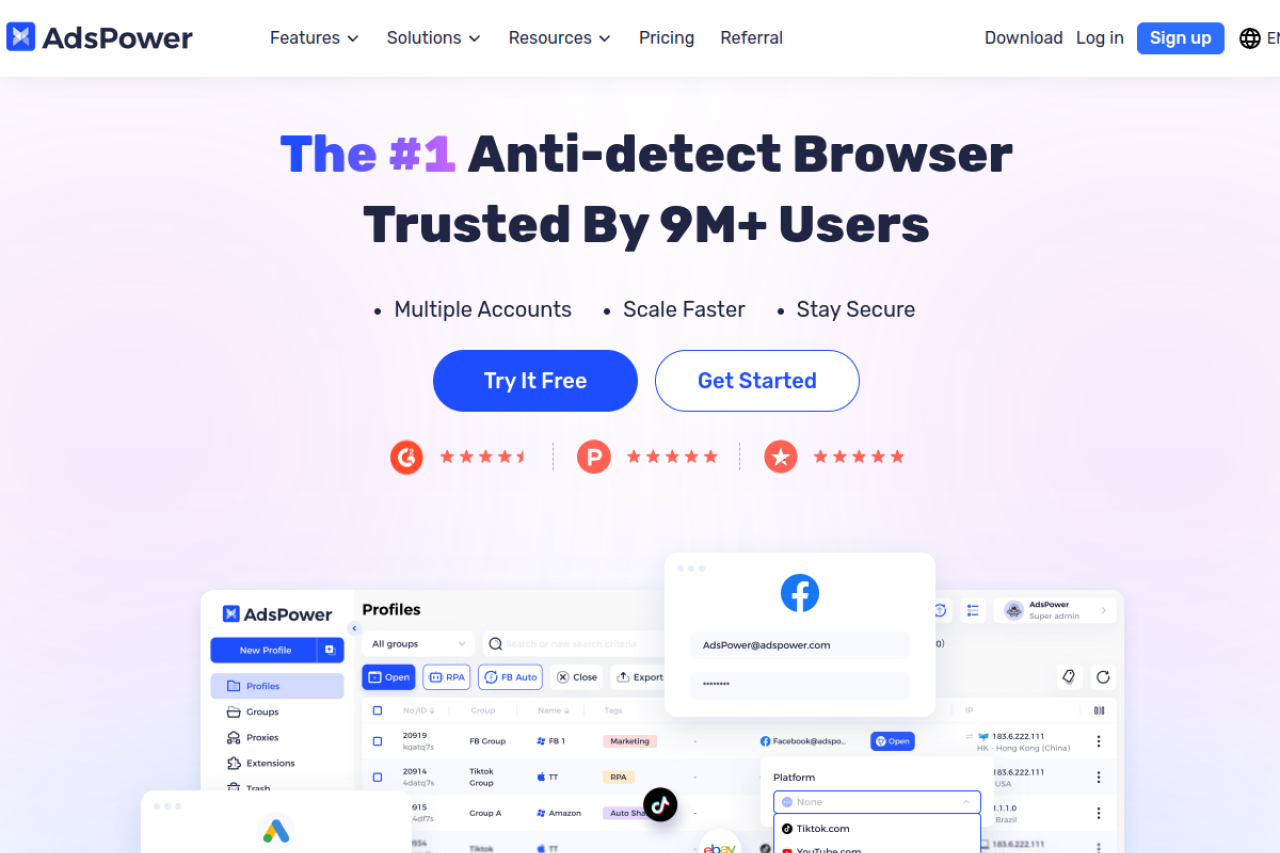
AdsPower is a favorite among dropshippers and affiliate marketers due to its heavy focus on ecommerce scale automation. Its "Synchronizer" feature allows you to perform an action in one window—such as listing a product—and have it replicated instantly across dozens of other active windows.
Key Features:
- RPA Robot: No-code automation for repetitive tasks like "Like & Follow" or "Add to Cart."
- Synchronizer: Real-time replication of mouse and keyboard events across profiles.
- Fingerprint Customization: Deep control over iOS and Android mobile fingerprints.
Price: Pro (10 profiles): $9/month; Pro (100 profiles): $36/month. Verdict: Used by users who manage high-volume listings and rely on workflow automation to improve efficiency, though the interface and feature set can feel complex for smaller teams or beginners.
Dolphin{anty}: The Ultimate Choice for Affiliate and Social Commerce
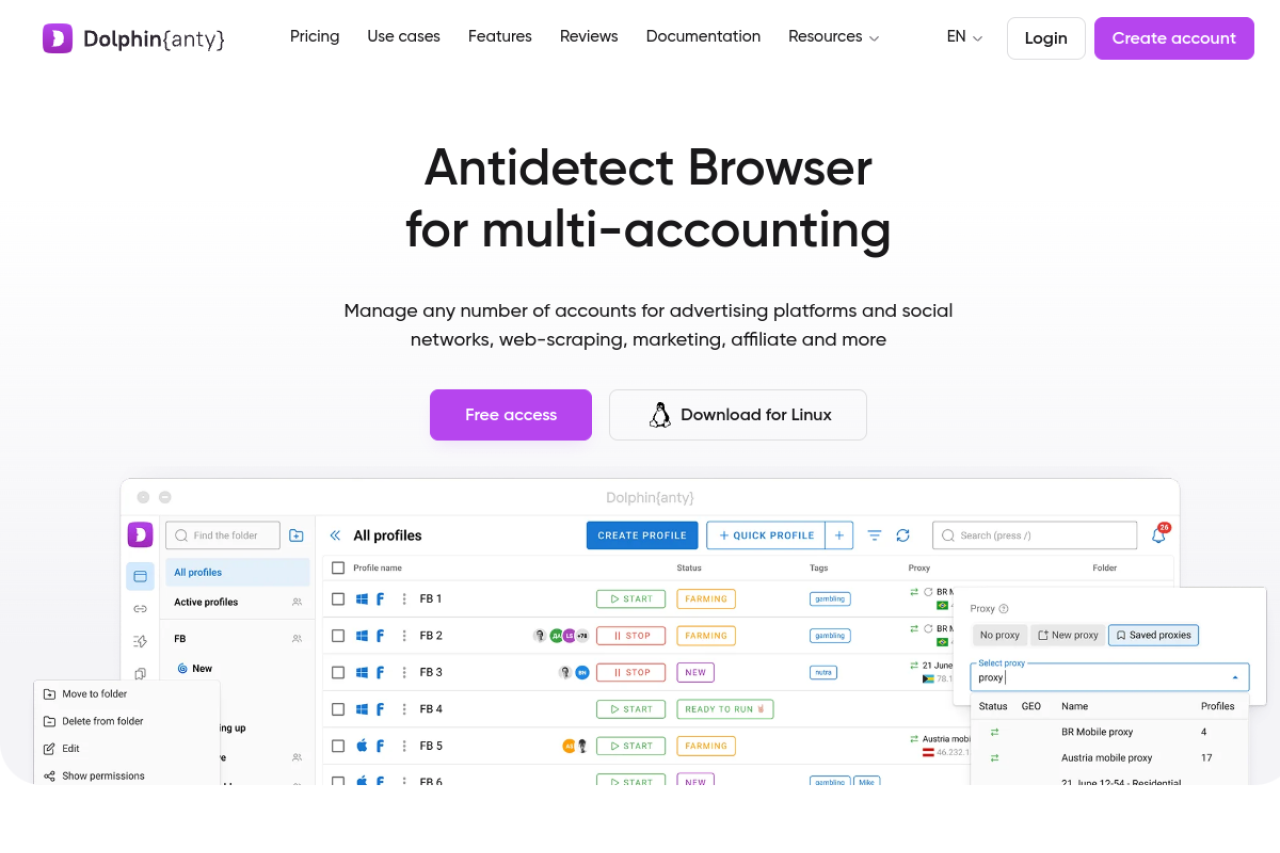
Originally built for the rigorous demands of affiliate marketing, Dolphin{anty} has found a strong user base in social commerce (TikTok Shop, Facebook Marketplace). Its interface is designed for speed, allowing users to tag, note, and organize hundreds of profiles visually.
Key Features:
- Visual Statuses: Color-coded tags to track account health (e.g., "Warming Up," "Active," "Banned").
- Smart Paste: Emulates human typing speed when pasting data to avoid bot detection.
- Team Roles: Assign specific profiles to team members with restricted rights.
Price: Starter: $10/mo; Base: $89/mo. Verdict: Commonly used by teams managing traffic-heavy campaigns on social platforms that require visual organization and coordinated workflows, though it often requires more technical setup and scripting knowledge than simpler tools.
Incogniton: Managing Bulk Accounts with High Customization
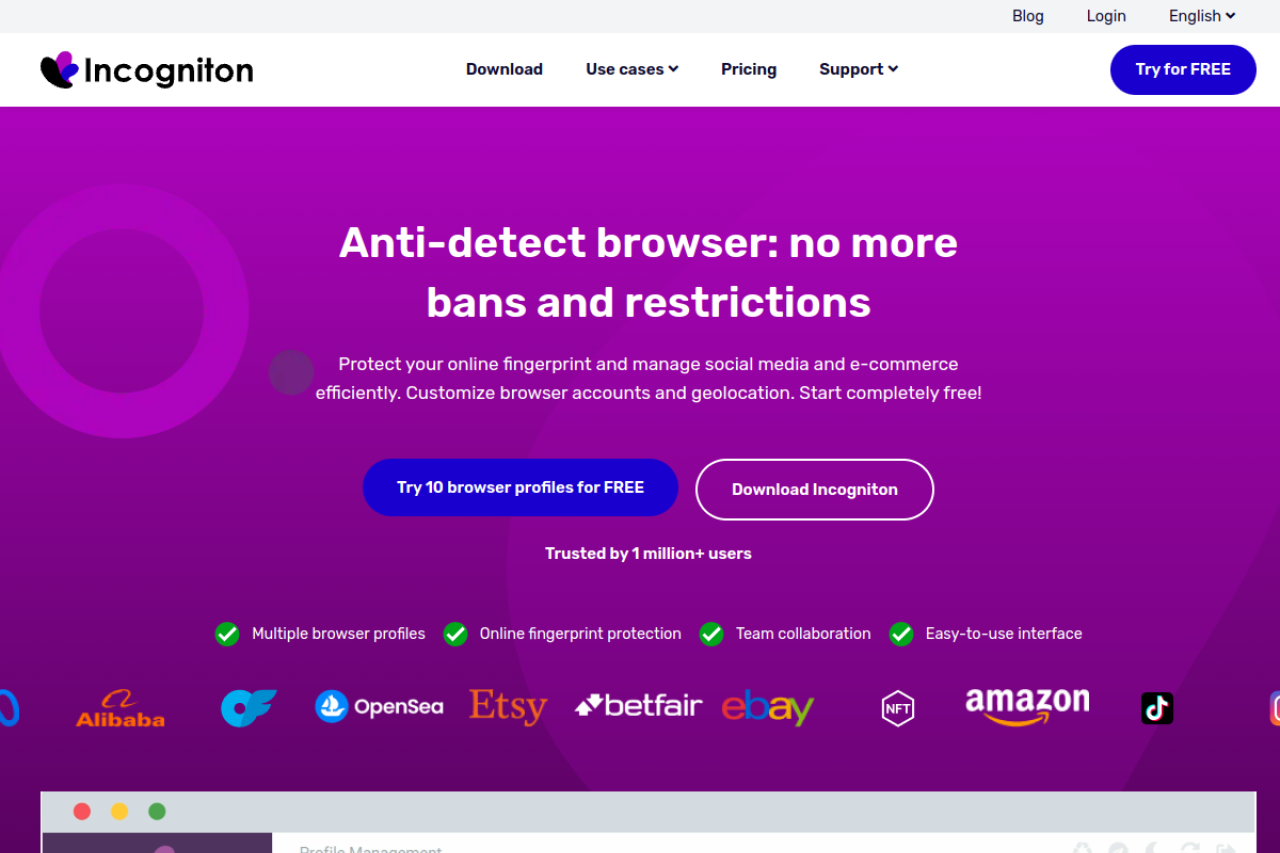
Incogniton is widely appreciated for its generous free tier and strong integration with automation frameworks. It is a go-to for developers and technical merchants who build their own scripts using Selenium or Puppeteer to manage inventory.
Key Features:
- Cookie Collector: Automated bot that visits sites to build a cookie history before you log in.
- Bulk Creator: Generate hundreds of profiles in one click using CSV data.
- Data Sync: seamless synchronization across team devices.
Price: Free Starter (10 profiles); Entrepreneur (50 profiles): $29.99/month. Verdict: Often used by smaller merchants or developers who need a limited number of profiles and access to a free tier with up to 10 profiles, though its automation capabilities are more basic compared to higher-end solutions.
Browser.lol: Secure Sandboxing Without Installation
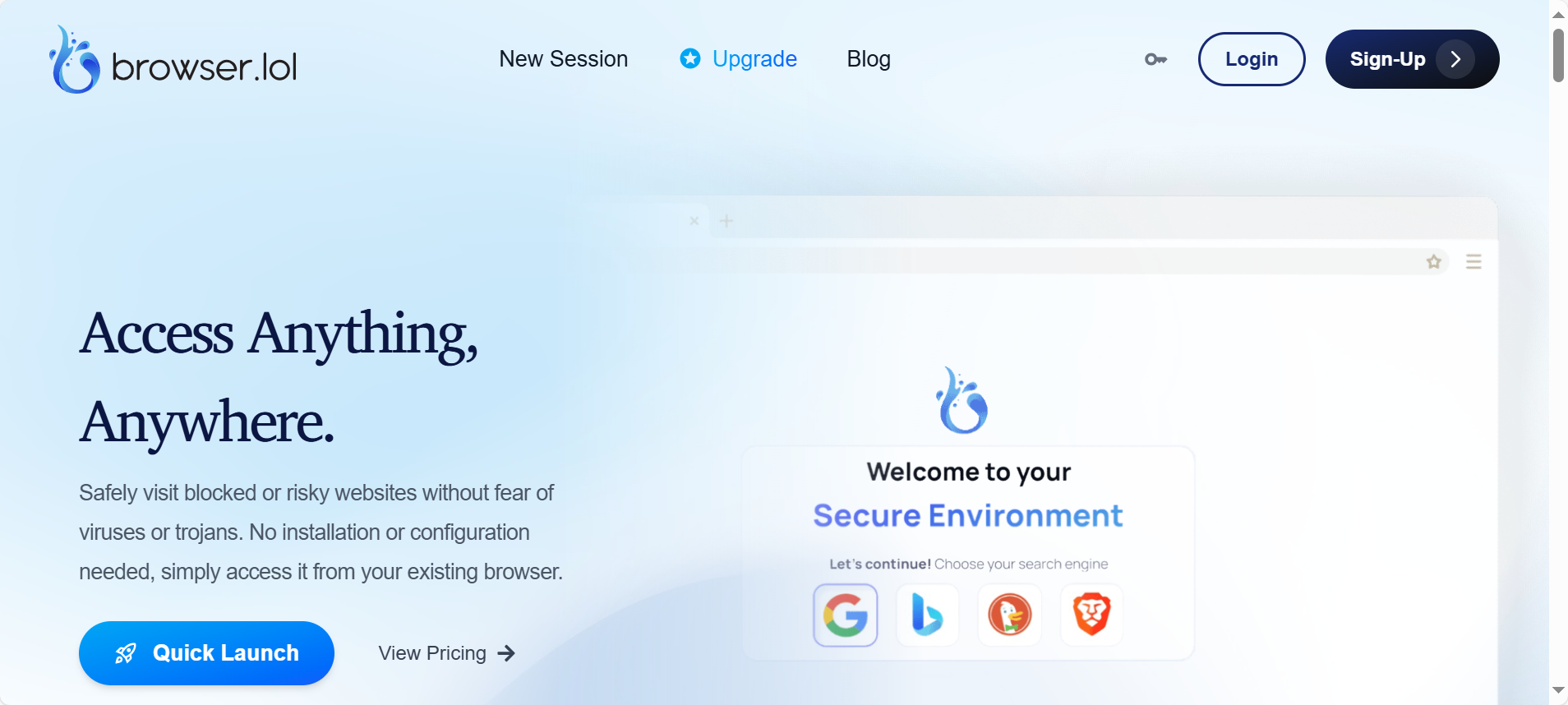
Browser.lol offers a different approach by providing disposable, web-based browsers. While not a traditional antidetect browser for long-term account management, it acts as a perfect sandbox for testing suspicious links or checking how your store appears in different geolocations without risking your main machine.
Key Features:
- No Installation: Runs entirely in your web browser.
- Disposable Sessions: Environments are destroyed after use, ensuring zero data leaks.
- Sandboxing: complete isolation from your local file system.
Price: Free (limited); Premium: $9/month. Verdict: Primarily used for quick, one-off tasks or basic security checks, and it lacks the persistence and profile management features required for long-term seller account operations.
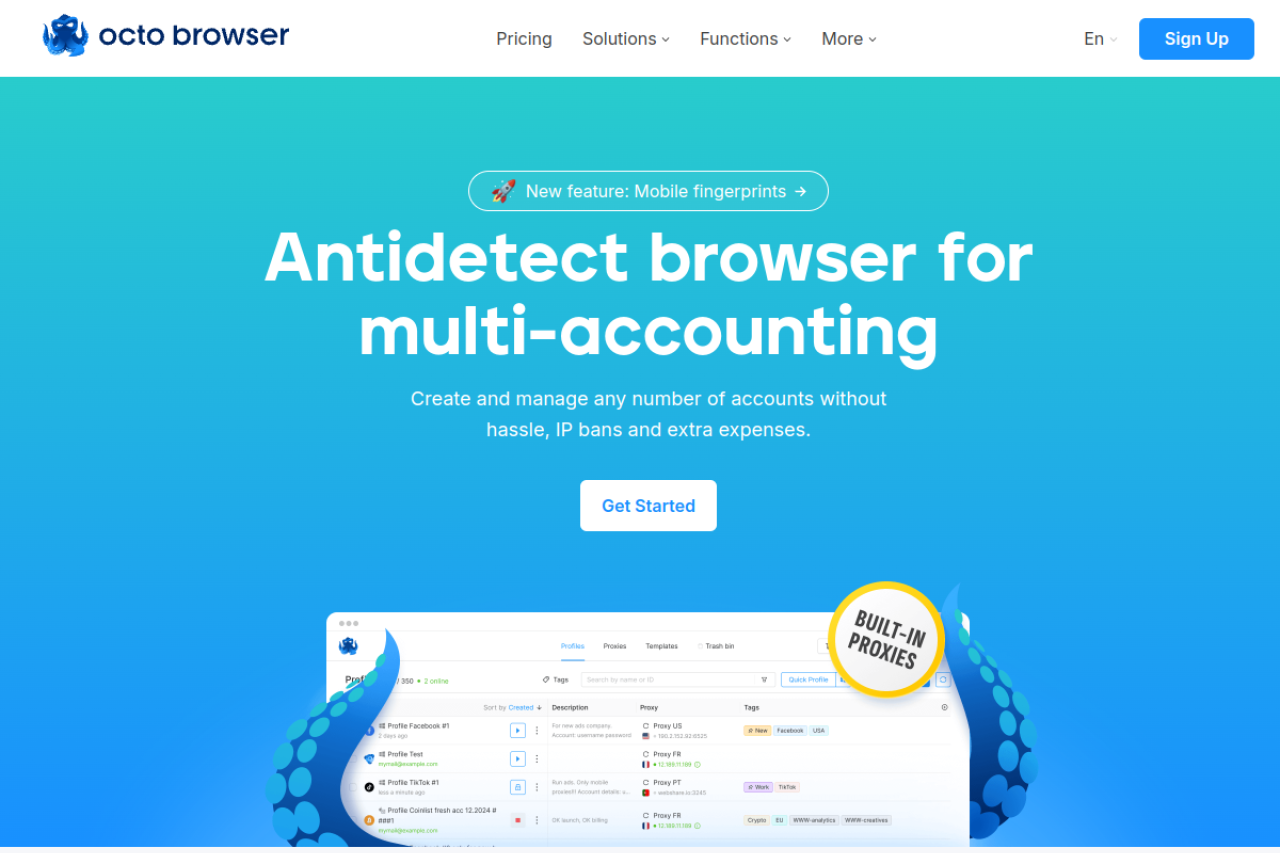
Octo Browser: High-Performance Fingerprint Spoofing for Experts
Octo Browser targets the advanced segment of the market, offering a kernel-level approach to spoofing. It is designed to pass the most stringent checkers like Pixelscan and CreepJS by manipulating the browser code deeply rather than just injecting JavaScript.
Key Features:
- Real Fingerprints: Utilizes actual device parameters rather than generated noise.
- API-First Design: Built for complex automation and integration into custom software stacks.
- Fast Interface: Optimized for handling thousands of profiles without lag.
Price: Lite: €10/month; Starter: €29/month. Verdict: Commonly used by technical users and arbitrage teams who are familiar with browser fingerprinting concepts and require a high level of control and precision, though it has a steeper learning curve and fewer beginner-friendly features.
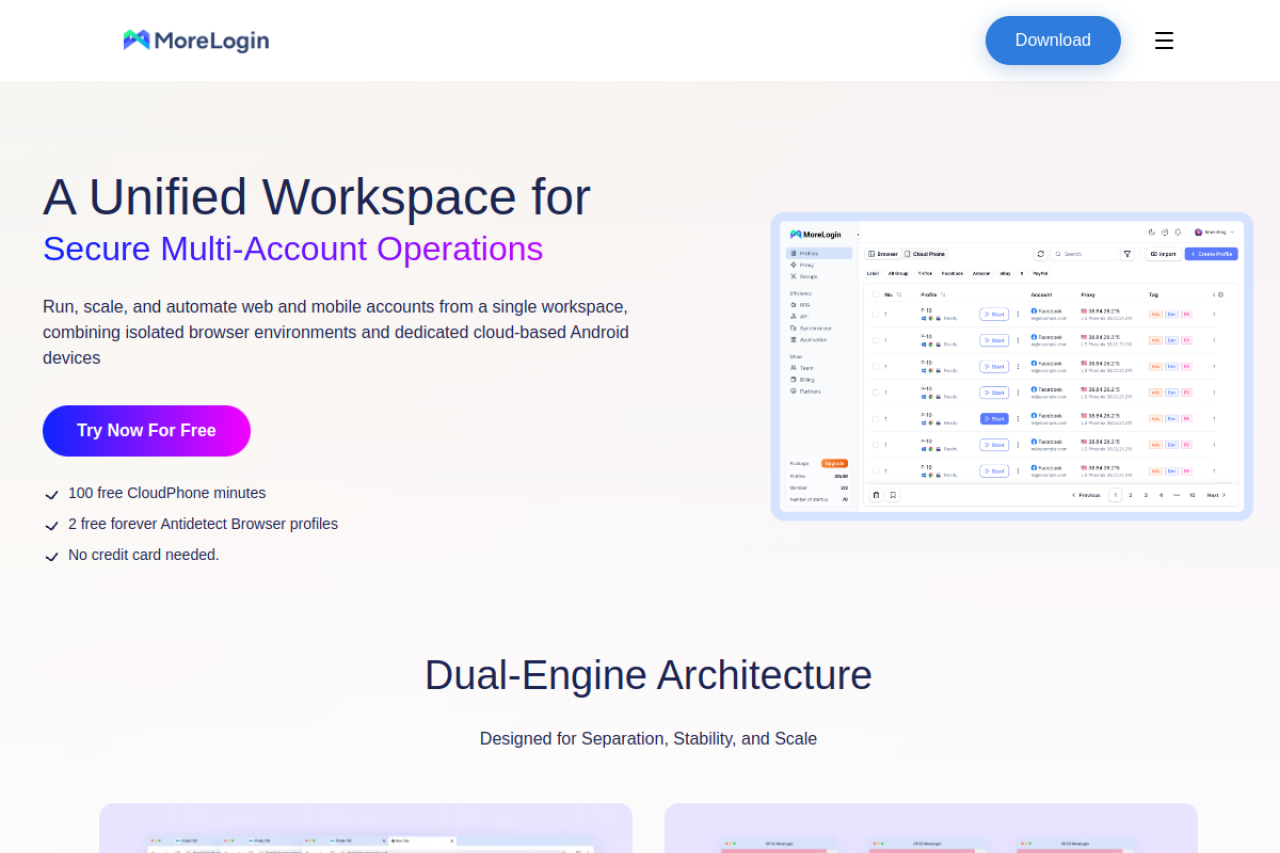
MoreLogin: Cost-Effective Scaling for New Merchants
MoreLogin is gaining traction by offering "Real Canvas Fingerprinting," a technique that collects canvas readouts from real users worldwide to use in your profiles. This significantly reduces the chance of generating a "mathematically impossible" fingerprint that triggers flags.
Key Features:
- Cloud Phone: Provides virtual mobile numbers for SMS verification directly in the browser.
- Real Canvas: Uses a database of real fingerprints to improved pass rates.
- Team Collaboration: Shared environments for secure hand-offs.
Price: Pro Plan starts at ~$9/month (10 profiles). Verdict: Known for introducing features such as Cloud Phone to simplify 2FA handling for sellers, though its ecosystem and advanced automation options are still less mature compared to longer-established tools.
Hidemium: Emerging Innovation in Secure Account Isolation
Hidemium is a newer entrant focusing on mobile profile emulation and advanced automation support. It is particularly useful for platforms that prioritize mobile traffic, such as Instagram and TikTok Shop, allowing you to mimic a mobile device environment on a desktop.
Key Features:
- Mobile Profiles: specialized configurations to emulate Android/iOS environments accurately.
- Puppeteer/Playwright Support: Native support for modern automation frameworks.
- Ghost Mode: advanced masking of automation driver flags.
Price: Basic: $15/month; Advanced: $20/month. Verdict: Used by merchants shifting toward mobile-first commerce platforms that require mobile-oriented fingerprinting capabilities, though its desktop-focused features and broader automation support are more limited than some alternatives.
Strategic Implementation: Scaling with Antidetect Browsers for e-commerce
Now that you have selected the right software, the real work begins. Owning Antidetect Browsers for e-commerce is like owning a high-performance car; you still need to know how to drive it to win the race. In 2026, platforms like Amazon, eBay, and TikTok Shop utilize AI-driven behavioral analysis that goes beyond simple IP checks. To scale successfully, you must implement rigid Standard Operating Procedures (SOPs) that mimic organic human behavior, ensuring your ecommerce scale automation looks indistinguishable from a standard user.
Simply launching a profile and listing a product immediately is the fastest way to get flagged. Instead, successful merchants view their browser profiles as digital assets that must be nurtured.
The Cookie Warming SOP: Building Trust Scores with Robots
When you create a new browser profile, it is effectively a "blank slate." To a platform's security algorithm, a user with no browsing history, no cookies, and no cache who immediately logs into a Seller Central account is highly suspicious. This behavior mimics a bot or a ban-evader. To counter this, you must engage in "Cookie Warming."
The Warm-Up Protocol:
- Day 1-2 (Identity Generation): Configure your profile in tools like DICloak or AdsPower. Set your geolocation and language. Do not visit your target e-commerce site yet.
- Day 3-5 (The Trust Phase): Use the built-in "Cookie Robot" or RPA (Robotic Process Automation) features. Program the browser to visit high-authority websites such as local news outlets, YouTube, Wikipedia, and weather sites. Scroll through pages to generate behavioral data.
- The Goal: You want to accumulate a realistic cache of cookies. Platforms analyze this data to assign a "Trust Score" to your session. A profile that has visited legitimate sites appears human.
- Day 6 (Target Interaction): Finally, navigate to Amazon or eBay. Do not log in immediately. Browse products, add items to a guest cart, and simulate "window shopping" before attempting registration or login.
Layering Security: Integrating 5G Residential Proxies
Your Antidetect Browsers for e-commerce handle the hardware fingerprint (Canvas, WebGL, Fonts), but they cannot hide your internet connection's origin. For that, you need a robust network strategy. In 2026, using Data Center IPs is obsolete for serious merchants; they are easily detected and often blacklisted by major retailers.
The Golden Rule of IP Management: You must use Residential Proxies or Mobile 4G/5G proxies. These IP addresses are assigned by Internet Service Providers (ISPs) to real homeowners, making your traffic look like it is coming from a genuine residential device rather than a server farm.
Implementation Steps:
- Geo-Targeting: Match your proxy location to your account's billing address. If your Amazon seller account is registered in London, your proxy must be London-based.
- Static vs. Rotating: For seller accounts, always use Static Residential IPs. You need the IP to remain consistent every time you log in. Rotating IPs (which change every request) are excellent for scraping data but triggers security challenges (OTP requests) for seller accounts.
- WebRTC Leaks: Ensure your browser's WebRTC setting is configured to "Alter" or "Disable." A WebRTC leak can reveal your real IP address even behind a proxy, instantly linking all your accounts.
Preventing Chain Bans: Disaster Recovery and Profile Backup
The ultimate goal of using digital identity isolation tools is to prevent "chain bans." This occurs when a platform links one suspended account to all your other active accounts, shutting down your entire business operation instantly.
To ensure business continuity, treat every profile as a completely separate business entity:
- Payment Isolation: Never reuse the same credit card across profiles. Use virtual credit card (VCC) services that allow you to generate unique card numbers for each account.
- Data Hygiene: Never copy-paste text directly between profiles if it contains unique identifiers.
- The "Air-Gap" Strategy: If using a team, use the permission settings in DICloak to restrict access. A Virtual Assistant (VA) should only see the specific profiles they manage. This prevents a compromised VA device from tainting your entire account farm.
- Profile Exporting: Regularly export your cookies and local storage data (JSON format). If a specific browser tool experiences downtime or you decide to switch software, you can import these cookies into a new environment without logging out, preserving the session's continuity.
Frequently Asked Questions (FAQ): Antidetect Browsers for E-commerce (2026)
1. Are antidetect browsers for e-commerce legal to use on Amazon?
They are generally legal to use, but using them to bypass suspensions or hide account relationships can violate Amazon or eBay Terms of Service and may lead to account bans.
1. Can I use free proxies with antidetect browsers for e-commerce?
No. Free proxies are heavily abused and easily detected. Stable e-commerce operations require high-quality residential or mobile proxies.
2. How many profiles can I run at the same time on one PC?
It depends on hardware. With 16GB RAM, expect around 10–15 active profiles. For larger scale, 32GB–64GB RAM is recommended.
3. Do team members each need their own antidetect browser?
No. Modern tools support team access, allowing profile sharing with permission controls so staff never see login credentials.
4. How do antidetect browsers handle 2FA?
After the first successful login, session cookies are saved, reducing repeated 2FA prompts. Some tools also support OTP integration or secure session sharing.
5. What’s the difference between a virtual machine and an antidetect browser?
Virtual machines emulate full operating systems and use more resources. Antidetect browsers focus on browser fingerprint isolation, offering better efficiency and stealth for e-commerce use.
Conclusion: Future-Proofing Your Business with Antidetect Browsers for E-commerce
In 2026, scaling an e-commerce business safely requires more than strong products—it demands robust digital identity isolation. Antidetect browsers have become essential infrastructure, enabling merchants to protect assets, manage multiple accounts, and survive increasingly aggressive platform detection systems. Success now depends on credible simulation, where each profile maintains a consistent fingerprint, history, and network environment, not simple IP masking. By investing in high-quality tools, pairing them with reliable mobile proxies, using automation wisely, and isolating team access, businesses can reduce risk, avoid cascading bans, and ensure long-term operational continuity in a highly competitive digital retail landscape.
 Web Proxy Tools
 Free Tools
 Cookie Plugin
 UA Generator
 MAC Address Generator
 IP Generator
 IP Address List
 2FA Code Generator
 World Clock
 Anonymous Check
 WebRTC Leak Test
 UUID Generator
 Free Web Proxy Site
 Proxy Checker
 FB Ad Checker
 AI Web Scraping
 Free SMM Tools
 Twitter Shadowban Checker
 Instagram Name Checker
 UTM Generator
 Username Generator
 AI Hashtag Generator
 LinkedIn Headline Generator
 Social Media Image Resizer