Facebook Marketplace is useful for buying and selling local items, but access is not always available to every account. If the Marketplace icon is missing, the reason may be your account status, location, app issue, or trust level. This guide explains how to access Facebook Marketplace in 2026 and how to use it safely.
Why Can’t I Access Facebook Marketplace?
If you are trying to learn how to access Facebook Marketplace but the icon is missing, the problem is usually tied to account eligibility, location, age, or trust signals. Marketplace is not available to every account at every time. In many cases, Facebook limits access when an account is too new, inactive, under review, or not in a supported area. Age rules also matter, especially as more countries add stricter social media access rules for younger users in 2026.
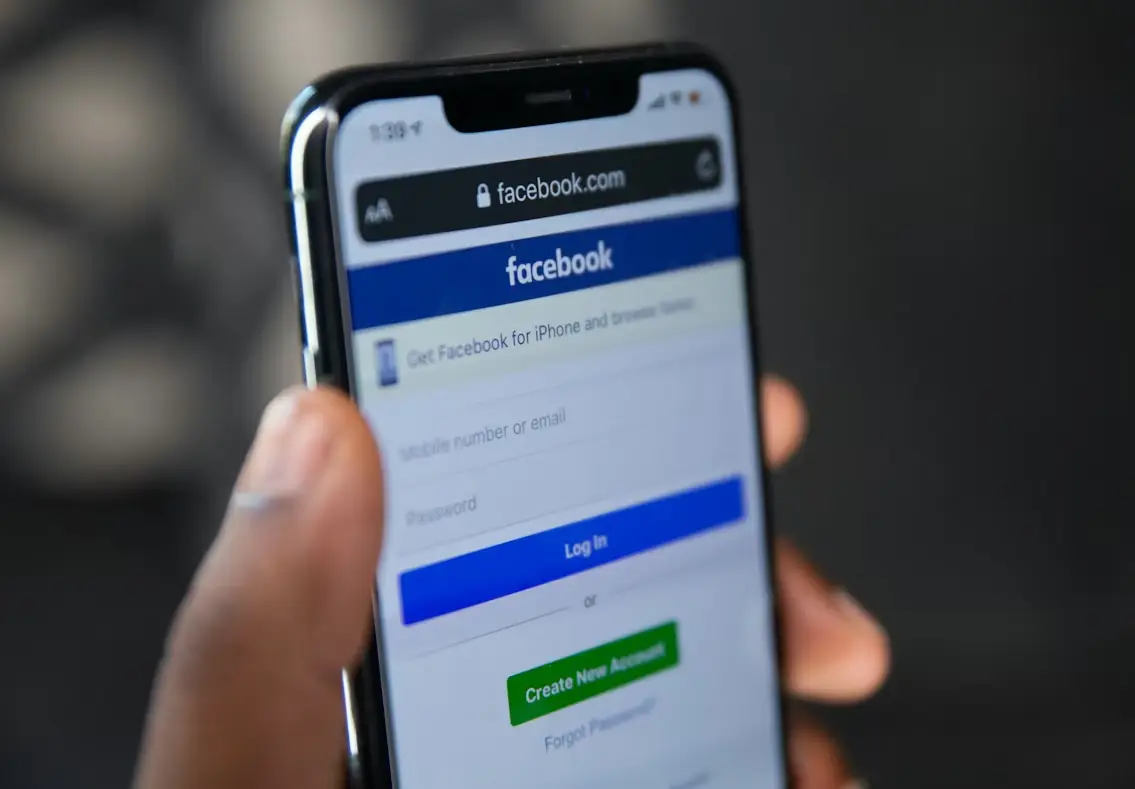
Common account restrictions preventing access
Some accounts cannot access Marketplace because they do not look trusted enough yet. This can happen when the account is new, has little activity, or recently changed key details like name, location, or login device.
For example, someone may create a new Facebook account and expect Marketplace to appear right away. But the feature may stay hidden because the account has not built enough normal activity. Joining groups, adding real profile details, and using the account naturally over time can help reduce this issue.
Marketplace access can also be limited if the account has broken Facebook rules before. This may include spam-like posting, suspicious messages, rejected listings, or unusual buying and selling behavior.
How geographic and age limitations affect eligibility
Location is another common reason Marketplace does not appear. Facebook Marketplace is not available in every country or region. If your account location, device location, or recent login location does not match a supported area, the feature may not show.
Age can also block access. Marketplace is generally meant for adult users, and stricter social media age rules are becoming more common in 2026. For example, Australia’s under-16 social media ban took effect in December 2025, and several other countries have been moving toward tighter age limits.
A common case is when someone travels, changes regions, or uses an account with unclear location data. Facebook may hide Marketplace until the account location looks stable again.
Signs your account may have been flagged or reported
Sometimes Marketplace disappears because the account has been flagged. This does not always mean a permanent ban. It may be a temporary restriction or a review.
Signs can include missing Marketplace access, rejected listings, warning messages, reduced ability to message buyers, or prompts to review account status. For example, a seller who posts the same item many times in a short period may trigger spam signals. A buyer who sends too many similar messages may also face limits.
If this happens, the best first step is to check your account alerts and support inbox. If Facebook gives an appeal or review option, use that path instead of creating a new account right away. A new account may face the same problem, or even more limits, if the original issue is linked to behavior, location, or device signals.
Steps to Access Facebook Marketplace on Any Device
Once your account meets the basic requirements, accessing Marketplace is usually simple. The steps are slightly different depending on your device, but the idea is the same. You need to find the Marketplace entry point and make sure your account is fully active.
How to find Marketplace on the Facebook app
On mobile, open the Facebook app and look at the bottom or top menu. You should see a shop icon. That is Marketplace.
If you do not see it right away, tap the menu icon (three lines) and scroll through the list. Marketplace is often listed there even if it is not pinned to the main menu.
For example, many users think Marketplace is gone because it is not on the main bar. But after opening the menu, they find it hidden inside the full list of features.
Accessing Marketplace through a web browser
On desktop, go to Facebook and look at the left sidebar. Marketplace is usually listed with a shop icon.
You can also type “Marketplace” into the Facebook search bar and click the result. Another simple way is to go directly to the Marketplace page through the Facebook website.
For example, if you are working on a laptop and cannot find the icon, searching for it directly can save time and confirm whether your account has access.
What to do if Marketplace doesn’t appear in your menu
If Marketplace still does not show, there are a few quick checks.
First, update your app or refresh your browser. Sometimes the feature does not load correctly due to an outdated version.
Second, log out and log back in. This can refresh your account session and bring missing features back.
Third, check your account status. If your account is restricted, Marketplace may be hidden.
A common real case is this: a user updates the app and logs in again, and the Marketplace icon appears. Small fixes like this often solve the problem without needing deeper changes. If none of these steps work, the issue is likely related to account eligibility, location, or restrictions, not just the device.
How to Fix Facebook Marketplace Access Issues
If you are trying to figure out how to access Facebook Marketplace but it still does not work, the issue is often technical. Small problems with the app, browser, or stored data can stop Marketplace from loading, even when your account is eligible. The good news is that most of these issues are easy to fix.
Troubleshooting app bugs and technical errors
Sometimes Marketplace fails because of simple app glitches. The icon may disappear, the page may not load, or listings may not show.
Start with a basic restart. Close the Facebook app completely, then open it again. If that does not help, restart your phone or device.
For example, a user may open Marketplace and see a blank screen. After restarting the app or device, the page loads normally again. These small bugs are common, especially after app updates.
If you are using a browser, try switching to another browser. Some extensions or settings can block parts of the page.
How to update your Facebook app for Marketplace access
An outdated app can cause features like Marketplace to stop working. New updates often fix bugs and improve access.
Go to your app store and check for updates. Install the latest version of Facebook, then open the app again.
For example, a user may not see the Marketplace icon at all. After updating the app, the icon appears in the menu. This happens because older versions may not support the latest layout or features.
Clearing cache and cookies to resolve Marketplace problems
Stored data can sometimes cause loading problems. Clearing cache and cookies helps reset the app or browser without deleting your account.
On mobile, go to your phone settings, find the Facebook app, and clear cache. On desktop, clear your browser cookies and cached data.
For example, if Marketplace keeps loading old pages or fails to refresh, clearing cache can fix the issue. It removes outdated data and allows the page to load fresh content.
These steps may seem simple, but they solve many cases where users cannot access Marketplace even when their account is fine.
Do You Need a Verified Facebook Account for Marketplace?
If you are trying to understand how to access Facebook Marketplace, you may wonder if verification is required. In most cases, Facebook does not ask for formal ID verification to use Marketplace. However, your account still needs to look real, active, and trustworthy. Without that, Marketplace may not appear or may be limited.
Why verification is required for Marketplace access
Facebook uses trust signals to decide who can use Marketplace. This includes your account age, activity, profile details, and behavior.
For example, an account with a real profile photo, regular posts, and normal interactions is more likely to get access. In contrast, a brand-new account with no activity may not see Marketplace at all.
In some cases, Facebook may ask for extra verification, such as confirming your identity or reviewing unusual activity. This usually happens when the system detects risk, not for every user.
How to check if your account meets Marketplace criteria
You can check your account status directly inside Facebook. Look at your Account Status or Support Inbox to see if there are any warnings or restrictions.
Also, review your profile. Ask yourself:
- Is your profile complete?
- Do you have normal activity like posts or comments?
- Have you followed Facebook rules?
For example, if your account has no profile picture, no friends, and no activity, it may not meet the basic trust level for Marketplace.
What to do if your account is new or unverified
If your account is new, the best approach is to build it naturally. Add real information, connect with people, and use Facebook normally for a few days or weeks. Avoid rushing. For example, creating multiple accounts or trying to force access quickly can lead to more restrictions instead of faster access.
If your account is asked to verify identity, follow the steps provided by Facebook. This may include uploading a document or confirming your details. Over time, as your account becomes more stable and active, Marketplace access usually becomes available.
Risks of Using Facebook Marketplace Without Proper Access
If you are trying to force access instead of following the normal steps, it can create more problems. Understanding how to access Facebook Marketplace the right way is important, because using shortcuts or unsafe methods can lead to account issues, limits, or even permanent bans.
Why unauthorized access can lead to account restrictions
Facebook tracks how accounts behave. If an account tries to access Marketplace in ways that do not match normal usage, it may trigger restrictions. For example, using multiple new accounts, switching locations too often, or trying to bypass region limits can look suspicious. Facebook may respond by hiding Marketplace, limiting actions, or locking the account. A common case is when a user creates a second account to access Marketplace faster. Instead of gaining access, both accounts may get flagged. This makes it harder to recover access later.
How fake accounts are flagged by Facebook algorithms
Facebook uses automated systems to detect fake or risky accounts. These systems look at patterns such as login behavior, device signals, activity speed, and account history. For example, an account that sends many similar messages, posts repeated listings, or logs in from different regions in a short time may be flagged. Even if the user has no bad intentions, the behavior can still look unusual. Once flagged, the account may lose access to Marketplace or other features. In some cases, it may require identity verification or stay limited for a period of time.
Avoiding scams and fraudulent listings on Marketplace
Marketplace also has risks for buyers and sellers. Fake listings, misleading products, and payment scams still exist. For example, a seller may offer a product at a very low price and ask for payment outside Facebook. After payment, the item never arrives. Another case is a buyer sending fake payment confirmation messages. To stay safe, keep communication inside Facebook, avoid unusual payment methods, and check profiles before making deals. A trusted account with normal activity is always safer to interact with. Using Marketplace the right way not only protects your account, but also helps you avoid scams and build a better experience.
How to Buy Items Safely on Facebook Marketplace
Buying on Marketplace can be simple, but it is important to stay careful. Many problems happen when users rush or trust the wrong signals. If you understand how to access Facebook Marketplace and use it the right way, you can avoid most risks and have a safer experience.
Steps to contact sellers and negotiate prices
Start by sending a clear and simple message. Ask if the item is still available, confirm the condition, and request real photos if needed. Avoid copying the same message to many sellers in a short time, as this can look like spam.
When negotiating, keep it respectful. For example, instead of saying “this is too expensive,” you can ask, “Would you accept a lower price?” Many sellers are open to small discounts, especially for local pickup. Clear communication often leads to smoother deals.
How to verify seller credibility before purchasing
Before buying, check the seller’s profile. Look at their account age, profile photo, and activity. A real account usually has normal posts, friends, and interactions.
Also review the listing. Be careful if the price is much lower than similar items, or if the description feels vague. For example, a brand-new product listed at a very low price with no details can be a warning sign.
If possible, ask for additional photos or proof of ownership. A serious seller is usually willing to provide more information.
Payment methods to avoid for safer transactions
The safest option is to pay in person when you receive the item. Meeting in a public place can reduce risk for both sides.
Avoid payment methods that are hard to track or recover. For example, gift cards, wire transfers, or sending money outside the platform can be risky. If a seller insists on these methods, it is often a red flag.
A common case is when a seller asks for a deposit before meeting. After payment, they stop replying. To stay safe, avoid paying in advance unless you fully trust the seller.
Using simple checks and safe payment habits can help you avoid most problems and make Marketplace much easier to use.
Selling Items on Facebook Marketplace: Best Practices
Selling on Marketplace is simple, but small details can make a big difference. If you understand how to access Facebook Marketplace and use it properly, you can reach more buyers and close deals faster. Good listings, fair prices, and clear communication are the key parts.
How to create effective listings that attract buyers
Start with clear photos. Use natural light and show the item from different angles. Avoid dark or blurry images. A clean background also helps the product stand out.
Write a simple and honest description. Include the condition, size, brand, and any important details. For example, instead of writing “good condition,” say “used for 6 months, no damage, works well.” This builds trust and reduces questions.
Use the right category and title. A clear title like “iPhone 13, 128GB, good condition” works better than something vague. Buyers often search by keywords, so clarity helps your listing show up.
Tips for setting competitive prices on Marketplace
Before setting a price, check similar listings. See what others are charging for the same or similar items. This gives you a realistic range. If your price is too high, buyers may skip your listing. If it is too low, buyers may think something is wrong. A balanced price works best. For example, if most sellers list an item at $100, setting your price around $90–$100 can attract attention while still feeling fair. You can also leave a small margin for negotiation.
Responding to buyer inquiries professionally
Fast and clear replies can help you close deals faster. When a buyer asks if the item is available, respond with a simple answer and offer next steps. For example: “Yes, it’s available. Are you able to pick it up today or tomorrow?” This keeps the conversation moving. Stay polite, even if the buyer offers a low price. Not every deal will work, but a professional tone helps maintain a good reputation. Over time, this can lead to more successful sales and fewer problems.
Managing Facebook Account Operations with DICloak
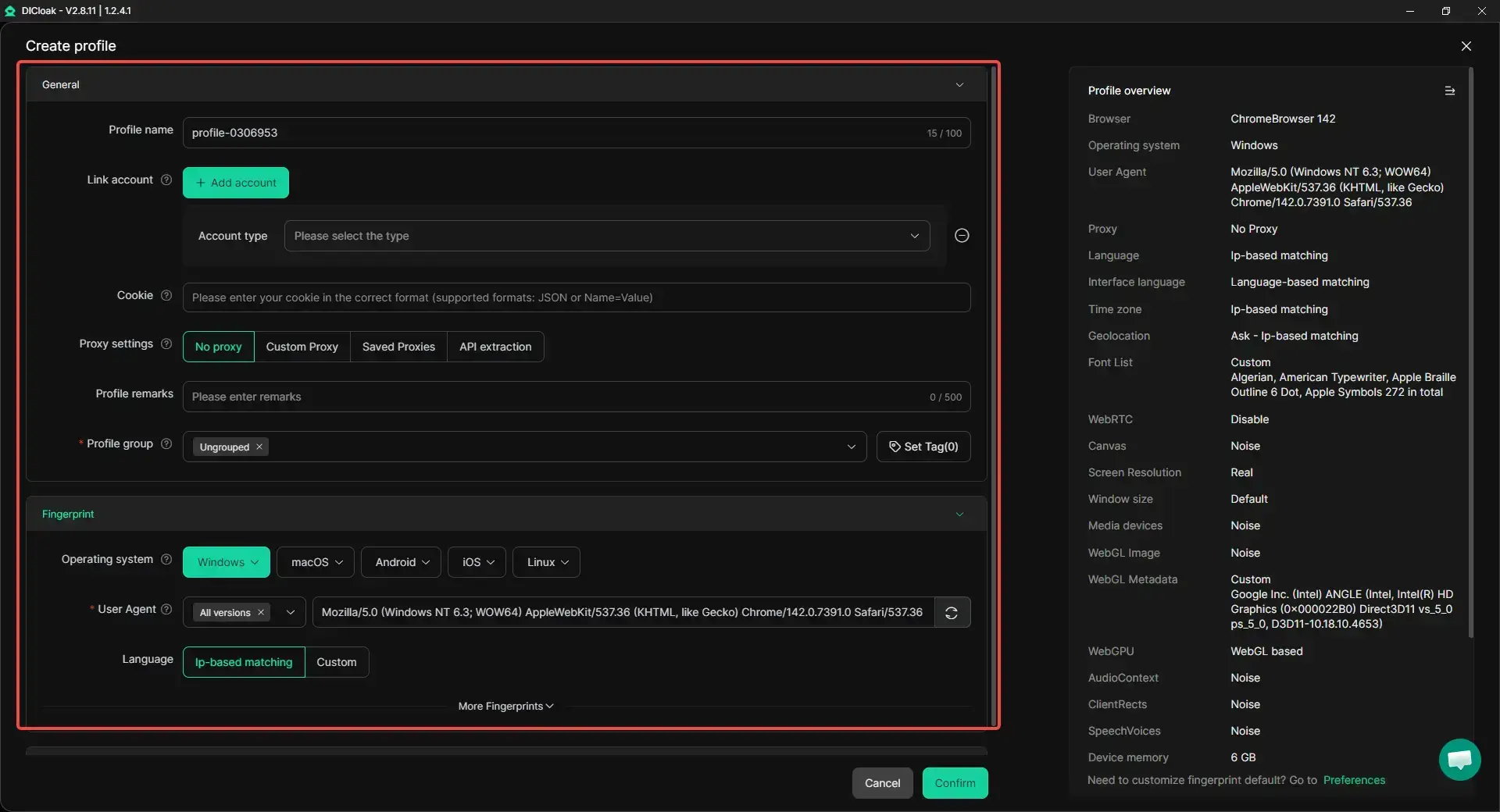
Managing Facebook accounts on shared devices can easily lead to login conflicts, security checks, and access risks. A more controlled setup helps reduce these problems. DICloak is designed for that kind of account management, with isolated browser profiles, permission controls, and automation tools.
- Profile isolation and custom proxy configuration: Users can place different Facebook accounts in separate browser profiles instead of running everything in one browser session. Each profile can keep its own cookies, cache, and login state, and users can configure a separate proxy for each one. This makes it easier to keep account environments apart and manage multiple accounts more clearly.
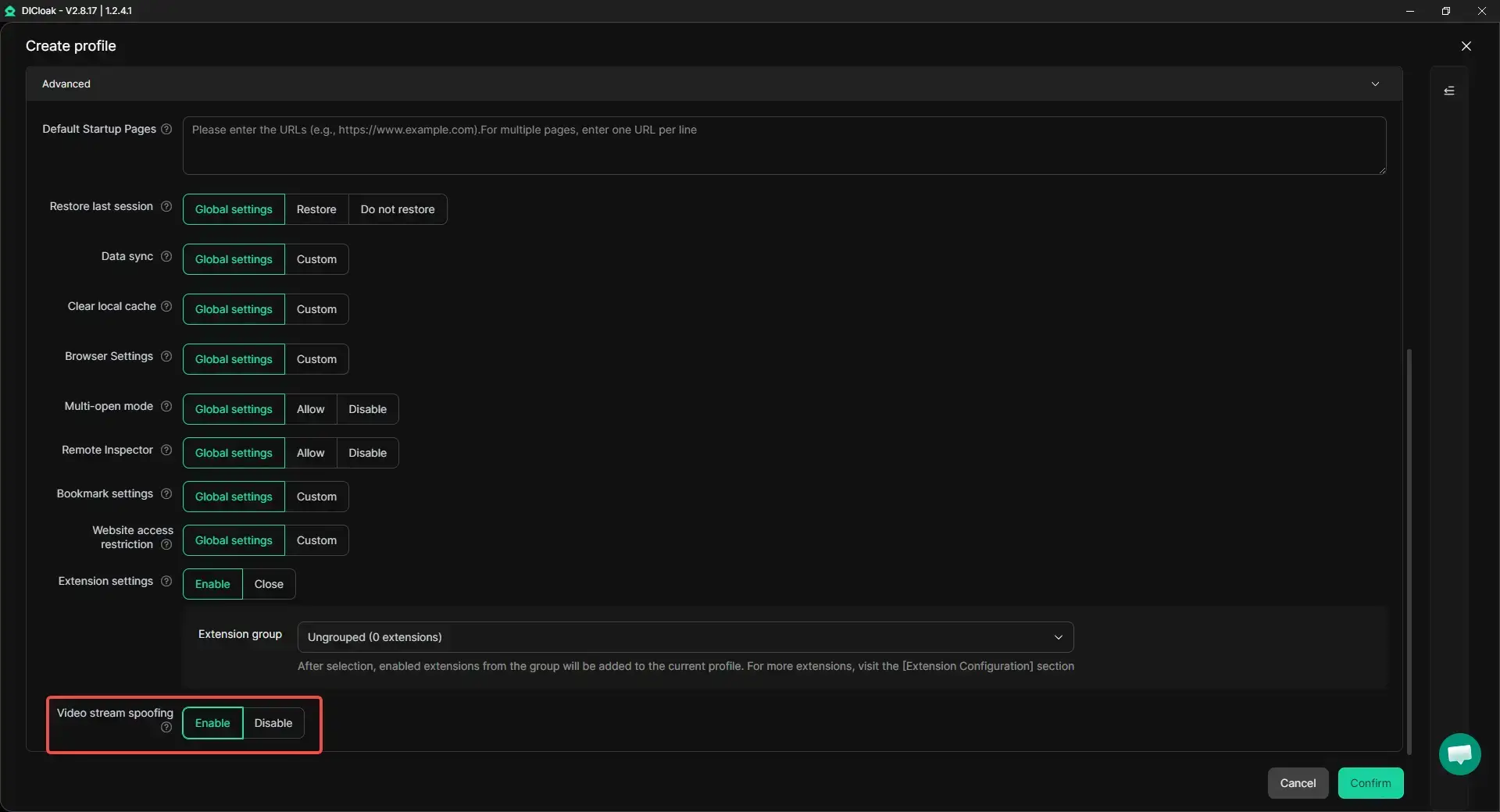
- Handling video selfie verification with less disruption: When Facebook triggers video selfie verification, repeated checks can interrupt account operations. In these cases, users can use DICloak's Video Stream Spoofing feature to upload pre-recorded video files directly through the webpage, which can make verification-related steps easier to handle inside a more consistent browser profile.
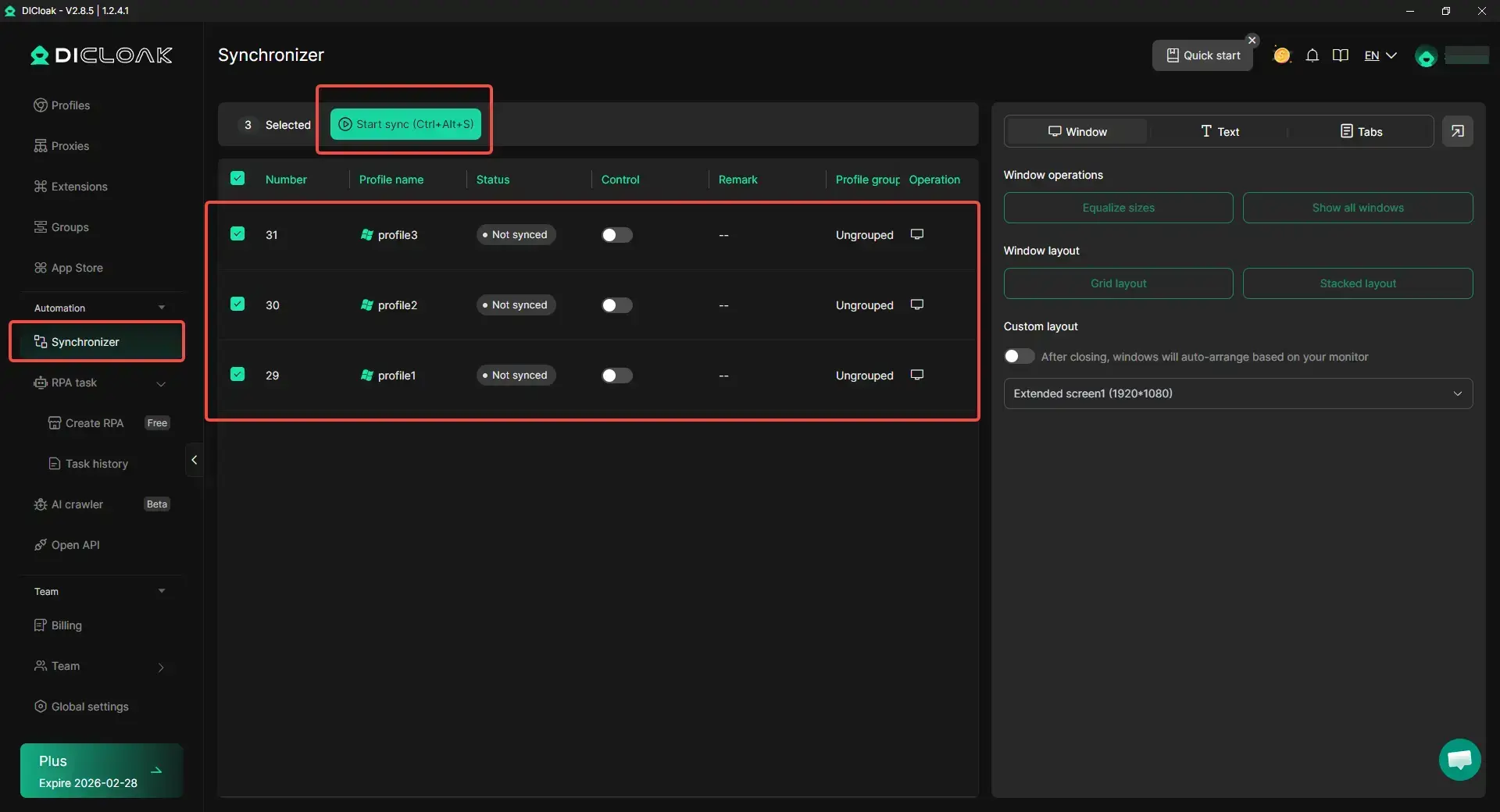
- Synchronizer for multi-account tasks: When the same basic action needs to be repeated across several Facebook accounts, users can use Synchronizer to perform those steps more efficiently. This can be useful for simple multi-account operations without needing to click through each profile one by one.
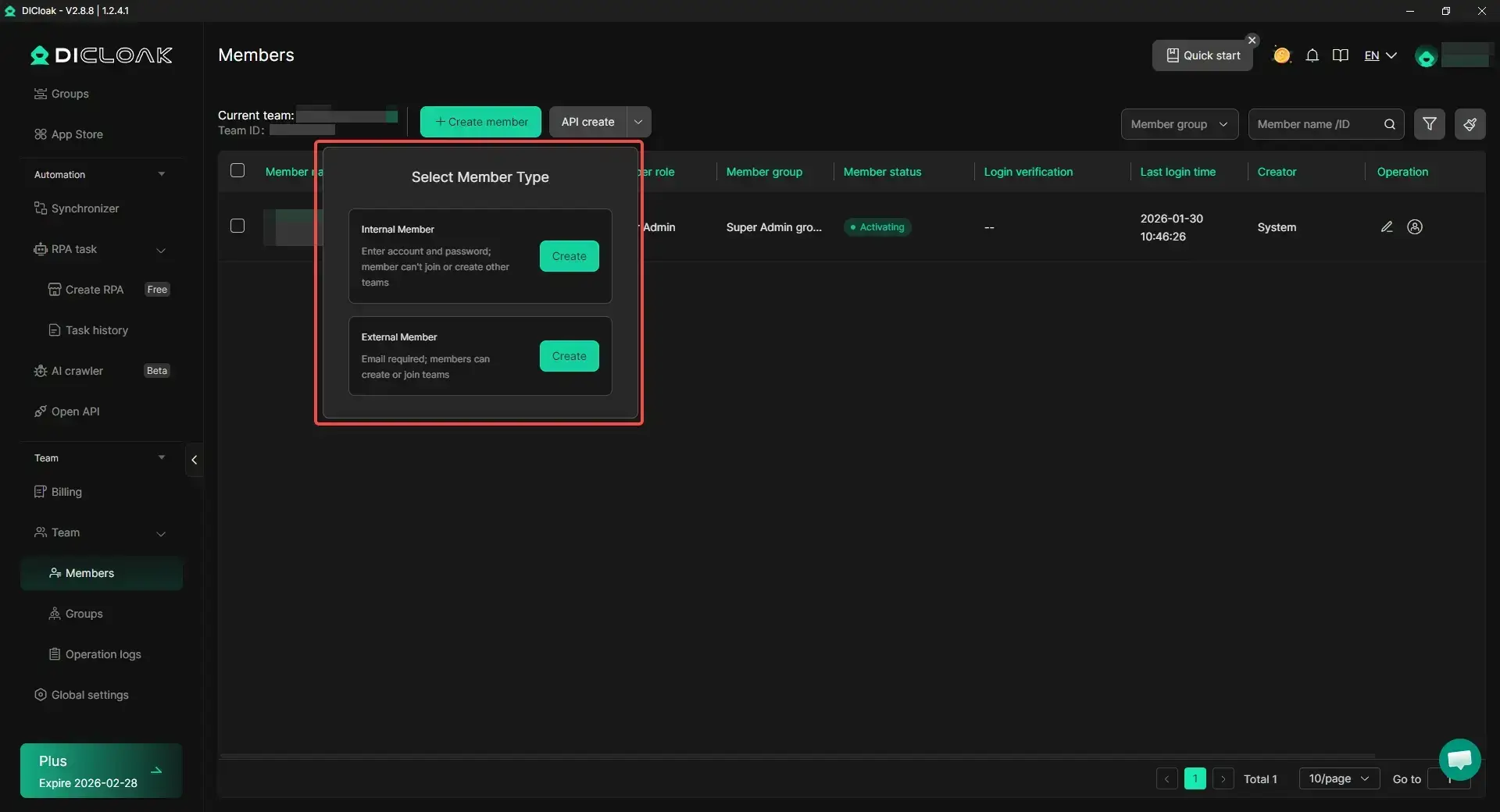
- Team collaboration and access management: When more than one person is involved in account operations, users can organize profile access more clearly through team collaboration and permission controls. This can make shared account management easier to handle while keeping different account environments separated.
FAQ About How to Access Facebook Marketplace
Can I access Facebook Marketplace without signing in?
No. You need to be logged into a Facebook account to use Marketplace. Some listings may appear in search results, but full access requires signing in.
Why is Facebook Marketplace not available in my region?
Marketplace is not supported in every country or area. If your account location or current login region is not supported, the feature may not appear. Location settings and recent login activity can also affect access.
How long does it take to regain access after restrictions?
It depends on the reason. Some restrictions last a few days, while others may take longer. If there is an option to request a review, using it can help speed up the process. In many cases, access returns once the account shows normal activity again.
Can I use Marketplace with a business account?
Marketplace is mainly designed for personal accounts. However, businesses can still list items using personal profiles or link products through other Facebook tools. Some features may be limited for business-only setups.
What are the rules for posting items on Marketplace?
Listings must follow Facebook rules. You cannot sell prohibited items, misleading products, or post spam listings. Each item should have clear photos, honest descriptions, and accurate details. Following these rules helps keep your account safe and active.
Conclusion
Accessing Facebook Marketplace is easier when your account is active, trusted, and in a supported region. Start with simple fixes like updating the app, checking your account status, and clearing cache. Once you get access, use safe buying and selling habits to protect both your account and your money.
 Web Proxy Tools
 Free Tools
 Cookie Plugin
 UA Generator
 MAC Address Generator
 IP Generator
 IP Address List
 2FA Code Generator
 World Clock
 Anonymous Check
 WebRTC Leak Test
 UUID Generator
 Free Web Proxy Site
 Proxy Checker
 FB Ad Checker
 AI Web Scraping
 Free SMM Tools
 Twitter Shadowban Checker
 Instagram Name Checker
 UTM Generator
 Username Generator
 AI Hashtag Generator
 LinkedIn Headline Generator
 Social Media Image Resizer