Discord can return HTTP 429 after a short traffic spike, and its API rules include route-level buckets plus a global cap that is commonly cited as 50 requests per second for bots in the Discord rate limit docs. If you keep seeing discord service resource is being rate limited, the real problem is usually not one bad endpoint. It is request timing, retry behavior, or shared traffic across workers. A fast retry loop can lock you into repeated 429s, even when each call looks valid.
This guide gives you an exact recovery path: confirm whether you hit a route or global limit, read X-RateLimit-* and Retry-After headers correctly, add a queue with jittered backoff, and prevent duplicate bursts from parallel jobs. You will also learn where developers often misread 429 handling in client code by checking the HTTP 429 definition and Discord’s own API documentation. By the end, you should be able to stop the error loop and keep your bot stable under normal load. Start with the request log that fails most often.
Why "discord service resource is being rate limited" happens in the first place
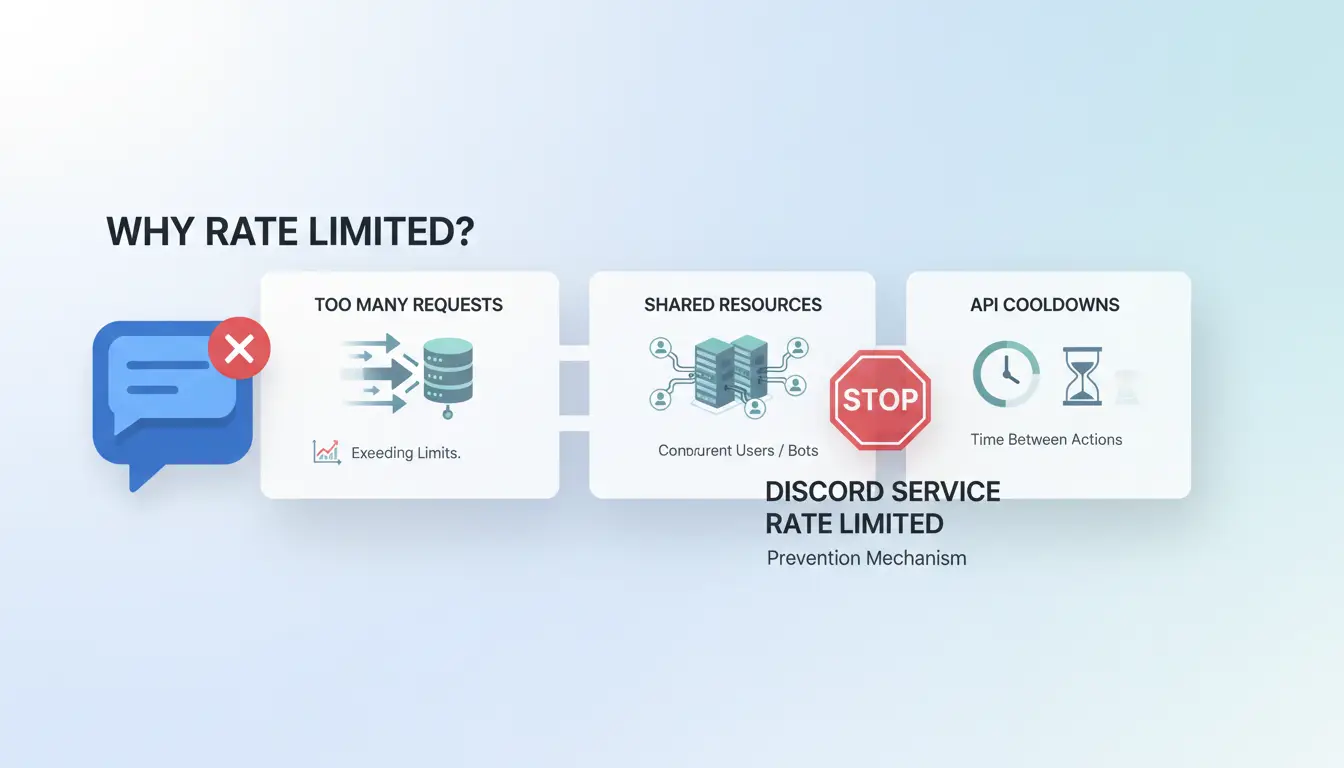
This error appears when Discord sees request patterns that cross safety limits. The message “discord service resource is being rate limited” does not always mean your code is broken. It often means your timing, network, or behavior looks risky for abuse control.
What Discord is rate limiting: account actions, endpoint requests, and IP behavior
Discord can throttle at different layers, so the same action may fail for one user but work for another.
| Limit type |
What gets tracked |
Typical trigger |
| Account-level |
Actions tied to one account |
Repeated login or verification attempts |
| Endpoint-level |
Calls to one API route |
Burst requests to the same route |
| IP-level |
Traffic from one public IP |
Shared network traffic spikes |
On shared networks, one noisy app can affect other users behind the same public IP. If retries ignore Retry-After, you can stay stuck in 429 loops even after the original issue ends.
Common triggers users don’t notice
Rapid retries after a failed code check are a common cause. A tight loop can send requests every second and extend cooldown time.
Shared Wi-Fi in schools, offices, or coworking spaces can trigger limits even if your own actions look normal.
Automation-like click patterns also get flagged: same interval clicks, repeated refreshes, and script-like navigation. Human behavior has variation; bots often do not.
What to do in the first 10 minutes after the rate limit message
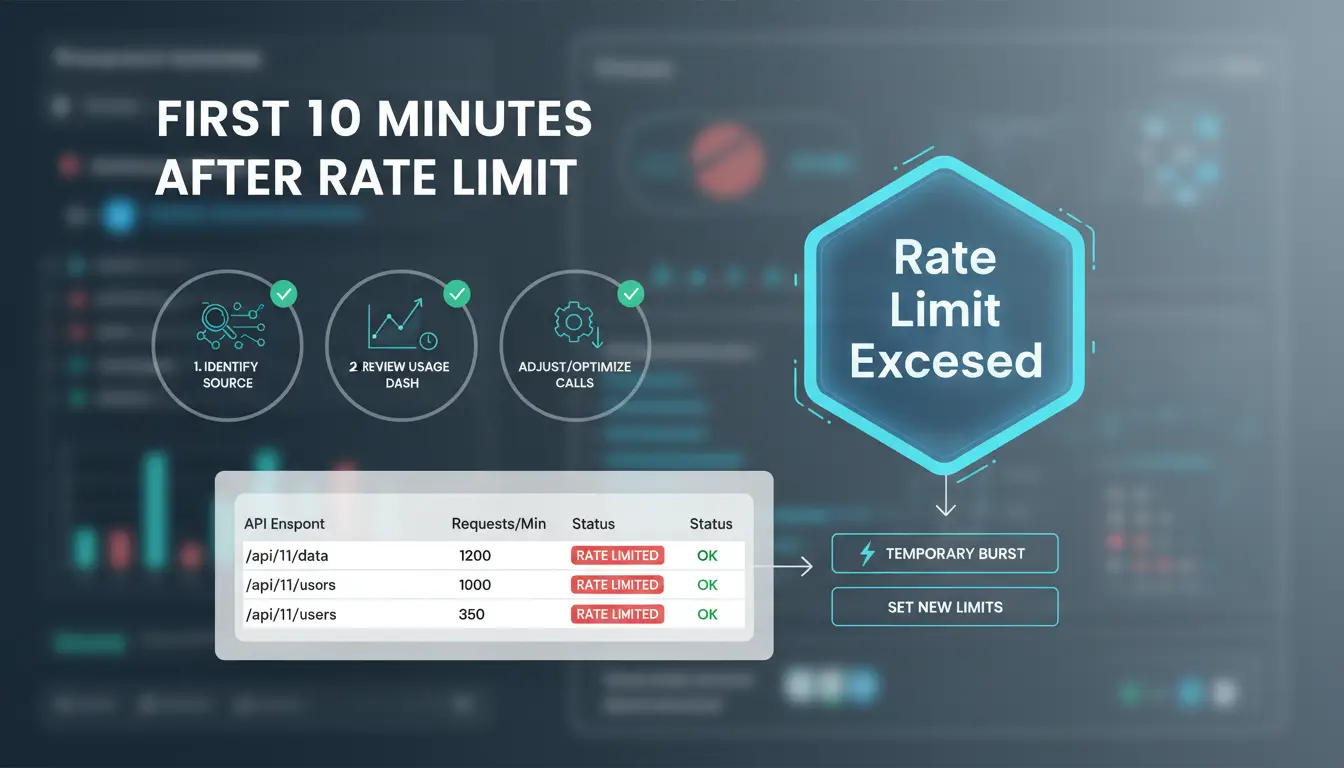
If you see “discord service resource is being rate limited,” do triage before code changes. Your goal is to stop new requests, read the failing action, and test if the issue is local or network-wide. Keep this window to 10 minutes.
Stop retry loops and confirm the exact action that caused the block
Pause all automated retries for 60–120 seconds. A tight retry loop can keep returning HTTP 429, even after the limit window should clear. Check logs and mark the exact action tied to the block: login, verification, joining a server, or sending messages. Also note whether one route fails or all routes fail, using Discord’s rate limit headers guidance.
Run quick checks before deeper troubleshooting
Open Discord’s status page and check active incidents. If there is a platform issue, wait instead of forcing retries. Test on another device or browser profile. If one device works and one fails, focus on local cache, session, or extension conflicts.
Safe immediate actions that often work
Restart the app or device, then sign in once. Do not spam login attempts. Switch from crowded Wi-Fi to mobile data or another trusted network, then retry one action only. If “discord service resource is being rate limited” still appears, move to header-level debugging and queue backoff logic.
Step-by-step fixes for Discord rate limit errors (easy to advanced)
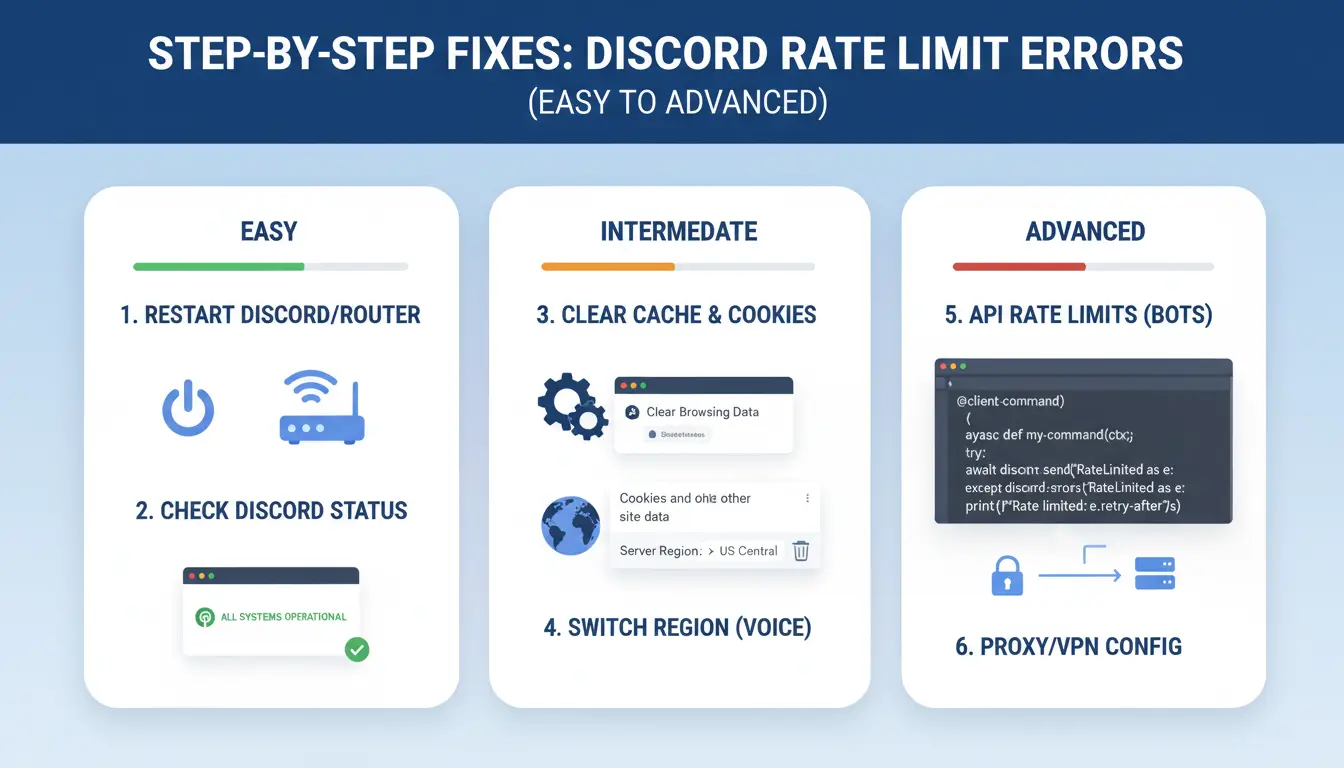
If you see “discord service resource is being rate limited,” follow this order to cut retries and avoid extra 429s. Do one change, then test one action once.
Low-risk fixes: app cache, app update, browser private window
Clear Discord cache/session data, then sign in again. Stale tokens can trigger repeated failed calls. Update the Discord app or browser to the latest build, then test one action only (send one message, open one channel, or run one bot command). If the error stays, open a private window and test there. If private mode works, your normal profile cache or extension set is the likely cause.
Network-level fixes: reboot router, refresh IP lease, DNS reset
Restart modem/router and wait 2–3 minutes before reconnecting. This can clear short-term IP reputation issues from burst traffic. Renew your IP lease and flush DNS, then retry one action after the wait period from Retry-After guidance.
| Method |
Wait time |
What it checks |
| Router reboot |
2–3 min |
Temporary IP/network state |
| IP lease refresh |
1–2 min |
Address/session reset |
| DNS reset |
<1 min |
Resolver cache issues |
Test on mobile data once. If it works there, the issue is tied to your main network path.
Account-focused fixes: verify account integrity and security prompts
Check pending email/phone verification and complete security prompts before retrying. Avoid repeated code requests. Too many code attempts can extend lock windows. Review recent login alerts and finish any required checks in Discord account security settings.
How to handle IP and network restrictions without violating platform rules
If Retry-After handling is correct but discord service resource is being rate limited still appears, your network may be the trigger, not your request logic. Keep your bot traffic clean and predictable, then test again from one stable connection before changing code.
Signs your IP reputation is the problem
- Multiple Discord accounts fail on the same IP within minutes, even when each account sends low request volume.
- The error returns right after restart, cache clear, or device reset, with no change in endpoint usage.
- Requests that worked on one network fail on another with the same token and same route timing.
- You see normal
X-RateLimit-* values, but still get instant 429 responses across unrelated routes.
Better network hygiene for stable access
- Keep one account tied to one long-lived network profile. Avoid rapid IP switching between sessions.
- Space reconnects. Repeated reconnect bursts can look like abuse, even with valid tokens.
- Use one proxy endpoint per account when separation is needed. Do not rotate endpoints every few minutes.
- Avoid mixing bot jobs and manual account actions on the same shared exit IP during peak traffic.
- If you manage multiple accounts, keep browser profile, cookies, proxy, and account identity mapped 1:1.
- Re-test after 30 to 60 minutes of stable behavior. If discord service resource is being rate limited drops, your network pattern was the root cause.
How to prevent "you are being rate limited" on Discord from happening again
If you keep seeing discord service resource is being rate limited, the long-term fix is behavior, not just retry code. Treat each account like normal human traffic, and keep your patterns steady day to day.
Behavior rules that keep activity within normal thresholds
Space out actions that often trigger limits: server joins, DMs, friend adds, and verification retries. Add a cooldown between batches, not just between single calls. A queue with random delay (for example, 2-5 seconds) lowers burst spikes that trigger 429 loops.
Avoid repeated scripts that fire the same action pattern every minute. Fixed intervals look synthetic. Use event-based triggers instead of clock-based loops, and stop retries when Retry-After says wait. Discord explains this in its rate limit header docs.
Account health and device consistency best practices
Keep one stable device and browser pattern per account. Rapid switches across devices, IPs, or browser fingerprints can look risky and lead to extra checks that create more request bursts.
Turn on 2FA, keep recovery email current, and store backup codes. This cuts panic login/reset loops that flood endpoints. Review active sessions in Discord support guidance and close unknown ones. If your team runs multiple accounts, use separate browser profiles and dedicated proxies per profile to prevent cross-account traffic collisions. This reduces repeat cases of discord service resource is being rate limited.
How teams managing multiple social accounts can reduce Discord rate-limit risk with DICloak
If your team keeps seeing “discord service resource is being rate limited,” the issue is often workflow design, not just code. A stable process cuts repeated 429 loops before they start. You can pair this with Discord’s rate limit headers and the HTTP 429 standard.
Why team workflows trigger more rate-limit flags
Shared laptops and mixed account logins can change browser fingerprints between sessions. That creates trust noise and can line up with suspicious traffic patterns. When several operators act from one network identity, requests can bunch into short spikes. Even normal actions, done at the same minute, can look like burst traffic to Discord. The biggest fix is to separate account identity, network identity, and operator actions.
Using DICloak features to control risk in practice
You can use DICloak to assign one isolated browser profile per account, so each account keeps a consistent fingerprint over time. You can bind an independent proxy to each profile, which separates network identity and reduces cross-account collision. Set role permissions so only approved members can run risky actions. Use operation logs to trace who triggered a high-frequency event. For repeated tasks, use batch actions and RPA in scheduled windows instead of fast manual tab switching.
How to tell if the issue is on Discord’s side (and not yours)
If discord service resource is being rate limited appears across clean requests, pause code changes. Check platform health before local fixes. Use Discord Status and recent reports in Discord API server channels.
Service-wide indicators and cross-check methods
Test the same action on web, desktop, and mobile. If all fail at once, this points to upstream trouble, not your bot logic.
| Check |
Your-side issue |
Discord-side issue |
| One account/profile fails |
Common |
Possible |
| Multiple apps fail together |
Rare |
Common |
| Team sees same 429 window |
Rare |
Common |
You can use DICloak to remove team-side noise during checks: map one Discord account to one isolated browser profile, bind one dedicated proxy per profile, and lock access with permissions plus operation logs. Tools like DICloak let you trace who triggered bursts and when.
When waiting is the smartest move
A normal route cooldown is often seconds. Incident windows can last longer. While waiting, do not spam retries or repeat code requests. Tools like DICloak let you run batch actions and RPA pacing, so manual panic-click loops do not retrigger discord service resource is being rate limited.
When to contact Discord support and what evidence to send
If you still see “discord service resource is being rate limited” after you fixed retries, respected Retry-After, and reduced parallel bursts, open a support case. Escalate when the same action fails for over 24 hours, or when failures happen across clean sessions and different networks. Use the official Discord support portal and check live incidents on Discord Status before you submit.
Support ticket checklist for faster resolution
Send one clear report with:
- UTC timestamp of each failure (example:
2026-05-11 14:32:10Z)
- Action attempted (send message, edit channel, webhook post)
- Device and app/client version
- Network type (home Wi-Fi, office, mobile hotspot, proxy)
- Request ID or trace ID from logs, if present
- Full error text and HTTP code
X-RateLimit-* and Retry-After header values from the failed call
Attach screenshots that show the exact error and any status checks.
The highest-value evidence is one failed request log plus its response headers in plain text.
How to avoid back-and-forth delays
List every fix you already tried, in time order: backoff change, queue limit, worker count drop, token rotation check, and cache clear. State scope clearly: one account, one token, one route, or all routes across your environment. If “discord service resource is being rate limited” appears only on one route, include that endpoint path.
Frequently Asked Questions
How long does "discord service resource is being rate limited" usually last?
When discord service resource is being rate limited appears, short cooldowns can clear in a few minutes if you stop sending actions. Longer blocks can happen after repeated login tries, rapid joins, or message bursts. If triggers continue, Discord may extend the cooldown window. Pause activity, wait, and retry slowly instead of spamming requests.
Can "discord service resource is being rate limited" happen on new accounts more often?
Yes. Newer accounts often face tighter trust checks, so discord service resource is being rate limited can show up sooner than on older accounts. Build normal activity gradually: send fewer friend requests, avoid mass server joins, and keep one stable device and network. Slow ramp-up helps your account look consistent and lowers repeat limits.
Does changing devices fix "discord service resource is being rate limited" permanently?
Switching devices may bypass a temporary device-level flag, but it rarely fixes the root cause permanently. discord service resource is being rate limited can still return if your account behavior stays risky or your IP has poor reputation. Keep actions steady, avoid rapid retries, and use a clean, stable connection for better long-term results.
Is using a proxy allowed if "discord service resource is being rate limited" keeps appearing?
Using a proxy is only safe when it follows Discord rules and does not hide abuse. Pick one stable, clean proxy and keep one identity per profile. Frequent IP hopping can look suspicious and trigger more checks. Focus on compliant behavior first, then use network tools only for stability, not evasion.
Why does "discord service resource is being rate limited" appear even when I barely use Discord?
This can happen even with light use. Your shared Wi-Fi or mobile carrier IP may have a bad reputation from other users. Background app retries, failed token refreshes, or account security checks can also trigger limits. At times, Discord-side incidents cause temporary false positives. Check status pages, then retry later on a stable network.
Discord’s “service resource is being rate limited” message usually means too many requests are being sent in a short time, so the most effective fix is to slow request frequency, follow API best practices, and use retries with backoff. By combining smarter request handling with proper tooling and monitoring, you can reduce disruptions and keep your Discord automation stable over time. Try DICloak For Free
 Web Proxy Tools
 Free Tools
 Cookie Plugin
 UA Generator
 MAC Address Generator
 IP Generator
 IP Address List
 2FA Code Generator
 World Clock
 Anonymous Check
 WebRTC Leak Test
 UUID Generator
 Free Web Proxy Site
 Proxy Checker
 FB Ad Checker
 AI Web Scraping
 Free SMM Tools
 Twitter Shadowban Checker
 Instagram Name Checker
 UTM Generator
 Username Generator
 AI Hashtag Generator
 LinkedIn Headline Generator
 Social Media Image Resizer