A fake airdrop page can take your wallet access in one bad signature, and that is the exact risk people hit while hunting a moby airdrop code in social posts and comment threads. Most losses do not start with a smart contract bug; they start with a copied link, a look‑alike account, or a rushed click on a “limited code” message that feels urgent. If you have ever wondered why a code that “worked for others” fails for you, or why one claim flow asks for extra permissions, you are asking the right questions.
This guide gives you a clean workflow: where to look for official code drops, how to verify the real posting channel, how to check link and wallet prompts before signing, and what to do right after claiming to reduce exposure. You will also see practical checks backed by public security guidance on spoofing and scam patterns, common crypto scam mechanics, and safe token permission cleanup with Revoke.cash. Start with source verification, because that one step filters out most bad codes before they ever touch your wallet.
Where Can You Find a Real Moby Airdrop Code First?
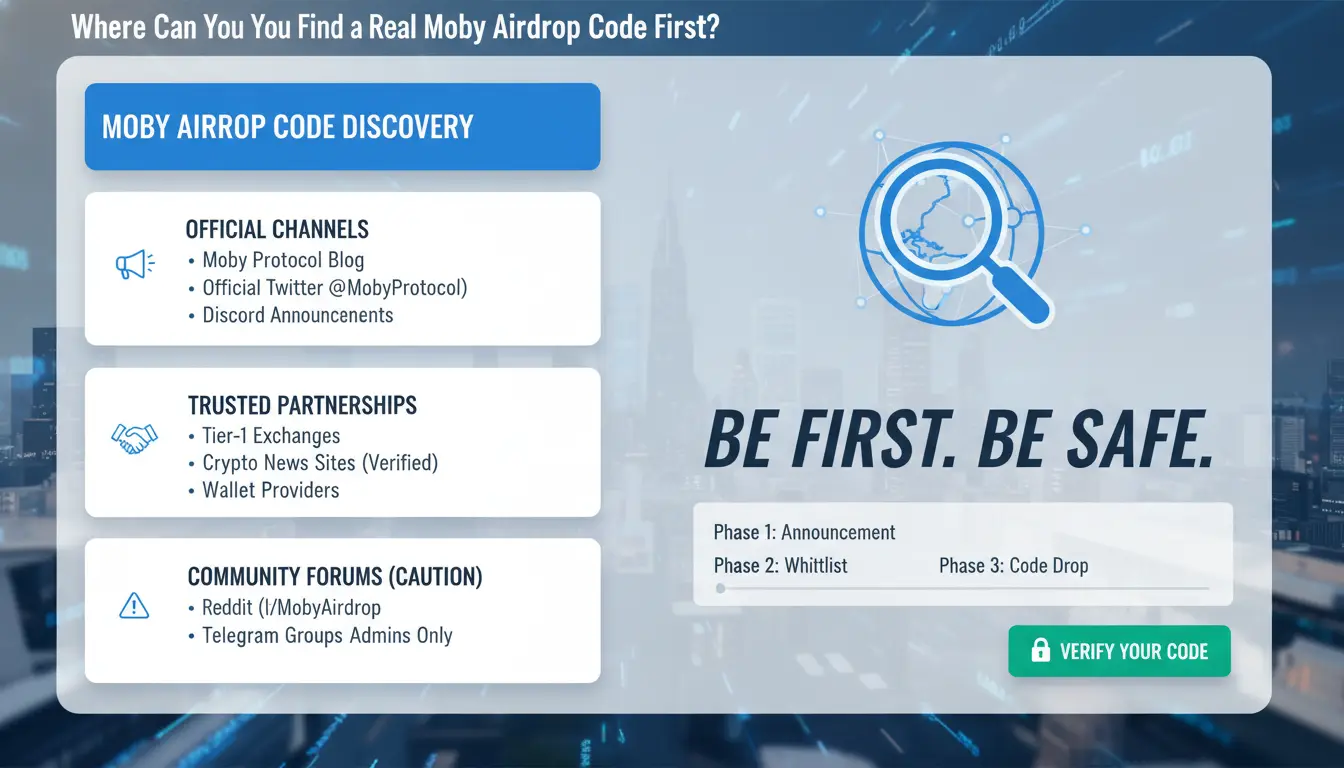
Treat every code post as untrusted until it matches official records. If a code appears in only one channel, skip it. A real moby airdrop code should be visible in at least two official places with the same spelling, date, and claim link.
Official channels that usually publish a moby airdrop code
Start at the project’s main site announcement page and docs page. Use links from the homepage, not from replies or direct messages. Then check the project’s verified social profile and community server announcement channel. Look for matching post time, same claim window, and the same domain in every link. If one post uses a different domain or shortener, treat it as a fake until proven safe.
How to validate source authenticity before you click
Check handle age, past username changes, and pinned-post history. Fake accounts often copy logos but have thin history. Confirm that older posts point to the same official domain. Cross-check the same code across two official sources before you open any claim page. Then inspect the wallet prompt. If it asks for token approval outside the stated claim action, stop and review wallet permission risks. You can also follow spoofing checks from MetaMask.
What Should You Check Before Using a Moby Airdrop Code?
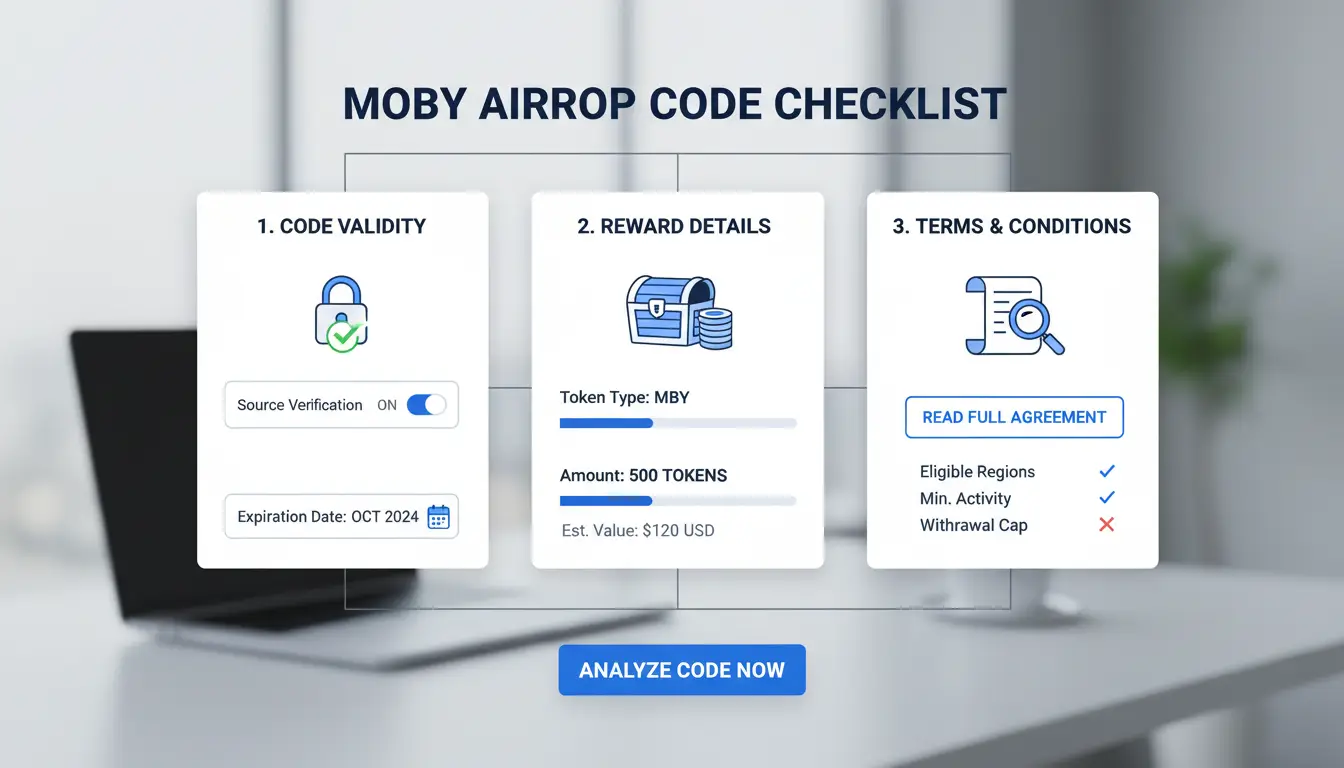
Before you submit a moby airdrop code, treat it like a security step, not just a promo step. A working code can still fail if your wallet or account state does not match campaign rules. If one requirement is missing, the claim can fail even with a valid code.
Eligibility checks that affect whether your code works
Confirm campaign scope on the official Moby channel and pinned post. Check region limits, required wallet age, linked social tasks, and snapshot time. If your wallet was created after the snapshot, the code may be rejected. Look for minimum activity rules, such as holding a token, completing on-chain actions, or reaching a task score before the deadline window closes. Keep the exact cutoff time in UTC to avoid local-time mistakes.
Code quality checks before submission
Check whether the code is still active, single-use, and tied to one wallet. Copy it exactly. Case errors, hidden spaces, and extra line breaks often trigger “invalid code” messages. Do not trust reposted codes from random chats. Match the code format with the official announcement. If a “claim” page asks for unusual signature permissions, stop and review spoofing scam signs. After claiming, you can use Revoke.cash to review and remove token approvals you do not need.
How Do You Redeem a Moby Airdrop Code Step by Step?
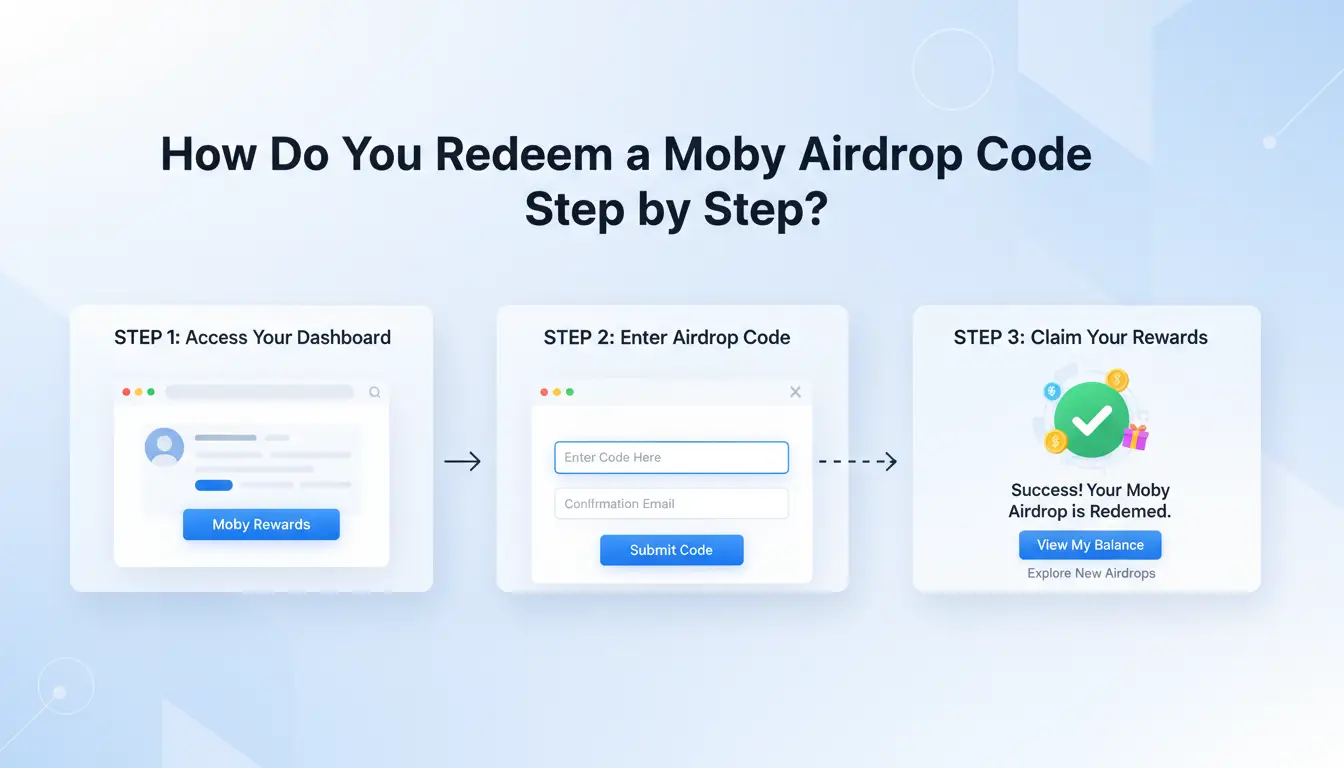
Use this flow each time you claim with a moby airdrop code. It cuts avoidable wallet risk and gives you proof if support is needed.
Pre-claim setup: wallet safety and account preparation
Use a dedicated wallet with low balance, not your main holding wallet. Open the claim page only from the project’s verified social profile or docs page, then check the URL character by character. If a prompt looks strange, stop and review common spoofing scam signs.
Keep enough native token for gas on the correct chain. Confirm network name in your wallet before you connect. If the site asks for unlimited token approval during a simple claim, treat that as a red flag. A normal airdrop claim should ask for a claim transaction, not broad spending rights.
Claim execution and post-claim confirmation
Paste the moby airdrop code exactly as posted, including case and symbols. Submit once, then review the wallet pop-up: destination contract, network, and estimated fee.
After confirmation, copy and save the transaction hash. Track status in the project dashboard and a public explorer such as Etherscan. If the claim succeeds, remove unused approvals with Revoke.cash to reduce future exposure.
Why Is Your Moby Airdrop Code Not Working, and How Can You Fix It?
If your moby airdrop code fails, stop retrying right away. Repeated attempts can trigger rate limits and may lock your session for a short period.
Most common technical and eligibility errors
Most claim failures come from five issues: code expired, code already redeemed, wallet not eligible, wrong chain selected, or backend delay after a campaign update. Check the exact error text, then match it to one fix:
- “Invalid” or “expired”: get a fresh code from the verified channel.
- “Already used”: confirm you did not submit from another browser or wallet account.
- “Not eligible”: verify snapshot rules and required on-chain activity.
- “Network mismatch”: switch to the required chain before retrying.
- “Try again later”: server load or sync delay; wait 10–30 minutes.
A safe fix sequence to avoid account flags
Use this order: stop retries, hard refresh, clear site cache, reconnect wallet, confirm chain, then attempt one clean claim. If it still fails, wait at least 30 minutes before the next try. Avoid rapid wallet reconnect loops.
Contact support after two clean failed attempts. Include wallet address, timestamp, chain, error message screenshot, and transaction hash if one exists. After any failed claim prompt, review token approvals with Revoke.cash before trying a new moby airdrop code.
Where Do Moby Airdrop Code Scams Usually Happen?
Most fake drops do not start on a real project page. They start in replies, cloned X accounts, Discord side channels, or direct messages that push a “limited-time” claim now link. If you are searching for a moby airdrop code, treat every off-channel link as hostile until you verify the source post and domain.
Typical scam patterns around airdrop codes
Attackers copy branding, pin fake announcements, and message users as “support admins.” They create pressure: “wallet issue,” “code expires in 10 minutes,” or “manual verify needed.” This matches common spoofing scam patterns and crypto scam tactics.
The highest-risk prompts are simple to spot: requests for seed phrase, private key, or wallet screen-share; signature popups with unreadable data; token approvals that ask for unlimited spend on unrelated assets.
Personal security rules before signing anything
Use a separate low-fund wallet for claims. Keep your main wallet isolated from airdrop activity. Read each signature and approval line before you confirm. If a step asks for more than claim rights, stop.
After claiming, review and remove old approvals with Revoke.cash. Keep proof logs: source URL, timestamp, transaction hash, and screenshots with private details hidden. Never post wallet balances, seed backups, or recovery screens while discussing any moby airdrop code.
How Can You Reduce Risk When Managing Multiple Airdrop Accounts?
If you run more than one wallet to claim a moby airdrop code, treat each account like a separate operator. The main risk is linkage, not just bad links. A clean setup lowers flags and also cuts avoidable claim mistakes.
Why multi-account airdrop participation gets flagged
Platforms watch for repeated browser fingerprints, fast account switching, and unstable IP history tied to the same task flow. If five accounts submit the same steps from one browser profile, they can look automated even when a human clicks each step.
Manual switching also causes errors. People paste the wrong moby airdrop code, sign from the wrong wallet, or approve extra token permissions by mistake. Scam reports from the FTC crypto scam guide and wallet safety checks from MetaMask spoofing guidance show this pattern often starts with one rushed action.
Using DICloak features to build a safer workflow
You can use DICloak to create one isolated browser profile per account, with a custom fingerprint and an independent proxy bound to that profile. That keeps session data separated.
For team work, you can set permissions by role, review operation logs, and use RPA or bulk actions for repeated safe steps. This keeps each claim flow consistent and reduces wrong-wallet signing during peak airdrop windows.
How Do You Track Moby Airdrop Code Deadlines and Eligibility Changes?
Missing one date can void an otherwise valid moby airdrop code claim. Track deadlines and proof tasks in one place, then review it on the same day each week.
What to track weekly to stay eligible
Log four items: snapshot date, required tasks, social verification status, and claim window start/end. Add token distribution milestones too, since vesting or delayed release can change your next action. Check only official project channels and confirm links against token safety basics from MetaMask.
A lightweight tracking system for beginners
Use one checklist per wallet: code status, tasks done, wallet signed, claim submitted, and post-claim permission review with Revoke.cash. Set two reminders per event: 48 hours before and 6 hours before close.
If you run multiple wallets, tools like DICloak let you map each wallet to its own browser profile with a separate fingerprint and proxy, reducing linkage risk. You can use team permissions and operation logs to prevent bad edits, then run repeat claim steps through RPA or bulk actions to cut manual mistakes.
When Is Chasing Every Moby Airdrop Code Not Worth It?
If you chase every moby airdrop code you see, your upside can drop while your risk climbs. A code is not a win if the claim cost, time, and wallet exposure are higher than the likely payout. A quick filter helps: trust signal, effort, and signing risk.
Decision criteria: reward quality vs effort
Use this check before any claim:
| Check point |
Good signal |
Walk-away signal |
| Project credibility |
Official channel history, clear docs, active team page |
New channel, copied branding, no clear ownership |
| Token utility |
Real use in product or governance |
No clear use after claim |
| Payout probability |
Simple tasks, clear eligibility, transparent rules |
Long task chain, vague rules, moving deadlines |
| Time cost |
Under 15–20 minutes total |
Repeated tasks across days |
| Security exposure |
One low-risk signature, no extra approvals |
Unlimited token approval or blind signing |
If a moby airdrop code needs high-risk approvals, stop and re-check scam patterns in this MetaMask spoofing guide.
A sustainable airdrop strategy for long-term participation
Pick a small watchlist and ignore low-signal drops. Track each claim in a note: date, wallet used, permissions signed, and expected value. Keep a separate wallet for airdrops. After claiming, remove old approvals with Revoke.cash and review common fraud tactics in this FTC crypto scam page. This keeps your process stable over time.
Frequently Asked Questions
Is a moby airdrop code the same as a referral or invite code?
Not always. In some campaigns, a moby airdrop code is a referral code that tracks who invited you and may reward both users. In other campaigns, it works like an access key that unlocks eligibility only. Check the official campaign rules to confirm whether the code gives entry, tracks referrals, or does both.
Can I use one moby airdrop code on multiple wallets?
Usually no. Many campaigns tie a moby airdrop code to one wallet address, one account, or one-time use. Reusing the same code across wallets can fail validation or flag your account for abuse checks. Before trying again, review the campaign FAQ for limits like “single claim per wallet” or “one code per user.”
Do I need to pay gas fees when I redeem a moby airdrop code?
Sometimes yes. If redemption triggers an on-chain claim transaction, you must pay network gas in the chain’s native coin, such as ETH on Ethereum. If the campaign records your claim off-chain first and distributes later, redemption can be free at that step. Always confirm the claim flow on the official claim page before submitting.
How long does it take to receive tokens after using a moby airdrop code?
Timing follows the campaign model. Some drops send tokens right after claim confirmation, often within minutes after your transaction is finalized. Others distribute in batches at a set snapshot or end date, which can take days or weeks. Verify status through the official dashboard, claim history, and a block explorer using your wallet or tx hash.
Is using automation with a moby airdrop code allowed?
Projects often ban bots, scripts, and multi-account automation in their terms. Using automation with a moby airdrop code can trigger anti-sybil filters, cancel rewards, or lock your claim review. Read the rules before participating, especially sections on “fair use,” “one person, one account,” and prohibited tools to avoid disqualification.
A Moby airdrop code is most valuable when you pair it with careful timing, verified claim steps, and strong wallet security, so you can increase rewards while avoiding common scams and errors. Keep tracking official Moby announcements, confirm eligibility details before submitting anything, and use reliable tools to manage accounts efficiently as each claim window opens. Try DICloak For Free
 Web Proxy Tools
 Free Tools
 Cookie Plugin
 UA Generator
 MAC Address Generator
 IP Generator
 IP Address List
 2FA Code Generator
 World Clock
 Anonymous Check
 WebRTC Leak Test
 UUID Generator
 Free Web Proxy Site
 Proxy Checker
 FB Ad Checker
 AI Web Scraping
 Free SMM Tools
 Twitter Shadowban Checker
 Instagram Name Checker
 UTM Generator
 Username Generator
 AI Hashtag Generator
 LinkedIn Headline Generator
 Social Media Image Resizer