Encountering an "Access Denied" screen during a well-deserved break is a universal frustration, but in 2026, the stakes have changed. Network administrators are now deploying AI-driven firewalls that analyze traffic patterns in real-time. If you’re still trying to hit the same old "pirate" domains, you’re essentially waving a red flag at the IT department. To stay under the radar, you need to understand the current "stealth" landscape: Google Sites and advanced digital fingerprint management.
Why are my favorite movie sites blocked and how do "unblocked" links work?
Institutional firewalls operate on two main fronts: keyword filtering and domain blacklisting. In a typical school or office environment, any URL containing "streaming," "movies," or "torrent" is instantly severed. "Unblocked" sites are technical workarounds designed to slip through these cracks.
How Google Sites bypasses standard school firewalls
Google Sites is the primary "safe harbor" of 2026 because it operates entirely on the sites.google.com domain. Most institutions cannot block this domain without breaking essential tools used for classroom projects or corporate wikis. This "trusted domain authority" allows movie hubs to hide in plain sight. An admin might see you are on a Google Site, but unless they are manually inspecting every sub-page, you look like you’re doing research.
The role of mirror links and alternative domain structures
Developers use frequently changing mirror links and URL shorteners (like bit.ly or TinyURL) to stay ahead of automated blacklists. By the time a specific URL is flagged, a new one is already live. In 2026, many of these sites also use "obfuscated" naming conventions, using strings of random characters instead of "MovieFreeHD", to avoid keyword triggers.
Which unblocked movie sites on Google Sites are actually working in 2026?
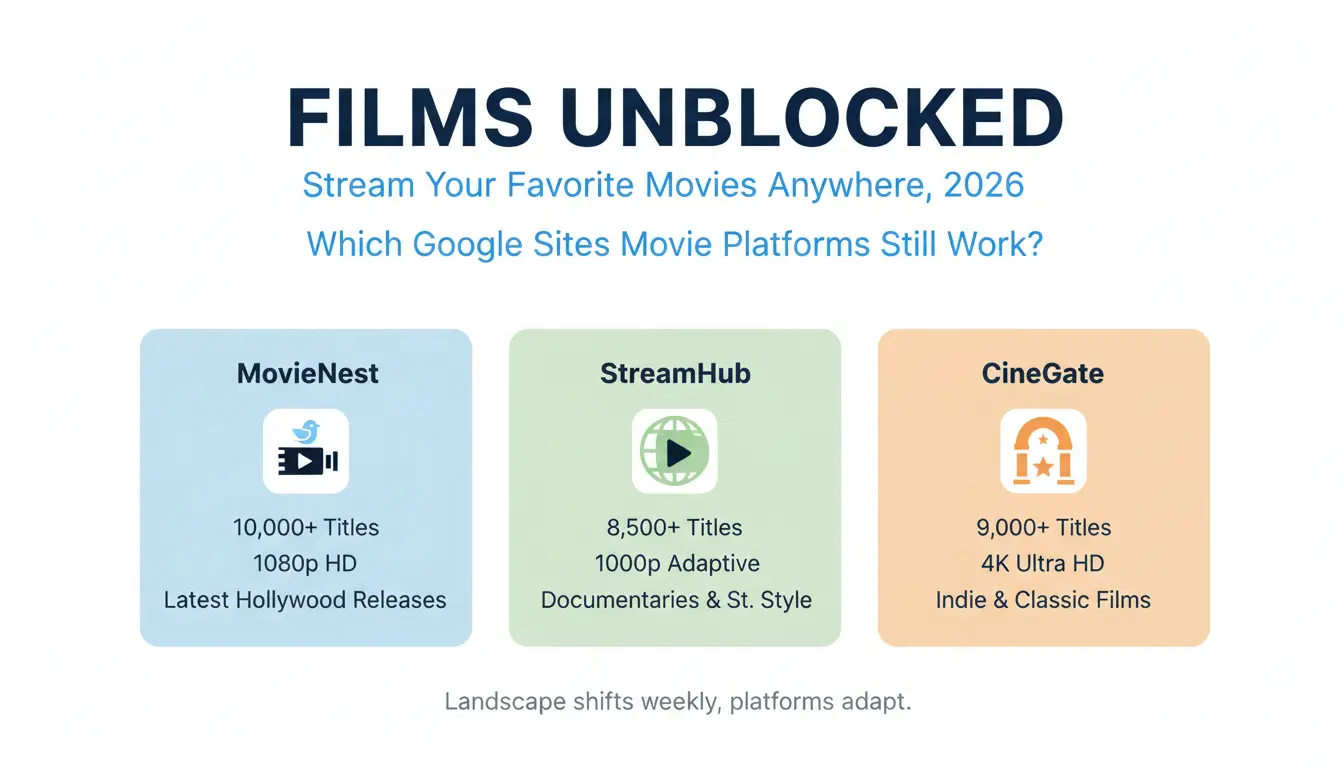
The landscape shifts weekly, but these three platforms have proven the most resilient in 2026, offering high-bitrate streams and massive libraries.
| Platform |
Content Library |
Max Quality |
Best For |
| MovieNest |
10,000+ Titles |
1080p HD |
Latest Hollywood Releases |
| StreamHub |
8,500+ Titles |
1080p Adaptive |
Documentaries and Student Breaks |
| CineAccess |
12,000+ Titles |
1080p |
International and Foreign Cinema |
Top-tier platforms for HD streaming
- MovieNest: The current king of Google Sites portals. It boasts over 10,000 titles and is updated daily. If a blockbuster is in theaters, it usually hits MovieNest’s mirrors within 48 hours.
- StreamHub: This is the most "work-safe" looking site. It prioritizes educational documentaries alongside mainstream films and features adaptive streaming that prevents the stuttering often seen on congested office networks.
- CineAccess: If you’re looking for something outside of Hollywood, this is the spot. It offers 12,000+ international films with over 30 subtitle options, making it a favorite for language students.
Reliable alternatives for niche genres and indie films
- FlickView Scholar: Focuses on indie hits and festival winners. It uses a community-driven rating system to ensure you aren't clicking on a dead link.
- WatchPoint Network: Organized strictly by genre, making it easy to find a specific vibe quickly.
- ScreenTime Plus: A cleaner, family-friendly portal that is less likely to trigger "adult content" flags in more restrictive environments.
Specialized collections: Anime, Documentaries, and Classics
- MediaVault (Anime): A massive collection featuring both dubbed and subbed versions of the latest series.
- DocuStream: Exclusively science, history, and nature. This is the ultimate "I was watching this for a project" fallback.
- RetroReels: Dedicated to restored public domain films and classics from the 1920s through the 1990s.
How can I safely find new unblocked films without triggering a red flag?
Network admins aren't stupid; they watch the logs. If you want to find the latest links without being a target, you need to use advanced search parameters.
Advanced search operators for Google Sites
Don't just search for "movies." Use the site: operator to force Google to show you only results hosted on trusted infrastructure.
- Pro Tip: Use
site:sites.google.com unblocked movies
- Expert Tip: Add
inurl:view to your search (e.g., site:sites.google.com inurl:view unblocked) to find the specific "view" paths that 2026 sites use to host their players.
Filtering for the latest working results
Links die fast. To avoid dead ends, use the Tools button in Google Search (located just below the search bar). Set the time filter to "Past 24 hours" or "Past week." This ensures you are looking at the newest mirrors that haven't been caught by the firewall's blacklist yet.
Red flags: How to tell if an unblocked site is a security risk
- No HTTPS: If the URL doesn't have the lock icon, leave immediately.
- "Update Required": Never download a "player" or "codec." This is probably a malware.
- Identity Checks: If a site asks for an email or credit card "just for verification," it’s a phishing attempt.
- Layered Pop-ups: If clicking "Play" opens three new windows, that site is likely injecting trackers into your browser.
Why is my movie still buffering or blocked even on an "unblocked" site?
Getting past the firewall is only half the battle. You still have to deal with network shaping and geographic locks.
Overcoming local network bandwidth throttling
Schools and offices often "shape" traffic, meaning they automatically slow down any data packet that looks like video. If you see constant buffering, drop your resolution to 480p SD. At 3–5 Mbps, a 480p stream can often slip through shaping filters that would choke a 1080p stream.
Dealing with "Region Not Supported" errors
Even unblocked sites are subject to geographic licensing. If you get a "not available in your country" error, your institutional IP is being flagged by the content provider. This is where professional proxy management becomes essential.
Cache and cookie conflicts on shared devices
If you’re on a shared lab computer and the player won't start, it’s likely a conflict in the cache. Clear your "hosted app data" and cookies. This resets the player’s script and often fixes "infinite loading" loops.
Is it safe to stream unblocked movies on school or work Wi-Fi?
You need to look like a ghost. Just because you can access a site doesn't mean your activity isn't being logged.
The risk of network-level tracking and logs
Your IT department sees that Device-X has been connected to a Google Site for two hours and has pulled 4GB of data. That’s a red flag. While the content is hidden by HTTPS, the volume of traffic and the domain are still visible.
Policy rules and safer viewing choices
School and work networks usually have clear Acceptable Use Policies. If a streaming site is blocked, it often means the network owner does not allow that type of access. Trying to bypass the filter may lead to warnings, account restrictions, or other consequences. If you need a video for class, training, or research, use approved platforms first. You can also ask a teacher, manager, or IT team for access to a trusted source. This is safer than opening random unblocked movie sites on a shared network.
What are the best ways to watch unblocked films on a phone or tablet?
Mobile devices are generally safer because they aren't subject to the same desktop monitoring software (like GoGuardian), but they have their own pitfalls.
| Option |
Privacy Level |
Cost |
Risk Factor |
| Personal Hotspot |
High |
High (Data use) |
Zero (Bypasses school logs entirely) |
| Institutional Wi-Fi |
Low |
Free |
High (Traffic is logged and tied to your ID) |
Optimization Tips:
- iOS: Use Safari and "Request Desktop Site" to get better player controls.
- Android: Use Firefox with the uBlock Origin extension. This is the single most effective way to reduce the aggressive ads found on streaming mirrors.
How do I use advanced tools to stay completely undetected?
Standard "incognito mode" is a myth; it only hides your history from your mom, not from a network admin. To truly stream undetected, you need to manage your digital fingerprint.
Using DICloak for Safer Browser Environment Management
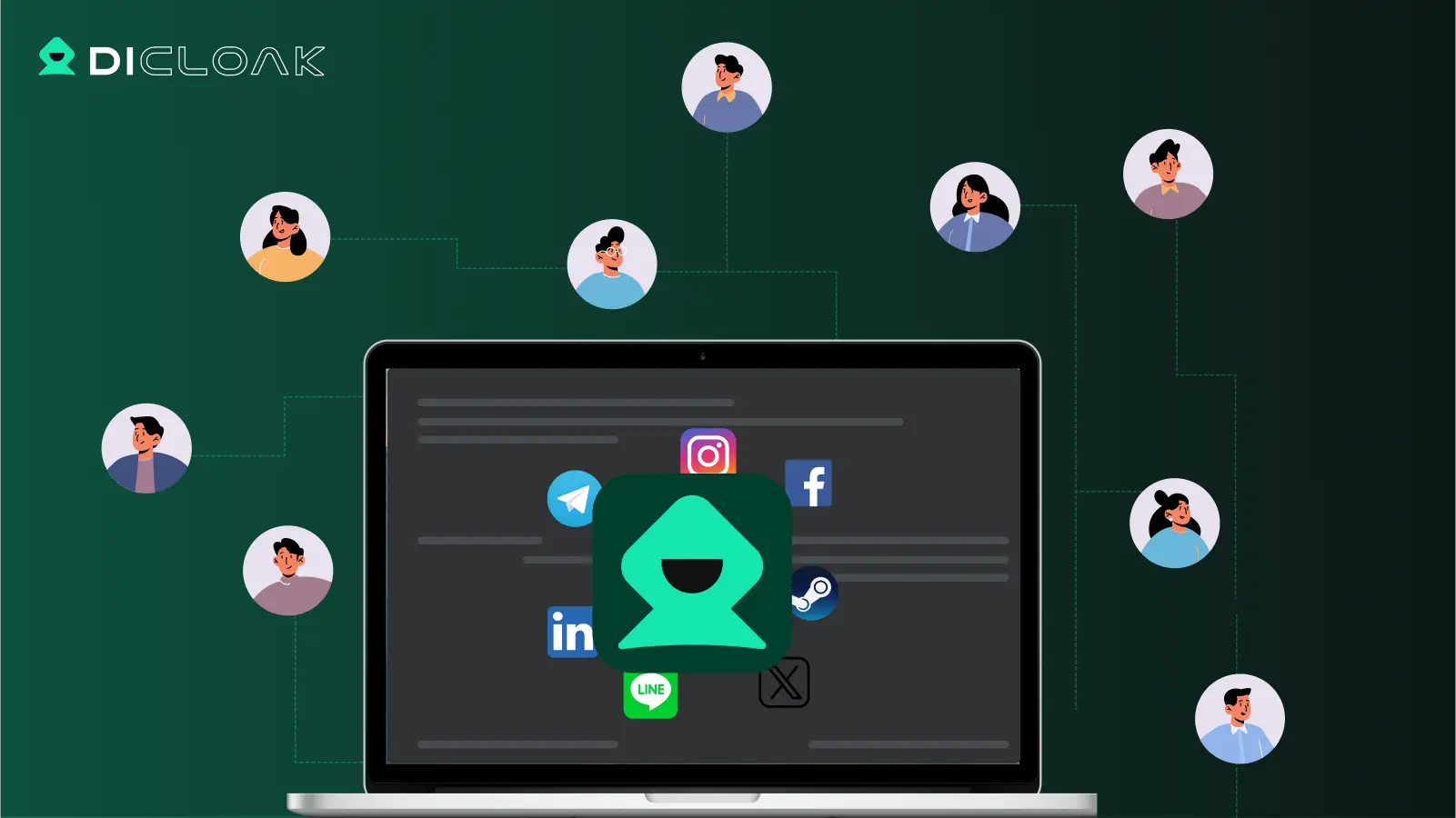
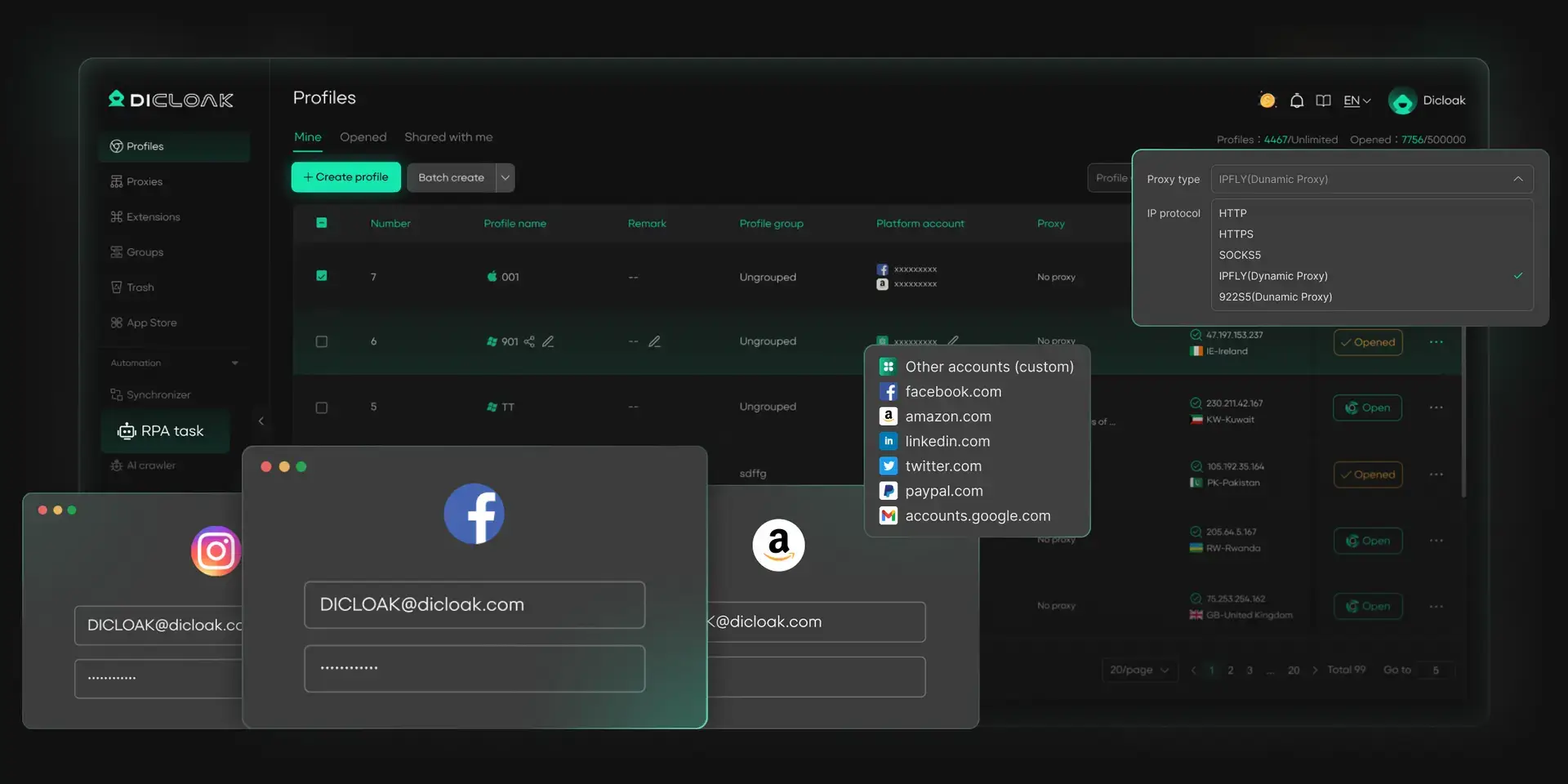
When you browse video sites, privacy and account separation matter. Some sites may use cookies, browser storage, device signals, and scripts to track activity across sessions. With DICloak, you can create separate browser profiles for different tasks. Each profile can have its own cookies, sessions, storage, fingerprint settings, and custom proxy configuration. This helps keep personal browsing, research, and account-based work in cleaner, separate profiles.
- Isolate browser sessions: You can keep each browsing task in a separate profile. This makes it easier to keep cookies, login sessions, and local browser data separated across different sites or accounts.
- Manage browser fingerprint settings: You can adjust browser profile settings such as User-Agent, screen resolution, language, timezone, Canvas, WebGL, and other fingerprint-related signals. This helps create a more consistent browsing environment for each profile.
- Custom proxy configuration: You can configure your own HTTP, HTTPS, or SOCKS5 proxy for each browser profile. This is useful when you need a stable region, consistent IP setup, or separate network environment for different browsing tasks. However, proxy use should follow the rules of the website, school, workplace, or local network.
- Reduce common browser data leaks: You can review settings related to WebRTC, DNS, cookies, and local storage to reduce unnecessary data exposure. This is helpful for privacy-focused browsing, but it should not be used to violate network rules or access restricted content without permission.
Are there legal and "low-risk" alternatives for unblocked films?
If you want a safer and more reliable way to watch movies, these legal options are worth checking first.
- Tubi & Pluto TV: These are ad-supported and legal. Because they are legitimate businesses, many workplace filters don't block them.
- Kanopy & Hoopla: If you have a library card, these services offer premium movies for free. They are rarely blocked because they are categorized as "educational resources."
- Student Bundles: The Spotify/Hulu student discount remains the most cost-effective way to get legitimate access that won't compromise your security.
Frequently Asked Questions
Will my teacher or boss know if I open an unblocked site?
It depends on the network setup. On school or work Wi-Fi, administrators may be able to see general network activity, such as the domain visited, connection time, and data usage. They may not see the exact video content if the site uses HTTPS, but activity on a managed network may still be logged. That is why it is better to follow local rules and avoid using unknown streaming sites on shared networks.
Why do some free movie sites have so many pop-up ads?
Many free streaming pages rely on ads to cover hosting and traffic costs. However, aggressive pop-ups, fake play buttons, and forced redirects can create privacy and security risks. A safer choice is to use trusted video platforms, official streaming services, school-approved media libraries, or public domain film sites.
Do unblocked movie sites work on school Chromebooks?
Some sites may open on Chromebooks, while others may be limited by school settings, browser policies, or content filters. Since many school Chromebooks are managed devices, users should follow the device policy and avoid installing unknown extensions or opening suspicious streaming pages.
Is it illegal to watch movies on these sites?
It depends on the content and the source. Watching copyrighted movies from unauthorized sites may create legal and safety risks. Public domain films, official free streaming libraries, and licensed platforms are safer options. When in doubt, choose a trusted source.
What if a site asks me to download a “video player”?
Close the page and do not download it. Many fake video player prompts are used to push unwanted software, browser hijackers, or malware. A normal streaming site should not require a random download just to play a video in the browser.
Can I download movies for offline viewing?
It is better not to download files from unknown streaming sites, especially on a school or work device. Downloads can carry malware, violate device rules, or create storage and privacy issues. Use legal offline viewing options from trusted platforms when available.
Final note
Finding an unblocked movie site is not only about access. It is also about safety, privacy, and responsible use. On school or work networks, the better choice is to use approved platforms, trusted public domain libraries, or official streaming services. This helps reduce security risks and keeps your browsing habits aligned with local rules.
 Web Proxy Tools
 Free Tools
 Cookie Plugin
 UA Generator
 MAC Address Generator
 IP Generator
 IP Address List
 2FA Code Generator
 World Clock
 Anonymous Check
 WebRTC Leak Test
 UUID Generator
 Free Web Proxy Site
 Proxy Checker
 FB Ad Checker
 AI Web Scraping
 Free SMM Tools
 Twitter Shadowban Checker
 Instagram Name Checker
 UTM Generator
 Username Generator
 AI Hashtag Generator
 LinkedIn Headline Generator
 Social Media Image Resizer