AI tools have changed visual content creation from a slow, step-by-step process into something much more dynamic. Today, designers, marketers, and creators can quickly generate images, videos, and complete visual concepts. Each platform, however, approaches creativity in its own way; some emphasize speed and experimentation, while others focus on polished, high-quality results.
The increasing variety of AI tools means that creators no longer have to stick to a single workflow. You can shift from quick ideas to refined execution using different platforms based on your needs. This flexibility makes modern visual creation more powerful, letting individuals and teams scale their creative output without losing quality or control.
The New Era of Visual Creation
Modern AI tools are now more than just generators; they are becoming creative spaces. Instead of producing one-off results, they support continuous workflows where ideation, editing, and refinement occur in one environment. This change helps creators move faster, explore more ideas, and modify visuals in real time without disrupting their workflow.
1. Krea AI
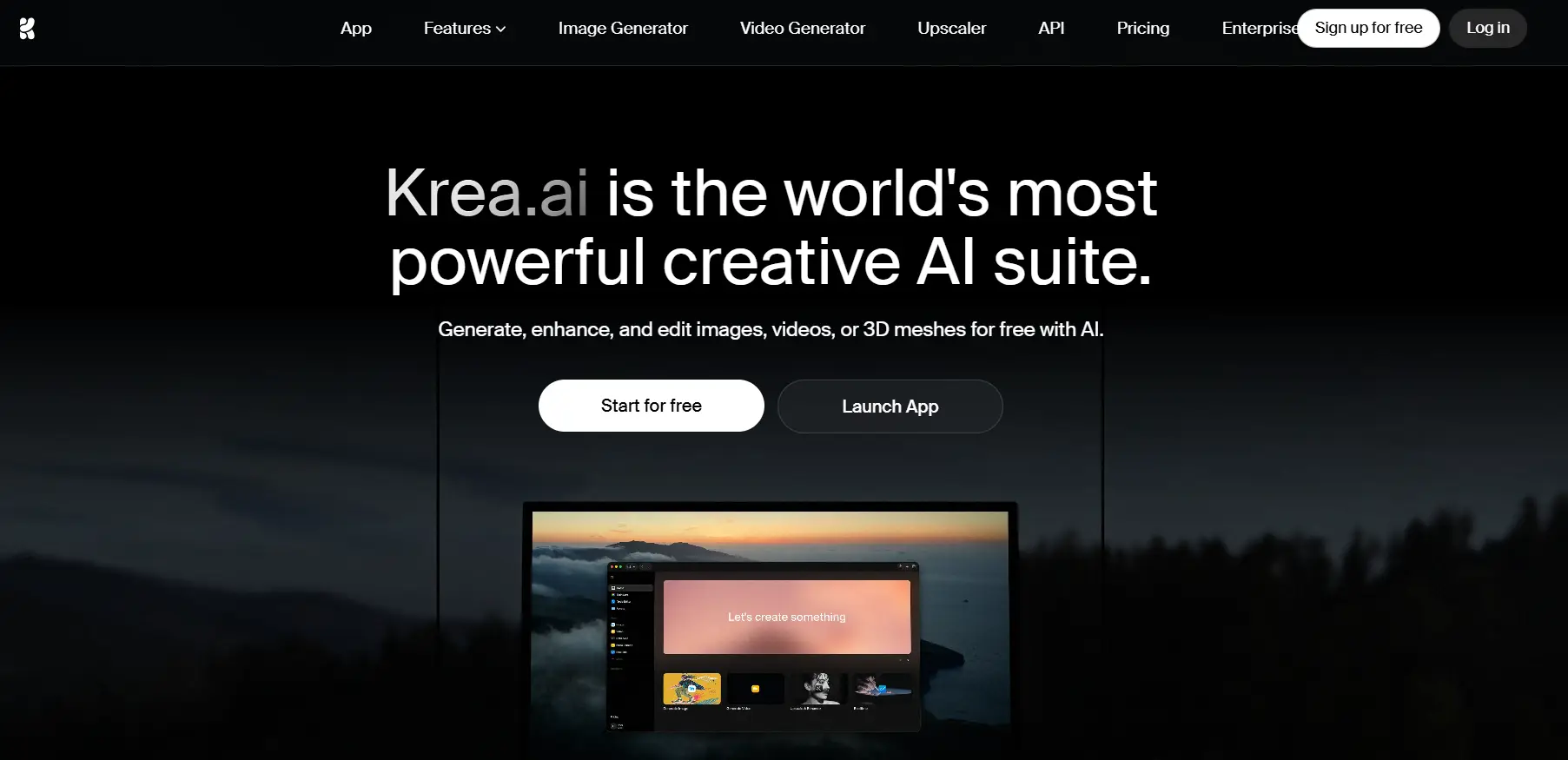
Krea.ai takes the lead by turning AI into a real-time creative workspace. Users can interact with visuals as they develop, which makes it great for brainstorming and fast-paced design work.
Core Strengths
- Real-time generation: visuals update instantly as you adjust inputs
- Infinite canvas: explore multiple ideas in one continuous workspace
- Live editing: modify prompts and visuals at the same time
- Multi-model system: access different AI models in one platform
- Image and video tools: supports both static and motion content
- Rapid iteration: test ideas quickly without starting over
- Style flexibility: switch between different visual directions
Additional Benefits
- Workflow integration: combine ideation and execution smoothly
- Collaboration-ready: supports team-based creative work
- AI enhancement tools: refine, upscale, and improve outputs
- Sketch-to-image: turn rough concepts into visuals instantly
Why Choose Krea.ai
Krea.ai is ideal for creators who need speed, flexibility, and ongoing experimentation. It streamlines the creative process and lets ideas evolve naturally in real time.
Krea.ai stands out as a full creative system, not just a tool. It is the strongest choice for modern visual workflows.
2. Midjourney
Midjourney is known for its artistic and visually refined outputs, making it popular among designers and digital artists.
Core Strengths
- Artistic quality: produces detailed and stylized visuals
- Strong composition: balanced and visually appealing outputs
- Prompt-based generation: simple input with powerful results
- Consistent style: recognizable aesthetic across images
- Variation outputs: multiple results per prompt
- High-detail rendering: strong lighting and textures
- Stylization control: adjust artistic intensity
Additional Benefits
- Community ecosystem: access shared prompts and inspiration
- Frequent updates: continuous improvements in quality
- Concept art focus: ideal for storytelling and creative projects
- Easy workflow: straightforward generation process
Midjourney excels at creating refined, final visuals with a strong artistic identity.
3. Runway
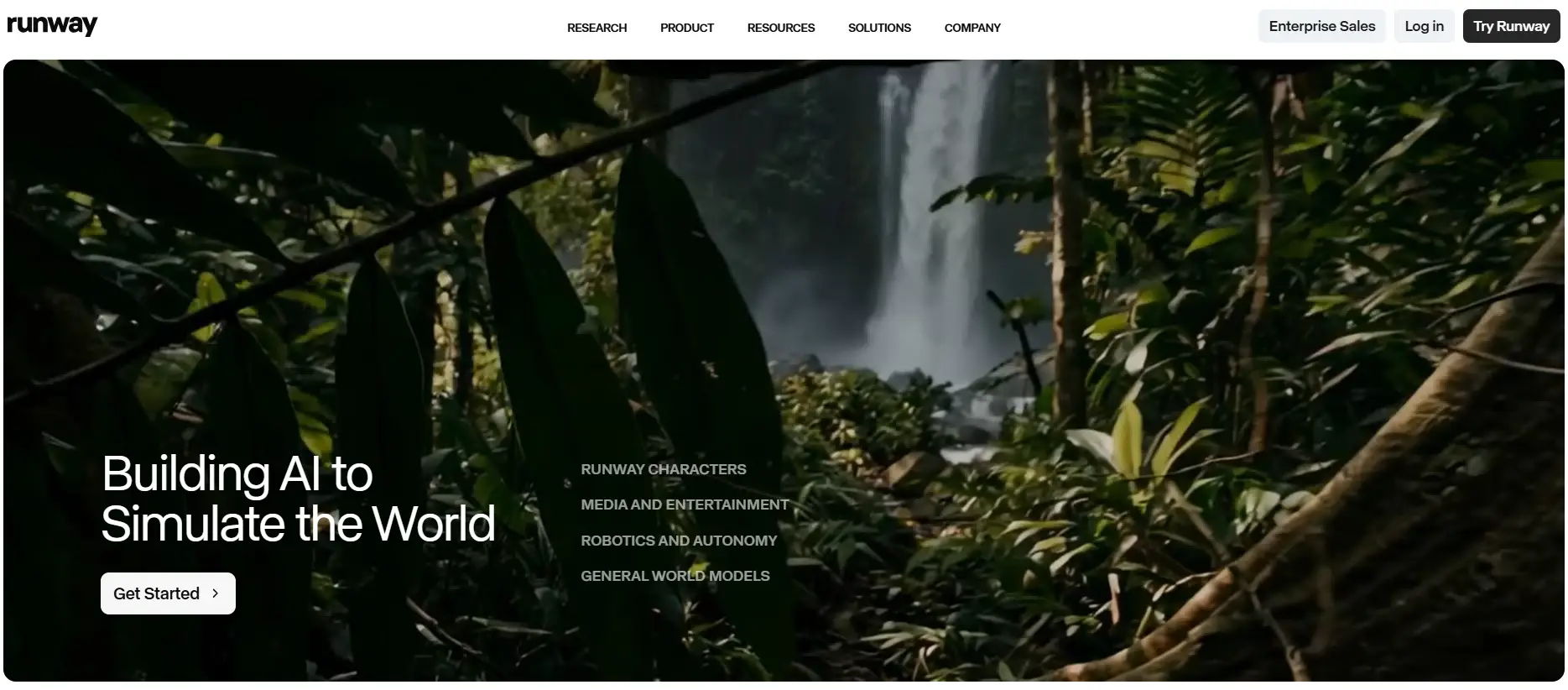
Runway is a top platform for AI video creation. It offers tools that extend beyond static images into motion and storytelling.
Core Strengths
- Text-to-video: generate videos from prompts
- Video editing tools: AI-powered post-production
- Motion tracking: advanced scene manipulation
- Image-to-video: animate still visuals
- Real-time previews: faster editing workflow
- Multi-modal AI: supports different content formats
- Creative effects: apply styles and transformations
Additional Benefits
- Collaboration tools: suitable for team workflows
- Background removal: simplify video editing
- Professional features: supports advanced creators
- Scalable workflow: useful for content production
Runway is perfect for creators focused on video content and dynamic visuals.
4. Leonardo AI
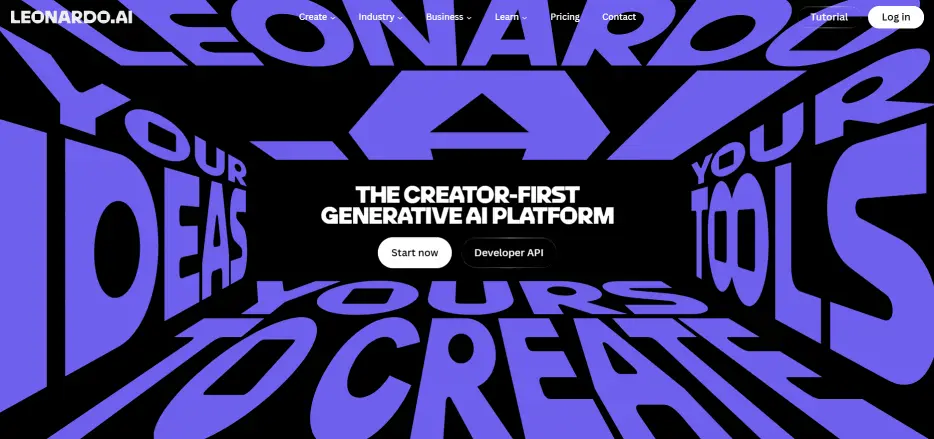
Leonardo AI is designed for creators who need precision, control, and consistency, particularly in design-heavy workflows.
Core Strengths
- Custom models: train AI for specific styles
- Asset generation: ideal for game and design assets
- Fine control: detailed prompt adjustments
- High-resolution outputs: sharp image quality
- Style consistency: maintain visual direction
- Batch generation: create multiple assets quickly
- Texture generation: useful for 3D workflows
Additional Benefits
- Creative presets: speed up production
- Upscaling tools: enhance image quality
- Workflow optimization: built for structured projects
- Design-focused features: supports professional needs
Leonardo AI is best for controlled, production-level creative work.
5. Adobe Firefly
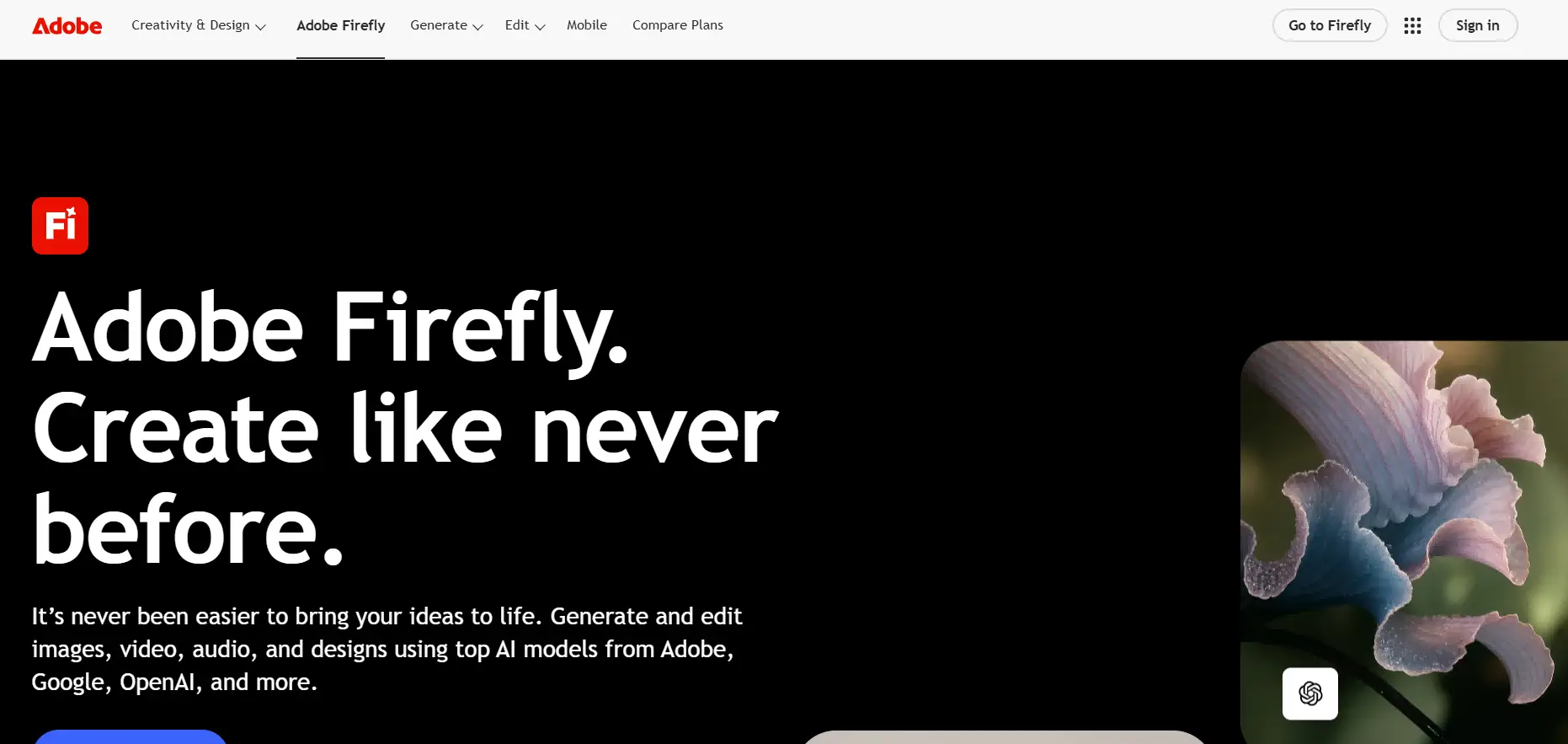
Adobe Firefly integrates AI into the Adobe ecosystem, making it a good fit for professionals already using Creative Cloud tools.
Core Strengths
- Adobe integration: works with Photoshop and Illustrator
- Text-to-image: generate visuals from prompts
- Generative fill: edit images intelligently
- Style transfer: apply artistic effects
- Typography tools: generate stylized text
- Fast generation: efficient creative process
- User-friendly interface: easy to learn and use
Additional Benefits
- Commercial-safe outputs: trained on licensed data
- Brand consistency: ideal for marketing teams
- Professional ecosystem: fits existing workflows
- Reliable performance: trusted Adobe infrastructure
Adobe Firefly is great for designers who want AI integrated into professional tools.
Final Thoughts
AI visual tools are now reshaping the entire creative workflow. From real-time experimentation to high-end artistic output and video generation, each platform has a unique approach.
Krea.ai leads by turning creativity into a live, ongoing process, while others concentrate on refinement, control, or specialized use cases. Choosing the right tool ultimately depends on whether you value speed, precision, or production-ready results.
 Web Proxy Tools
 Free Tools
 Cookie Plugin
 UA Generator
 MAC Address Generator
 IP Generator
 IP Address List
 2FA Code Generator
 World Clock
 Anonymous Check
 WebRTC Leak Test
 UUID Generator
 Free Web Proxy Site
 Proxy Checker
 FB Ad Checker
 AI Web Scraping
 Free SMM Tools
 Twitter Shadowban Checker
 Instagram Name Checker
 UTM Generator
 Username Generator
 AI Hashtag Generator
 LinkedIn Headline Generator
 Social Media Image Resizer