There is nothing more frustrating than discovering that that username you want on WhatsApp is already taken, or worse, realizing that you let it go because you did not know the steps or the real requirements to reserve it. Many people think that it is enough to simply choose any name, but reserving WhatsApp username in 2026 is not that simple: WhatsApp started requiring the name to comply with specific rules and, if you release it by mistake, anyone can take it in minutes.
What is most confusing is that the WhatsApp system does not clearly warn if a name is blocked by policy, if it is in queue to release, or simply if it is held by another user. Thus, you can spend days waiting for a name that will never be available, or lose it because you don't confirm the reservation in time. Getting carried away only by the "name busy" message doesn't help solve the problem.
Here the difference is the mark of understanding well how to reserve a username on WhatsApp, what changes came into effect in 2026 and why the process depends on the type of account, the age and if you have already associated it before on another device. Skipping a single step can leave you with a generic name or cause WhatsApp to block your attempt for "suspicious activity." Therefore, knowing the requirements for WhatsApp username and how to anticipate blocks is what really saves you time and trouble.
Now, see what changes this year and how to avoid the most common mistakes.
What does it mean to reserve a username on WhatsApp and why is it important?
Reserving a username on WhatsApp goes far beyond choosing a nice nickname. It means securing a unique identity within the platform, which does not depend on the phone number and that others will not be able to use or impersonate. If the name becomes free, anyone can take it and impersonate you, which can affect everything from privacy to digital reputation. Therefore, understanding what this process consists of and how it affects your account is what really avoids problems, not only for companies, but also for private users.
Differences between username and phone number
Those who have only used WhatsApp with the usual number, usually think that the username is just "decoration". In practice, there are clear differences:
- It allows you to share your contact without revealing the real number, which helps to separate the personal from the public.
- Make it easy to search or mention in groups and channels, without exposing your phone to strangers.
- It does not always replace the number: some services, two-step verification or account recovery may still ask for the mobile phone.
Impact on privacy and security
Using a username changes the rules about who can find you and how. For example, sharing only your username limits who accesses your number, which reduces exposure to spam or unwanted messages. But if you don't reserve the name in time, anyone who sees it available can take it and start receiving messages or impersonating you. This happens more than it seems, especially with short or brand names. A common mistake is to wait until "everything is ready" and, in that time, miss the opportunity: once assigned, WhatsApp does not release the name for months, even if the user stops using it. If you use the same name on other platforms, not securing it on WhatsApp opens the door to phishing attempts, identity duplication, or even blackmail.
That's why reserving the correct username protects you from impersonation and gives you control over your digital presence. If you skip this step in a hurry or because "no one else uses it," you may end up with a generic name that's hard to remember, or worse, someone else managing messages on your behalf. Thus, reserving the name is not a minor detail: define who you are in the application and who can contact you without exposing sensitive data.
It was clear: the starting point is not whether or not you want a personalized name, but knowing what rules it must comply with and what limitations exist in order to be able to reserve it well from the beginning. Now it's time to see exactly what those requirements and restrictions are that WhatsApp applies to all usernames.
What are the requirements and restrictions to reserve a username on WhatsApp?
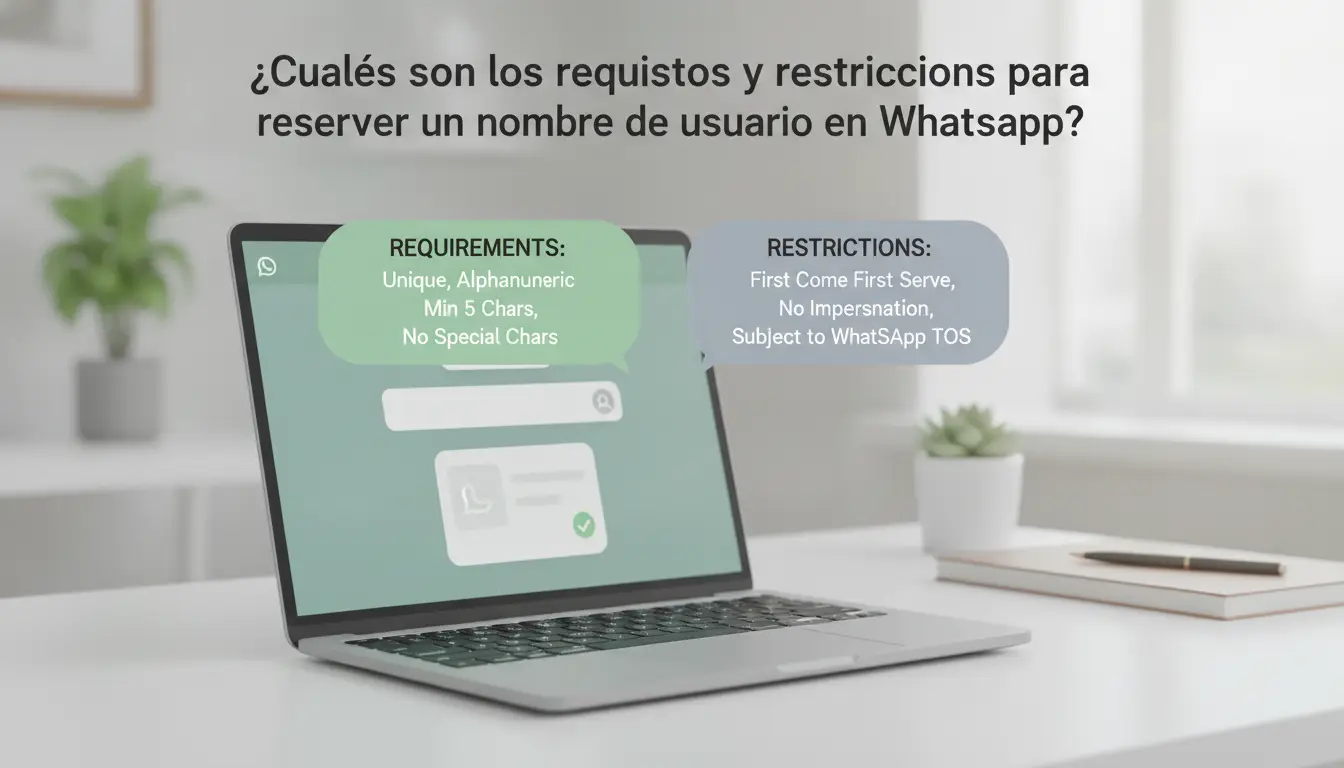
Reserving a WhatsApp username in 2026 requires you to comply with formatting, availability, and change limits rules that can block your attempt if you don't review them first. It is not enough that the name "you like"; The platform filters by length, characters, and by lists of protected terms.
Formatting rules and allowed characters
The length of the name should be between 4 and 30 characters. Letters (a-z), numbers (0-9), and underscores (_) are allowed, but WhatsApp rejects symbols such as @, %, &, spaces, or emojis. If you try to put signs, the system shows error and does not let you move forward. Names that look like web addresses or emails (for example, "juan@gmail") also don't pass the filter. If the name is too short or long, the option to book does not even appear.
Availability and names reserved
- Check availability: Type the name in the field and wait for the WhatsApp prompt ("available" or "busy").
- Avoid reserved names: words like "support," "admin," or branded terms are often blocked.
- Don't use protected names: if the name is on the WhatsApp list, the system rejects it even if it seems free.
Change and lock conditions
WhatsApp allows you to change your username only once every 30 days. If the name is reported by other users, it may be blocked, and you will lose the option to use it again. The system detects suspicious activity if you try to change names already associated with inactive accounts often, or reserves.
- Change the name only if necessary; The limit of changes is strict.
- If the name receives reports, be prepared for it to be permanently disabled.
- Avoid searching for names you've already used on another account or device—the system marks them as "busy" even if they're unlocked.
The key is to review all the requirements before booking, skipping a single filter can cost you the name you wanted.
To continue, the next step is to see how to reserve your name in practice, without being rejected due to formatting or availability errors.
Step-by-step: how to reserve your WhatsApp username in 2026
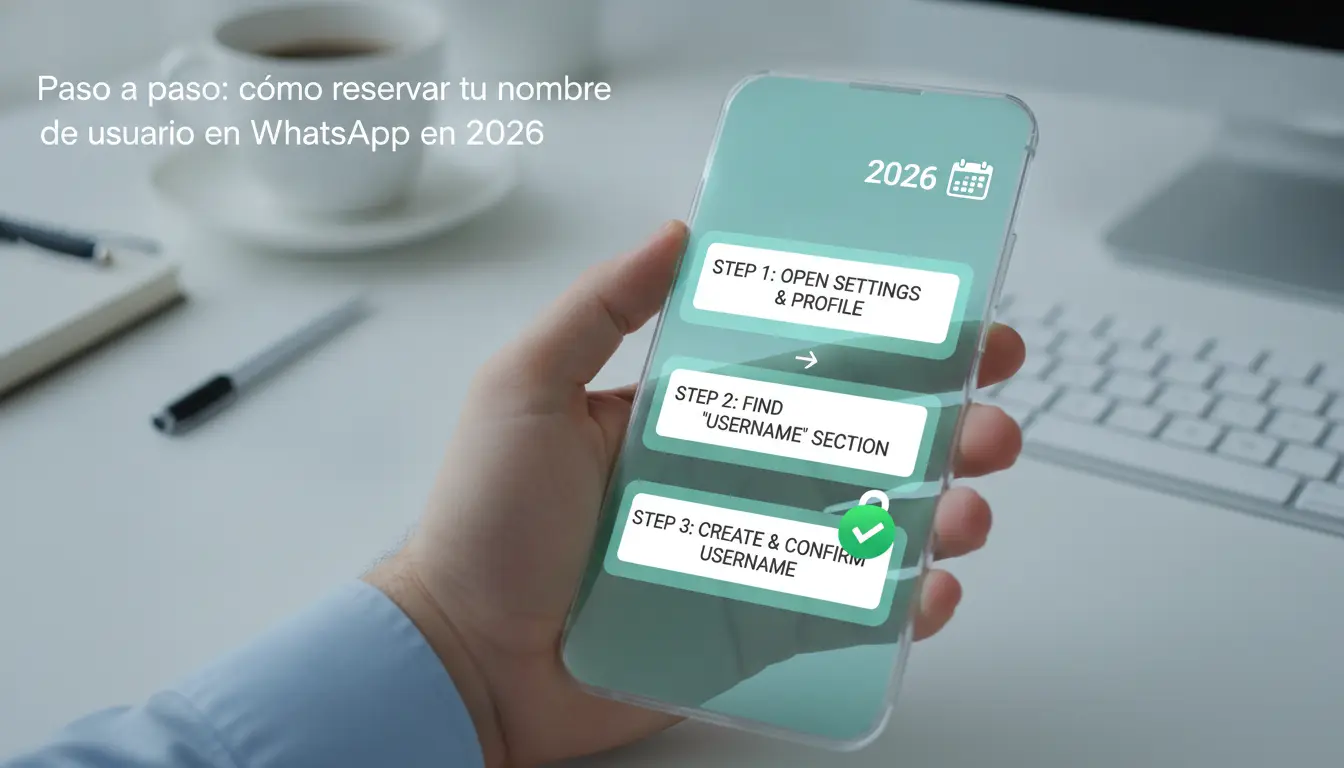
Reserving your username on WhatsApp in 2026 requires attention to new details: the app now rejects formats valid in previous years and marks as "busy" any name that has pending revision on other devices. Here's the exact process so you don't get stuck or miss the opportunity.
Preparations before starting the process
- Update WhatsApp to the latest version. If you don't have version 2.26.110 or higher, the username menu doesn't even appear. On Android, check Google Play; on iOS, search the App Store. If you don't see the option after updating, restart your phone, some changes only load after a hard reset.
- Verify that your account is eligible. The number must be active (not blocked or suspended), with recent access (less than 15 days of no activity), and no SIM changes in the last 24 hours. If you try to book with an account that does not comply, you will receive a "function unavailable" message and the process is blocked until WhatsApp updates the status, usually taking up to 48 hours.
- Check that you don't have open sessions on multiple devices. If you use WhatsApp Web or a second mobile, log out first. Change attempts from multiple locations often trigger security alerts and can flag your account for manual review.
Detailed Guide to Reserving Your Name
- Open WhatsApp and go to Settings. In the profile, look for the new "Username" field.
- Tap the field and type the name you want to reserve. WhatsApp shows in real-time whether the name is available or not. If it is greyed out, the system is checking on global servers, in these cases, wait a few seconds before trying again.
- Confirm your choice and validate with the SMS code if requested. Some users receive extra verification the first time. If the SMS does not arrive, wait 10 minutes before ordering a new one; Requesting more than three codes in an hour can temporarily block the process.
- Review the final message. If you see "Reserved username," it's already active. If "Check your connection" appears or the status does not change, force close WhatsApp and repeat only once so as not to be on the internal waiting list.
What to do if the name is occupied or rejected
- Try immediate variants. Change a letter, add an underscore or a number. WhatsApp does not allow identical names, but it does allow small variations.
- Wait 24-48 hours and check again. Names rejected as "busy" are sometimes released after automatic release, especially if the previous user did not complete the commit.
- Avoid forbidden words and blocked combinations. Words like "admin," "support," "official," or brand terms may be rejected without notice. If the error persists after 3 attempts, the system may mark your account for review and delay new bookings.
- Don't use third-party apps to force the switch. WhatsApp detects automations and can suspend your account for irregular activity. If all else fails, choose another variant and repeat the process from the beginning.
This is where the operational sequence ends. The next step is to understand what errors and risks usually block the process, many users fall into avoidable traps when trying to reserve their name.
Frequent mistakes and risks when reserving a username on WhatsApp
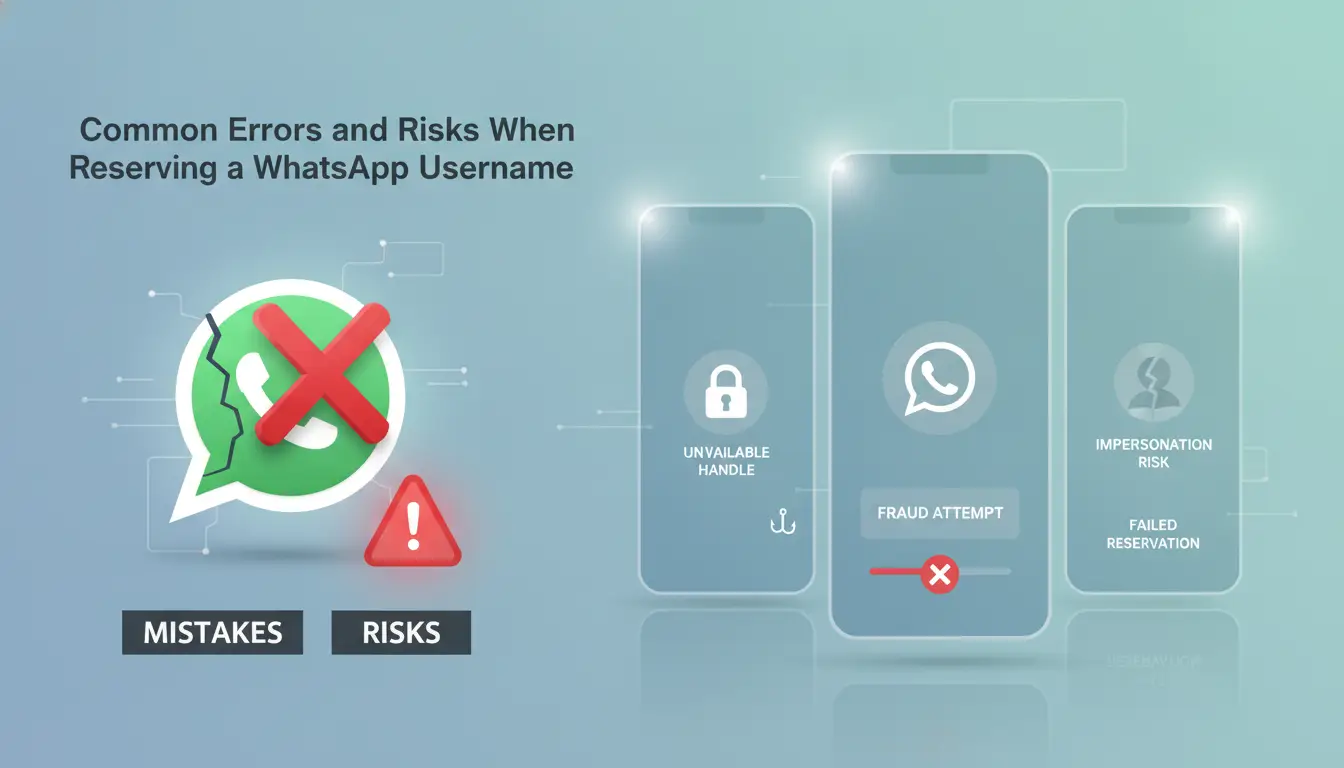
Many users lose control of their account or expose data without realizing it, just by not reviewing the steps before reserving WhatsApp username. Here are the most common mistakes and risks so you can avoid them and protect your reputation.
Formatting and selection errors
Choosing a name that looks spammy (for example, with too many numbers or words like "promo" and "free") can trigger automatic filters and leave your account visible for reporting. Using personal data such as your ID, address or real numbers makes it easier to be located outside of WhatsApp, better choose something neutral, without sensitive information.
Risks of impersonation and identity loss
If you reserve a popular or overly generic name, another user may try to retrieve it by mistake or on purpose.
- You can lose your name if you don't confirm the booking quickly; WhatsApp releases it after 24 hours if there is no verification.
- The safest thing to do is to activate two-step verification and avoid names similar to brands or public figures.
Impact on reputation and privacy
An inappropriate or offensive-sounding name can lead to automatic blocks, or groups and contacts kicking you out without warning. If you choose something that exposes your identity or location, visibility in groups increases the risk of harassment or spam. Do one last check before confirming, because changing it later involves waiting 30 days.
How to Manage Multiple WhatsApp Accounts and Usernames Securely with DICloak
Managing multiple accounts and usernames on WhatsApp without exposing your data or losing control is possible if you work with real profile isolation, proxy settings, and a clear record of permissions. Here's what really changes the experience and avoids the most expensive mistakes.
Benefits of Isolated Profiles and Fingerprint Configuration
Separating each account into a single profile prevents WhatsApp from linking your accounts by browser or device fingerprint. If you use a different fingerprint for each session, the platform does not detect repeated patterns and reduces the risk of blocking or linking between accounts.
Using Proxies and Managing Profile Data
Assigning a unique proxy to each account limits WhatsApp from relating IP access. If you repeat IP on multiple accounts, the platform may flag your activity as suspicious and restrict access. A concrete example: if you manage 5 accounts and use the same proxy for all of them, you can lose them at once if WhatsApp detects the match. In addition, storing cookies and sensitive data in separate environments protects your privacy, because if one account fails, the others are not exposed.
Team collaboration and permission control
Secure management does not depend only on technical configuration. If you work in a team, always review these points:
- It gives access to profiles only to those who really need it.
- Use activity logs to know who made each change.
- Limits the editing of proxies and sensitive data to trusted roles.
The real difference is having granular control over each account, avoiding information mixes or errors due to poorly given permissions.
This segmented management is what separates a secure environment from one where one carelessness is enough to lose control of your usernames. Preparing the ground in this way makes it easier to compare how these options change compared to other messaging platforms.
Comparison: Reserve username on WhatsApp vs other messaging platforms
Reserving a username on WhatsApp does not work the same as on Telegram or Signal: the process is more closed, has less flexibility and the visibility of the name changes depending on the app.
Booking process on WhatsApp vs Telegram
| Platform |
Who can book? |
Name Privacy |
Allowed Changes |
| WhatsApp |
Active accounts only |
Visible only if you use it |
1 time every 30 days |
| Telegram |
Any user |
Public and searchable |
No clear limit |
| Signal |
Not applicable (no alias) |
No public names |
Not available |
On WhatsApp, you can only change your username once every 30 days, and it doesn't always appear publicly. Telegram allows for frequent changes and is much more open.
Restrictions and risks on each platform
Telegram exposes the name to searches, which makes it easier to impersonate if you don't configure privacy well. On WhatsApp, the main risk is losing the name due to inactivity or trying to reserve it from several devices and being blocked.
Advanced management options
Operators who manage multiple accounts often prefer tools to isolate profiles and control sessions. DICloak allows you to create independent profiles, configure fingerprints and proxies to separate identities, but it does not manage usernames directly or eliminate the risk of blocking or spoofing.
Best Practices to Protect Your Username and Privacy on WhatsApp in 2026
Reserving your WhatsApp username is not much use if you end up exposing your identity or making it easier to be impersonated. What really protects your account is choosing a name that's hard to guess and controlling who can see it.
Tips for choosing a safe name
Never use your real name, date of birth, or information that someone could associate with you. The most practical thing is to mix letters, numbers and symbols in a combination that no one else guesses, that reduces the risk of leaks. If you've already used that name on another platform, change it here to avoid matches.
Recommended privacy settings
- Adjust the visibility of the username in closed groups.
- Limit profile access to verified contacts only.
- Check who can search for your name in the app and turn off public searches.
What to do in the event of impersonation attempts
If you see suspicious activity or someone tries to use your name:
- Report the fraudulent profile directly to WhatsApp support.
- Change your username and review active sessions.
- Turn on two-step verification to strengthen access.
FAQs about reserving whatsapp username
Can I reserve the same username on WhatsApp and other platforms?
You can't always use the same username on WhatsApp and other social networks like Instagram or Telegram. Each service has rules and checks availability separately. If someone already uses your ideal name on WhatsApp, you will have to look for a variant, although you can try to maintain consistency so that they recognize you.
What do I do if my ideal username is already taken on WhatsApp?
If your favorite name is already used, try combinations with numbers, hyphens, or abbreviations. Make sure the name is still easy to remember and related to you or your brand. Avoid strange symbols so that others will find you without problems. You can review different variants before reserving whatsapp username.
Is it possible to change the username on WhatsApp after booking it?
Yes, you can change your username on WhatsApp from the app's settings. However, your new name may not be available if another user has already chosen it. Keep in mind that frequent changes can confuse your contacts and make it harder for them to find you.
How does my username affect my account privacy?
The username you choose on WhatsApp can make you more visible if you use your real name or personal details. For added privacy, avoid names that include information such as your last name, date of birth, or easy-to-guess details. An original name reduces the risk of spoofing.
What are the risks of using external tools to manage WhatsApp accounts?
Using unofficial apps or websites to manage your account can expose your data to theft or hacking. WhatsApp can block accounts that use external services. Just manage your WhatsApp username from the official app to protect your security and privacy.
Now that you know the steps and considerations to ensure a unique name, it's time to decide if you want to take that step and protect your digital identity on WhatsApp. Take advantage of the tools available to manage your privacy and maintain control over your data. Try DICloak for free
 Web Proxy Tools
 Free Tools
 Cookie Plugin
 UA Generator
 MAC Address Generator
 IP Generator
 IP Address List
 2FA Code Generator
 World Clock
 Anonymous Check
 WebRTC Leak Test
 UUID Generator
 Free Web Proxy Site
 Proxy Checker
 FB Ad Checker
 AI Web Scraping
 Free SMM Tools
 Twitter Shadowban Checker
 Instagram Name Checker
 UTM Generator
 Username Generator
 AI Hashtag Generator
 LinkedIn Headline Generator
 Social Media Image Resizer













-01-v13.png?x-oss-process=image/interlace,1/format,webp/quality,q_75)