You search for a clear answer and keep running into mixed signals, one source says “no by proxy” is just a technical block, another claims it’s a security warning, and the rest leave you guessing. The phrase shows up in error logs, platform messages, or user permissions, but no one seems to agree on the real impact. If you’ve ever paused, wondering if “no by proxy” means you’ve lost access or just hit a temporary limit, you’re not alone.
The risk is simple: misreading the meaning of “no by proxy” can lead to wasted time, wrong troubleshooting steps, or even lost access to accounts or resources. Teams often jump to reset proxies or change account settings, only to find the problem persists because they misunderstood the signal.
Instead of guessing, you need a practical guide to the actual meaning of “no by proxy.” That means getting the no by proxy definition in plain language, seeing where the phrase pops up in real workflows, and knowing when it signals a real risk versus a false alarm. The meaning of no by proxy changes depending on context, sometimes it’s a permissions issue, sometimes an automation or proxy setup problem, and sometimes a sign of deeper restrictions.
Here’s how to break down what does no by proxy mean, and what steps to take next.
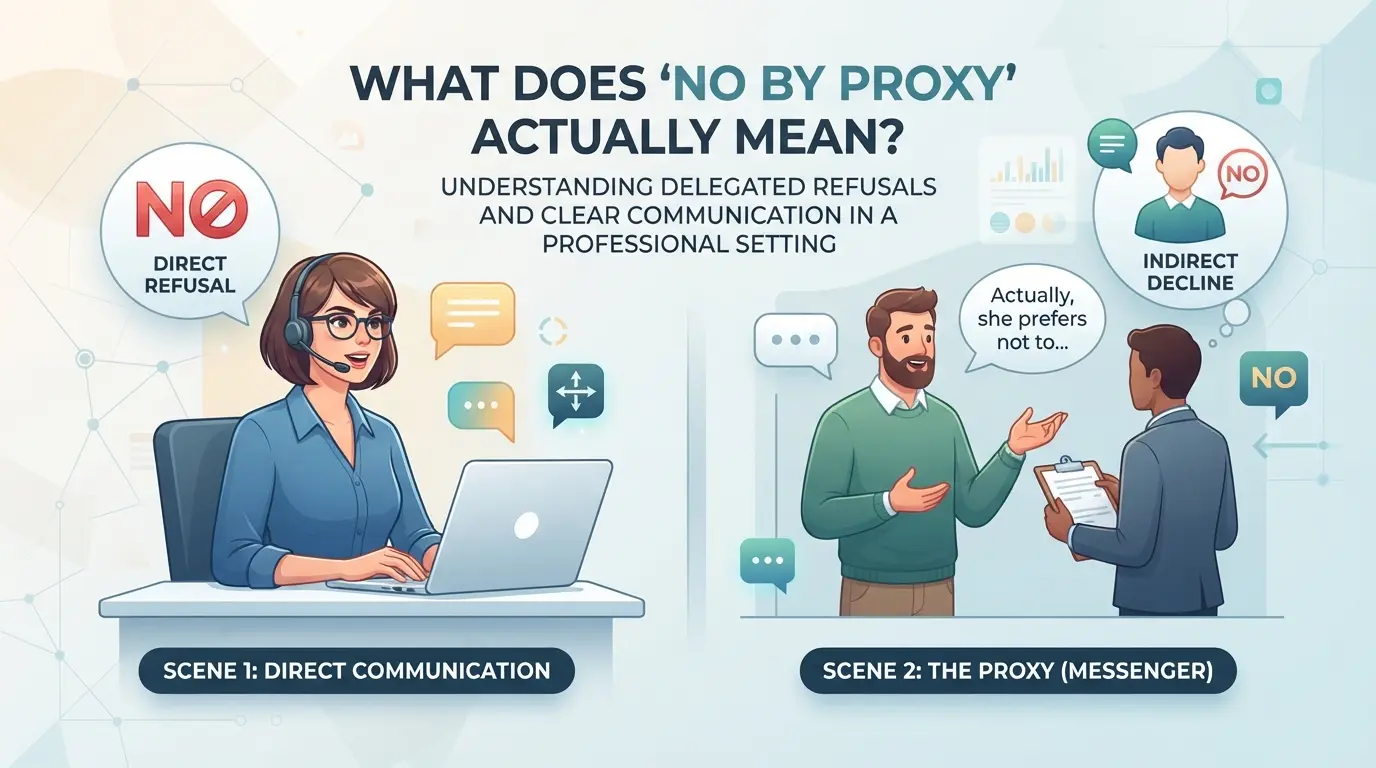
What Does 'No by Proxy' Actually Mean?
When you see “no by proxy,” it’s not just a technical phrase, it’s a clear instruction that the action, access, or right cannot be granted through another person or system acting on your behalf. If you try to use someone else’s permission, or rely on a proxy setup to bypass this, you’ll hit a wall. The difference between “by proxy” and “no by proxy” isn’t subtle; it’s the switch that decides whether your access or request is valid.
Breaking Down 'By Proxy' vs. 'No by Proxy'
Understanding these terms saves wasted troubleshooting. Here’s what matters most:
- ‘By proxy’ means you can act or access something using another person’s authority or through a proxy system.
- ‘No by proxy’ flips this, only the direct actor has permission; no stand-ins or proxy setups allowed.
- If you ignore this, your access attempt will either fail outright or get flagged for review.
Why 'No by Proxy' Matters in Permissions and Representation
The phrase shows up when an action is restricted to the true owner or original user, not someone acting on their behalf. For example, some bank transfers, password resets, or admin approvals require the real account holder to confirm, not just a team member or automated script. If you try to delegate or automate, the system blocks you, even if you have other valid credentials.
The practical insight: when a system enforces ‘no by proxy,’ you can’t shortcut identity checks, even a trusted team member or technical setup won’t pass. That’s why access can fail in workflows where you expect shared permissions or session handoff to work. The risk is real, if you don’t spot this restriction, you might waste hours tweaking proxy or automation settings that won’t work, or worse, lock yourself out by triggering security alerts. On platforms that flag proxy-based actions, ignoring “no by proxy” rules often leads to access denial, forced verification, or even temporary account freezes.
This kind of restriction doesn’t just block technical workarounds, it’s designed to catch attempts at indirect control, especially in sensitive actions like account recovery, transaction approval, or admin changes. Even if your proxy setup looks clean, the system checks for the underlying actor and shuts down anything that isn’t direct.
Knowing this, you can start to spot where “no by proxy” shows up in real workflows, and avoid the common mistakes that trip up teams and operators.
Where Do You Encounter 'No by Proxy'? Key Contexts Explained
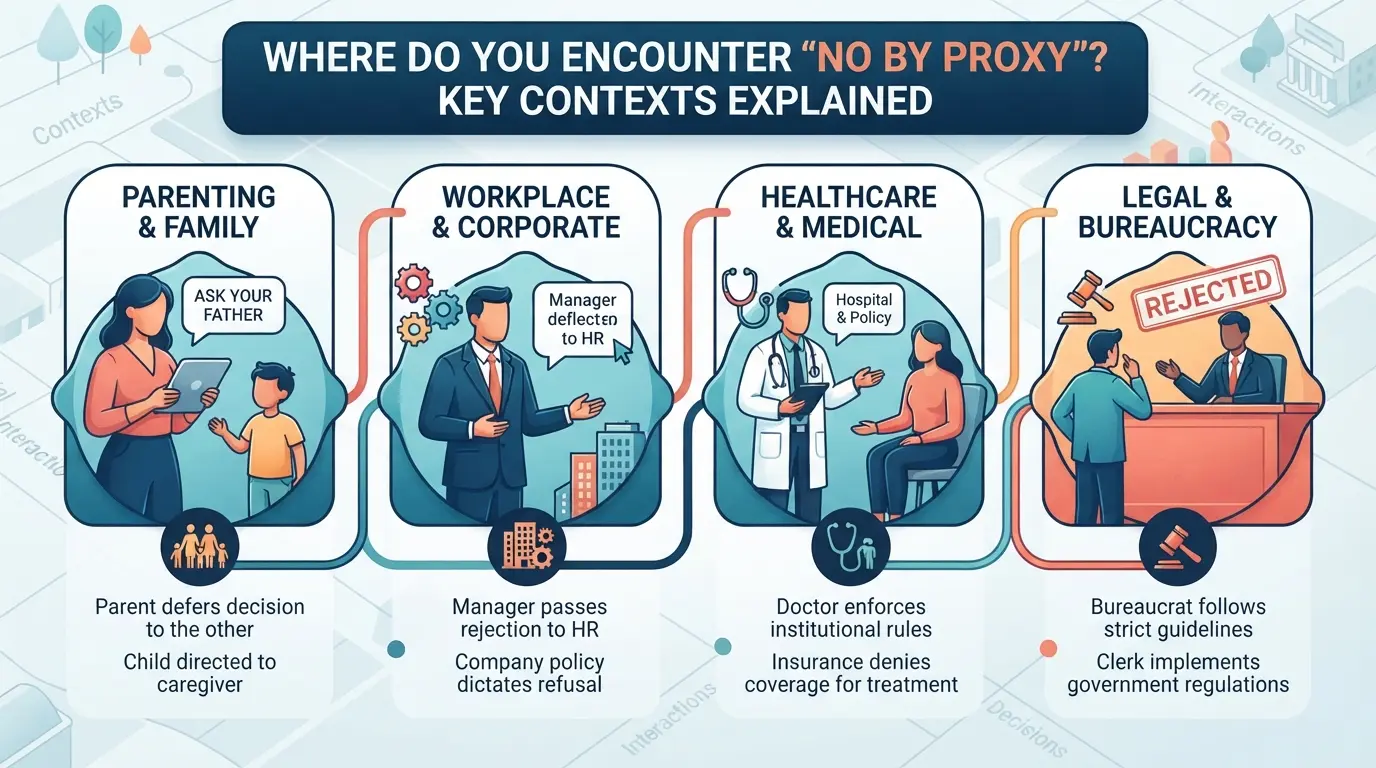
“No by proxy” isn’t just a generic phrase, it’s a clear restriction that shows up in places where direct action is required. Whether you’re handling legal paperwork, voting, or logging into digital accounts, you’ll see this phrase when the rules block anyone from acting on your behalf. Knowing where it appears helps you avoid wasted steps and spot what’s really causing access problems.
Legal Documents and Contracts: Direct Action Required
Legal forms, contracts, and power of attorney documents often include “no by proxy” to make it clear you must sign or appear in person. If a contract says “no by proxy,” you can’t send someone else to represent you or sign paperwork for you, even with written permission. The clause removes any wiggle room for delegated action.
Voting and Elections: When Proxy Voting Is Not Allowed
In elections, “no by proxy” means each voter must cast their own ballot, no exceptions for absent voters or third-party submissions. For example, in shareholder meetings or union votes, organizers may state “no by proxy” to prevent someone from collecting votes and submitting them on others’ behalf. This rule cuts out common workarounds like mailing in a proxy form. If you miss the vote, your voice isn’t counted, and there’s no appeal. The tradeoff is direct accountability, but the downside is that anyone who can’t attend loses their vote entirely. Some groups add this restriction after seeing patterns of proxy abuse or fraud, but it often leads to frustration when members are sick, traveling, or otherwise unavailable.
Digital Platforms and Account Management: No Proxy Access
Many online services block proxy or delegated logins for security reasons. Here’s where “no by proxy” can appear in digital workflows:
- Login prompt or registration screen: “No by proxy” means only the actual user can access the account; tools for team use or automation won’t work.
- Password reset: If a platform says “no by proxy,” support won’t help anyone except the original account owner, even if you have their credentials.
- API or automation: Some platforms reject automated logins or actions, flagging them as proxy attempts and locking the account.
If you see this restriction, direct login is the only way forward, shared access or delegated control will get blocked.
Knowing where “no by proxy” appears lets you spot whether the problem is about permissions or a technical limit. Next, you’ll need to check for signs of the restriction before investing time in troubleshooting or escalation.
How to Recognize and Respond to 'No by Proxy' Restrictions
Common Signs and Wording to Watch For
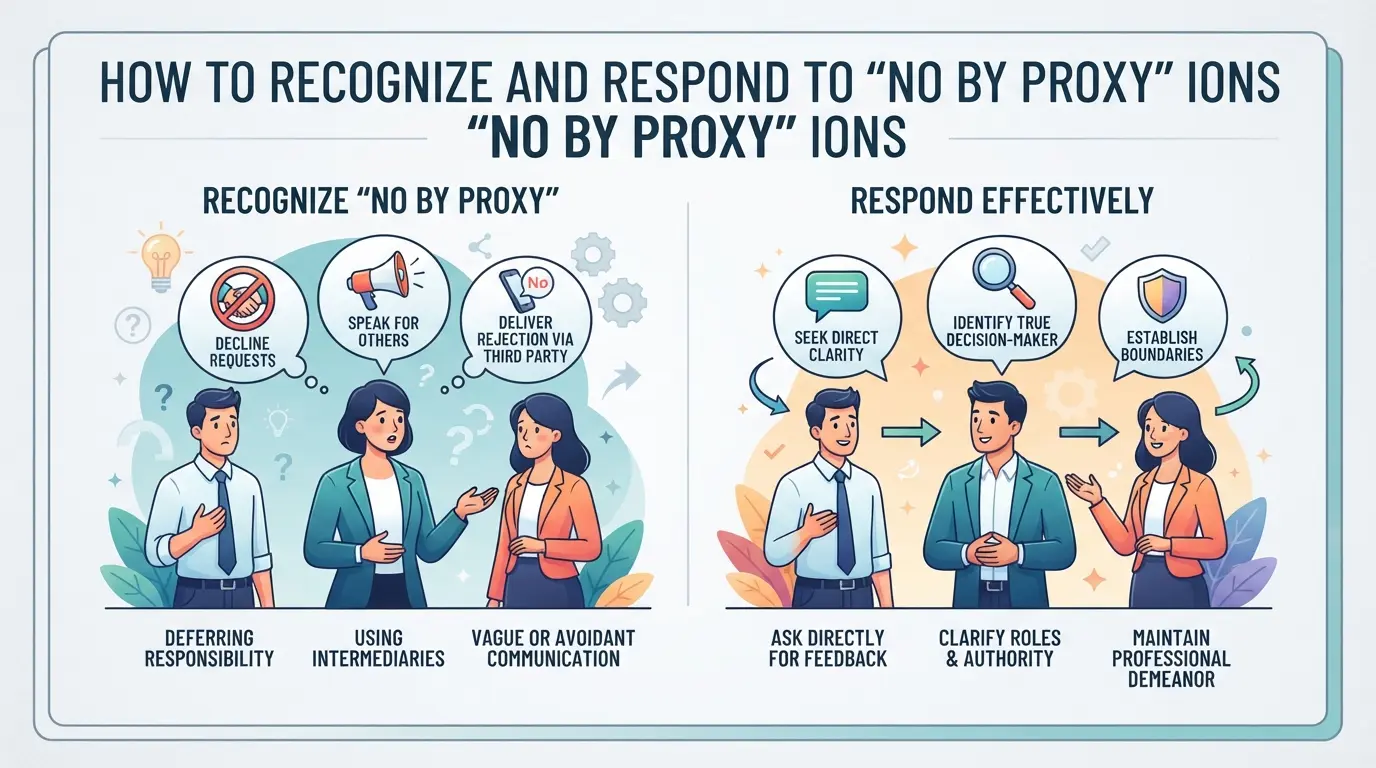
Most platforms or documents don’t spell out “no by proxy” in detail, they use phrases like “in person only”, “no delegated access”, “must act directly”, or “proxy not accepted”. These rules show up in event guidelines, legal forms, and account permission settings. If you see statements such as “only the account holder may proceed” or “attendance required”, that’s your cue, proxy action is off the table.
What to Do If You Need Direct Access or Action
If you’re blocked by a no by proxy rule, your options shrink fast. The main thing is to stop wasting effort on workaround tricks, the restriction means only direct action counts. Here’s how to handle it:
- Confirm if the rule is permanent or just for specific steps, sometimes only critical actions need direct access.
- Check if remote attendance, video ID, or a signed letter is allowed, some setups accept these as “direct” even if not physically present.
- If you can’t meet the requirement, ask for a formal exception or reschedule, don’t rely on guesswork.
If you try to delegate or automate when the rule says “no proxy”, you’ll usually hit a hard stop, like a locked form, failed authentication, or a rejected submission. That’s a sign to shift your approach, not retry the same workaround. This kind of restriction isn’t about the method, it’s about who’s acting, so only the actual participant or account holder can move forward.
The real risk here is wasting hours on technical fixes when the real problem is procedural. Next, you’ll see what mistakes people make when they ignore these signals.
Risks and Common Mistakes When Dealing with 'No by Proxy'
Ignoring 'no by proxy' restrictions isn’t just a technical slip, it can trigger procedural failures or account lockouts that cost you access, reputation, or even legal standing. The biggest risk is assuming you can use a proxy or delegate an action when the rules say you can’t.
Legal and Procedural Consequences
If you submit votes, approvals, or official actions through a proxy when 'no by proxy' applies, those actions often get rejected or flagged. The most common mistake is missing the fine print, this can mean your submission is voided or you face delays correcting the process. Sometimes, repeated violations lead to penalties or audit investigations.
Digital Account Risks: Lockouts and Security Flags
Platforms check for proxy use in sensitive workflows. If you try to bypass a 'no by proxy' rule, you can trigger automated security flags.
- Accounts may get locked for suspicious login patterns or mismatched session origins.
- The safer move is to use direct login from your usual device and IP, or follow official delegation steps if permitted.
The next step is knowing when proxy use is actually allowed, so you don’t waste time or risk your account when the rules change.
When Is 'By Proxy' Allowed, and How Does It Differ from 'No by Proxy'?
Most rules that mention "by proxy" draw a hard line: sometimes acting for someone else is fine, sometimes it’s blocked outright. The main difference comes down to permission, if you’re allowed to act as a proxy, the system expects documentation or proof. If it’s "no by proxy," you must act as yourself, with no exceptions.
Typical Scenarios Where Proxy Action Is Permitted
Here’s how the rules usually play out in common settings:
| Scenario |
By Proxy Allowed? |
What’s Required to Prove It |
| Voting in an HOA |
Yes |
Signed proxy form |
| Company board meeting |
Yes |
Written, often notarized, proxy |
| Bank account access |
Rarely |
Legally binding power of attorney |
If you’re asked for a signed document or official proof, it’s a sign that "by proxy" is possible, but only when you meet the exact conditions. Skipping paperwork or using the wrong proof almost always gets flagged.
Key Differences in Process and Responsibility
When proxy action is allowed, the original owner still carries final responsibility, and you must document every step. With "no by proxy," only the direct actor is recognized, no substitutions, no exceptions. Missing this distinction can mean denied access or even legal trouble.
Managing 'No by Proxy' Restrictions in DICloak for Multi-Account Operators
Handling 'no by proxy' rules gets tricky for teams running several platform accounts. If these readers need every session isolated, the workflow starts by separating browser profiles and fingerprint settings, then moves to proxy setup. The scope here is strict, DICloak only manages browser profiles and proxy links; it does not change outside platform rules.
Using Profile Isolation and Fingerprint Configuration for Separate Account Sessions
Operators who manage multiple platform accounts often need to keep each login session distinct. With DICloak, a new browser profile can be created for every account, storing profile-level information and configuring fingerprint signals like User Agent, time zone, or screen resolution. Keeping these settings separate means each account workflow gets its own browser profile, avoiding overlap that could trigger unwanted checks or session confusion. The scope is limited to browser-profile access; it does not change the connected SaaS tool or platform.

Configuring Proxies for Each Profile Without Violating 'No by Proxy' Rules
Teams can assign their own proxy to each browser profile, testing the connection before starting an account session. DICloak supports manual entry, saved proxy selection, or API extraction for flexibility. What matters is that operators test the user-provided proxy, if the detected exit IP or region is wrong, the session can be paused before risking a violation. This setup helps maintain compliance with direct-access requirements, but the platform's rules still apply; DICloak only handles proxy configuration.
Next, see how these steps play out in real-world account workflows.

Real-World Examples: 'No by Proxy' in Action
Case Study: Shareholder Meeting with 'No by Proxy' Voting
A regional bank held its annual meeting with a strict "no by proxy" voting rule. Shareholders who tried to send representatives had their votes denied at check-in, which changed the outcome on a close board decision. People who assumed they could delegate missed their only chance to influence the result.
Digital Platform: Account Recovery Blocked by 'No by Proxy'
A support lead at a retail SaaS company needed to recover an employee’s admin account. The recovery form warned, “No by proxy: only the original account owner can complete this process.” They tried submitting proof from the company’s IT department, but the platform rejected all non-owner credentials. The solution was to schedule a live handoff, walking the true account owner through identity verification steps on a video call, with the support lead screen sharing instructions. After the owner completed the form themselves and confirmed via a linked phone, the account was restored. This shows that when a “no by proxy” rule applies, only direct action from the actual user will succeed, no matter how many supporting documents someone else provides.
Summary: What to Remember About 'No by Proxy'
Key Takeaways and Next Steps
No by proxy means direct action is required, automated, indirect, or proxy-based access is blocked in that context.
To avoid mistakes and wasted time:
- Read the prompt or policy, don’t just assume it’s a technical error.
- Check if the platform expects a real human, not an automated or remote session.
- If you see “no by proxy,” stop proxy-based actions and switch to a direct connection or local action.
- Document each context where you hit this block for faster troubleshooting in the future.
Frequently Asked Questions About what does no by proxy mean
What does 'no by proxy' mean in voting?
The phrase "no by proxy" means you cannot authorize someone else to vote for you. You must vote in person or directly, even if you cannot attend. For example, if a meeting says "no by proxy," only those present can vote. This rule helps keep the voting process secure and fair.
Can I use a proxy if the rules say 'no by proxy'?
No, you cannot use a proxy when the rules say "no by proxy." You must act or appear yourself, not through a representative. If you try to use a proxy anyway, your action will not count, and your vote or decision may be rejected.
Why do some platforms or documents specify 'no by proxy'?
Some platforms or documents state "no by proxy" to protect security and ensure only the authorized person can act. This prevents fraud or mistakes. For example, online accounts, legal contracts, or club meetings often need the real person to confirm actions or votes, not someone acting for them.
What happens if I ignore a 'no by proxy' rule?
If you ignore a "no by proxy" rule, your action may be invalid or rejected. You could lose voting rights, have your account restricted, or face penalties. Organizations use these rules to make sure only the right people take part. Always follow the rule to avoid problems.
Is 'no by proxy' the same as 'no proxy'?
They are not always the same. "No proxy" usually means no proxy use is allowed at all. "No by proxy" specifically blocks acting through another person or agent. The wording matters, so check the rules. Both terms limit who can act, but in slightly different ways.
If you’re weighing options for secure communication or data access, consider whether direct or indirect connections best suit your needs. Evaluating the level of control and privacy you require can guide your choice for managing permissions and oversight. Try DICloak For Free
 Web Proxy Tools
 Free Tools
 Cookie Plugin
 UA Generator
 MAC Address Generator
 IP Generator
 IP Address List
 2FA Code Generator
 World Clock
 Anonymous Check
 WebRTC Leak Test
 UUID Generator
 Free Web Proxy Site
 Proxy Checker
 FB Ad Checker
 AI Web Scraping
 Free SMM Tools
 Twitter Shadowban Checker
 Instagram Name Checker
 UTM Generator
 Username Generator
 AI Hashtag Generator
 LinkedIn Headline Generator
 Social Media Image Resizer