You open Zalo and see that your zalo account is disabled just when you need to log in to message customers, get a confirmation code, or check your work history. At this time, what users are often confused about is not just "why is it locked", but is this a temporary error or a sign that the account has been more severely restricted.
Many people rush to create a new account right away. That way often confuses contact data, loses chat history, and misses the opportunity to recover if the Zalo account is temporarily locked. Worse, if the root cause has not been addressed, the new account may also encounter the same problem again.
The point to clarify early is: Zalo disabling is not always the same. There are cases due to abnormal login, there are cases related to phone number verification, device, message sending, or violation of the terms of use. To handle it correctly, you need to distinguish which signs indicate that it can still be recovered, which signs must send a support request, and how to get the disabled Zalo account back without aggravating the situation.
Let's start with the most confusing part: common reasons why Zalo locks or disables accounts.
How do I know if my Zalo account is disabled or just a login error?
The easiest to distinguish is the message and the scope of the error. If it's just the wrong password, the network is out, or the app crashes, you'll often see the login screen working properly. If it's disabled, the error is usually accompanied by a clearer warning and many functions stop running.
Common signs when Zalo deactivates account
If Zalo indicates "wrong password" or asks to log in again, it is not a sure sign of being locked. In more severe cases, there is often a series of signs that go together: a restricted or disabled message appears right in the app, a message cannot be sent even though the network is fine, calls cannot be made, contacts are not synced, or after logging in is repeatedly kicked out on the same device . If many functions fail at the same time while the phone number, network and password are all correct, lean towards the possibility that the account is being restricted, not the usual login error.
How to distinguish from wrong passwords, SIM loss, or app errors
- Try resetting your password if you still receive an authentication code and the system does not report account restrictions.
- Check if the SIM is still working: make a test call, receive a test SMS, see if the number is still attached to the current device.
- Update the app, change the Wi-Fi network to 4G/5G, and then log back in; if the error disappears, it's usually an app or network error.
What information to record before starting recovery
Don't restore by memory. Record it as soon as the error appears, as the message may then disappear or change.
- Full screenshot: error message, time, login phone number, and which step caused the error.
- Record the device that was recently logged in: model, operating system, last logged in.
- Note whether you can still use the SIM, whether you still receive the OTP code, and what actions the error occurred.
Distinguishing correctly from the beginning will help you know whether the error lies in the access or the account itself. From there, you can see the right reason why Zalo is disabled.
Why is Zalo account disabled?
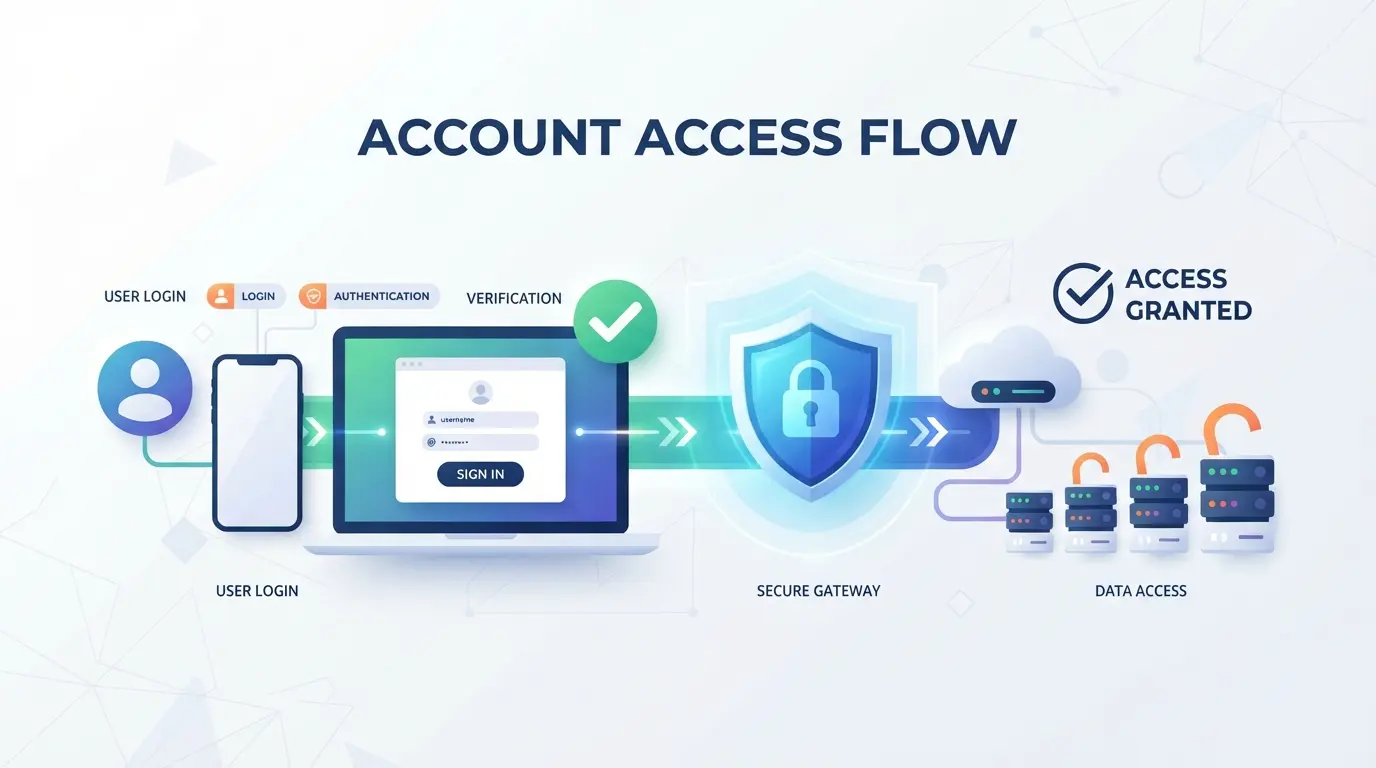
After distinguishing that this is not just a login error, what needs to be done immediately is to determine the cause. Zalo often deactivates accounts when the system sees obvious risks: abnormal login behavior, spam signs, being reported by others, or not passing the verification step. Misunderstanding the cause is very easy to lead to mishandling, and then it is more difficult to reopen.
Unusual login or persistent changes in usage environment
If an account logs in on multiple machines, multiple networks, or changes devices continuously for a short time, the system may consider it a risky behavior. This case is often encountered when you just log in on your phone, open it on another device, and then change networks continuously; from the system's point of view, that behavior is unstable and easily blocked for inspection.
Violation of Zalo's terms of use
The more common reason is that the behavior is considered spam or fake. For example, you send the same content to a bunch of strangers, add friends in a rush, or use your name and profile picture to mistake others for another person or brand. The easy point here is that it's not wrong to use Zalo for work; the problem lies in the pace and usage. A sales account can still function properly if the interaction is contextual, responds really, and doesn't repeat the message pattern too thickly. On the contrary, it's quite common for just a few batches of sending a bad message to the recipient, a Zalo account being temporarily locked or disabled.
Accounts reported by others or showing signs of hijacking
A very real example: you don't send anything unusual, but an acquaintance receives a strange message from your account, or the profile information changes itself without you touching it. At that time, the system can be locked to limit the risk, especially when there are more reports from other users.
Verification errors, incomplete information, or technical issues
There are cases that are not due to violations, but due to mismatched verification or synchronization errors.
- The phone number is no longer available when the system requires re-authentication
- Lack of data proving that you are a real account holder
- Application or server sync errors, causing account status to be incorrectly marked
Identify the right group of causes and then calculate the next step of treatment.
What should I do as soon as my Zalo account is disabled?
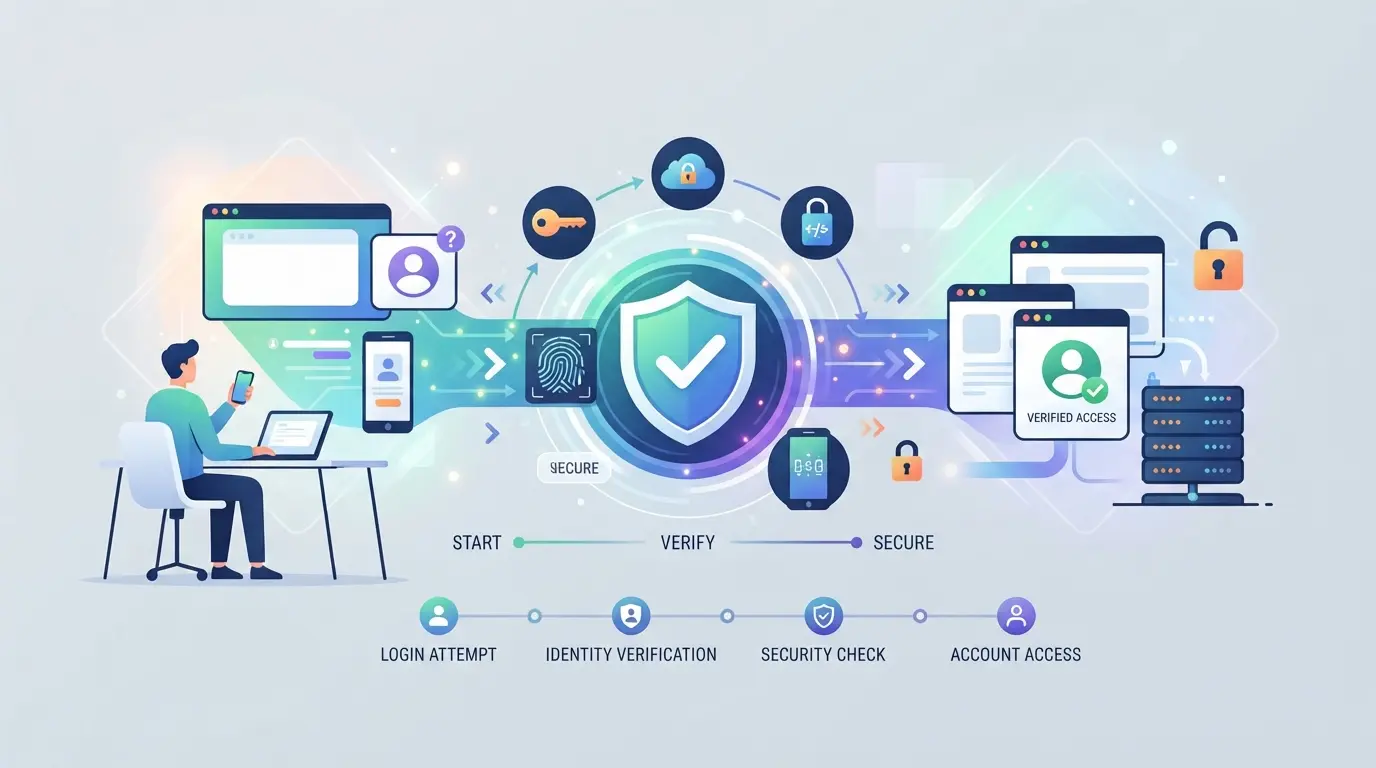
If you have just been blocked from access, do not try to log in again and do not rush to create a new account. The best thing to do now is to determine the correct type of lock, complete the open verification, and then submit a support request. This order helps you avoid losing your verification and makes your application less confusing.
Step 1: Check the notification and determine the lock type
- Open the correct notification in the app or login screen, and capture the entire content. You'll need this phrase when describing the problem.
- Clearly separate 3 situations: temporary lock, additional verification required, or complete inaccessibility. If the message only requires verification, support should not be sent immediately.
- Check if the system records a timeout or an error code. If there is a specific deadline that you still operate continuously, the temporarily locked Zalo account may be prolonged.
Step 2: Try the verification methods available in the app
- Do the right thing with one of the verification flows that pops up: phone number, photo of your document, or face. Don't switch between multiple devices if you're not asked.
- Fill in information that matches previously used data. Wrong name, wrong date of birth, or blurry photo often results in an automatic rejection.
- If you finish sending it and go back to the old screen, or report trying again later, stop there. Trying to send multiple times in a short time usually doesn't help.
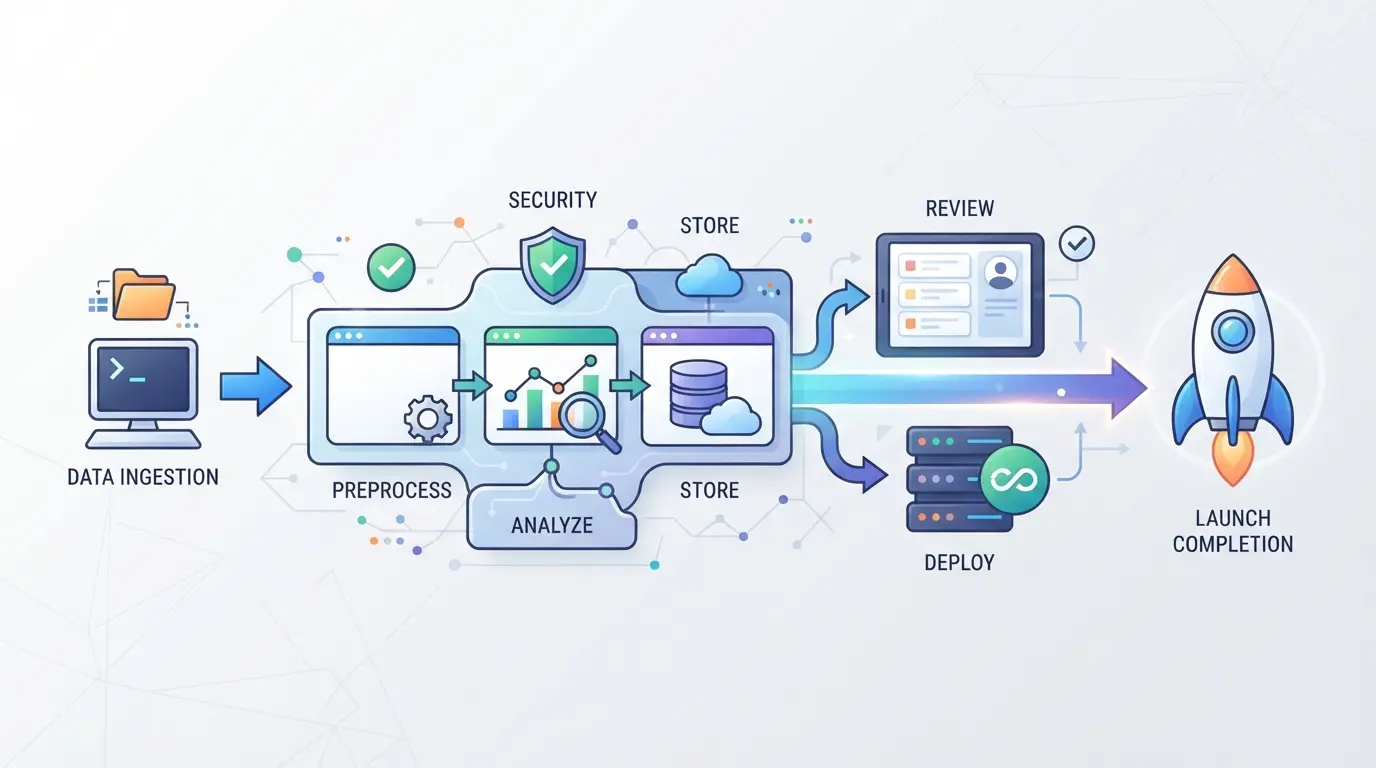
Step 3: Contact support when self-verification fails
- Prepare 4 short items: the registration phone number, the start time of the lockout, the content of the notification, and the steps you have tried.
- Only use Zalo's official support channel such as the Zalo support page. Do not send photos of documents to intermediaries.
- Write short, to the right point. If you're rambling or sending multiple of the same requests, the reconciliation is usually slower.
Step 4: Protect your phone number and device pending
- Do not give the OTP code to anyone, including those claiming to be supporters.
- If you suspect that someone else has touched your SIM or old device, change the email password and lock your device's screen immediately.
- Pause operations that are easily considered abnormal, such as logging in from multiple devices in a row.
The most difficult part lies in the fact that each type of lock needs a different way to get back the disabled Zalo account. In the following part, I separate each case so that you choose the right way to handle it.
How to recover a disabled Zalo account on a case-by-case basis
After the emergency handling step in the previous section, what you need to do now is to choose the right recovery direction. Don't try everything at once. Choosing the wrong branch often makes the record more confusing, sends duplicate requests, or causes the system to record more unusual behavior.
In case of identity verification
| Scenario |
Do's |
Slip-easy signs |
| Document Request System |
Prepare ID cards or CCCD with clear numbers, non-glare photos, information identical to previously used data if any. |
Cut-out, blurry, missing front or back |
| Face Scan Request System |
Shoot in a well-lit place, remove the mask, look straight, hold the camera at eye level |
Backlight, hand shaking, face rotation too fast |
| Submitted but not yet |
Wait for a response before sending it back; if you send it back, use a new photo to make it clearer |
Repeated submission with the same error photo |
The way to get back a disabled Zalo account in this branch usually lies in the quality of the record, not the number of submissions.
Suspected cases of lockdown due to abnormal activity
If you've just switched phones, switched networks, logged in rushed, or acted like spam, briefly explain your usage history and clearly state the device you used when submitting support. Don't keep trying to log in repeatedly while waiting; the system may interpret the risk as not over.
If you can no longer access your old phone number
If the old number is still in ownership, it is recommended to restore the SIM first and then process the account. If the number has been completely lost or transferred to someone else's name, the chances of getting it back will be lower, and you need to be prepared that you may not be able to keep all the old data.
When to create a new account instead of keeping waiting
You should only create a new one when you have determined that the old number cannot be retrieved, or the support side shows that the old account is difficult to reopen. Doing so means that you may lose your chat history, contacts, and service links.
If you use multiple accounts for work, it's worth looking at another issue: how to separate the login environment to reduce confusion between devices, sessions, and old data.
If you also operate multiple platform accounts, it is possible to separate the login environment using DICloak
After the restoration, a group of readers will realize that the problem is not in unlocking, but in the way of logging in too much. If you do social network marketing or manage a small shop on multiple platforms, you can use DICloak to separate browser and session profiles more clearly. The scope here is only the browser and proxy profile layer; it does not decide whether a disabled zalo account is reopened or not.
Separate each browser profile and fingerprint configuration for each platform account
A content manager can create a separate profile for each platform account or task group, and then name, note, and adjust browser signals such as time zone, language, user agent, or resolution in DICloak according to the browser profile document. This is suitable for keeping each session in a separate environment, rather than logging in on top of each other in the same window.

Attach user-prepared proxies to each profile when network separation is required
When a job requires network separation, the operator can enter his or her HTTP, HTTPS, or SOCKS5 proxy into each profile, and then run a test to see the exit IP, region, and time zone before saving according to the proxy configuration instructions. For example, a shop with 3 different task groups can keep each record through a checked network configuration, so that there is no confusion when reviewing login errors.

Reorganizing from here will help you better prepare information when you need to wait for a support response in the next step.
How long does it take to reopen an account and what preparations do I need to make for a faster response?
If you have submitted a request, you usually have to wait from a few hours to a few days. The clearer the record, the less lengthy the wait time is because of the back-and-forth addition.
Factors that affect processing time
Fast or slow usually depends on the type of key, whether the records you send are enough to reconcile, and the support queue at that time. Signs of hijacking or unusual logins are often examined more closely.
The set should be prepared before submitting a request
- Registered phone number and when the error started
- Screenshot of the disabling message or verification error
- Commonly used equipment, models, and short, true descriptions
When to resubmit a request or change support channels
Don't send multiple requests of the same in a matter of hours.
- Resend only after waiting reasonably without a response
- Only add when there are new photos or new information
- Keep the content consistent to avoid self-contradiction in the next step
Mistakes that make Zalo accounts difficult to recover or easily deactivated again
After sending enough information, the easiest thing to damage the record is to create more abnormal signals by itself. Many cases are not rejected immediately, but are prolonged processing or locked after opening.
Submit mismatched verification information or edit a document photo
Name, date of birth, phone number, and document photo must match. Just deviate a small detail, blurry photo, crop corners, or via an editing app, your request is easily marked as untrusted. Submit the original photo, with 4 corners, clear lighting, and keep the information consistent at every response.
Continuous test sign-in on multiple devices or different networks
This often causes the system to see more unusual behavior while the file is waiting.
- New warnings may arise, making the review period longer.
- A safer way is to keep a primary device, a familiar network, and wait for a response.
Trust unofficial unlocking services or share OTP codes
This is the most serious error. You may lose control of your account, contacts, and chat history if you give the OTP to someone else. Only work through official support channels; the following section will go into how to avoid repeating this error in the first place.
How to avoid Zalo account being disabled in the future?
After reopening the account, what needs to be done is not to change the habits through the speaker, but to completely abandon the types of use that are easily considered abnormal by the system. If the old cause has not been handled, the new account or the account that has just been restored may encounter the old error again.
Keep account information complete and easy to verify
Keep your active phone number, display name, and personal information consistent. If you change your SIM, phone, or contact number frequently without updating, it will be difficult to prove ownership when you need to verify. It's a good idea to keep a photo of the error, when it was locked, your device in use, and basic recovery information so that you don't have to recall every milestone when you send support.
Use Zalo at a natural pace and in accordance with regulations
- Don't send the same content to multiple people in a short period of time.
- Don't join too many groups and then send messages on the first day.
- Don't use names, profile pictures, or content that could easily be interpreted as fake.
Increase the security of phone numbers, devices, and login sessions
Losing the SIM or letting someone else hold the pre-logged in phone is a very often overlooked risk.
- Set a screen lock and check access permissions on the device you're using.
- Log out of unfamiliar sessions after borrowing or changing devices.
- If you see an abnormal login, change your password and review the operation immediately.
Frequently asked questions about deactivated zalo accounts
Can a disabled Zalo account be recovered?
Yes, many cases can still be recovered if you prove that the account belongs to you. Zalo often requires verification of phone numbers, devices used to log in, display name, profile picture or recent contact information. If locked out due to mistakes or security warnings, the possibility of reopening is usually higher than locking for a serious breach.
Will a disabled Zalo account lose all old messages?
It's not always lost. If you've previously backed up your chats to the cloud or still have data on your old device, your chat history can be restored after you log in again. Conversely, if you switch phones, delete apps, and don't have a backup, many old messages may not be retrieved.
Should I create a new account as soon as Zalo is disabled?
Don't do it right away. Try to restore it first to avoid losing your contacts, chat history, groups, and work links. A new account should only be created when you have identified an old number that is no longer usable or how to get your disabled Zalo account back is no longer feasible after working with official support.
After reopening, can the disabled Zalo account be locked again?
Yes. If you continue to send bulk messages, log in from an unfamiliar device repeatedly, use an unusual network, or bypass the security step, the system may relock. Once opened, change your password, enable the necessary verification, and check the devices that are signing in to reduce the risk.
When my Zalo account is disabled, should I use an external unlocking service?
Don't. These services usually require OTP, password, photo documents, or phone access. You can be scammed out of money, reveal personal information, and lose control of your account. The safest way is to work through Zalo's official support channel and keep the verification code yourself.
If you still have access, prioritize checking the cause, updating your verification information, and submitting a support request through the right channel to increase the likelihood of early recovery. If you can't reopen, you should prepare an alternate communication plan and review your account usage to avoid repeating the same error. Try DICloak for free
 Web Proxy Tools
 Free Tools
 Cookie Plugin
 UA Generator
 MAC Address Generator
 IP Generator
 IP Address List
 2FA Code Generator
 World Clock
 Anonymous Check
 WebRTC Leak Test
 UUID Generator
 Free Web Proxy Site
 Proxy Checker
 FB Ad Checker
 AI Web Scraping
 Free SMM Tools
 Twitter Shadowban Checker
 Instagram Name Checker
 UTM Generator
 Username Generator
 AI Hashtag Generator
 LinkedIn Headline Generator
 Social Media Image Resizer