One day you search for Telegram and notice it’s gone from the App Store. You’re not alone, reports of telegram removed from app store have caused confusion and frustration, especially for users who rely on Telegram for groups, work, or secure chats. When a major messaging app like this disappears, the obvious fear is whether it’s been banned, permanently blocked, or just hit by a temporary removal.
But the story isn’t as simple as a blanket ban. Telegram app store removal almost always ties back to regional legal pressure, sudden content policy disputes, or short-term compliance issues, not a global shutdown. In 2026, more users see apps vanish from app stores for hours or days, even when the service itself is still running on other platforms or devices.
If you rely on Telegram for daily communication, this kind of disruption raises hard questions. Will your existing chats stop working? Do you risk losing access if you uninstall? Is it safe to update or will the app break? Many people rush to sideload or download from unofficial sources, often making the situation worse by exposing themselves to malware or account theft.
Understanding the real reasons behind telegram not available on app store, how long removals last, and what you can do to keep your account safe makes all the difference. Here’s what you need to check first.
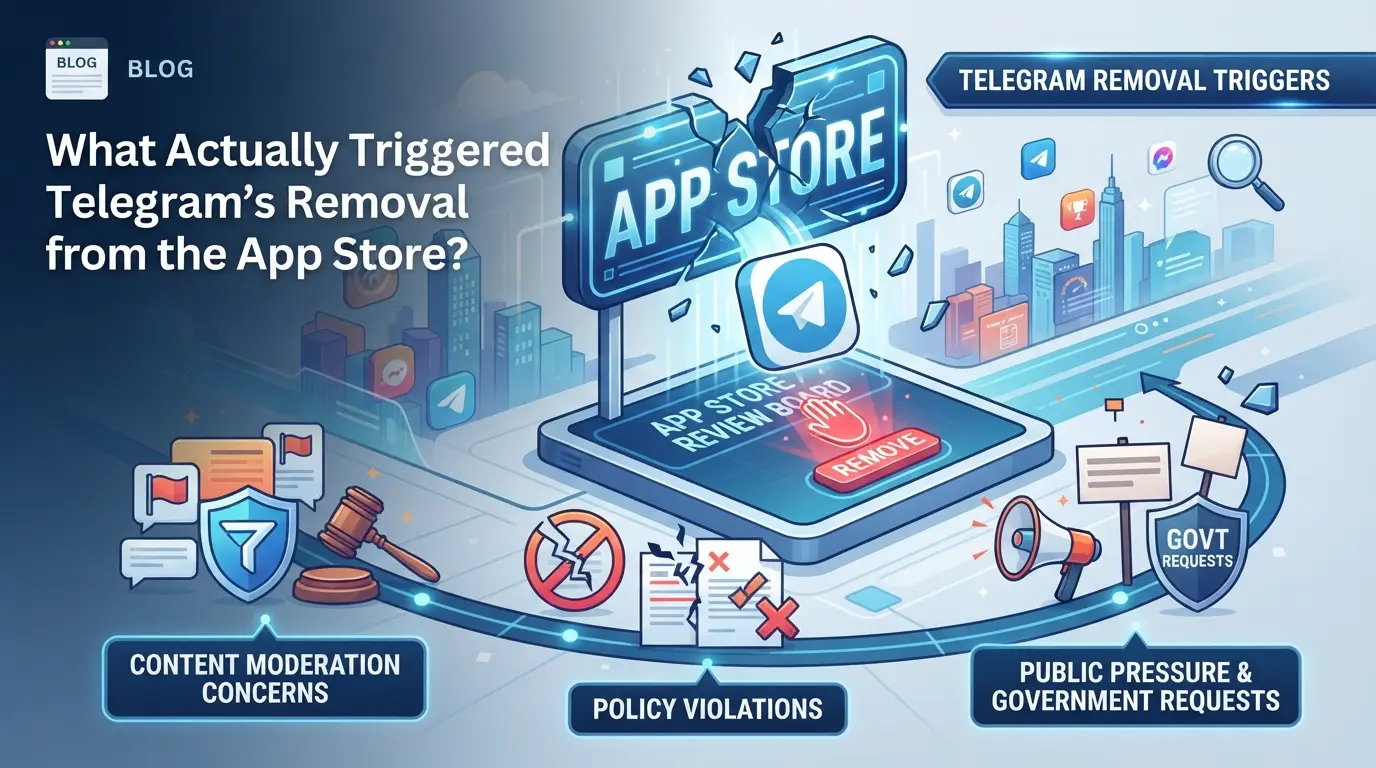
What Actually Triggered Telegram’s Removal from the App Store?
Telegram didn’t disappear from the App Store because of a technical glitch or a global block. Apple removed it after specific policy violations tied to user-generated content inside the app. If you saw the app vanish in 2026, the real reason was Apple enforcing its content rules, usually after reports of illegal or unmoderated material surfacing in Telegram’s public channels.
The Incident: Timeline and Immediate Causes
Reports started surfacing that offensive or illegal material was being shared in public Telegram groups. Within hours, Apple took action by pulling Telegram from the App Store with no advance warning for most users. Telegram’s team acknowledged the takedown publicly but said they were working to resolve the issue and restore the app as soon as possible.
Apple’s App Store Guidelines: What Counts as a Violation?
Apple holds every app responsible for moderating user content, not just for the code itself. This means Telegram has to quickly remove anything that violates local laws or App Store rules, even if the content comes from users, not the app’s creators. If Telegram fails to filter or remove objectionable material fast enough, Apple considers this a direct breach. For example, if illegal images or hate speech stay up in a public group for more than a few hours, Apple’s review team can pull the app before a formal warning is sent. The key failure point is usually the response time to flagged content, when Telegram’s moderation isn’t fast or thorough enough to satisfy Apple’s standards, removal becomes almost automatic. Apps with strong user-generated content features face more frequent reviews and stricter enforcement, since even a single missed report can trigger action. This sets up a constant tradeoff: open communication tools like Telegram risk sudden removal unless their moderation systems keep up with Apple’s expectations, which aren’t always publicly detailed.
Official Statements from Telegram and Apple
- Telegram usually says the removal was due to a “compliance issue” and promises a quick fix.
- Apple’s side references violations of its App Store Review Guidelines, focusing on content safety.
- Both companies avoid naming specific banned groups or content in public updates.
When Telegram is pulled from the App Store, users are left in limbo until the moderation gaps are addressed and Apple approves the updated app. That’s where real user risk begins, especially if you lose access or try risky workarounds. The next section covers the concrete risks you face when Telegram becomes unavailable through official stores.
What Risks Do Users Face When Telegram Is Removed from the App Store?
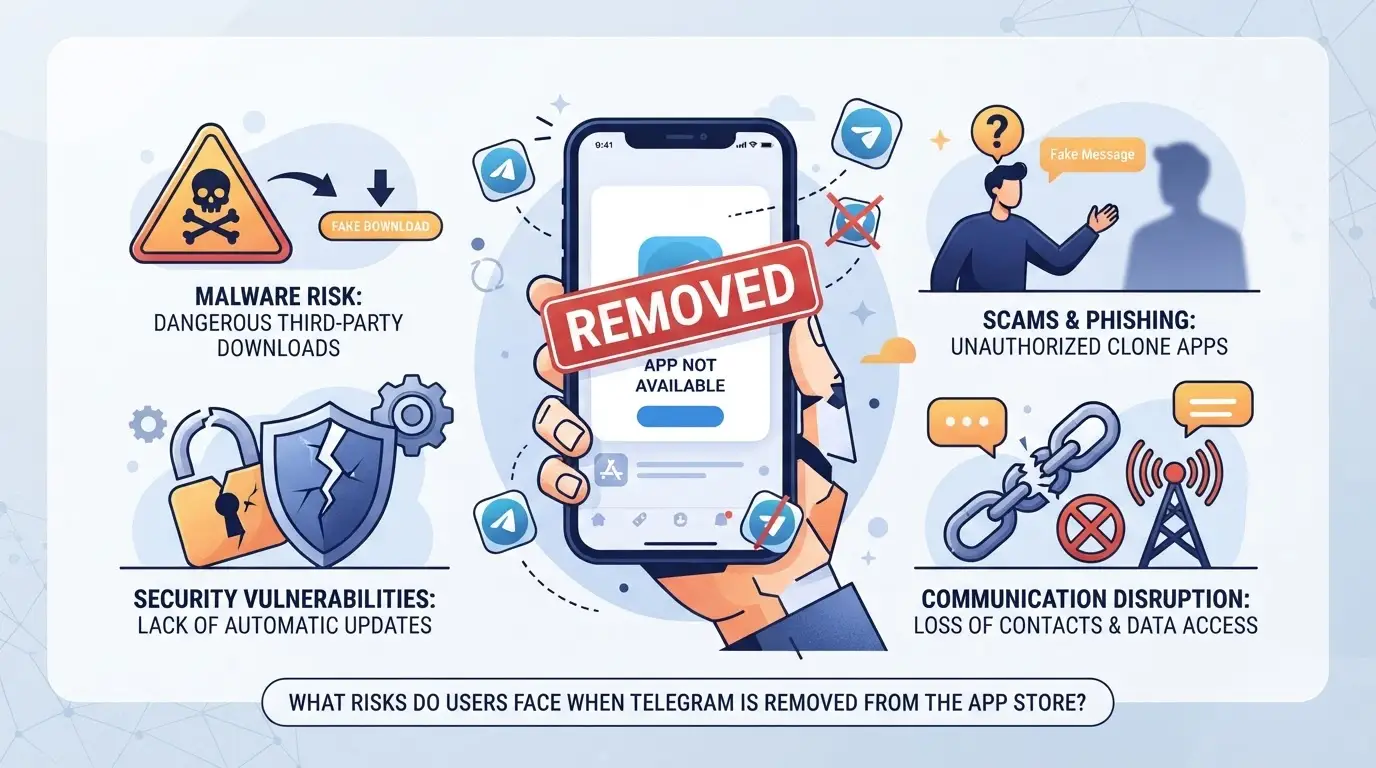
Losing access to Telegram through the App Store doesn’t mean the servers shut down, but the day-to-day risks get real fast. Users face account restrictions, possible data loss, and broken marketing workflows. The biggest headaches come from not knowing whether uninstalling or updating is safe, and missing critical messages or tools when the app store is blocked.
Account Restrictions and Data Safety Concerns
When Telegram disappears from the App Store, users risk account suspension if they attempt updates through unofficial sources. Data privacy gets shaky too, backups may fail, and chat histories can become unrecoverable if you delete the app or switch devices.
Loss of Access: Who Gets Locked Out and Why
The real trouble starts for people who need to install, update, or recover Telegram. If you’ve never downloaded the app before, you’re locked out unless you know how to sideload safely, most don’t. For long-time users, updating through unofficial channels often triggers compatibility bugs or outright app crashes. Imagine you delete Telegram thinking you can reinstall later; the app store removal means you’re stuck, and your contacts, channels, and stored files are out of reach. Even if the service continues on desktop, mobile access is the main channel for most users, and losing it cuts off real-time responses, group notifications, and security prompts. The risk isn’t just losing convenience, some accounts face new restrictions when logging in from risky sources, and password resets may not work if the app store is blocked. This is why app store removal hits new users and those with fragile setups hardest.
Workflow Disruption for Social Media Marketers
- Multi-account logins can break if backup tools rely on the official store version.
- Team chat and file sharing often stall when app updates aren’t synced across devices.
- Scheduled posts or campaign alerts may fail if Telegram’s notification system stops working mid-removal.
The biggest risk for marketers is that even temporary app store removal can leave teams scrambling to restore access, losing hours on reinstall attempts, and missing critical launches. What’s worse, forced workarounds like sideloading from random sites usually lead to malware or stolen accounts, fixing that takes longer than waiting for the app to return.
If Telegram not available on app store, users should not rush to sideload or update. Waiting out the removal is usually safer than risking account lockout or file loss. The next step is knowing which practical moves to make, especially if your business relies on Telegram for daily operations.
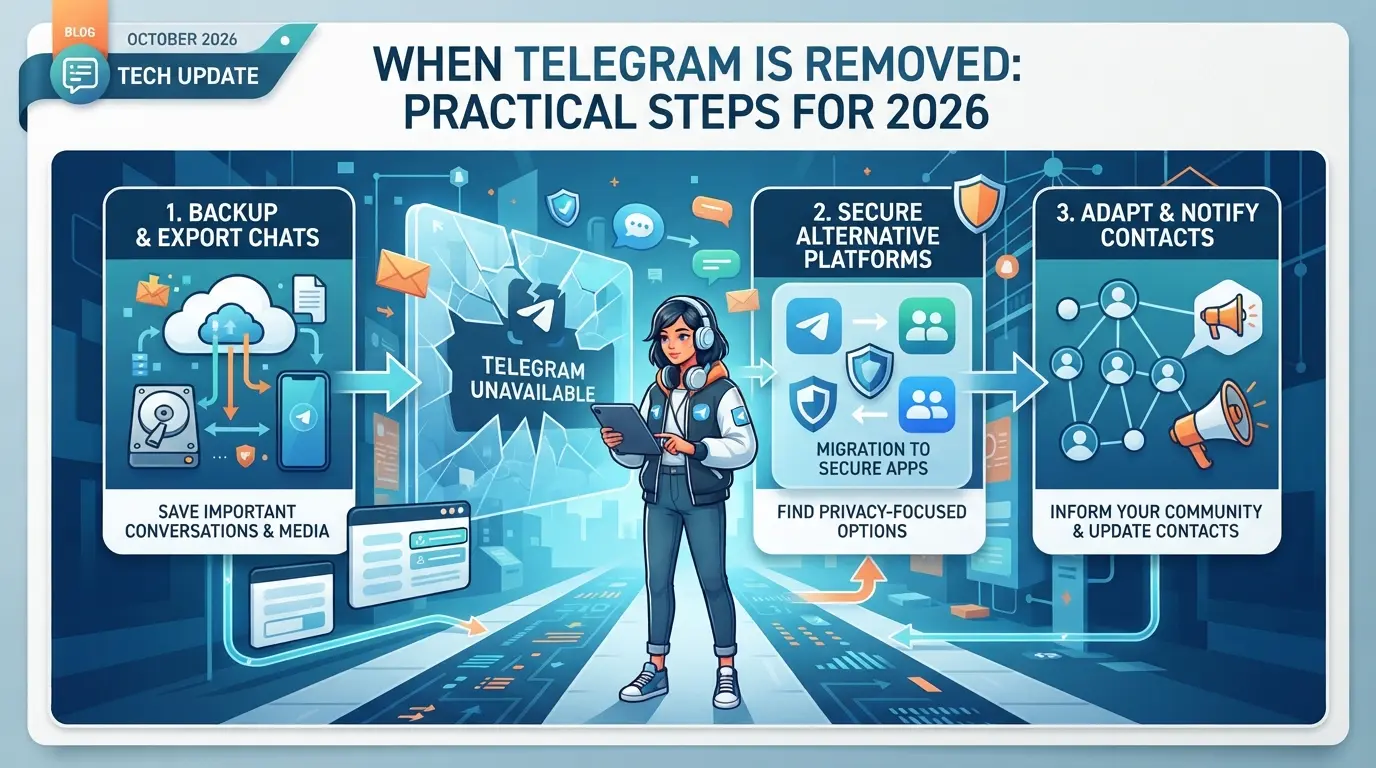
How Can Users Respond When Telegram Is Removed? Practical Steps for 2026
When Telegram disappears from the App Store, you won’t lose chat access right away, but you do need to act fast to avoid bigger problems. Instead of waiting until you’re locked out or stuck on a broken app, take these steps to protect your data and keep your account running.
Backup Your Telegram Data and Chats
- Export important chats: Use Telegram’s built-in export tool on desktop to save messages and media. If you skip this, group conversations or media may be lost if your app stops working.
- Store your login details securely: Write down your Telegram phone number and make sure you have access to your primary recovery method (SMS or email). If you forget or lose these, password resets can fail, especially if the app is gone from the store.
- Check for active sessions: Go to Settings > Devices and review where your account is logged in. End any unknown sessions. If you miss this step, someone else could keep access even after you change devices.
Update or Reinstall: What Works and What Doesn’t
- Do not delete the app: Removing Telegram from your phone means you can’t reinstall it from the App Store until it returns.
- Avoid unofficial APKs or sideloaded apps: These sources often carry malware and put your account at risk.
- Delay updates if possible: Some updates may force a re-login, which will fail if the app store listing is missing.
Alternative Access Methods for Telegram
Even when the mobile app vanishes, Telegram’s web and desktop versions usually keep working. Here’s what to check:
- Log in at web.telegram.org using your phone number.
- Download the official desktop app from telegram.org.
- If you use a proxy, keep your proxy settings up-to-date, outdated proxies can block login or break your sessions.
Taking these steps right after telegram removed from app store can prevent account loss and keep your workflow running, but gaps, like missed backups or unsafe downloads, often hit hardest for social media marketers and team operators.
Why Social Media Marketers Are Especially Vulnerable When Telegram Is Removed
Losing access to Telegram isn’t just a hassle for social media marketers, it can break daily operations. Teams that depend on Telegram for campaign coordination, content drops, or real-time updates face a sudden workflow freeze, while individual marketers risk losing key connections or account links.
Multi-Account Management Risks
Marketers often run multiple Telegram accounts to segment audiences or manage different brands. When the app vanishes from the store, account switching or recovery gets risky, especially if you’re forced to sideload or use unofficial sources. One wrong install can expose all credentials, not just a single account. If Telegram is your main link to certain marketing channels, a lost or locked-out account can mean missing deadlines or losing reach for days.
Team Collaboration and Workflow Breakdown
A sudden app store removal exposes teams to a different set of risks. Shared devices might force team members to stay logged in longer than planned, raising the chance of permission mix-ups or accidental leaks.
- Shared logins can leave sensitive brand accounts open on personal phones if team members scramble for backup access.
- The safer move: restrict critical actions to pre-approved devices and document backup channels before any crisis, so you’re not improvising during downtime.
Workflow breakdowns usually hit hardest when platform access is tightly coupled to one app, so having even a basic backup plan can keep a campaign from stalling completely. This sets up the next step: how teams can manage accounts more safely when the app store is no longer an option.
Using DICloak to Keep Telegram Account Workflows Safe After App Store Removal
When the telegram removed from app store event hits, social media teams face an immediate gap: normal app updates and installs stop, but daily work on Telegram accounts still needs to move forward. If your team runs multiple accounts, whether for client campaigns, support, or community management, the risk is higher. Shared devices, overlapping browser sessions, and mixed storage can expose accounts to accidental linking or workflow breakdown. DICloak doesn't manage Telegram’s app or decide platform outcomes, but it gives teams the tools to separate browser profiles and control network connections for each account. Here’s how operators can use DICloak to keep Telegram workflows organized and lower the chance of trouble during app store outages.
Isolate Telegram Accounts with Separate Browser Profiles and Fingerprint Settings
The real issue isn’t just app access, it’s keeping account sessions apart so past activity, login cookies, and browser fingerprints don’t cross-contaminate. Operators can create a new DICloak browser profile for every Telegram account, storing each one’s login and session data in its own environment. This means browser signals like User Agent, OS, time zone, and language are configured per profile, not across all accounts. For teams with five or more accounts, setting up separate browser profiles with unique fingerprint settings is the most reliable way to prevent session overlap and reduce accidental account linking. What happens if you skip this? Two accounts logged in from the same browser storage can leak cookies or identifiers, triggering platform review or even lockout. DICloak keeps the scope limited to browser-profile management; it does not handle Telegram’s platform controls or content.

User-Provided Proxy Configuration for Assigned Profiles
Keeping accounts apart in the browser is only half the job. Network exit points matter just as much, especially when Telegram banned on app store events force teams to use web versions or sideloaded apps. Operators can assign a custom proxy to each Telegram account profile in DICloak, configuring the host, port, username, and password. Before connecting, operators test the proxy to check the detected IP, country, and time zone, making sure the connection fits the assigned workflow. If you run all sessions through the same network, you risk exposing all accounts to the same platform detection or region-based triggers. By controlling proxy settings per profile, teams can maintain privacy for each account and keep workflows running even when the app isn’t available. The scope here is limited to proxy setup and connectivity checks; DICloak does not supply proxies or guarantee platform outcomes.
As teams keep adapting, it’s easy to make mistakes that undo this careful setup. The next section covers the most common errors and risks when Telegram disappears from the app store and operators scramble to restore access.

What to Watch Out for: Common Mistakes and Risks After Telegram’s Removal
When Telegram disappears from the App Store, the most common mistakes happen in the rush to “fix” access, usually making the situation worse or risking account loss.
Using Untrusted Sources for App Reinstallation
Grabbing a Telegram APK or installer from random sites can open the door to spyware, fake apps, or hidden malware. Even “official-looking” Telegram files sometimes contain code that steals login data or intercepts messages. The fastest way to lose your account is to sideload from an unverified source, one wrong download can compromise device security for months.
Sharing Accounts Across Devices Without Isolation
Moving Telegram sessions between devices without proper isolation creates tracking and lockout risks. Sharing the same account on your phone and a secondary device (like a PC or emulator) can trigger detection or privacy leaks.
- Only add new devices through Telegram’s official in-app flow, not by copying files.
- Never sync Telegram folders or session files using cloud drives.
- If you must move an account, reset sessions from the original device after the transfer.
Checklist: Common Pitfalls to Avoid
- Don’t uninstall Telegram unless you have a backup installation ready.
- Skip “modded” or patched Telegram builds, even one install can expose you.
- Never type your login code or recovery info into any site except Telegram’s official app or web login.
Rushing these steps often means a simple outage turns into permanent account loss.
When Telegram Returns: How to Safely Restore Your Workflow and Accounts
When the telegram app store removal ends, you need to get back online without risking your accounts or workflow.
Restoring Official App Access
- Download Telegram only from the official App Store listing, third-party downloads can carry malware or outdated builds.
- If your device prompts you to update, check the app publisher matches “Telegram FZ-LLC”. Any mismatch means you got the wrong file; uninstall and start over.
- Avoid using old sideloaded versions. These often break after an app store re-release, leading to login failures or buggy notifications.
Reconnecting Accounts and Updating Profiles
- Log in using your original phone number, skip “restore” links unless you see a warning that your session expired.
- Check all synced chats and folders. If any are missing, force a manual refresh in settings.
- Review your profile and privacy settings. If app permissions changed after telegram not available on app store, reset two-factor authentication and check blocked contacts for errors.
Frequently Asked Questions About telegram removed from app store
Is Telegram permanently banned from the App Store in 2026?
Telegram banned on App Store is usually not forever. Most removals are temporary and depend on whether the app meets Apple’s guidelines. If Telegram fixes policy violations, it can return to the App Store. Past removals, like in 2018 and 2021, were resolved after Telegram addressed content or privacy concerns.
Can I still use Telegram if I already have it installed?
If you had Telegram installed before it was removed from the App Store, you can keep using it. However, you won’t get app updates or official support. This means you might miss new features or security fixes, and some services could stop working if Telegram changes its systems.
How can social media marketers protect their Telegram accounts after removal?
To protect accounts after telegram app store removal, marketers should use separate devices for Telegram work, connect through trusted proxies, and back up chat histories regularly. This reduces risk if the app becomes unavailable again and keeps data safe from sudden disruptions or bans.
Are there safe ways to access Telegram without the App Store?
Yes, you can use Telegram’s official web version or desktop apps for Windows and Mac. These are safe and supported by Telegram. Avoid downloading unofficial mobile apps or APKs from random sites. They might harm your device or steal your account information.
Does using proxies guarantee account safety on Telegram?
Using proxies helps hide your device and location, but it doesn’t guarantee safety on Telegram. Proxies reduce the risk of accounts being linked together, but they can’t bypass platform bans or protect against Telegram’s own security checks. Always follow Telegram’s rules to keep your account safe.
If you rely on secure messaging for your daily communications, it’s important to explore alternative platforms that uphold privacy and reliability. Consider options that offer end-to-end encryption and maintain accessibility regardless of marketplace restrictions. Try DICloak For Free
 Web Proxy Tools
 Free Tools
 Cookie Plugin
 UA Generator
 MAC Address Generator
 IP Generator
 IP Address List
 2FA Code Generator
 World Clock
 Anonymous Check
 WebRTC Leak Test
 UUID Generator
 Free Web Proxy Site
 Proxy Checker
 FB Ad Checker
 AI Web Scraping
 Free SMM Tools
 Twitter Shadowban Checker
 Instagram Name Checker
 UTM Generator
 Username Generator
 AI Hashtag Generator
 LinkedIn Headline Generator
 Social Media Image Resizer