Most teams hit a wall managing social media when switching between accounts triggers bans or locks. One agency in Berlin lost access to three Instagram profiles after logging in on a shared laptop, just because the platform flagged overlapping device fingerprints. Handling more than two accounts on platforms like Facebook or TikTok can quickly feel like walking through a minefield. The real problem isn’t just remembering passwords or juggling schedules; it’s avoiding detection, keeping each account’s activity natural, and not letting one mistake cost you all your profiles.
Searches for how to manage multiple social media accounts have jumped as marketers and small businesses try to keep up with fast-moving campaigns. Tools like DICloak now let users run several accounts safely on one device, using unique browser fingerprints and isolated profiles, so each account stays independent. That’s a big shift from copy-pasting passwords or using incognito windows, which often leave tracks platforms can spot. Managing multiple social media profiles only gets trickier if you want to automate likes, comments, or content posting without triggering platform limits.
This step-by-step guide breaks down real-world ways to handle several social accounts, covering safe login workflows, automation, and how to avoid common traps. It’s built for anyone tired of getting accounts flagged, wasting hours on manual tasks, or worrying about security. Read on to see how teams and solo marketers keep their accounts active and safe.
Why Managing Multiple Social Media Accounts Gets Risky Fast
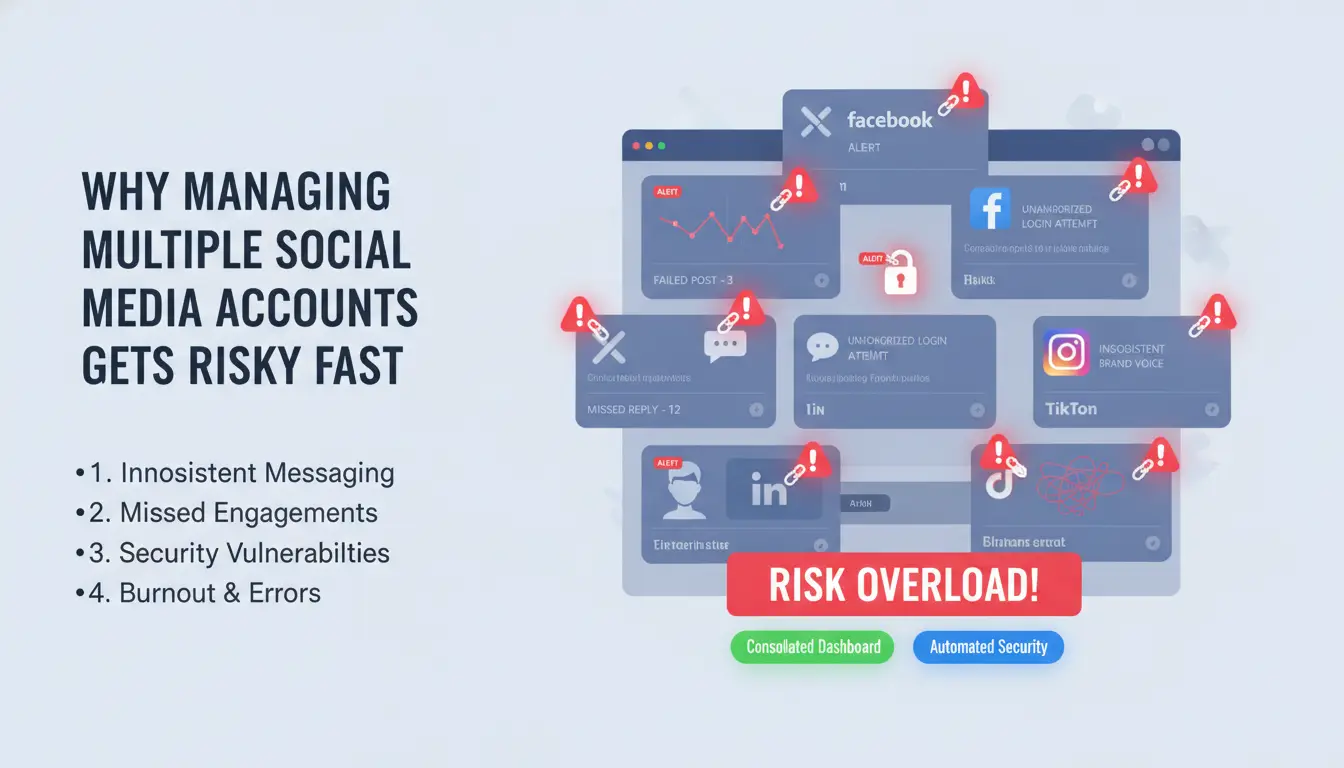
Running several social media accounts at once sounds simple, but real problems show up fast. Most people who search for how to manage multiple social media accounts have hit at least one wall, whether it’s an unexpected ban, a sudden block, or just struggling to keep up. It’s not just about having more logins; every extra account brings new risks that can cost you time, money, and access.
What Usually Goes Wrong When Juggling Many Accounts
Trying to handle several social accounts by hand gets messy fast. People often mix up logins, reuse passwords, or forget which account is logged in where. This leads to two big issues:
- Account bans and platform restrictions: Platforms like Facebook, Instagram, and Twitter/X watch for “unusual activity.” If you log into many accounts from the same device, or switch between accounts too quickly, their systems can flag you. Sudden account suspensions, shadowbans (where your posts stop getting seen), and forced phone number checks become common.
- Burnout from manual switching and lost productivity: Copy-pasting passwords, switching browsers, or using incognito windows eats up hours. You can easily lose track, post from the wrong account, or miss important replies. For teams, the risk doubles, one mistake can get several accounts restricted.
Why Platforms Detect and Penalize Multi-Account Activity
Social platforms have strict rules about “authentic behavior.” They use several signals to spot when one person is running lots of accounts:
- IP, device, and fingerprint tracking: Sites track your IP address, browser fingerprint, screen size, and even the fonts installed on your computer. If several profiles log in from the same setup, that’s a red flag. Facebook’s help center explains how they track suspicious logins.
- Patterns that trigger suspicion: Fast account switching, posting the same content, or using the same recovery info gets noticed. Even small things, like keeping cookies from different accounts mixed, can lead to detection.
Most people searching how to handle several social accounts want a safer way. Using tools that provide isolated browser profiles and unique fingerprints, like DICloak for social media marketing, can sharply reduce these risks.
What to Prepare Before Adding More Social Media Accounts
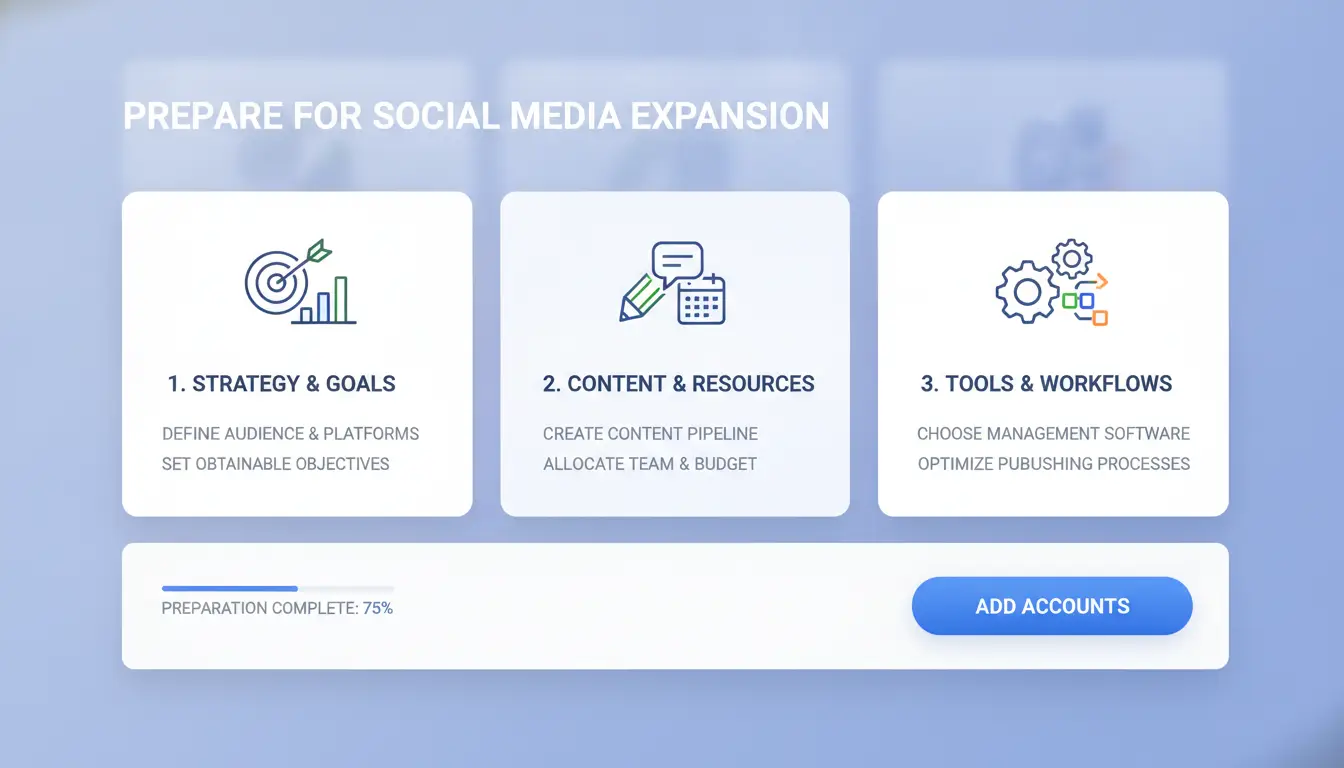
Jumping into extra accounts without a plan often leads to wasted time, lost passwords, or getting flagged for “strange” activity. Before you try any guide on how to manage multiple social media accounts, set the right groundwork, missing these basics nearly always causes mistakes that are hard to fix later.
Setting Clear Goals and Roles for Each Account
Not every account should do the same thing. Decide if each account is for your main brand, a client, a campaign, or a niche market. Write this out, even if it’s just a simple spreadsheet. That way, you avoid mixing up tasks or posting the wrong content.
Assign who will manage each profile. Some accounts need daily posts, others just need to watch trends or answer questions. Limit access, only give login details to people who really need them. For team-based managing multiple social media profiles, tools with permission controls help keep track of who did what.
Choosing the Right Devices, Browsers, and Proxies
Running all your accounts on one browser or device is risky. Social platforms like Facebook, Instagram, or TikTok can spot when several accounts share the same “fingerprint” or login pattern. That’s how bans or shadow restrictions happen.
You can use different browser profiles, separate devices, or proxies to give each account its own digital “identity.” For example, DICloak’s multi-account tools create a unique browser profile for every login. This keeps accounts independent and helps you handle several social accounts on one device without getting flagged.
Here’s a quick gear comparison:
| Method |
Risk of Detection |
Best Use Case |
| Same browser, no proxy |
High |
Not recommended |
| Browser profiles + proxy |
Low |
Multi-account management |
| Separate devices |
Low |
High-value accounts |
Table compares risk in multi-account social media management. Source: Meta Business Help Center
Before you add new accounts, double-check your setup. This saves headaches and keeps your profiles active.
How to Organize Content and Scheduling Across Multiple Platforms
Managing multiple social media profiles gets messy fast unless you build a simple, repeatable workflow. The real challenge isn’t just posting, the hardest part is keeping content consistent across platforms without wasting hours or risking mistakes. If you’re searching for how to manage multiple social media accounts, you’ll want a system that lets you plan, adapt, and post without losing track of campaigns or having accounts flagged.
Building a Unified Content Calendar
Start by mapping out key dates, such as product launches, holidays, or events, then set up a calendar that covers all platforms. Google Sheets, Trello, and Notion are popular for tracking campaigns because you can share them with your team and update them in real time. Make separate rows or boards for each platform so you don’t miss platform-specific trends or requirements. Cross-posting can save time, but you’ll need to tweak content for each site. For example, Instagram prefers visuals, X (Twitter) favors short text, and LinkedIn rewards longer posts.
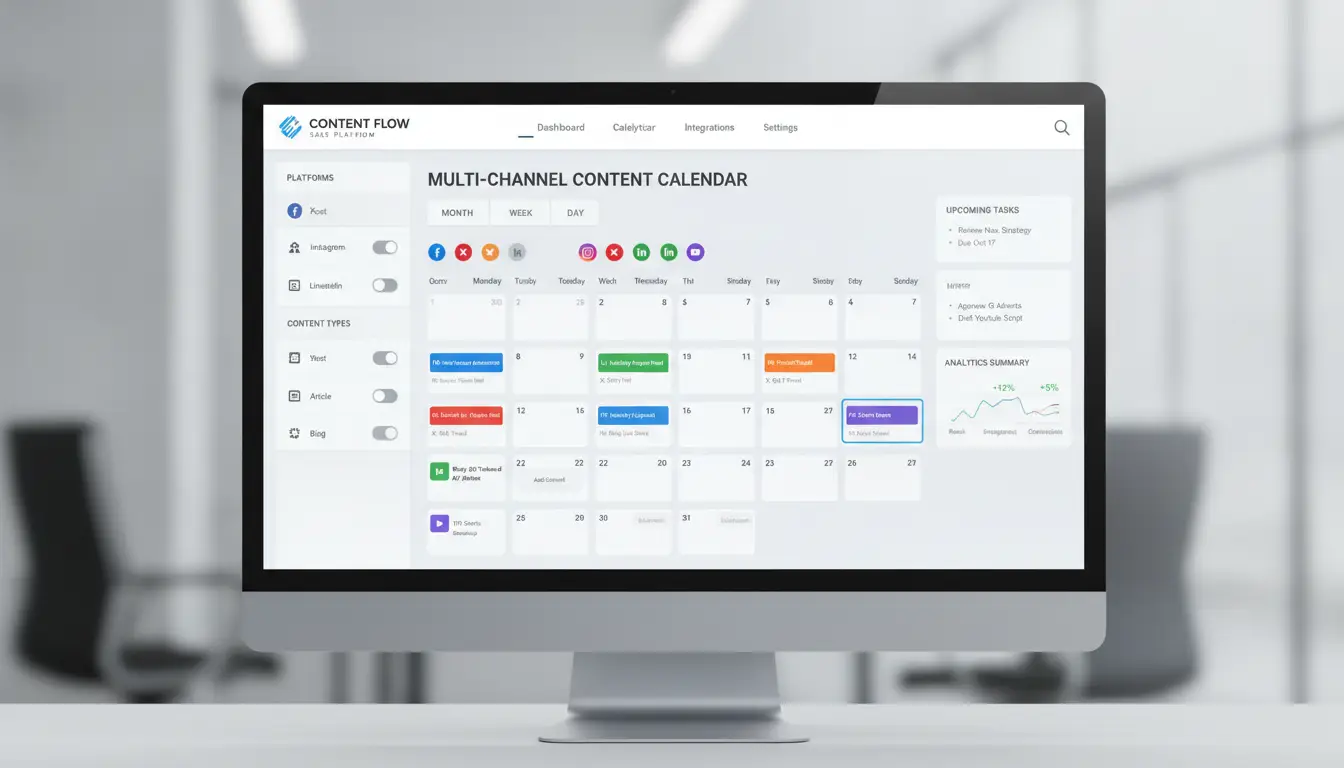
Keeping everything in one place means you avoid last-minute scrambling. You can spot gaps, balance content types, and keep the posting schedule steady, even if you handle several social accounts at once.
Repurposing and Automating Content for Efficiency
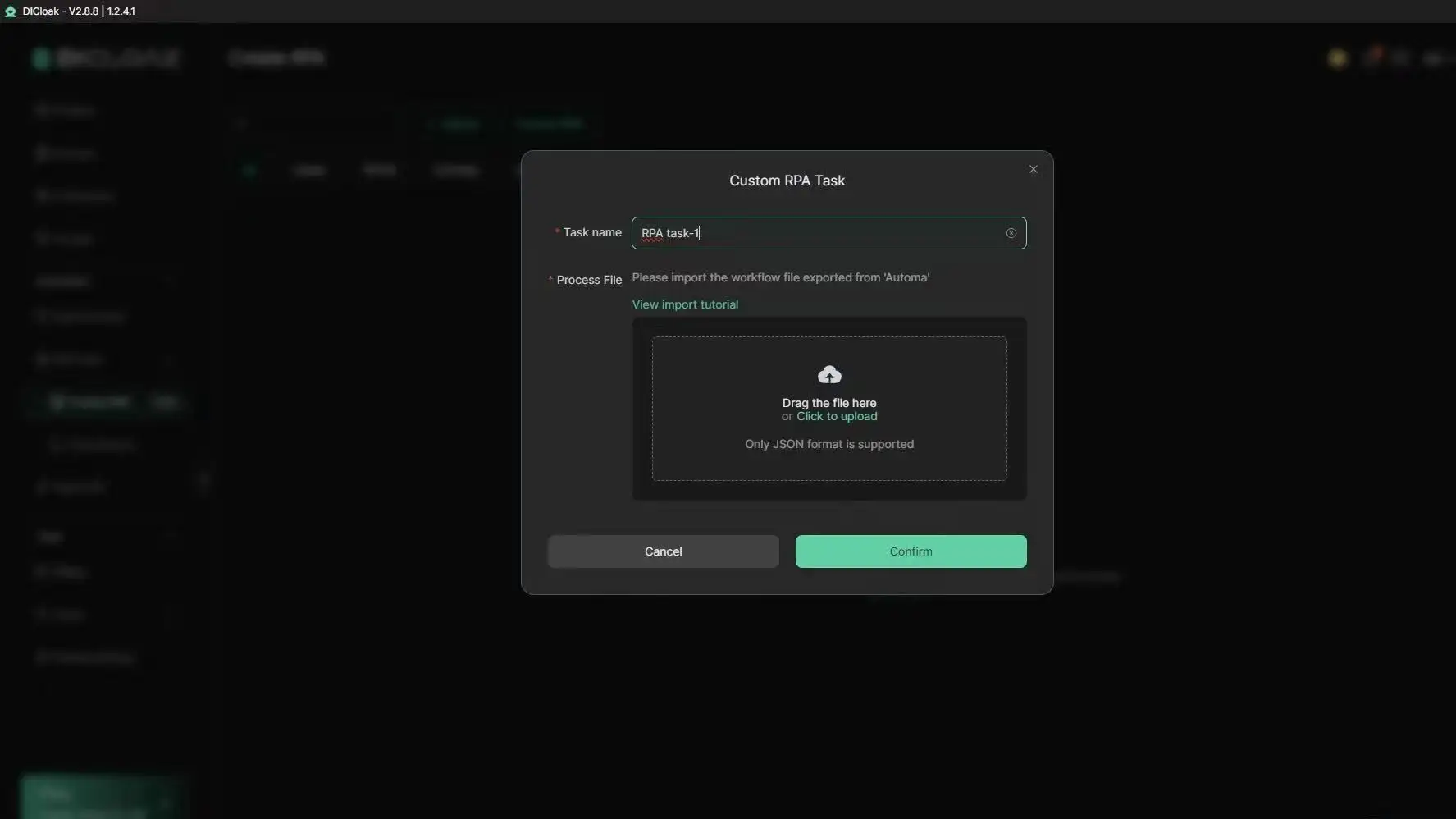
Adapting posts for different platforms saves time and keeps your messaging clear. Instead of rewriting every post, use templates, like a batch of captions or image formats, to fit each platform’s style. Tools such as Buffer and Hootsuite let you schedule posts across accounts with one click. For multi-account social media management, DICloak’s RPA lets you automate likes, comments, or posting tasks using plain language instructions. The biggest time-saver is automating routine actions, so you spend less time on manual posting and more on creative work.
Batch scheduling not only prevents missed posts, it helps you keep your accounts active without risking duplicate content or platform bans.
Common Mistakes That Trigger Account Restrictions or Bans
Handling several social accounts gets risky fast if you skip the basics. Most bans and restrictions don’t come from bad luck, they come from small mistakes anyone can make. Knowing these patterns is the quickest way to stop losing accounts. Below are the real-world traps that trip up people learning how to manage multiple social media accounts.
Mixing Up Logins and Leaving Digital Footprints
Platforms like Facebook and Instagram track device IDs, browser cookies, and IP addresses. If you log in to two profiles from the same browser or device, the site can link them. That’s called cross-contamination. Even clearing cookies or using incognito mode won’t fully hide your tracks. Teams that share devices or switch accounts without isolated profiles often get flagged.
The most critical step is separating each account’s digital environment. Tools such as DICloak for Social Media Marketing let you assign unique browser fingerprints and proxies to every account. That means you can keep managing multiple social media profiles without platforms connecting the dots. This reduces the risk of mass bans, which can wipe out your whole setup.
Over-Automation and Suspicious Activity Patterns
Social platforms have strict limits on posting, following, and engagement. For example, Twitter/X may restrict accounts that follow too many users in a short time. Using bots or scripts to automate likes, comments, or posts can trigger alarms. Real users spread actions out, interact with different content, and keep patterns random.
If you want to handle several social accounts safely, mimic real behavior. Set delays between actions, vary engagement types, and avoid posting the same content across all profiles. Multi-account social media management works best when each account acts like a unique person, not a robot. You can use DICloak’s RPA automation to describe tasks in plain language and let the tool mimic natural activity, staying under platform radar.
How Teams Can Share Access to Multiple Accounts Without Losing Control
Sharing access for team-based social media work gets risky if you rely on simple password lists. The moment two people log in from different locations, you might trigger a lockout or get flagged. Keeping control starts with clear access rules, using the right tools, and setting up workflows that actually fit how teams move fast.
Best Practices for Sharing Credentials and Permissions
Passing logins around in chat apps is a recipe for leaks. Password managers like 1Password or Bitwarden let you share access without revealing the actual password. For multi-account social media management, setting roles is even safer, give some people posting rights but keep recovery info with a trusted owner. For higher-risk accounts, turn on audit logs so you know who made what change and when. Never share the main recovery email or phone unless you fully trust the person.
| Method |
Security |
Ease of Use |
Audit Trails |
| Chat app sharing |
Low |
High |
No |
| Password manager |
Medium |
Medium |
Limited |
| Role-based access (DICloak) |
High |
High |
Yes |
Table: Comparison of credential sharing methods (see 1Password, DICloak)
Coordinating Tasks and Communication Across Team Members
When several people post or reply as one brand, things get messy fast. Approval workflows, like drafts that need a check before posting, help you avoid embarrassing mistakes or off-brand content. Track what changes, who did it, and when. Tools such as DICloak let you set team permissions, review logs, and manage profiles, so you always know who’s responsible for each action. This keeps managing multiple social media profiles safe, clear, and under control.
How DICloak Makes Multi-Account Social Media Management Safer and Easier
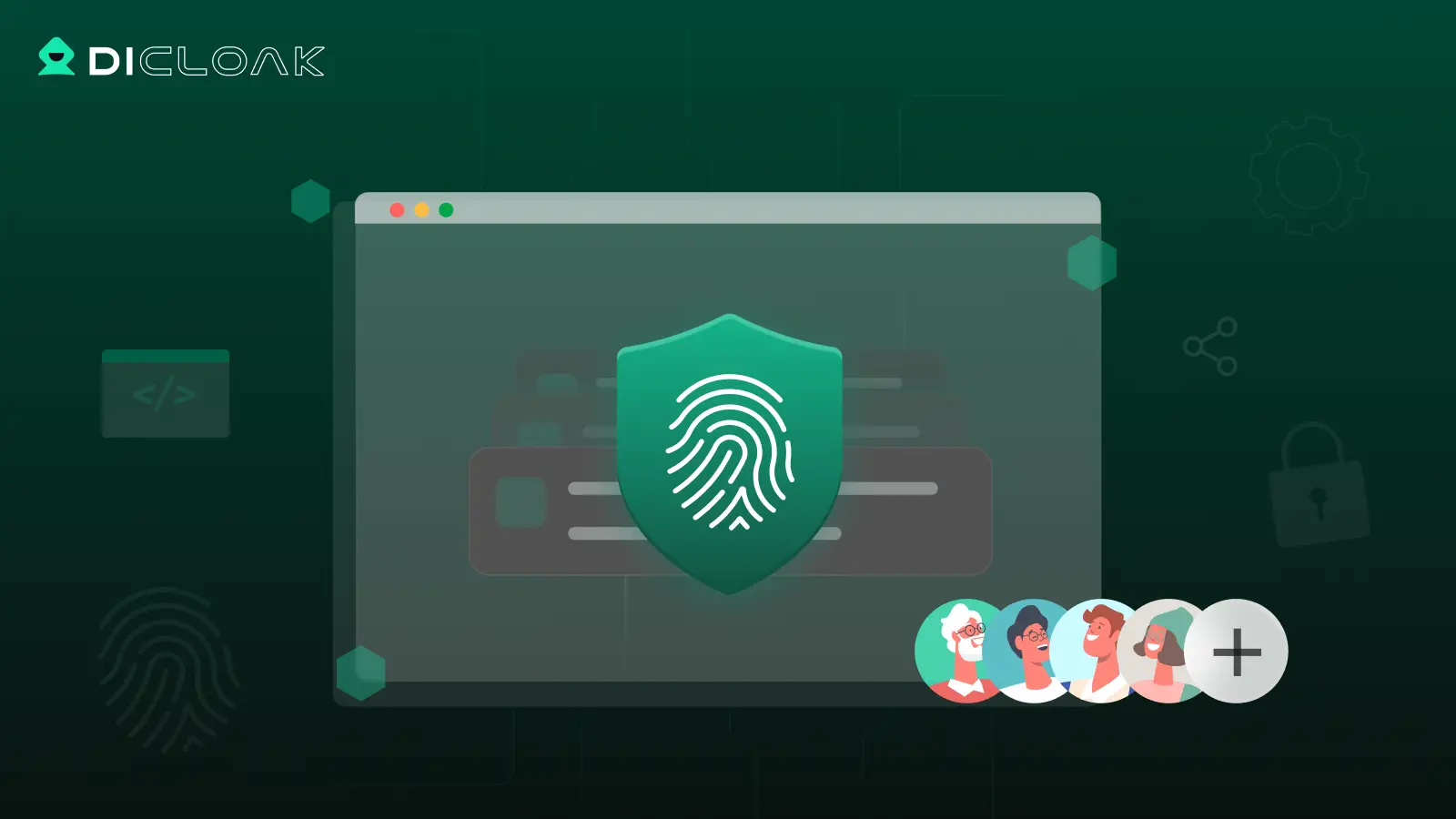
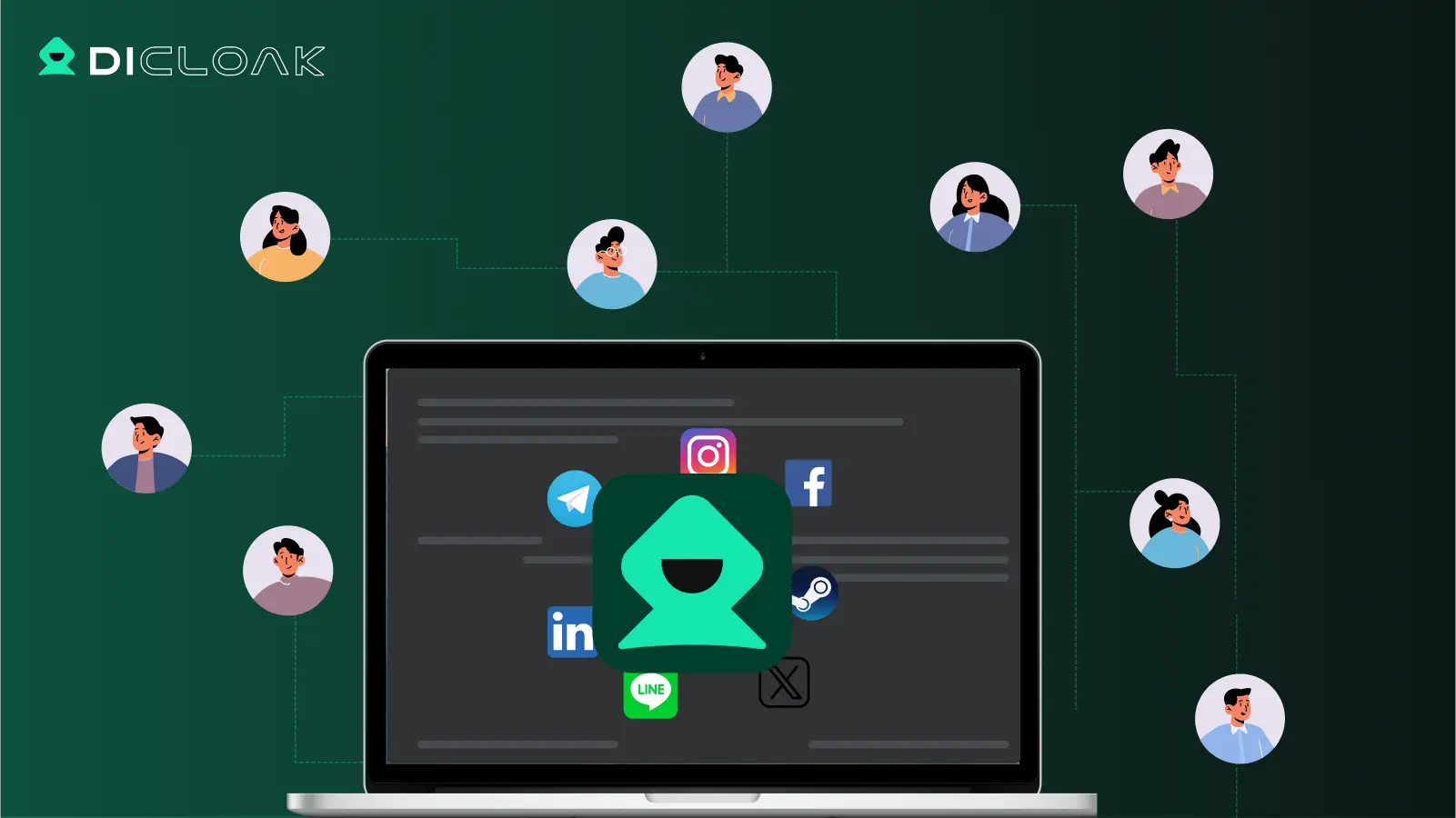
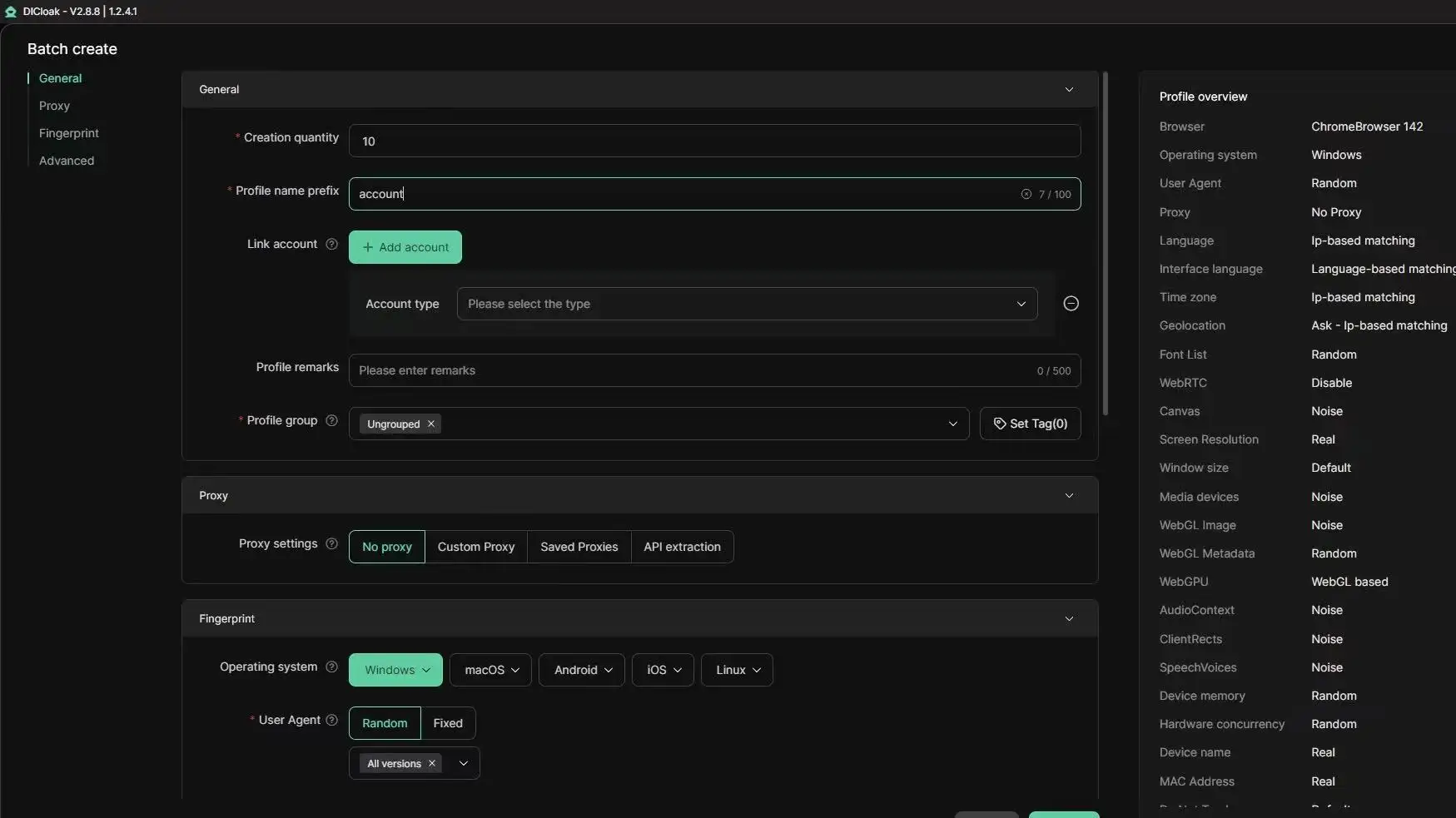
Managing multiple social media profiles can get messy fast, platforms often flag accounts using the same device or browser. Tools like DICloak give each social account its own isolated browser profile and custom fingerprint, so accounts don’t share digital traces. You can assign a unique proxy and device settings to every profile, which helps prevent bans and keeps accounts separate.
Isolated Browser Profiles and Custom Fingerprints for Each Account
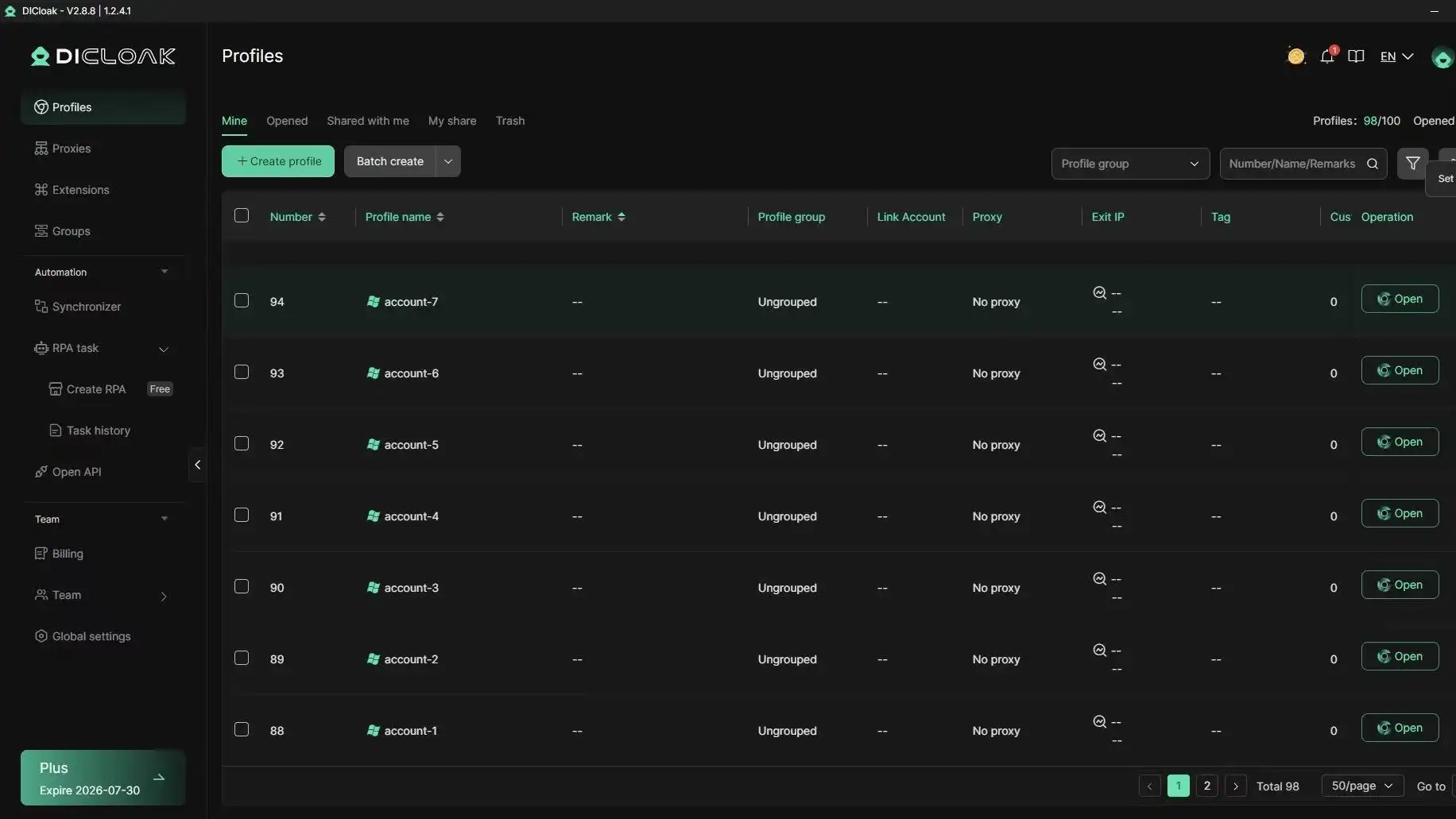
DICloak lets you set up hundreds of profiles on one device, each with its own fingerprint and proxy. This stops platforms from linking your accounts, which is a common risk in multi-account social media management.
Team Collaboration, Permission Control, and RPA Automation
You can securely share account profiles with team members and control who can access each one. RPA automation handles repetitive tasks, like posting or liking, and logs all actions, reducing manual errors. This makes handling several social accounts as a group much safer.
Scaling Up: Managing 100+ Accounts on One Device
Bulk actions, cloud sync, and multi-device access mean you can manage hundreds of accounts without chaos. The workflow solves how to manage multiple social media accounts for agencies or teams that need scale without risking bans.
How to Monitor Performance and Adjust Your Multi-Account Strategy
Keeping track of your results is what separates random posting from real growth. If you run several social accounts, whether for a brand, agency, or solo project, tracking performance is the only way to spot what works, what flops, and where you’re wasting effort. Knowing how to manage multiple social media accounts means you can catch problems early and shift your plan before they cost you followers or budget.
Consolidating Analytics Across Platforms
Juggling data from Facebook, Instagram, TikTok, or Twitter/X gets messy fast. Unified dashboards, like Hootsuite or Sprout Social, pull stats into one place. You see likes, comments, shares, follower growth, and even ROI side by side, so you don’t have to check each app. These tools support managing multiple social media profiles, helping you track engagement trends and compare platforms.
Here's a simple table comparing reporting features:
| Tool |
Platforms Covered |
Dashboard Type |
ROI Tracking |
| Hootsuite |
FB, IG, Twitter/X, TikTok |
Unified |
Yes |
| Sprout Social |
FB, IG, Twitter/X |
Unified |
Yes |
| Native Apps |
Single platform |
Separate |
No |
Table source: hootsuite.com, sproutsocial.com
The most important step is setting up clear metrics, like engagement rates and follower growth, to spot early signs of trouble.
When to Adjust Content, Timing, or Account Mix
If one account drops in likes or comments, don’t just wait. Review content style, posting time, and even platform choice. Sometimes, testing a new content format or posting at a different hour will lift engagement. If a platform keeps underperforming, shift focus or try another channel.
For multi-account social media management, keep an eye on which accounts deliver the best ROI. Drop or rework accounts that lag behind. If you need to scale up, tools like DICloak help you safely test new platforms without risking bans. This way, you stay flexible and keep results strong.
When Scaling Up Stops Making Sense: Signs You Need to Simplify
Not every social media account adds value as your operation grows. Tools and guides on how to manage multiple social media accounts make it easy to open new profiles, but more does not always mean better. Sometimes, running too many accounts spreads your attention thin and hurts results.
Warning Signs of Overextension
A sudden drop in engagement is one of the first red flags. If likes, comments, or shares fall even as you post more, your audience may be tuning out. Watch for return on investment (ROI) dropping too, more time and money with less payoff means something is off. Teams can start feeling burnt out. If staff complain about juggling logins, missing posts, or not having time for real conversations, the workload is probably too high.
Automation tools can help, but they also have limits. If you need more scripts just to keep basic tasks running, or accounts get flagged for “robot” behavior, you’re likely pushing too hard. Sometimes, the stress shows up in mistakes: posting wrong content, missing replies, or even losing access due to platform restrictions. That’s how multi-account social media management becomes a headache instead of a help.
How to Decide Which Accounts to Pause or Consolidate
Make a quick table ranking each account by value versus effort required. For example:
| Account Name |
Hours Spent/Week |
Engagement Level |
Sales/Leads Per Month |
| @BrandMain |
8 |
High |
12 |
| @BrandDeals |
5 |
Low |
1 |
| @OldProject |
2 |
Very Low |
0 |
If you see accounts that drain time but bring little in return, it’s time to pause or merge them. Plan a smooth transition. Let followers know where to find you, archive key posts, and back up data. This way, you focus on what really works and avoid spreading your team, or yourself, too thin.
Frequently Asked Questions
How many social media accounts can I safely manage at once?
When learning how to manage multiple social media accounts, the safe number depends on your setup. Using tools like Hootsuite or Buffer, plus isolated browser profiles and unique proxies, many users handle 10-20 accounts. Automation and strict login routines help reduce errors and risks. If you need to manage more, increase isolation and monitor for unusual activity.
Is it safe to use the same device for managing multiple social media profiles?
Yes, you can use one device to handle several social accounts, but only with precautions. Create separate browser profiles for each account. Use different proxies to prevent platforms from linking your profiles. This setup is key for multi-account social media management, especially if you run business and personal profiles from the same computer.
What’s the best way to schedule posts across several platforms?
For handling multiple social media accounts, use a unified content calendar and automation tools like Sprout Social or Later. Batch your posts, then customize messages for each platform’s audience. Scheduling ahead saves time and avoids mistakes. Automated reminders also help teams review posts before they go live.
How can teams avoid accidental account lockouts or bans?
Teams managing multiple social media profiles should use secure tools like LastPass for sharing logins. Track all changes to passwords and permissions. Limit access to trusted team members. Regularly review who can log in. This reduces the risk of accidental lockouts or bans from sudden changes or suspicious activity.
Do I need proxies for every account when managing at scale?
If you are learning how to manage multiple social media accounts at scale, use unique proxies for each account. This lowers the risk of detection and keeps accounts from being linked. Big agencies often use proxy services to protect dozens of accounts. Without proxies, platforms may flag or ban accounts for unusual activity.
Conclusion
Effectively managing multiple social media accounts comes down to using the right tools, staying organized with a clear schedule, and regularly evaluating your strategies for improvement. By streamlining your workflow and leveraging automation, you can maintain a strong online presence without feeling overwhelmed.
Try DICloak For Free
 Web Proxy Tools
 Free Tools
 Cookie Plugin
 UA Generator
 MAC Address Generator
 IP Generator
 IP Address List
 2FA Code Generator
 World Clock
 Anonymous Check
 WebRTC Leak Test
 UUID Generator
 Free Web Proxy Site
 Proxy Checker
 FB Ad Checker
 AI Web Scraping
 Free SMM Tools
 Twitter Shadowban Checker
 Instagram Name Checker
 UTM Generator
 Username Generator
 AI Hashtag Generator
 LinkedIn Headline Generator
 Social Media Image Resizer