Getting hit with a LinkedIn account suspended notice can stop job leads, client outreach, and even your team workflow overnight. Maybe you just tried logging in and saw a big red warning, or LinkedIn flagged your profile after sending connection requests too fast. Either way, your work is on pause while you scramble to figure out what really triggered the restriction.
Most people think a quick appeal will fix a LinkedIn suspension, but the reality is less predictable. Even small things, like using a shared office IP, letting cookies pile up across devices, or logging in from a country you’ve never visited, can tip LinkedIn’s review system and leave your account stuck in limbo. Waiting it out or sending repeated appeals often makes things worse, especially if you guess the wrong reason and trigger new checks.
The real decision is whether to try a fast recovery, switch devices, or clean up your workflow so you don’t get flagged again. This isn’t just about filling out forms, what you do in the next hour can decide if you get your LinkedIn profile back or lose it for good. If you need to recover a suspended LinkedIn account or avoid future restrictions, you need clear steps, not generic tips.
Here’s what actually works after a LinkedIn suspension.
How to Tell If Your LinkedIn Account Is Suspended or Just Restricted
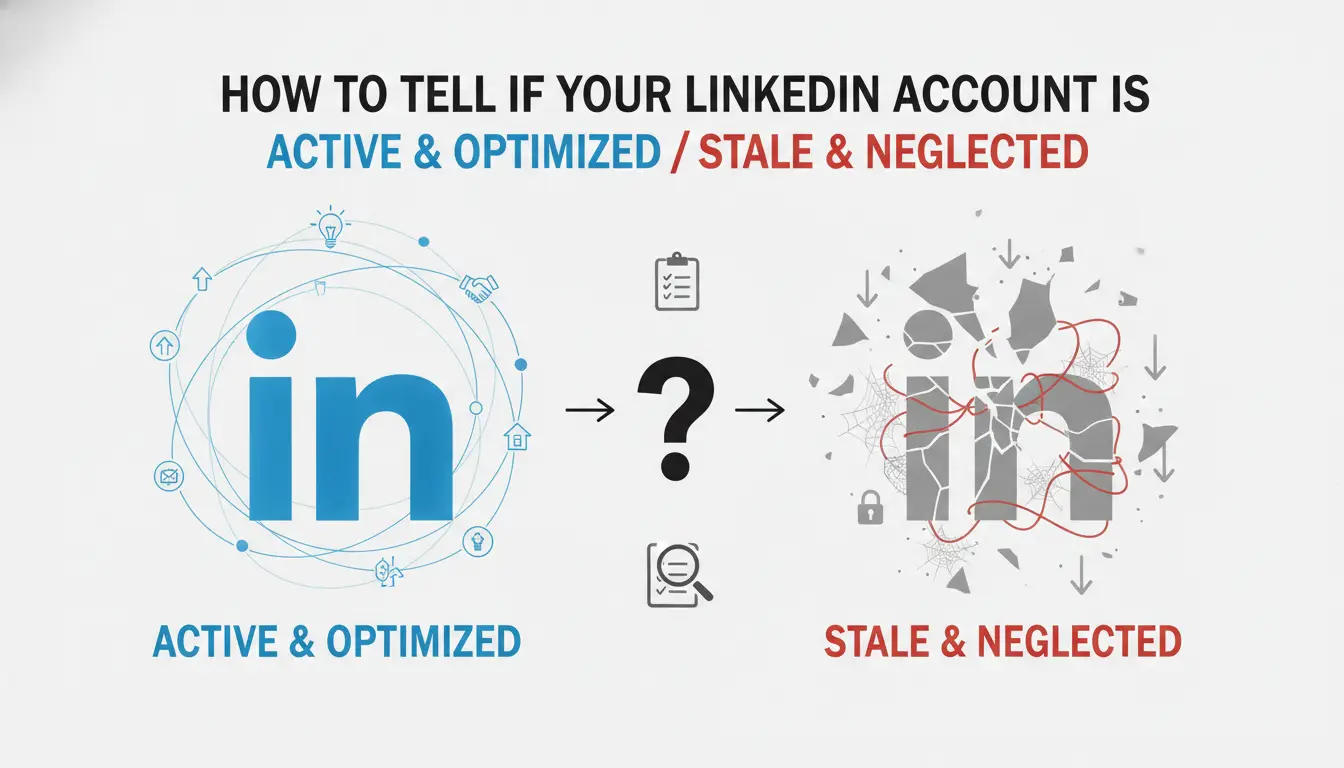
If you can’t use your LinkedIn profile, the real question isn’t “why”, it’s whether you’re dealing with a full suspension or just a temporary restriction. That difference decides if you can still access your data, talk to contacts, or fix the issue fast. People often mix up these two, but the signs are clear if you know what to check.
Common Suspension and Restriction Messages
A suspended account usually shows a lockout screen with a notice saying your account is suspended for violating LinkedIn policies. You can’t log in at all, every attempt lands you back at the warning. A restricted account lets you sign in but shows a banner or popup about limited access, sometimes only blocking messaging or posting. If you’re seeing a full lockout, it’s suspension; if you can still browse but not interact, it’s restriction.
What Features Are Blocked in Each Case
Suspension cuts off everything, profile access, inbox, connections, even account settings. You won’t get in, and profile links go dead for others. Restrictions are less severe: you might be able to log in, but core features like messaging, posting, or accepting invites get blocked. Sometimes LinkedIn gives partial access, so you can see your profile but not change anything. One common failure is thinking you’re just “restricted” when, in fact, you’re suspended, trying to reset your password won’t work, and LinkedIn doesn’t send activity alerts anymore. If you can’t see your profile at all and emails from LinkedIn stop, you’re almost always suspended, not restricted. That’s the point where appeals matter most, because waiting won’t restore access.
| Account Status |
Login Access |
Messaging |
Posting |
Profile Visible |
Actions Possible |
| Suspended |
No |
No |
No |
No |
None |
| Restricted |
Yes |
Often No |
Often No |
Yes |
Limited |
Table: LinkedIn Suspension vs Restriction Feature Access (2026)
How to Confirm Your Account Status
- Check LinkedIn notifications, suspension shows a red warning, restriction is a yellow banner.
- Try logging in from a new device, suspended accounts block all devices, restricted ones let you in but limit actions.
- Visit your public profile link, if it’s gone or leads to an error, it’s suspension; if it loads, you’re restricted.
Once you know the exact status, you can figure out what triggered it, most suspensions in 2026 trace back to login issues, automation flags, or sudden location changes.
Why LinkedIn Accounts Get Suspended in 2026: The Most Common Triggers
The reason most people lose access in 2026 has less to do with “breaking big rules” and more with LinkedIn’s automated trust system catching a pattern it now considers risky. Even a single mistake, like logging in from a flagged IP, running a script, or sending too many invites, can trigger a LinkedIn suspension, sometimes without warning.
Policy Violations That Lead to Suspension
Two actions set off LinkedIn’s fastest suspensions: mass messaging to people you don’t know, and using names or photos that don’t match your real identity. Fake company pages and duplicate accounts are still suspension triggers, but in 2026, the system reacts most aggressively to spam-style behavior and identity mismatches.
Automation, Proxies, and Suspicious Login Patterns
LinkedIn’s 2026 system goes beyond simple IP bans, it tracks device fingerprints, session timing, and even browser quirks. If you use browser automation, extensions, or bots, the risk isn’t just getting caught, it’s that one flagged session can link your whole cluster of accounts. A common failure: teams switching proxies or devices too quickly, or logging in from several countries within hours. LinkedIn’s backend now matches account activity to trusted user patterns. If you connect from a datacenter IP at 9am, then a residential IP in another country at noon, the account can get flagged for “impossible travel,” even if it’s your own profile. The system also pulls in automation signals: mouse movement, typing speed, and even how you scroll. If you run mass connection tools or schedule posts with third-party software, expect a fast restriction. Getting suspended for this reason is hard to reverse, LinkedIn often denies appeals if they see continued automated behavior after the initial warning.
Other Common Mistakes That Trigger Suspensions
- Change your profile photo, headline, or company name more than twice in a week, this looks like account flipping.
- Send over 50 connection requests per day, or accept a wave of invites all at once, LinkedIn flags this as network abuse.
- Ignore repeated “verify your identity” prompts, or fail to submit real documents, LinkedIn treats non-response as evidence of a fake account.
Most suspensions come from simple but aggressive actions, not just major fraud. If you want to recover a suspended LinkedIn account, knowing which mistake set off the system changes your next move, and helps you avoid the same trigger twice.
What to Do Immediately After Your LinkedIn Account Is Suspended
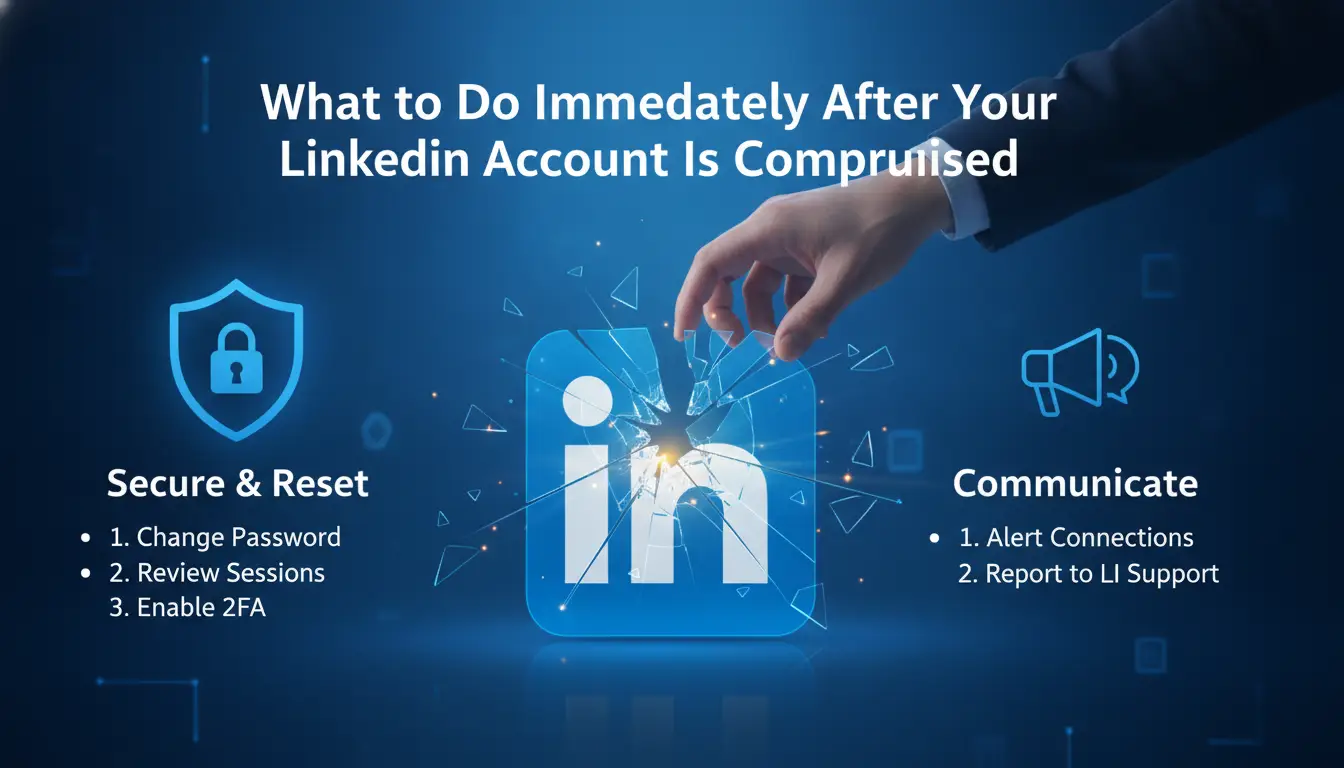
You need to act fast, waiting or guessing can lock you out for weeks. The real risk is missing LinkedIn’s official window for recovery, or triggering extra reviews by panicking and changing too much at once.
Verify the Suspension Notification
- Check your email for a LinkedIn notice. It should come from an @linkedin.com address and include your display name. If you only see a banner on the website but no email, your session might be restricted, not suspended.
- Look for phishing signs, fake emails usually ask for passwords or link to odd domains. Clicking anything from a suspicious sender can compromise your account.
- Confirm the exact reason stated in the LinkedIn message. If it’s vague or missing, check your account login screen for extra details. Sometimes LinkedIn updates the reason after the initial lock.
- If you can’t find any official notice, don’t start appeals yet, this often means your account is just temporarily restricted.
Collect Evidence and Account Details
- Take screenshots of all notifications and emails. Missing proof later can stall your appeal.
- Write down your last login location, device type, and any unusual actions. LinkedIn often asks for this during review.
- Keep track of recent changes, new email, phone, or password updates. These may affect your recovery steps.
Stop All Automated Tools and Proxy Changes
- Disable any browser extensions, automation tools, or third-party apps linked to your account. Leaving them active can trigger new security checks.
- Pause all proxy or IP switching setups. LinkedIn flags rapid IP changes, if you keep switching, your appeal is more likely to fail.
- Log out from all devices except your main computer. If you keep multiple sessions open, LinkedIn may see this as a bot pattern.
Prepare for Identity Verification or Appeal
- Find your government-issued ID and make a clear scan or photo. LinkedIn often asks for this, and blurry uploads get rejected.
- Read LinkedIn’s appeal instructions on their official help page. Skip any third-party guides, they often miss specific 2026 changes.
- Double-check your account details for mistakes, wrong birthdate, mismatched email, or alternate names can force extra verification steps.
Ready evidence and stop all risky activity before you appeal, most users lose their account by rushing ahead without checking these basics. Next up: how to draft an appeal that actually gets reviewed.
How to Appeal a LinkedIn Suspension and What Actually Works in 2026
If your LinkedIn account is suspended, the appeal process is strict and time-sensitive, what you say and how you say it can decide if you get access back. Here’s the step-by-step process that’s working for real users in 2026.
Submitting an Official Appeal
- Go to the LinkedIn Help Center and find the official appeal form by searching “account restricted” or “appeal suspension.”
- Fill in your contact email and the exact error message from your LinkedIn login screen (screenshot helps if the form asks).
- Clearly state you’re appealing a suspension, not a restriction; use the wording from LinkedIn’s notice for accuracy.
- Submit only once, multiple appeals in 24 hours often delay reviews or trigger automated denials.
How to Write an Effective Appeal
- Keep your tone factual and polite; avoid blaming LinkedIn or threatening legal action.
- Briefly explain what you think triggered the suspension, if you know. If you’re unsure, ask for specifics and confirm you want to resolve any issues.
- Attach supporting documents only if LinkedIn explicitly requests them (ID, business license, etc.). Unsolicited uploads can stall your case.
- Watch for canned responses, if you get one, reply once with a short, new message. Repeating requests with no new info usually leads nowhere.
What to Expect After Submitting Your Appeal
- Most appeals get a first response in 24-72 hours, but weekend or holiday submissions often wait until the next business day.
- LinkedIn may restore access, request more info, or uphold the suspension. If you get a “final decision” message, further appeals rarely work.
- If approved, you’ll usually get a password reset link; follow it within 24 hours or the window can close.
- If you hear nothing after 5 business days, use the original appeal form again, don’t rely on email follow-ups alone.
Next up: how agencies and teams can avoid repeat suspensions when managing more than one LinkedIn profile.
LinkedIn flags multi-account setups faster than most platforms, especially when sessions overlap or browser data looks recycled. Teams that ignore these signals risk mass suspension, one flagged account can pull down every profile linked to the same device or environment.
Why Multi-Account Management Is Risky on LinkedIn
LinkedIn tracks device fingerprints, cookie patterns, and login IPs to spot accounts acting in sync. When several profiles share a browser, an IP, or overlapping cookies, the review system marks them as possible sockpuppets. The usual result? A wave of restrictions that can freeze access across every account tied to that pattern.
Best Practices for Teams and Agencies
Mixing account sessions is the fastest way to trigger LinkedIn’s risk review.
- Accident: If you log into two accounts on the same browser, LinkedIn’s backend can tie them together and restrict both.
- Safer move: Always isolate each account, dedicated browser profiles, clean session data, and a consistent proxy per profile are non-negotiable.
Isolating browser profiles and session data is the single strongest step to avoid cross-account suspensions.
Common Mistakes That Lead to Account Linking
Reusing devices or letting cookies from one account spill into another is what catches most teams. Even a quick switch between accounts without clearing session data can get both profiles flagged. If accounts get linked, appeals rarely work, LinkedIn sees persistent overlap as deliberate manipulation.
Using DICloak to Reduce LinkedIn Suspension Risk When Managing Multiple Accounts
Setting Up Isolated Browser Profiles for Each LinkedIn Account
Teams can use DICloak to create a separate browser profile for each LinkedIn account, this keeps cookies, sessions, and fingerprints from mixing.
Configuring Proxies and Fingerprints to Mimic Real User Behavior
Assigning a unique proxy per profile in DICloak helps break the link between accounts. Operators can set custom fingerprints for each profile, so LinkedIn sees each login as a different device, not a repeated pattern. This reduces the chance that a LinkedIn account suspended notice comes from accidental cross-linking.
Team Collaboration and Permission Control
- Share only the profiles each operator needs
- Set role-based access to stop leaks
- Review operation logs to spot risky actions
DICloak supports workflow isolation but doesn’t guarantee account recovery or bypass LinkedIn’s own risk checks.
How to Prevent Future LinkedIn Suspensions: 2026 Best Practices
Getting your LinkedIn profile back is only half the job. What actually keeps you from getting flagged again is sticking to daily limits, avoiding risky automation, and keeping your activity natural. The biggest mistake is thinking you’re safe just because your account is restored.
Stay Within LinkedIn’s Daily Limits
LinkedIn watches how aggressively you connect and message. Going over 100 connection requests or blasting out more than 40 messages in a day is the fastest way to trigger a review. Posting too often, especially with links or promotional content, can also raise red flags. If you handle multiple accounts, space out actions and use different time windows for each profile. Staying under these limits is the single most reliable way to avoid instant restrictions.
Avoid Automation and Suspicious Patterns
- Never use tools that auto-send connection requests or bulk messages.
- Avoid logging in from new countries or devices without a clear pattern.
- Don’t recycle the same text or links across dozens of profiles.
Keep Your Profile and Activity Natural
Profiles missing a photo or headline look suspicious to LinkedIn’s review bots. Completing all fields, keeping your job history believable, and logging in at regular times makes your account look normal. Changing login habits suddenly, like bouncing between cities, usually triggers extra checks.
Monitor Account Health Regularly
Spotting issues early can keep you out of trouble. If you notice warning banners or slower post approvals, act fast.
- Check for LinkedIn notifications about unusual activity at least once a week.
- Review your sent invitations and messages for pending or blocked items.
- If you see restrictions, stop all activity and wait 24 hours before trying again.
If your appeal is rejected or you end up with a permanent suspension, you’ll need a different approach to recover or replace your LinkedIn presence.
What to Do If Your LinkedIn Appeal Fails or Your Account Is Permanently Suspended
Understanding Permanent Suspension
If LinkedIn confirms permanent suspension, you lose access to your profile, messages, and connections, there is no further appeal. Downloading data isn’t possible after the final suspension notice, so if you haven’t already backed up contacts or content, that window is closed.
How to Protect Your Brand and Network
Losing your LinkedIn presence can confuse clients or partners, your profile disappears without warning.
- Old links to your profile will show errors or “profile not found,” which may look suspicious to contacts.
- The safer move: reach out to key contacts using alternative channels (email, other social platforms) to explain the situation and share new ways to connect.
Should You Create a New LinkedIn Account?
Opening a new account after a permanent suspension is possible, but reusing the same email, phone number, or device can trigger new restrictions fast. If you decide to start over, change all identifiers and avoid the behaviors that led to the suspension, or you’ll likely lose the new profile too.
Frequently Asked Questions About LinkedIn account suspended
Can I recover my LinkedIn account if it was suspended for automation or proxy use?
You may be able to recover a LinkedIn account suspended for automation or proxy use. Recovery depends on how serious the violation was and the honesty in your appeal. Stop all risky activities right away. When you contact LinkedIn Support, clearly explain your actions and promise to follow the rules. Some users have had accounts restored after showing they understood the policy.
How long does a LinkedIn suspension last in 2026?
A temporary LinkedIn suspension usually lasts from a few days up to several weeks, depending on the violation. Permanent suspensions mean your account is closed for good unless you win an appeal. LinkedIn rarely gives exact dates, so check your email for updates and appeal instructions.
Is it safe to use proxies for LinkedIn in 2026?
Using proxies for LinkedIn can lower your risk of getting multiple accounts flagged, but it’s not foolproof. If you use the wrong type of proxy or many accounts from the same IP, you can trigger a LinkedIn suspension. Always use high-quality, private proxies and separate devices or browser profiles for each account.
Will LinkedIn notify me before suspending my account?
LinkedIn often sends warning emails for minor issues, like too many connection requests or suspicious activity. If you break major rules, such as using bots or fake profiles, your account may be suspended right away without any warning. Always check your LinkedIn inbox and email for alerts.
Can I use the same device for multiple LinkedIn accounts?
Yes, but you must use isolated browser profiles for each account. Never mix cookies, sessions, or browser fingerprints. If you log into several accounts from the same browser or device without isolation, LinkedIn can detect this and may restrict or suspend your accounts. Use separate browsers or virtual profiles for safety.
If your professional profile access is suddenly restricted, consider reaching out to LinkedIn support and reviewing your recent account activities to identify possible causes. Meanwhile, exploring privacy solutions can help you safeguard your online presence and prevent future disruptions. Try DICloak For Free
 Web Proxy Tools
 Free Tools
 Cookie Plugin
 UA Generator
 MAC Address Generator
 IP Generator
 IP Address List
 2FA Code Generator
 World Clock
 Anonymous Check
 WebRTC Leak Test
 UUID Generator
 Free Web Proxy Site
 Proxy Checker
 FB Ad Checker
 AI Web Scraping
 Free SMM Tools
 Twitter Shadowban Checker
 Instagram Name Checker
 UTM Generator
 Username Generator
 AI Hashtag Generator
 LinkedIn Headline Generator
 Social Media Image Resizer