A proxy list that looks fine at checkout can still flood your logs with HTTP 403 errors the same day you deploy. That usually happens when IP reputation is weak, ASN diversity is thin, or session handling is wrong, even if the seller promises “clean” traffic. If you plan to buy residential proxies, the real risk is paying for IPs that pass a speed test but fail under real request patterns, trigger bot defenses mapped in the OWASP automated threat categories, or violate site terms you still need to follow under Google’s spam policies.
The core idea is simple: safe proxy buying is a verification task, not a shopping task. You need to check source transparency, subnet spread, geo consistency, auth method, rotation control, and replacement terms before payment. You also need to read pricing in units that match your workload, like per-GB traffic versus per-IP plans, so your cost model does not break after launch.
You will leave with a practical checklist to vet providers, compare pricing without guesswork, and set up a clean test workflow before scaling. Start with the quality checks that catch bad proxy pools early.
What Should You Check Before You Buy Residential Proxies?
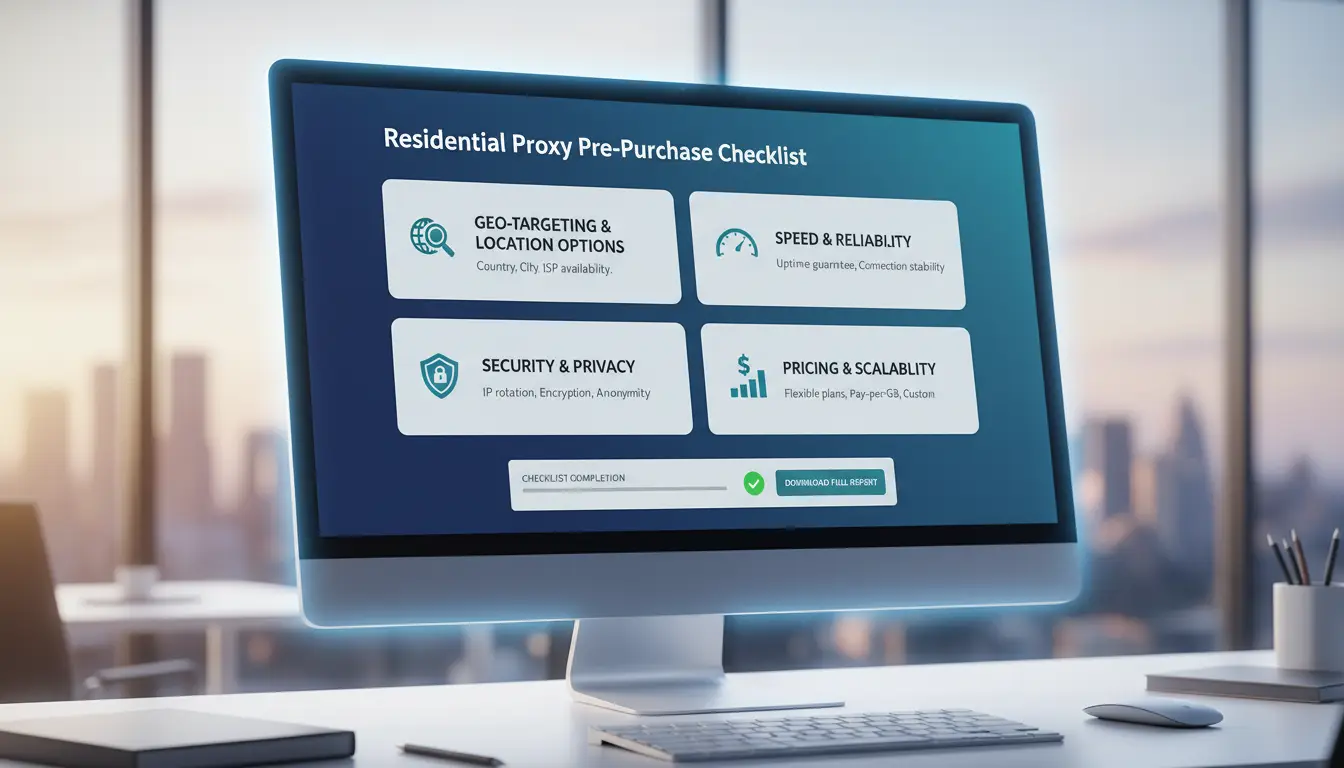
If you plan to buy residential proxies, treat this like a technical audit. A provider can advertise a huge pool and still fail on your target sites. The key check is not total IP count, but how many IPs stay clean and usable during your real tasks.
How big should a residential IP pool be for your use case?
Ask for three numbers: total pool size, daily active IPs, and replacement rate. If they only share one big headline number, skip them. For scraping, ad checks, and account operations, subnet spread matters more than raw count. You want IPs spread across different networks so requests do not look clustered. See how IP allocation works in residential proxy networks.
Which geo-targeting options actually matter?
Country targeting is enough for broad content checks. City targeting matters for local SERP, local ads, and region-locked flows. ASN targeting helps when a platform scores traffic by network owner. Match precision to risk. Tight targeting on low-risk tasks wastes budget. Loose targeting on high-risk account actions can trigger blocks, especially where abuse controls are strict under OWASP Automated Threats.
What performance metrics should you request before purchase?
Request trial logs from your own targets, not generic dashboards. Ask for success rate, median response time, and uptime by region.
| Metric |
What to ask |
Practical floor for testing |
| Success rate |
By target domain and country |
95%+ on your workflow |
| Response time |
Median and p95 latency |
Under 3s median |
| Uptime |
Gateway and auth endpoint uptime |
99%+ during trial |
Use Google spam policies as a compliance check before launch.
Why Do Some Residential Proxies Perform Poorly Right After Purchase?
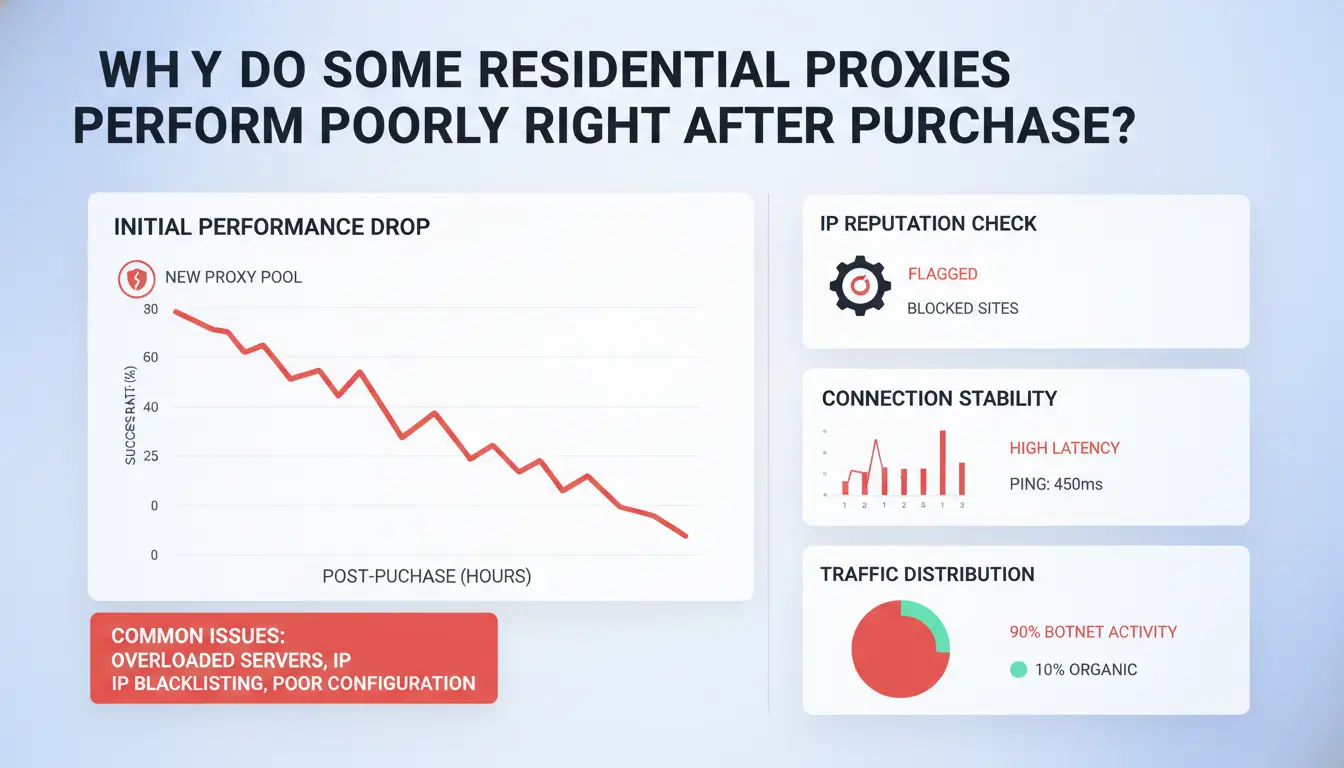
Poor results usually come from fit and setup, not just provider quality. People often buy the wrong pool for the job, then blame speed or bans. If you plan to buy residential proxies, match traffic type, session behavior, and reputation checks before scale.
Are you buying the wrong proxy type for the task?
A login flow needs stable identity. A scraper may need fast rotation. Checkout testing often needs low-latency routes. Ad verification needs correct city-level geo. One proxy type will not cover all four well.
| Task |
Better fit |
Why |
| Account login/session actions |
Residential or mobile (sticky) |
Fewer identity jumps during session |
| High-volume public page scraping |
Datacenter or mixed pool |
Lower cost per request, higher raw speed |
| Checkout flow testing |
Residential (target geo) |
Closer to real-user network path |
| Ad verification by location |
Residential or mobile |
Better local ISP and geo match |
If your target blocks datacenter ASN ranges, check ASN basics) before you buy residential proxies for every workflow.
How IP reputation and abuse history affect outcomes
Recycled IPs often carry bad history. Sites score reputation from past abuse, bot traffic, and fraud reports. That is why fresh-looking pools can still fail fast. Ask for sourcing details, replacement rules, and sample test access. Weak answers usually mean weak inventory. Review bot risk factors in the OWASP Automated Threats project.
How session settings can break performance
Bad rotation timing can kill success rates. Rotate too fast during login, and risk checks spike. Hold sticky sessions too long, and rate limits build. Auth setup also breaks traffic: wrong username zone, expired whitelist IP, or too many concurrent threads per endpoint. Start with low concurrency, verify status codes, then increase load in steps.
How Much Does It Cost to Buy Residential Proxies, and What Is a Fair Price?
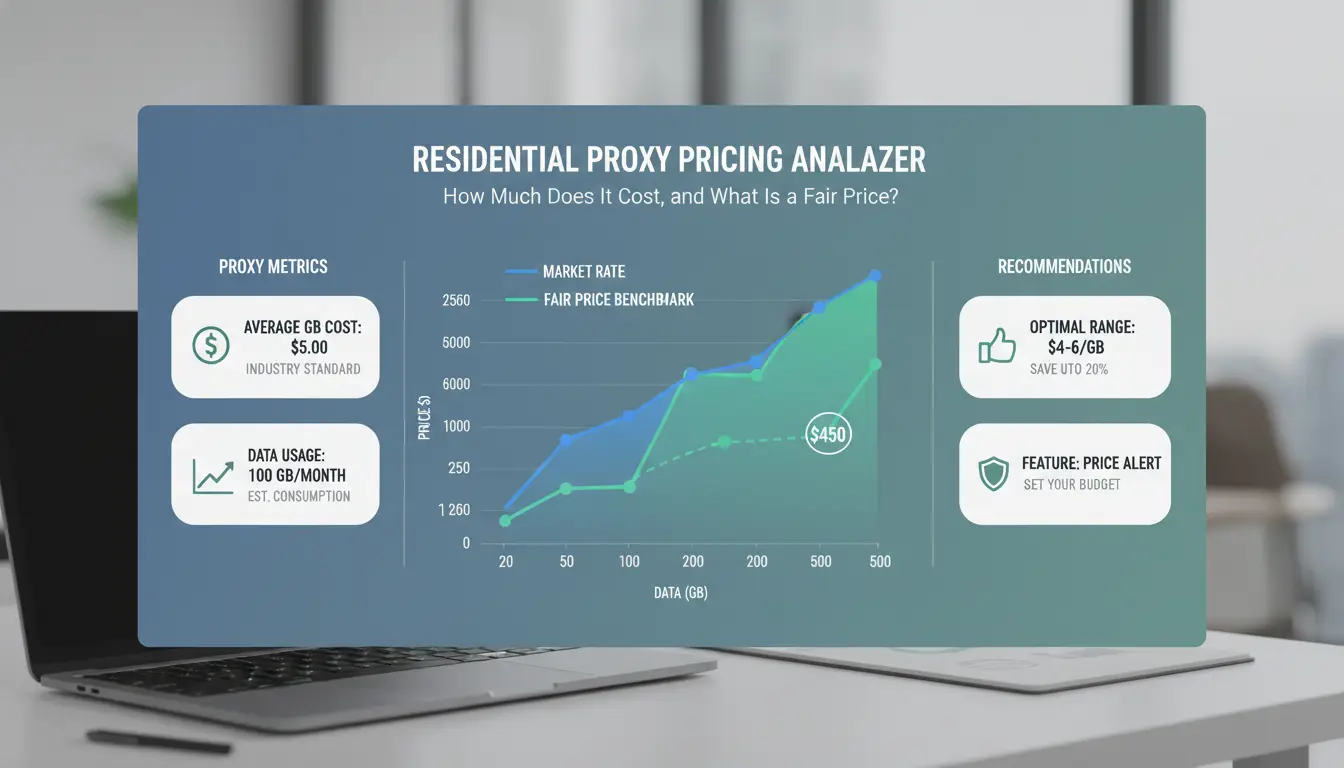
If you plan to buy residential proxies, treat price as a workload math problem, not a headline number. A fair plan is the one that keeps cost stable at your real traffic, success rate, and region mix.
What pricing models do providers use?
Providers usually bill by GB, by port/IP slot, or by request count. Minimum monthly commits can raise your real cost if you underuse traffic.
| Model |
How billing works |
Good fit |
Common risk |
| Bandwidth-based |
Pay per GB transferred |
Variable scraping volume |
Overage after included GB |
| Port/IP-based |
Pay per active port or sticky slot |
Stable concurrent sessions |
Idle ports still billed |
| Request-based |
Pay per API call/request |
Predictable call volume |
Retries inflate bill |
Check billing terms against HTTP request behavior from MDN HTTP docs.
Which factors increase or decrease proxy pricing?
Price moves with geo precision (city/ASN targeting), sticky session length, uptime commitment, and support SLA. Premium regions cost more when supply is tighter. If you need strict region matching for ad checks or local SERP work, expect higher unit cost than broad country targeting.
Use anti-abuse rules from OWASP automated threats as your baseline when sizing safe request volume.
How to spot overpriced plans and hidden charges
Ask for these line items before payment: overage rate, thread limits, API access fees, and paid support tiers. Then estimate:
monthly cost = base fee + (extra GB × overage) + add-ons
cost per successful request = monthly cost / successful requests
If retries are high, a “cheap” plan can cost more than a higher-quality pool.
Where Do Buyers Usually Get Scammed When They Buy Residential Proxies?
Scams usually hit when buyers treat this like normal shopping. If you plan to buy residential proxies, treat every claim as untrusted until tested. Most losses come from fake pool size, hidden limits, and weak refund terms.
What fake claims should raise immediate red flags?
Watch for providers that claim huge IP pools but give no proof sample. A real seller can show live test endpoints and country-level consistency. Be careful with “99.9% uptime” claims without a public status page or incident history. Check if their terms explain traffic caps, blocked targets, or replacement rules.
No trial plus no refund is a hard warning sign. So is vague sourcing like “ethical partners” with no process detail. If they cannot explain compliance boundaries, compare with Google’s spam policies and the OWASP automated threats project.
How to verify a provider before paying
Check legal pages: company name, registration location, and clear terms. Then test support. Send two technical questions about auth and rotation. Slow or copy-paste replies usually predict poor incident handling.
Validate docs before checkout. You should see clear setup steps for username/password or IP allowlist auth, plus rotation controls. Run a short endpoint test and log failure rate, geo match, and response time.
Which payment and contract practices reduce risk?
Start with a small budget and short billing cycle. Avoid long prepaid contracts until test results match your target sites. Write success criteria before payment: allowed countries, session stability, replacement time, and support SLA.
If you buy residential proxies for a team, keep escalation terms in writing: refund trigger, dispute window, and service credits for repeated failure. This turns “trust me” sales talk into enforceable terms.
How Do You Buy Residential Proxies Step by Step for a Safe First Deployment?
If you plan to buy residential proxies, treat this as a test rollout, not a full purchase. Start small, measure real outcomes, then scale only what passes your checks.
Step 1–2: Define your target platforms and traffic profile
List each target site, country, and session type before you spend. Separate simple page fetches from login flows. Login traffic needs sticky sessions; public pages can use rotation.
Set three baseline KPIs for every test run:
- success rate (completed requests / total requests)
- median latency (ms)
- block rate (HTTP 403, CAPTCHA, or forced logout)
Use policy-safe automation rules from Google Search spam policies and threat patterns from OWASP Automated Threats.
Step 3–4: Run a controlled trial and benchmark providers
Run the same script, request headers, timeout, and retry logic across vendors. Keep test volume equal so results stay comparable.
| Checkpoint |
Provider A |
Provider B |
Pass rule |
| Success rate |
|
|
\\\\\\\\\\\\\\\\>= your baseline |
| Median latency (ms) |
|
|
within target SLA |
| Block rate |
|
|
lower than baseline |
| Replacement response time |
|
|
same-day reply |
| Billing unit fit (GB or IP) |
|
|
matches workload |
Record error types, not just totals: timeout, auth fail, geo mismatch, hard block. This shows if the pool or your config caused failure.
Step 5–6: Scale gradually with monitoring and fallback rules
Increase traffic in phases, such as 10% -> 25% -> 50% -> full load. Set budget caps per day and auto-alerts for block-rate spikes. Keep a backup pool ready and switch when failures cross your threshold. This is the safest way to buy residential proxies without overcommitting.
How Can Teams Use DICloak to Run Residential Proxies More Safely Across Multiple Accounts?
When teams buy residential proxies, the hard part is not getting IPs. The hard part is keeping each account’s device identity, proxy route, and login behavior consistent over time. One account should always run in one isolated profile with a fixed proxy rule set. That single rule cuts most linkage mistakes.
What risks appear when multiple people handle the same proxy operations?
Shared logins often fail because people change settings without noticing. One teammate may open an account in a different browser profile, another may attach a new proxy, and a third may reuse cookies across accounts. That creates fingerprint drift and IP-profile mismatch, which anti-abuse systems can flag (see OWASP automated threat categories).
Manual teamwork also creates permission drift. If everyone can edit everything, no one can trace who changed proxy auth, timezone, or user-agent settings. You then debug blind.
How DICloak features solve these risks in practice
You can use DICloak to bind one proxy to one browser profile and keep each profile isolated. That aligns with how browser fingerprinting works in real detection systems. You can also assign team roles, share only needed profiles, and review operation logs to track who changed what and when.
For teams that buy residential proxies, this setup lowers cross-login errors and makes rollback faster after a bad change.
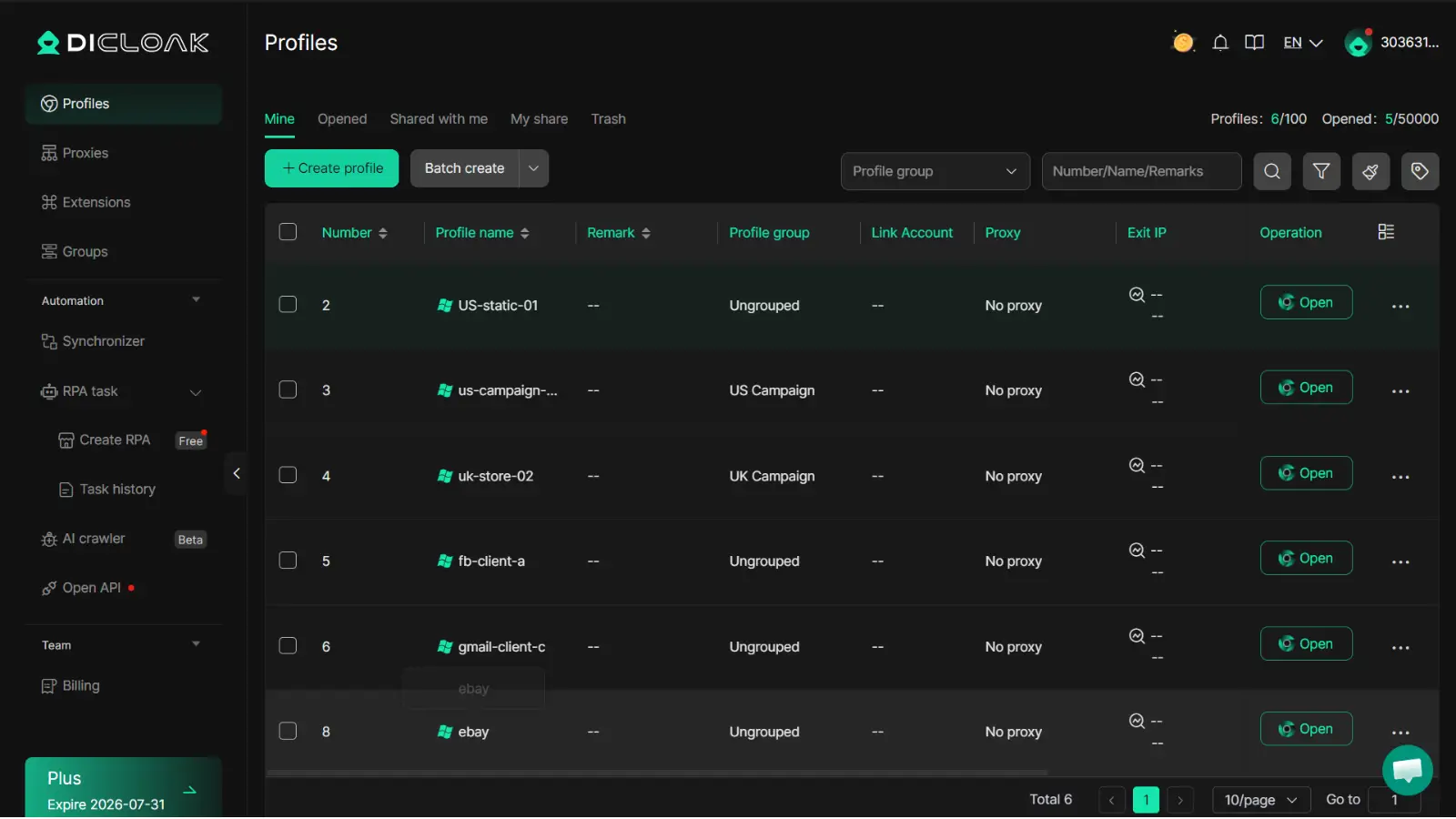
What a practical setup looks like for small and growing teams
Map accounts into clusters (for example, by country or campaign type). Give each cluster one profile template and one proxy policy. Keep sticky sessions for stateful tasks; use rotation only where tasks are short.
Use batch actions for repeated profile updates, then use RPA for routine steps like opening target pages and health checks. Keep policy docs aligned with Google spam policies and your platform terms.
Rotating vs Sticky Residential Proxies: Which One Should You Choose?
Pick based on task flow, not habit. If you plan to buy residential proxies, map each step: login, browse, extract, retry.
When rotating sessions perform better
Rotation fits high-request scraping where rate limits hit fast. Change IP every 1-10 requests for strict targets, or every 30-60 seconds for lighter targets. If success rate drops, rotate less often and keep headers stable.
When sticky sessions are the better option
Sticky sessions fit logins, carts, and any stateful flow. Keep one IP for 10-30 minutes per account action block, then switch. Test IP stability before scale: run repeated page loads and check session drops, forced logouts, and extra verification prompts.
How to combine both strategies in one workflow
Most teams fail at handoff: auth needs continuity, extraction needs spread. Tools like DICloak let you create isolated browser profiles per account group, then bind each profile to sticky or rotating proxies to cut cross-account linkage risk.
You can use DICloak permissions, shared profiles, and operation logs to control setting changes. Batch actions and RPA reduce manual errors when teams buy residential proxies for larger runs.
| Task |
Session type |
| Login/auth |
Sticky |
| Data extraction |
Rotating |
When Is It Better Not to Buy Residential Proxies?
If you plan to buy residential proxies before you can measure outcomes, you are buying risk, not capability. Wait until your team can prove baseline results and handle failures fast.
Signs your project is not ready for paid residential proxies
Your project is not ready if you cannot answer three questions: what success looks like, how you will test, and how much traffic you need per day. If there is no KPI baseline (for example, current success rate and cost per successful request), you cannot tell if paid traffic improved anything.
Another stop sign is weak operations. If no one owns alerting, retry rules, block detection, or incident response, paid proxy volume will hide problems, not fix them.
Lower-cost alternatives for early-stage validation
Start with a small pilot before long contracts. Keep geo targets narrow and run short test windows with clear pass/fail rules.
| Option |
Upfront spend |
What you learn |
Risk level |
| Small proxy pilot (limited geos) |
Low |
True request success and block rate |
Low |
| Larger monthly plan |
Medium |
Scale behavior and team readiness |
Medium |
| Annual commitment |
High |
Cost efficiency only if workload is stable |
High |
Use a fixed budget cap for the pilot and stop when data quality drops.
How to decide if now is the right time to scale
Scale only when pilot results stay stable across several runs, not one lucky day. Track success rate, cost per successful outcome, and median response time. If these hold steady and your team can triage incidents within a defined SLA, then buy residential proxies at higher volume. If not, keep the pilot small and fix process gaps before spend increases.
Frequently Asked Questions
Is it legal to buy residential proxies in every country?
Laws are different across countries, so legal status changes by location. You also must follow each website’s terms of service and data rules. If you plan to buy residential proxies for business, run a compliance check first. Ask legal counsel to review your use case, target regions, and data collection methods.
Can beginners buy residential proxies without technical skills?
Yes. Beginners can buy residential proxies if they pick a provider with clear setup guides, live chat support, and dashboard-based controls. Start with a small pilot: username/password authentication, one or two target sites, and basic uptime and error monitoring. This keeps setup simple and helps you learn before scaling.
How long should I test a provider before a larger proxy purchase?
Test for 7–14 days before making a larger commitment. Run controlled checks on your real target sites during both peak and off-peak hours. Track success rate, latency, blocks, and session stability. This testing window shows whether performance stays steady, not just during a short, ideal period.
Should I choose unlimited traffic plans when I buy residential proxies?
Usually no, especially if you are new. First measure real traffic use in GB, request volume, and active sessions. Many “unlimited” plans include fair-use rules, speed caps, or throttling after heavy usage. Start with a metered plan, review logs weekly, then upgrade only when your pattern is clear.
Can I switch providers easily after I buy residential proxies?
Yes, switching is much easier when your setup is modular. Keep proxy settings in one config file, not hardcoded in scripts. Abstract authentication fields, and document session, sticky IP, and rotation rules. If you buy residential proxies from a new vendor, this structure cuts migration time and reduces errors.
When you buy residential proxies, the real value comes from clean IP quality, transparent sourcing, stable performance, and provider support rather than the lowest price alone. Choosing a trusted service with reliable rotation, geo-targeting options, and clear compliance policies helps you run scraping, automation, and account management tasks more safely and consistently.Try DICloak For Free
 Web Proxy Tools
 Free Tools
 Cookie Plugin
 UA Generator
 MAC Address Generator
 IP Generator
 IP Address List
 2FA Code Generator
 World Clock
 Anonymous Check
 WebRTC Leak Test
 UUID Generator
 Free Web Proxy Site
 Proxy Checker
 FB Ad Checker
 AI Web Scraping
 Free SMM Tools
 Twitter Shadowban Checker
 Instagram Name Checker
 UTM Generator
 Username Generator
 AI Hashtag Generator
 LinkedIn Headline Generator
 Social Media Image Resizer