For technical practitioners and businesses that have integrated Large Language Models (LLMs) into their core production pipelines, losing access to a ChatGPT account is a critical failure point. In 2026, OpenAI’s detection mechanisms have evolved beyond simple keyword filtering into sophisticated behavioral heuristics. While the platform encourages high-volume usage, it enforces "invisible" thresholds that, once crossed, trigger automated account terminations. Understanding the mechanics of these bans—and the technical infrastructure required to mitigate them—is essential for maintaining uninterrupted access.
Why Does OpenAI Ban or Deactivate ChatGPT Accounts?
OpenAI does not publish every detail about its enforcement systems. That is normal for any major online platform. But its public policy pages and help center explain the main reasons an account may be warned or deactivated.
The most common causes are policy violations, unsafe content requests, account sharing, security concerns, suspicious activity, and failure to complete required verification.
Violating OpenAI Usage Policies
The clearest risk is asking ChatGPT to help with content or actions that OpenAI does not allow.
This may include requests linked to scams, phishing, malware, harassment, threats, sexual exploitation, weapons, illegal goods, real-money gambling, or attempts to break into systems. It may also include attempts to bypass OpenAI’s safety safeguards.
For example, a normal coding question is fine:“Help me debug this JavaScript function.”
But this is very different:“Help me write code to steal passwords from a login page.”
The second request is not just a coding task. It is harmful. Repeated requests like that can put the account at risk.
The same idea applies to marketing content. Asking for a product email is normal. Asking for a fake bank email that tricks users into giving passwords is not.
Trying to Bypass Safety Systems
Some users think they are only “testing” ChatGPT when they try jailbreak prompts. But repeated attempts to bypass safety rules can create risk.
This includes prompts that ask the model to ignore its rules, reveal hidden instructions, create banned content, or provide a workaround after a refusal.
A single bad prompt may not always cause a ban. But a pattern matters. If an account keeps pushing the system toward restricted content, it may receive a warning or lose access.
A safer approach is to reframe the task. For example, instead of asking for malware, ask how to secure a website from common malware attacks. Instead of asking for a phishing template, ask how to train staff to spot phishing emails.
The safer version still helps you learn. It also stays within responsible use.
Misusing the API or Platform
API misuse is another common risk. This can include sharing API keys, sending abusive traffic, using the platform for spam, or building a tool that violates OpenAI’s policies.
A common business mistake is poor key control. For example, a developer may paste an API key into a public GitHub repo by accident. Someone else may then use that key for spam or high-cost requests. From OpenAI’s view, the activity still belongs to the account owner.
That is why teams should rotate exposed keys fast. They should also limit who can access keys. API keys should never be placed in public code, shared spreadsheets, or open chat groups.
Sharing Accounts or Login Details
OpenAI’s terms say users should not share account credentials or make the account available to others. This is important for both security and accountability.
In real work, sharing may feel convenient. A small team may use one ChatGPT login because it is faster. But this creates problems. If five people use the same account, no one knows which person caused the warning. If one person uses it for risky tasks, everyone may lose access.
A better workflow is to use proper team or business account features when available. Each user should have their own access. Admins should manage permissions. This makes account activity easier to review.
Suspicious Activity or Unauthorized Access
Sometimes an account is suspended not because the user broke the rules, but because the account looks compromised.
For example, imagine a user normally logs in from California. Then the account suddenly shows activity from another region, strange API calls, and a big jump in usage. This may look like the account was stolen. A temporary suspension can help stop damage.
If this happens, the user should change the password, review active sessions, check billing activity, and rotate API keys. If unauthorized charges appear, the user should collect payment details and report them through official support.
Failure to Complete Identity or Age Verification
Some users may be asked to complete identity or age verification. If they do not finish the process, access may be limited or disabled.
This is not the same as a policy ban. It is often a compliance or safety step. But from the user’s side, it can feel the same because the account stops working.
If you receive a verification email, do not ignore it. Check the sender carefully. Use official OpenAI links. Avoid fake emails that ask for your password, payment details, or one-time codes.
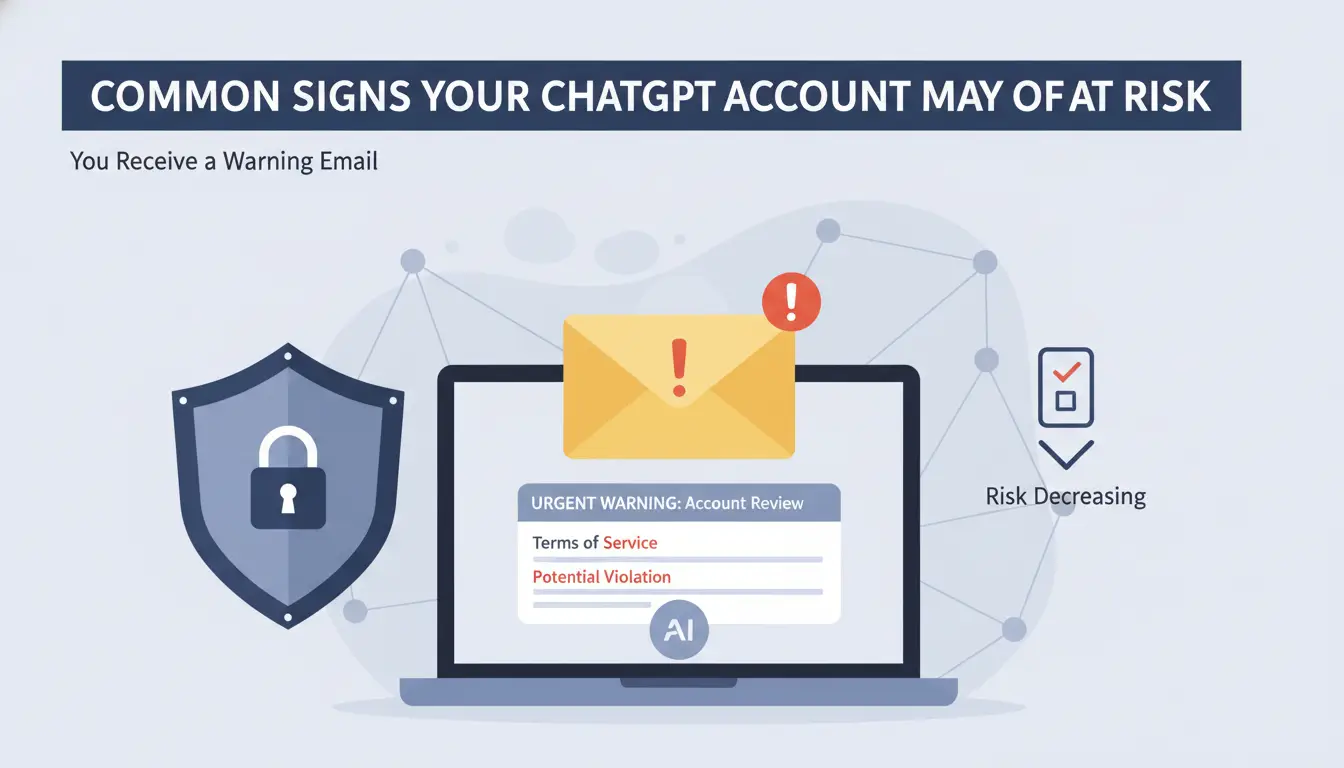
Common Signs Your ChatGPT Account May Be at Risk
A ban does not always happen without warning. In many cases, there are signs before access is lost. These signs do not always mean a ban is coming, but they should make you slow down and review your account.
The safest response is to treat early warnings seriously.
You Receive a Warning Email
A warning email is the clearest sign. It means OpenAI has noticed activity that may break its rules.
Do not ignore it. Read the reason. Review your recent usage. If you run a team, ask who used the account and what tasks they performed.
For example, if a content team receives a warning after generating many cold outreach drafts, it should check whether the prompts crossed into spam, deception, or fake identity claims. The team may need to update its prompt rules.
You See More Login Checks or CAPTCHA Prompts
Extra login checks can happen for many reasons. They may come from a new device, browser issue, network change, or unusual activity. They do not always mean your account is banned.
Still, sudden CAPTCHA spikes should not be ignored. They can be a sign that your session looks unusual.
If this happens, stop rapid account switching. Clear broken sessions only if needed. Use a stable browser setup. Avoid logging in from many locations in a short time.
Your API Usage Looks Abnormal
API users should watch usage patterns. A sudden jump in requests, cost, or errors can point to a bug or leaked key.
For example, a developer may build a small customer support tool. The tool should send a few hundred requests per day. One morning, it sends 50,000 requests because of a retry loop. That pattern may raise concern, even if the mistake was not intentional.
Good logging helps here. Set spend limits. Add rate limits. Monitor error spikes. Rotate keys when something looks wrong.
Your Account Gets Logged Out Often
Frequent logouts may come from browser cookies, extensions, network changes, or security checks. It may also happen when many people use one account.
If a team keeps getting logged out, the answer is not to keep sharing the same password. The better answer is to set up proper team access. Shared logins make security checks more likely and make problems harder to trace.
The Hidden Detection Layer: How Your Browser Fingerprint Betrays You
Authentication involves far more than a username and password. OpenAI utilizes advanced browser fingerprinting to identify the specific hardware and software environment of every user.
An IP address is a weak identifier. Modern detection systems aggregate browser headers, screen resolution, time zones, and hardware configurations to build a unique "ID" for your device. This data allows OpenAI to track a user across different accounts, even if those accounts are accessed from different network locations.
The Role of Canvas and WebGL Fingerprinting
Platforms use Canvas and WebGL to force the browser to render hidden graphics. The minute differences in how your GPU and drivers handle this rendering create a hardware-level signature. This makes it possible to "link" multiple accounts to a single machine. Naive spoofing—where a browser simply randomizes these values—is itself a red flag, as the resulting fingerprint often lacks the entropy and consistency of a real user environment.
Behavioral Biometrics and Interaction Telemetry
Detection systems now analyze behavioral biometrics, including mouse movement paths and scroll patterns. Automation scripts that lack "Human-equivalent interaction telemetry" are easily distinguished from legitimate users. To bypass these, professional workflows must simulate real user interactions at the browser level.

Is Using a Proxy a Direct Path to a Ban or Using Untrusted Network Connections?
The Danger of "Dirty" or Data Center IPs
Untrusted network connections, especially those utilizing data center IP ranges, are often heavily blacklisted by AI platforms. If your account shares an IP with known spam bots, your trust score drops. Frequent use of "dirty" IPs is one of the fastest ways to trigger a manual account review.
Geographic Inconsistency
Logging in from New York and then from London within a two-hour window—known as "teleporting"—is a primary indicator of account sharing or sudden network shifts. OpenAI’s security protocols treat these geographic inconsistencies as high-risk events, often leading to immediate account locks.
The Risk of Managing Multiple ChatGPT Accounts in 2026
Scaling AI workflows often requires multiple accounts to bypass usage limits or segment projects. However, managing these in a standard browser profile is a security liability.
Account Linking via Cookies and Local Storage
Standard browsers are designed to share data across sessions. Cookies and local storage persist even after logging out, creating a "breadbox" trail that links every account accessed on that machine. Once one account is flagged, OpenAI can programmatically terminate the entire cluster of linked identities.
Private windows do not mask the browser fingerprint. Your hardware signatures (Canvas, WebGL, and system fonts) remain identical to those in your standard window. Using Incognito mode to manage ten accounts is essentially presenting the same fingerprint ten times, which triggers "Sybil attack" defenses and leads to a mass ban.
Can You Recover a Banned ChatGPT Account?
Recovery is rarely successful and should be viewed as a last resort.
Permanent vs. Temporary Suspensions
Temporary suspensions are usually "cool-down" periods for rate-limit violations. However, permanent bans (hard bans) involve the total forfeiture of the account, including any paid subscription balance. In 2026, OpenAI rarely reverses hard bans issued for scraping or multi-accounting.
Navigating the OpenAI Appeal Process
If an account is banned, the only path is a formal appeal via support. This requires a technical justification of your workflow and evidence that you were not violating the TOS. Given the low recovery rate, the focus for professionals must be on prevention and the use of hardened infrastructure.
Common Mistakes That Increase ChatGPT Account Risk
Most ChatGPT account issues do not come from a single prompt. They often come from poor account management, unstable network setups, or risky automation practices.
Before looking at ways to organize ChatGPT workflows, it helps to understand a few common mistakes that can increase the chance of account warnings, login challenges, or access restrictions.
Using Free or Public Proxies
Free proxies are often shared by thousands of users and may already have a poor reputation. If an IP address has been associated with spam, abuse, or suspicious activity, platforms may apply additional security checks.
For business use, stable residential or ISP proxies are generally a more reliable option than public proxy lists.
Some users automate ChatGPT-related tasks with browser automation frameworks. While automation itself is not always the issue, poorly configured scripts can generate unusual activity patterns, rapid requests, or repeated actions that may trigger additional verification checks.
If automation is part of your workflow, it is important to monitor activity carefully and ensure it follows platform policies.
Ignoring Sudden CAPTCHA or Verification Requests
An occasional CAPTCHA is normal. However, a sudden increase in login verification requests, CAPTCHA challenges, or security checks can be a sign that something in your environment has changed.
For example, frequent IP changes, browser modifications, account sharing, or unstable sessions can all lead to additional verification prompts. When this happens, it is worth reviewing your setup before continuing normal operations.
How DICloak Helps Teams Manage ChatGPT Workflows More Safely
As ChatGPT becomes part of daily work, many account issues come from poor workflow management rather than a single prompt. Teams may share logins, mix browser sessions, switch between multiple accounts, or accidentally expose sensitive data across projects.
This is where an antidetect browser like DICloak can help create a more organized working environment.
Keep Different ChatGPT Workflows in Separate Browser Profiles
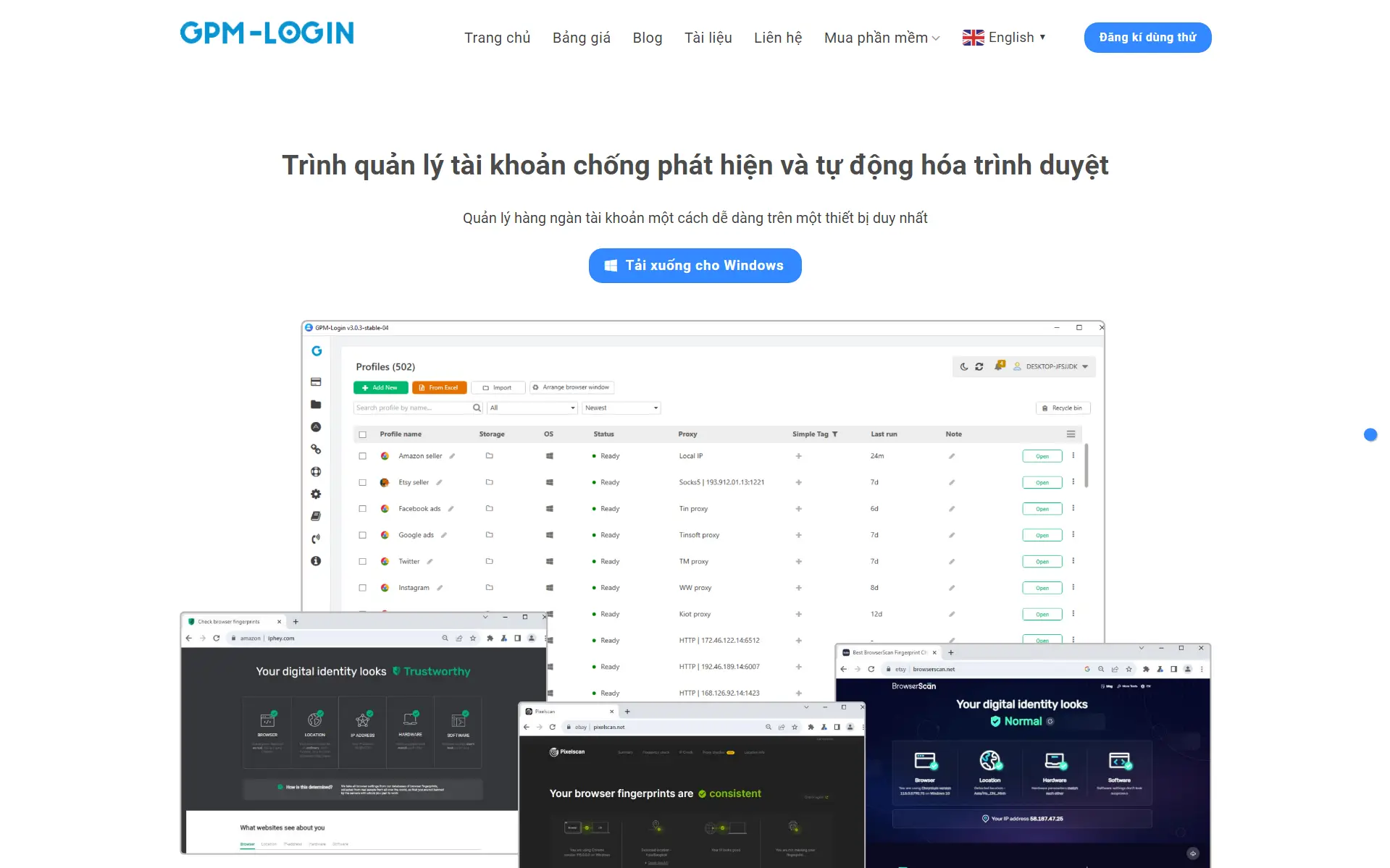
With DICloak, users can create isolated browser profiles for different projects, teams, or accounts. Each profile has its own cookies, local storage, cache, and browser settings.
For example, a marketing team can use one profile for content creation, while a customer support team uses another profile for help center drafting. Keeping workflows separated helps reduce session confusion and makes account management easier.
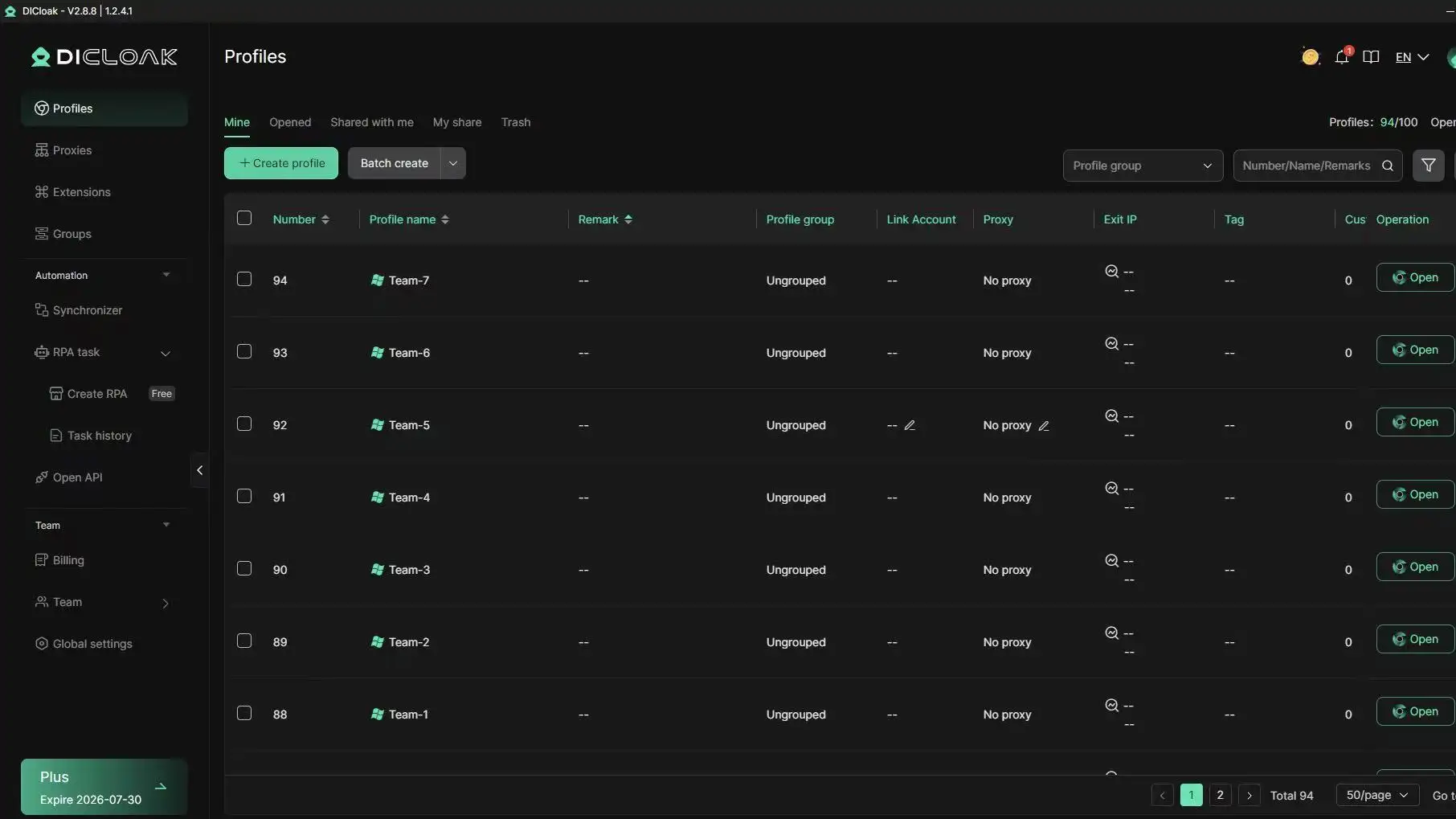
Use Custom Proxy Configuration for More Consistent Access
DICloak supports custom HTTP, HTTPS, and SOCKS5 proxy configuration. Users can assign different proxies to different browser profiles based on their business needs.
For teams working across multiple projects, maintaining consistent network settings can help reduce login interruptions and make account access more stable.
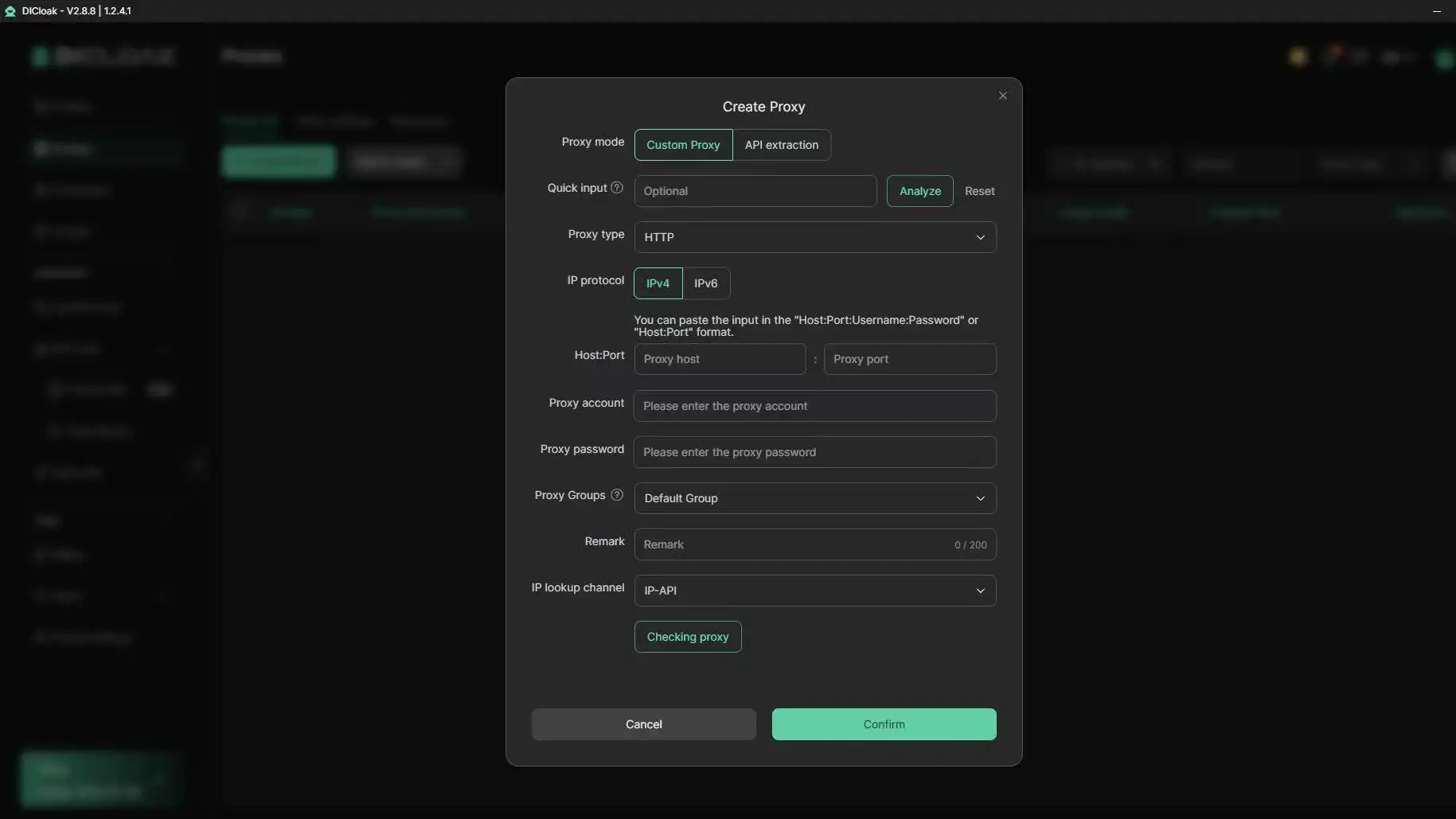
Manage Team Access Without Sharing Passwords
One common risk for growing teams is password sharing. When multiple employees use the same login, it becomes difficult to track activity and maintain account security.
With DICloak's team collaboration features, admins can share browser profiles with team members and assign different permission levels. This allows employees to access the resources they need without exposing the main account credentials.
Improve Efficiency with Automation and Synchronization Tools
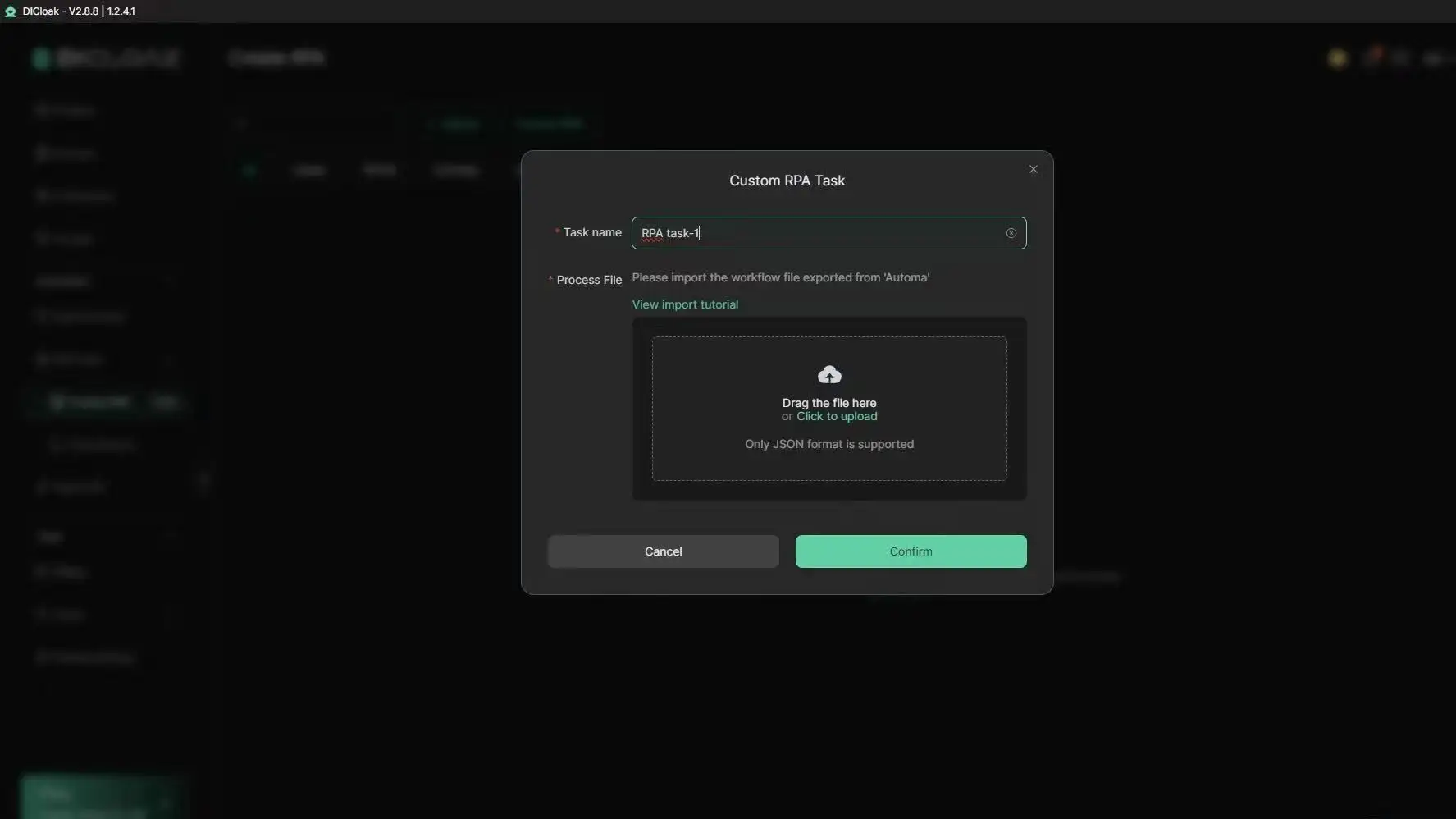
For repetitive browser tasks, DICloak provides tools such as Window Synchronizer, RPA automation, and Open API support. These features can help teams reduce manual work when managing multiple workflows.
When combined with clear internal policies and responsible AI usage, these tools can help businesses keep ChatGPT-related operations more organized, efficient, and easier to scale.
Frequently Asked Questions
Can I Use the Same Phone Number for Two ChatGPT Accounts?
In some cases, OpenAI may allow the same phone number to be used for more than one account. However, shared verification details can make accounts easier to associate during security reviews. If you manage multiple accounts, make sure each one follows OpenAI's policies and serves a legitimate purpose.
Does OpenAI Ban Users for Using ChatGPT in Unsupported Countries?
OpenAI restricts access in certain regions. Repeatedly accessing ChatGPT from unsupported locations or using unstable network setups may trigger additional verification checks or account restrictions. Consistent and legitimate account usage is always the safer approach.
Will Using a Browser Extension Get My Account Flagged?
Most common browser extensions are safe. However, extensions that modify website behavior, inject scripts, or automate actions may create unusual activity patterns. If you use ChatGPT for important work, keep your browser profile clean and only install trusted extensions.
How Many Prompts Per Hour Are Considered Suspicious?
OpenAI does not publish a specific prompt limit. In general, normal human usage is unlikely to cause problems. Risk increases when activity looks heavily automated, abusive, or inconsistent with typical user behavior. For large-scale workflows, using the official API is the better option.
If One of My ChatGPT Accounts Is Banned, Will All of Them Be Deleted?
Not necessarily. OpenAI does not publicly state that all related accounts are automatically removed. However, accounts connected through shared information or involved in the same policy violations may receive additional review. Following the rules on every account is the best way to reduce risk.
Is It Safer to Use ChatGPT on Mobile or Desktop?
Both mobile and desktop are supported. Account safety depends more on secure usage habits than device type. Strong passwords, stable login patterns, and responsible account management are generally more important than whether you access ChatGPT from a phone or computer.
Conclusion
The era of "hacking" your way around AI usage limits is over. In 2026, the only way to ensure uninterrupted access to ChatGPT for professional workflows is through technical discipline and enterprise-grade infrastructure. By utilizing tools like DICloak, which provides advanced antidetect browser technology and supports robust team collaboration, you can help secure your digital footprint against evolving detection algorithms. Relying on authentic fingerprints, isolated environments, and human-equivalent telemetry is the only sustainable strategy for high-stakes AI operations.
 Web Proxy Tools
 Free Tools
 Cookie Plugin
 UA Generator
 MAC Address Generator
 IP Generator
 IP Address List
 2FA Code Generator
 World Clock
 Anonymous Check
 WebRTC Leak Test
 UUID Generator
 Free Web Proxy Site
 Proxy Checker
 FB Ad Checker
 AI Web Scraping
 Free SMM Tools
 Twitter Shadowban Checker
 Instagram Name Checker
 UTM Generator
 Username Generator
 AI Hashtag Generator
 LinkedIn Headline Generator
 Social Media Image Resizer