When 12,000+ affiliates lost payouts after a fake product launch on ClickBank in 2025, forums exploded with questions about trust and platform safety. The phrase is clickbank legit shot up in search volume, right next to "clickbank scam" and "is clickbank safe". Most people know ClickBank has been around since 1998, but reputation doesn’t guarantee every listing or payout is reliable. Real stories range from steady monthly earnings to sudden account bans, lost commissions, and disputes over product quality. The biggest shocks usually happen when users assume ClickBank reviews or seller ratings will filter out bad actors, when in reality, weak vetting lets questionable offers slip through.
What matters more than history is how ClickBank handles risk: seller screening, payout rules, refund policies, and how fast support responds when things go wrong. If you’re searching for a clear answer, you want more than boilerplate: you need the actual signs of safe vs. risky listings, what to check before you spend, and how to spot the red flags nobody talks about in official guides. This guide strips out marketing fluff. You’ll see real-world checks for platform safety, practical steps to avoid scams, and the patterns behind account losses. Here’s what to look for before you register or link your payout.
What Makes People Question If ClickBank Is Legit?
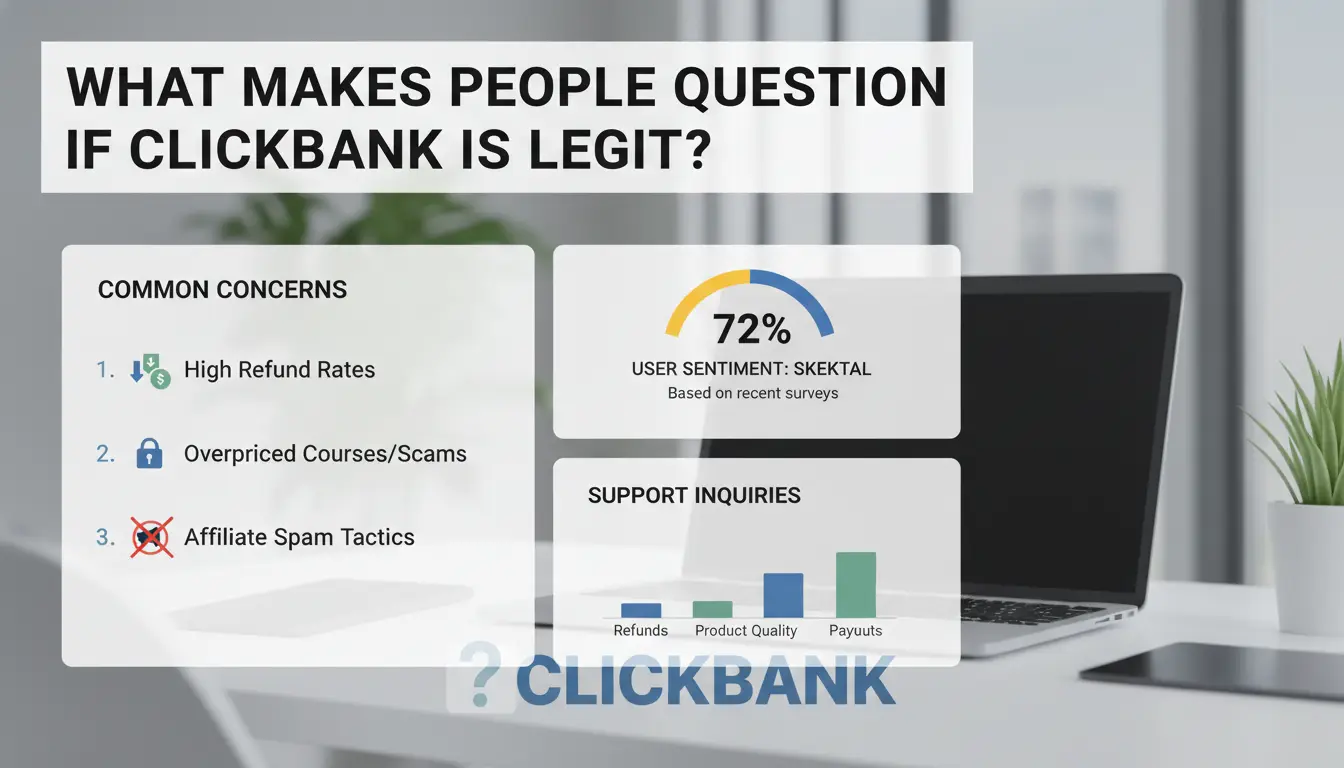
ClickBank’s reputation is mixed because it’s easy for almost anyone to sell on the platform. If you search “is ClickBank legit,” you’ll find real experiences split down the middle. Some call it a solid way to sell digital products. Others warn about scams, refund headaches, or low-quality offers. This gap comes from how ClickBank runs its marketplace and who can list products.
Why ClickBank Gets Called a Scam Online
The main reason people label ClickBank a scam is the flood of hyped-up or poor-quality products. Anyone can sign up as a vendor, so there’s little control over what gets listed. You’ll see quick-money schemes, miracle health fixes, or over-the-top marketing promises. Some affiliates push these hard, using fake reviews or aggressive sales pages to drive clicks. When buyers realize the product isn’t what was promised, or can’t get a refund, they share stories on sites like Trustpilot or Reddit, warning others to stay away.
The real issue is that weak vetting allows risky offers to stay live, so you can’t trust every listing just because it’s on ClickBank.
How ClickBank’s Business Model Works
ClickBank works as a digital product marketplace. Vendors create ebooks, software, or courses and list them for sale. Affiliates, who don’t make the products, promote them for a cut of each sale. This setup means ClickBank itself doesn’t always check quality or claims; it just connects sellers and promoters. Most refunds and support depend on the vendor, not ClickBank. If you’re asking “is ClickBank safe,” the answer depends on which seller you choose and how carefully you check reviews before buying.
What Real Users Say: ClickBank Reviews and Complaints
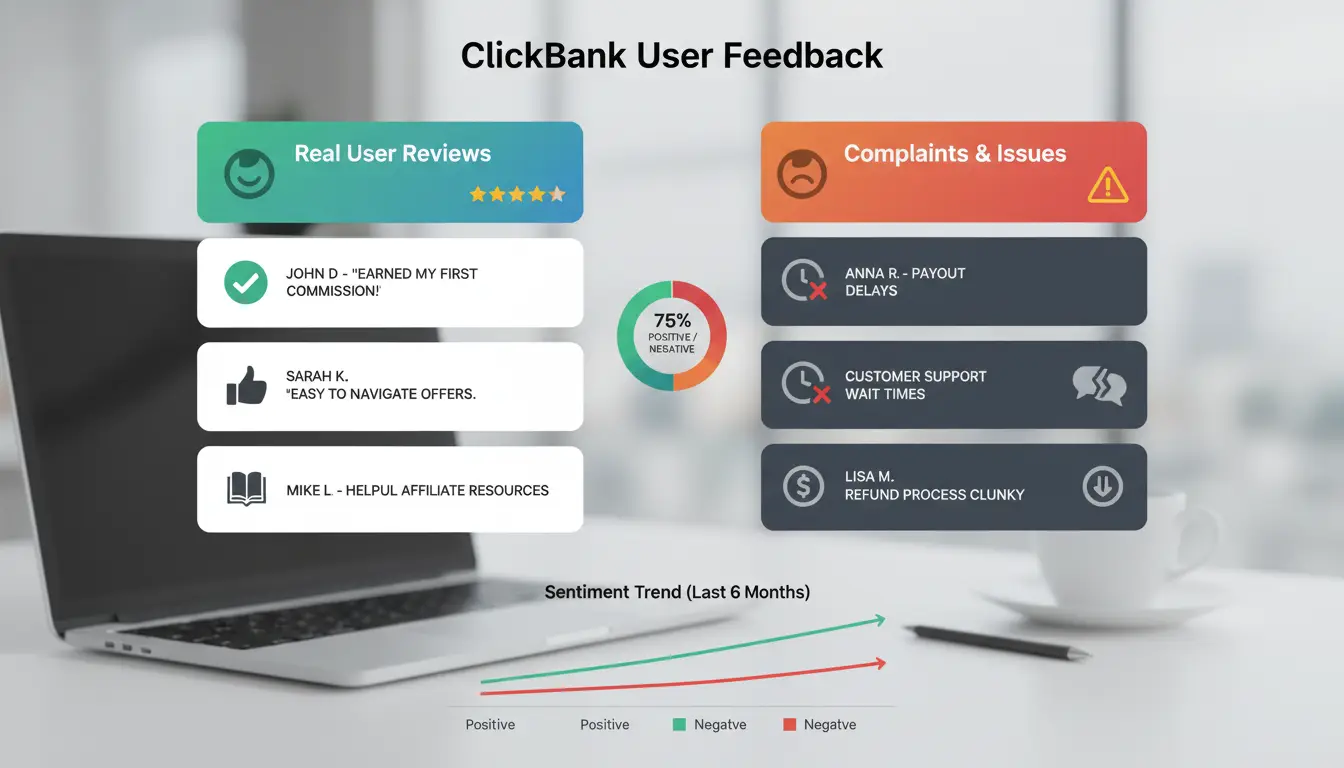
ClickBank’s public ratings and official reviews rarely tell the full story. If you search "is clickbank legit," you’ll find a mix: some users call it safe for payouts, others warn about scams and poor product quality. The real checks happen in forums, Reddit threads, and Trustpilot pages, not just the company site. Below, you’ll see the patterns that matter most.
What Affiliates Like and Dislike Most
Most affiliates agree ClickBank pays out reliably and often on time, weekly or bi-weekly, with low minimums compared to other networks (official payout info). That’s the upside. But complaints cluster around product quality and refund rates. Some sellers put up hyped offers, so affiliates get blamed when buyers demand refunds. Even top affiliates warn against promoting anything without checking for high refund rates or negative reviews. One recurring frustration: poor vetting means some products slip through that look good on the surface but trigger chargebacks later. For those searching "clickbank scam," the biggest risk is promoting what you haven’t tested.
What Buyers Report About ClickBank Purchases
Buyers often mention the refund process is fast, usually 60 days, and handled directly by ClickBank (refund policy details). Support tickets get answered, but complaints focus on misleading sales pages and upsells. Many buyers expect clear product info, but some sellers stretch claims or hide critical details, sparking requests for refunds. A common pattern: buyers land on polished pages, pay for a digital product, then realize the features are exaggerated or missing. Those searching "is clickbank safe" or reading a clickbank review often warn others: check seller ratings, look for repeat complaints, and avoid listings with vague promises.
What Risks Should You Know Before Using ClickBank?
ClickBank’s open marketplace attracts both legit sellers and those pushing shady offers. If you’re asking “is clickbank legit,” the answer depends on what you click, who you trust, and how you check before buying or promoting. Plenty of ClickBank reviews talk about payouts and product range, but the real risks hide in the details, fake products, hidden scams, surprise chargebacks, and account bans that aren’t always explained up front.
How Fake Products and Scams Slip Into the Marketplace
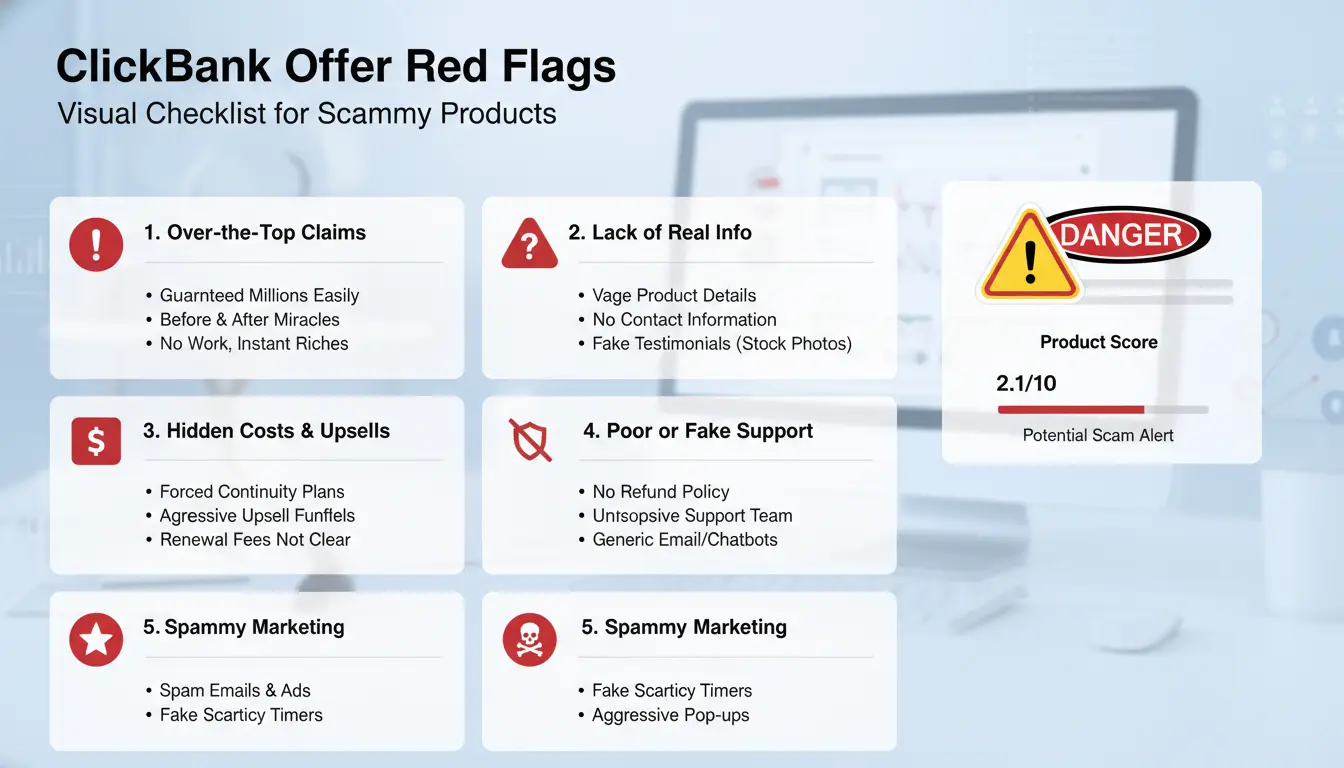
Many ClickBank scams start with promises that look too good, think miracle cures, instant riches, or secret formulas. Real warning signs include vendors who hide real identities, use fake testimonials, or promise results with zero evidence. If a product’s sales page has no way to contact the seller, uses heavy pressure tactics, or the refund policy sounds vague, that’s a sign to pause. ClickBank’s review process isn’t strict: as Trustpilot and Reddit users report, listings can get through with little fact-checking. The biggest risk comes from trusting offers you haven’t checked, always look for contact details, real company info, and proof the product works.
Why Some Affiliates Lose Accounts or Earnings
Many affiliates lose their ClickBank accounts because they break the platform’s rules without realizing it. Promoting forbidden products, spamming, or using misleading ads can trigger sudden bans. Chargebacks and refund abuse hit hard. If too many buyers ask for refunds or claim their card was used without permission, ClickBank may withhold your earnings. Their policy page shows strict limits, get flagged, and your account could be frozen for weeks. Is ClickBank safe? Only if you play by the rules, keep clear records, and avoid shortcuts that can trigger reviews or account holds. If you spot a ClickBank scam, report it fast; ignoring small warning signs often leads to bigger problems for both buyers and affiliates.
How to Check If a ClickBank Offer Is Safe and Worth Promoting
Vetting a ClickBank offer isn’t just about reading a clickbank review or trusting the marketplace. Lots of risky products get through. To answer “is ClickBank legit?” you need to check what’s behind the sales pitch and how the vendor handles refunds, support, and payouts. Here’s how to do a real-world check before you waste time or damage your reputation.
What to Look for Before You Join an Offer
Don’t just skim the sales page, look for real proof and clear terms. A solid offer will show real demos, list refund rules upfront, and use language that’s direct, not hype-heavy. If you see fake scarcity timers, wild income claims, or no real customer examples, step back.
Vendor support makes a difference when buyers complain. Before joining, send a test question to the vendor’s support. Fast, helpful replies mean you’re less likely to get left hanging if problems come up. If you can’t find a support email or get no answer, that’s a red flag.
How to Research Vendor History and Payout Reliability
ClickBank’s “gravity score” shows how many affiliates earn from a product lately. Low gravity combined with high refund rates usually signals trouble. Check the product’s stats on ClickBank’s marketplace:
| Metric |
Safer Range |
Risky Range |
| Gravity Score |
20–100 |
Under 10 |
| Refund Rate |
Under 10% |
Over 20% |
Go beyond the official page, search forums like Warrior Forum or Trustpilot for real affiliate feedback. Watch for patterns: repeated complaints of “clickbank scam,” missing payments, or frozen accounts suggest issues.
The most reliable sign is steady payouts and transparent support, if those are missing, move on fast. “Is ClickBank safe?” depends less on the platform, more on the vendor’s record and how well you check before promoting.
Why Some ClickBank Accounts Get Banned (and How to Avoid It)
Account bans catch many users off guard, especially those who think following basic steps is enough. If you landed here searching “is ClickBank legit,” you’re probably worried about losing access or commissions. The truth is, most ClickBank bans come from a few repeat mistakes, usually linked to compliance or risky shortcuts.
Common Mistakes That Trigger Account Suspension
ClickBank runs automated checks and manual reviews. The biggest red flag is promoting prohibited offers, like fake health products or “get rich quick” schemes. Even if a product looks similar to others on the marketplace, it may still be banned by ClickBank’s compliance team. Another major reason for bans is using black-hat marketing tactics. This includes fake testimonials, misleading ads, or trying to trick the system with spammy traffic.
Running multiple accounts from the same device or IP address, or switching payout details often, also puts you at risk. ClickBank’s fraud detection can flag even small patterns as suspicious. Many “ClickBank scam” stories start when someone ignores these rules and gets caught in a sweep.
How to Keep Your Affiliate Account Safe
The safest way to avoid trouble is to follow ClickBank’s compliance guidelines. Always double-check if an offer is allowed before promoting it. When in doubt, reach out to their support team.
Keep your account under one name, with consistent login details. Don’t log in from shared public devices or let others use your access. Stick to honest ads, don’t promise earnings or use banned phrases. Regularly read updates from the ClickBank blog for rule changes or known scams.
The most common cause of account loss is ignoring small compliance details, one slip can lock you out for good.
How Affiliate Marketers Can Run Safer, Scalable Campaigns with DICloak
Why Multi-Account Management Gets Risky on ClickBank
Running several ClickBank accounts brings real risks. The platform tracks IP addresses and browser fingerprints, so using the same device or network across accounts can trigger bans, sometimes without warning. Teams that share logins face even more problems: one person logging in from a flagged IP can get every connected account suspended. These risks make people ask, “is clickbank legit?” and worry about account safety, especially after reading a clickbank review where bans happen for small mistakes.
How DICloak Protects Your ClickBank Operations
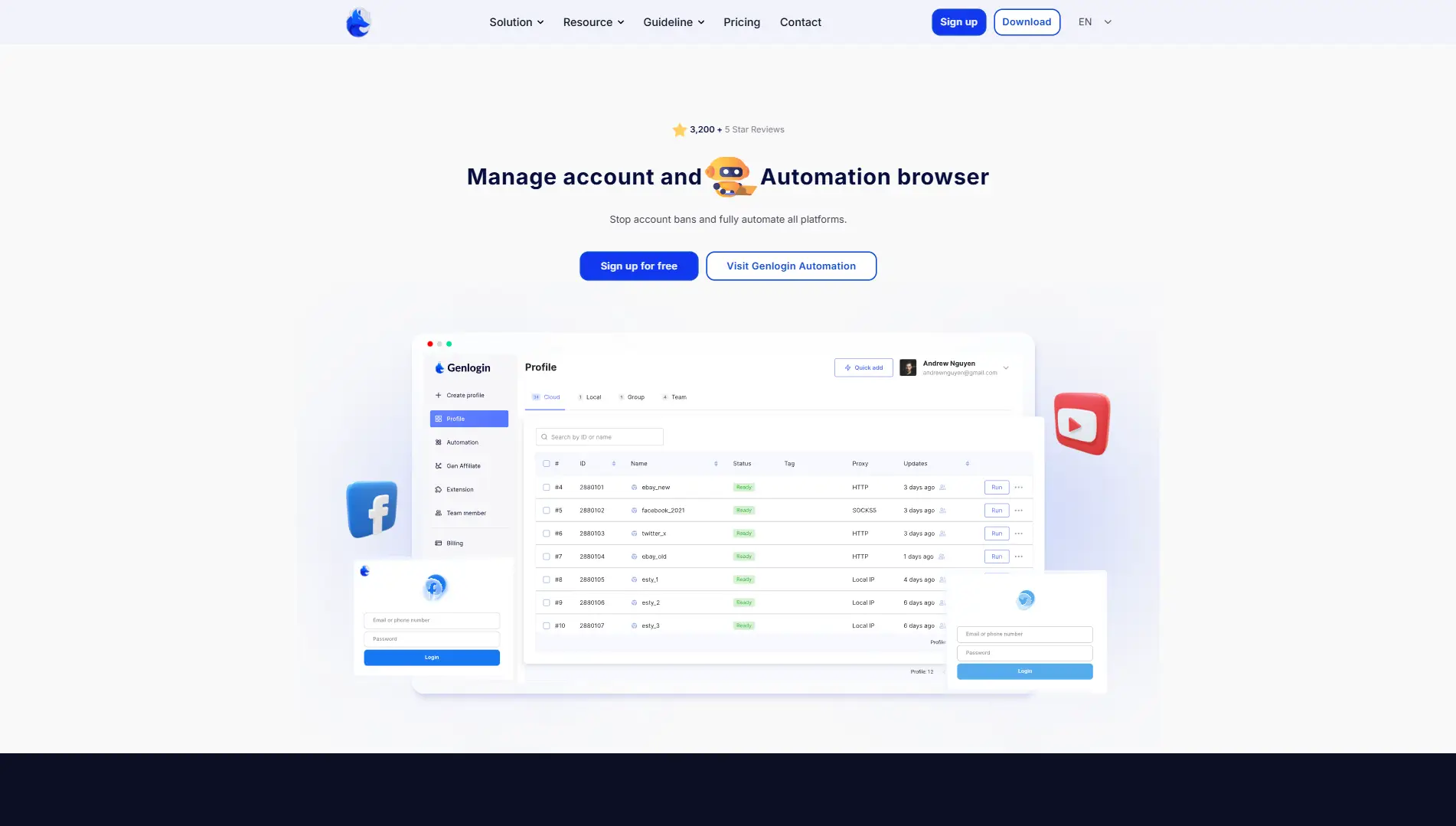
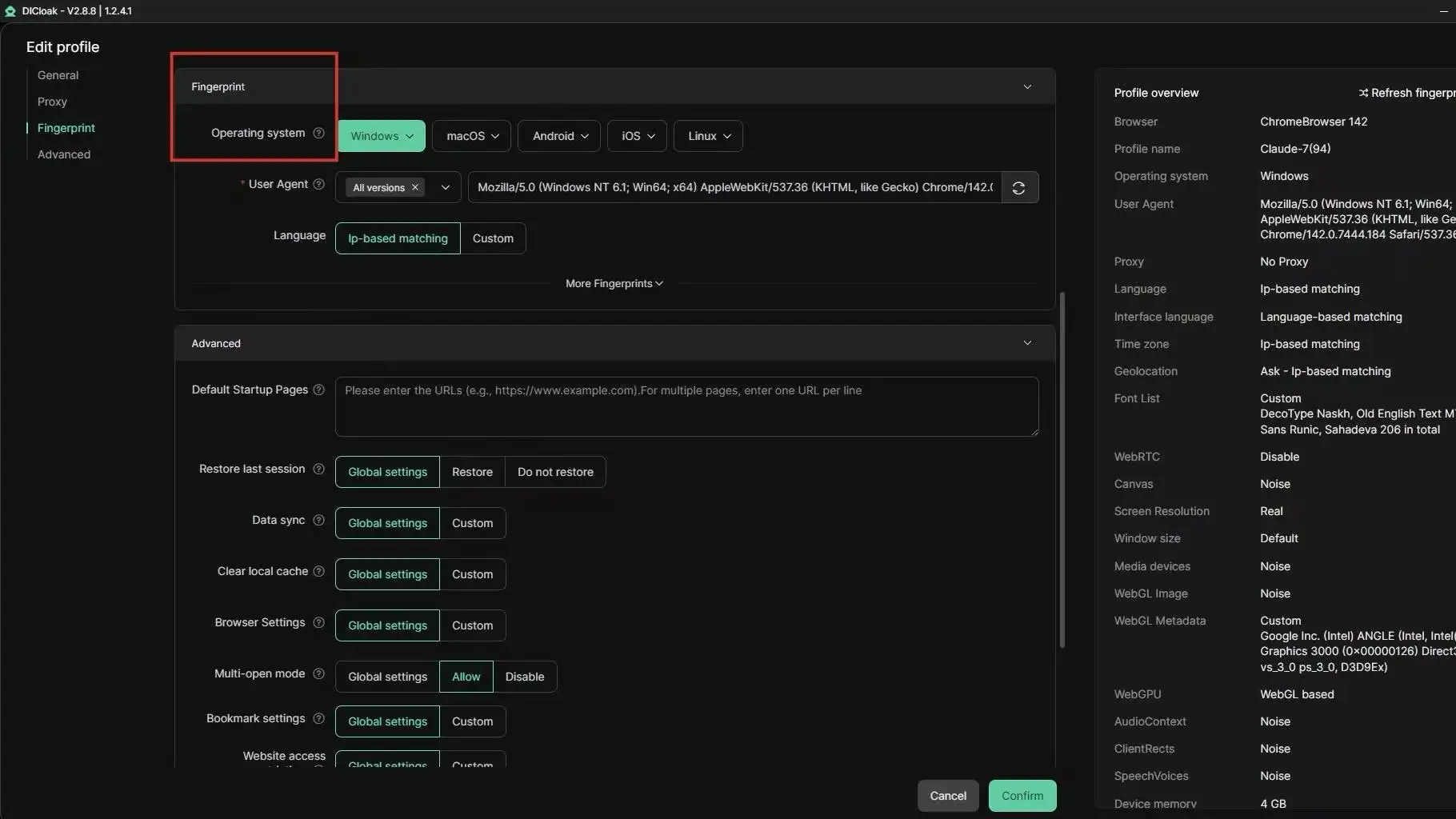
You can use DICloak to set up a unique browser profile for each ClickBank account. Each profile has its own fingerprint and connects through a separate proxy. This breaks the link between accounts and lowers the chance of a clickbank scam or mass ban. Teams can also control who gets access to each account, reducing mistakes.
Scaling Campaigns and Automating Workflows Safely
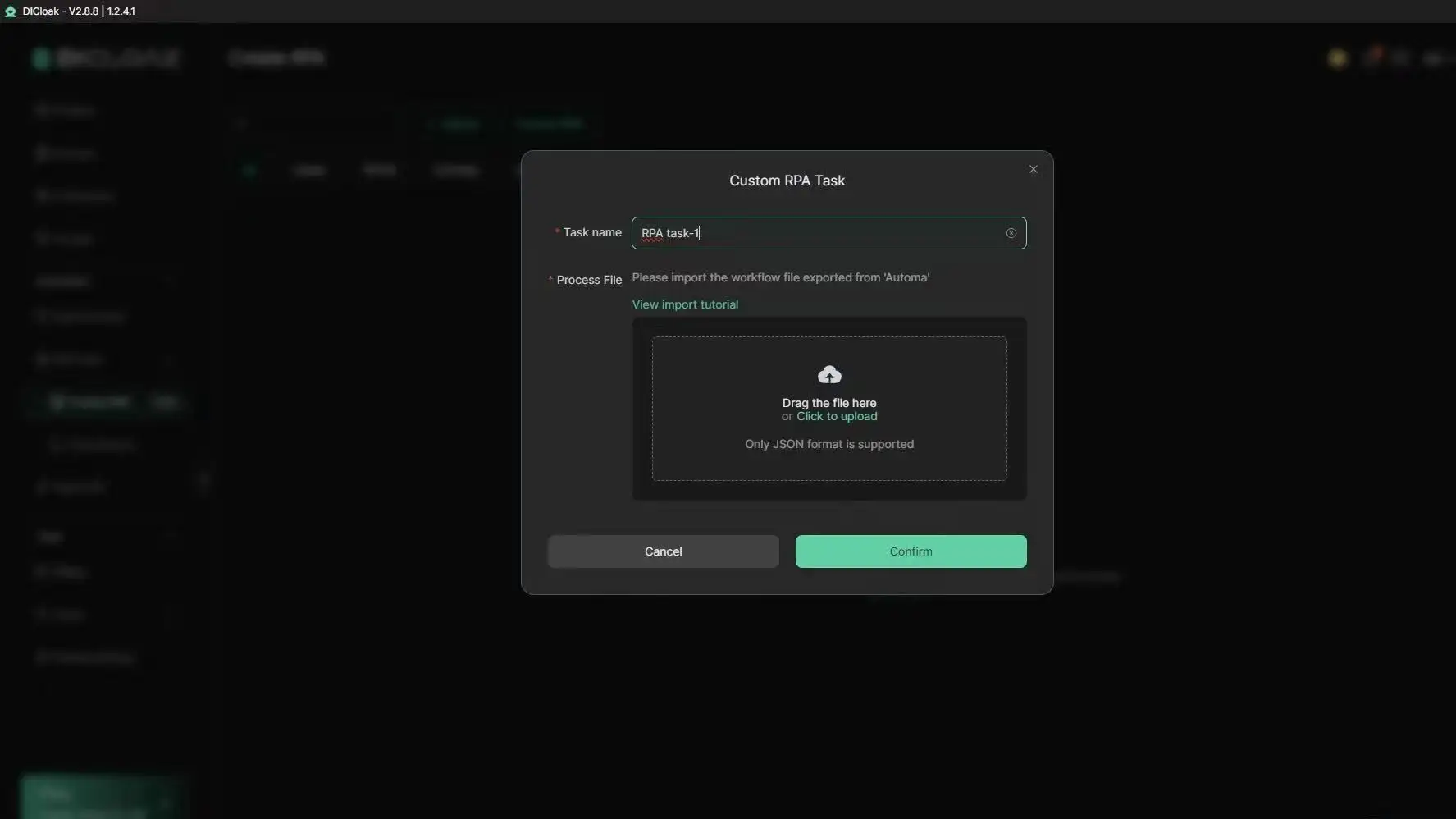
Tools like DICloak let you run bulk actions or automate repetitive affiliate tasks with RPA. You can give team members the right permissions and check audit logs if something goes wrong. This makes scaling campaigns safer and answers the “is clickbank safe” question with real controls, not just hope.
When ClickBank Is (and Isn’t) the Right Choice for You
Who Should Use ClickBank (and Who Shouldn’t)
ClickBank works best for affiliates focused on digital products like e-books, online courses, and downloadable tools. If your main goal is to promote physical products or you want higher-end retail brands, ClickBank will likely disappoint. The platform is known for high commissions, sometimes over 50%, but that comes with less screening of sellers and offers. This means you’ll see both top-performing and questionable products side by side.
Is ClickBank legit? The answer depends on your expectations. If you want a fast start, low payout threshold, and a wide range of digital offers, ClickBank is a fit. If you want strict vetting, advanced fraud protection, or curated networks like CJ Affiliate or Impact, you may find ClickBank’s “open door” approach risky. Many “clickbank scam” reports online come from affiliates who didn’t check refund rates, product history, or seller reputation before promoting. If you need better support, or want to avoid sorting through low-quality offers, other networks may serve you better.
ClickBank stands out for fast signups, global reach, and instant approval on most offers. Payouts start at $10, but some networks require $50–$100 minimums. Unlike networks that focus on big retail brands, ClickBank’s strength is niche digital products. Support response is often slower than ShareASale or Rakuten Advertising. Refunds and chargebacks are more common, so you need to check each offer’s stats before sending traffic.
| Feature/Network |
ClickBank |
CJ Affiliate |
Impact |
| Product vetting |
Minimal |
Strict |
Strict |
| Payout min ($) |
10 |
50 |
25 |
| Best for |
Digital niche |
Retail/brands |
Brands/mixed |
Source: ClickBank review, CJ Affiliate, Impact
If you want more choice but less hand-holding, ClickBank is safe for those who do their homework, just don’t confuse “easy signup” with guaranteed quality.
What Steps to Take If You Run Into Problems on ClickBank
Running into refund issues, scam offers, or account lockouts on ClickBank isn’t rare. The platform’s open marketplace means not every vendor or offer is screened tightly. If you’re searching “is clickbank legit,” you probably want to know what safety nets exist and what to do when things go sideways.
How to Get Support and Resolve Disputes
ClickBank claims to handle most support through its help center, but the real test is response speed. For basic problems, like missing payouts, login errors, or order issues, you can open a ticket online. Attach screenshots and order numbers; this cuts delays.
If your issue is with a vendor (like not getting a promised bonus or refund refusal), try contacting the vendor’s support first. Most reputable sellers list a contact email on their pitch page or in the purchase confirmation. If the vendor ignores you or gives canned replies, escalate by submitting a refund request through ClickBank within 60 days. ClickBank will usually step in if the vendor stalls.
The most actionable move: always keep proof of your payments, order IDs, and any vendor communication. Without these, ClickBank support often sides with the seller.
What to Do If You Suspect a Scam or Policy Violation
If you spot a clickbank scam, like fake reviews, misleading offers, or forced upsells, report it directly using the “Report a Product” tool. Describe exactly what happened and attach screenshots.
Worried about your own account safety? Change your password, check recent logins, and unlink payout methods if you see anything strange. ClickBank rarely reimburses stolen funds if you delayed reporting.
If you’re still unsure “is clickbank safe,” check user posts on Trustpilot and compare common complaints. Scams often follow patterns, fake scarcity, unusual refund barriers, or sellers with no track record. When ClickBank support is slow, these outside reviews can warn you before a loss.
Frequently Asked Questions
Is ClickBank legit or a scam?
ClickBank is a legit online marketplace that connects sellers and affiliates. However, some scams happen when low-quality vendors or affiliates promote fake or misleading products. If you’re asking “is ClickBank legit,” know that the platform itself is real, but you should always check vendor reviews and look for red flags before buying or promoting.
How do I avoid ClickBank scams as an affiliate?
To avoid ClickBank scam offers, research each product before you promote it. Read vendor reviews, check refund rates, and avoid products with big promises and little proof. Stick to offers from well-known vendors on ClickBank. This helps protect your reputation and your commissions.
Is it safe to buy products from ClickBank?
Wondering “is ClickBank safe” for buyers? Generally, yes, ClickBank backs purchases with a 60-day refund policy. Still, review the sales page carefully and look for honest user reviews. Avoid products that sound too good to be true. If you have issues, ClickBank support can help with refunds.
Why do some people lose money on ClickBank?
People lose money on ClickBank when they promote low-quality products, break affiliate rules, or fall for scams. For example, promoting a product with a high refund rate can lead to lost commissions. Reading ClickBank review posts and checking product stats can help you pick better offers.
Can I use multiple ClickBank accounts safely?
Yes, you can have more than one ClickBank account, but you must manage them carefully. Tools like DICloak help by keeping each account’s data and browser “fingerprint” separate. This reduces the risk of one account affecting another if there’s ever a problem or ban.
Conclusion
Ultimately, ClickBank stands as a legitimate platform for both affiliate marketers and digital product creators, though it’s important to approach it with realistic expectations and due diligence. Success depends on careful research and ethical practices, so users should always vet products and offers before engaging.
Try DICloak For Free
 Web Proxy Tools
 Free Tools
 Cookie Plugin
 UA Generator
 MAC Address Generator
 IP Generator
 IP Address List
 2FA Code Generator
 World Clock
 Anonymous Check
 WebRTC Leak Test
 UUID Generator
 Free Web Proxy Site
 Proxy Checker
 FB Ad Checker
 AI Web Scraping
 Free SMM Tools
 Twitter Shadowban Checker
 Instagram Name Checker
 UTM Generator
 Username Generator
 AI Hashtag Generator
 LinkedIn Headline Generator
 Social Media Image Resizer