Downloading Reddit videos still sounds simple, but the real process is often messy. Silent clips, broken audio, fake download buttons, low-quality exports, and copyright risks can all slow users down. In 2026, the best Reddit downloader is not just the fastest tool. It should help you save videos clearly, safely, and with fewer manual steps.
Why does Reddit still make downloading videos so difficult in 2026?
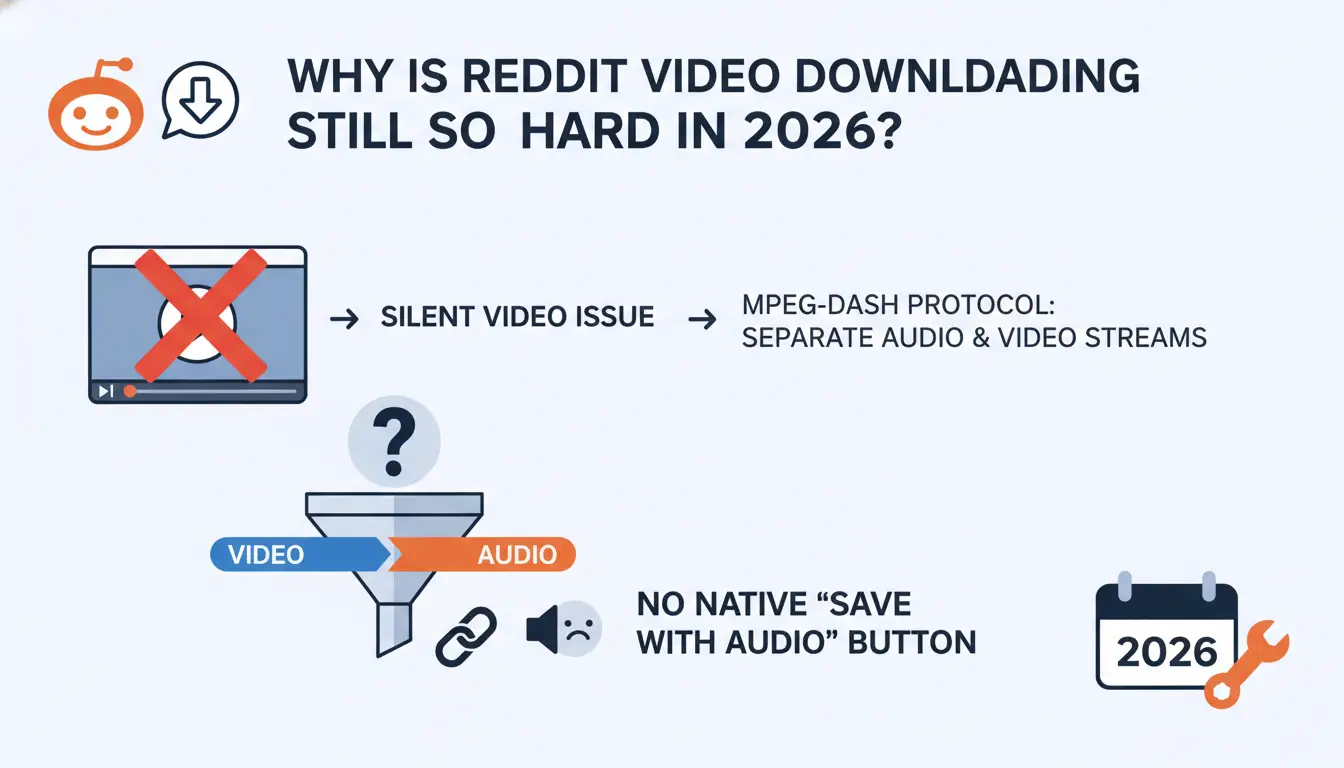
Reddit remains a primary source for viral media, yet the platform natively lacks a robust "Save Video" feature for most high-bitrate content. The core frustration for power users is the "silent video" issue, caused by Reddit’s use of MPEG-DASH (Dynamic Adaptive Streaming over HTTP). This protocol serves the audio and video as two distinct streams. Without a tool to handle the multiplexing—merging these streams into a single MP4 container—a standard browser "Save As" command only captures the video track.
Technical barriers for standard scrapers include:
- MPEG-DASH Stream Separation: Most browsers lack the built-in logic to remux fragmented audio and video bitstreams on the fly, resulting in media without synced audio.
- External Host Wrappers: Content from YouTube or Gfycat is often embedded via third-party wrappers, which native browser save functions cannot parse or decode.
- Batch Sourcing Limitations: Reddit provides no native mechanism to scrape media from entire threads, specific user profile histories, or subreddits, forcing users toward manual, one-off URLs.
Which web-based Reddit downloaders are the fastest for single clips?
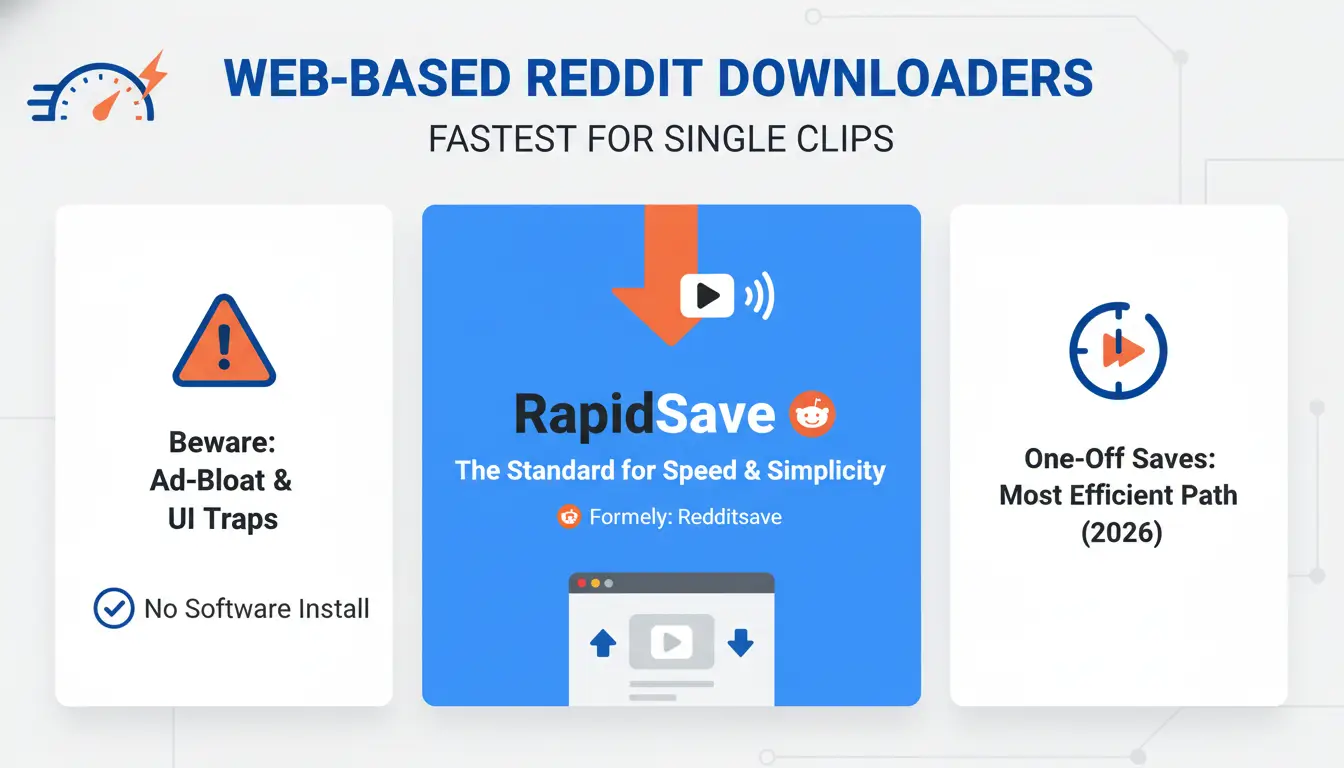
For one-off saves, browser-based tools are the standard, provided you can navigate the ad-bloat and UI traps. In 2026, these tools are the most efficient path for users who don't want to install local software.
RapidSave: The standard for speed and simplicity.
Formerly known as Redditsave, RapidSave is the baseline for one-click transfers. It is particularly valued for providing watermark-free MP4s. For frequent users, its Chrome and Firefox extensions—identifiable by a distinct red download icon—allow you to trigger the service directly from the Reddit UI. Once processed, you should look specifically for the "Download HD Video" button. The primary trade-off remains the presence of banner ads that can clutter the workflow.
Viddit.red: The best for automated audio-video merging.
Viddit.red is engineered specifically to solve the "silent video" problem through automated server-side remuxing. It fetches the separate DASH streams and packages them into high-quality MP4 or GIF formats before presenting the download link. This eliminates the need for any local post-processing, making it the preferred choice for high-fidelity source material.
Toolzin and VideoDownloader.so: Lightweight, no-install alternatives.
These serve as reliable fallback utilities. Toolzin offers a "no-frills" interface focused on fast processing with minimal latency. VideoDownloader.so distinguishes itself through a safety-first approach; it is notably free of the aggressive pop-ups and PUAs (Potentially Unwanted Applications) found on lower-tier saver sites. It is also compatible with over 1,000 other sites beyond Reddit, making it a versatile addition to a professional’s toolkit.
Are desktop applications worth the installation for Reddit archiving?
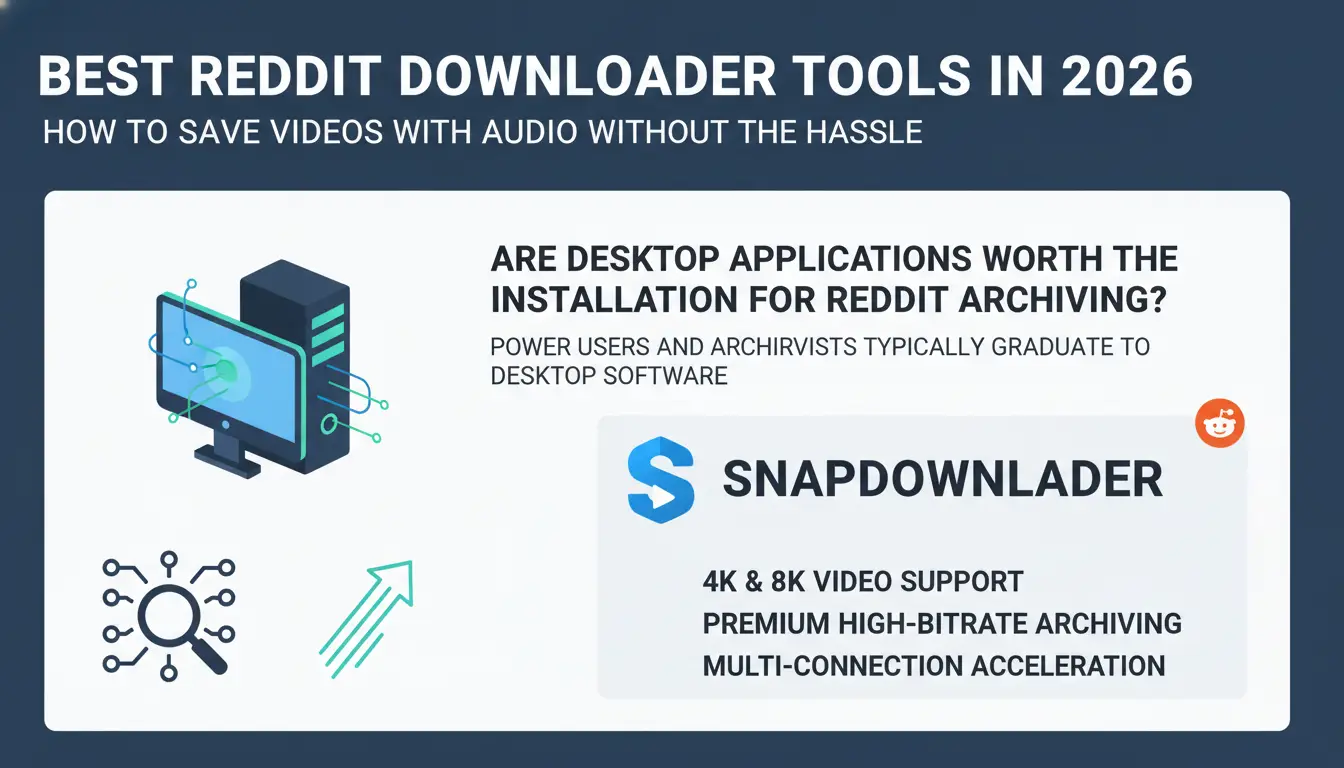
Power users and archivists typically graduate to desktop software to gain multi-threaded acceleration and deep-link detection capabilities that browser tools lack.
SnapDownloader for high-resolution 4K and 8K support.
SnapDownloader is a premium choice for high-bitrate archiving. It uses multi-connection acceleration to saturate your bandwidth and supports quality presets up to 8K. It also features a built-in scheduler for off-peak batch processing and an extraction tool for converting video directly to MP3.
JDownloader 2: The open-source choice for deep link detection.
JDownloader 2 is a powerful tool for large-scale operations. Beyond simple URL pasting, it can crawl a user’s entire profile history or an entire subreddit thread to identify every piece of embedded media. While its technical interface has a steep learning curve, its ability to manage massive download queues with custom naming conventions is highly valuable for professional archivists.
How can you identify and avoid "Download" button traps on saver sites?
Navigating third-party tools requires a practitioner's eye for security to avoid system compromise.
Spotting bundled adware and hidden installers.
Many "free" desktop tools attempt to bundle PUAs or browser hijackers. Use this checklist during installation:
- Decline "Express" Installs: Always choose "Custom" or "Advanced" to see exactly what services are being added.
- Permission Scrutiny: Reject any tool asking for administrative privileges or system-level network monitoring that isn't required for simple file saving.
- Unsigned .dmg Files: For macOS environments, prioritize tools that are signed by recognized developers to avoid bypassing Gatekeeper for potentially malicious software.
Navigating deceptive UI and phishing overlays.
Web tools often use "fake" download buttons—bright, oversized graphics that are actually advertisements for malware or phishing sites. A legitimate downloader will only generate a link after you have pasted the URL and the server has processed the media. If a "Download" button is visible the moment you land on the page, it is a trap.
What is the most efficient way to download Reddit videos on mobile?
For mobile workflows on Android and iOS, the most efficient route is utilizing browser-based tools to avoid the bloatware and invasive permissions common in App Store/Play Store "savers."
I recommend using Bigbangram due to its clean mobile interface. The 3-step professional workflow is:
- Copy Link: Use the "Share" icon in the Reddit app and select "Copy Link."
- Paste in Browser: Navigate to the downloader in Safari or Chrome and process the URL.
- File Management: On iOS, ensure you save the file to the "Files" app rather than just the photo gallery to preserve metadata and avoid compression.
How do professionals scale Reddit content sourcing with automation?
Professional content managers use advanced environments like DICloak to scale media sourcing while aiming to reduce the operational risks of account bans or hardware limitations.
- Multi-Account Isolation: DICloak supports running independent Android instances within its browser profiles. This helps practitioners to browse and source from multiple accounts simultaneously with reduced risk of account association.
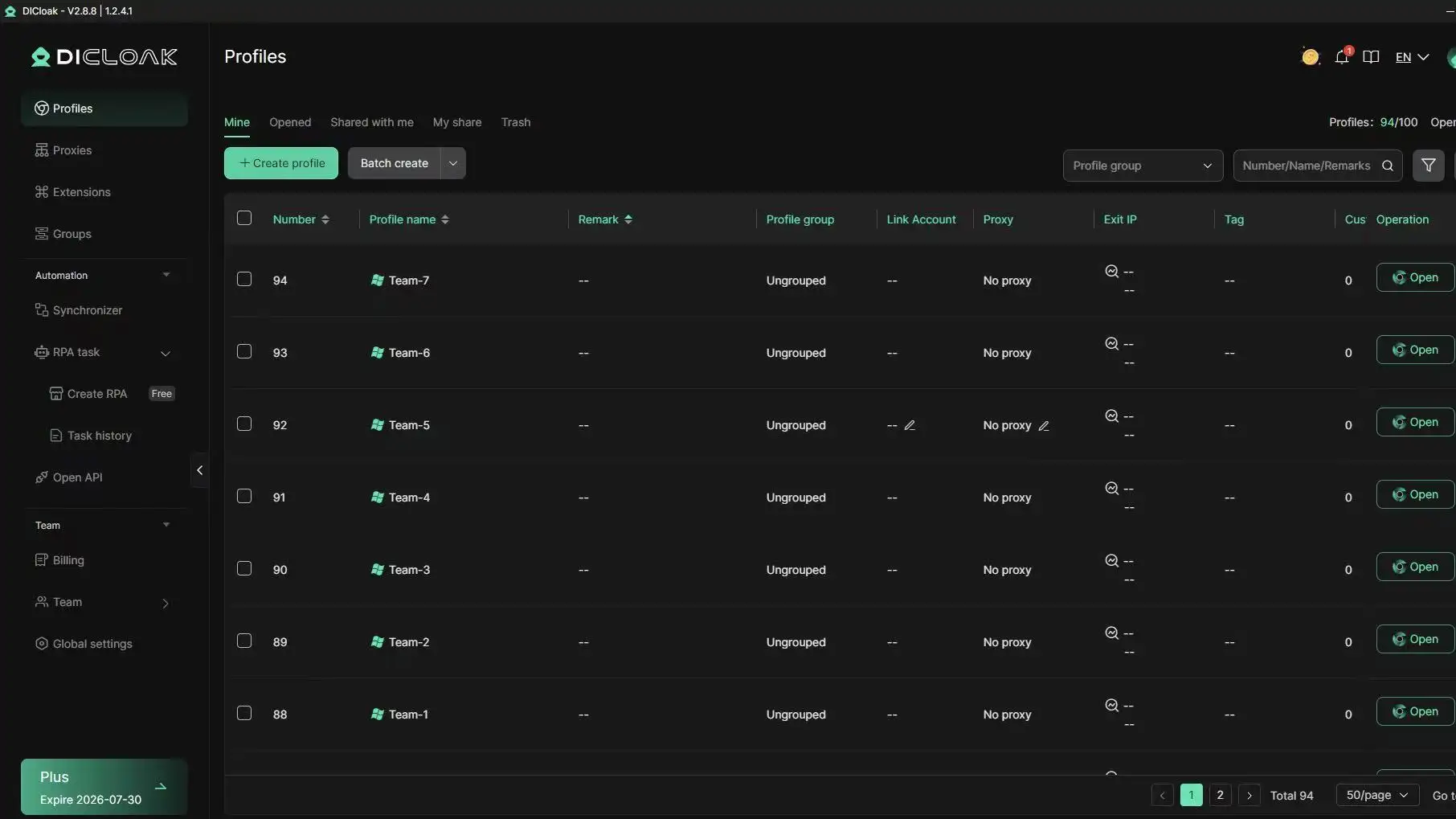
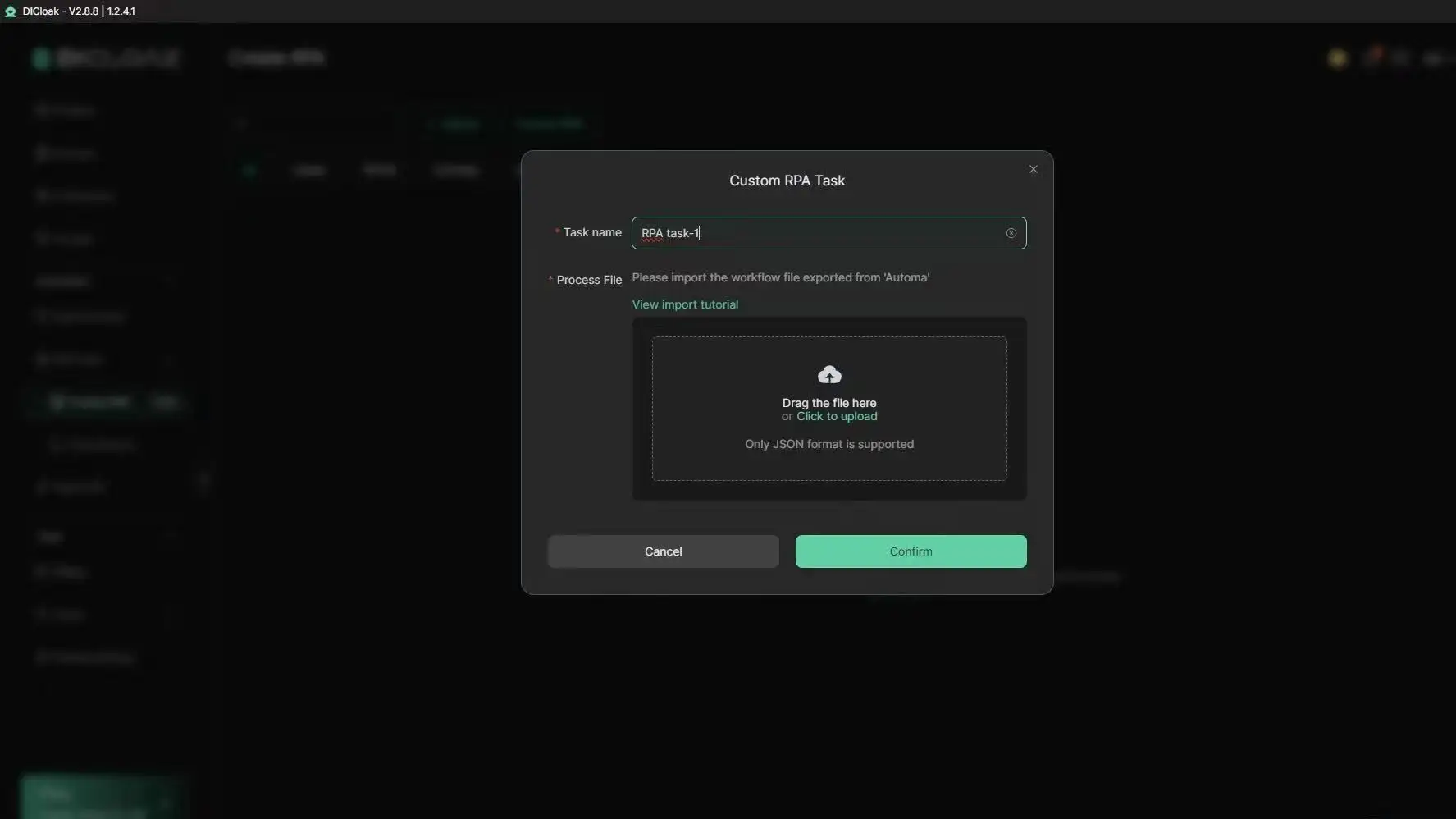
- Automated Batch Workflows: Professionals can leverage RPA (Robotic Process Automation) within these environments to capture trending posts efficiently, even when their local hardware is offline.
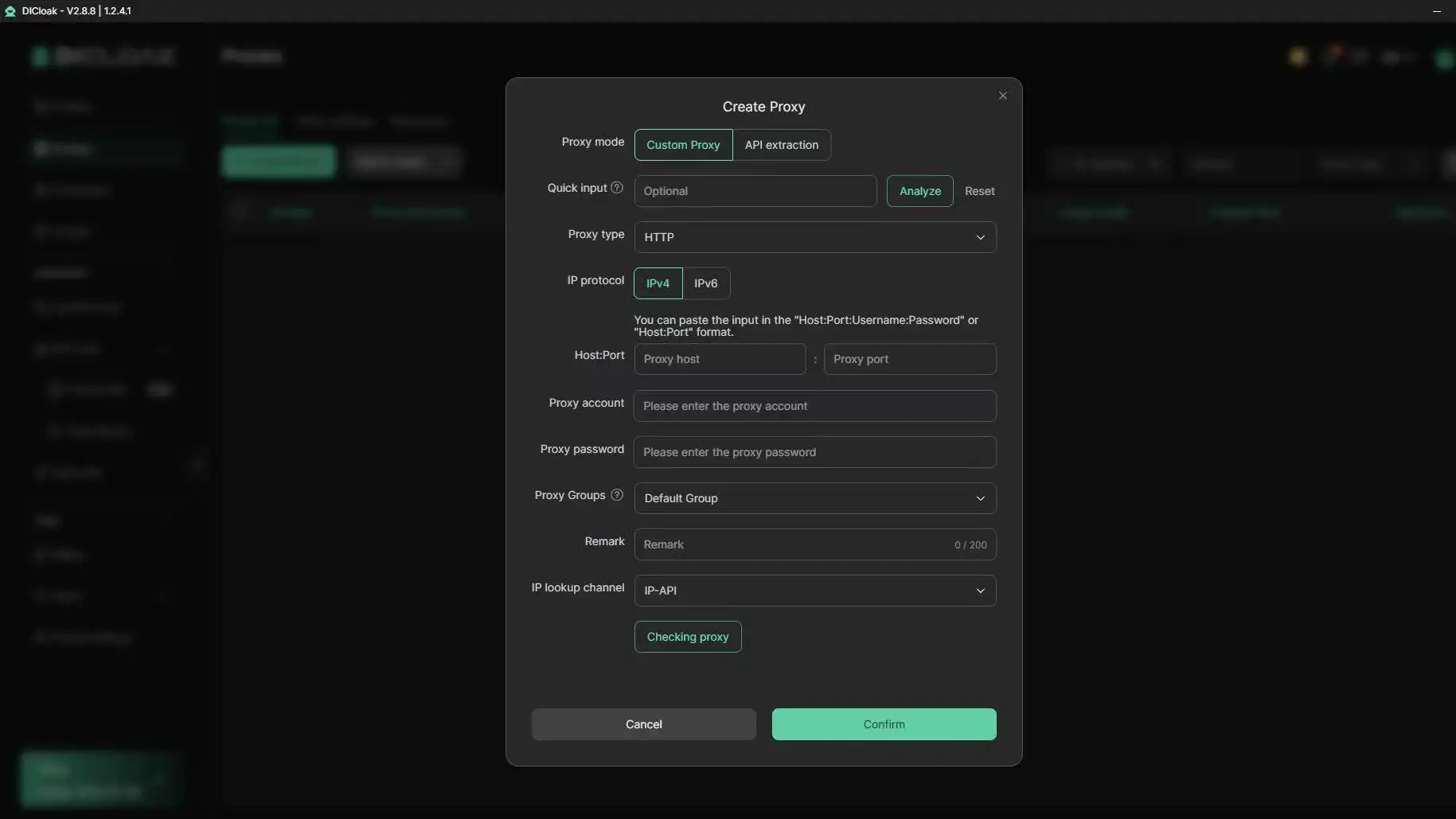
- Geo-Location Simulation: By utilizing user-configured proxy integration and IP rotation, users can simulate traffic from specific regions. This can be valuable for content analysis, allowing professionals to identify and source local trends.
What are the common mistakes when repurposing downloaded Reddit media?
Acquiring the file is only the first step; technical and legal pitfalls can still affect a workflow.
Ignoring the "v.redd.it" file structure.
Attempting to manually save files from the "v.redd.it" server often results in a fragmented MP4 or a raw bitstream. These files frequently lack the necessary headers for standard players to sync audio and video. Simply renaming the file extension will not fix the underlying metadata corruption.
Overlooking licensing and creator permissions.
While tools make the technical side easy, they do not provide a legal shield. Re-hosting content on platforms like YouTube or TikTok carries a high risk of copyright strikes. Practitioners must ensure "fair use" through significant transformative value or seek explicit permission to mitigate takedown risks.
Is it legal to use a Reddit downloader in 2026?
The legality of these tools depends entirely on the use case. In 2026, downloading for personal archiving or educational research is generally viewed as a low-risk activity. However, commercial re-uploading for monetization remains legally precarious. Using professional environments like DICloak offers a compliance-focused workflow for sourcing, but it does not replace the need for ethical content management and adherence to platform terms of service.
Frequently Asked Questions
Why is my downloaded Reddit video silent?
This is due to Reddit's MPEG-DASH implementation, which serves audio and video as separate bitstreams. If you don't use a downloader that specifically remuxes these streams into a single MP4 container, you will only capture the silent video track.
Can I download videos from private subreddits?
Most public web-based tools cannot access private subreddits because they lack your authentication tokens. For private content, you must use a desktop manager like JDownloader 2 that can operate within your authenticated browser session.
Which downloader supports the highest quality?
SnapDownloader is a leading option for quality, supporting resolutions up to 8K and high-bitrate audio extraction, whereas most web-based tools cap out at 720p or 1080p.
Do I need to log into my Reddit account to use these tools?
Reputable web tools do not require your credentials; they only need the public URL. You should treat any web-based downloader that asks for your Reddit password as a phishing threat.
What is the safest Reddit downloader for Mac users?
The consensus for macOS environments is to prioritize reputable web-based tools to avoid the security risks associated with unsigned .dmg files. If a desktop app is required, JDownloader 2 is a trusted open-source option within the community.
Conclusion
A good Reddit downloader can save time, but the right choice depends on your workflow. Web tools work well for quick clips, while desktop apps are better for large archives and higher quality. For professional content sourcing, safer browsing habits, account separation, and clear permission checks matter just as much as the download button itself.
 Web Proxy Tools
 Free Tools
 Cookie Plugin
 UA Generator
 MAC Address Generator
 IP Generator
 IP Address List
 2FA Code Generator
 World Clock
 Anonymous Check
 WebRTC Leak Test
 UUID Generator
 Free Web Proxy Site
 Proxy Checker
 FB Ad Checker
 AI Web Scraping
 Free SMM Tools
 Twitter Shadowban Checker
 Instagram Name Checker
 UTM Generator
 Username Generator
 AI Hashtag Generator
 LinkedIn Headline Generator
 Social Media Image Resizer