A single bad proxy can leak your real IP in seconds, yet thousands of developers still grab the first free proxy list github they find, hoping for quick anonymity. The appeal is obvious: you can find fresh public proxy lists on GitHub every day, sometimes with thousands of addresses. But most lists are full of dead, slow, or unsafe proxies. Even active proxies from GitHub can inject ads, steal logins, or vanish just when you need them. One test by Geekflare found that over 80% of free proxies failed basic reliability or privacy checks.
If you want to use a GitHub proxy list without risking account bans or exposing your data, you need more than just a copy-paste. Sorting working proxies from the junk takes real testing. Even then, using public proxies without the right setup can leave you open to man-in-the-middle attacks or sudden disconnects. Many users end up searching for “free proxies from GitHub” only to get blocked by sites or flagged for suspicious activity.
This guide lays out step-by-step how to safely find, test, and use a public proxy list GitHub offers, without guessing which proxies are safe or wasting hours on dead links. You’ll see where most people trip up, what tools actually help, and exactly how to avoid the biggest risks. Here’s what works in practice.
What Should You Know Before Using a Free Proxy List from GitHub?
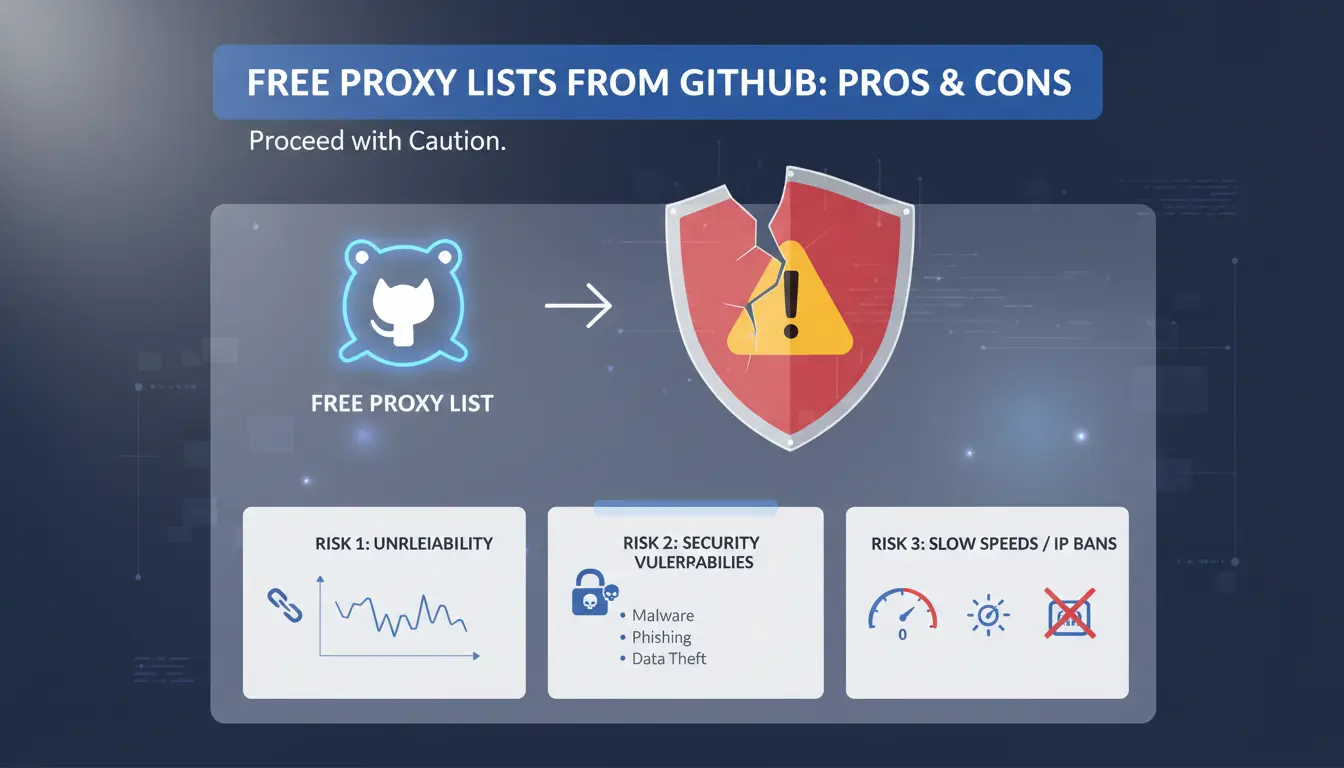
Free proxy lists on GitHub look tempting if you want quick access to public proxies. But before you grab a “free proxy list github” repo and start using random IPs, it pays to know where these lists come from, what can go wrong, and when using them is a bad call.
Why Are Free Proxy Lists Shared on GitHub?
Most public proxy lists on GitHub are built by open-source contributors. Anyone can scrape, collect, and share proxy IPs, then update them as old ones die. This means you often see fresh links and lots of options. The transparency lets you check how the proxies are gathered or tested. Still, these lists are public, so every user worldwide gets the same proxies at the same time. Some lists rely on automated scraping, which means the quality and uptime can change daily. The GitHub proxy list format is usually plain text or CSV for easy use.
What Are the Main Risks of Using Public Proxies?
Using free proxies from GitHub puts your connection through unknown servers. Anyone running a public proxy can read your unencrypted traffic or inject ads. Many proxies work for a few hours, then drop offline or get flagged for abuse. Sites like Wikipedia and Cloudflare block public proxy IPs fast. If you send logins or private info over these proxies, you risk leaks or account bans.
When Is It a Bad Idea to Use Free Proxies?
Free proxies rarely make sense for sensitive accounts or business use. If you log in to email, banking, or work systems, a public proxy list GitHub shares leaves you open to theft or lockouts. For anything tied to money, identity, or company data, paid private proxies or a managed tool are safer, Nordproxy's guide compares options. Stick to free proxies only for non-critical tasks where security and uptime do not matter.
How Can You Find a Reliable Free Proxy List on GitHub?
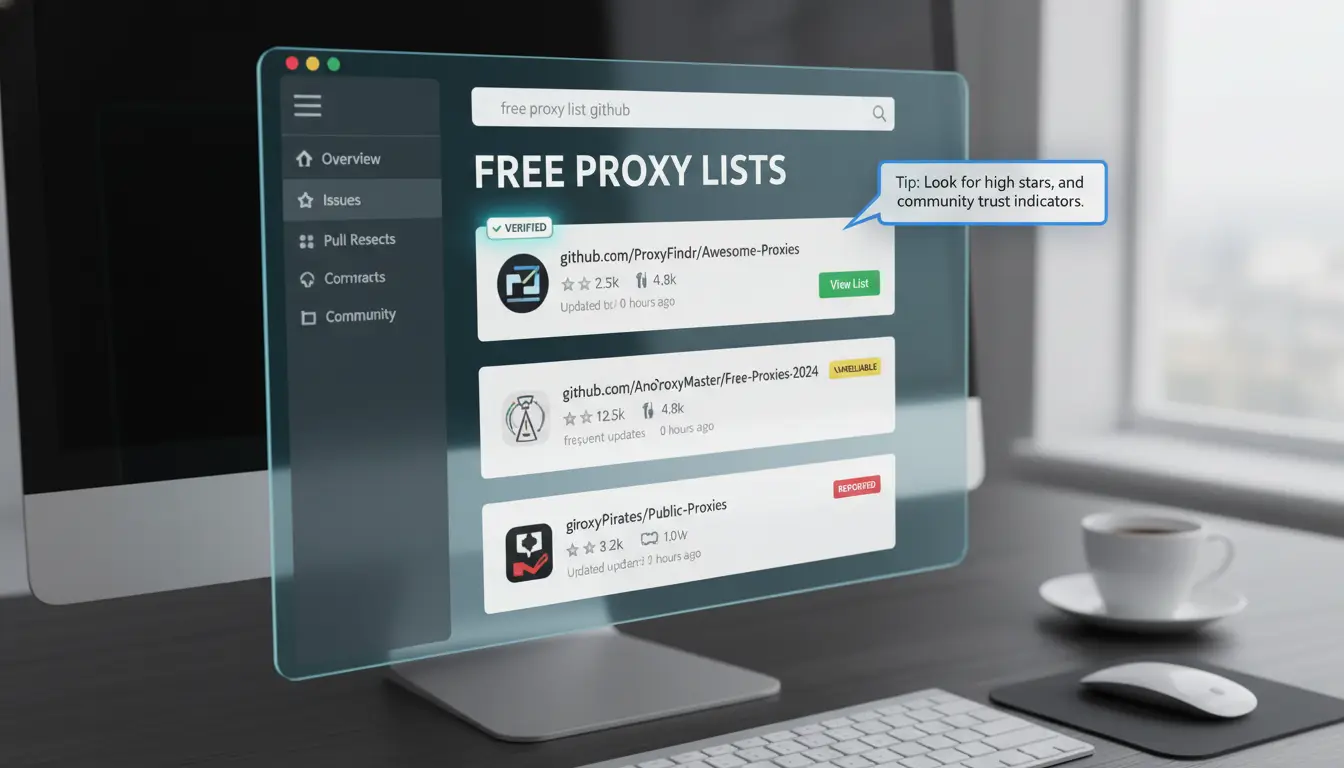
Searching “free proxy list github” brings up hundreds of results, but most are outdated or full of dead proxies. If you want a list that actually works, you need to get specific about how you search, what you check, and when to move on. Here’s how experienced users do it.
What Search Terms Work Best on GitHub?
Start with focused keywords like proxy list, free proxies, or public proxy list GitHub in the GitHub search bar. Adding “sort:stars” shows the most popular repositories. Filter by “Recently updated” to avoid abandoned lists. Searching for fresh proxy list or daily proxy update can surface projects that promise regular refreshes, but always check their real update activity. Using these filters cuts down your workload, nobody wants to click through pages of broken links.
Which Repositories Are Most Popular and Frequently Updated?
Popularity on GitHub doesn’t guarantee quality, but it helps spot active projects. Look for repositories with at least 500 stars and recent commits within the past month. Check the commit history: steady updates usually mean the list gets cleaned up often. Scan the “Issues” tab for complaints about dead proxies or security problems. A well-kept GitHub proxy list will have open pull requests, regular merges, and replies from the maintainer. If you see a stale repo with no updates for six months, skip it.
How to Spot Red Flags in a Proxy Repository
Outdated lists and broken links waste your time and put your privacy at risk. Scroll through the README, if there’s no documentation, or the only file is a giant .txt, that’s a warning sign. Repositories that ask you to run unknown scripts or binaries can be dangerous. Check for user reports about malware or strange connections in the Issues section. If a project hides its source code or disables comments, move on immediately.
What Steps Should You Follow to Download and Use a Proxy List from GitHub?
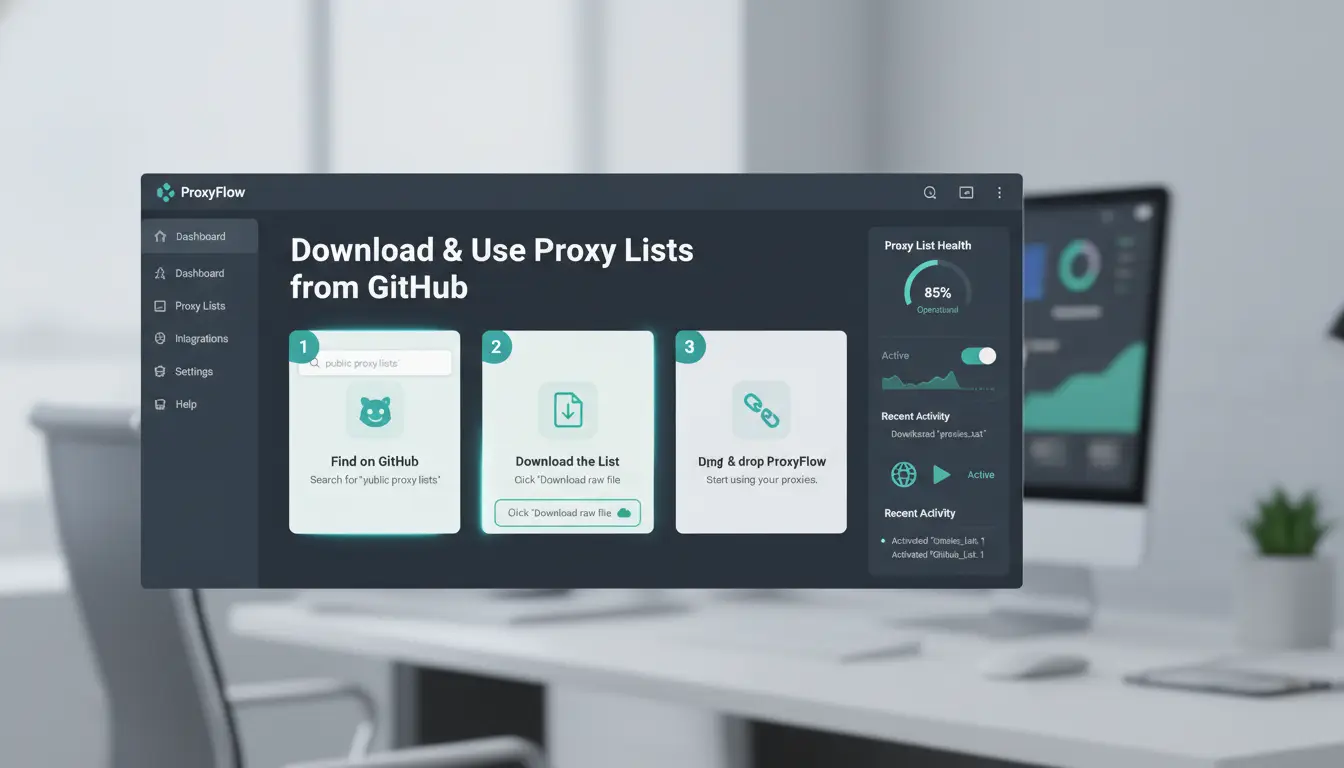
Getting a free proxy list from GitHub sounds simple, but missing a step can leave you with a pile of dead or risky proxies. Here’s how to download, import, and test public proxy lists so you actually end up with working, usable proxies.
How to Download Proxy Lists (Manual and Automated Methods)
The fastest way is manual: go to a GitHub proxy list repo, look for a .txt or .csv file, click it, then press "Raw" and save the page as a text file. This works if you just want a quick set.
For updates or automation, use Git. Clone the repo (git clone https://github.com/TheSpeedX/PROXY-List.git) to always get the latest proxies. Some lists offer a direct API, so you can fetch new proxies with a script. Automation helps if you need to update proxies daily or want to feed them into a tool.
How to Import Proxies into Your Browser or Application
Most free proxy list GitHub files use the IP:Port format. Check your tool, some require each proxy on a new line, others want a CSV. For browsers like Chrome, add proxies using an extension (like FoxyProxy/addon/foxyproxy-standard/)) or set them in the system settings. Applications (like scraping tools) usually let you paste or upload a proxy list.
How to Test If a Proxy Is Working
Never trust a fresh list blindly. Paste a few proxies into a free online checker, such as ProxyScrape, to see if they connect and mask your IP. For bigger lists, use Python scripts that check each proxy, lots of public proxy list GitHub projects include these testers.
Skipping proxy testing is the fastest way to get your accounts restricted or your activity flagged. Always check before real use.
What Are the Most Common Mistakes When Using Free Proxies from GitHub?
Most users searching for a "free proxy list github" end up with more problems than solutions. The real risks aren’t obvious until connections fail or accounts get flagged. If you want steady access and don’t want to risk bans, you need to know where the usual mistakes happen.
Relying on a Single Proxy Source
It’s easy to grab one popular GitHub proxy list and stick with it. But that’s where trouble starts. Most free proxies from GitHub are already overloaded or blocked by major platforms. If you depend on a single source, you’ll see frequent disconnects and failed logins. Using multiple lists and rotating your proxy sources gives you a better chance at finding working proxies. Tools like ProxyBroker help automate this process, so you’re not wasting time on dead links.
Ignoring Proxy Anonymity and Logging Risks
Not all proxies on a public proxy list GitHub offers keep your activity private. Some are “transparent” proxies, which leak your original IP address. Others log everything you do and might even sell your browsing data. Before using any proxy, check its type, “anonymous” or “elite” proxies are safer for privacy. To see if a proxy logs traffic, look for reviews or test with sites like whoer.net. Missing this step means you could expose account credentials or personal info without realizing it.
Using Free Proxies for Sensitive Tasks
Trying to log in to your accounts or handle payments through free proxies from GitHub is a quick way to get banned or compromised. Most of these proxies are flagged by security systems. For anything critical, like account logins or team workflows, use paid proxies or tools that support safe proxy management, such as DICloak for browser fingerprint isolation. Free proxies work for light browsing or scraping, but not for sensitive operations.
How Can You Evaluate the Quality and Safety of Proxies from GitHub Lists?
Pulling a free proxy list from GitHub is quick, but most links are dead, slow, or risky. If you want to avoid wasting time and protect your accounts, you need a clear process. Checking speed, anonymity, and safety before use is the difference between working access and getting flagged. Here’s how to sort the good from the junk.
How to Check Proxy Speed and Uptime
Start with a quick online proxy tester like Proxy-Checker or use scripts in Python to ping each proxy. These tools measure response time and uptime, anything over 2 seconds is usually too slow for real use. If a proxy drops offline, skip it. Batch scripts make it easy to filter hundreds of proxies at once, so you only keep those that pass basic speed checks.
Interpreting results is simple: green means fast and reliable, yellow is borderline, and red is unstable. The fastest proxies from a GitHub proxy list are often used up or blocked within days, so always retest before reuse.
How to Assess Proxy Anonymity Levels
Proxies come in three types: transparent, anonymous, and elite. Transparent proxies show your IP; anonymous proxies hide it but may leak some info; elite proxies hide everything. You can test anonymity by visiting IPinfo or Whoer through the proxy. Look for signs your real IP is masked and headers don’t reveal proxy use.
Knowing the difference matters because transparent proxies from free proxies on GitHub often get flagged by sites. Elite proxies are harder to find but safer for account work.
How to Spot Malicious or Unsafe Proxies
Some proxies serve malware or log your traffic. Signs include sudden redirects, pop-ups, or requests for credentials. Always check proxy reputation using AbuseIPDB or Scamalytics. If a proxy appears on a blacklist, remove it.
Most public proxy list GitHub sources don’t vet for safety, so manual checks are essential. Even with a free proxy list github, stick to those that pass speed, anonymity, and reputation tests.
How to Manage Multiple Accounts or Team Operations with Proxies More Securely with DICloak
What Risks Arise When Multiple People Use the Same Proxy List?
Sharing a free proxy list GitHub offers across multiple accounts or team members sounds easy, but it brings real problems. If two people or accounts end up using the same proxy IP, sites can link those accounts together. Even with a public proxy list GitHub users update daily, IP overlap is common. Poor tracking of who uses which proxy creates gaps in access control and makes it hard to spot mistakes or leaks.
How DICloak’s Profile Isolation and Proxy Binding Reduce Detection
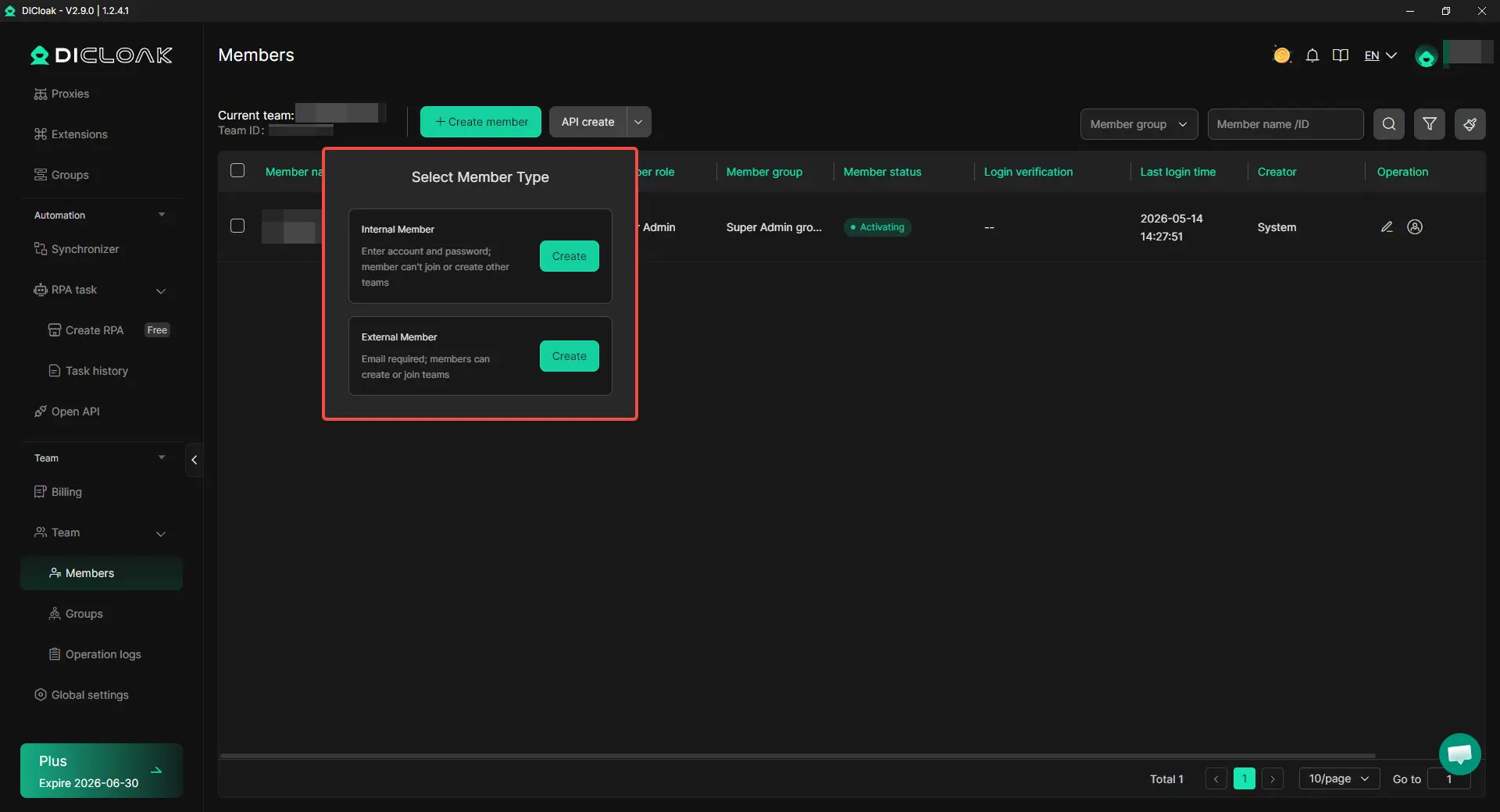
Tools like DICloak let you create a separate browser profile for each account, each with its own dedicated proxy from your free proxies from GitHub. This keeps cookies, logins, and fingerprints completely separate. Assigning a unique proxy per profile means cross-account leaks and accidental linkage are far less likely, profile isolation is what actually keeps accounts safe, even on public proxy lists.

How to Automate Proxy Rotation and Team Permissions in DICloak
You can use DICloak to batch-assign proxies and log every action. Permission controls let you restrict who can edit profiles or swap proxies, so team operations stay organized and traceable.
When Should You Avoid Free Proxy Lists and Consider Other Options?
Free proxy list GitHub results can look tempting if you just want a quick workaround, but there are moments when sticking with public proxies does more harm than good. For sensitive logins, business tasks, or anything tied to your real identity, the risk is not worth it. Here’s what to watch for, and what to do next.
Signs That a Free Proxy List Isn’t Enough
If you keep seeing connection drops or slowdowns, you’re not alone. It’s common for proxies from a GitHub proxy list to go offline without warning. Public proxy list GitHub results often include IPs that dozens or even hundreds of users hit at the same time. That means sites spot patterns and flag your account. Repeated login failures or sudden account restrictions are major red flags, especially when switching between proxies from free proxies from GitHub. Even just logging into a social platform or email can trigger security checks if your IP changes too fast or gets blacklisted.
What Are Safer Alternatives for Sensitive or Business Use?
When you need reliability, free proxies from GitHub just don’t cut it. Instead, look at private proxy services. These give you unique IP addresses that aren’t shared with random strangers. Dedicated IP solutions can keep your business accounts safe, and are common for managing social media, e-commerce, or scraping tasks. Unlike public options, paid proxy providers often guarantee uptime and have support if something breaks. You can see a detailed comparison of proxy types on Nordproxy’s guide and Wikipedia’s proxy server article.
| Proxy Type |
Shared With Others |
Uptime Guarantee |
Good for Business? |
| Free (GitHub) |
Yes |
No |
Rarely |
| Private Proxy |
No |
Yes |
Yes |
How to Transition from Free to Paid Proxies Smoothly
Switching from a free proxy list GitHub offers to paid proxies doesn’t have to be a headache. Start by updating proxy settings in your browser or automation tool. Test new proxies on low-risk accounts before moving your main logins. If you manage many accounts or need to keep browser fingerprints separate, you can use a tool like DICloak to organize profiles and assign proxies to the right tasks. That way, you don’t risk a mass lockout during the switch.
What Are the Best Practices for Ongoing Proxy Management and Security?
Maintaining proxy hygiene isn’t a one-time job. If you rely on a free proxy list GitHub offers, your setup needs regular attention to keep accounts safe and avoid leaks. Most public proxy list GitHub options change fast, what works today can be dead, blocked, or risky tomorrow. Here’s how to stay ahead and avoid the traps.
How Often Should You Update Your Proxy List?
Stale proxies are a common cause of bans and failed logins. Automate your updates whenever possible, scripts can pull fresh proxies from GitHub proxy list repositories every few hours. But automation isn’t enough. Always spot-check for dead proxies before use. Open a few randomly and test for speed, geolocation, and whether they actually connect. If you rely only on free proxies from GitHub, expect at least 30% to fail basic checks on any given day. Manual review catches issues scripts miss.
How to Monitor for Leaks or Suspicious Activity
Using monitoring tools makes a big difference. Set up alerts for abnormal traffic spikes, unexpected IP changes, or login attempts from odd locations. Simple log trackers like ProxyChecker can flag trouble fast. If you see security alerts, act immediately, change proxies, reset passwords, and check account access history. Ignoring small leaks is how full-blown breaches start. The most important habit is reacting quickly to any suspicious signal, not just relying on set-and-forget scripts.
What to Do If a Proxy Gets Blacklisted
When a proxy gets blacklisted, replace it fast. Keep backup lists ready so you don’t scramble when sites lock you out. If you work in a team, notify everyone right away, shared proxies can cause multiple accounts to get flagged at once. Rotate proxies regularly and never reuse old ones after a ban. This keeps risk low and avoids chain reactions from one bad proxy.
Frequently Asked Questions
Is it legal to use a free proxy list from GitHub?
The legality of using a free proxy list from GitHub depends on your country and how you use the proxies. In some places, using public proxy lists can break internet or privacy laws. Always check your local laws before using a GitHub proxy list for browsing, scraping, or other online activities.
How often are GitHub proxy lists updated?
Update schedules for GitHub proxy lists are not the same across all repositories. Some popular public proxy list GitHub projects update daily, while others might go weeks without changes. Check the repository’s commit history to see how often free proxy list GitHub entries are refreshed and if the project is still active.
Can I use free proxies from GitHub for streaming or gaming?
Most free proxies from GitHub are too slow or unstable for streaming videos or online gaming. These activities need fast and reliable connections. Public proxy lists on GitHub mainly offer basic browsing or scraping support. For streaming or gaming, paid proxys or private proxies work much better.
What should I do if a proxy from GitHub stops working?
If a proxy from GitHub stops working, remove it from your list and test new ones from a recent free proxy list GitHub repository. Proxies often go offline quickly, so update your list often. Regular testing helps keep your connections smooth and avoids wasted time on dead proxies.
Are there risks of malware when using free proxy lists from GitHub?
Yes, there are risks. Some free proxy list GitHub repositories may contain harmful files or bad links. Always scan downloaded files with antivirus software. Avoid using proxies from poorly documented or suspicious repositories. Sticking to popular and well-maintained GitHub proxy list projects lowers your risk.
Using free proxy lists from GitHub can help you access restricted content and safeguard your online privacy, but it’s important to remain cautious about security and reliability. Exploring trusted tools and regularly updating your proxy sources are essential steps for a safer browsing experience. Try DICloak For Free
 Web Proxy Tools
 Free Tools
 Cookie Plugin
 UA Generator
 MAC Address Generator
 IP Generator
 IP Address List
 2FA Code Generator
 World Clock
 Anonymous Check
 WebRTC Leak Test
 UUID Generator
 Free Web Proxy Site
 Proxy Checker
 FB Ad Checker
 AI Web Scraping
 Free SMM Tools
 Twitter Shadowban Checker
 Instagram Name Checker
 UTM Generator
 Username Generator
 AI Hashtag Generator
 LinkedIn Headline Generator
 Social Media Image Resizer