A sudden freeze on Facebook Marketplace search can stall a business deal, waste hours of scrolling, or leave you wondering if you’re the only one stuck. In 2026, user complaints about facebook marketplace search not working have spiked in community forums and on Meta’s Help Center, with reports ranging from blank results to the search bar not loading at all. Sometimes, the problem is global, other times, it’s tied to your browser, a new Facebook policy, or even how your device handles cookies. Marketplace search issues aren’t always obvious: a listing may vanish from results, or the entire search function can stop responding while the rest of Facebook runs fine.
If you keep seeing “no results found” when searching for common items, or if marketplace search not loading becomes a daily headache, you’re not alone. Most quick fixes, clearing cache, logging out, switching devices, don’t always solve the deeper causes. Some solutions are hidden in Facebook settings; others require a change in how you use your browser or manage account security. This guide lays out step-by-step checks, real fixes, and pro tips that actually get Marketplace search working again, whether you’re a casual buyer or running multiple accounts for business. Here’s what to check first and what actually works when basic advice fails.
Why Is Facebook Marketplace Search Not Working Right Now?
When Facebook Marketplace search stops working, whether you see endless “no results found” or the page won’t load at all, it’s rarely a random glitch. Most users run into marketplace search not loading because of a handful of predictable reasons. Before trying every fix you find online, it’s worth narrowing down whether the issue is with Facebook itself, your account, or something on your device.
Most Frequent Causes of Marketplace Search Problems
The most common reason for facebook marketplace search issues is a temporary platform bug or outage. Even Meta’s status page sometimes shows disruptions, especially during feature updates. Sometimes, search breaks for everyone, not just you, usually these problems clear up within a few hours.
But more often, the problem sits with your account or how you access Marketplace. If your Facebook account is new, under 30 days old, or has incomplete profile details, Marketplace search may be limited or blocked. Facebook also restricts search for accounts flagged for spammy behavior or those using suspicious proxies. Location matters too: if you travel or your IP jumps between far-apart regions, Marketplace may hide listings or block your search.
Here’s a quick breakdown:
| Cause |
What You’ll Notice |
| Facebook outage |
Search fails for everyone |
| New or incomplete account |
No access or “no results found” |
| Location/IP mismatch |
Listings missing or search not loading |
| Account restriction/suspension |
Can’t search, warnings in notifications |
How to Tell If It's a Platform Issue or Your Account
Start by checking the official Facebook status page for any reported Marketplace problems. If Marketplace search not working shows up there, waiting is usually the only fix.
Next, try searching Marketplace on a different device or using another Facebook account (ask a friend if needed). If both work, your main account is likely restricted. Sometimes, switching from mobile to desktop, or vice versa, reveals whether the issue is device-specific.
If you can’t search on facebook marketplace only from your main profile, check your account’s age, profile completeness, and recent activity. Even small changes, like adding a new profile picture or confirming your location, can restore access.
The most direct way to pinpoint the problem: test on another account and device, this quickly tells you if you’re facing a platform bug, account block, or device/browser issue.
What to Check First When Facebook Marketplace Search Stops Working
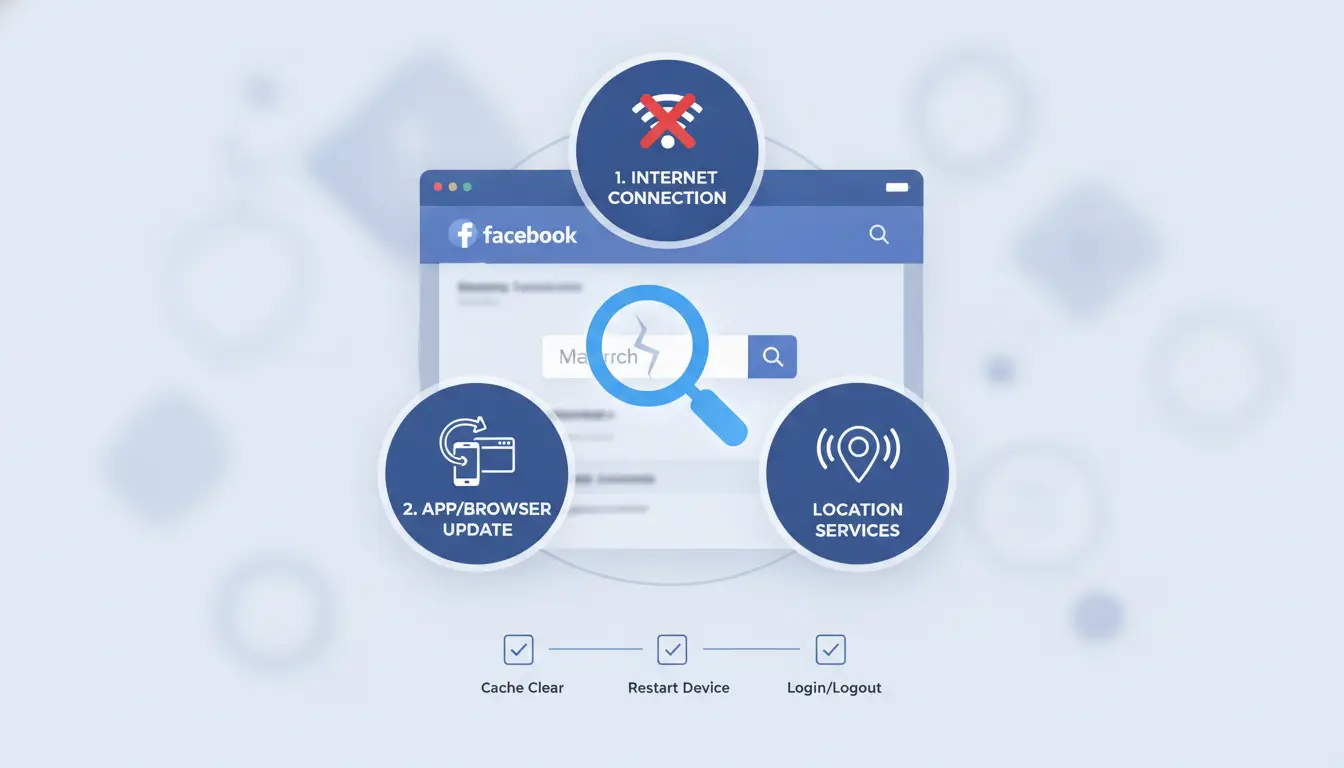
When facebook marketplace search not working becomes a daily hassle, start with the basics before digging into advanced fixes. Ignoring simple steps can waste time chasing complex solutions. Whether you see “no results found” or marketplace search not loading on any device, these quick checks often solve the most common facebook marketplace search issues, especially for buyers who can’t search on facebook marketplace at all.
Quick Checks for All Devices
Refreshing your screen and clearing cache can fix search glitches that appear out of nowhere. On desktop, reload the Marketplace tab using Ctrl+R or Command+R. On mobile, swipe down to refresh. Clearing cache and cookies removes old data that can block new results. For browsers, open settings and delete cookies for facebook.com. In the Facebook app, tap Menu > Settings > Browser > Clear Data. If Marketplace listings still won’t show, log out and log back in, sometimes, session errors cause search to fail.
Device-Specific Troubleshooting (iOS, Android, Desktop)
Problems vary by device. On iOS and Android, outdated app versions often block search. Go to your App Store or Google Play, check for updates, and install the newest Facebook version. On desktop, try switching browsers, some users report marketplace search not loading in Chrome but working in Firefox or Edge. If you have multiple accounts, test each one separately; restrictions can hit one login but leave another unaffected.
Checking for Facebook App Updates or Bugs
Missing updates or app bugs are common causes. To check for updates, visit Facebook’s official app page. Install any pending updates. Sometimes, Facebook itself announces known bugs or outages; check Facebook Help Center for alerts about marketplace search issues. If you spot a bug report, wait for a fix, forcing changes before an update rolls out rarely helps. Making sure your app or browser is fully updated is the fastest way to rule out most simple problems. If none of these steps work, move on to deeper account and network checks.
How Account Restrictions, Location, and Age Affect Marketplace Search
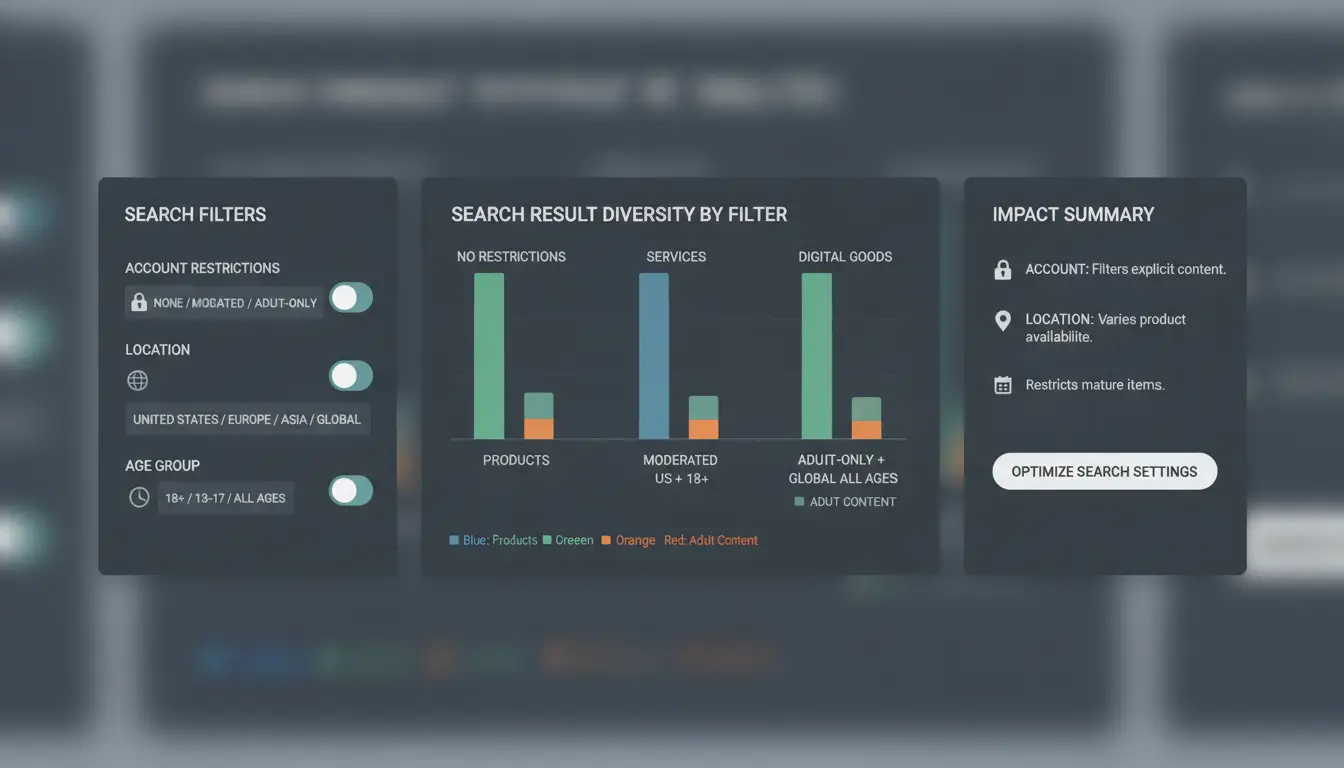
Problems like “facebook marketplace search not working” often trace back to account limits, location settings, or age requirements, not just technical glitches. Facebook’s Marketplace has strict rules that filter who can search, what results appear, and even whether the search function loads at all. If common items keep showing “no results found,” or marketplace search not loading becomes routine, these checks make the real difference.
Marketplace Eligibility: Age, Country, and Account Standing
Marketplace isn’t open to everyone. Users under 18 can’t access Marketplace, so if your birthday isn’t set, or your listed age is below the minimum, search won’t work. Supported countries also matter: Marketplace is only available in select regions. If your account is registered in a country where Marketplace isn’t active, search is blocked.
Account history plays a big role. Past violations, bans, or policy strikes may restrict Marketplace access. A flagged account, even if you can browse Facebook, often means you can’t search or list items. Regularly check your account status for hidden restrictions.
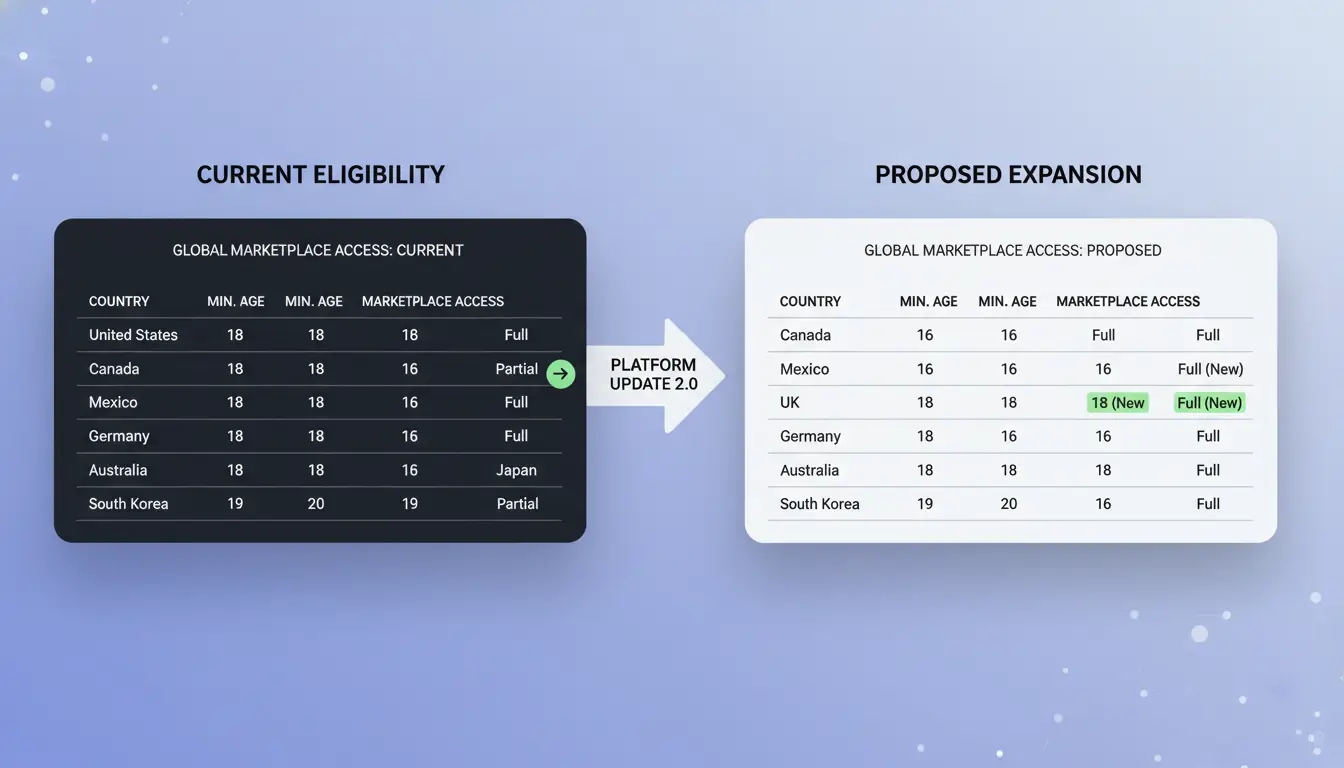
| Requirement |
Minimum Age |
Supported Countries |
Restricted Accounts |
| Marketplace Use |
18 |
US, UK, Canada, others |
Limited/No Access |
Source: facebook.com/marketplace
How Location and Language Settings Impact Search Results
Location isn’t just about where you live, it’s how Facebook sees your account. If your city, zip code, or country in profile settings don’t match supported regions, results get filtered or blocked. Sometimes, “can’t search on facebook marketplace” errors are fixed by updating your location or changing region settings.
Language settings matter too. If your Facebook language doesn’t match Marketplace’s supported options, listings may not appear, or search may fail. Switch to English or the local language of your country for broader results. Adjust region and language under Facebook’s settings menu.
What to Do If Your Account Is Restricted or Flagged
When your account is restricted, Marketplace search stops working, even if the rest of Facebook works. Appeal any restriction by going to Facebook’s Help Center and submitting a request. If you don’t get a response, try logging out and back in, clearing browser cookies, or using a different device.
If you manage multiple accounts for business and keep hitting “facebook marketplace search issues,” consider using a separate browser profile or proxy. For teams, tools like DICloak help keep profiles isolated, reducing the risk of bans and flagged accounts. Checking eligibility, fixing location, and appealing restrictions are the fastest ways to restore Marketplace search.
Step-by-Step Solutions to Fix Facebook Marketplace Search Not Working
When Marketplace search fails, most users try the obvious steps, refreshing the page or restarting the app. These fixes sometimes help, but deeper problems need a more focused approach. Here’s how to troubleshoot Facebook Marketplace search issues, from quick checks to more advanced fixes.
Basic Troubleshooting Steps for All Users
Start with the easiest fixes. Log out of Facebook, then log back in. This resets your session and can clear temporary errors that block search results. If you’re on WiFi, switch to mobile data, or move from data to WiFi. Sometimes, Facebook blocks Marketplace search from certain IPs or network types, so changing your connection can help.
Clear your browser cache if you're using Facebook on a computer. On mobile, force-close the app and reopen it. If marketplace search not loading is still a problem, try searching with a different Facebook account to see if your main account is restricted.
Advanced Fixes for Persistent Problems
If basic steps don’t work, uninstall the Facebook app and reinstall it from the official app store. This removes broken files that sometimes cause search features to break. On desktop, open Facebook in another browser like Google Chrome or Mozilla Firefox to rule out browser-specific bugs.
For users managing multiple accounts, browser fingerprinting or proxies can trigger Facebook’s automated blocks. If you can’t search on Facebook Marketplace from any device, review your account’s activity for any recent changes, such as device switches or repeated logins, which may have triggered restrictions. Advanced users running many accounts for sales or sourcing can use DICloak’s browser profile isolation to avoid cross-account detection and reduce future lockouts.
When to Contact Facebook Support
If Marketplace search still doesn’t work after these steps, it’s time to contact Facebook Support. Use the “Report a Problem” link in the app or on the web. Be clear when describing the issue, state that “Marketplace search not working” and mention what troubleshooting steps you’ve tried. Attach screenshots if possible. The more details you provide, the faster support can help. The most common mistake is not listing the devices, browsers, and networks you’ve tested, add them for a quicker fix.
How to Avoid Facebook Marketplace Search Issues When Managing Multiple Accounts
Managing several Facebook accounts can trigger search problems on Marketplace that won’t go away with simple fixes. If you keep seeing “facebook marketplace search not working” or “marketplace search not loading,” the root cause is often tied to how Facebook detects unusual activity, and not just browser glitches. Here’s how multi-account setups can trip search flags, what you should change to avoid them, and how tools can help keep your accounts running clean.
Why Facebook Flags Multi-Account Activity
Facebook tracks patterns that signal suspicious use. If you log into more than one account from the same device, or use the same IP address for different accounts, the system may limit Marketplace searches. This can result in listings disappearing, “no results found” errors, or the search function freezing while the rest of Facebook works.
Device overlap is one of the most common triggers. For example, logging in from the same phone or computer for three accounts in a day can raise flags. Sharing IP addresses, especially public WiFi or office networks, makes it worse. Facebook’s automated systems look for this kind of overlap, so even if you switch browsers or clear cache, the issue might not go away unless you change your setup.
Best Practices for Safe Multi-Account Management
To prevent facebook marketplace search issues, start by separating each account’s activity. The safest way is to use unique device profiles, so each account appears to Facebook as coming from a different device. Pair each profile with a dedicated proxy. This hides IP overlap and reduces patterns that seem suspicious.
Keep browsing natural. Don’t switch between accounts too quickly or repeat the same actions across all accounts. Avoid mass listing, bulk messaging, or searching for the same keywords in rapid succession. Facebook’s systems are tuned to spot robotic or repetitive behavior. Even small mistakes, like copying text between accounts, can trigger restrictions.
How DICloak Helps Social Media Marketers Avoid Marketplace Search Problems
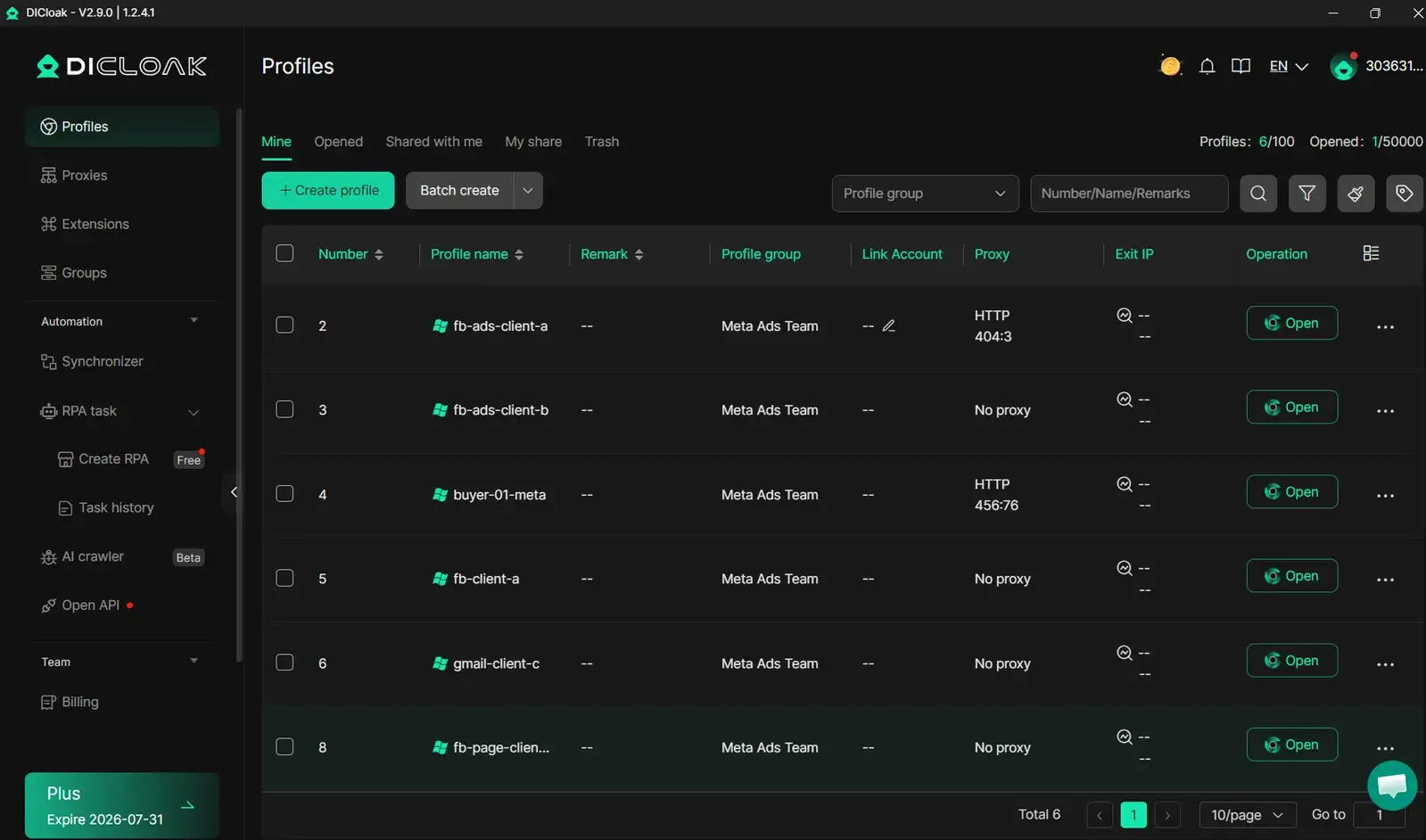
You can use DICloak to isolate each Facebook account with a unique browser fingerprint and independent proxy. This means every account gets its own environment, making it harder for Facebook to connect the dots and flag you. DICloak also automates repetitive tasks, so you won’t make errors that often lead to “can’t search on facebook marketplace” complaints. The tool keeps activity steady and natural, the most critical fix is making accounts truly separate both in device and behavior. This lowers the chance of Marketplace search getting blocked and lets you run multiple accounts safely.
When Facebook Marketplace Search Still Doesn't Work: Advanced Solutions and Alternatives
Marketplace search errors can stick around even after you try every basic fix. If "facebook marketplace search not working" keeps showing up, it's time to look beyond standard steps and test advanced workarounds that can reveal hidden blocks or account-level limits.
Testing Marketplace Search with a Proxy or Different Network
Sometimes Marketplace search not loading is caused by location-based limits or network blocks. Switching to a different Wi-Fi or using a proxy can show if your IP is part of the problem. For example, proxies can bypass regional restrictions and let you check listings not visible from your area. Always use trusted proxy services and avoid public ones, Facebook may flag risky proxy patterns, which can lead to new account restrictions.
Using Facebook Marketplace on a Different Device or Browser
Testing search on a friend’s device or a different browser can help spot issues linked to browser extensions, cookies, or fingerprint mismatches. If you can't search on Facebook Marketplace with your main setup, try in a clean browser or incognito mode. This step reveals if a setting or extension is interfering.
Exploring Third-Party Tools to Monitor Marketplace Listings
If regular search tools fail, some users track listings with outside tools, like automated browsers or crawlers. There’s risk, Facebook may ban accounts that use scraping tools. Tools like DICloak let you run each Facebook account in an isolated browser with unique fingerprints and built-in proxy support, helping you avoid Marketplace search blocks and maintain safer, more natural activity.
Pro Tips to Keep Facebook Marketplace Search Working Smoothly
If facebook marketplace search not working has forced you to reload, clear cache, or switch browsers on a regular basis, you’re not alone. Search errors and missing results are common, especially for Marketplace power users or anyone running several accounts. Proactive checks and smart use habits can cut down on future problems.
Regular Maintenance for Your Facebook Account
Many ongoing facebook marketplace search issues start with stale app data or unnoticed account activity. Take a minute each week to clear your browser’s cache and update the Facebook app to the newest version, older versions often glitch with search loading or listings display. Sign out and back in after updates to help sync your settings.
Stay alert for odd logins or password changes on your account. If you see sessions or devices you don’t know about, follow the Facebook Security Help steps to secure your account. Facebook’s system will sometimes quietly limit search features if it detects risky activity, even before you get a warning.
How to Stay Informed About Facebook Updates and Bugs
Marketplace search not loading is sometimes a Facebook issue, not yours. Check the Facebook Newsroom or the Meta Status page for outage alerts and bug reports. Recent code updates can break search, staying informed helps you waste less time chasing fixes that won’t work until Facebook repairs the glitch.
It helps to join active user forums like Reddit’s Facebook community or official Facebook Groups. Members often post fast workarounds the same day a problem pops up.
When to Use Tools Like DICloak for Safer Multi-Account Operations
If you run more than one Marketplace account, common triggers for can't search on facebook marketplace include sharing login sessions, reusing the same browser, or overlapping device fingerprints, Facebook flags this as risky. You can use DICloak’s multi-profile feature to give each account a separate browser profile and proxy. This approach isolates search and reduces the chance of search blocks or bans by making each login look like a different user.
The simplest way to prevent marketplace search breakdowns is to keep accounts isolated and current, don’t cut corners with shortcuts that work today but trigger trouble later.
Frequently Asked Questions
Why is Facebook Marketplace search not working on my phone but works on desktop?
Device-specific bugs and app version issues often cause facebook marketplace search not working on mobile. Sometimes, the app needs an update or the mobile browser has compatibility problems. Try updating the Facebook app or switching to the desktop site. Clearing your app cache or using another device may fix marketplace search not loading errors.
Does Facebook restrict Marketplace search for new accounts?
Yes, Facebook limits Marketplace search for new or unverified accounts. If you’re having facebook marketplace search issues, check your account eligibility. Accounts must be at least a few days old and verified with a real name and profile photo. Restrictions help prevent spam and fraud, so completing your profile can unlock more Marketplace features.
Can using a proxy help fix Facebook Marketplace search not working?
A proxy can sometimes get around network or location restrictions causing facebook marketplace search not working. For example, if Marketplace is not available in your region, a proxy may help access it. However, using proxies can flag your account or cause other marketplace search issues. Use caution and avoid frequent switching to prevent account problems.
How long does it take for Facebook to restore Marketplace search after a restriction?
Restoration times for Marketplace search access vary. If your account was restricted for violating policies, facebook marketplace search not loading can last anywhere from a few hours to several days. The timeline depends on the reason and if you submit an appeal. Check your account notifications for updates and follow any instructions from Facebook.
Is there a way to search Facebook Marketplace without an account?
Most Marketplace listings require you to log in. If you can’t search on facebook marketplace without an account, some third-party tools might show limited previews, but details like seller info and messaging won’t work. For full search access, you must use an active Facebook account with Marketplace enabled.
When Facebook Marketplace search stops working, it can be caused by technical issues, outdated app versions, or account restrictions. Taking steps like clearing cache, updating the app, or checking your account status can often resolve the problem and restore search functionality. Try DICloak For Free
 Web Proxy Tools
 Free Tools
 Cookie Plugin
 UA Generator
 MAC Address Generator
 IP Generator
 IP Address List
 2FA Code Generator
 World Clock
 Anonymous Check
 WebRTC Leak Test
 UUID Generator
 Free Web Proxy Site
 Proxy Checker
 FB Ad Checker
 AI Web Scraping
 Free SMM Tools
 Twitter Shadowban Checker
 Instagram Name Checker
 UTM Generator
 Username Generator
 AI Hashtag Generator
 LinkedIn Headline Generator
 Social Media Image Resizer