You click to open Facebook Marketplace, and instead you see the message: marketplace isn't available to you. No warning, no clear reason, just a block on the very feature you need for business or personal deals. This problem hits thousands of users each week, according to user reports on Meta's official forums. For sellers who rely on Marketplace for side income, this message often appears after a profile change, device switch, or using the wrong browser. Sometimes it triggers right after creating a new account or moving between countries.
The real catch? Most users don’t break any rules. Marketplace blocks often happen because Facebook flags logins from new devices, detects browser fingerprint mismatches, or suspects account sharing. Cleaning cookies or switching proxies can backfire, making the system think your account is being controlled by bots. Even seasoned sellers find their listings hidden or their access lost for weeks.
If you’re facing this problem, you want a fix that doesn’t risk more restrictions or a permanent ban. This guide gives you clear, proven steps to get Marketplace back, what triggers the block, what not to do, and how to avoid hidden traps that keep most users locked out. Here’s what actually works to restore access safely.
What Does 'Marketplace Isn't Available to You' Actually Mean?
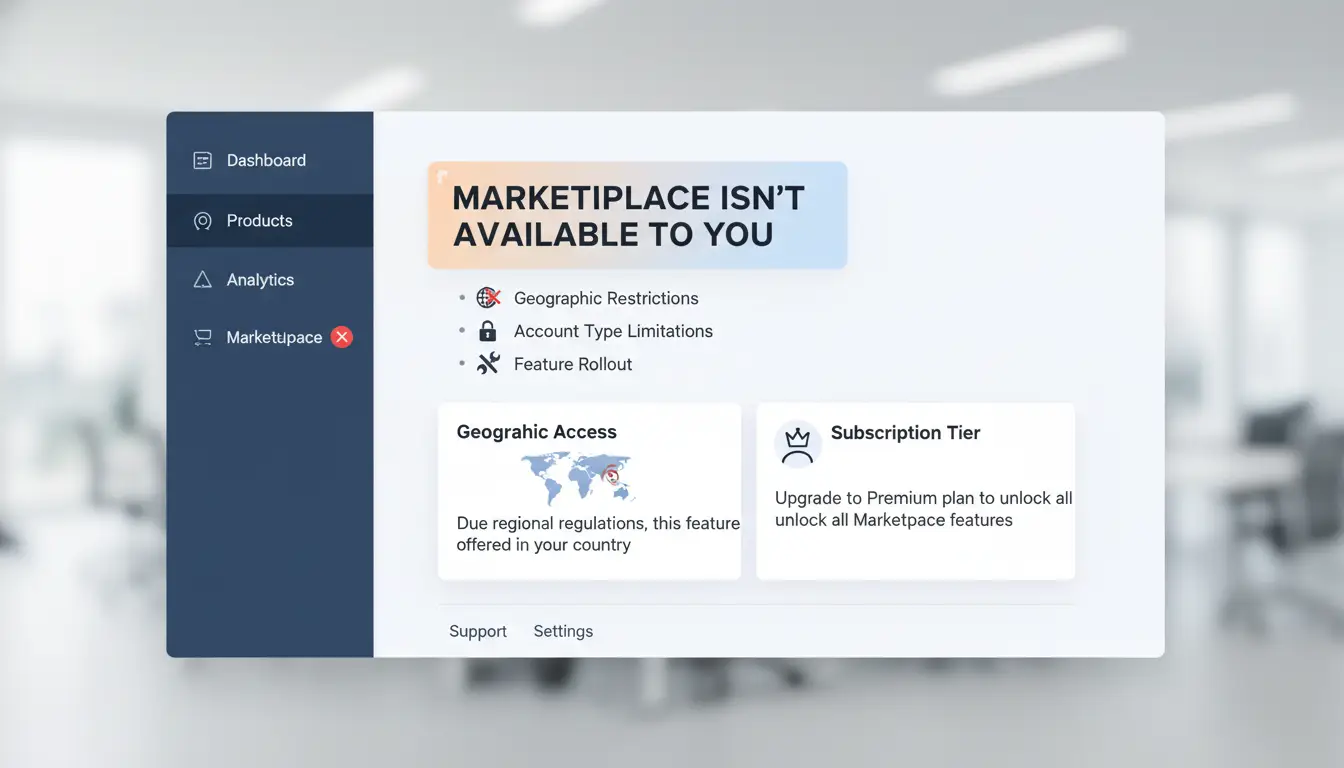
Seeing “marketplace isn’t available to you” on Facebook means your account is blocked from using Marketplace features. This block is not always about breaking rules. Facebook uses account signals, region, and recent activity to decide who can join Marketplace. If your profile looks risky, even by accident, you lose access, sometimes without warning or a clear reason.
How Facebook Decides Who Can Access Marketplace
Facebook does not let every user join Marketplace right away. Account age is a big deal. New accounts, or those created within the last few weeks, often see the “marketplace isn’t available to you” error. Facebook wants to see real user activity: posts, friends, and a photo that matches your identity.
Trust signals are also key. If your account has a history of real conversations, check-ins, and regular logins from the same device, you’re more likely to get Marketplace access. But, if you switch devices or locations a lot, or if Facebook detects logins from different countries, it can block Marketplace even for old accounts.
Region matters too. Marketplace is not open in every country. If you’re traveling or using a proxy, Facebook might think you’re in a restricted area, even if you’re not. The Facebook Help Center lists countries where Marketplace works.
Common Scenarios Triggering the Error
Most users hit this error after making changes that look risky to Facebook. Creating a brand-new account, not adding a real profile photo, or leaving your profile details blank triggers Marketplace restrictions. Even seasoned users can get blocked if they suddenly change devices, clear browser cookies, or use a proxy that changes their location. Policy violations, like posting forbidden items, cause instant and sometimes permanent Marketplace bans.
The key is that Facebook’s system blocks access based on trust and location, not just rule-breaking.
Why Your Marketplace Access Gets Blocked: Key Risks and Mistakes
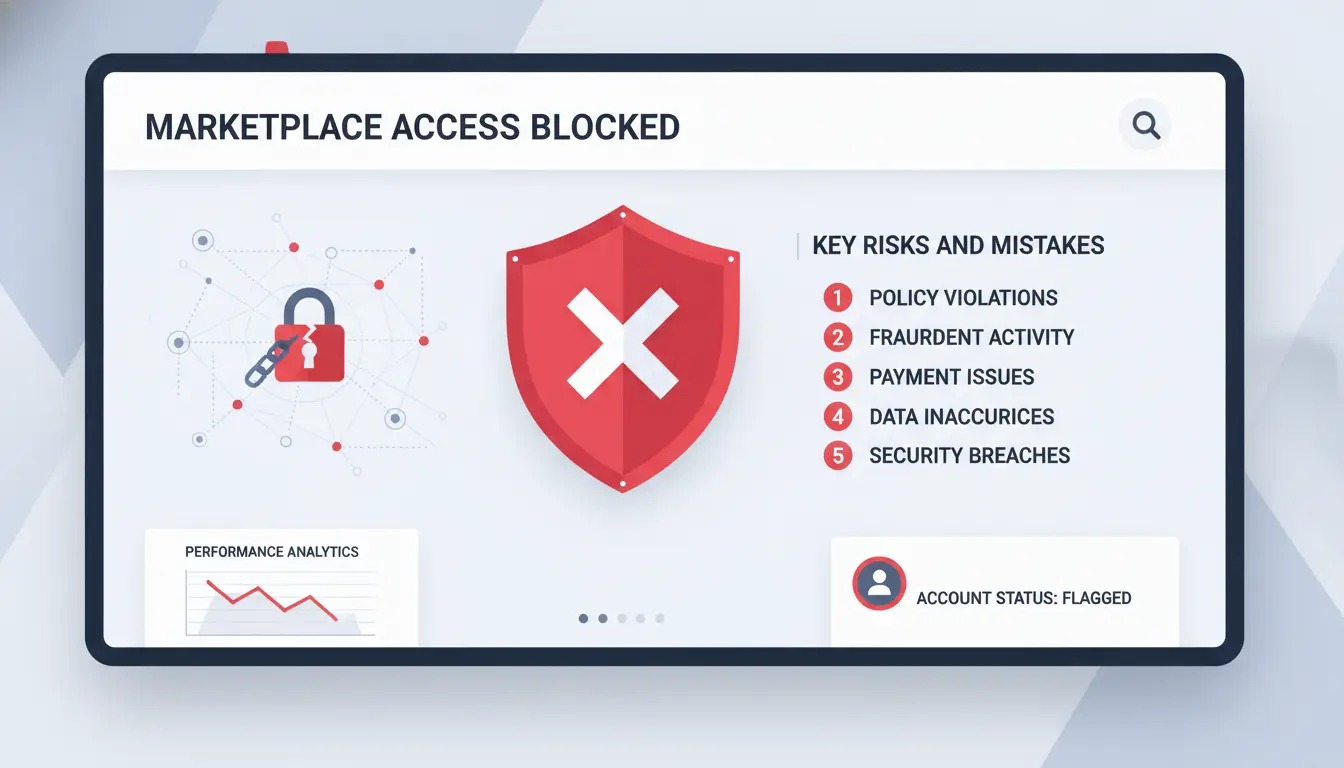
Suddenly seeing “marketplace isn’t available to you” is frustrating and confusing. Most users don’t realize that even normal activity can trigger a block. Facebook uses automated systems that watch for patterns linked to fake accounts, fraud, or rule-breaking. But in practice, a few common mistakes are what usually get real sellers or buyers locked out. Learning what Facebook checks, and what actions set off their alarms, is the key to getting back in.
Account Quality Signals Facebook Looks For
Facebook’s system puts a lot of weight on the trustworthiness of your profile. A half-complete account, missing real photos, or one that skips ID verification gets flagged much faster. If your profile looks new or has little public activity, the risk goes up. The single biggest risk is an account with gaps in its history or identity, these rarely get Marketplace access, or lose it fast.
Consistent login history matters, too. If you always log in from the same city and device, your account looks stable. But if Facebook sees you using new browsers, switching proxies every day, or jumping locations, it starts to suspect you’re not the real owner. This is why accounts bought from others, or those that use random device setups, trigger more checks. Facebook’s Help Center explains their policies, but the system often acts before you get a warning.
Actions That Often Trigger Marketplace Blocks
Making fast, big changes can lock you out. Editing your profile, changing contact details, or joining groups in bulk looks unnatural to Facebook’s security tools. Posting lots of listings in a short time, repeating the same text, or sharing links that look like spam are classic triggers.
Even if you’ve never broken a rule, logging in from a new country or browser can set off an automatic block. That’s why many users see “marketplace isn’t available to you” after traveling or switching devices. Trying to bypass these checks, like clearing cookies or using random proxies, usually makes things worse. Instead, focus on keeping your account’s history clean, with steady login habits and real details Facebook can confirm.
How Regional Restrictions and Account Age Affect Marketplace Availability
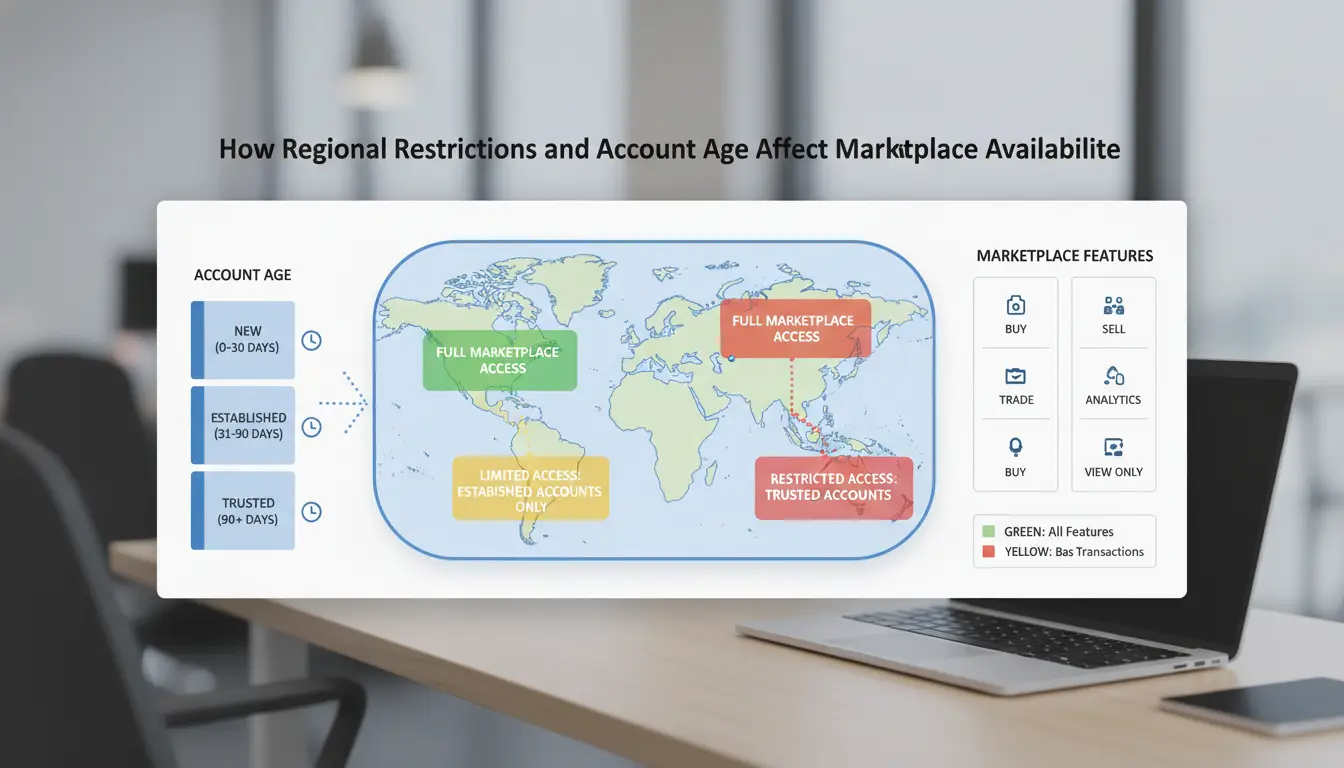
Facebook Marketplace isn’t open everywhere, and your profile history matters just as much as your location. If you see “marketplace isn’t available to you,” it usually means Facebook is blocking access based on where you are, how old your account is, or both. Here’s how these limits work, and what you can do about them.
Marketplace Availability by Country and Region
Marketplace only works in select countries. If you’re in the US, UK, Canada, Australia, or most of Western Europe, Marketplace should appear by default. But users in many Asian and African countries, as well as some Eastern European regions, will find the feature missing, even with a clean account.
Facebook checks your location using IP address, device settings, and sometimes even SIM card data. Switching proxies or changing device regions can trigger security checks or make Facebook think you’re trying to bypass their rules. If you travel or move, it may take days or weeks for Marketplace access to appear at your new location.
Why New Accounts Often Can't Access Marketplace
Even in supported countries, new accounts get locked out of Marketplace by default. Facebook sets a minimum account age, often around 14 days, but sometimes longer if the system flags suspicious activity. Creating a profile and jumping straight into buying or selling rarely works. The system checks for trust signals: a real profile photo, friends, normal posting activity, and consistent logins from the same device and location.
If “marketplace isn’t available to you,” and your account is new, focus on building a stable profile. Add posts, connect with real people, and avoid changing devices or proxies. For most users, Marketplace only unlocks after your account looks stable and local for at least two weeks. For more details, check Facebook’s Help Center or see the Wikipedia page on Facebook Marketplace.
Safe Steps to Restore Marketplace Access Without Risking Your Account
Getting hit with the "marketplace isn't available to you" message feels random, but most blocks come from Facebook’s security checks, not actual rule-breaking. Rushing the wrong fix can turn a short lockout into a permanent ban. Here’s how to troubleshoot safely and what to avoid if you want Marketplace back.
Basic Troubleshooting Steps
Start with the basics. Log out of Facebook on all devices, then log in again on your main device, preferably the one you used most when Marketplace worked. Visit your main profile and check if Marketplace appears in the menu. If not, clear the app cache (on mobile) or cookies (on browser), then update the Facebook app from the official app store. This often resets temporary blocks caused by outdated app files or minor glitches.
Don’t switch devices or proxies too often during this process. Each device change can signal Facebook to flag your account as suspicious. Stick to your usual device and location for a few days after making these changes.
When to Contact Facebook Support
If Marketplace still doesn’t come back after a week, it’s time to contact Facebook support. Keep your message short and factual, state that "marketplace isn't available to you" and mention you’re using your usual device and location. Don’t admit to using new accounts, proxies, or buying accounts. Giving extra details can trigger a manual review, which often means long delays or more restrictions.
The critical mistake is flooding support with repeated messages or appeals, this almost always triggers more review, not a faster fix. One clear request, then wait for a reply. If you get an automated response, check your account for new notifications before replying again. This patient approach keeps your account off Facebook’s radar and gives you the best shot at getting Marketplace restored.
How Proxies and Browser Environments Impact Marketplace Visibility
Seeing “marketplace isn't available to you” after a login change isn’t always about breaking rules, it’s often a sign Facebook flagged something unusual about your device or location. Even small tweaks, like switching proxies or using a new browser profile, can trigger Marketplace blocks. If you’re running multiple accounts or working remotely, knowing how Facebook spots these shifts is the difference between stable access and getting locked out.
How Facebook Detects Location and Device Changes
Facebook tracks several signals to decide if your account is in the “right” place. The main one is your IP address. Using a proxy from another country can make Facebook think you suddenly moved, which can lead to restrictions. But that’s only part of the story.
Browser fingerprinting is where things get tricky. Facebook checks details like browser version, fonts, screen resolution, and plugins, these combine into a fingerprint. If you switch browser profiles without isolating profiles, the fingerprint changes. That’s a red flag. For example, logging in from a clean browser after using another profile makes your activity look suspicious. Teams sharing accounts without proper isolation often see listings disappear, even if nothing else changes.
Safe Practices for Multi-Account and Remote Access
Avoiding sudden region switches is key. If your proxy location jumps between countries, Facebook may block Marketplace or hide listings. Stick to one region per account whenever possible. If you must access remotely, use a proxy that matches the account’s original country.
Maintaining consistent browser profiles matters just as much. Set up isolated browser profiles for each account. Tools like DICloak let you build separate environments, bind proxies, and keep fingerprints stable. This prevents Facebook from detecting account sharing or device mismatches. If you’re seeing “marketplace isn't available to you,” check for recent changes in IP or browser setup, fixing these often restores access without risking bans.
How DICloak Helps Social Media Marketers Safely Manage Marketplace Access
When "marketplace isn't available to you," the real issue often isn’t rule-breaking, it’s how Facebook reacts to new devices, browser fingerprints, or region changes. Marketers juggling multiple accounts usually trip Facebook’s security triggers without meaning to. Tools like DICloak let you sidestep these traps by separating each account’s environment and controlling location signals from the start.
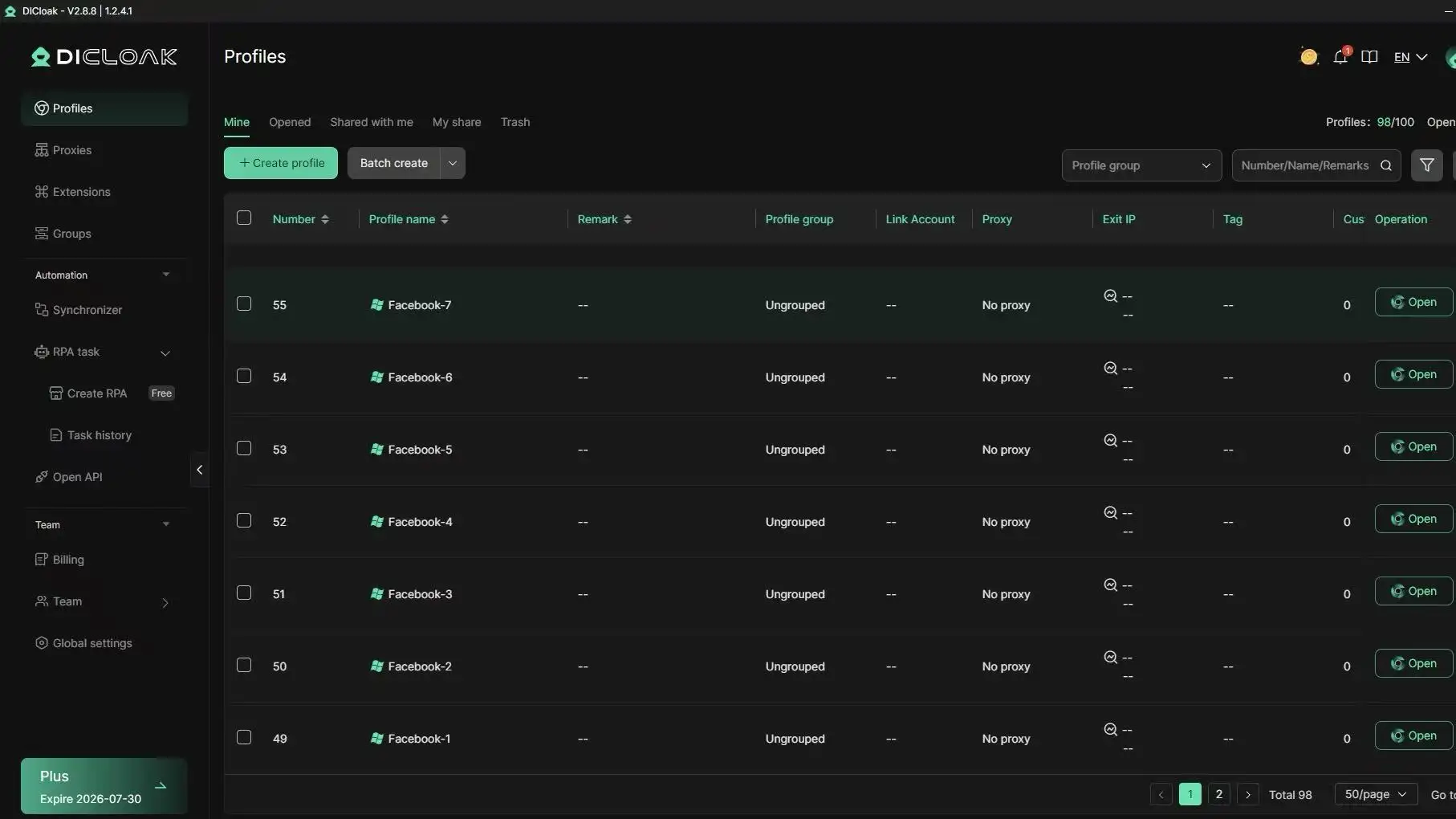
Isolated Browser Profiles Reduce Detection Risk
Marketplace blocks often happen when Facebook sees the same device or fingerprint used across several accounts. With DICloak, you can set up unique browser profiles for every account. Each profile gets its own fingerprint, so Facebook treats every login as coming from a different, real user. Flexible proxy integration means you can pick a stable location for each account, avoiding sudden region switches that trigger blocks.
Automated Workflows and Team Collaboration
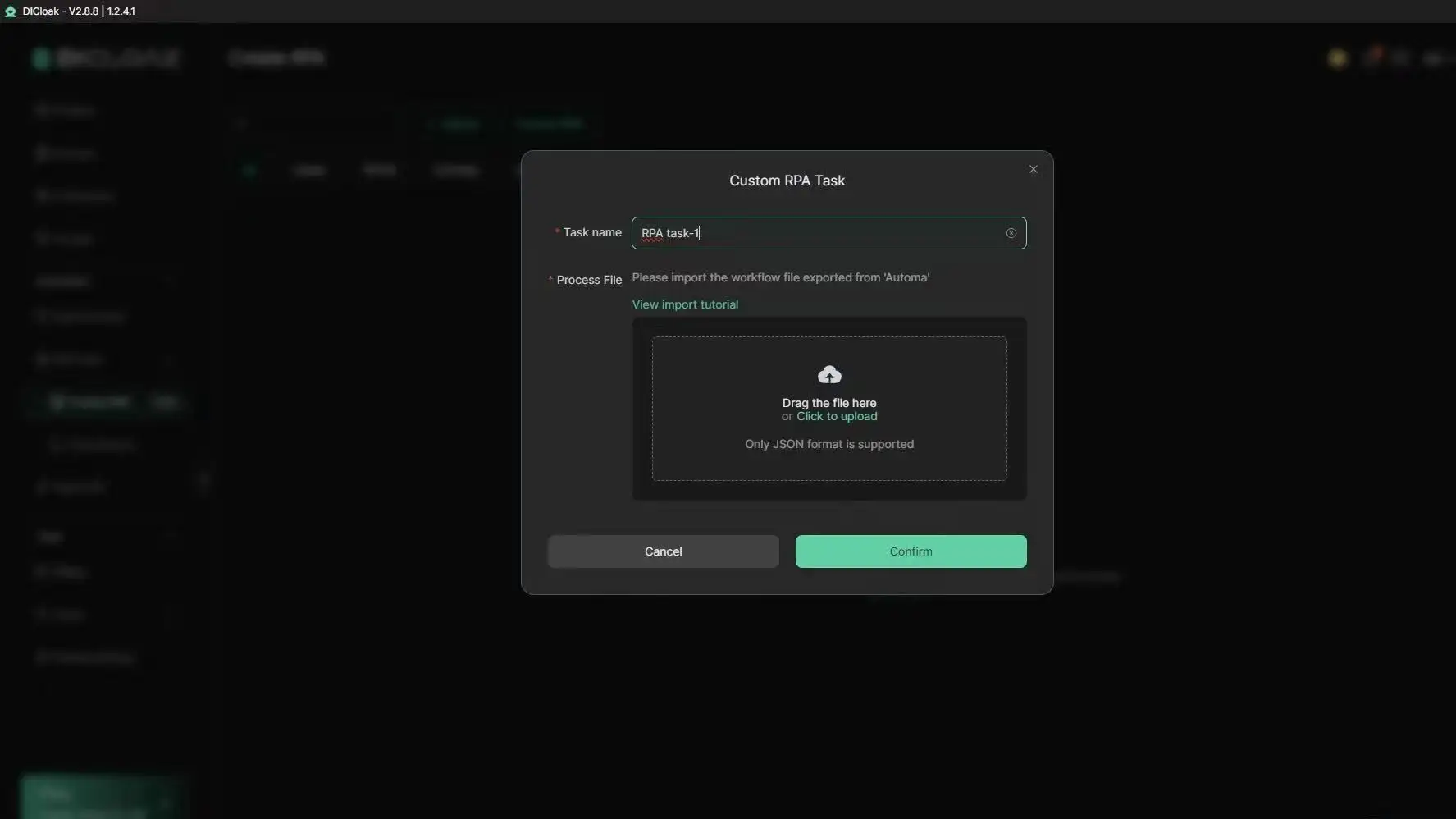
If your team manages Marketplace listings together, shared logins can cause "marketplace isn't available to you" errors. DICloak supports RPA automation to keep account activity consistent, and permission controls limit who can access each profile. Operation logs track every action, so you catch risky activity before Facebook does.
Common Mistakes That Make Marketplace Unavailable Again
Many users find "marketplace isn't available to you" keeps appearing no matter what they try. The biggest reason? Facebook’s system flags repeat patterns that look risky, even when you’re not breaking rules.
Switching Devices or Locations Too Often
If you log in from a different phone, browser, or city, Facebook may think your account is stolen or sold. Every device has a unique “fingerprint”, browser type, plugins, screen size, and even language settings. Too many changes in a short time, or bouncing between countries with different IPs, triggers security checks. That’s why logging in from a friend's laptop or public Wi-Fi can get you blocked, even if you verify all codes.
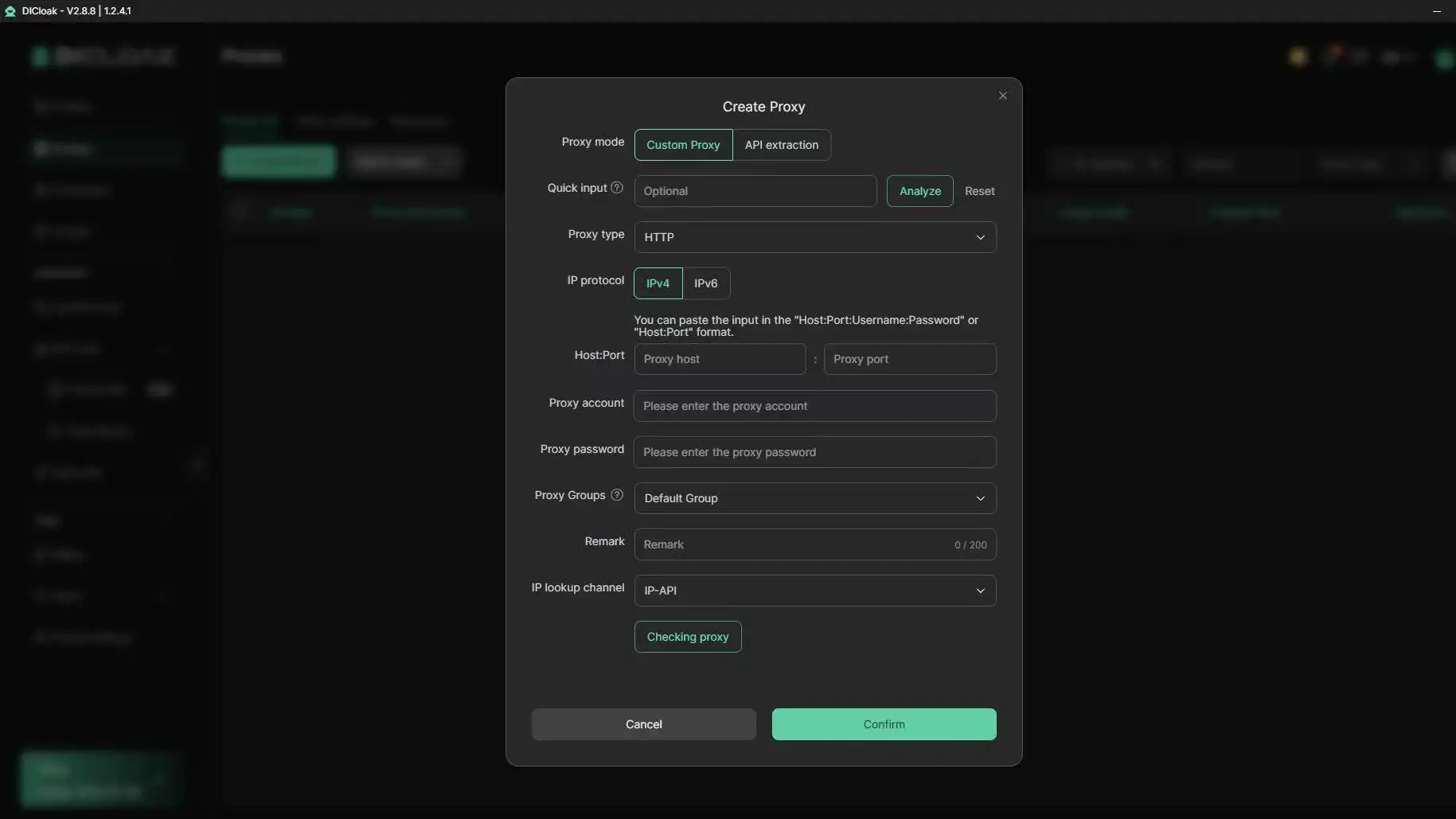
Safe device management means sticking to one main device for Marketplace actions. If you must switch, do it slowly. Log out, wait at least 24 hours, and avoid using unknown proxies. For teams or sellers who need to handle accounts from multiple locations, you can use tools like DICloak to set up separate browser profiles with fixed proxies. This keeps each login consistent, so Facebook doesn’t see wild changes.
Ignoring Account Quality Signals
Marketplace isn’t just about having an active account. Facebook checks for profile signals: a real name, clear photo, friends, and regular posts. Incomplete profiles, no bio, missing profile picture, few friends, or no posting history, get flagged more often. Even if your account is old, gaps here raise suspicion.
Keeping trust high means updating your profile with a real photo, adding some friends, and posting naturally every week. Don’t rush with fake info or add a batch of strangers. The fastest way to lose Marketplace is acting like a bot, clean, steady activity wins every time.
If "marketplace isn't available to you" keeps coming back, review your recent device history and profile signals. Fixing these usually gets access back without risky resets or losing your account. For more on Facebook’s policy, check the Facebook Marketplace Help Center.
When Marketplace Access Is Not Possible: What to Do Next
If the marketplace isn't available to you, even after following all the usual fixes, the real question is what to do next without making things worse. Getting locked out can be frustrating, but pushing too hard often backfires. Here’s what works instead.
Alternative Buying and Selling Options
Marketplace is not the only place for deals. Many Facebook groups focus on local buying and selling. Search for groups with clear rules and active admins. Stick to private messages for deals, but always check profiles for red flags like new accounts or missing friends. If group access is blocked too, Craigslist and OfferUp are solid options for local trades.
For digital goods or niche items, platforms like eBay and Mercari cover a wider range, but they do charge fees. If you use Facebook groups, review their rules, selling restricted items or spamming can get your account flagged. Staying compliant with platform policies is the best way to avoid permanent bans.
Building a Safer Long-Term Workflow
Rushing through new account setup often triggers more blocks. Warming up your profile slowly is the safest way to unlock features. Log in from the same device each time. Fill out your profile, add friends you actually know, and interact with real posts. Wait at least 2-4 weeks before trying to list items again.
If you must use proxies or different browsers to manage accounts, keep device and location changes to a minimum. You can use a tool like DICloak for isolated browser profiles and safer team workflows. But always match your proxy’s location to your normal login city, random jumps raise flags fast. Patience and steady patterns work better than quick fixes.
Frequently Asked Questions
Can I access Marketplace if my account is new?
If your Facebook account is new, you may see the message "marketplace isn't available to you." Facebook requires your account to be at least a few weeks old and show signs of trust, like regular activity and a completed profile. If you haven’t met these requirements, Marketplace access may be restricted until your account builds more history.
Does changing my location with a proxy help restore Marketplace?
Using a proxy to change your location rarely solves the "marketplace isn't available to you" issue. Facebook can detect proxies and may flag your account for suspicious activity. This could make Marketplace even less accessible. If you must use a proxy, choose reputable services and keep your account activity consistent.
What should I do if Marketplace is still unavailable after troubleshooting?
If Marketplace isn't available to you even after troubleshooting, contact Facebook support directly. They can review your account and provide guidance. You can also try using Facebook Groups for buying and selling as an alternative. Document your efforts and provide details to support for a faster response.
Managing multiple accounts for Marketplace can be risky. Facebook might ban accounts if they suspect abuse. Safe practices include using separate devices and unique information for each account. Tools like DICloak help manage accounts securely, but always follow Facebook’s guidelines to reduce the risk of losing access.
Why does Marketplace disappear after switching devices?
Marketplace can disappear after switching devices because Facebook monitors device and environment changes. If they detect unusual patterns, like logging in from a new phone or location, you might see "marketplace isn't available to you." Keeping device use consistent helps maintain access. Always log out properly and avoid sudden changes.
Conclusion
Being unable to access a marketplace can be frustrating, but there are solutions that can help you bypass these restrictions and regain access to essential services. By leveraging the right tools, you can navigate around regional limitations and ensure uninterrupted usage.
Try DICloak For Free
 Web Proxy Tools
 Free Tools
 Cookie Plugin
 UA Generator
 MAC Address Generator
 IP Generator
 IP Address List
 2FA Code Generator
 World Clock
 Anonymous Check
 WebRTC Leak Test
 UUID Generator
 Free Web Proxy Site
 Proxy Checker
 FB Ad Checker
 AI Web Scraping
 Free SMM Tools
 Twitter Shadowban Checker
 Instagram Name Checker
 UTM Generator
 Username Generator
 AI Hashtag Generator
 LinkedIn Headline Generator
 Social Media Image Resizer