A user with 5,000 followers spent an hour trying to follow new accounts on Instagram, every single tap failed. Reports like this fill forums on Reddit and Meta's Help Center, where people ask: why can't i follow people on ig? Some get the “Action Blocked” message, while others see nothing at all. The frustration is real, but the cause isn’t always obvious. You might hit a daily follow limit, run into an account flag, or trigger Instagram’s anti-bot filters without warning. Sometimes, even new accounts get blocked from following for days, especially if you use the same device or IP to manage multiple profiles.
It’s easy to think this is just a bug, but most follow problems come from strict rules or hidden safety triggers inside Instagram’s system. These can affect anyone: creators, business owners, or people just trying to stay in touch. If you’ve hit the wall with an Instagram follow block, or wondered “why won’t Instagram let me follow users right now?”, real answers and fixes matter more than generic tips.
We’ll break down how Instagram’s limits work, what most people overlook, and what you can actually do if your account is stuck. Here’s what you need to check first.
What Are the Main Reasons You Can't Follow People on IG?
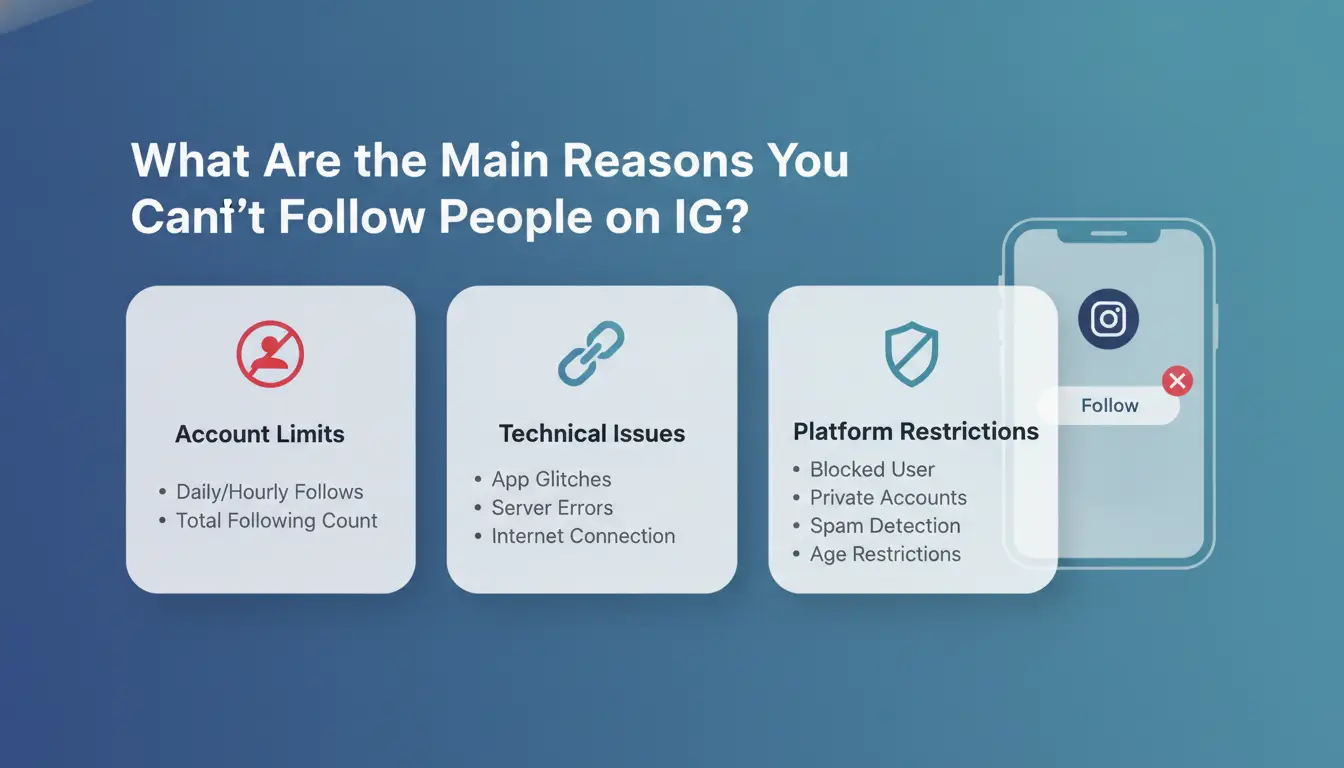
Getting blocked from following others on Instagram can feel random, but the reasons are usually clear if you know how the system works. Most “why can’t I follow people on IG” problems come from hitting hidden limits, account restrictions, or app glitches. Here’s what you need to check.
Instagram's Daily and Hourly Follow Limits
Instagram puts strict limits on how many accounts you can follow in a short time, these limits apply to everyone, not just spammers. Most users hit a block if they try to follow more than 100-200 people per day or send too many requests in one hour. If you cross these limits, Instagram may stop you with a temporary “Action Blocked” message or just silently prevent new follows. Sometimes, the cap is even lower for new accounts or if you follow too fast. You won’t see an official warning before you hit a wall. If you suddenly can’t follow anyone, you’ve likely triggered one of these hidden limits.
Account Restrictions and Temporary Blocks
Instagram uses automated filters to spot “suspicious” activity. If you follow too quickly, repeat the same actions, or log in from different devices and locations, the system can restrict your account. These blocks usually last a few hours to a few days, but repeat triggers can stretch to a full week or more. Even if you haven’t done anything unusual, getting flagged once can put your account under closer review. If you keep running into Instagram follow block messages, slow down your activity and check for any warning notifications in your app.
Technical Issues and Glitches
Not every follow problem is a penalty. Sometimes, you can’t follow people on Instagram because of app bugs, outdated versions, or device conflicts. Try restarting your app, updating to the latest version, or switching from Wi-Fi to mobile data. If you manage multiple accounts or use the same device for several profiles, session conflicts can also trigger “why won’t Instagram let me follow” errors.
How Instagram Detects and Blocks Suspicious Follow Behavior
If you keep seeing “why can't i follow people on ig” pop up, the real reason is usually Instagram’s automated defenses against spam and automated activity. The system doesn’t just look for bots, it flags any pattern that seems risky or abnormal, even for regular users. Knowing what triggers these blocks is the first step to getting your follow function back.
Patterns That Trigger Instagram's Anti-Spam Filters
Instagram tracks how fast you follow people and the total number of actions in a short time. If you try to follow dozens of accounts in a few minutes, you’re likely to hit an Instagram follow block. The platform also looks for repetitive actions, like following and unfollowing the same users or using scripts that mimic human behavior. Accounts that send the same message text or follow from lists can appear bot-like, raising your risk. These filters catch both real bots and users who act too quickly, so pace matters.
How Device and IP Address Changes Raise Flags
Switching devices or logging in from new locations can make Instagram think your account was stolen or is being managed by a bot network. Sudden changes in IP address, especially if you manage several accounts from the same device or rotate proxies, often result in temporary restrictions. This is a common reason for “can't follow people on Instagram” errors. You can use account management tools like DICloak to keep browser profiles and proxies separate, which helps reduce detection risk.
The Role of Account Age and Trust Score
New accounts face tighter limits. If your account is less than a month old, Instagram’s trust score is low, so even normal follow actions can trigger blocks. Past violations, like posting spam or getting flagged, lower your trust further. When you search “why won't Instagram let me follow,” check your account age and history first. Older accounts with clean records get more freedom to follow, while flagged profiles must wait or build steady activity before limits ease.
What to Check Before Trying to Follow Again
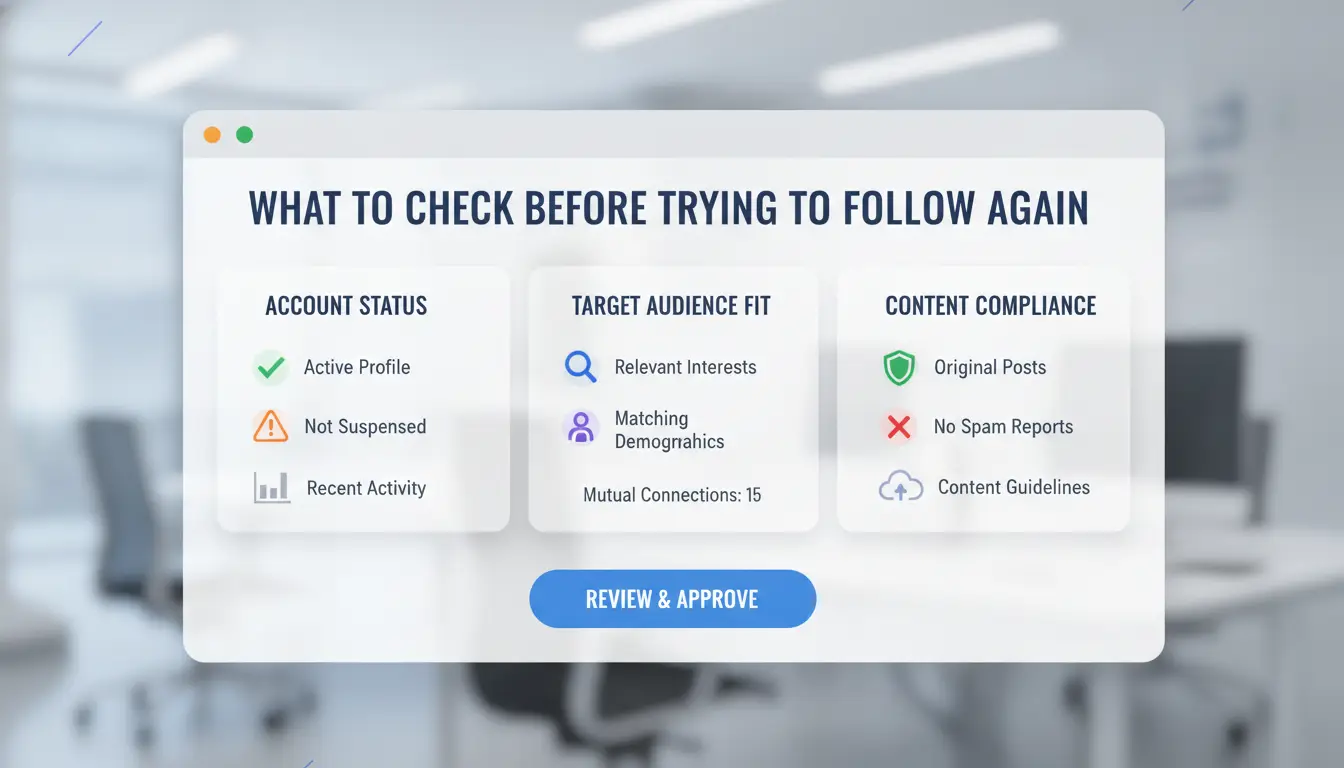
Running into a follow block on Instagram can feel random, but it usually comes down to a few common triggers. If you’re asking “why can't I follow people on ig,” check these areas before you try again. Quick checks here often save time and prevent longer blocks.
Is Your Account Temporarily Blocked?
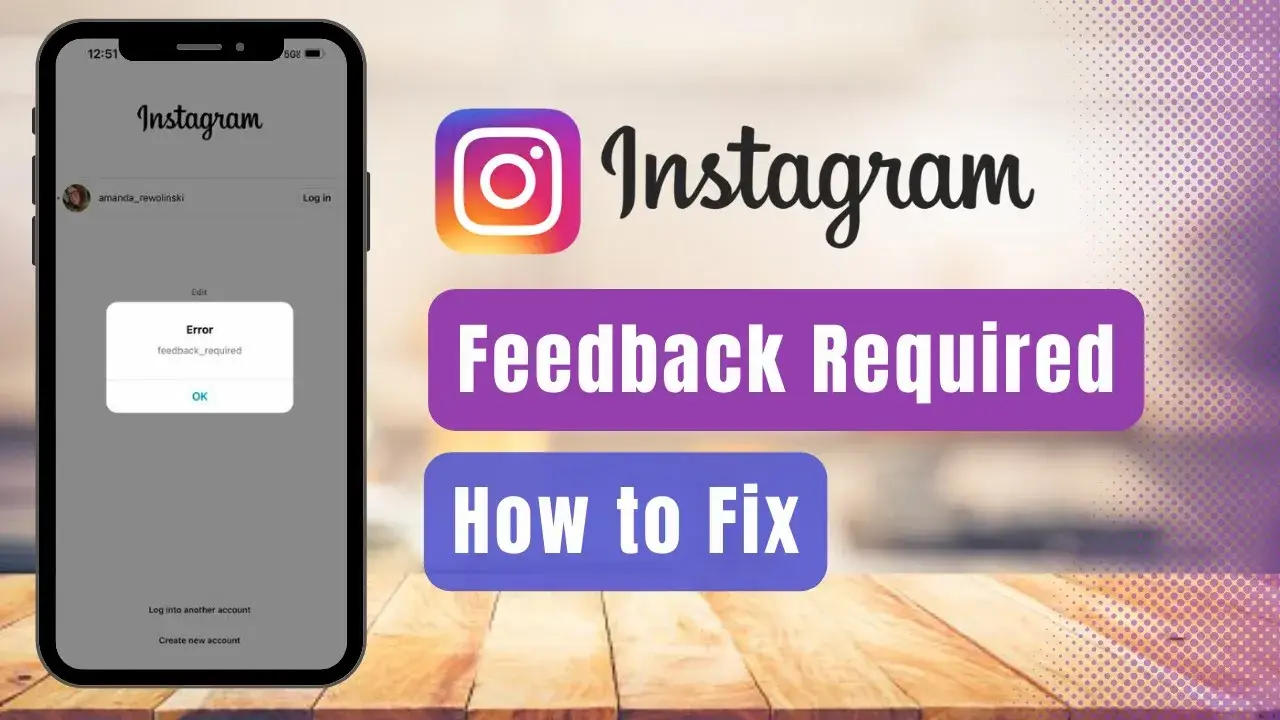
Instagram warns you if your actions look suspicious or fast. A typical block shows messages like “Action Blocked” or “You can’t follow accounts right now.” Sometimes you only see a gray message when you tap “Follow.” Pay attention to any warning, keep a screenshot if you’re not sure, since wording changes by app version. If you keep trying after a warning, the block may last longer.
Are You Hitting Device or App Issues?
Not every follow problem is an actual block. Sometimes, bugs or out-of-date apps cause trouble. Try clearing your Instagram app cache and updating to the latest version. If you still can’t follow people on Instagram, log in on a different phone or your desktop. If following works elsewhere, the problem is on your device, not your account.
Have You Reached Your Follow Limit?
Instagram has a hard cap, most accounts can follow up to 7,500 people. Once you hit that, you can’t follow anyone new until you unfollow some. Check your following count on your profile page. If you’re near the limit, that’s your answer. New accounts may have lower limits for the first weeks. Ignoring this is a top reason for “why won't Instagram let me follow” issues.
Is Your Network or IP Suspicious?
Using public Wi-Fi or a shared IP address can trigger an Instagram follow block, especially if many accounts log in from the same place. Try switching to your mobile data or a private, stable connection. This often fixes network-related blocks and lets you try again safely.
What Mistakes and Risks Most Often Trigger Instagram Follow Blocks?
Running into an Instagram follow block can feel random, but the real triggers are almost always tied to how you use the app. If you’re searching “why can't i follow people on ig,” the answer usually comes down to risky behaviors or hidden account signals. Instagram’s anti-spam system is strict, sometimes even regular users get flagged. Here’s what actually causes “can’t follow people on Instagram” errors and what to watch for.
Aggressive Following and Unfollowing
Most people hit limits when they follow or unfollow too fast. If you send dozens of requests in a short burst, Instagram’s filters may treat your account as suspicious. It’s not just about numbers, rapid actions, especially on a new profile, stand out. Spacing out your activity helps: aim for steady growth, not spikes. For example, avoid following 50 users in five minutes, then unfollowing them all an hour later. Accounts that keep a steady pace rarely get blocked.
Using Third-Party Apps or Bots
Automation tools promise quick results, but they often cause more harm than good. When you use bots or third-party apps to follow or unfollow, Instagram’s system recognizes unnatural patterns, like identical actions across multiple accounts or odd timing. That’s why “Instagram follow block” messages hit even experienced users. Instagram tracks device signals, timing, and repeated behaviors. If you suddenly get blocked, ask yourself whether you’ve connected any outside tools. Removing them and sticking to manual actions lowers your risk.
Linking Multiple Accounts on One Device
Managing several accounts from the same phone or IP is another common trigger. Instagram watches for account farming, when many profiles are run from one device. This is especially risky if you switch between accounts quickly or handle logins for friends or business pages. To manage multiple accounts more safely, use separate browser profiles or dedicated devices. If you need to keep things organized, tools like DICloak let you create isolated environments for each account, helping avoid cross-account blocks.
The biggest mistake is ignoring activity patterns, Instagram’s system cares more about how you act than how many people you follow.
How to Fix 'Can't Follow People on IG': Step-by-Step Solutions
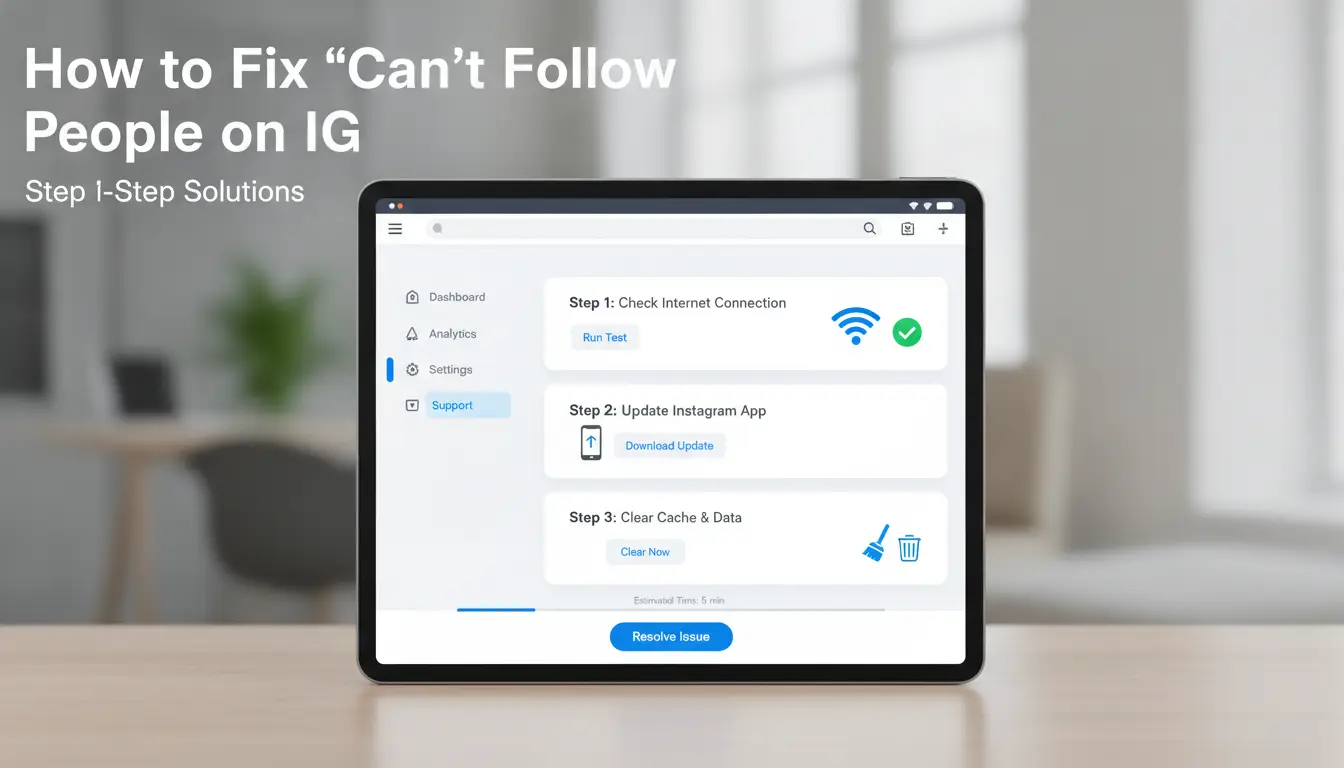
Instagram blocks users from following others for reasons most people don’t expect. If you’re searching “why can't i follow people on ig,” the fix depends on whether you’ve hit a temporary limit, triggered a safety filter, or something else. Here’s how to handle each case and regain normal activity.
Wait Out Temporary Blocks and Cooldowns
If you received a message about a follow limit or a restriction, your account is usually locked for 24–48 hours. Sometimes, the block lasts up to 7 days, especially after mass following or using the same IP for multiple accounts. The biggest mistake is trying to follow users during this period, every failed attempt can extend your block. Instead, pause all follow actions and avoid logging in from different devices or networks until the cooldown ends.
Log Out, Clear Cache, or Reinstall the App
Account glitches and stuck blocks often clear up after a clean app restart. Here’s what to do:
- Log out of Instagram.
- Go to your phone’s app settings and clear the Instagram cache.
- Delete and reinstall the app.
- Log in again and check if follow actions work.
This method works best for users facing “can’t follow people on Instagram” without an official block message.
Switch Devices or Use a Different Network
Instagram’s anti-bot filters track device fingerprints and IP addresses. Switching to another phone or connecting to a new WiFi network can sometimes bypass a soft block. But switching too often, especially across regions, can trigger new restrictions or even flag your account for suspicious activity. Stick to one change and test before jumping between devices.
Contact Instagram Support
If nothing works, use Instagram’s “Report a Problem” feature. Explain your issue (“why won't Instagram let me follow users”) and note any error messages. Include screenshots if possible. Support may respond in 2–5 days, but clear details improve your chance of a fix. For official process steps, see Instagram Help Center.
How to Manage Multiple IG Accounts Safely Without Triggering Blocks (with DICloak)
Managing several Instagram accounts from one device is where trouble starts. Instagram links accounts by device fingerprint and IP, so if you move between profiles too quickly or use the same browser for all, it’s easy to trigger an Instagram follow block. Many users search “why can't I follow people on IG” only to find generic tips that miss the real cause, Instagram’s hidden link between sessions.
Why Managing Multiple Accounts Gets Risky
Instagram tracks every login, device, and browser fingerprint. If you switch between accounts without isolation, the system flags them as connected, leading to blocks. Common mistakes include logging in through the same browser, skipping proxy setup, or reusing device details. This is why “can't follow people on Instagram” happens even if accounts are unrelated.
How DICloak Helps Isolate Accounts and Reduce Block Risk
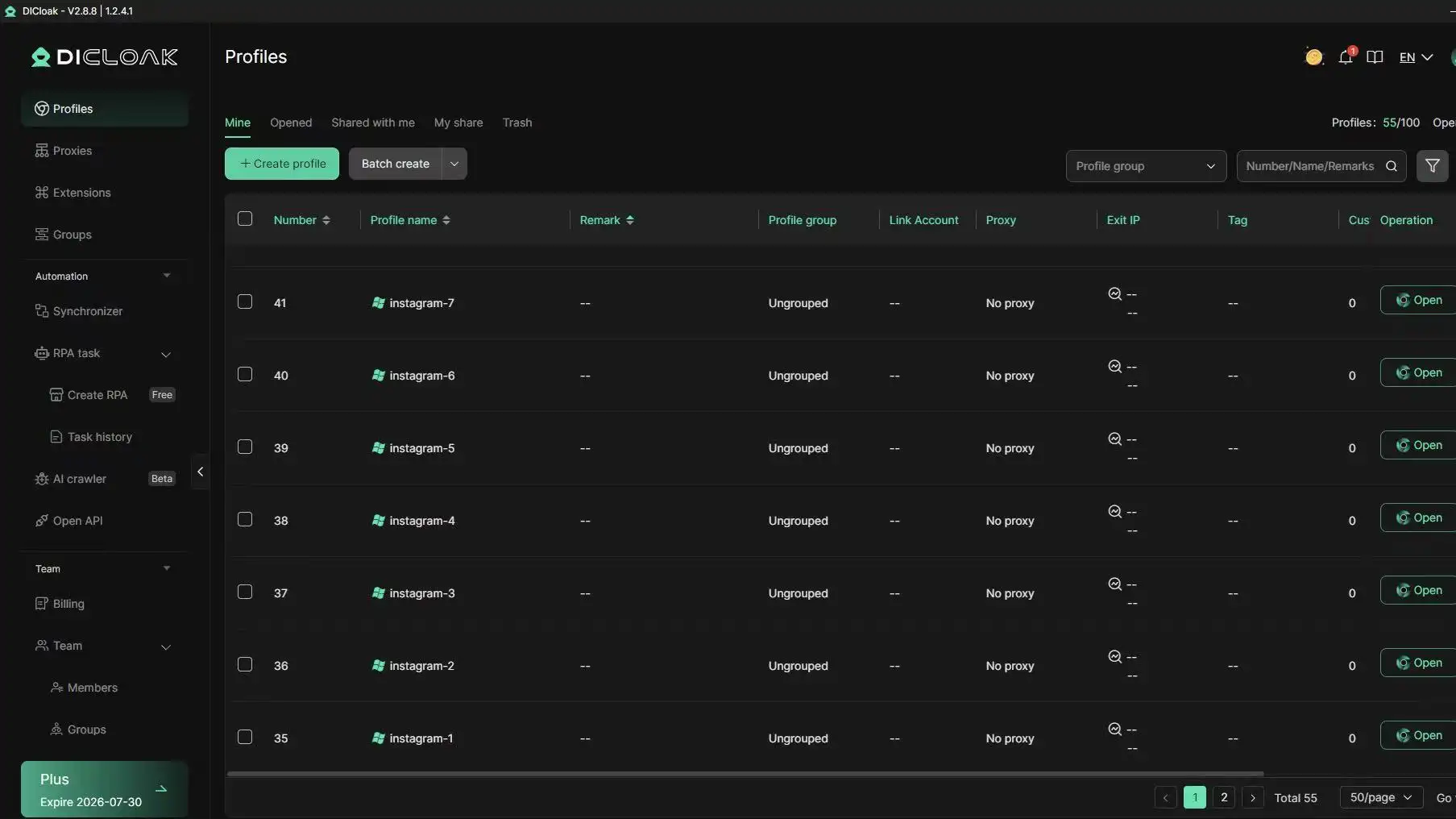
You can use DICloak to assign each Instagram account a unique browser profile and proxy. This stops Instagram from linking accounts, lowering block risk. Built-in RPA tools let you automate engagement, like following or liking, at safe, human-like intervals. Isolating accounts with separate fingerprints is the single most important step if you’re tired of asking “why won't Instagram let me follow”.
Best Practices for Social Media Marketers and Teams
For teams, tools like DICloak let you assign accounts to different members without overlap. Action logs and permission controls help you track every move, so you can spot risky patterns before Instagram blocks anyone.
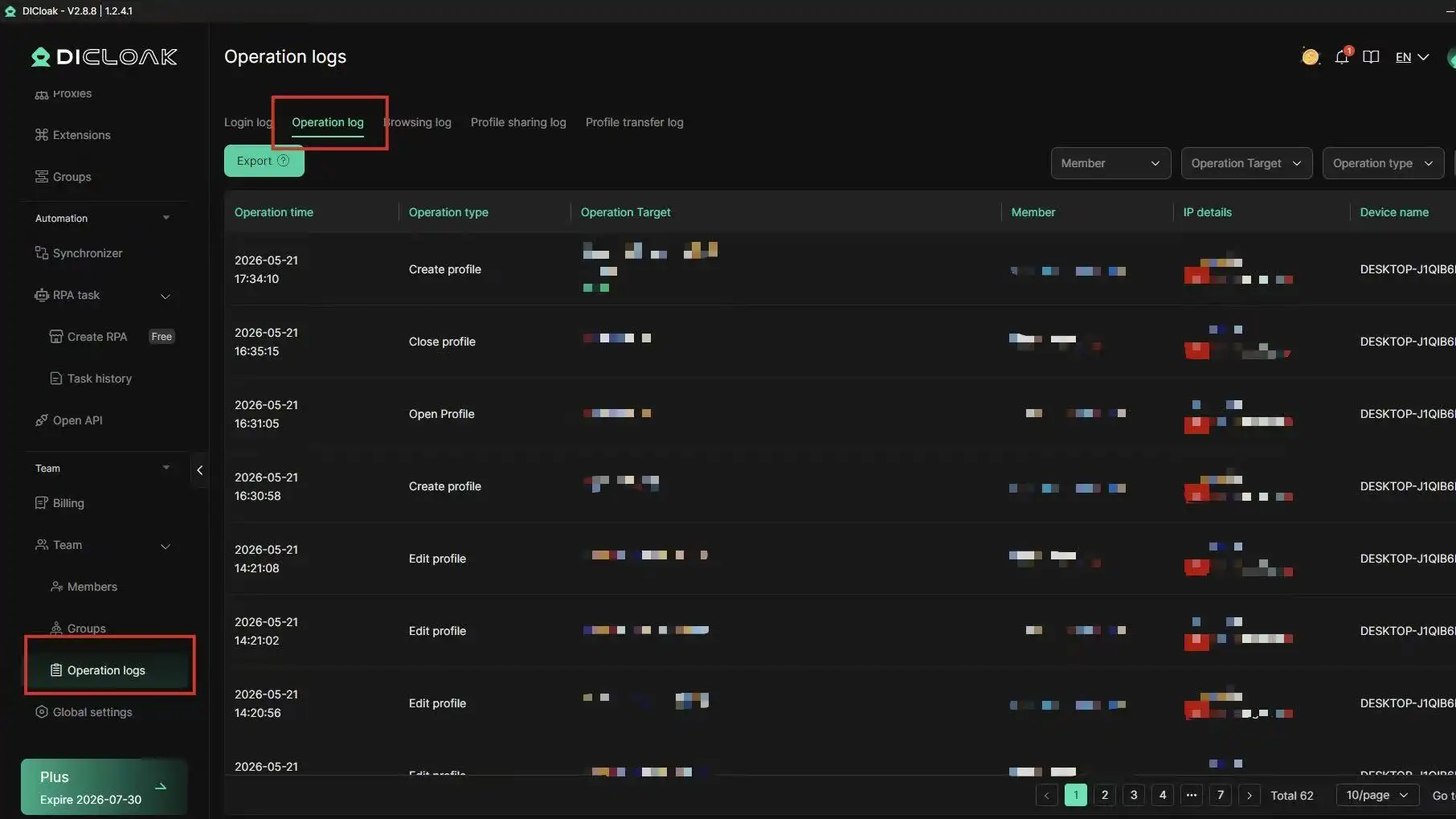
How to Avoid Future Instagram Follow Blocks: Pro Tips
Instagram’s follow restrictions trip up both new and seasoned users. If you keep asking “why can't I follow people on ig?”, it’s not just a glitch, Instagram’s automated checks see unusual patterns, risky account setups, or outdated security details. Fixing one block doesn’t mean you’re safe long-term. Here’s what actually helps prevent the next Instagram follow block.
Build a Natural Activity Pattern
Most follow limits hit accounts that act too quickly or seem robotic. Rapid-fire following, unfollowing, or using the same device for several profiles gets flagged fast. The safest way to avoid restrictions is to mimic steady, human activity. Spread out follows, aim for 10-20 per hour, not hundreds. Engage with posts, leave real comments, and pause between actions. Instagram’s detection system looks for sudden spikes, so slow, consistent growth keeps you under the radar.
If you manage multiple accounts, using a trusted proxy and separate browser profiles can help. For teams, tools like DICloak make it easier to isolate device fingerprints and keep actions independent. This reduces the risk of “can’t follow people on Instagram” errors caused by overlapping account signals.
Review and Update Security Settings
Outdated or weak security settings often trigger blocks. Enable two-factor authentication for every account. This is now standard and protects from suspicious login attempts that may cause “Instagram follow block” issues. Keep your email and phone number current. If Instagram can’t verify your contact details, you might get locked out or restricted.
Check your active sessions, remove devices you no longer use. If you share access, make sure each person uses separate logins and profiles to prevent mix-ups that lead to “why won't Instagram let me follow” messages.
Stay Informed About Instagram Policy Changes
Instagram changes rules often, especially around automation and follow limits. Get updates directly from Instagram’s Help Center or trusted sites like Social Media Examiner and TechCrunch. If you notice new restrictions, adapt your workflow right away. Watch for alerts in your app and avoid repeating blocked actions until limits reset.
Frequently Asked Questions
Why does Instagram say 'Action Blocked' when I try to follow someone?
If you wonder "why can't I follow people on IG," the 'Action Blocked' message means Instagram has flagged your account for suspicious activity. This often happens if you follow too many people quickly, use repetitive actions, or break Instagram’s rules. Sometimes, third-party apps or bots can trigger this block as well.
How long does an Instagram follow block last?
An Instagram follow block, also known as a temporary restriction, usually lasts from a few hours up to 48 hours. However, for repeated violations, the block may extend to several days. If you keep facing "why can't I follow people on IG" issues, slow down your activity and avoid using automation tools.
Can using the same device for multiple Instagram accounts cause follow blocks?
Yes, using the same phone or tablet for several Instagram accounts can trigger follow blocks. Instagram detects device fingerprints and overlapping actions. If you quickly switch accounts or follow many people from the same device, you may see "why won't Instagram let me follow" errors more often.
Will switching to a proxy help avoid Instagram blocks?
Switching to a proxy may help, but only if you use account isolation and behave naturally. If you use a proxy but still follow or like too quickly, Instagram can still block you. Proxies alone do not fix "can't follow people on Instagram" problems if your actions look unnatural.
Is there a safe way to automate following on Instagram?
Automation can be risky. Advanced tools that copy human timing and use separate device fingerprints lower your chances of getting blocked. Still, Instagram’s rules say not to automate. If you ask "why can't I follow people on IG" after using automation, you may have triggered a block.
Conclusion
Understanding the reasons behind being unable to follow people on Instagram, such as account limitations, action blocks, or app glitches, can help you troubleshoot and resolve the issue efficiently. Staying informed about Instagram’s rules and using reliable tools can further improve your social media experience.
Try DICloak For Free
 Web Proxy Tools
 Free Tools
 Cookie Plugin
 UA Generator
 MAC Address Generator
 IP Generator
 IP Address List
 2FA Code Generator
 World Clock
 Anonymous Check
 WebRTC Leak Test
 UUID Generator
 Free Web Proxy Site
 Proxy Checker
 FB Ad Checker
 AI Web Scraping
 Free SMM Tools
 Twitter Shadowban Checker
 Instagram Name Checker
 UTM Generator
 Username Generator
 AI Hashtag Generator
 LinkedIn Headline Generator
 Social Media Image Resizer