On May 19, 2024, Solana hit an intraday trading volume of over $5 billion on Binance, making it one of the most traded coins on the platform. But for every smooth transaction, there are users who run into frozen accounts, stuck withdrawals, or failed identity checks, problems that rarely get mentioned in most “solana purchase guide binance” tutorials. The real risk isn’t just price drops. Accounts can get flagged if your payment method looks unusual, your ID doesn’t pass KYC, or you access from an IP that Binance sees as suspicious. That’s why users searching “buy solana binance” or “how to buy solana on binance” need more than a step-by-step list. They need to know what red flags to spot before sending money, how to avoid common compliance mistakes, and what to do if Binance blocks or delays your SOL after you buy.
The difference between a routine buy and a locked account often comes down to the details: what info you check before signing up, how you set up your payment, and the way you connect to Binance. This guide cuts through generic advice to show exactly what to check before you buy Solana with USD on Binance, the risks that catch new buyers off guard, and how smart account management tools like DICloak can help you keep access to your funds. Here’s what experienced users watch for on their first purchase.
What to Check Before You Buy Solana (SOL) on Binance
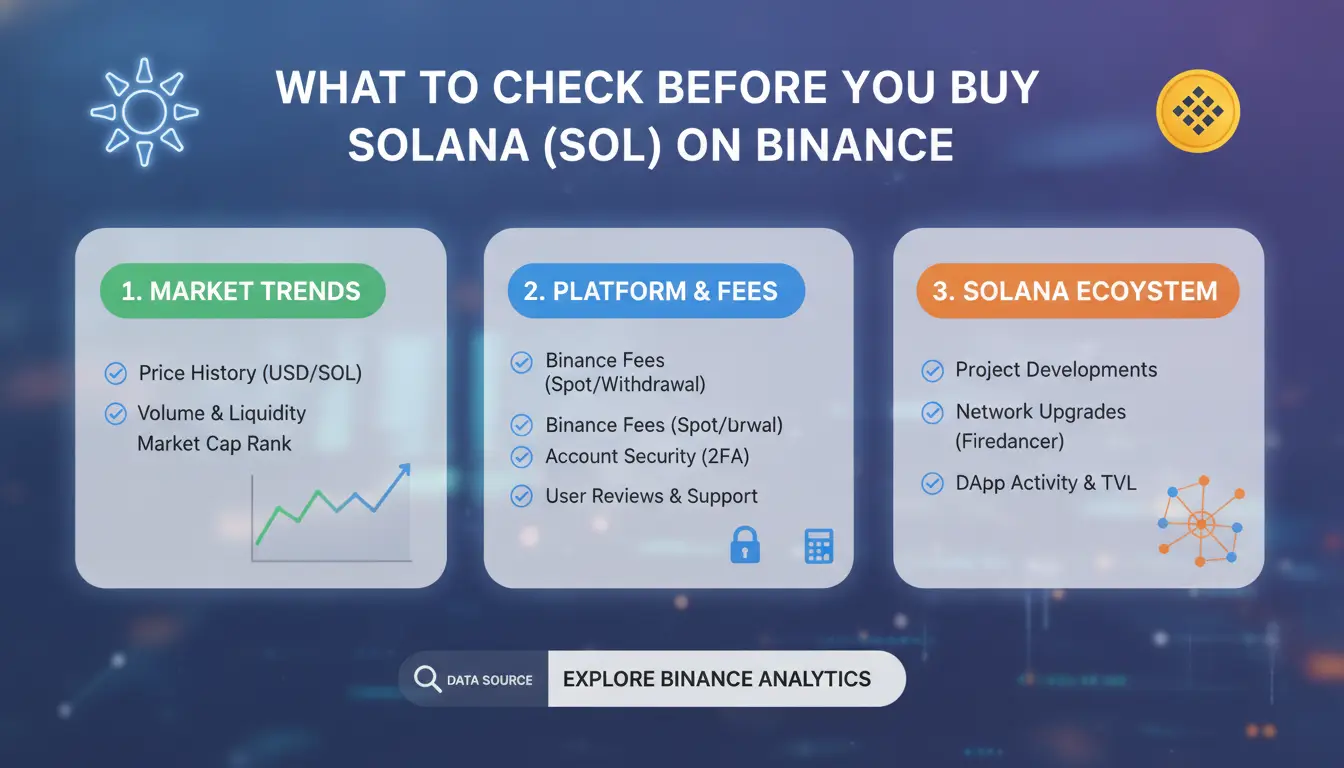
Buying Solana on Binance isn’t just a matter of picking an amount and clicking “Buy.” The most common mistakes happen before you even start the transaction. Here’s what experienced users check before they move any money.
Account Verification and Eligibility
Binance will not let you buy Solana unless you pass KYC, which means uploading your ID and sometimes proof of address. This process can take from 10 minutes to a few days if there are issues. If you skip verification or use fake data, your funds can get stuck, or your account could be frozen.
Country restrictions catch new buyers by surprise. Binance blocks accounts from the US, Singapore, and other regions, sometimes without warning. If you try to buy Solana on Binance from a restricted country, even with a verified account, you risk losing access to your SOL. The safest way is to check the Binance country list before signing up. Some users manage access risks by using account management tools like DICloak for stable logins across locations.
Payment Method Availability
The way you pay for Solana affects both speed and cost. Binance supports credit/debit cards, bank transfers, and P2P (person-to-person) trades. Not all methods are available in every country. For example, US users cannot use bank cards, while SEPA transfers work in the EU.
| Payment Method |
Speed |
Typical Fee |
Limits (per day) |
| Credit/Debit Card |
Instant |
1.8% |
$5,000 |
| Bank Transfer |
1-2 days |
$0–1 |
$50,000 |
| P2P |
Minutes-hrs |
Varies |
Up to $100,000 |
Source: Binance payment page
Always check which options show up for your country before you start. Fees can change, and P2P trades may add hidden risks if you’re not careful. For a full solana purchase guide, Binance’s help center has up-to-date steps for each region.
Why Some Buyers Lose Funds or Get Restricted After Buying Solana
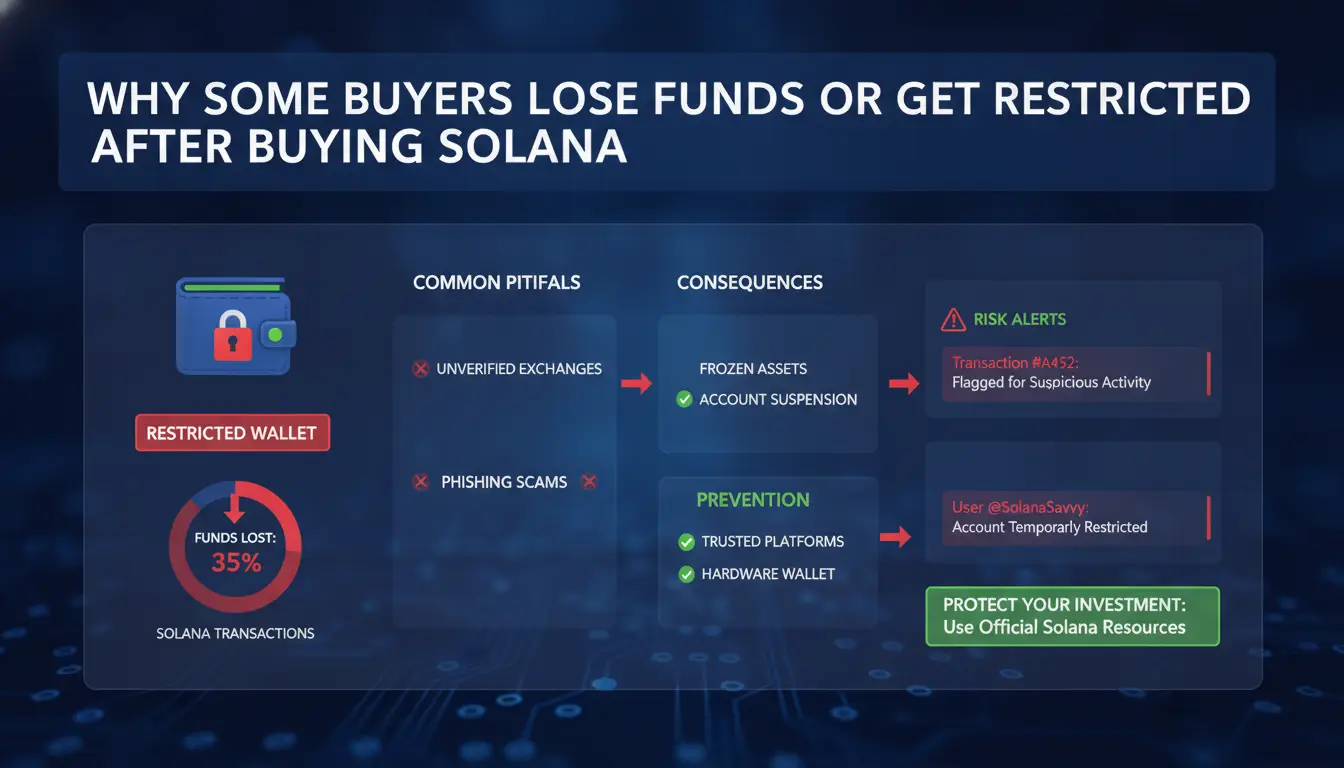
Buying Solana on Binance sounds simple, but real risks are easy to miss. The single biggest reason buyers lose funds or get their accounts restricted is skipping basic checks in the rush to make a quick purchase. It’s not just about clicking “buy” , the way you prepare your account, handle payments, and check seller details decides whether your SOL stays safe or gets blocked. Here’s how most problems start.
Common Mistakes When Buying SOL
Rushing through the sign-up or buying steps is where trouble begins. Many users try to buy Solana with USD on Binance using accounts that haven’t completed full verification. Binance’s KYC process means unverified accounts hit strict limits, sometimes as low as $300 per day, and risk sudden freezes. Ignoring transaction limits or trying to split large buys into smaller chunks can trigger extra review. New buyers also forget that Binance may delay or hold SOL if the payment method looks suspicious or comes from a flagged region. Always check your account status and verify before any Solana purchase. If you’re unsure about the rules, the Binance support page has clear details.
Security Risks and Scam Red Flags
Fake sellers and phishing are constant threats, especially in P2P or unofficial channels. Scammers set up convincing listings or send direct messages promising “discounted” SOL, then disappear after payment. On the Binance P2P platform, watch for sellers with no trade history or poor ratings. Suspicious offers often require off-platform payments, rush buyers, or refuse to show proof of funds. To stay safe, always use official Binance P2P and double-check all seller details. If you’re using browser profiles or need to manage multiple accounts safely, you can use DICloak to isolate sessions and reduce fingerprinting risks.
How Solana Pricing and Fees Work on Binance
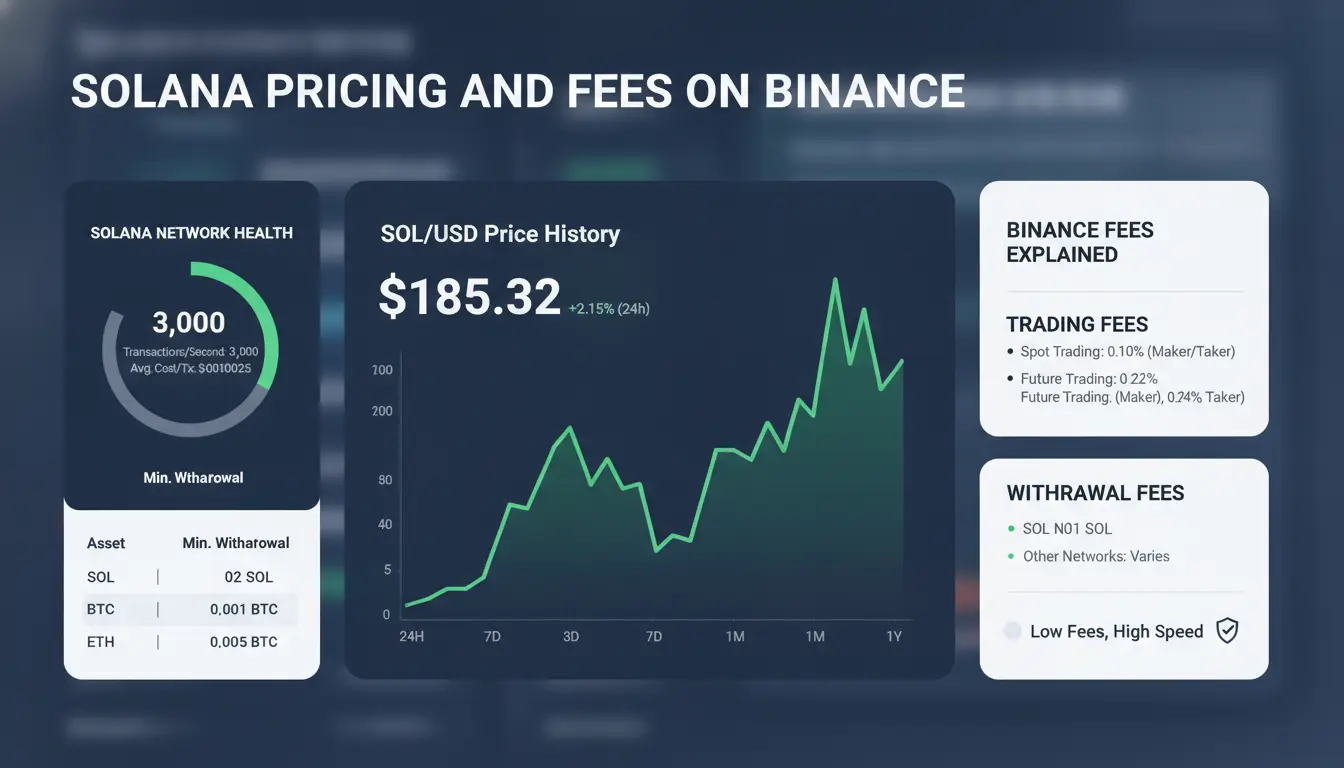
Live SOL Price vs. Order Price
Solana’s price on Binance changes every second. This happens because thousands of people buy and sell SOL at the same time. When you check the price before you buy Solana on Binance, you may notice a difference between the “live” market price and the final price you pay. That gap can be a few cents or several dollars if the market moves fast.
To see the most accurate rates, always check the SOL/USDT live chart just before you place your order. The price you see updates in real time, but your actual purchase price is locked only when you confirm the buy. If you use features like “market buy,” your order fills at the best available price, which can shift quickly during high trading volume. This matters for anyone following a solana purchase guide binance, because a sudden move can affect how much SOL you actually get for your money.
Fee Structure for Different Payment Methods
Binance charges different fees depending on how you buy Solana. If you use spot trading, the fee for each order is usually 0.1%. For example, if you buy $500 worth of SOL, you pay $0.50 in trading fees.
If you buy Solana with USD on Binance using a credit card or bank transfer, fees can be higher, often between 1% and 3%, depending on your bank and payment channel. Using Binance P2P (peer-to-peer) may have zero trading fees, but sellers can set their own prices, so the spread (difference from market price) can eat into your value. Some payment methods add hidden costs, like currency conversion or processing fees, that don’t show up until checkout.
| Method |
Typical Fee |
Extra Costs |
| Spot Trading |
0.1% |
None |
| Credit Card |
1%-3% |
Bank/conversion fees possible |
| Binance P2P |
0% (trading) |
Price spread, payment charges |
Source: Binance Fee Schedule
Checking the full fee breakdown before you buy Solana Binance helps avoid surprises at checkout.
Step-by-Step Guide: How to Buy Solana on Binance Safely
Buying Solana on Binance can be fast, but buyers often miss small details that lead to blocked payments or delayed withdrawal. The key is to match your payment method to Binance’s requirements and double-check every step before sending money. Below is a clear walkthrough for anyone searching “buy solana binance” or a practical Solana purchase guide for Binance.
Buying SOL with Card or Bank Transfer
Start by logging into your Binance account. Go to “Buy Crypto,” choose “Credit/Debit Card” or “Bank Transfer,” then pick Solana (SOL) and enter the amount you want to buy with USD or your local currency. Double-check the current SOL price, rates can change quickly.
For card payments, enter your card info, confirm the final amount (including fees), and follow the on-screen prompts. Most card buys finish in minutes, but if your card is declined, check with your bank about crypto transactions.
For bank transfers, link your bank (ACH, SEPA, or other options show up by country), follow the instructions, and send the exact amount shown. Transfers can take from 10 minutes up to two business days. Your SOL will appear in your Binance wallet after the money clears. Always confirm your name matches your Binance account to avoid rejections.
Using Binance P2P to Buy SOL
If you want more payment choices, use Binance P2P. On the P2P page, filter by “Sell SOL,” choose your payment method (like PayPal, Zelle, or local bank), and sort by seller rating.
Pick sellers with high completion rates and recent feedback. Review the seller’s terms, click “Buy,” and follow the instructions. Only mark the transaction as paid after you send the money. Chat with the seller in-app if you have any questions. Your SOL is released once the seller confirms payment.
What to Change Right After Buying Solana: Wallet Security and Account Setup
The risk for new buyers on Binance isn’t just picking the wrong time to buy Solana. The bigger issue is what happens after the purchase. Moving your SOL to a secure wallet and locking down your account settings can prevent sudden losses or lockouts. Even if you follow a solana purchase guide binance users trust, skipping these steps puts your funds at risk.
Transferring SOL to a Secure Wallet
Leaving your Solana on Binance makes it a target if your account gets flagged or if Binance freezes withdrawals. Serious holders move coins off the exchange within minutes. You can send SOL to a wallet you control, options include Phantom, Solflare, or a hardware wallet like Ledger. Phantom and Solflare are easy for beginners, but hardware wallets offer the best defense against hacks. Before you start, double-check that you copied your wallet address exactly. A single wrong character means your coins are lost for good.
Setting Up Two-Factor Authentication and Withdrawal Whitelists
Your Binance login is a weak point if you only use a password. Turn on two-factor authentication (2FA) in account settings. Google Authenticator and SMS codes both work, but app-based 2FA is harder for hackers to break. Next, set up a withdrawal whitelist. On Binance, you can lock withdrawals so funds only go to addresses you’ve approved in advance. List your main Solana wallet here. This step stops attackers, or even mistakes, from sending your SOL to the wrong place. If you need a clear walkthrough, see the how to buy solana on binance help page for screenshots.
For higher security, some buyers use tools like DICloak to isolate their browser sessions and avoid leaking device fingerprints when logging in from different devices or locations.
How to Manage Multiple Binance Accounts and Wallets for Airdrops or Farming Without Getting Flagged
Running more than one Binance account or wallet for airdrop hunting or farming can quickly trigger security checks, even if you follow every “solana purchase guide binance” online. The difference between earning rewards and losing access often comes down to how you set up your accounts, which browser setups you use, and how your IPs overlap. Here’s what experienced users actually do to manage risk when searching “buy solana binance” or planning to buy Solana with USD on Binance.
Risks of Multi-Account Operations on Binance
Binance flags accounts that look linked. If you log in from the same device, IP, or browser profile, even across supposedly separate accounts, their system can see the connection. This isn’t just about using different emails; fingerprinting catches patterns like repeated device IDs, cookies, or browser settings. IP overlap is another big trigger. If two accounts access Binance from the same IP address, even once, both can get restricted or banned. The most common mistake is sharing a WiFi or using a single device for multiple wallets. That’s why people who try to buy solana binance for multiple airdrops risk losing everything if they don’t separate their environments.
Safer Workflow for Managing Multiple Wallets
To reduce flagged accounts, start by isolating browser profiles. Use tools that let you create separate browser profiles with unique fingerprints, never reuse a browser or device across accounts. Pair each profile with a dedicated proxy, so every wallet logs in from a distinct IP. This isolates risk and makes each account look independent. For repetitive tasks like airdrop claim or farming, automation helps: using browser automation or RPA tools cuts manual errors that can cause cross-contamination. You can use DICloak to set up distinct profiles, manage proxies, and automate routine clicks. The biggest mistake is skipping isolation, one slip can link your accounts and trigger a ban.
How DICloak Helps Secure Multi-Account Solana Operations for Crypto, Airdrops, and Farming
Running more than one Binance account for crypto, farming, or airdrop tasks comes with real risks. If you use the same browser or IP for each login, Binance can spot patterns and block your accounts. This is a common problem for anyone searching “buy solana binance” guides or trying bulk airdrop farming.
Isolated Browser Profiles for Each Binance Account
You can use DICloak to build separate browser profiles for every Binance or wallet account. Each profile has its own fingerprint and proxy setup, so Binance can’t link your activity across accounts. This means you can manage dozens, or hundreds, of accounts on the same device without getting flagged. For anyone following a solana purchase guide binance, this is the only way to avoid shadow bans during repeat buys or transfers.
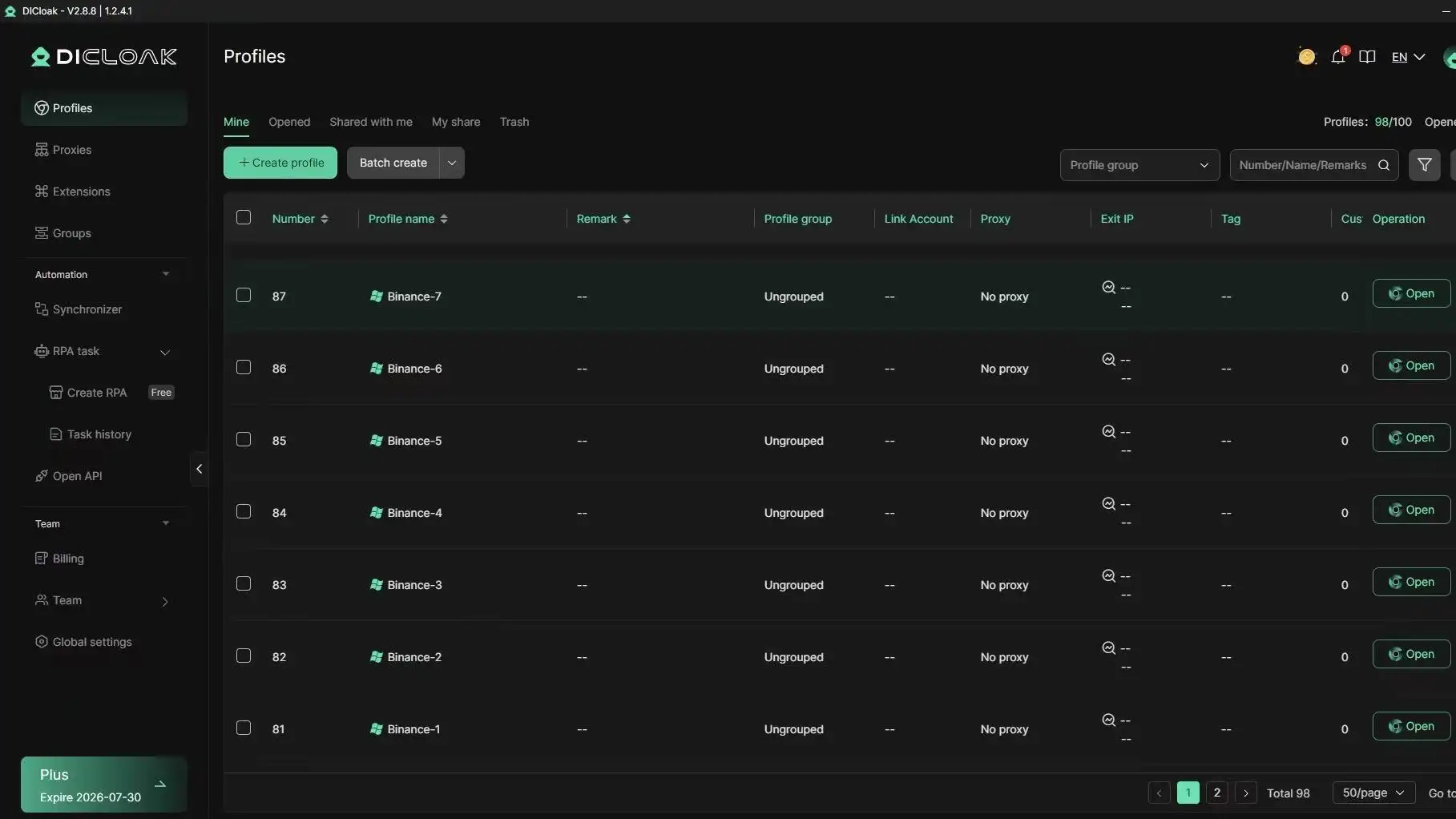
Automating Airdrop and Farming Tasks with DICloak
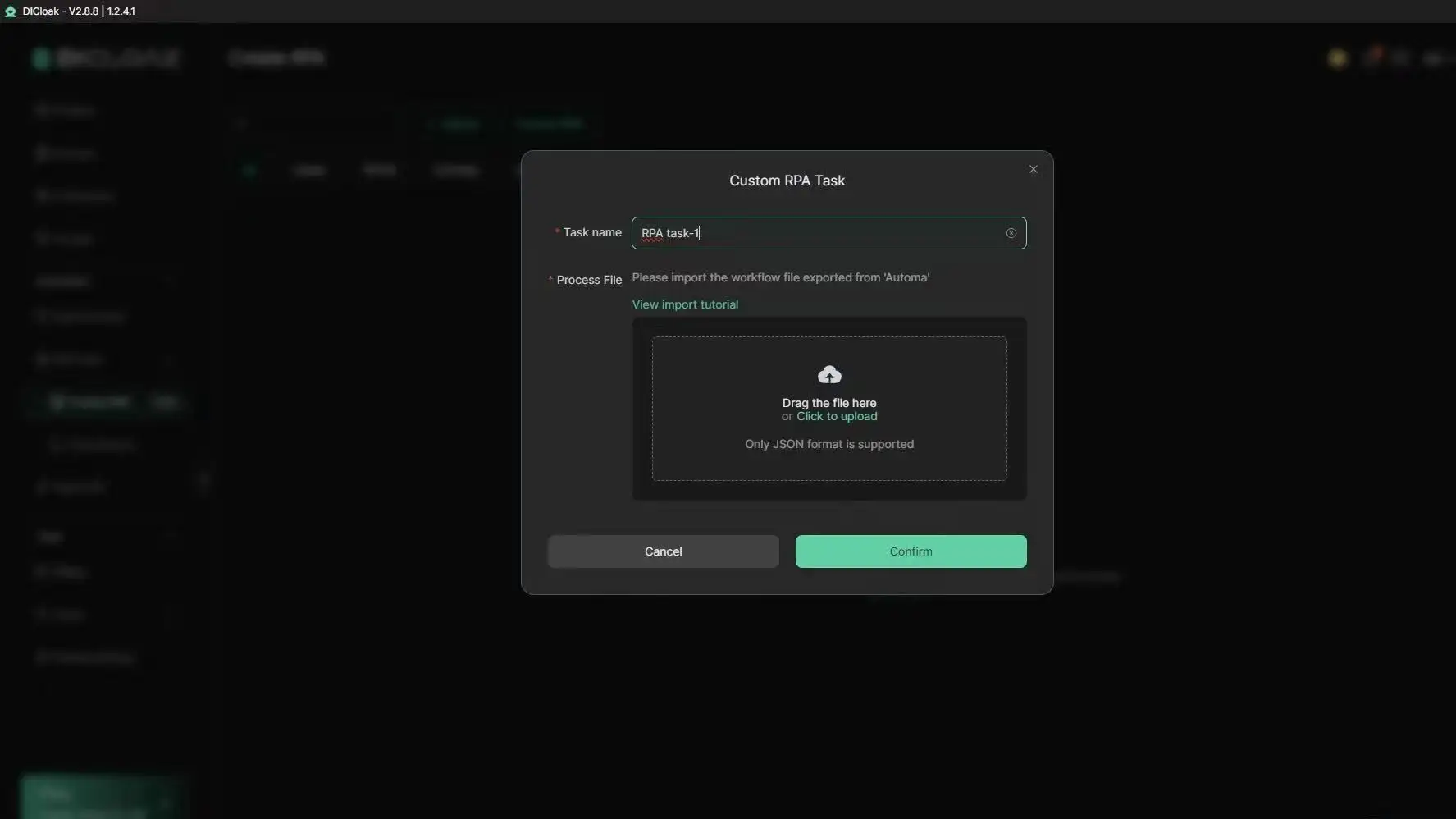
Tools like DICloak let you run repetitive airdrop or farming tasks using built-in RPA and bulk profile controls. Teams can assign roles, limit access, and track who does what, cutting down on errors and keeping accounts safer. The real advantage is scaling Solana farming without raising red flags or losing access after a buy solana binance operation.
When Buying Solana on Binance Is Not the Best Choice: Alternatives and Common Pitfalls
Situations Where Binance May Not Suit Your Needs
Not every Solana purchase fits the “buy solana binance” path. Some countries see Binance limit new user signups, block local cards, or freeze withdrawals during ID checks. When your bank blocks crypto transfers, or you can’t verify your account fast, the process stalls.
Even when you can access Binance, it’s smart to check fees and liquidity. Sometimes, Kraken and Coinbase show better rates or higher volumes for SOL, which matters if you want to buy large amounts. In the table below, you can see a quick fee snapshot for Solana purchases (as of June 2026):
| Platform |
SOL Spot Fee |
USD Deposit Fee |
Notable Limits |
| Binance |
0.1% |
Free (ACH), $1 (card) |
KYC required |
| Kraken |
0.26% |
$0-$5 depending on method |
Lower withdrawal min |
| Coinbase |
0.5% |
Free (ACH), 3.99% (card) |
Simple but higher fees |
Fees from Binance, Kraken, and Coinbase.
If “how to buy solana on binance” isn’t working, you might try peer-to-peer (P2P) marketplaces like Bybit or OKX, these often let you buy SOL with local payment apps or skip some banking limits. Just watch for scams and double-check seller reviews.
Common Pitfalls and How to Avoid Them
One trap is believing Binance’s listed price is all you pay. Account for trading fees, deposit fees, and withdrawal costs, these add up and make SOL less cheap than it looks. Buyers sometimes skip reading the “final price” at checkout, then realize they overpaid by 2-3% compared to other sites.
Missing out on Solana airdrops or farming rewards is another headache. If you leave SOL on Binance after you buy, you rarely get new token drops or bonus programs, which often require self-custody in a wallet like Phantom. For those wanting every reward, withdraw to your wallet right after purchase.
Always check both platform restrictions and total costs before you lock in a Solana purchase, swapping at the wrong time or missing a detail can cost you real money.
Frequently Asked Questions
Is it legal to buy Solana on Binance in my country?
Before you buy Solana Binance, check if your country allows crypto trading. Review your local laws and Binance’s official country list. Some places, like the US or China, restrict access. If your country isn’t listed on Binance’s supported regions, you may not be able to use the platform legally.
Can I use a proxy to access Binance if my country is restricted?
Using a proxy to access Binance is against their rules. If you try to buy Solana Binance this way, your account could get flagged or frozen. Binance tracks IP addresses and may block accounts using proxys or proxies. Always follow Binance’s policies to avoid losing access to your funds.
How many Binance accounts can I manage safely for airdrops or farming?
Binance only allows one account per person. Managing multiple accounts for airdrops or farming risks linking and permanent bans. For solana purchase guide binance, stick to a single account. If you need to farm, use only one verified account and follow all Binance rules to stay safe.
What should I do if my Binance account gets restricted after buying Solana?
If your account is restricted after a solana purchase, first review Binance’s notification. Submit an appeal through their support portal. Prepare to verify your identity and answer security questions. Recovery steps may include submitting documents. Always keep transaction records to help with appeals.
Can I buy Solana with crypto instead of fiat on Binance?
Yes, you can buy Solana with crypto on Binance. Use trading pairs like BTC/SOL, ETH/SOL, or USDT/SOL. If you want to buy Solana with USD on Binance, convert your crypto to USDT or another stablecoin first, then make the trade. The platform’s exchange tab shows available pairs.
Conclusion
Purchasing Solana on Binance offers a straightforward and secure way to access one of the fastest-growing cryptocurrencies. By understanding the platform's features and following best practices, buyers can confidently navigate their Solana investments.
Try DICloak For Free
 Web Proxy Tools
 Free Tools
 Cookie Plugin
 UA Generator
 MAC Address Generator
 IP Generator
 IP Address List
 2FA Code Generator
 World Clock
 Anonymous Check
 WebRTC Leak Test
 UUID Generator
 Free Web Proxy Site
 Proxy Checker
 FB Ad Checker
 AI Web Scraping
 Free SMM Tools
 Twitter Shadowban Checker
 Instagram Name Checker
 UTM Generator
 Username Generator
 AI Hashtag Generator
 LinkedIn Headline Generator
 Social Media Image Resizer