You’re running a site or campaign and need more visitors, fast. Organic search is slow, ads cost more each month, and waiting for real users to show up won’t cut it when you’re under pressure to test, prove results, or satisfy partners. That’s when the idea of using a traffic bot or automated traffic generator starts to look tempting. With a traffic bot, you can simulate users, fill analytics dashboards, and push engagement numbers without having to wait for real people.
But bot traffic is a double-edged sword. On one side, it can help stress-test landing pages, trigger conversion flows, or keep a new site from looking empty. On the other, automated visits can get flagged by anti-bot systems, mess with actual campaign data, or even cause ad account issues if you don’t set it up right. Some setups leave obvious signs, ultra-quick clicks, weird scroll patterns, or traffic spikes from a single location. Those are the visits that get caught, and sometimes, so does your site.
The real question isn’t just “Can you send fake traffic?” but “Can you do it in a way that’s safe, convincing, and actually useful?” That’s where things get technical. Browser fingerprinting, proxy rotation, and session simulation all matter when you want to avoid detection and get real value from a website traffic bot.
Before you try to automate your traffic, it pays to understand what a traffic bot really does, and what can go wrong if you skip the details. Here’s what you need to know before you start.
What Is a Traffic Bot and Why Do People Use Them?
A traffic bot is a program that automatically visits websites, mimicking real users to generate page views, clicks, or other on-site actions. People use these tools mainly to test site performance, push up analytics numbers, or simulate user engagement for SEO and ad revenue goals. Not all bots are created equal, some just scrape data, while others simulate full browsing sessions.
How Traffic Bots Differ from Other Bots
- Scraper bots pull data or content from websites but don’t act like real users, think archive tools or price trackers.
- Spam bots post fake comments, sign up for accounts, or try to flood forms, site owners usually fight these with captchas.
- Traffic bots focus on generating visits and engagement, aiming to look like legitimate human traffic rather than just hitting endpoints.
Common Reasons People Use Traffic Bots
Web operators often run automated traffic generators when they need to check if their sites hold up under load, or when they want to see how new features work with multiple users at once. For example, an e-commerce team might simulate hundreds of visitors to test checkout speed before a big sale. Some use these bots to pad analytics, getting higher unique visitor counts or session durations, which can make a site look more active to advertisers or ranking algorithms.
There's a tradeoff here: run too many sessions from one IP or with obvious bot patterns, and you risk getting flagged by anti-bot systems. On the other hand, mixing in realistic actions, like scrolling, clicking, or moving between pages, reduces the chance of being caught but takes more setup. The most common mistake is running bots that look too robotic, fast, repetitive actions from a narrow range of locations. This often leads to bans or traffic being filtered out of reports, wasting effort and sometimes causing real user metrics to tank if platforms downgrade suspicious sites.
Understanding these differences is the foundation for spotting risks, before fake visits cause more trouble than they solve.
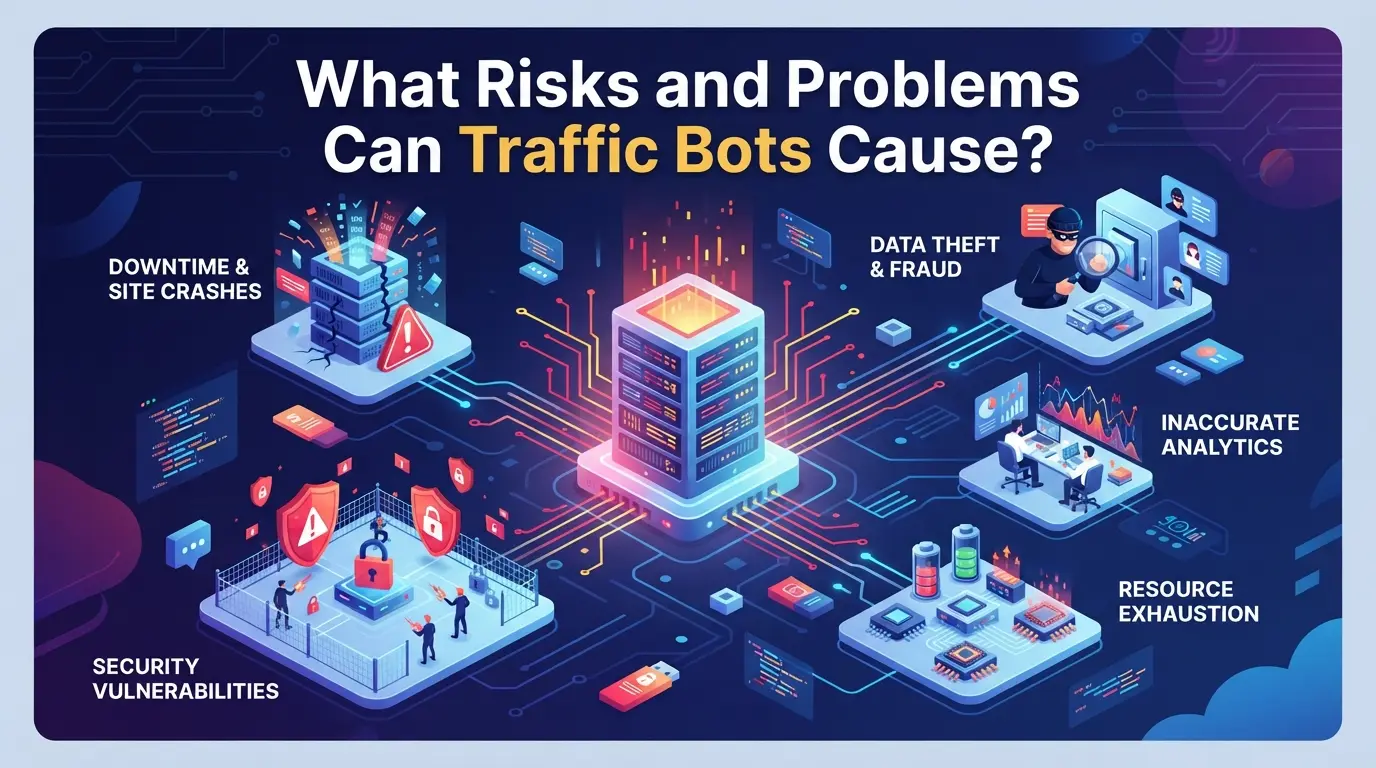
What Risks and Problems Can Traffic Bots Cause?
Automated traffic might look like a quick win, but it almost always causes side effects you can’t ignore. The main problems fall into three buckets: ruined analytics, search penalties, and security headaches.
Analytics and Data Pollution
Fake visits inflate your dashboards. Any bot traffic will throw off key stats, session counts, bounce rates, conversion paths. You lose trust in your own numbers, so A/B tests and marketing reports get noisy or useless.
SEO and Search Engine Penalties
Search engines like Google are clear: artificial traffic is risky. Their algorithms spot patterns, odd user flows, repeated device fingerprints, or a sudden surge from one location all stand out. If they catch you trying to boost rankings or mislead their systems, you risk a drop in search position or even full removal from results. One common failure mode: buying low-quality bot visits for a new site, only to see that domain get deindexed within weeks. Sometimes, it’s not even your own bot, third parties can send fake traffic to sabotage your site’s authority. Once flagged, recovery is slow and there’s no easy appeal. Real user signals and slow, steady growth matter most if you want to avoid trouble.
Security and Reputation Risks
- Triggering anti-bot systems can lead to firewalls or CAPTCHAs blocking real users
- IP addresses linked to bot activity may get blacklisted, hurting email deliverability or ad campaigns
- Repeated detection can damage your reputation with ad networks, affiliate programs, or partners
If you rely on clean analytics, stable SEO, or trusted ad accounts, even a small slip with automated traffic can turn into a bigger mess. The safest move is to know exactly what counts as “suspicious” before you try to simulate visits at scale. Next, it’s worth looking at how these bots actually work under the hood, because the technical details are where most detection happens.
How Do Traffic Bots Actually Work in 2026?
If you want your automated visits to look real, and not trigger alarms, you need to know how bots actually create and control sessions. The technical basics haven’t changed, but detection has gotten tougher. Most failures in bot setups come from skipping steps that make automation look human.
Automation Tools and Scripting
Every bot starts with one of these approaches:
- Headless browser tools: Chrome, Firefox, or custom engines run without a visible window. These allow full scripting but often lack subtle human signals.
- Automation frameworks: Selenium, Puppeteer, Playwright, and similar tools script navigation, clicks, and even drag-and-drop actions. Basic setups use fixed sequences, easy to spot and block.
- Advanced simulation: Custom scripts add delays, random order, and variable mouse movements. These can reduce detection but require more setup time and fail if you overlook browser fingerprinting.
Simulating Human Behavior
The real challenge isn’t sending visits, it’s making those sessions look like actual people. Bots that just load pages and move on leave obvious traces: rapid-fire clicks, no scroll, and consistent timing. More convincing setups randomize scroll speed, mix up click positions, and let sessions wander between pages in unpredictable ways. For example, a human might read a landing page for 23 seconds, scroll halfway down, click an internal link, and return later; poorly designed bots do all that in seven seconds flat, every time.
The hardest part is matching session timing and navigation, if your bot always follows the same path or spends exactly 15 seconds per page, site analytics flag you fast. Even small mistakes, like never moving the mouse off the main content area or skipping scroll entirely, can get your traffic labeled as fake. If you miss these cues, detection systems will catch the pattern, and your campaigns lose value.
Getting automation right means building in randomness and mimicking real habits. If you cut corners here, you’ll see your sessions filtered out, flagged, or even blocked before you notice anything is wrong. That’s why detection isn’t just about the bot, it’s about every detail in the session flow.
How to Spot and Detect Traffic Bots on Your Website
Most fake or bot traffic shows up in your analytics before you notice it anywhere else. If your traffic numbers feel off, here's where to look first.
Analytics Red Flags
Sudden jumps in visitors with no matching source, or bounce rates above 90% from a single city, usually point to automated traffic. You might also spot sessions that all last under five seconds or see traffic from countries you never target. On busy days, bots can push your site past normal traffic limits, causing odd patterns in pageview graphs.
Technical Detection Methods
Technical checks dig deeper when analytics look strange. Use these steps to confirm bot activity:
- Compare browser fingerprints, true users rarely match on every detail.
- Track IP addresses for repeat patterns or sudden bursts.
- Review session timings: hundreds of visits at the same second almost never happen with real people.
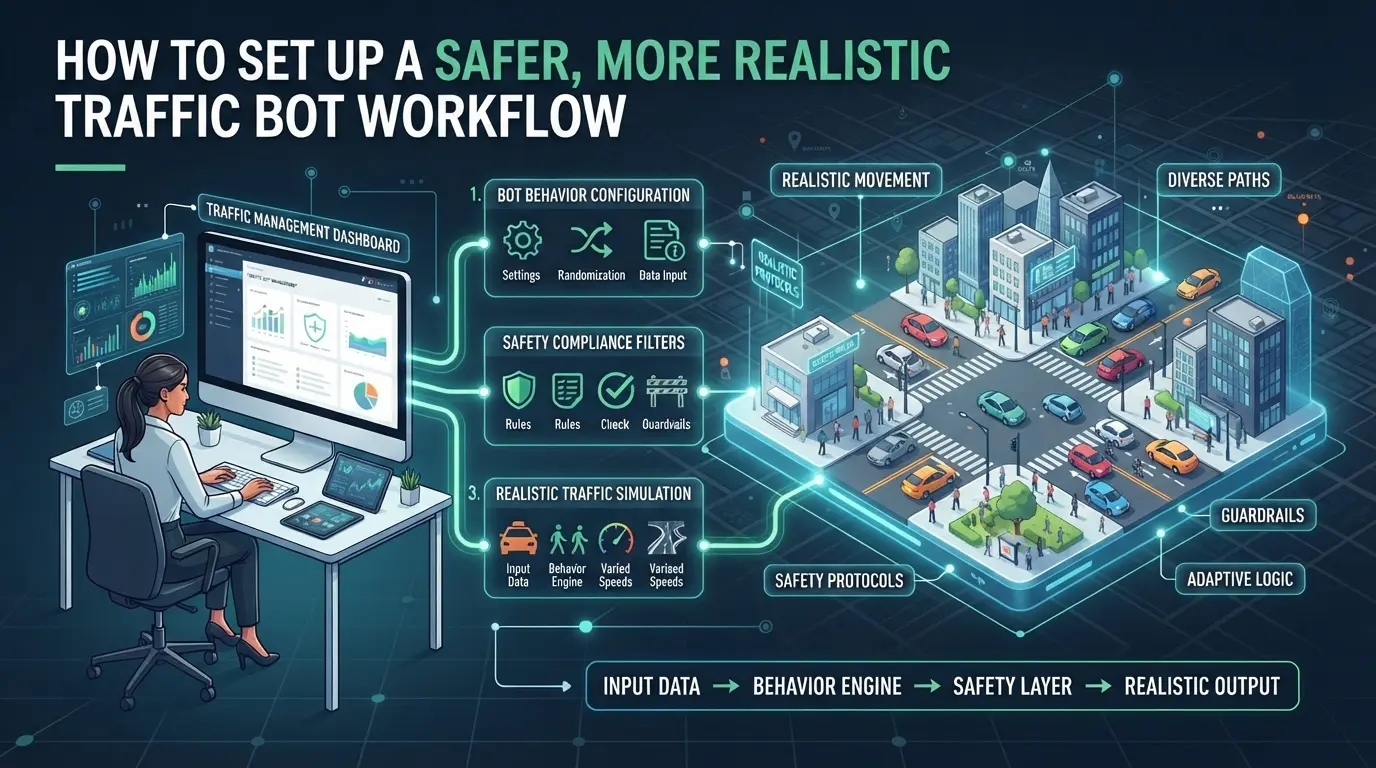
How to Set Up a Safer, More Realistic Traffic Bot Workflow
If you want your automated visits to pass as real users and avoid getting flagged, you need a workflow that covers more than just “send clicks.” The right setup keeps your site out of trouble and lets you test without burning your domains.
Step 1: Define Your Traffic Goals and Limits
- List what you want to measure: page load, conversion, ad views, or user flow.
- Set a clear daily cap, never spike visits by more than 10-20% above your site’s normal range.
- Limit hourly visits to match human activity curves. If your site usually peaks at 8pm, don’t push 100 visits at 3am.
- If you skip these limits, sudden surges can trigger fraud filters or get your analytics locked.
Step 2: Choose a Human-Like Simulation Tool
- Pick a tool that changes scroll speed, click timing, and mouse movement on every visit.
- Check for options to randomize session length, bots that exit in exactly 60 seconds get flagged fast.
- Avoid “cheap” bots that reload pages or click links instantly. These usually leave patterns that analytics tools catch.
Step 3: Rotate IPs and Device Fingerprints
- Use a proxy pool with IPs from different regions, never send all visits from one city or provider.
- Vary browser versions and device types: mix Chrome, Firefox, mobile, and desktop.
- If you see all sessions coming from “Windows 10, Chrome 91, USA,” you’ve got a fingerprint problem.
Step 4: Monitor and Adjust Based on Results
- Check analytics for odd spikes, bounce rates, or 100% session durations.
- Compare bot visits to real user flows, look for “straight line” navigation that doesn’t match normal paths.
- Tweak timing, entry pages, and click depth to reduce repeat signals.
- If you notice high block rates, pause and review, don’t just keep running the same script.
Ready for a more advanced setup? Next, you’ll see how using separate browser profiles and proxies increases realism and lowers risk.
How to Configure Separate Browser Profiles and Proxies for Traffic Bots in DICloak
After tightening your workflow to avoid obvious detection signals, the next step is making sure every automated session looks and connects like a different person. Not every reader needs to manage multiple browser identities or IPs, but for teams running large-scale tests or anyone pushing a traffic bot beyond the basics, session isolation and IP diversity matter. DICloak covers this by letting operators build out completely separate browser profiles, each with its own fingerprint and network setup. The focus here isn’t on tricking a platform, but on giving you granular control over how each simulated user appears and connects.
Creating Isolated Profiles and Configuring Fingerprints in DICloak
Operators can create a new browser profile in DICloak for each platform account, campaign, or traffic bot test. Each profile stores its own browser profile, cookies, storage, and settings are not shared between them. Within the profile’s Fingerprint Settings, you can choose reported OS, browser version, language, time zone, screen resolution, and more. There are also controls for WebRTC, canvas, AudioContext, and other signals sites use to antidetect browsers. This setup lets teams assign distinct device fingerprints to each session, making it harder for platforms to spot overlap at the browser layer. The scope here is limited to browser-profile configuration; it does not affect accounts or website outcomes. 
Assigning and Testing Proxies for Each Profile
For teams needing every simulated visitor to appear from a different location, operators can assign a proxy to each browser profile in DICloak. Proxy settings are handled per profile: you enter your own proxy details (host, port, username, password) or pick from a list you’ve already added. There’s a built-in connection test that shows the detected exit IP, country, and time zone before you launch a session, so you know if the proxy is working as intended before running your automated traffic generator. The responsibility for sourcing, rotating, or evaluating proxies stays with the operator. DICloak’s role is storing and applying the selected proxy for each profile; it does not provide proxies or guarantee platform access. 
Once each browser profile and network route is in place, you’re ready to run tests that look, and connect, like real, separate users. The next section will help you decide when running this setup actually makes sense, and when it’s better to hold back.
When Does Using a Traffic Bot Make Sense, and When Is It a Bad Idea?
If your goal is to stress-test a site or map user flows, automated traffic can help. Trying to fake real engagement or ad revenue, though, is where the trouble starts.
Legitimate Testing and QA Scenarios
| Use Case |
What Works Well |
What Goes Wrong |
| Load Testing |
Simulates high volume before launch |
Can overload backend if misconfigured |
| Analytics QA |
Maps user journeys for tracking |
Skewed metrics if not isolated |
If you set up isolated sessions and keep bot runs separate from real data, you get a clean view of performance without risking your analytics.
Risky or Unethical Use Cases
Manipulating ad revenue, search rankings, or engagement numbers with automated traffic is easy to spot and can get your accounts banned. Clients may ask for “boosts”, but most platforms have systems to catch artificial patterns, and getting flagged means losing trust fast.
Trying to cheat the system usually ends in penalties or wasted budget. If your reason for running bots is anything other than testing or QA, you’re betting against the house, and the house almost always wins.
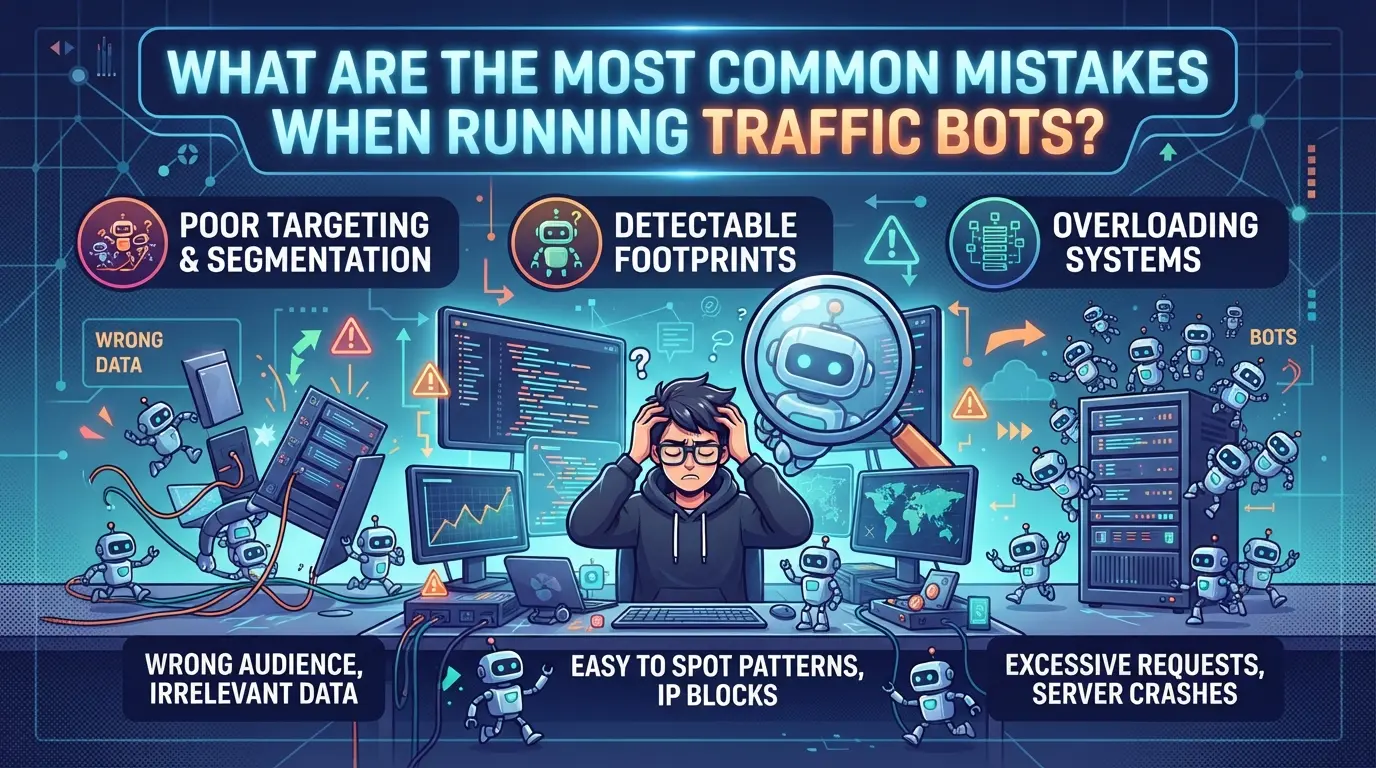
What Are the Most Common Mistakes When Running Traffic Bots?
Most detection issues come from a few avoidable mistakes. If you want your bot traffic to pass as real visits, pay close attention to the details below, this is where most setups fail.
Overusing the Same IP or Device
Sending hundreds of visits from one IP or device profile is a clear sign of automation. Real users come from different places and devices. Mix up your proxies, rotate device fingerprints, and spread sessions out over time. If your traffic looks like it’s coming from a single source, detection is almost certain.
Ignoring Analytics and Feedback
- Check bounce rates and session times for patterns
- Watch for sudden drops in engagement or spikes in flagged sessions
- Adjust bot timing and click paths if metrics look unnatural
Using Obvious or Outdated Tools
Basic scripts or free traffic generators often get flagged right away. Undetected automation needs to keep up with real browsing habits.
- Avoid tools that lack scroll, click, and dwell simulation
- Update your setup when platforms change detection methods
- Test bot output with analytics before scaling up
Frequently Asked Questions About traffic bot
Is it legal to use a traffic bot in 2026?
The legality of using a traffic bot in 2026 depends on where you live, which site you’re targeting, and your reasons for using one. Many websites, including Google and Facebook, ban automated traffic in their terms of service. Some countries have strict cyber laws that also cover fake traffic. Always check local rules and site policies before using any automated tool.
Can traffic bots really improve my SEO rankings?
Fake visitors from a traffic bot might cause a quick spike in traffic stats, but search engines like Google use advanced systems to spot non-human activity. They can ignore or even penalize sites that use bot traffic. Real SEO gains come from genuine visitors and good content, not artificial hits.
How can I make my traffic bot look more like a real user?
To make automated traffic look realistic, change browsing actions, mouse movements, and timing. Rotate IP addresses and device fingerprints to avoid easy detection. Avoid repeating patterns, such as visiting the same pages in the same order. Advanced tools can randomize these actions to better mimic human behavior.
Will using a proxy with my traffic bot keep me safe?
A proxy can hide your real IP address and make it harder to trace bot traffic back to you. However, it doesn’t guarantee safety or full anonymity. Poorly configured proxies or low-quality sources can still get blocked. Combining proxies with smart behavior is safer, but no method is foolproof.
What analytics tools can help me spot bot traffic?
Google Analytics can flag unusual spikes in visits, high bounce rates, or traffic from strange locations. Server logs often reveal repeated requests from the same IPs or odd user agents. Specialized platforms like Cloudflare and DataDome use machine learning to spot and block automated traffic patterns.
Taking the next step means selecting tools that align with your traffic goals while ensuring ethical and effective strategies. Consider testing solutions that offer solid features and transparency to better analyze and manage your online presence. Try DICloak For Free
 Web Proxy Tools
 Free Tools
 Cookie Plugin
 UA Generator
 MAC Address Generator
 IP Generator
 IP Address List
 2FA Code Generator
 World Clock
 Anonymous Check
 WebRTC Leak Test
 UUID Generator
 Free Web Proxy Site
 Proxy Checker
 FB Ad Checker
 AI Web Scraping
 Free SMM Tools
 Twitter Shadowban Checker
 Instagram Name Checker
 UTM Generator
 Username Generator
 AI Hashtag Generator
 LinkedIn Headline Generator
 Social Media Image Resizer