If you need to save many TikTok videos at once, using a tiktok bulk downloader may seem like the easiest answer. But in real use, things are not always that simple. Some tools are fast and helpful, while others fail, slow down, or create safety risks. In this guide, we look at why bulk downloads sometimes break, how to choose the right tool, what to know about watermark-free downloads, and how to handle common problems in 2026.
Why Do TikTok Bulk Downloads Fail Sometimes?
When a tiktok bulk downloader fails, the cause is often simple. Some TikTok videos cannot be downloaded because the creator turned downloads off, the post is private, or the link no longer works. That is why a tiktok bulk downloader without watermark may work for some videos but fail on others.
Common errors users encounter during bulk downloads
The most common failures look like this: links load but no file is generated, part of the batch downloads and the rest fail, videos come back as unavailable, or the tool freezes after several requests. A simple example is when someone pastes 50 TikTok links into a downloader, and 10 of them fail because some posts were deleted, made private, or never allowed downloading in the first place. TikTok’s own developer docs also note that video results can come back incomplete when content is deleted or private, which helps explain why bulk jobs can look random even when the user does everything the same way. Weak internet can also make the problem look worse, since TikTok says poor Wi-Fi or mobile data can affect how the service works.
How TikTok’s rate limits affect bulk downloading
Rate limits are another big reason bulk jobs break. TikTok’s developer docs say API requests are limited by timeframe, and some common video-related endpoints have default limits such as 600 requests for /v2/video/query/ and 600 for /v2/video/list/. TikTok also documents 429 rate_limit_exceeded errors, which means the platform blocked more requests because too many were sent too fast. In real use, this means a tiktok bulk downloader may start strong, then slow down, skip files, or stop completely once it hits those request ceilings. This is especially common with tools that try to fetch metadata, video URLs, and extra file versions all at once.
How to identify if a downloader tool is causing the issue
A good way to test the tool is to compare a few different cases instead of retrying the same broken batch again and again. If a single public video downloads fine inside TikTok, but your bulk tool fails on that same link, the problem is likely the tool, not the post. The same is true if the tool keeps failing on recent videos, returns blank files, or only breaks when you ask for a tiktok bulk downloader without watermark. That usually suggests the downloader depends on unofficial methods that are easier to break when TikTok changes page structure, permissions, or request behavior. A more trustworthy tool should at least tell you whether a video is private, downloads are disabled, or the request limit has been hit, instead of showing a vague “failed” message.
How to Choose the Right TikTok Bulk Downloader in 2026
Not every tiktok bulk downloader is built for the same job. Some are fine for saving a few public clips. Others are better for large batches, repeat work, or creator backups. The right choice depends on how many videos you need, what device you use, and how much control you want over quality and failed downloads.
Key features to look for in bulk download tools
Start with the basics. A good tiktok bulk downloader should support real batch downloads, not just one link at a time. It should also show clear status messages, let you retry failed files, and keep original quality when possible. Some desktop tools now support downloading by account, hashtag, or challenge, while some browser extensions focus on downloading from a profile page inside Chrome. If you want a tiktok bulk downloader without watermark, check that this is clearly listed and test it on a few public videos first instead of trusting the claim right away.
Comparing free vs. paid TikTok bulk downloaders
Free tools are usually better for light use. They work well when you only need a small batch and do not mind fewer controls. Paid tools often make more sense for bigger jobs because they usually offer faster processing, larger batch limits, and a more stable desktop workflow. For example, some paid-style apps now allow up to 100 TikTok links in one batch, while browser tools are often simpler and more limited. So the question is not only price. It is whether you need speed, scale, and fewer interruptions.
How to evaluate tool compatibility with your device
Always match the tool to your device before you commit. If you work mostly on Chrome, a browser extension may feel faster and easier. If you handle large archives, a desktop app may be a better fit. Right now, some bulk tools run on Windows, macOS, and Linux, while others are built only for Chrome or for Windows and Mac. A few also have Android support, but mobile tools are usually better for lighter jobs than heavy batch work. The safest move is simple: check supported systems, test a small batch, and only then use it for a larger download job.
The best tiktok bulk downloader in 2026 depends on what kind of job you need it for. Some tools are better for quick web use. Others are better for large archives, repeat downloads, or cleaner desktop control. The easiest way to choose is to match the tool to your workflow, not just pick the first downloader you see.
Best TikTok Bulk Downloader Tools in 2026
4K Tokkit
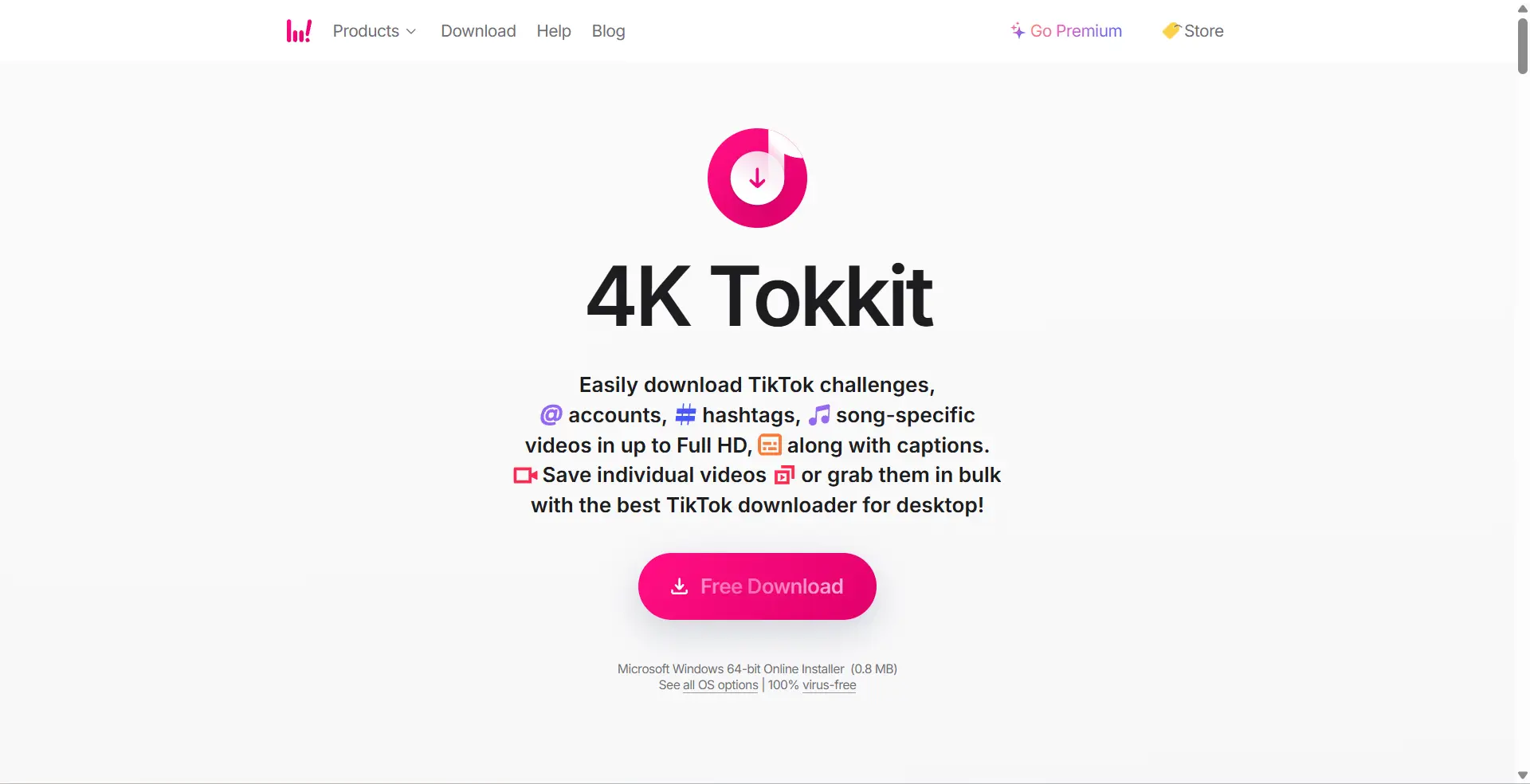
4K Tokkit is one of the stronger choices for people who need a real desktop-based tiktok bulk downloader. It can save videos in bulk from accounts, hashtags, sounds, liked videos, and even your own account backup. It also supports automatic downloads for new clips and can remove the TikTok watermark from one or multiple downloaded videos. That makes it a better fit for larger or repeat download jobs than simple one-link web tools. It runs on Windows, macOS, and Linux.
TikoDown
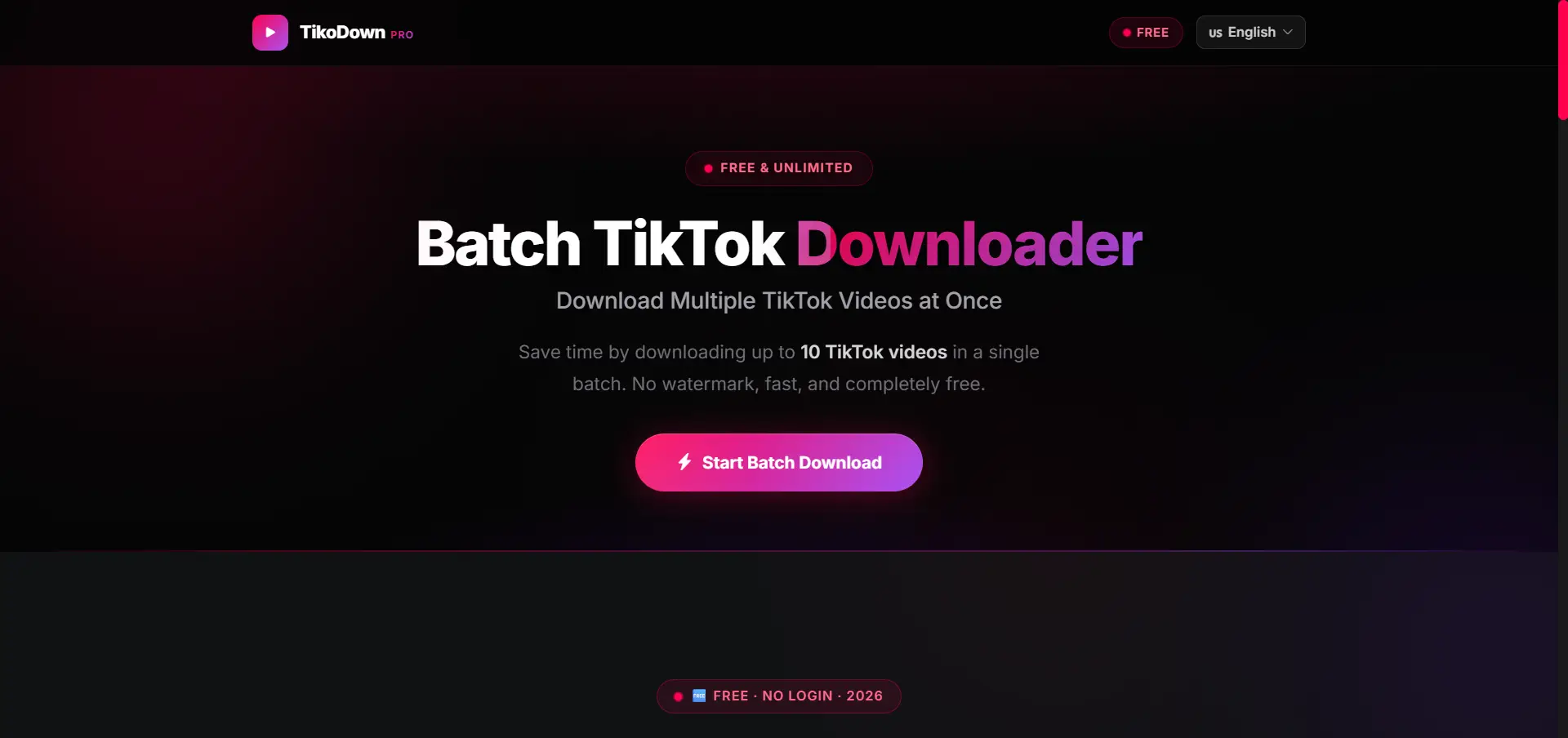
TikoDown is a simpler web-based option. It lets users paste up to 10 TikTok links at once and download them in one batch without watermark. It works in a browser, does not require installation, and is built for phones, tablets, and desktop browsers. That makes it easy for people who want a tiktok bulk downloader without watermark but do not want to install software first.
KOLSprite
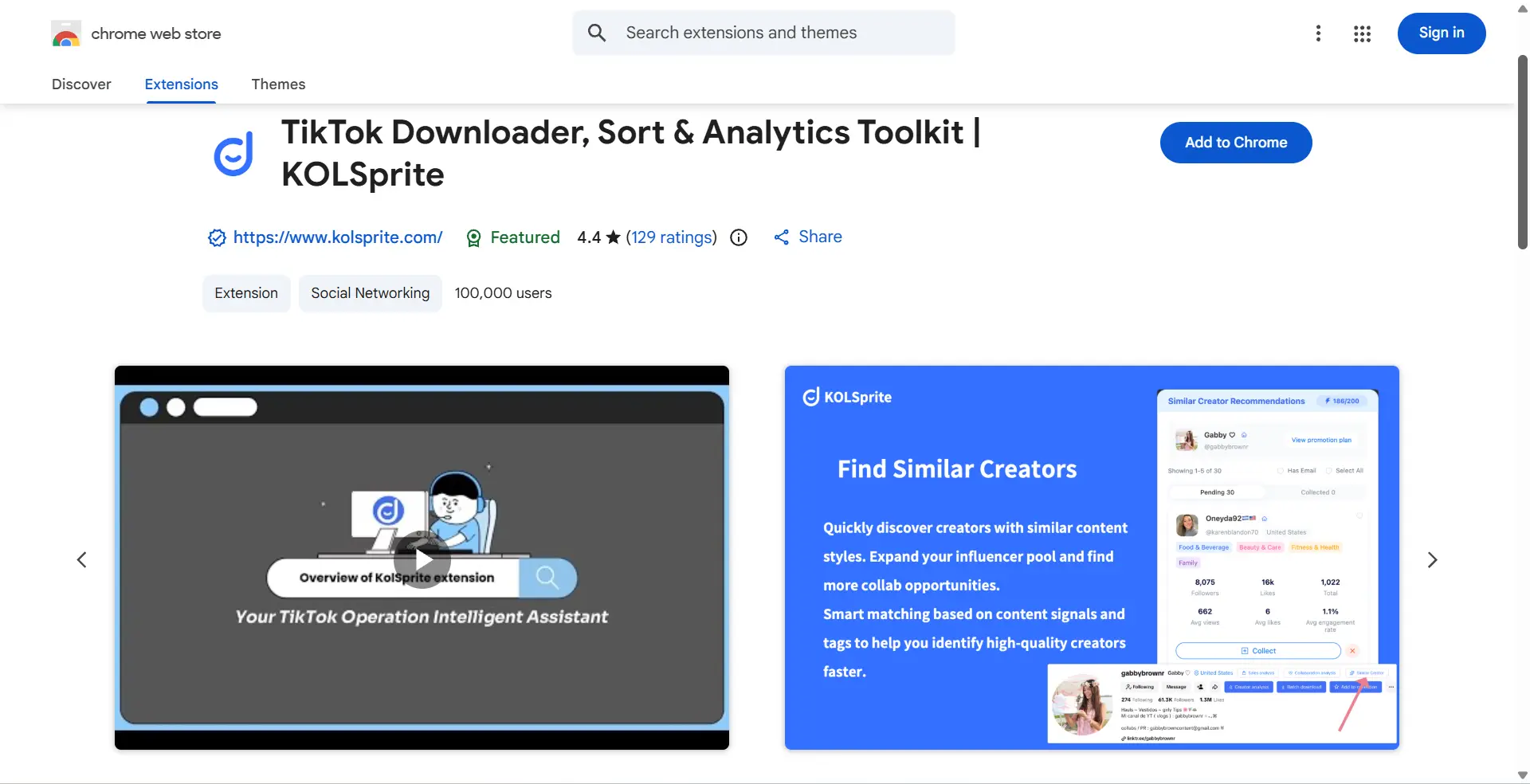
KOLSprite is a TikTok bulk downloader extension that mixes downloading with research features. It supports bulk TikTok downloads without watermark, but it also adds sorting, filtering, and content analysis tools. That makes it more useful for marketers, dropshippers, creators, or researchers who want to save videos and study content performance in the same place.
TikTok Bulk Downloader Comparison: Which Tool Fits Your Needs?
There is no one perfect choice for everyone. The best tool depends on whether you care most about simplicity, scale, watermark-free downloads, or desktop control. Looking at the tools this way makes the choice much easier.
Best for beginners
TikoDown is the easiest starting point for most new users. It is free, browser-based, and lets you paste up to 10 links without setting up an app or account. For someone who just wants to test a few downloads, that is usually the simplest path.
Best for large batches
4K Tokkit is the stronger pick for larger download jobs. It can download whole accounts, hashtags, sounds, liked videos, and new posts automatically, which gives it much more room for long-term or repeat work than lighter browser tools.
Best tiktok bulk downloader without watermark
If your main goal is a tiktok bulk downloader without watermark, TikoDown is the cleaner choice for small batches, while 4K Tokkit is stronger for bigger desktop workflows. TikoDown is quick for up to 10 links in a browser. 4K Tokkit goes further by supporting watermark removal for one or multiple downloaded videos in a desktop app.
Best for desktop users
4K Tokkit is the best fit for desktop users in this group. It supports Windows, macOS, and Linux, and it is built around larger desktop workflows instead of short web sessions. That makes it a better match for people who save content often and want more control over how downloads are organized.
How to Download TikTok Videos Without Watermarks
Many users look for a tiktok bulk downloader without watermark because they want cleaner files for backup, review, or editing. But this part needs extra care. Some tools work smoothly on public videos. Others create quality loss, account risk, or copyright problems. The safest approach is to use trusted tools, avoid giving away your TikTok login, and make sure you have the right to save or reuse the video.
Tools that support watermark-free downloads
Some third-party tools openly say they support watermark-free downloads. For example, 4K Tokkit says it can remove the TikTok watermark from downloaded videos, and TikoDown says it can batch-download up to 10 TikTok videos without watermark in a browser. In practice, desktop tools are usually better for larger batches, while web tools are easier for quick jobs. If you need a tiktok bulk downloader without watermark, it is smart to test a few public links first before using it for a larger batch.
Risks of using unauthorized tools for watermark removal
The biggest risk is not always the download itself. It is the tool. If a site asks for your TikTok password, verification code, or broad app permissions, that is a red flag. TikTok says you can review and remove connected app access in Security & permissions, and it also warns that requests for passwords or verification codes can be phishing. A weak tool can also break often, fail on private videos, or stop working when TikTok changes how video pages load.
Legal considerations for watermark-free downloads
This is the part many people skip. TikTok says creators can turn downloads on or off, and if the save option is missing, downloads are not allowed for that post. TikTok also says its rules do not allow content that violates another person’s copyright or other IP rights. So, downloading a video without watermark for personal reference is one thing. Reposting it, using it in ads, or removing creator credit without permission is a much bigger risk. If you plan to reuse the content in public or commercial work, get permission first.
Can You Download Videos from Private TikTok Accounts?
In most cases, no. A tiktok bulk downloader usually works only on public posts that are available to fetch. TikTok says that with a private account, only approved followers can watch the videos, and people will not be able to download them. So if a tool claims it can pull private TikTok videos in bulk, that is a major warning sign.
Challenges of accessing private TikTok content
Private TikTok content is limited by design. Even if you follow the account, TikTok’s rules still block normal video downloads for private accounts. That means a tiktok bulk downloader or a tiktok bulk downloader without watermark may fail, not because your device is broken, but because the content is not meant to be downloadable through normal access.
Ethical and legal implications of downloading private videos
This is not just a technical issue. It is also a privacy and rights issue. If a creator keeps an account private, that is a clear choice about who can view the content. Trying to copy or reuse those videos without permission can go against that privacy choice, and TikTok also states that creators’ videos are protected by copyright rules. So even if someone finds a workaround, that does not make it acceptable to use.
Alternative solutions for saving private content
The safest option depends on whose video it is. If it is your own private content, keep the original file on your device before posting, or save a draft if you are still editing. TikTok notes that drafts stay on the device and do not transfer across devices, so local backups matter. If the video belongs to someone else, the clean solution is simple: ask the creator to send you the original file or share it with you directly. That is much safer than trusting a tool that promises access to private videos.
Troubleshooting Issues with TikTok Bulk Downloaders
When a tiktok bulk downloader fails, the fix is often simple. Before you assume the whole tool is broken, check whether the video is still public, whether TikTok allows downloads on that post, and whether your internet is stable.
What to do if downloads are incomplete or corrupted
Start small. Try one or two public videos first instead of retrying the full batch. If those files also fail, restart the app, browser, or device and test again. TikTok recommends restarting the app and device as a first step for problems, and 4K Download’s troubleshooting guide also points to local interference like firewall, antivirus, or VPN settings when downloads do not finish correctly. In real use, this helps separate a bad link from a tool problem.
How to fix slow download speeds
Slow speed usually comes down to connection quality or tool settings. TikTok suggests switching between Wi-Fi and mobile data to check if the network is the issue. On the tool side, 4K Download says users should check whether a speed limit is set inside the downloader and also test whether a VPN is slowing the connection. So if your tiktok bulk downloader becomes very slow, first reduce network pressure, then check the tool’s own connection settings.
When to contact support or switch tools
Contact support when the same problem keeps happening after basic checks. You can go to Report a problem, follow the suggested steps, and then use Need more help? if the issue is not fixed. But if the same public TikTok link fails in one downloader and works in another, that is a strong sign the tool is the issue. In that case, switching tools may save more time than forcing the same one to work.
Manage Multiple TikTok Accounts More Cleanly with DICloak
For some users, downloading TikTok videos in bulk is only part of the work. The bigger challenge is managing multiple TikTok accounts without mixing tasks, login states, or daily activity. When everything runs in one regular browser, small problems can build up fast. DICloak is not a TikTok bulk downloader. It works better as a browser profile tool for users who want to manage multiple TikTok accounts in a cleaner and more organized way.
Keep Multiple TikTok Accounts Separate with Isolated Browser Profiles
Running many TikTok accounts in one browser can get messy fast. Cookies mix together. Saved sessions overlap. One wrong click can open the wrong account. DICloak helps by giving each TikTok account its own isolated browser profile. This makes it easier to keep one account for content posting, one for research, and another for team use, without mixing them together.
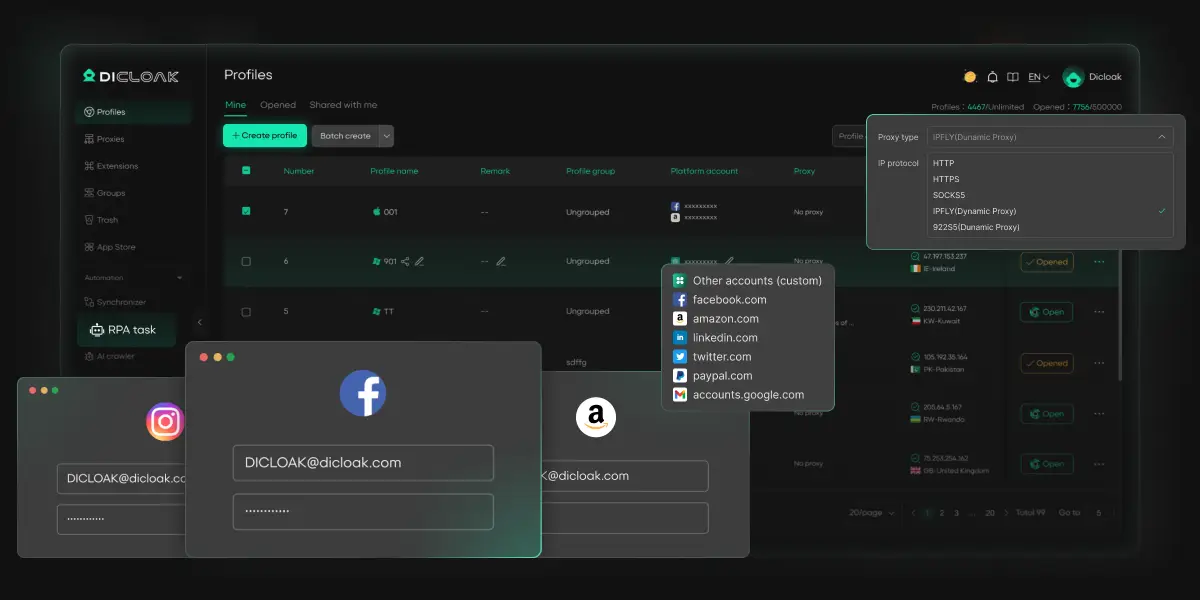
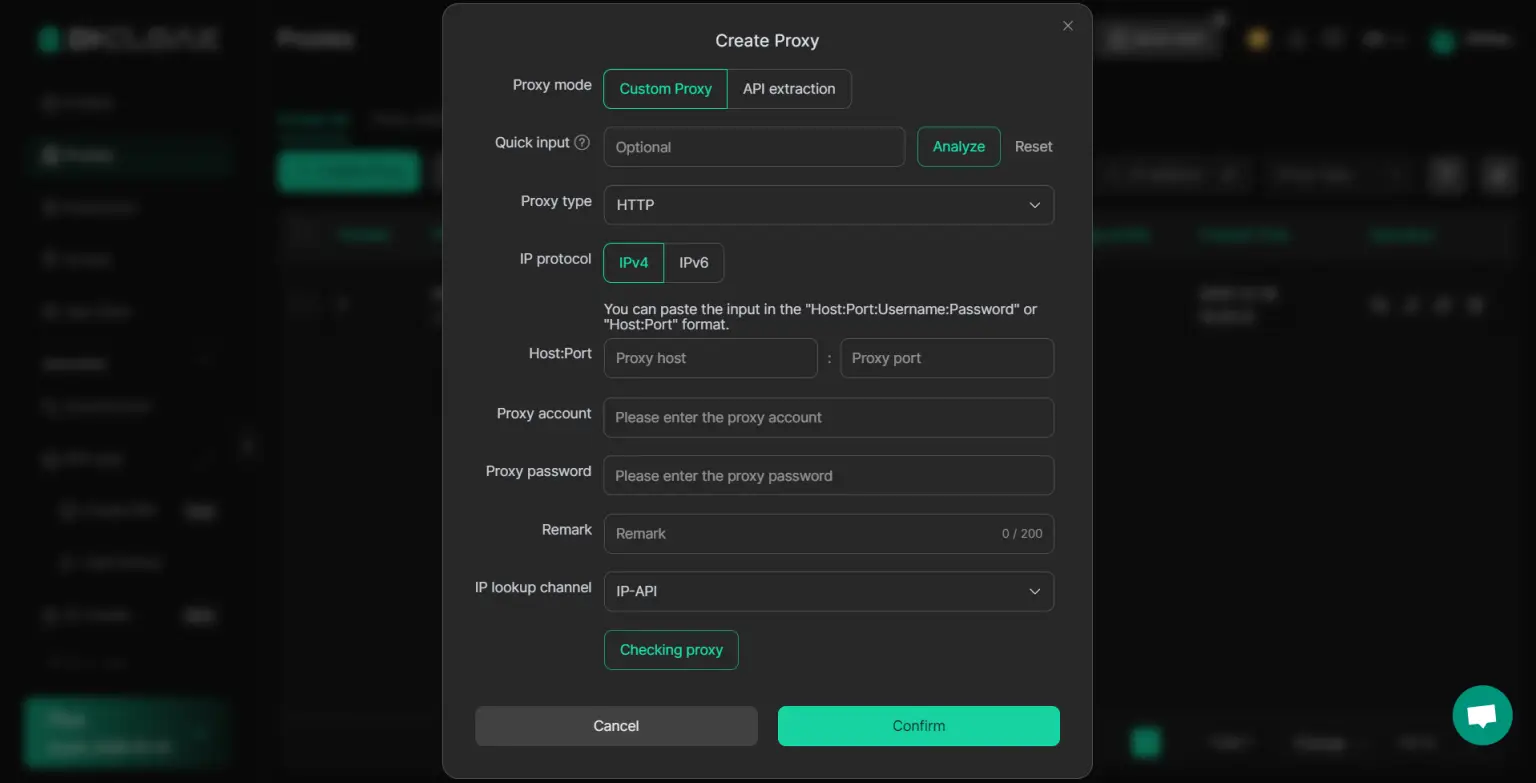
A cleaner setup is not only about browser tabs. Network setup matters too. DICloak lets users add their own proxies to different browser profiles, with support for HTTP, HTTPS, and SOCKS5. This gives users more control when they want different TikTok accounts to run in separate environments. DICloak does not provide built-in proxy service, so users need to buy and configure their own proxies based on their needs.
Manage Growth More Easily with Bulk Operations and Team Access Control
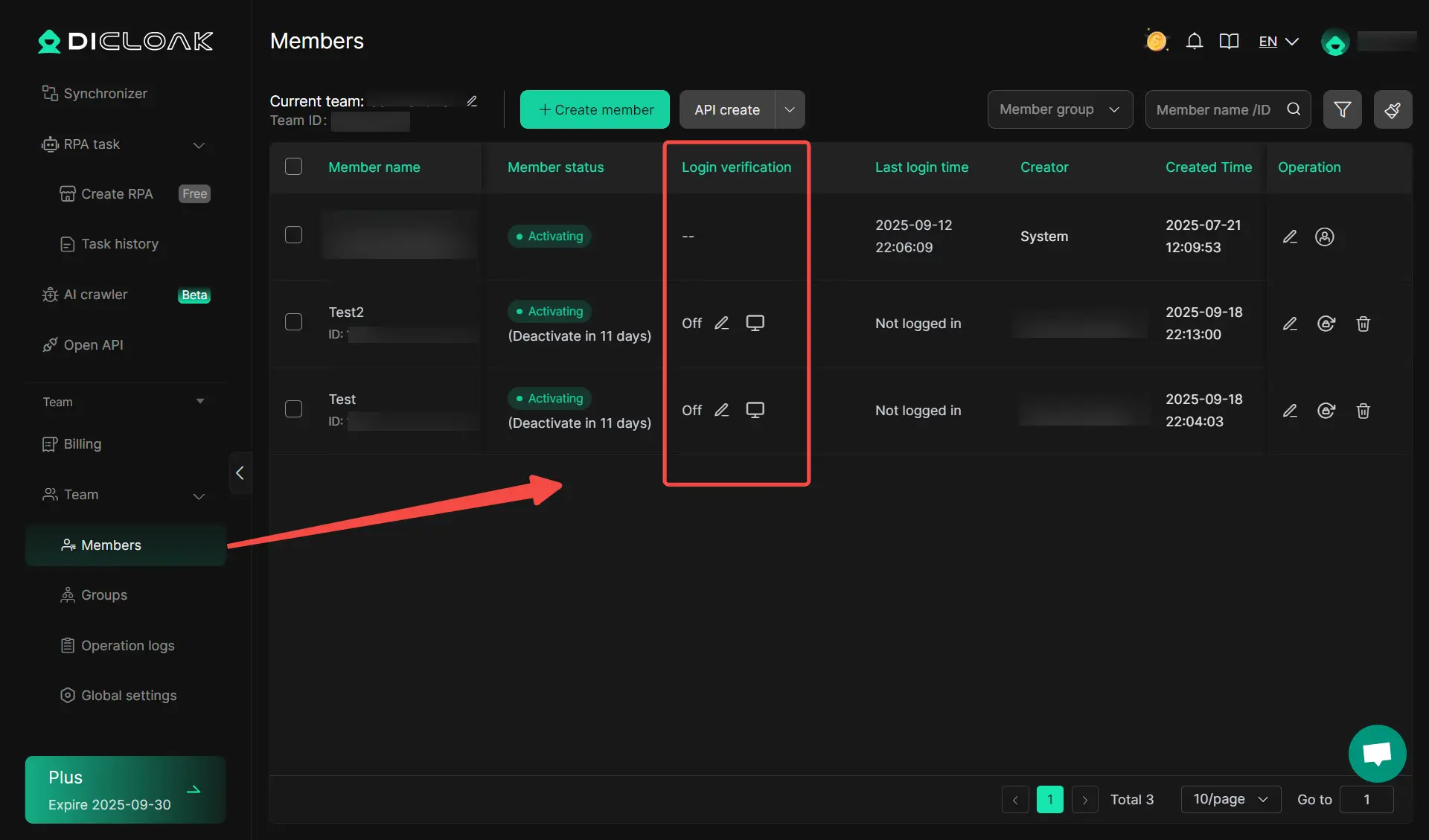
When the number of TikTok accounts grows, daily management usually becomes the real problem. DICloak supports bulk actions for browser profiles, which can help users handle multiple account profiles more efficiently. It also supports team access control, which is useful when different people manage different TikTok accounts or tasks. This makes the workflow clearer and helps reduce confusion as the setup grows.
FAQs About TikTok Bulk Downloader
Can I use a TikTok bulk downloader on mobile devices?
Yes, but it depends on the tool. Some bulk downloaders work in a mobile browser, and some have Android apps. For example, TikoDown says its batch downloader works on phones, tablets, and desktop browsers, while some mobile apps let users save TikTok links directly from the phone. In practice, mobile works best for smaller batches. Larger jobs are usually easier on desktop tools.
What’s the maximum number of videos I can download at once?
There is no single limit for every tiktok bulk downloader. The cap depends on the tool you choose. TikoDown says it supports up to 10 TikTok links in one batch, while some API-style tools say they can process 1000+ video URLs in one run. So the real answer is simple: check the tool’s own batch limit before you start.
Are TikTok bulk downloaders safe to use?
Some are safer than others. A safer tool should not ask for your TikTok password or verification code just to download public videos. TikTok also lets users review and remove third-party app access in Security & permissions, which is a good habit if you ever connect outside tools. If a downloader asks for too much access, that is a warning sign.
How do I find a reliable TikTok bulk downloader?
Start with clear signals. Look for a tool that explains what it downloads, supports your device, and shows limits or errors clearly. Tools like 4K Tokkit describe supported download types such as accounts, hashtags, and bulk saves, while KOLSprite clearly states that it supports bulk TikTok downloads without watermark inside Chrome. A vague site with no tool details, no device info, and no support page is a weaker choice.
Can I schedule automatic TikTok downloads?
Yes, some tools support that. 4K Tokkit says it can automatically download new content from selected TikTok creators and hashtags, which are useful for backups or repeat tracking. But this is not standard across all tools. Many simple web downloaders only work when you paste links by hand.
Conclusion
A tiktok bulk downloader can save a lot of time, but the best tool depends on what you really need. Some users only need a simple web tool for a few public videos. Others need a stronger setup for large batches, repeat downloads, or team workflows. The key is to choose a tool that fits your device, supports the features you need, and does not ask for risky access. In 2026, the smartest approach is not just downloading more videos. It is downloading them in a safer, cleaner, and more reliable way.
 Web Proxy Tools
 Free Tools
 Cookie Plugin
 UA Generator
 MAC Address Generator
 IP Generator
 IP Address List
 2FA Code Generator
 World Clock
 Anonymous Check
 WebRTC Leak Test
 UUID Generator
 Free Web Proxy Site
 Proxy Checker
 FB Ad Checker
 AI Web Scraping
 Free SMM Tools
 Twitter Shadowban Checker
 Instagram Name Checker
 UTM Generator
 Username Generator
 AI Hashtag Generator
 LinkedIn Headline Generator
 Social Media Image Resizer