Facebook Reels have become one of the fastest ways to share short videos on Facebook. People use them for tips, stories, ads, and daily content. As Reels grow in popularity, more users want a simple way to save them. This is where a facebook reel downloader becomes useful. It helps you download Reels for offline viewing, content review, or personal backups.
In this guide, you will learn how a facebook reel downloader works, which Free Facebook Reels Downloader tools are worth using in 2026, and how to download Reels safely step by step. Whether you are a casual user, a content creator, or a business managing multiple Facebook accounts, this article will help you choose the right tools and avoid common mistakes.
What Are Facebook Reels?
Facebook Reels are videos you watch in your feed and other parts of Facebook. They often use music, audio, and effects. People share them to tell quick stories, show tips, or post fun moments.
Reels first became known as short-form video. Meta also explains that Facebook uses AI systems to show reels and decide which ones you may like. This is why you can open Facebook and suddenly see a reel that matches your interests.
In 2026, Meta started making a big change: videos posted on Facebook are moving into the Reels format by default. That means you may see “Reels” used for more than just very short clips. Meta said this change removes format and length limits for Reels as it rolls out.

Why Need a Facebook Reel Downloader?
Sometimes you don’t want to “just watch” a reel. You want to keep it. That is where a facebook reel downloader can help. It is any tool or method that saves a Reel video file to your device, so you can open it later without hunting for it again.
Benefits of downloading:
- Offline viewing: You can save a Reel before a flight or a long commute. Then you can watch it with no signal.
- Backup your own work: If you post Reels for a brand or for yourself, saving a copy protects you if a post is deleted or your settings change.
- Faster editing and re-use (with permission): A small business owner might download their own Reel, trim it, add captions, and upload a cleaner version next week.
Use cases for saved Reels:
- Creator example: A fitness coach posts a 30-second routine as a Reel. They download the Reel to keep a clean copy for their website or client library.
- Team example: A social media manager downloads a Reel they made for a product launch, so the team can review it in a meeting and keep it in a project folder.
- Personal example: You find a recipe Reel you love. You download it so you can cook from it in the kitchen without reloading Facebook.
Step-by-Step Guide to Using a Facebook Reel Downloader
Now that you know what Facebook Reels are and why people save them, let’s get practical. In many cases, the safest option is to download your own Reels inside Facebook. Facebook’s Help Center explains that you can download Reels you shared, and the options can differ based on when you posted.
If you need a facebook reel downloader for a Reel you can legally save (for example, your own content, or a Reel you have clear permission to download), the steps below are the most common ways people do it.
Method 1: Using Online Downloaders
Example: FDownloader.net
Online tools usually work the same way: copy the Reel link on Facebook, paste it into a site, then download the file. FDownloader.net describes this exact flow on its Facebook Reels downloader page.
Steps (simple and reliable):
Step 1: Open the Reel on Facebook (web or app).
Step 2: Tap Share (or the three dots), then choose Copy link.
Step 3: Open your browser and go to the downloader site (example: FDownloader.net).
Step 4: Paste the link into the input box.
Step 5: Tap the download button and pick the quality option you want (if shown).
You’ll also see sites that call themselves a Free Facebook Reels Downloader. Some are fine, some are not. Treat every site like a “stranger.” Only use it if you trust it, and never enter your Facebook password on a downloader site.
Method 2: Using Mobile Apps (or mobile-friendly tools)
Example: SnapSave.app
Some “app-style” downloaders are actually websites that work well on phones. SnapSave.app presents itself as a Facebook Reels downloader that works on mobile and does not require installing software.
Steps on a phone:
Step 1: Open the Reel in the Facebook app.
Step 2: Tap Share → Copy link.
Step 3: Open your mobile browser (Chrome/Safari).
Step 4: Go to SnapSave.app and paste the link.
Step 5: Download the video and save it to your phone.
Method 3: Browser Extensions
Extensions can be fast because they add a button right in your browser. But they can also be risky. Google explains that some Chrome extensions request permissions, and those permissions can affect what the extension can access. And security reports regularly find malicious extensions that can harm users, even in big browsers.
If you choose an extension, follow these safer steps:
Step 1: Install extensions only from the official browser store.
Step 2: Read the permission warning before you click “Add.”
Step 3: Avoid extensions that ask to “read and change all data on all websites” unless you truly need that.
Step 4: Remove the extension right after you finish downloading, if you don’t need it long-term.
Tips for Successful Downloads
Ensuring video quality
- If the downloader offers choices (like SD vs HD), pick the highest you need. Many tools claim they support HD options, but the real result depends on the original Reel quality and how Facebook serves that video.
- If your download looks blurry, try copying the link again from the Reel page (not from a repost), then retry.
Avoiding common pitfalls
- Private or restricted Reels: If a Reel is not public, download tools may fail. Respect privacy and don’t try to bypass access controls.
- Wrong link: Make sure you copied the Reel’s link, not a profile link or a post comment link.
- Pop-ups and fake buttons: If a site pushes extra downloads, close it. Don’t install “helper” apps you didn’t plan to use.
- Extension overreach: If an extension asks for big permissions, skip it. Google recommends evaluating permission risk before allowing it.
Top 6 Free Facebook Reel Downloaders
After learning how to download Facebook Reels step by step, the next question is simple: which tools actually work well?
Below are some of the most popular and widely used Free Facebook Reels Downloader tools. They are commonly used for saving public Reels from Facebook without complex setup.
These tools follow a similar process. You copy the Reel link on Facebook. You paste it into the downloader. Then you save the video to your device. This makes them a practical choice for beginners who need a basic facebook reel downloader.
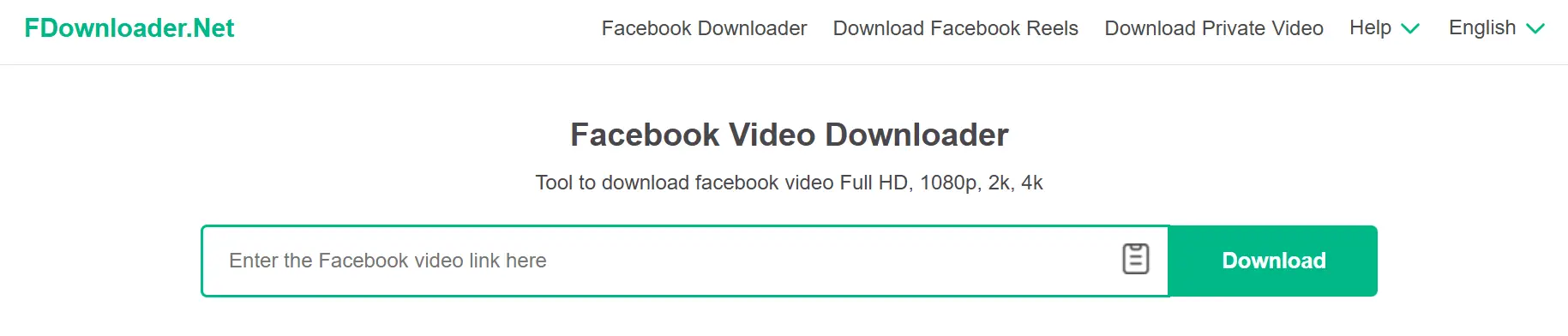
FDownloader is a well-known online Facebook video downloader. It supports Facebook Reels and other public Facebook videos. The interface is simple. You paste the Reel link, click download, and choose a video quality if available.
Best for: Users who want a fast and simple facebook reel downloader with no account required.

SnapSave is a popular Free Facebook Reels Downloader that works on both desktop and mobile browsers. You do not need to install an app. The site is optimized for phones, which makes it useful for users who download Reels on the go.
Best for: Mobile users who want to save Facebook Reels directly to their phone.
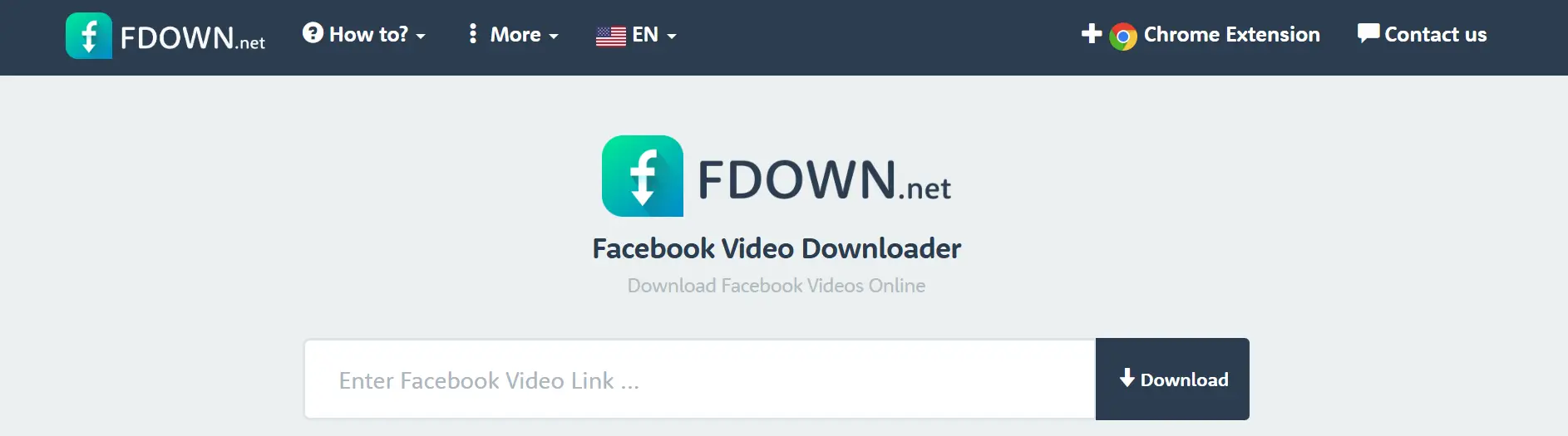
FDown.net is one of the oldest Facebook video downloader tools. It supports public Facebook videos, including Reels. Many users trust it because it has been used for years and follows a very clear download process.
Best for: Users who want a classic and lightweight facebook reel downloader.
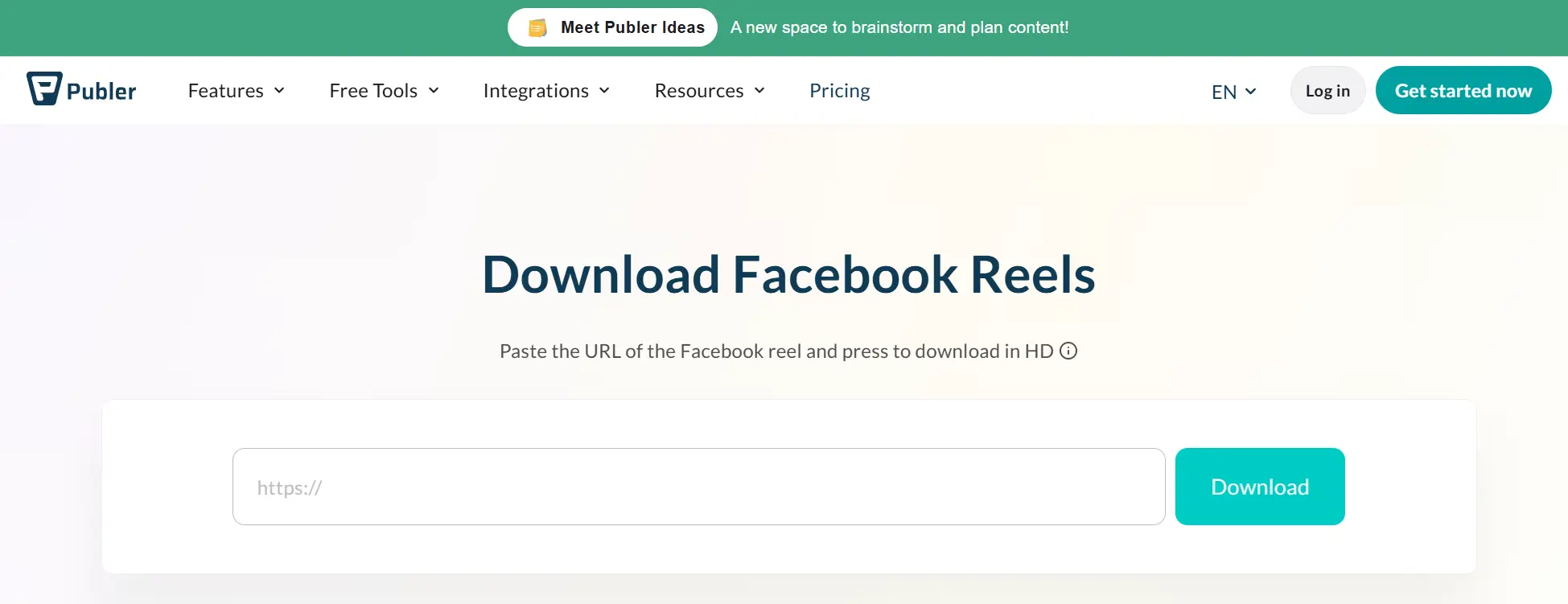
Publer offers a clean and ad-light Free Facebook Reels Downloader. It does not require login and does not add watermarks. The tool focuses on simplicity and video quality.
Best for: Users who want a clean experience without pop-ups or extra steps.
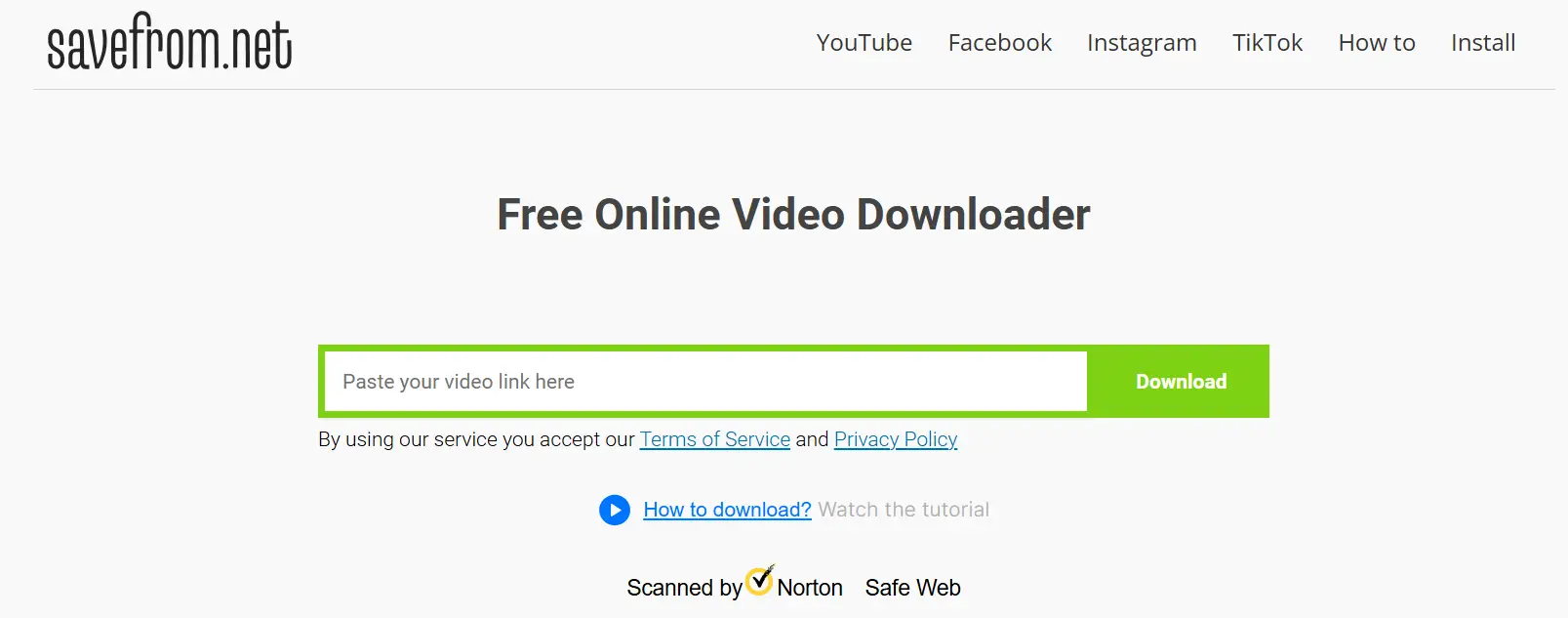
SaveFrom.net supports many platforms, including Facebook. It allows users to download public Facebook Reels by pasting the video link into the website.
Best for: Users who already use one downloader for multiple platforms.
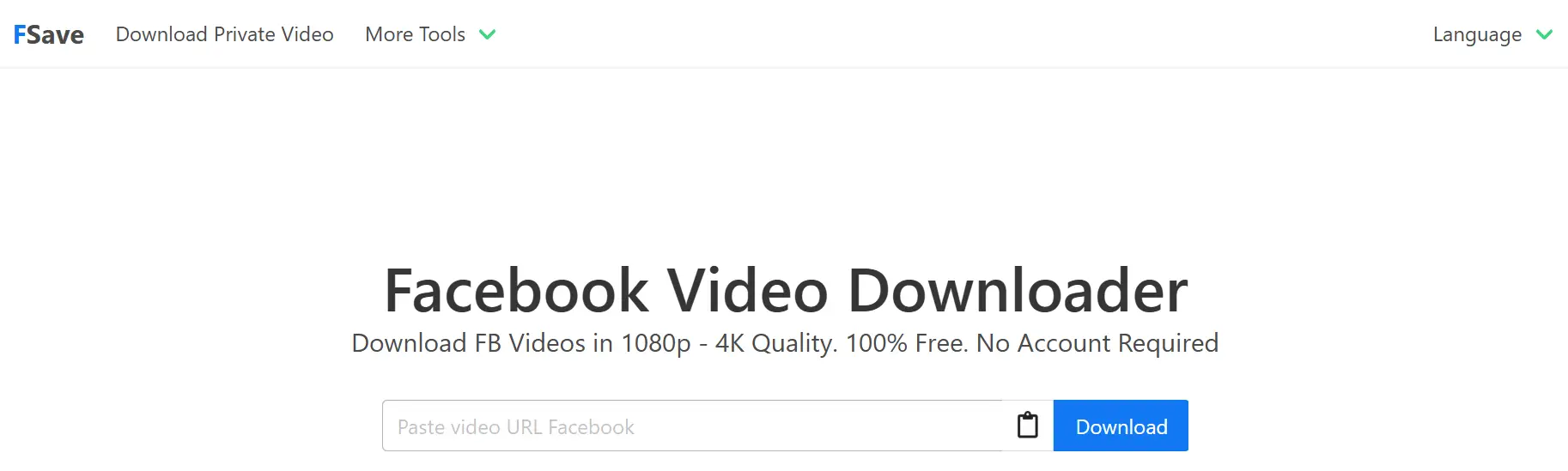
FSave is designed mainly for Facebook content. It works well in mobile browsers and does not require account registration. The steps are simple and easy to follow.
Best for: Phone users who want a quick Free Facebook Reels Downloader without installing apps.
Comparison of Top Free Facebook Reel Downloaders
| Tool Name | Works on Mobile | Video Quality Options | Login Required | Best For |
| FDownloader | ✅ Yes | SD / HD (depends on source) | ❌ No | Fast and simple Facebook Reel downloads |
| SnapSave | ✅ Yes | HD / Full HD | ❌ No | Mobile users downloading Reels on the go |
| FDown.net | ⚠️ Limited mobile support | SD / HD | ❌ No | Users who prefer a classic, lightweight tool |
| Publer’s Free Reels Downloader | ✅ Yes | HD | ❌ No | Clean interface with fewer ads |
| SaveFrom.net | ⚠️ Varies by browser | SD / HD | ❌ No | Users downloading videos from multiple platforms |
| FSave | ✅ Yes | Standard quality | ❌ No | Quick Facebook Reel downloads on phones |
How to Choose the Right Facebook Reel Downloader?
Now that you know the top Free Facebook Reels Downloader tools, the next step is simple: pick the best one for you. Not all downloaders are equal. Some give better quality. Some work on phones. Some keep downloads clean. This guide will help you choose the right facebook reel downloader for your needs.
Below are three key features you should check before you use any tool.
1. Watermark-Free Downloads
A good facebook reel downloader should save videos without watermarks. A watermark is a logo or text that covers part of the video. Many download sites try to add their own watermark, especially free ones. This can block parts of the Reel and make it hard to use the clip later.
Why this matters:
- If you plan to share the saved Reel again, a watermark can look unprofessional.
- If you are saving your own content, a watermark is usually not needed at all.
Tip: Always check the preview or file name before you save it to your device. Some download options list video quality and watermark status.
2. Device Compatibility
The right tool should work on your device. Some facebook reel downloader tools work well on computers but are hard to use on phones. Others are mobile-friendly.
Check these points:
- Does the downloader site work in a phone browser?
- Will it save the video to your phone’s gallery?
- Does it work on different operating systems (iOS or Android)?
Tip: If the site opens better on desktop but is slow on phone, try another tool that supports mobile better.
3. Supported Video Formats
Video format means the type of file the downloader saves. Most Free Facebook Reels Downloader tools save videos as MP4 files. MP4 is the most common format and works on almost all phones, tablets, and computers.
Why this matters:
- MP4 files can play in most video players.
- Other formats may require extra converters.
Tip: If you need a specific video format for editing (like MOV or AVI), check the downloader’s options before you save the video.
Quick Checklist Before You Download
Here is a simple list to review before you use any tool:
✔ Does it save without watermarks?
✔ Does it work on your device (phone or computer)?
✔ Does it save as a common video format like MP4?
✔ Is it safe and free from pop-ups?
This checklist helps you avoid problems and choose a good facebook reel downloader with confidence.
Why Choose DICloak Antidetect Browser for Your Business?
After learning how to pick the right facebook reel downloader and choosing tools that fit your device, you might think about a bigger issue: how to protect and grow your business online. If your business works with Facebook, social media, or many online accounts, privacy and security matter a lot. This is where the DICloak Antidetect Browser can help you work smarter and safer.
⚡The DICloak Antidetect Browser has become a global favorite for its unparalleled ability to efficiently and securely manage multiple accounts. Designed for professionals in social media management and more, DICloak offers powerful features like RPA automation, bulk operations, and synchronizer. Additionally, it allows you to customize fingerprints and integrate proxies for each profile, ensuring top-level security and operational efficiency. It’s the ultimate tool for seamless, secure, and scalable operations.

What Makes DICloak Stand Out?
✅ Manage 1,000+ Accounts on One Device:
Stop wasting money on extra hardware! DICloak allows you to manage multiple accounts on a single device, cutting costs and boosting efficiency.
✅ Guaranteed Account Safety, No Ban Risks:
Every account gets its own isolated browser profile with custom fingerprints and IPs, drastically reducing the risk of bans. Your accounts, your control!
✅ Flexible Proxy Configuration for Maximum Performance:
Seamlessly integrate with all major proxy protocols (HTTP/HTTPS, SOCKS5) and manage your proxy pool with bulk operations. No more struggling with IP management—DICloak has you covered.
✅ Streamlined Team Collaboration for Better Results:
Easily manage your team with advanced tools like profile sharing, permission settings, data isolation, and operation logs. Your team works smarter, not harder.
✅ Automate the Grind with RPA:
DICloak's built-in RPA saves you hours of manual work. Automate repetitive tasks, streamline workflows, and focus on what really matters—growing your business.
✅ Powerful Bulk Tools to Scale Your Operations:
Create, import, and launch multiple browser profiles in one click. DICloak makes scaling your business as easy as it gets.
✅ Compatible with All Major Operating Systems:
Based on the Chrome core, DICloak supports simulating Windows, Mac, iOS, Android, and Linux operating systems. No matter what platform you need, DICloak has you covered.
🔗 Ready to Get Started?
Visit the DICloak website to explore more details and choose the plan that’s right for you. Start for free today and experience the power of secure, efficient, and scalable multi-account management!
FAQs About Facebook Reel Downloader
What is a Facebook reel downloader?
A facebook reel downloader is a tool that lets you save Reels videos from Facebook to your device. You copy the Reel link on Facebook, paste it into the downloader, and download the video file. Most tools work online and do not need an account or app install.
Is it legal to use a Facebook reel downloader?
Using a facebook reel downloader is usually allowed for personal use, such as saving your own Reels or content you have permission to use. Downloading private Reels or reposting other people’s content without consent may break Facebook’s rules or local laws. Always check copyright and use saved videos responsibly.
Why does my Facebook reel downloader fail to work?
A facebook reel downloader may fail for several reasons:
- The Reel is private or restricted
- The link was copied incorrectly
- Facebook changed how the video loads
- The downloader site is unstable or blocked
If one tool fails, try another Free Facebook Reels Downloader or copy the link again from Facebook.
Can I download Facebook Reels in HD quality?
Yes, many Free Facebook Reels Downloader tools support HD downloads. The final quality depends on the original video uploaded to Facebook. If HD is available, the downloader may let you choose it before saving the file.
Is it safe to use a free Facebook reel downloader?
Some Free Facebook Reels Downloader tools are safe, but others may show ads or fake buttons. Never enter your Facebook login details on a downloader site. Avoid tools that ask for extra software installs. For businesses managing many Facebook accounts, using a secure browser setup can help reduce risks.
Conclusion
Using a facebook reel downloader is a simple and effective way to save Facebook Reels in 2026. It helps you watch videos offline, keep backups of your own content, and manage Reels more efficiently. By choosing a reliable Free Facebook Reels Downloader and following best practices, you can avoid common problems and keep good video quality.
For businesses and teams that handle multiple Facebook accounts, tools like DICloak Antidetect Browser add an extra layer of safety. DICloak helps keep accounts isolated, reduces detection risks, and supports smoother daily work on Facebook. When used together, a smart facebook reel downloader and DICloak can help you work more securely and confidently in the long term.
 Web Proxy Tools
 Free Tools
 Cookie Plugin
 UA Generator
 MAC Address Generator
 IP Generator
 IP Address List
 2FA Code Generator
 World Clock
 Anonymous Check
 WebRTC Leak Test
 UUID Generator
 Free Web Proxy Site
 Proxy Checker
 FB Ad Checker
 AI Web Scraping
 Free SMM Tools
 Twitter Shadowban Checker
 Instagram Name Checker
 UTM Generator
 Username Generator
 AI Hashtag Generator
 LinkedIn Headline Generator
 Social Media Image Resizer