Many people love watching Reels on Facebook. Sometimes, you see a fun or touching video and want to save it. But Facebook does not give a direct “Download” button. A good facebook reel downloader can help you save Reels to your device. In this guide, I will show you six solid tools you can try.
6 Top Facebook Reel Downloaders
FDownloader.net
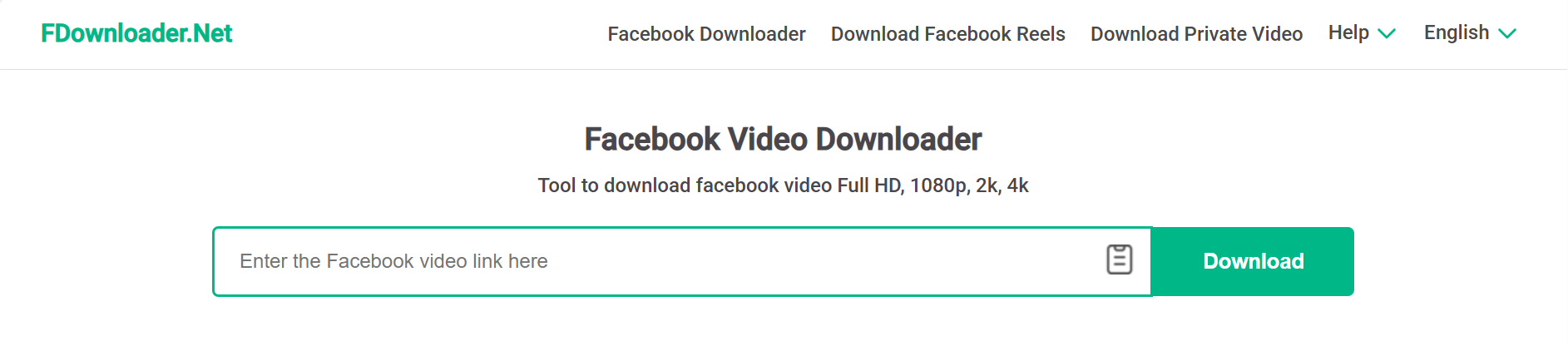
FDownloader.net is a simple online tool for saving Facebook Reels in HD or higher quality.
Pros:
Supports HD, 2K, and 4K video.
Offers MP4 and MP3 formats.
Works on any browser without installing apps.
Cons:
High-quality downloads may separate video and audio.
Does not work with private videos.
Shows ads or pop-ups.
SnapSave.app
SnapSave.app is a fast and easy facebook reel downloader that works on phones and computers.
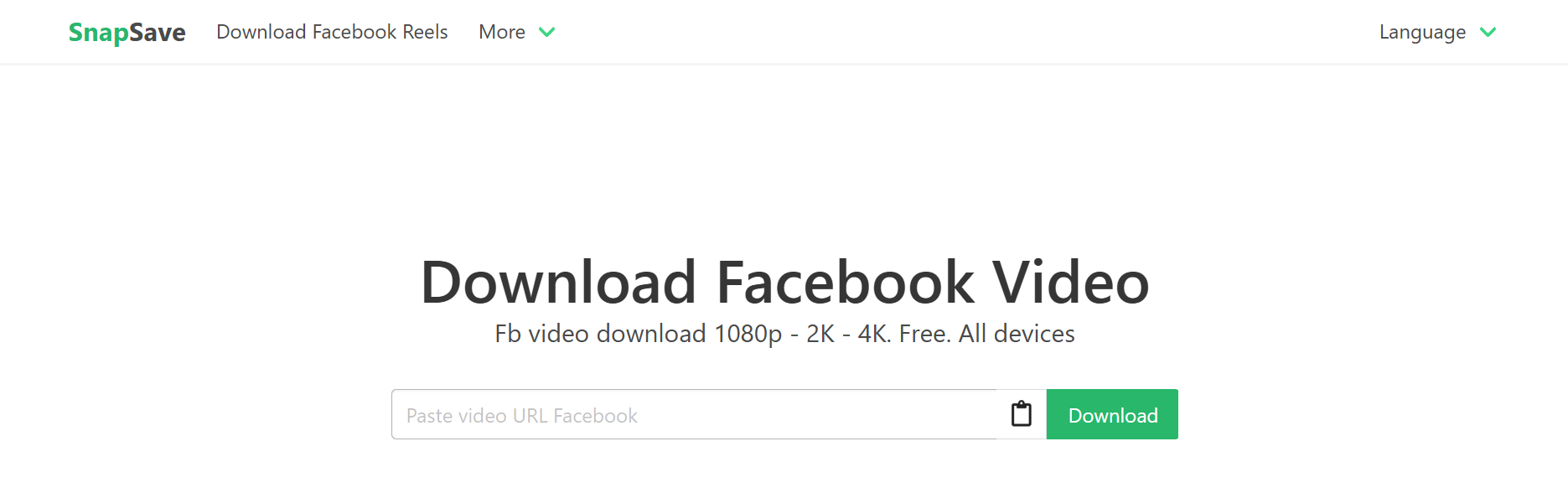
Pros:
Supports high resolutions, including 2K and 4K.
Works on Android, iOS, and desktop.
Simple copy-and-paste workflow.
Cons:
Not reliable for private or restricted reels.
Shows ads.
Some Reels may fail to load due to Facebook updates.
Publer’s Free Reels Downloader
Publer offers a clean and simple facebook reel downloader for users who want a smooth experience with no ads or watermarks. It is made for quick, easy saving and requires no account.
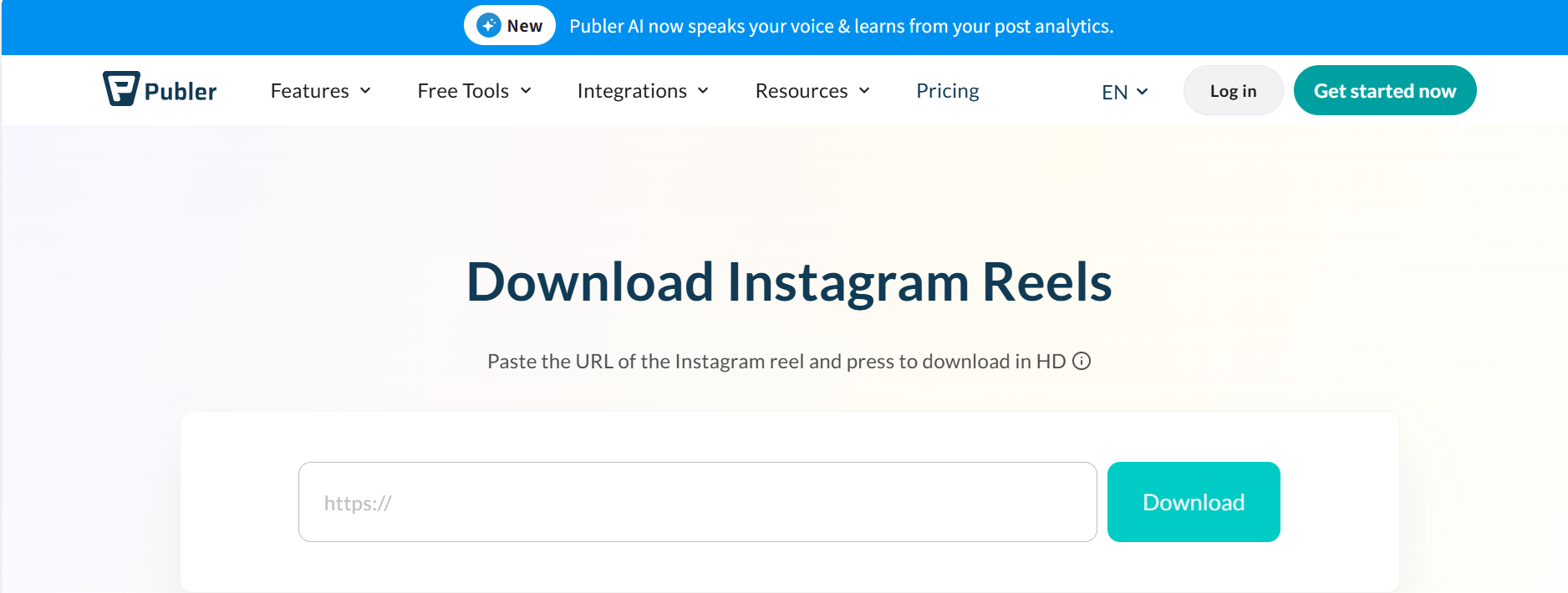
Pros:
Free to use with no ads.
No watermarks on downloaded videos.
Clean and modern interface.
No registration is needed.
Cons:
Fewer advanced quality settings.
Some reels may not be downloadable.
FDown.net
FDown.net is a long-time online downloader for Facebook videos and Reels.
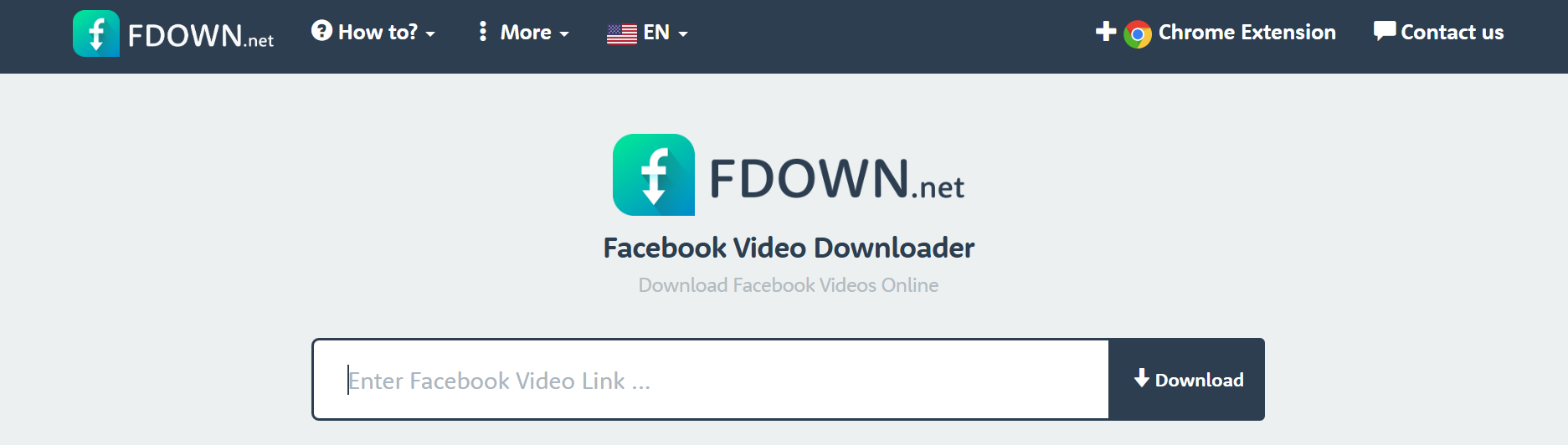
Pros:
Free and easy to use.
Browser-based.
Frequently updated to support Facebook changes.
Cons:
Some videos may fail to download.
Includes ads or pop-ups.
Works best only for public content.
SmallSEOTools
SmallSEOTools includes a simple Facebook video downloader inside its online toolkit.
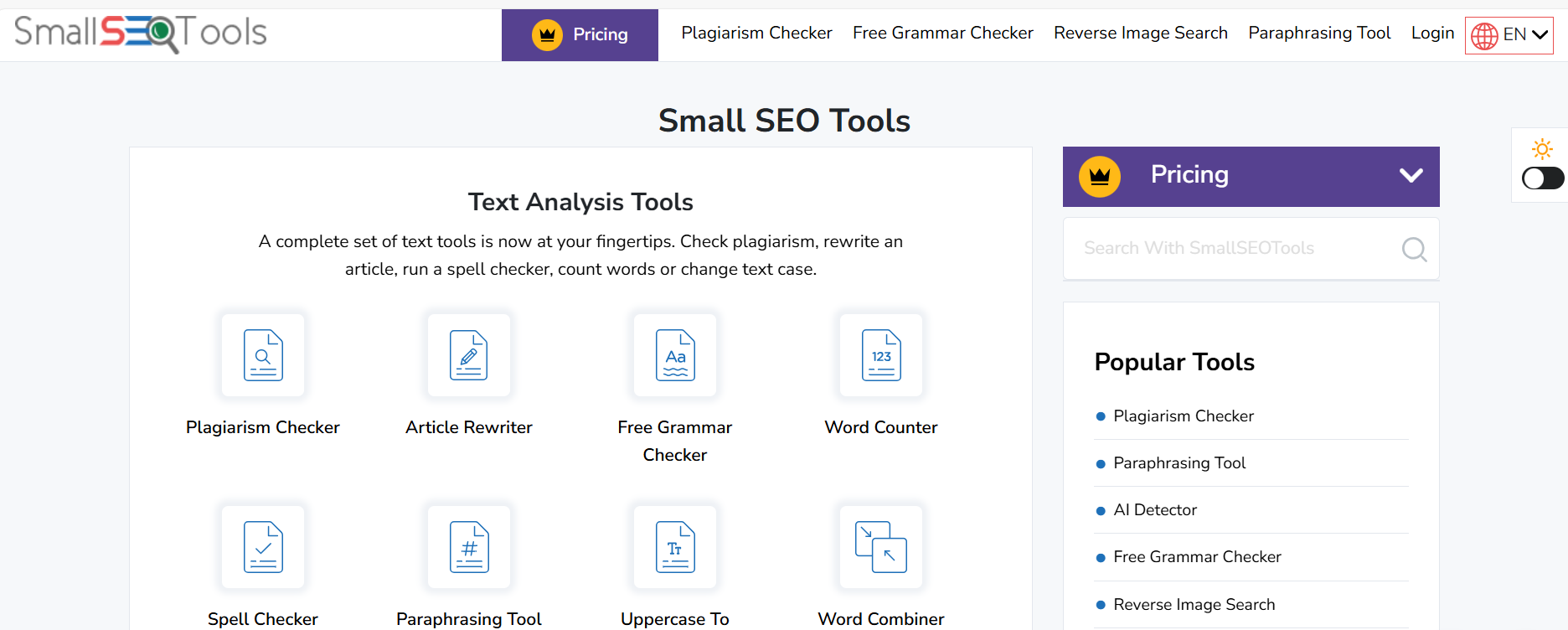
Pros:
No installation is required.
Works on all devices.
Lets users pick video quality.
Cons:
Not always stable with Reels.
Ads may affect user experience.
Quality may vary based on the source.
savefrom.net
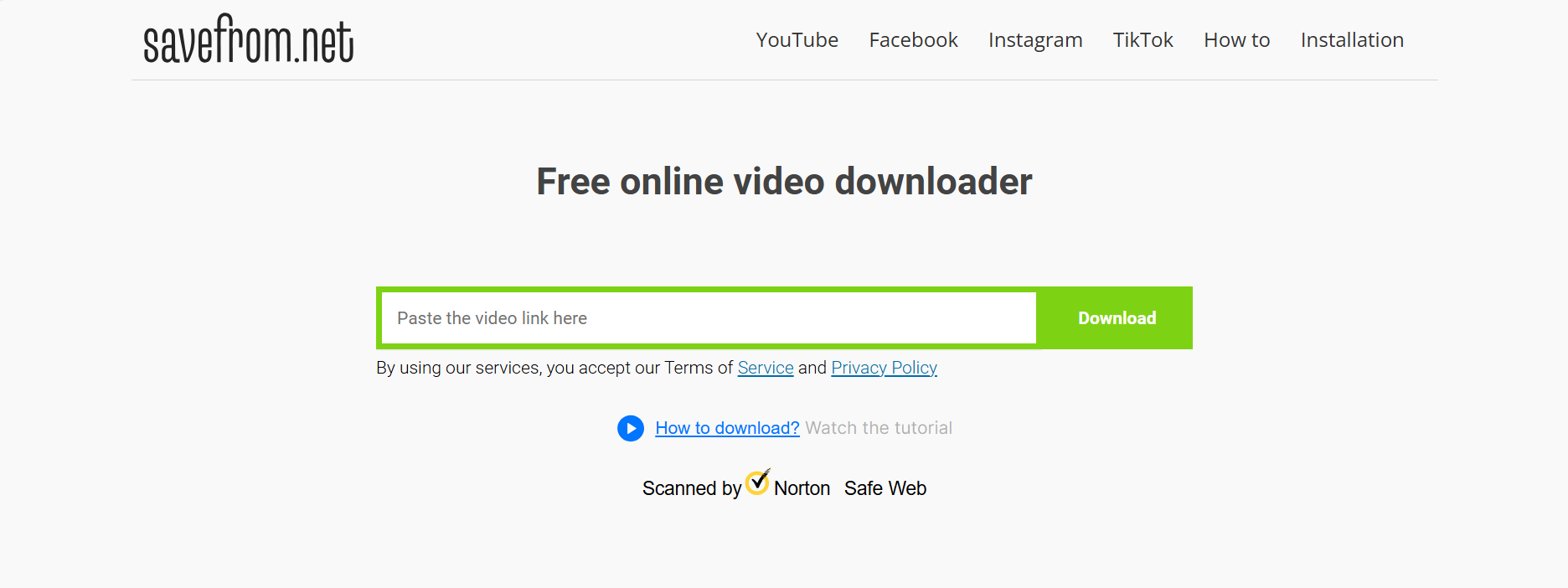
savefrom.net is a popular downloader with both a website and browser extension.
Pros:
Known by many users.
Supports multiple video platforms.
Extension can add quick download buttons.
Cons:
Safety concerns due to ads and redirects.
May fail on some Facebook Reels.
Privacy concerns when using extensions.
The Bigger Problem: Posting to Many Accounts Takes Time
Using a Facebook reel downloader makes it simple to download Facebook Reels quickly — that part takes only seconds. But after saving the video, the real challenge starts. You still have to log in to every account and manually upload the Reel one by one.
Posting to a single account is easy. Posting to 10, 30, or even 100 accounts becomes slow, repetitive, and exhausting. It can take hours and disrupt your entire workflow. Even the best downloader can’t solve this problem — the manual uploading is what truly drains your time and makes multi-account management difficult.
Now it’s time to look at a smarter, more efficient solution — a way to publish your Reels across all your accounts without repeating the same steps over and over.
Why Choose DICloak Antidetect Browsers for Your Business?
⚡The DICloak Antidetect Browser has become a global favorite for its unparalleled ability to efficiently and securely manage multiple accounts. Designed for professionals in social media management, affiliate marketing, traffic arbitrage, e-commerce, account farming, airdrops, and more, DICloak offers powerful features like RPA automation, bulk operations, and a window synchronizer. Additionally, it allows you to customize fingerprints and integrate proxies for each profile, ensuring top-level security and operational efficiency. It’s the ultimate tool for seamless, secure, and scalable operations.

What Makes DICloak Stand Out?
✅ Manage 1,000+ Accounts on One Device: Stop wasting money on extra hardware! DICloak allows you to manage multiple accounts on a single device, cutting costs and boosting efficiency.
✅ Guaranteed Account Safety, No Ban Risks: Every account gets its own isolated browser profile with custom fingerprints and IPs, drastically reducing the risk of bans. Your accounts, your control!
✅ Flexible Proxy Configuration for Maximum Performance: Seamlessly integrate with all major proxy protocols (HTTP/HTTPS, SOCKS5) and manage your proxy pool with bulk operations. No more struggling with IP management—DICloak has you covered.
✅ Streamlined Team Collaboration for Better Results: Easily manage your team with advanced tools like profile sharing, permission settings, data isolation, and operation logs. Your team works smarter, not harder.
✅ Automate the Grind with RPA: DICloak's built-in RPA saves you hours of manual work. Automate repetitive tasks, streamline workflows, and focus on what really matters—growing your business.
✅ Powerful Bulk Tools to Scale Your Operations: Create, import, and launch multiple browser profiles in one click. DICloak makes scaling your business as easy as it gets.
✅ Compatible with All Major Operating Systems: Based on the Chrome core, DICloak supports simulating Windows, Mac, iOS, Android, and Linux operating systems. No matter what platform you need, DICloak has you covered.
🔗 Ready to Get Started?
Visit the DICloak website to explore more details and choose the plan that’s right for you. Start for free today and experience the power of secure, efficient, and scalable multi-account management!
Frequently Asked Questions (FAQs)
As you work with a facebook reel downloader, you may run into small problems or questions. Below are clear answers that help you download, save, and manage your videos smoothly, whether you want to keep Reels for editing or simply download facebook reels for later use.
How to Download Private Facebook Reels? Private Reels are harder to save because most tools only work with public links. A normal Facebook reel downloader cannot access private profiles or closed groups. If you need to download Facebook Reels from a private account, you must already have permission and direct access to view that Reel.
Here’s a simple and safe method:
1.Log in to the account that can see the private Reel.
2.Tap “Share” and copy the link.
3.Paste the link into a downloader that supports private URLs (only a few tools can do this).
Important reminders:
1.Saving private Reels without permission may violate Facebook’s rules.
2.Never use tools that ask for your login details — this is unsafe.
3.Always get the creator’s permission before downloading private content.
Where Are Downloaded Videos Stored? Where your videos go after you download Facebook Reels depends on your device.
On phones (iOS / Android):
1.Most Reels save to your Downloads folder or your Gallery/Photos app.
2.If you used a browser like Chrome or Safari, open the browser’s “Downloads” page to find the file.
On laptops/desktops:
1.Files usually save to the default Downloads folder.
2.If you changed your browser settings, they may go to a custom folder.
3.Can’t find the video? Search your device for “.mp4” or the date you downloaded it.
What to Do If a Video Plays Instead of Downloading? Sometimes clicking a Reel link opens a new tab and plays the video instead of saving it. This is common when your browser is set to preview videos.
Try these easy fixes:
1.Right-click the video and choose “Save video as…”
2.Switch to another browser like Chrome or Firefox.
3.Use a Facebook reel downloader that offers direct MP4 download.
4.Clear your browser cache if the link loops back to Facebook instead of saving.
These steps usually solve the issue and help you download the Reel without extra hassle.
Stop Wasting Time—Start Automating Your Workflow
A Facebook reel downloader helps you grab content fast, but that’s only the first step. The real slowdown happens when you upload Facebook Reels to many accounts by hand. Posting the same video again and again is repetitive, time-consuming, and almost impossible to scale when you manage multiple profiles.
This is where automation becomes the smarter choice. Instead of using phones and manual uploads, DICloak’s cloud system lets you automate the entire process. You save hours, cut down on mistakes, and keep your accounts safer. It’s faster, cleaner, and built for people who need to manage many accounts at once.
Ready to save your time and work smarter?
Start a free trial with DICloak and turn your Facebook Reels workflow from slow manual steps into seamless, automated publishing.
 Web Proxy Tools
 Free Tools
 Cookie Plugin
 UA Generator
 MAC Address Generator
 IP Generator
 IP Address List
 2FA Code Generator
 World Clock
 Anonymous Check
 WebRTC Leak Test
 UUID Generator
 Free Web Proxy Site
 Proxy Checker
 FB Ad Checker
 AI Web Scraping
 Free SMM Tools
 Twitter Shadowban Checker
 Instagram Name Checker
 UTM Generator
 Username Generator
 AI Hashtag Generator
 LinkedIn Headline Generator
 Social Media Image Resizer