Managing multiple accounts used to mean opening a few extra browser windows. In 2026, it can mean switching between client stores, ad dashboards, social pages, shared inboxes, regional projects, and different team members every day. That workload is growing alongside the channels businesses depend on. Global social media user identities reached 5.79 billion in April 2026, while Forrester forecasts that global retail ecommerce sales will reach $6.8 trillion by 2028.
That is why choosing the best antidetect browser for multi-account management is not just about comparing fingerprint settings or finding the cheapest plan. The right tool should help you keep profiles, proxy setups, team access, and daily handoffs clear as your work grows. This guide compares what really matters, which browsers fit different workflows, and what to test before you move important accounts into a new setup.
Do You Actually Need an Antidetect Browser for Multi-Account Management?
An antidetect browser gives you separate browser profiles for different accounts, clients, or projects. Each profile can keep its own browser data, login sessions, extensions, and proxy setup, so your work does not all end up inside one crowded browser. It is useful for keeping account work more organized, especially when you need to switch between different setups every day.
This is why antidetect browsers are often used by social media teams, ad agencies, affiliate marketers, cross-border sellers, and people managing several client workspaces. A normal browser may be enough for a few simple logins. But once you manage multiple stores, ad dashboards, social accounts, or shared client environments, separate profiles can make daily work much easier to track and hand over.
How Should You Choose an Antidetect Browser for Multi-Account Management?
Choosing an antidetect browser can look harder than it is. There are many tools, but most users can narrow the list down by looking at what they manage, how they work with others, and what the full setup will cost.
Think About What You Need to Manage First
Start with your real workload, not the biggest plan on the pricing page. A solo seller may only need a few profiles for separate stores or projects, while an agency may need many profiles for different clients, markets, and team members. Creating profiles is easy. Keeping fifty of them organized is the part most people do not think about at first.
Look for a setup that makes each profile easy to understand at a glance. You should be able to separate work by client, store, country, project, or owner and find the right environment without opening several similar profiles. It also helps when related details, such as login notes, extensions, and proxy information, are easy to identify within the same workspace.
Check What Daily Use Feels Like
A long feature list can look impressive, but it does not tell you how the browser feels after a few weeks of real work. Check whether the interface stays clear as your profile list grows, whether profile search is fast, and whether common tasks feel simple rather than buried in settings. A tool with fewer features may still be the better choice if your team can use it without constant setup help.
Read user feedback with some care. Reddit threads, review sites, YouTube comments, and industry forums can show patterns that a product page will not mention, such as slow startup, difficult migration, weak support, or confusing updates. One bad review does not prove much, but repeated complaints about the same issue are worth noticing.
Check Whether It Fits the Way Your Team Works
Team access sounds simple until you have client accounts, freelancers, and several people touch the same workspace. Check whether the browser lets you share only selected profiles or folders instead of giving every member access to everything. This matters when one person handles a client store, another manages ads, and a third person only needs reporting access.
It is also worth looking at what happens during a handoff. Can you see who recently opened or changed a profile? Can access be removed quickly when a contractor leaves or a device is no longer trusted? These details are easy to overlook during a trial, but they can save a lot of confusion later.
Work Out What You Will Really Pay Each Month
The starting price is only part of the cost. Check how many profiles are included, whether extra team seats cost more, and whether proxy traffic, cloud access, automation, or mobile tools require separate payments. A low monthly plan can become much more expensive once you add the parts your workflow actually needs.
Annual billing can be useful after your process is stable. It may be less useful while you are still testing how many profiles the team needs or whether people will use the tool consistently. Also include the time needed to move existing profiles, rebuild extensions, and train teammates when you compare options.
Decide Whether You Need Automation Now or Later
Automation looks impressive in a feature list. But it will not fix a workspace where nobody knows which profile belongs to which client. For smaller setups, clear profile names, tags, search tools, proxy groups, and simple bulk actions often matter more than API access or no-code RPA.
Automation becomes more useful once your team repeats the same browser tasks at a larger scale and already has a clear process. At that point, browser automation, Open API access, or scripted workflows may reduce manual work. Until then, paying for advanced automation can add cost and complexity without solving the basic organization problem.
What Are the Best Antidetect Browsers for Multi-Account Management in 2026?
There is no single best antidetect browser for every user. Some people need a simple way to keep client profiles organized. Others need team access, automation, or mobile app environments. The tools below are worth comparing, but the best choice is the one that fits the way you actually manage accounts every day.
DICloak is a practical choice for agencies, cross-border sellers, and social media teams that manage separate client or project workspaces. Teams can create groups for different clients, stores, regions, or projects, keep related browser profiles and proxy settings together, and share only the workspaces each member needs. Its synchronizer and RPA tools can also help speed up repetitive daily tasks once the team has a clear workflow in place.
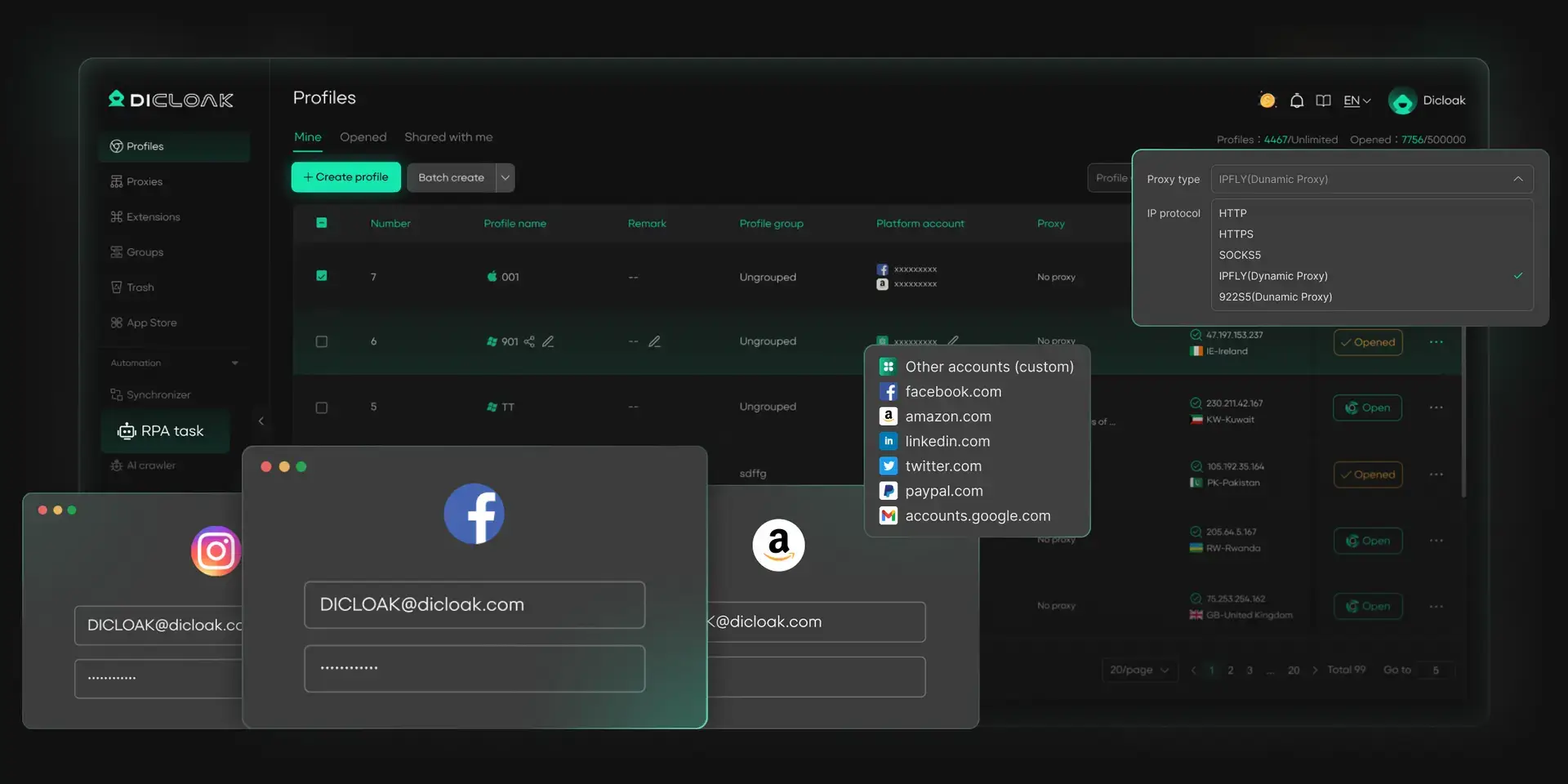
Pros:
- User-configured proxy setup inside profiles
- Profile sharing and team permission options
- Synchronizer, RPA, and Open API options for repetitive daily tasks
- Available on Windows, macOS, and Linux desktop systems
Cons:
- Desktop-only, so it is not a replacement for a mobile app environment
- Some advanced collaboration needs may require a paid plan
Price: Free plan available. Paid plans start at $8 per month for 20 profiles. Pricing varies by plan and profile needs. Free Plan/Trial: Free plan with 5 profiles; Paid plans include a 7-day free trial.
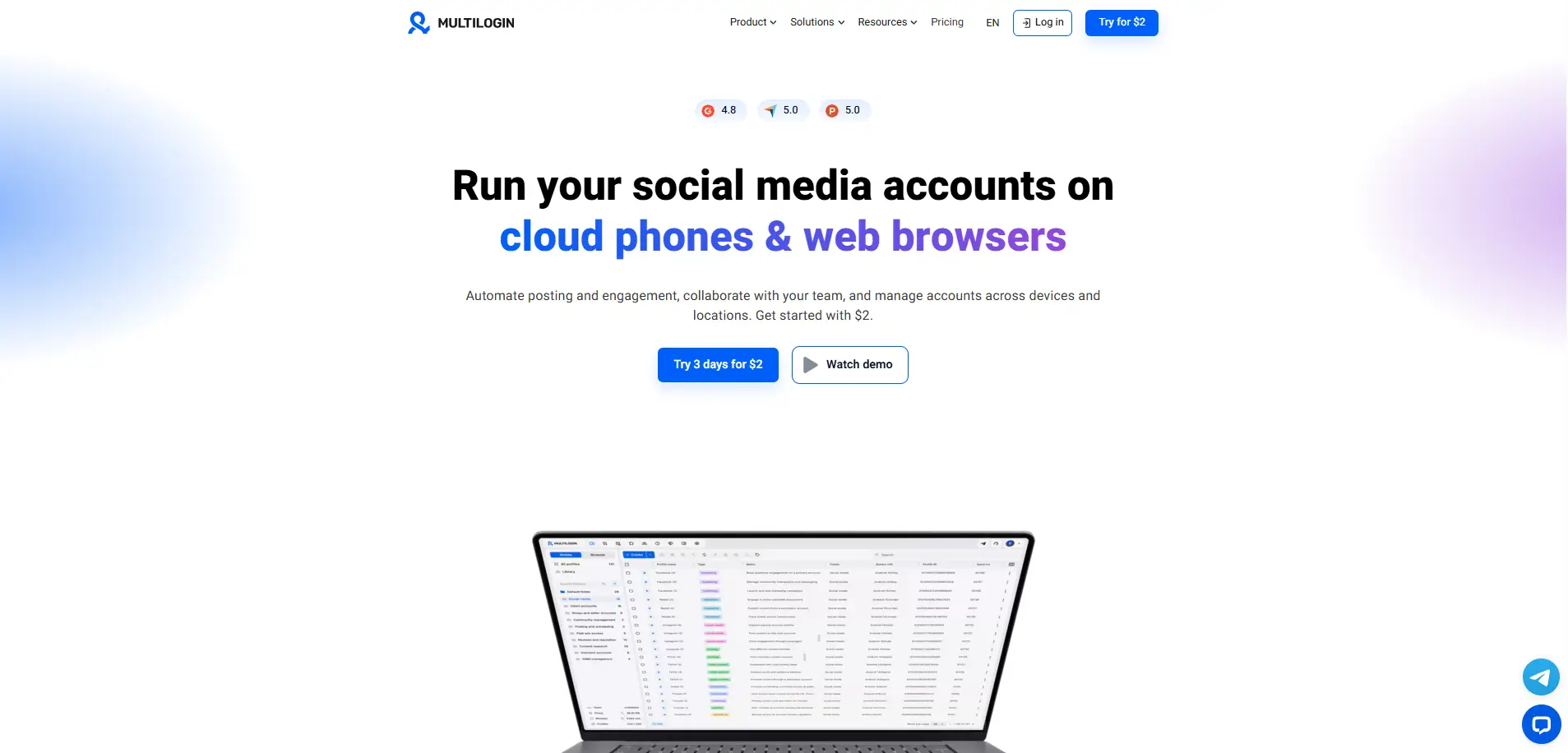
Multilogin is aimed at users who already have a more structured setup and need browser profiles, cloud or local storage, team access, and automation options in one platform. Its current plans include browser and cloud-phone profiles, proxy traffic, and higher-tier business options. It is usually a better fit for a team that has already worked out its profile structure, proxy process, and access rules.
Pros:
- Broad support for browser-profile and cloud-phone workflows
- Local and cloud storage options
- Team plans and API access for larger operations
- Supports Windows, macOS, and Linux
Cons:
- No permanent free plan
- Paid trial required before full testing
- Higher cost can be hard to justify for a small profile list
Price: Paid plans start at $11 per month for 10 profiles. Free Plan/Trial: No free plan. A 3-day trial costs $2 and includes five browser or mobile profiles.
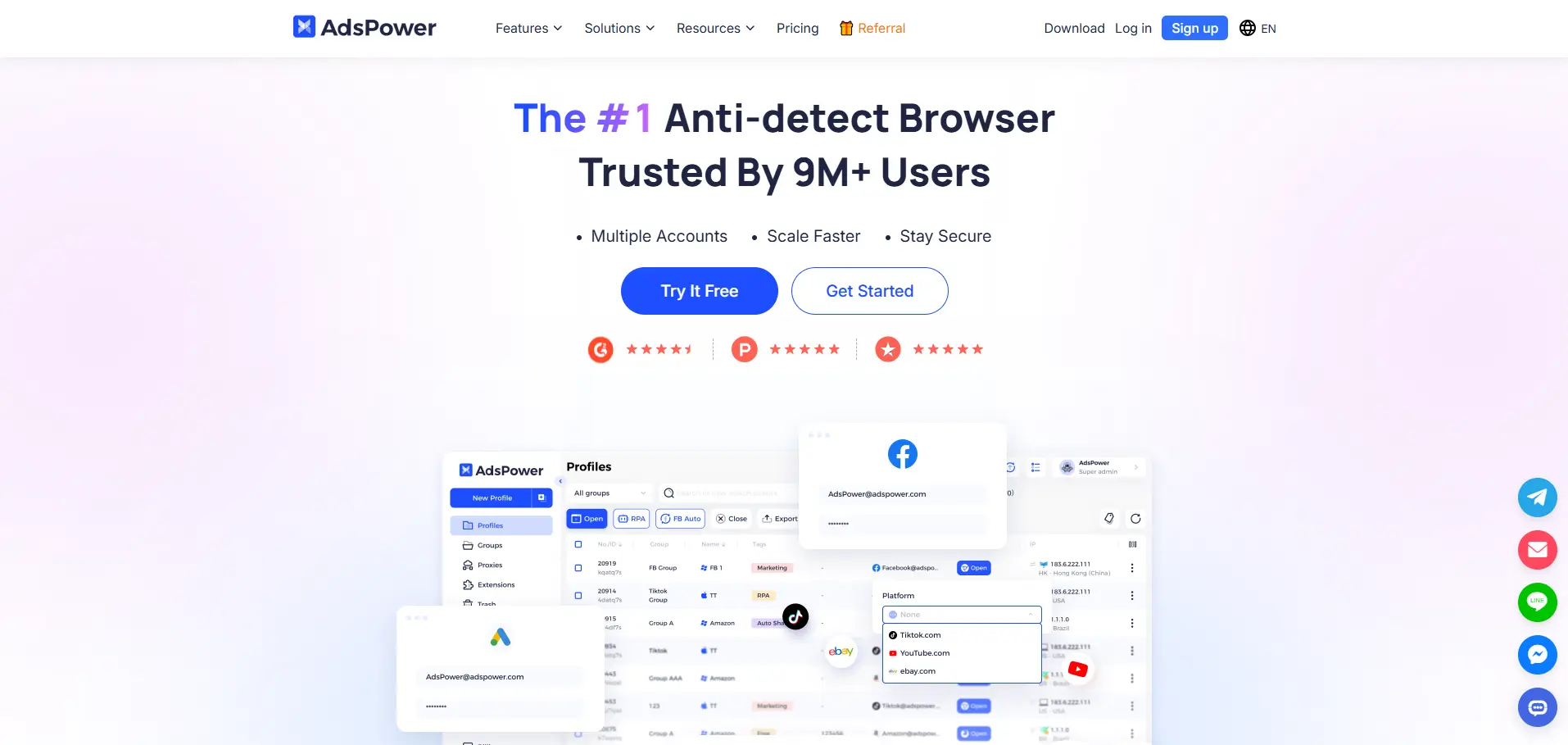
AdsPower's plans include profile management, proxy configuration, profile sharing, member permissions, a synchronizer, RPA tools, and local API access. This requires the team to have a repeatable process in place. It can feel like too much for users who only need a few well-organized profiles.
Pros:
- Built-in RPA and synchronizer tools
- Batch profile management
- Profile sharing and member permissions
- Supports Windows, macOS, and Linux
Cons:
- More features mean more onboarding for new users
- Automation does not solve unclear profile ownership or proxy organization
- Pricing changes based on profile count, members, and billing period
Price: Paid plans start at $9 per month for 10 profiles. Free Plan/Trial: Free Plan includes 2 free profiles. No trial is available.
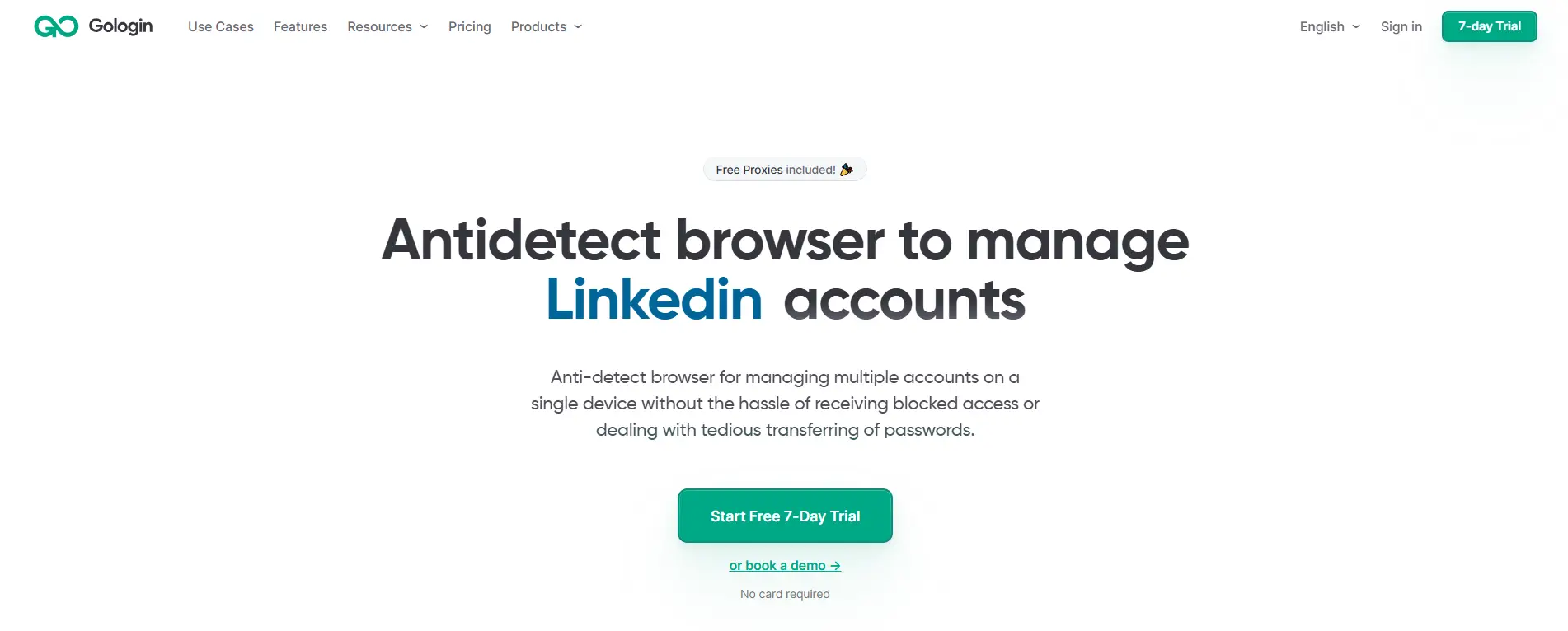
GoLogin is a choice for people who want a lighter entry point into browser-profile management. Its plans cover individual profile use, profile shares, cloud launches, API access, and team options at higher levels. The interface and plan structure can be easier to understand than a more automation-heavy setup.
Pros:
- Free plan for basic testing
- Profile sharing options on paid plans
- Cloud browsing and Android access available
- Supports Windows, macOS, Linux, and Android
Cons:
- Free plan does not include team members or profile sharing
- More detailed team needs require Business or higher plans
- Large teams may need to compare profile-share and member limits carefully
Price: Professional plans start from $9 per month for 10 profiles. Free Plan/Trial: Free plan with three profiles, 7-day trial of paid plans.
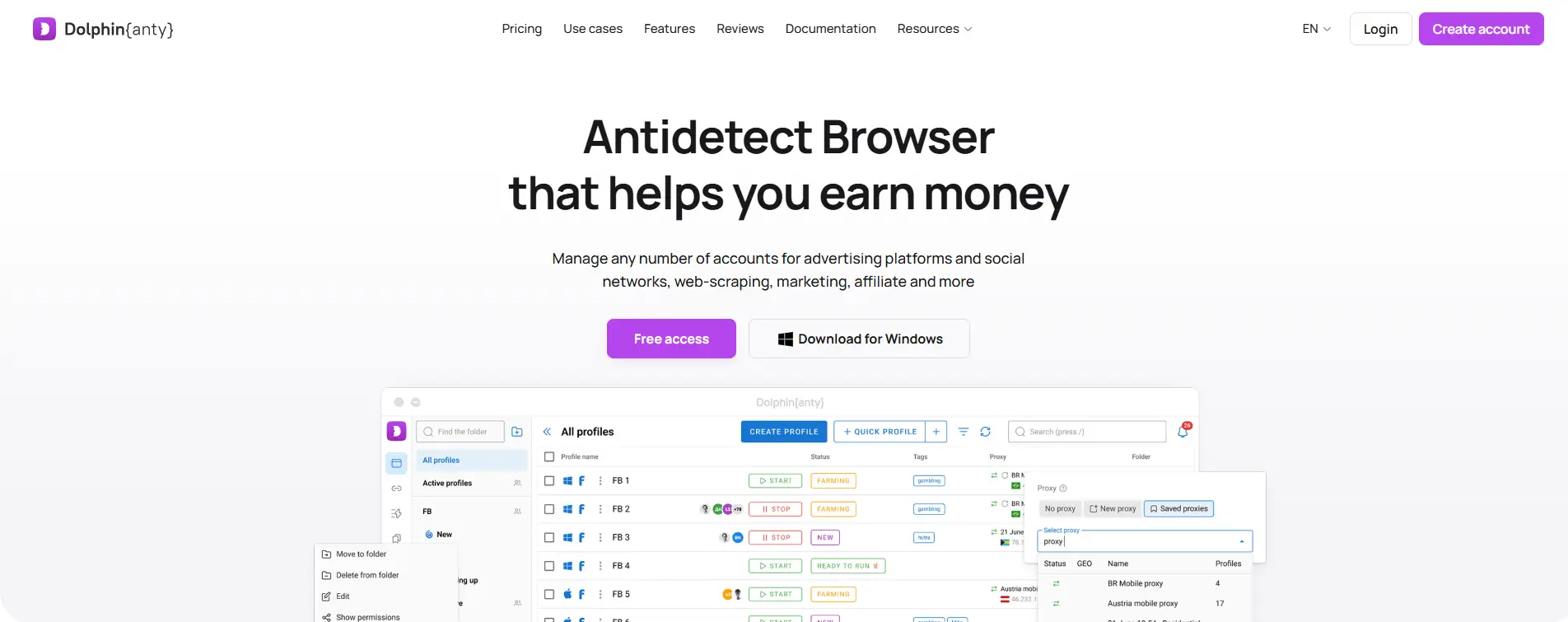
Dolphin Anty is built around profile-based campaign work, with filters, tags, profile creation tools, sync options, and plans for solo users through larger teams. It may suit media buyers or teams that spend a lot of time opening profiles, checking campaigns, and repeating similar browser actions. Before moving a team into it, test whether its workspace style is comfortable for your daily routine.
Pros:
- Free plan for basic testing
- Profile tags and filters for active campaign work
- Plans for solo users and larger teams
- Supports Windows, macOS, and Linux
Cons:
- Team seats can add to the total monthly cost
- The workspace may feel more campaign-focused than client-management-focused
- You should test sharing and team setup before moving many existing profiles
Price: Starter plans begin at $10 per month for up to 20 profiles. Free Plan/Trial: Free plan with up to five profiles.
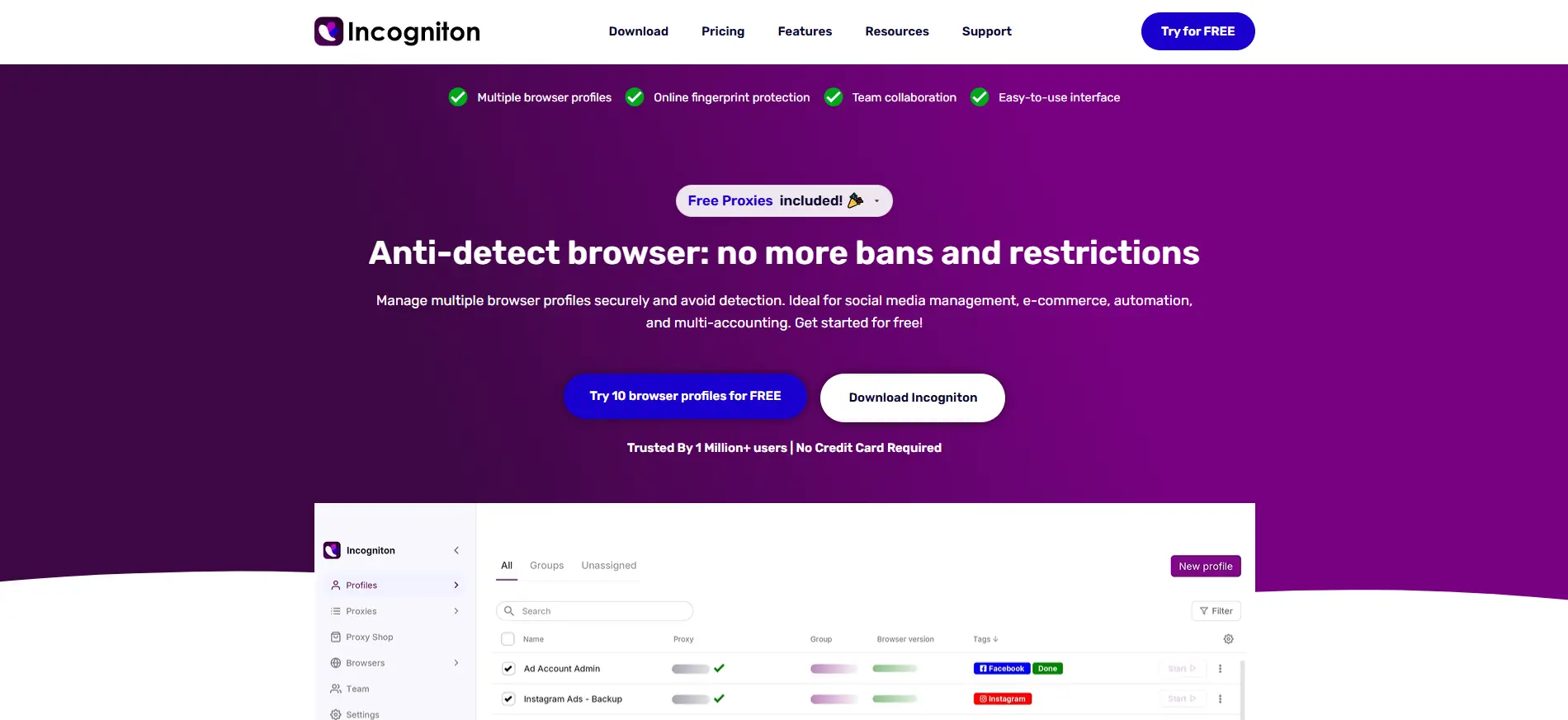
Incogniton is aimed at users who want to start with browser profiles without paying for a large team setup. Its paid tiers add more profiles, API access, Selenium and Puppeteer integration, profile transfer, and a synchronizer. It can be a option for a freelancer or small team that needs clear separation first and more advanced tools later.
Pros:
- Ten profiles available during the initial free period
- Paid plans include automation-related tools at higher tiers
- Profile transfer and synchronizer options
Cons:
- Free access drops from ten profiles to three after two months
- Windows and macOS only
- Team seats are more limited on lower plans
Price: Paid plans start from $19.99 per month for 10 profiles. Free Plan/Trial: Ten browser profiles for the first two months, then three profiles on the free package.
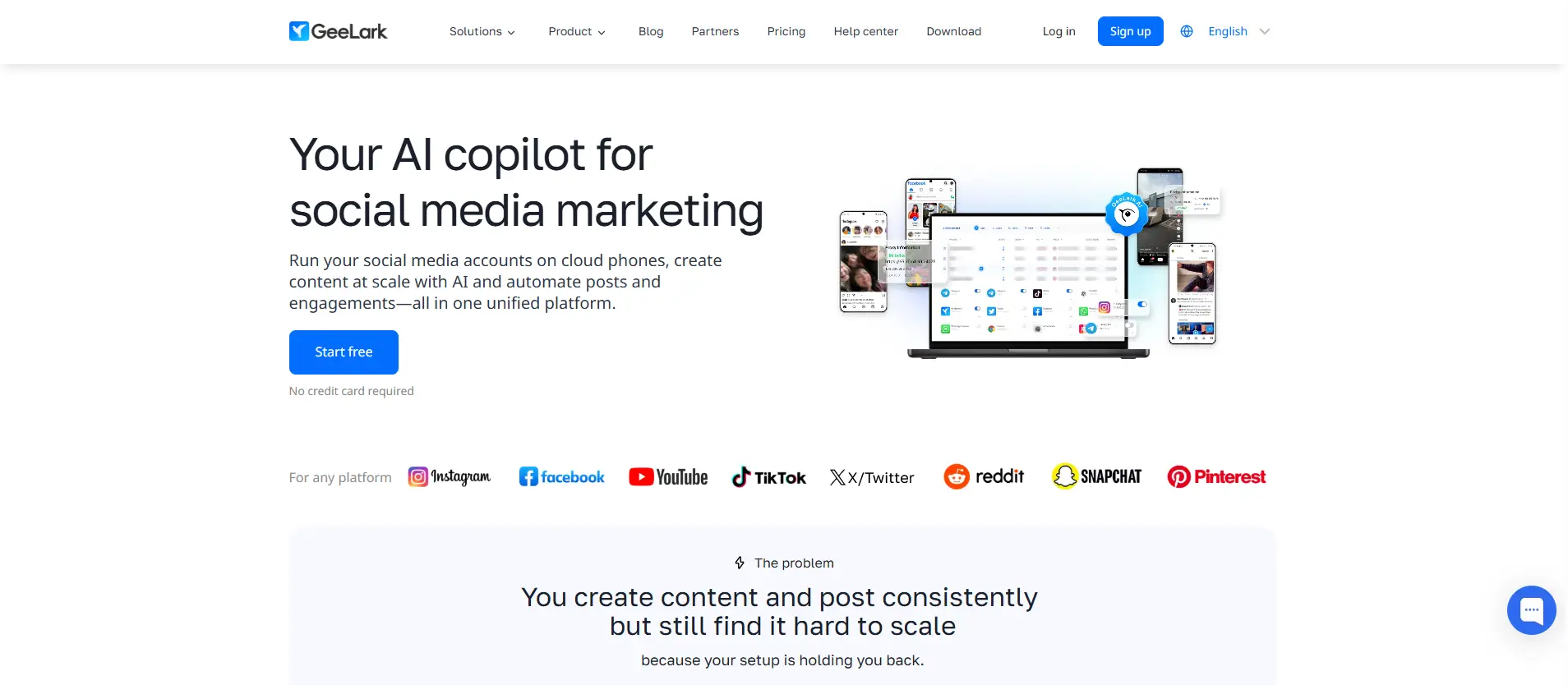
GeeLark provides cloud Android phone environments, which can be more relevant for workflows that rely on mobile apps rather than browser dashboards. Cloud-phone costs can be based on running time, daily caps, monthly rentals, or parallel-device capacity. A low entry price may not show the full cost if many devices need to stay active for long periods.
Pros:
- Cloud Android environments for mobile-first workflows
- Supports Android versions from 9 through 15
- Pay-per-minute and monthly rental options
- Desktop app available for Windows, macOS, and Linux
Cons:
- Different learning curves from a standard desktop antidetect browser
- Monthly costs can depend on actual device usage
- Not necessary for teams that only work in desktop browser profiles
Price: Paid plans start at $13 per month, including 20 profiles, 60 bonus minutes, and unlimited free seats. Free Plan/Trial: 2 cloud-phone profiles and 30 one-time trial minutes are listed for new users.
The best antidetect browser for multi-account management is usually the one that still feels clear after your first week of real work. Before paying for a larger plan, test a few profiles, one proxy setup, and one team-sharing task. That will tell you far more than a feature list alone.
What Should You Test Before Paying for an Antidetect Browser?
A free trial should show whether a browser fits your real work, not just whether it can create a profile. Test the tasks your team will repeat every day, including finding profiles, changing proxies, sharing access, and moving existing setups.
See How Fast You Can Find the Right Profile
Create ten test profiles with different client, store, or project names. Then try to find one specific profile without checking a spreadsheet or opening several similar entries. This quickly shows whether the browser has clear naming, search, tags, folders, and profile details.
Also check what you can see from the profile list. It should be easy to tell who owns a profile, what it is used for, and whether it is still active. A tool can feel simple with three profiles. The real test is whether it still feels clear once the list starts growing.
Change a Proxy and See What Gets Confusing
Import a small proxy list, group the proxies if possible, and assign them to a few test profiles. Then replace one proxy that is already in use. You should be able to see which profile was affected and what connection it is using now.
This test matters because proxy work becomes messy after the first few profiles. Check whether your team can understand the current setup without searching through notes, messages, or old spreadsheets. A browser should make proxy changes easier to track, not create another place where details get lost.
Try Sharing One Profile With a Teammate
Share one test profile with a teammate or another test user. Check what they can see, what they can change, and whether they can access profiles outside the assigned project. This shows whether the tool supports controlled sharing or simply gives broad workspace access.
Also test what happens after the task is finished. Look for activity records if they are available, and check how quickly you can remove access. This is especially useful for client work, contractors, and temporary handoffs where not everyone should see every profile.
Move One Profile Before You Move Everything
Do not migrate your whole workspace on day one. Move one ordinary profile first and see what actually survives the switch. Check cookies, extensions, proxy details, bookmarks, notes, and whether the login session needs to be confirmed again.
Some parts of a profile may move easily, while others may need manual setup. Keep the old setup available until the new one works as expected. A small test migration gives you a clearer picture of the real effort before you move important client or store workspaces.
Think About What Happens at 50 or 100 Profiles
You do not need to create one hundred test profiles during a trial. Instead, look at the workspace and ask whether it would still make sense at that size. Can you still search quickly, see proxy details, understand tags, and tell who is responsible for each profile?
A new team member should be able to understand the structure without asking where every client workspace lives. Profile handoffs should also stay clear when someone changes roles or leaves the team. The best tool is usually the one that stays easy to use after your setup becomes larger and more complex.
Frequently Asked Questions About Choosing the Best Antidetect Browser for Multi-Account Management
Do I need an antidetect browser if I only manage a few accounts?
Not always. If you work alone and only switch between a few approved personal, work, or client accounts, clear Chrome profiles may be enough. An antidetect browser becomes more useful when different client workspaces, store backends, proxies, cookies, and team access start getting mixed together. The real sign is not simply account count. It is whether you can still find, understand, and hand over the right workspace without confusion.
Should every account have its own browser profile?
Not necessarily. A browser profile should usually represent one clear work context, such as one client, store, project, or approved account group. Related tools for the same project, such as a client email inbox, store dashboard, and reporting tool, may be easier to manage in one profile. Separate clients, separate stores, or same-platform accounts with different owners should usually stay in separate profiles so the team can keep access and daily work clear.
What proxy features should I check before choosing an antidetect browser?
Do not stop at checking whether a browser supports HTTP or SOCKS5 proxies. Look at whether you can import proxy lists, assign proxies to profiles, see which proxy a profile is using, and replace a failed proxy without losing track of the affected workspace. An antidetect browser like DICloak can help teams keep user-configured proxy settings tied to the relevant browser profiles. This makes daily proxy management easier than tracking every change in separate notes or spreadsheets.
Can a team share browser profiles without giving everyone access to every account?
Yes, but the tool should let the team share selected profiles or groups instead of the whole workspace. Before paying, test whether a member can access only the client or project profiles they need, and whether managers can remove access when a contractor leaves or changes roles. Team permissions, profile sharing, and operation records can make account handoffs easier to review. They also reduce the chance that someone opens or edits the wrong client workspace.
Should I pay for automation when choosing an antidetect browser?
Only if your team already repeats the same browser tasks often enough to save meaningful time. For smaller setups, clear profile names, tags, proxy grouping, search, and basic bulk actions usually matter more than RPA, API access, or complex scripts. Automation cannot fix a workspace where nobody knows which profile belongs to which client. Once the daily process is clear, tools such as synchronizers, RPA, or Open API options can help teams speed up routine work across multiple profiles.
Conclusion
Choosing the best antidetect browser for multi-account management is less about finding the tool with the most settings and more about finding one that fits your daily work. Start with how many client, store, or project workspaces you manage, then check whether profiles stay easy to find, proxies are simple to track, team access is controlled, and the full monthly cost still makes sense as you grow. Test the workflow with real sample profiles before moving everything. The best antidetect browser is the one that keeps each approved workspace clear, manageable, and easy to hand over after the first week of real use.
 Web Proxy Tools
 Free Tools
 Cookie Plugin
 UA Generator
 MAC Address Generator
 IP Generator
 IP Address List
 2FA Code Generator
 World Clock
 Anonymous Check
 WebRTC Leak Test
 UUID Generator
 Free Web Proxy Site
 Proxy Checker
 FB Ad Checker
 AI Web Scraping
 Free SMM Tools
 Twitter Shadowban Checker
 Instagram Name Checker
 UTM Generator
 Username Generator
 AI Hashtag Generator
 LinkedIn Headline Generator
 Social Media Image Resizer












-03-v13.png?x-oss-process=image/interlace,1/format,webp/quality,q_75)