A creative team at a mid-sized SaaS company spent 2 days re-editing AI-generated demo videos because their tool couldn't sync brand voice and lip movement. They had tried both HeyGen and Arcads, looking for a way to automate explainer video creation without hand-tuning every clip. What actually tripped them up wasn't just the output quality, workflow bottlenecks like broken subtitle timing and rigid template logic ate far more time than expected. Searching for heygen vs arcads comparisons, they found the reviews mostly talked about feature checklists, but skipped over real-world fit: How does each platform handle large-volume edits, custom avatars, or multilingual scripts? Which one actually lets you batch-change content, or tweak voices without re-rendering everything?
These questions matter more in 2026 because AI video tools now promise instant production, but teams hit limits fast when scaling past five videos or collaborating on scripts. The real deal-breakers often hide in the details, export speed, avatar control, and how much a “brand-safe” result needs manual work. The guide below breaks down what actually matters when you stack HeyGen and Arcads side by side: not just headline features, but where each tool helps (or blocks) real teams. Here’s what to check before you commit your next video campaign.
What Should You Check Before Choosing Between HeyGen and Arcads?
Why your use case matters more than specs
People often look at "heygen vs arcads" feature lists, but miss the real test, does the tool fit what you actually need to do? If you’re making personal brand videos, you might care more about how natural your main avatar feels and how fast you can tweak a script. For marketing teams, the key is how quickly you can export at scale, switch styles across campaigns, or support multiple languages without a mess. Internal training videos often need bulk generation and strict consistency.
The fit changes based on context. Arcads lets you create custom avatars for different roles, which helps when you want every department to have a unique face. HeyGen makes it easier to swap voices or change script lines fast, so it’s better for quick-turn social clips. Specs on a website rarely show how much manual cleanup you’ll need when you run 20 videos instead of one.
How to judge video realism for your audience
A big “heygen vs arcads” difference shows up when you watch the final videos with real viewers. Some AI avatars look smooth until you spot that odd mouth movement or a frozen stare. For sales teams, these flaws can break trust fast. But in training videos, small glitches may not matter if the message is clear.
Sometimes, a less "perfect" avatar feels more engaging because it matches your brand’s tone. The key: watch samples with your end users before you decide. If your audience gets distracted by robotic gestures, look for a platform with more natural preset options or easier fine-tuning.
Why Some AI Video Projects Fail: Risks and Mistakes to Avoid
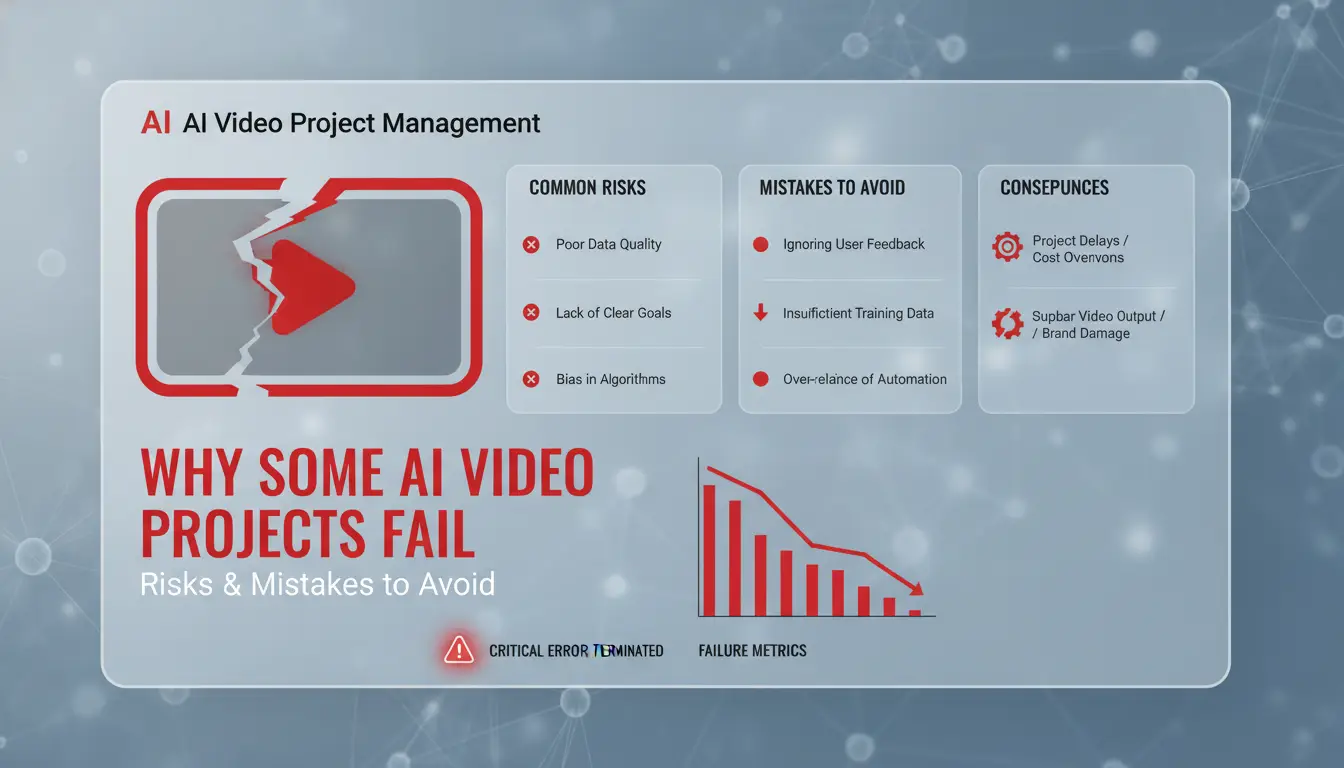
Even with strong tools, AI video projects can fall apart fast. Teams comparing heygen vs arcads often miss hidden risks that show up only after launch. Below are the main reasons projects stall, get blocked, or lose trust, plus what to check before your next rollout.
What usually triggers platform restrictions or bans
Account bans rarely happen by accident. The top triggers are frequent logins from different locations or devices. For example, if one user logs in from New York and another from Berlin on the same day, platforms may flag the account for “suspicious activity.” Tools like HeyGen and Arcads both use digital fingerprint checks. If your team uses different proxies or browser profiles without proper isolation, you risk lockouts. Even a quick test across two browsers can set off alerts. Losing access mid-project stops production cold.
Mistakes that make AI videos look fake or untrustworthy
Rushed teams often skip small details. Poor lip sync, awkward eye movement, or unnatural pauses make AI avatars stand out in the worst way. Reviewers spot these issues fast, especially in marketing or training videos. Trying to “polish” every clip with heavy studio effects can backfire, making casual content seem stiff or off. The “heygen vs arcads” debate misses this: platform choice matters less if your output looks fake. Always check sample renders on multiple devices before publishing.
When team collaboration creates new risks
Sharing account logins to speed up work often backfires. If several people use the same credentials without real isolation, it’s easy to lose track of who did what. One mistake, like uploading the wrong script or changing a critical avatar, can affect all projects tied to that account. Without tools to manage roles or separate access, even a small team risks accidental leaks or suspensions. For safer team workflows, look for platforms with clear permission controls or add a browser isolation tool like DICloak.
How Do HeyGen and Arcads Actually Compare on Video Quality?
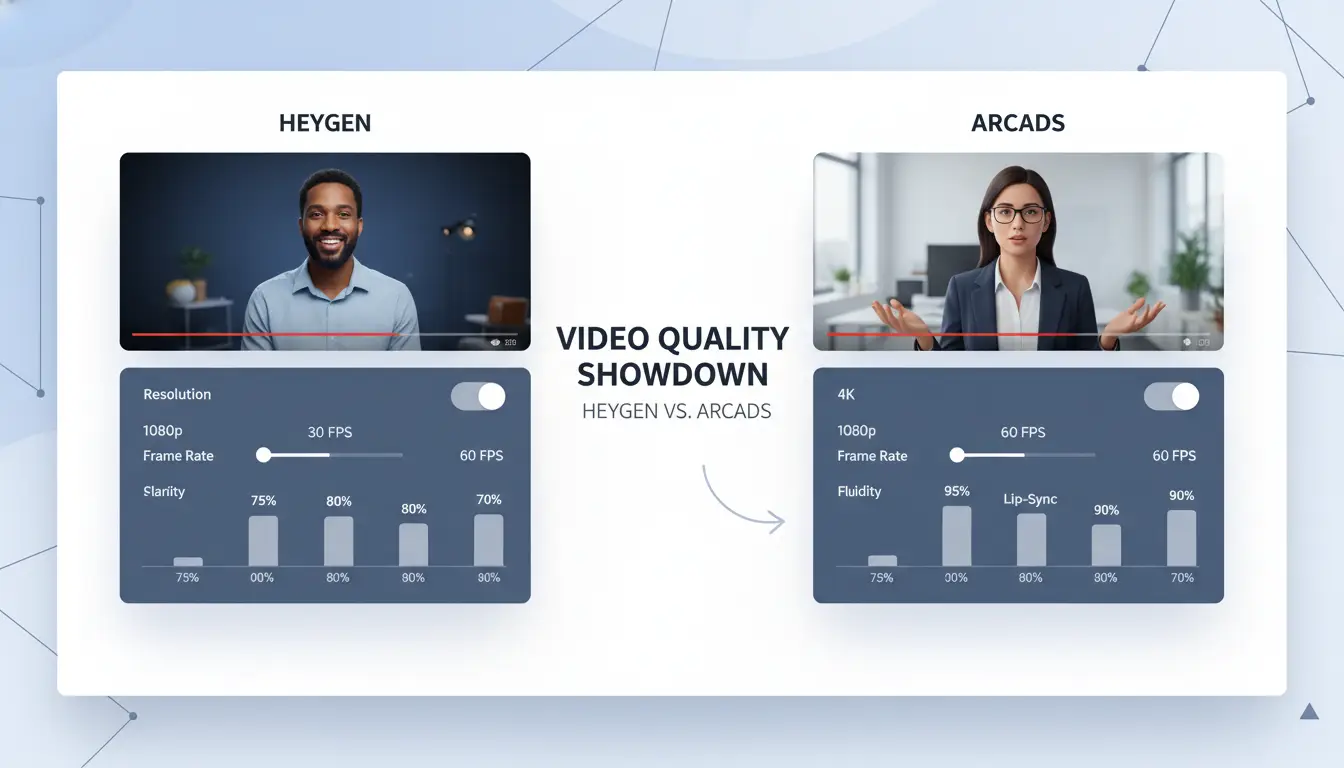
When teams stack heygen vs arcads, the difference shows up fast on realism, lip sync, and how much viewers trust the result. This isn’t about checking boxes, it’s about which tool actually works for training, ads, or churn-heavy social videos.
Facial realism and the uncanny valley: Who gets closer to 'human'?
HeyGen’s avatars often look polished, skin is smooth, lighting feels pro, and expressions stay steady. This works well for branded ads or formal training, where you want a “studio” vibe. Arcads leans into UGC realism, so faces look more like everyday video calls. If your campaign needs to feel relatable, Arcads can deliver a rougher but more natural result.
The critical insight: HeyGen gets closer to 'human' for clean brand content, but Arcads wins on authenticity for social and internal cases. If you need to batch-create explainer clips for TikTok or Slack, Arcads’ raw style avoids the uncanny valley that sometimes makes AI avatars feel off.
Lip sync, eye movement, and body language: Where do they differ?
HeyGen’s lip sync is tight, mouth moves almost exactly with script, and eye movement tracks well. But sometimes, the polish looks “too perfect.” Arcads shows more natural imperfections: slight mistiming, random blinks, and casual gestures. That boosts trust in short-form, informal content. For formal pitches, HeyGen’s precision helps, but in social or training, Arcads’ flaws can make avatars seem less robotic.
Speed, workflow, and output consistency
HeyGen pushes fast turnaround for single videos, most exports finish in under three minutes. Arcads handles batch creation better; you can push out dozens of clips and tweak scripts without re-rendering everything. For teams running regular campaigns, Arcads makes revisions quick and keeps output consistent across versions. If you need rapid updates or localization, Arcads’ workflow fits.
| Platform |
Realism |
Lip Sync |
Batch Speed |
Best Fit |
| HeyGen |
Studio-like |
Precise |
Fast single |
Brand ads |
| Arcads |
UGC-style |
Imperfect |
Bulk editing |
Social/training |
Source: HeyGen and Arcads official pages
What Affects Pricing and Value When Using HeyGen or Arcads?
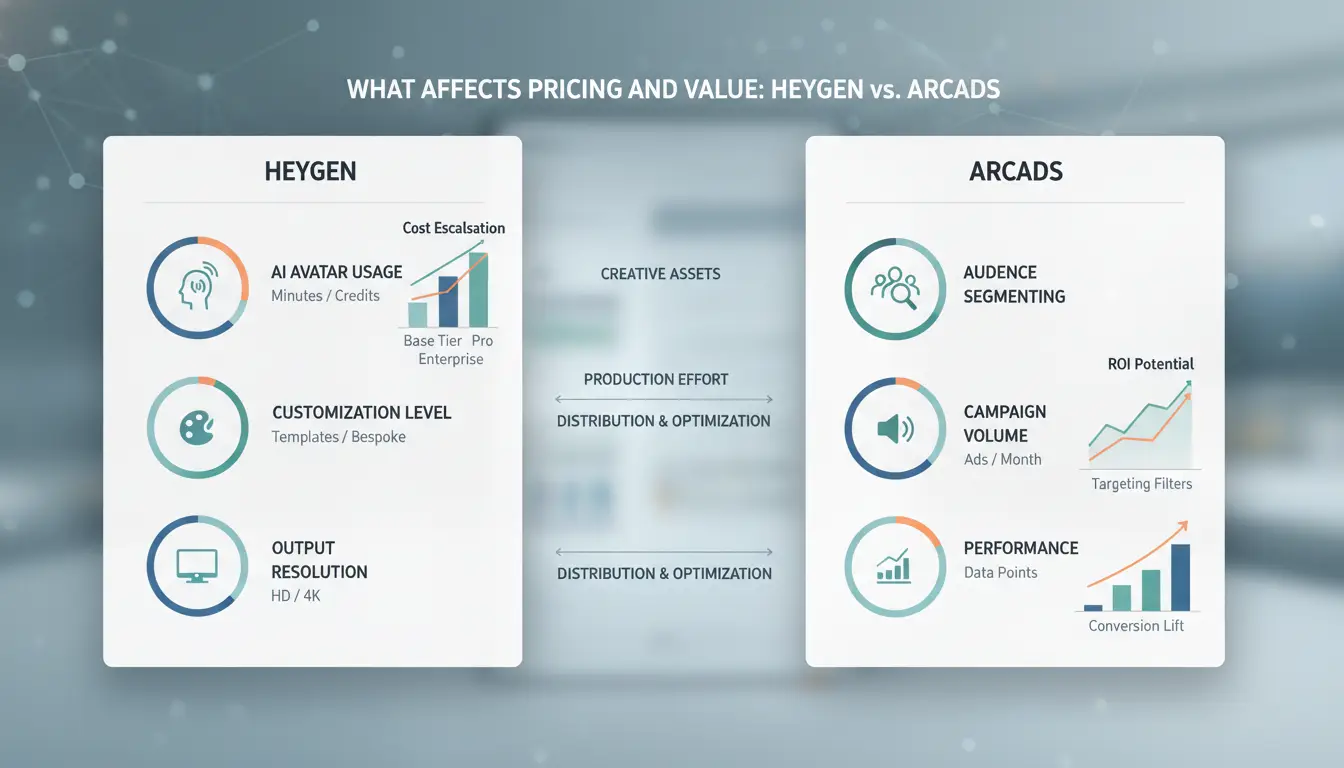
Real costs for AI video tools often hide behind package tiers, usage rules, and surprise add-ons. Teams comparing heygen vs arcads quickly find the sticker price is only the starting point. What really drives your spend depends on how many videos you make, which features you use, and how much editing you need.
How pricing models differ: subscriptions, credits, and add-ons
HeyGen offers subscription plans (monthly or yearly) and a credit system for pay-as-you-go use. The entry plan starts at $24/month and covers a set number of video minutes. Arcads, on the other hand, usually pushes credit packs, each video or export costs credits, and some features (like HD exports or custom avatars) use more.
| Model |
HeyGen |
Arcads |
| Base plan |
$24/month (limited) |
Credit packs, e.g. $30/pack |
| Per video cost |
Included in plan or credits |
Credits per export |
| Add-ons |
Extra charges for advanced avatars, longer videos |
Extra for HD, avatars, team seats |
See official HeyGen pricing and Arcads pricing for current details.
Cheap plans often skip advanced features. Want more avatars, languages, or team seats? Expect new fees that add up quickly.
When cheap videos end up costing more
A low headline price can mean basic avatars, watermarks, or limits on script length. The biggest cost jump: revisions. With heygen vs arcads, each extra render or voice tweak may burn more credits or bump you into a pricier plan. Teams making many edits or collaborating on scripts may find "cheap" videos get expensive fast.
How to estimate total cost for your workflow
Start with your real needs, how many videos, what length, and how many people edit. Then check if you need extras like custom avatars or more storage. Long-term, subscriptions can be cheaper for high volume, but credit packs work for one-off jobs. Ignoring revision costs and feature add-ons is the fastest way to blow your budget.
How to Share AI Video Accounts Safely Across Your Team (and Avoid Getting Flagged)
Why basic password sharing is risky for AI video tools
Sharing a single login for tools like HeyGen or Arcads sounds easy, but platforms track login patterns. When multiple people use the same account from different locations or devices, systems flag unusual activity. Most AI video services, especially in "heygen vs arcads" comparisons, lock accounts if they spot this. Losing access mid-project means lost edits and delays. Teams should expect bans if they ignore these signals.
Best practices for team access: proxies, fingerprinting, and permission control
Instead of password sharing, set up unified proxies and browser profiles. This means every team member’s device looks the same to the platform. Assign roles so only trusted users handle uploads or billing. Isolate sensitive actions, like avatar creation or script editing, to prevent accidental changes. Keeping logins consistent avoids detection and keeps workflows steady.
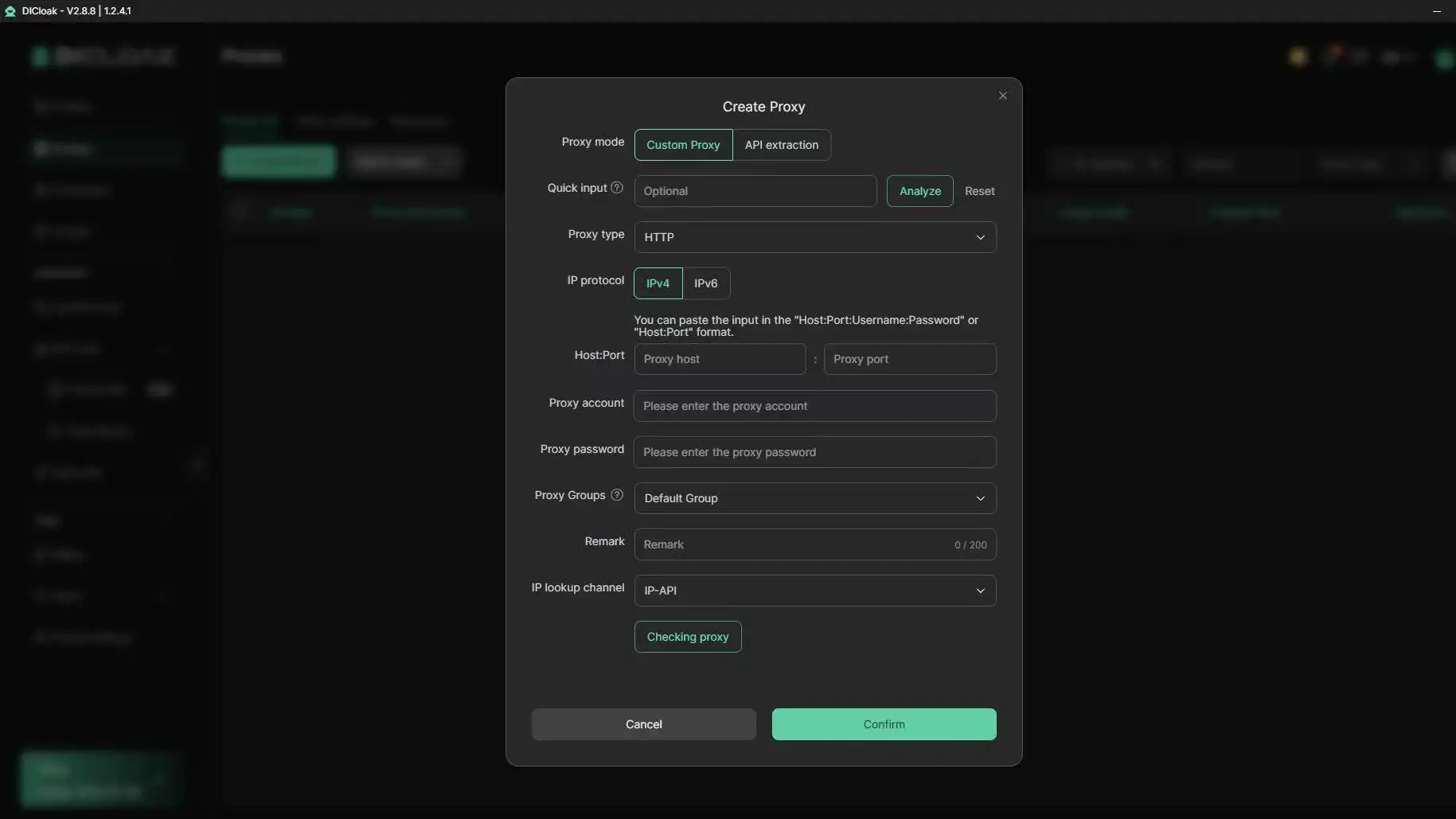
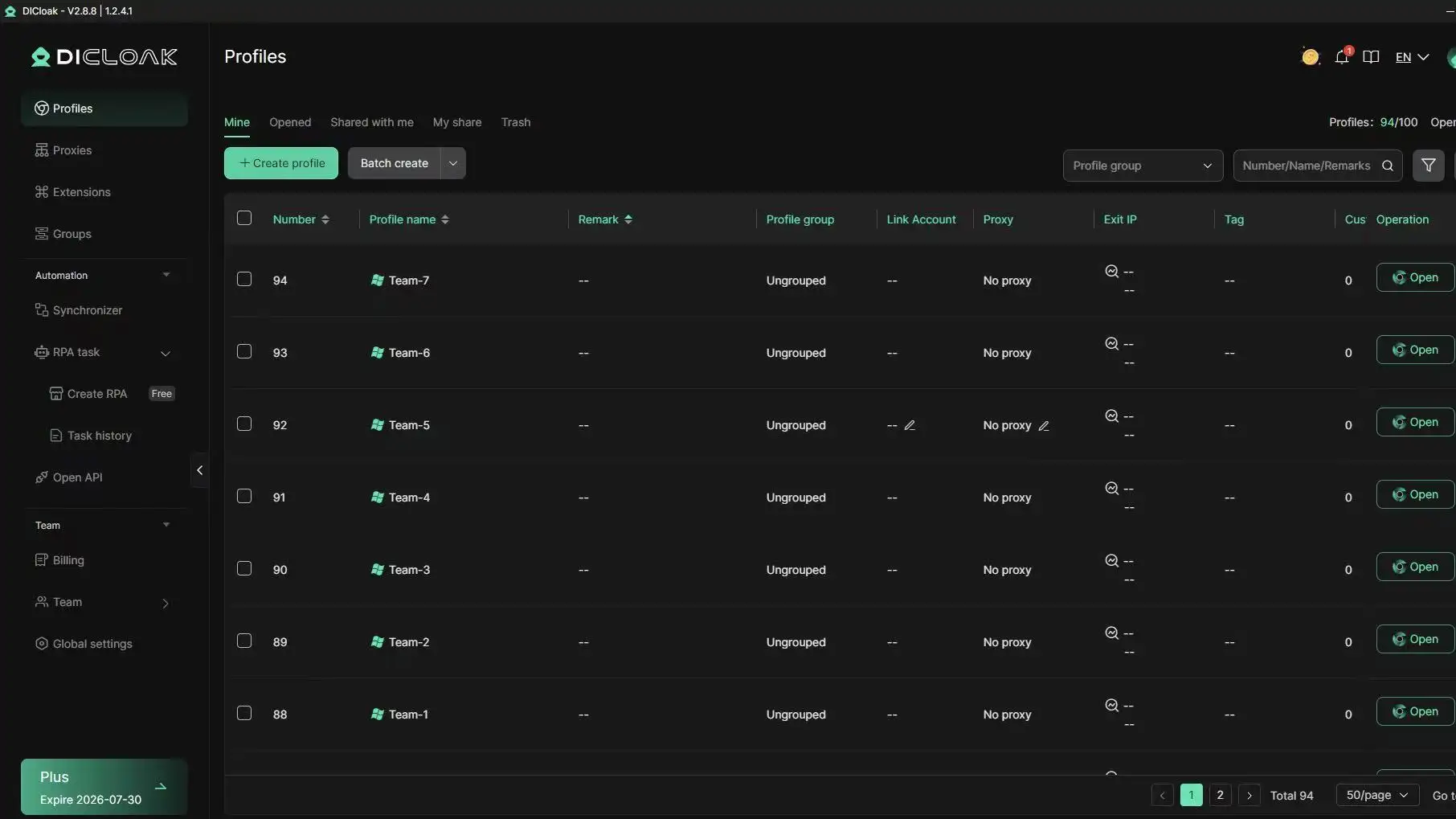
You can use DICloak to assign a unified fingerprint and proxy to each team member. Platforms see one clean login, not scattered access. Tools like DICloak let you share profiles, set permission levels, and track operations for HeyGen or Arcads accounts. The biggest benefit is avoiding bans while keeping collaboration fast, no more broken workflows or lost assets.
When Is HeyGen Better, and When Should You Pick Arcads Instead?
Choosing between HeyGen and Arcads depends on what your team actually needs. The differences aren’t just about headline features. If you’re setting up a video campaign, you’ll want to match each tool to your workflow, not just compare specs. Here’s how heygen vs arcads plays out in real-world scenarios.
Choose HeyGen if you need...
HeyGen stands out for polished, business-ready videos. Teams running brand channels or internal training often hit fewer limits here. Batch production is smoother, HeyGen lets you generate hundreds of videos, with consistent avatars, branding, and voice settings. You can lock style guides and reuse templates, keeping every output on-brand. Export speeds are faster for bulk projects, and enterprise plans cover advanced needs like custom avatars and team permissions. For regulated industries, HeyGen’s stricter content controls help avoid risky surprises. If you need volume and polish, this is where HeyGen pulls ahead.
| Feature |
HeyGen |
Arcads |
| Batch Production |
Yes (100+ videos) |
Limited (10–20 at once) |
| Brand Templates |
Yes |
No |
| Custom Avatars |
Yes (Enterprise only) |
No |
| Export Speed |
Fast (bulk) |
Standard |
| UGC Style |
No |
Yes |
| Official info |
HeyGen pricing |
|
Pick Arcads if you want...
Arcads is built for social content and UGC campaigns. If you need relatable, authentic videos for ads or influencer work, Arcads lets you create clips that feel more natural. You can tweak scripts on the fly, switch voices, and experiment with formats without worrying about rigid templates. Turnaround is quicker for single or small-batch projects. This flexibility makes Arcads a fit for fast-moving campaigns or creative testing. For teams aiming at TikTok, Instagram, or ad creatives, Arcads is often the easier pick.
When a hybrid workflow makes sense
Some teams mix both tools. They use HeyGen for formal, branded assets, and Arcads for outreach or test runs. The risk is losing track of settings, if you switch avatars or edit scripts across platforms, brand consistency can slip. Always document your workflow, and check export formats before combining assets. If your campaign runs across different channels, a hybrid approach can help, but you need clear process control. Don’t let integration mistakes derail your launch.
Common Misconceptions About AI Video Generators (and What Actually Matters)
Most teams comparing HeyGen vs Arcads get lost in feature lists or marketing claims. The biggest traps? Believing that more specs or full automation always means better videos. Here’s where the real issues show up when you start scaling projects or care about brand safety.
Myth: Higher resolution always means better results
People often think a 4K export guarantees a lifelike video. In reality, realism depends more on lighting, voice sync, and how well the avatar matches the script. Many HeyGen and Arcads users find that 1080p videos load faster, stream smoothly, and actually get more engagement on platforms like LinkedIn or Slack, especially for bulk campaigns. When you judge “quality,” look past pixels and check if the video triggers reviews for deepfakes or hits upload limits.
Myth: All AI avatars are equally safe for account sharing
Some believe that if a video tool supports team logins, you can hand out access freely. The real risk comes from how sessions are managed. Arcads, for example, lets you invite team members, but if everyone logs in through the same browser or proxy, platforms may flag unusual behavior. HeyGen warns that sharing accounts without unique profiles can trigger security checks or even bans. It’s safer to assign accounts with independent browser profiles, using tools like DICloak, so each editor operates in a clean, isolated environment.
Myth: You can automate everything without risk
AI video generators push RPA (robotic process automation) for mass video production, but full automation isn’t a silver bullet. Scripts with custom names or branded content often break auto-dubbing tools. If you skip human review, you risk sending out videos with wrong accents or missing captions. Bulk operations in HeyGen vs Arcads both face limits, like max render jobs per hour or errors on long scripts, that only show up in real use. Blind automation can lead to embarrassing mistakes that hurt your brand more than they save time.
Step-by-Step: How to Set Up a Safe, Scalable AI Video Workflow for Your Team
Rolling out a team workflow for AI video means more than buying seats. If you miss setup details, you’ll hit blocks: logins get tangled, edits get lost, or accounts get flagged, especially when scaling with tools like HeyGen or Arcads. Here’s a hands-on process that covers what actually prevents trouble and keeps teams productive in real-world “heygen vs arcads” rollouts.
Preparing your accounts and browser profiles
Each person needs a clean, isolated login to avoid accidental bans and session mix-ups. The safest way is to create a separate browser profile for every team member. For high-volume teams, bind each profile to a dedicated proxy, this keeps session fingerprints unique, which both HeyGen and Arcads check for in bulk actions. If your team needs strict separation, you can use a browser profile manager like DICloak to automate profile setup and proxy binding.
Assigning roles and managing permissions
Let one person handle account setup, but split uploads, edits, and approvals between at least two roles. This lowers mistakes and makes it easy to spot who changed what. Both HeyGen and Arcads let you invite users, but only Arcads offers detailed permission controls for asset editing and campaign approval (see Arcads features). Track changes inside the tool, if that’s not enough, export logs or keep a simple shared doc as backup.
Automating repetitive tasks safely
For batch jobs (like generating 50+ videos), use RPA tools to script uploads or text changes. Both platforms allow API access, but check rate limits first, Arcads is stricter here. Always review outputs before publishing; manual checks catch avatar glitches or script mismatches that slip past automation. The smart move: automate, but always add one final human check. Skipping manual review is the fastest way teams lose control over brand safety. You’ll scale faster, but only if you keep risk in check at every step.
Frequently Asked Questions
Is it safe to use the same HeyGen or Arcads account for multiple team members?
Sharing one HeyGen or Arcads account with several people is risky. Platforms often detect account sharing by checking device fingerprints, IP addresses, and browser settings. To reduce detection, use strong proxies and tools like DICloak for separate browser profiles. Still, the safest option is giving each team member their own login with proper permissions.
Which tool, HeyGen or Arcads, works better for social media ads?
For social media ads, user-generated content (UGC) style videos made with Arcads often get more engagement than HeyGen’s studio-quality videos. Arcads creates more “real” looking content, which feels trustworthy and relatable. However, HeyGen may work better for formal ads. Test both to see which fits your brand and campaign needs best.
Can you switch between HeyGen and Arcads for the same campaign?
You can switch between HeyGen and Arcads in one campaign, but keep your branding and style consistent. Mixing styles can hurt audience trust and brand image. Watch for workflow issues, assets may need extra editing to match formats. Test the full pipeline before launch to avoid last-minute problems.
How do you avoid getting your AI video accounts restricted or banned?
To avoid bans on HeyGen or Arcads, use a unified browser profile with trusted proxies. Assign clear team permissions and never share passwords widely. Watch for unusual login patterns or device changes, as these trigger security flags. Stick to normal usage patterns and review team access regularly to keep accounts safe.
Do you need technical skills to set up a safe team workflow for AI video tools?
You don’t need advanced tech skills to set up safe workflows for HeyGen vs Arcads. Modern tools like DICloak make proxy and account management easy. Still, knowing basic proxy use and how team permissions work helps reduce risks. A little setup knowledge goes a long way in keeping your team’s work safe.
Conclusion
Both HeyGen and Arcads offer compelling solutions for AI-driven content creation, but each caters to slightly different needs and workflows. Understanding their unique features and performance can help users choose the platform that aligns best with their goals. Try DICloak For Free
 Web Proxy Tools
 Free Tools
 Cookie Plugin
 UA Generator
 MAC Address Generator
 IP Generator
 IP Address List
 2FA Code Generator
 World Clock
 Anonymous Check
 WebRTC Leak Test
 UUID Generator
 Free Web Proxy Site
 Proxy Checker
 FB Ad Checker
 AI Web Scraping
 Free SMM Tools
 Twitter Shadowban Checker
 Instagram Name Checker
 UTM Generator
 Username Generator
 AI Hashtag Generator
 LinkedIn Headline Generator
 Social Media Image Resizer