You read free proxies, but you see the same thing in the search results: a long list of addresses, incomprehensible types, promises of anonymity, and not a word about which of them are even alive in 10 minutes. In practice, the problem is usually not where to get the IP, but how to quickly weed out the garbage.
Free proxy servers often look the same, but behave differently. One address opens a page, another freezes on TLS, a third is already blocked on the desired site, and a fourth simply drains your traffic through someone else's node without normal stability.
Therefore, it is more useful not to collect another list of free proxies, but to check three things at once: protocol, response speed, and risk level. For ordinary tasks, the difference between HTTP, HTTPS, and SOCKS is immediately visible. If you choose a type at random, you can lose the session, get a captcha on each request, or spend hours looking for the reason why the tool "doesn't work", although the problem was in the proxy itself. It's not the nice list that is important here, but the working scheme: where to look for free HTTP HTTPS SOCKS proxies, how to test them, and in which cases it is better to abandon them right away.
This is where we should start: what free proxies are there in general, and how they differ in real work.
Why do we need free proxies at all and when are they really suitable
If the task is simple and one-time, this option is normal. If you need stable work, logging into your account, a long session, or transferring sensitive data, it is better to immediately consider it a temporary stub, and not a working basis.
What tasks do free proxies usually cover?
Usually, they are taken for a one-time check: whether the site opens from another country, what the page looks like without a local cache, whether a simple request goes through a different IP. For short tests without a login and without important data, this is often enough. If the proxy falls off after 2 minutes, you just take another one and move on.
When Free Proxies Most Often Fail
Problems begin where a repeatable result is needed. The same shared IP can be chased by dozens of people at the same time, which is why the site already seescaptchas, limits, or blocking on it. In practice, it looks like this: the page opens, but the login does not pass, the API responds with 403, and the loading freezes at the TLS stage. From the outside, it seems that the site or your tool is broken, although the bottleneck is in the proxy itself. And the longer the session, the more often drops, delay jumps, and a sudden change of route pop up.
What is the difference between one-time tasks and full-time work
It is easier to understand the difference by three quick checks:
- If the task takes 1-5 minutes and does not require logging into your account, you can still try this option.
- If you keep coming back to the same site all day, the shared IP will quickly start to get in the way.
- If the loss of the session breaks the work, free proxy servers no longer save time, but eat it up.
At this point, you should not guess at the list of addresses. It is more logical to immediately check whether the proxy is alive, what protocol it has, and how it behaves under real load.
How to Test Free Proxies Before Using
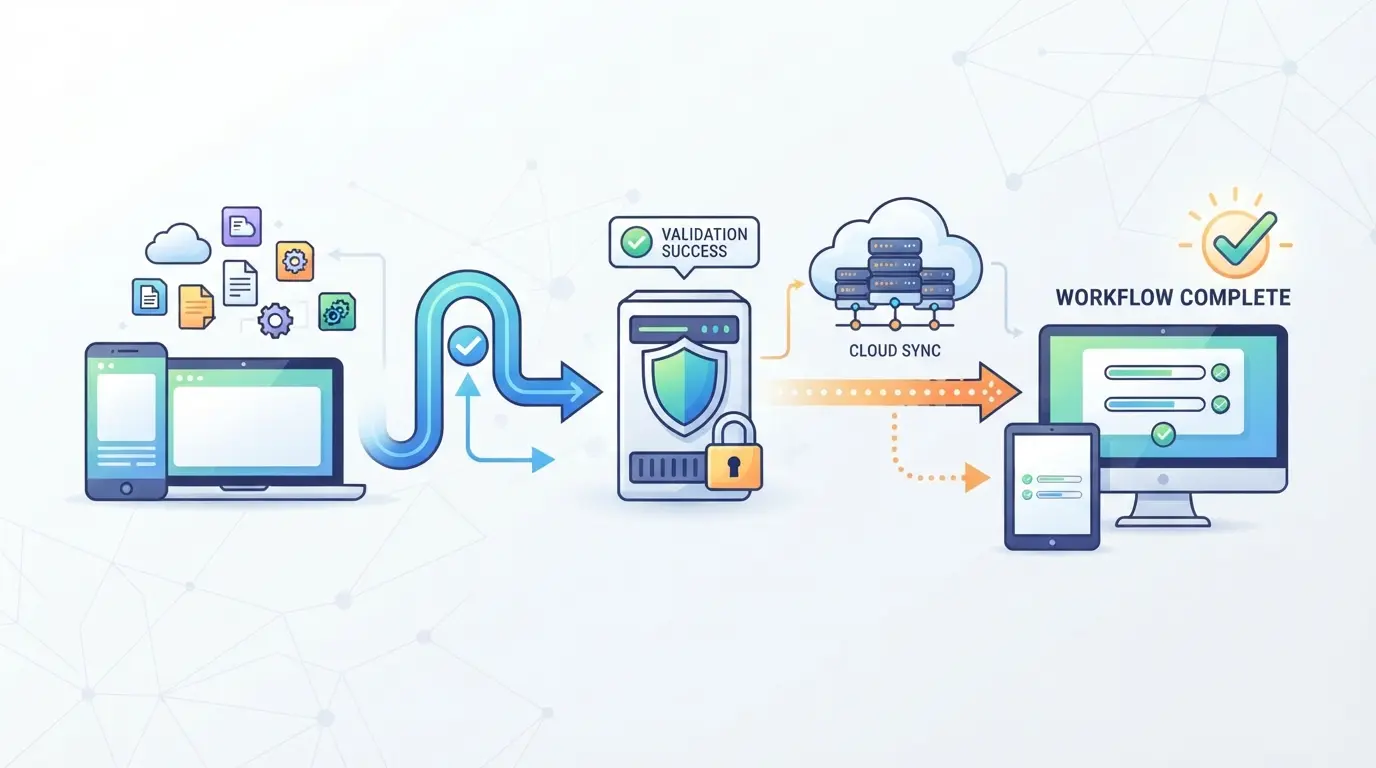
After you understand where such addresses can come in handy at all, the main question remains: whether a particular proxy works. Verification takes 3-5 minutes. Immediately filter out everything that does not hold a reconnection, confuses geography, or noticeably slows down even a simple request.
Check if the proxy responds and dies after a minute
Connect to the address and make not one, but at least 3-5 requests in a row with an interval of 20-30 seconds. If the first request goes through, and the second one is already hanging or giving a timeout, such a node is almost useless for work. Look not only at the fact of the response itself, but also at the type of error: connection refused usually means a dead port, TLS error often indicates a broken HTTPS proxy, and a long wait without an answer most often indicates an overloaded node. Then reconnect again in a minute. If the session does not rise again, it is better to cross out the address immediately.
Compare download speed and latency
High latency breaks even simple authorization: the page can open, and the login form or verification script freezes.
- Open the same site after 3-4 addresses and compare the time to the first answer.
- Check if CSS, scripts, and images are loaded, not just HTML.
- Separately, look at the latency spikes: if it was 400 ms, then 4 seconds, the node is unstable.
Make sure that the IP and country are determined correctly
Check the exit IP through ipinfo.io or whatismyipaddress.com. If Berlin is listed and the service shows Poland or the Netherlands, the description is no longer accurate; if the GEO is one and the time zone in your profile is different, some sites notice it immediately.
Understand the level of anonymity you actually get
The signature "anonymous" in the list of free proxies does not prove anything. You need to look at what titles and IPs actually go to the site.
- Check with BrowserLeaks to see if your original IP is visible in headers like
X-Forwarded-For.
- If the service shows a "transparent proxy", do not use such an address for accounts and authorization.
- Repeat the test after reconnecting: some free proxy servers change their behavior under load.
If the proxy is already behaving strangely at this stage, the problem is usually not limited to speed. Next, you should look at the risks that are most often missed.
What risks of free proxies are most often underestimated
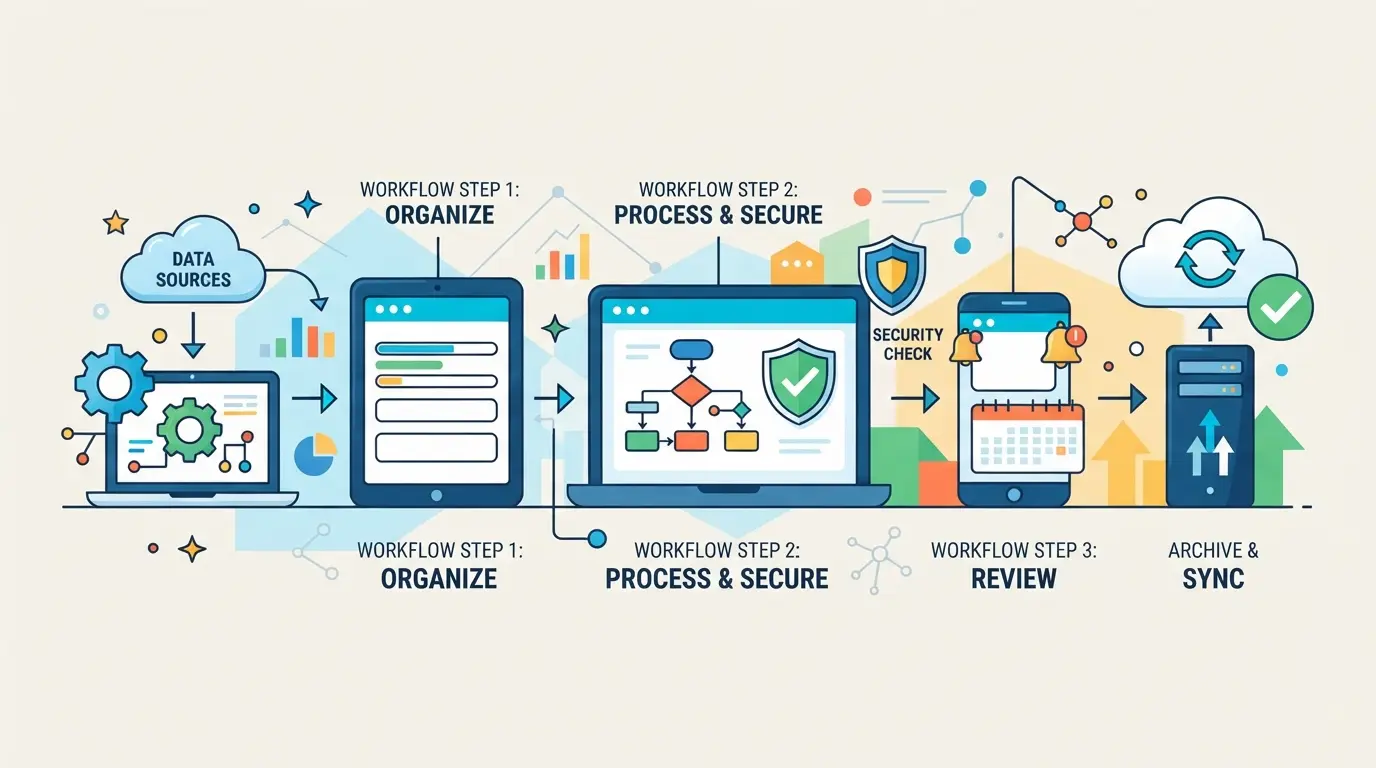
Checking speed and availability is useful, but it does not show the main risk. In practice, problems often start not with a slow response, but with other people's logs, traffic spoofing, and the fact that the same node works fine today, and tomorrow breaks the session or diverts requests to a different route.
Why Free Proxies Are Often Overloaded and Stop Working Quickly
One IP is often shared by tens or hundreds of people. Hence captchas, blocks, and connection drops. If the node is already "exposed", you lose time for diagnostics, although the problem is not in the browser or the site, but in the address itself.
What problems arise with logs, traffic spoofing, and distrust of the source
The most underestimated risk: you often don't know who runs the server and what they write in the logs.
- What can go wrong: if traffic goes through a random node, the owner can see unencrypted requests, headers, cookies without the Secure flag, and sometimes change the content of the page on the way. A typical failure looks like this: the site opens, but the login form leads to a strange domain, some scripts do not load, or the session suddenly "goes rot" after logging.
- How safer: do not transfer authorization, confirmation codes, working cookies, and data from internal panels through such nodes. A test page without logging in to the account is suitable for verification.
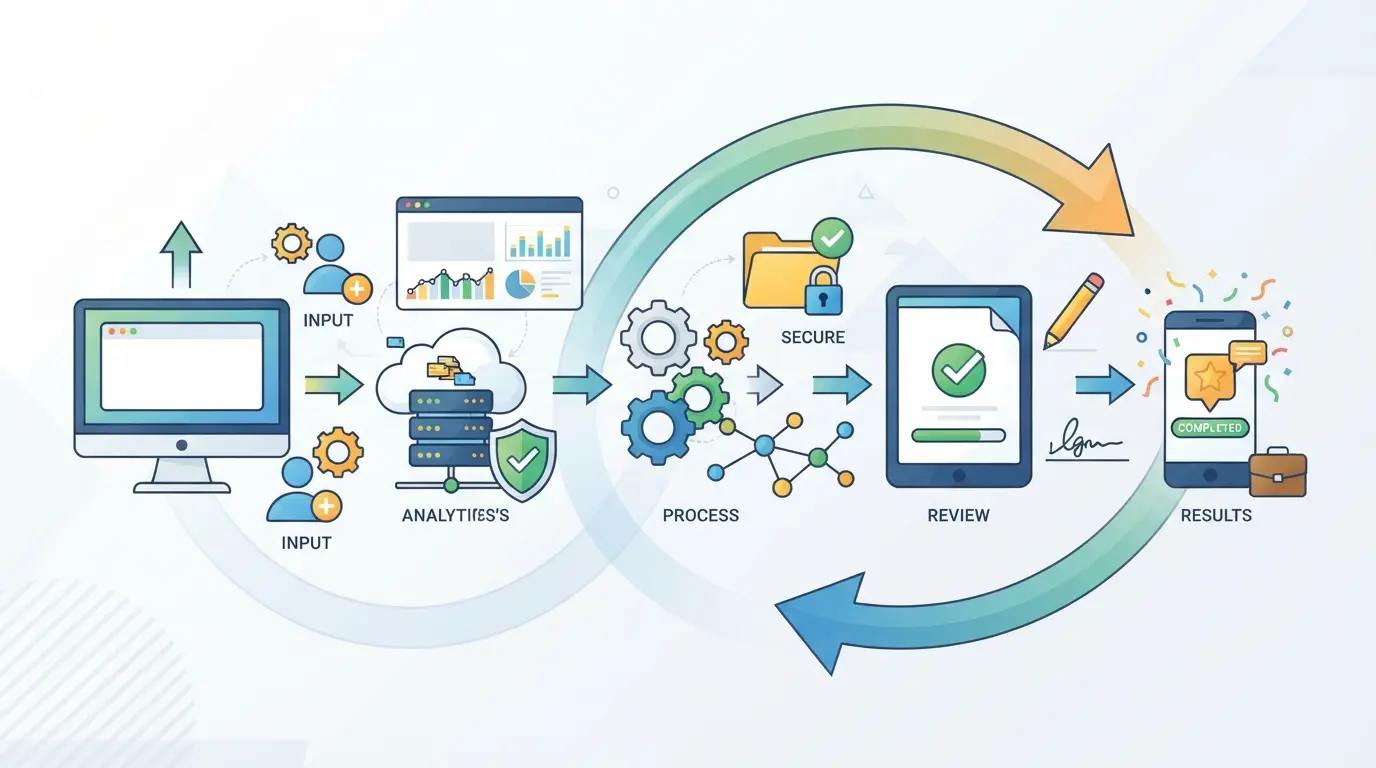
Why the same free proxy can work today and break the task tomorrow
The route, geolocation, and IP reputation can change without warning. Yesterday the site saw one country, today another. For services with login verification, this looks like suspicious activity, even if you haven't changed anything.
What data is better not to transfer through random free proxies at all
Do not send logins, passwords, 2FA codes, payment forms, access to admin panels, and work accounts through them. If the task requires login or a stable session, you need to look not only at the quality of the node, but also at the type of proxy.
What is the difference between HTTP, HTTPS and SOCKS proxy and which type to choose
After the risks, the logical question is: what type to take for the task, and not "for luck". The short answer is that HTTP is enough for simple web requests, HTTPS is more often needed for the browser, and SOCKS is more convenient for applications and non-standard traffic.
When an HTTP proxy is enough
| Type |
Where he usually works |
What to check before starting |
When to take it |
| HTTP |
Simple GET/POST requests, page scrapers, quick manual URL check |
Does it serve a page without redirect loops, does it cut headings? |
If you only need regular web traffic |
| HTTPS |
Browser, sites with login, services with TLS connection |
Whether the certificate passes, CONNECT, or TLS handshake errors |
If you open websites through a browser |
| SOCKS |
Applications, instant messengers, non-standard clients, some desktop tools |
Does the program itself support it, does DNS break |
If your traffic isn't restricted by your browser |
Take HTTP for short tests and simple parsing. If the site immediately switches to HTTPS, a regular HTTP proxy often becomes an unnecessary link and only adds errors.
When is it better to look for an HTTPS proxy
For a browser, this is usually the most practical option. If the proxy passes HTTPS without certificate errors and does not break the session on the login, it already makes sense to test it further in terms of speed.
When a SOCKS proxy is more convenient than others
SOCKS is useful where the HTTP proxy is simply not picked up by the application. This is a common case for desktop clients, scripts, and tools that need more than just browser traffic.
How not to make a mistake with the choice of type for your task
Look not at the name in the list, but at the scenario: browser, HTTPS, HTML page parser, HTTP or HTTPS, application, SOCKS. Next, it makes sense to look not just any list of free proxies, but sources where the type and performance can be quickly filtered out.
Where to look for free proxies and how not to waste time on garbage lists
After choosing the type of proxy, you should look in two places: public listings and user collections. But you need to look not at the length of the list, but at the signs of freshness and verification.
What are the most common springs
Most often, work addresses are searched in open aggregators, where there is a port, protocol, country, and time of the last check. The second source is forums, chats, and channels with manual selections. Their advantage is that there are sometimes fresh addresses; the minus is simpler: half of the list is already dead by the time it is published.
What are the signs that the list is outdated or useless?
- There is no update date or last check time.
- The same IPs with different ports are repeated.
- There are promises of "anonymity" and "stability" in the description, but there is no delay, protocol, and status.
Why is it better to take several candidates and immediately run them through your filter
A single address rarely saves time. It's easier to take 5-10 candidates at once and quickly weed out the garbage.
- Remove addresses without the necessary protocol.
- Immediately check the response and access to the target site.
- Keep only those that pass your test; this will come in handy in the next step when proxies need to be spread across different profiles.
How to allocate your proxies to separate profiles in DICloak if you have more than one working session
If you have more than one working session after selecting a proxy, the problem is usually not with the new list of addresses, but with the fact that everyone opens in one browser. For this scenario, users can set up separate browser profiles in DICloak and connect their own proxies to each. The scope here is limited to the browser profile and the session; this does not change the quality of the proxies themselves and the behavior of the platforms.
How to Configure Individual Profiles and Browser Environment Settings in DICloak
Operators can create a separate profile in DICloak for each work session so as not to mix cookies, cache, and login history. Inside the profile, you can configure the interface language, time zone, geolocation, User Agent, and other signals of the browser profile. In practice, this is more convenient than keeping several accounts in different tabs of the same Chrome, where sessions are easy to mix up manually.

How to Add a Custom Proxy to a Profile and Check the Output IP
After that, the user opens the profile settings, selects his proxy, enters the host, port, login, and password, and then checks the connection before starting the session. In DICloak, you can see what output IP, country, and time zone are determined for this profile. This is useful if you are testing free proxies and want to immediately weed out those that do not rise or give an unexpected region.

Where DICloak's role ends and your responsibility begins
The tool itself does not select proxies and does not assess their reliability. The user decides for himself where the address comes from, whether it can be trusted, and whether it fits the rules of the desired platform. In practice, beginners often make mistakes not in setting up a profile, but in the basic check of the proxy itself.
What mistakes do beginners most often make when working with free proxies?
After setting up profiles, the failure usually happens not in the browser, but in the expectations from the node itself. Beginners often take an address from the list of free proxies, insert it into work without checking and then think that the site, script or profile has broken.
Use the first IP you come across without verification
The list can only be fresh on the page. In fact, the address may no longer respond, give someone else's geolocation, or drop the connection in a minute. Check each IP right before the task, even if it is "working" in someone else's list.
Confuse the type of proxy and the use case
A common mistake looks like this: an affiliate takes an HTTP address, inserts it into an anti-detect browser, opens the site account, and sees endless redirects or an empty login page. He decides that the "bedroom" profile or the site cuts the new account. But the problem is different: this scenario required HTTPS or SOCKS5, and HTTP was only suitable for simple requests without normal authorization and some encrypted traffic. The same thing happens with scripts: the code crashes not because of the platform, but because of an incompatible proxy type.
Expect paid tier stability from a free proxy
Such addresses quickly degrade: one day they hold a session, an hour later they slow down or disappear. Keep 2-3 backup options for the same task, otherwise any minor check will turn into a long search for the cause.
Transmit sensitive data through a random proxy
You should not log in to the main account, enter payment details or download work cookies through a random node. If the problem cannot be solved without such an address, this is already a signal that it's time to change the current approach.
When free proxies are no longer suitable and it's time to change the approach
If you already spend more time searching and rechecking than on the task itself, the savings are over. After the typical mistakes from the previous section, it is worth admitting a simple fact: manual IP replacement should not eat up a working day.
Signs that you're spending more time searching than the task itself
| Situation |
Still tolerable |
It's time to change your approach |
| IP Replacement |
1-2 checks before a one-time task |
The proxy dies in the middle of the session, and you change the address in a circle |
| Hand check |
open the site once and see the response |
Each session takes 10-15 minutes of manual test |
| Failure of the task |
You can simply repeat the request |
login, warm-up or data download are broken and start again |
If this happens every day, free proxies are already worth more than your time.
When stability, repeatability and control become more important
As soon as you have regular logins, multiple profiles, or a second participant in the process, a random list of free proxies stops pulling the load. At this point, it is more important not to "find a working IP", but to repeat the same scenario without failures.
How to choose the next step without unnecessary expectations
Leave free proxies for tests, one-time checks, and draft tasks. It is better to separate work sessions, important logins, and processes with multiple profiles at once and transfer them to a more predictable scheme.
FAQs about Free Proxies
Are free proxies even legit?
Yes, but legality is determined by three things at once: the country, the source of the address, and how you use it. A public server itself does not always violate the law, but circumventing the site's rules, accessing someone else's or working with stolen IPs already creates a risk. Before using it, check your local rules and terms of service.
Why do free proxies stop working so quickly?
Public addresses have a short lifespan. The same IP quickly gets into open lists, it is massively used, overloaded with requests, and sites are often banned. Such servers rarely have normal support and monitoring. Therefore, the speed drops, the connection is broken, and yesterday the work address is no longer available today.
Is it possible to use free proxies for a regular browser?
Yes, if you first check compatibility with the browser and the type of protocol: HTTP, HTTPS or SOCKS. Then look at the speed, real output IP and country through any IP-check service. It is important to understand the risks: some nodes log traffic, cut connections or break the loading of sites, especially with authorization.
Which is better for a beginner: a list of free proxies or a manual search for a single address?
It is easier for a beginner to take several candidates from the list of free proxies rather than waste time searching for one IP. But the list cannot be considered a ready-made solution. Each address needs to be checked separately: ping, speed, country, anonymity, and access to the desired site. This way you will quickly find a working option and weed out the garbage.
How often should you double-check free proxies?
Check them before each important session and before a new task. At the very least, you need to re-check the availability, output IP, country, and speed. If the site, account, or traffic type changes, do the test again. For public addresses, even a few hours of downtime can already mean a ban, IP change, or a severe speed drop.
Before using it, evaluate what tasks you need proxy access for: one-time checks, working with multiple accounts, or stable scraping, and then test speed, anonymity, and reliability on a small amount of traffic. If control, security, and easy management are important, it is wise to immediately compare the free option with a more secure tool so as not to waste time constantly replacing unstable servers. Try DICloak for free
 Web Proxy Tools
 Free Tools
 Cookie Plugin
 UA Generator
 MAC Address Generator
 IP Generator
 IP Address List
 2FA Code Generator
 World Clock
 Anonymous Check
 WebRTC Leak Test
 UUID Generator
 Free Web Proxy Site
 Proxy Checker
 FB Ad Checker
 AI Web Scraping
 Free SMM Tools
 Twitter Shadowban Checker
 Instagram Name Checker
 UTM Generator
 Username Generator
 AI Hashtag Generator
 LinkedIn Headline Generator
 Social Media Image Resizer