Free antidetect browser options look attractive in 2026 because more businesses now manage paid campaigns, online stores, and remote account workflows. EMARKETER’s worldwide ad spending forecast shows that global media ad spending has crossed the $1 trillion level and is expected to keep growing in 2026. This means more teams are putting real money behind online accounts, not just testing small side projects.
But “free” is not the only question. A free antidetect browser can be useful for testing browser profiles, proxy setup, and small account workflows. The harder question is whether it can support the accounts, sessions, proxies, and team access your business depends on. This guide explains what free antidetect browser options can do, where their limits usually appear, and when a paid plan becomes the smarter choice.
Can a Free Antidetect Browser Option Be Reliable for Business Use?
Yes, a free antidetect browser option can be reliable for business use, but only for the right level of risk. A reputable free plan or free trial is useful for testing browser profiles, proxy setup, and basic account separation. But it should not be treated as a full business system from day one.
The key is not whether the tool is free. The key is what you plan to put inside it. Testing a few low-risk accounts is very different from logging in to client ad accounts, store accounts, or team work accounts. Free options are best used as a starting point. Before relying on one for real business work, you need to check what it actually offers.
What Should a Good Free Antidetect Browser for Business Use Offer?
A good free antidetect browser for business use should include the core features needed to test a real multi-account workflow. It does not need every advanced feature, but it should help you keep accounts separate, connect the right proxy, and move to a larger plan later if the work grows.
Not all free antidetect browsers offer the same level of reliability. Before you choose one, check whether the free plan includes these basic features:
- Separate browser profiles: Each business account should have its own profile with separate cookies, sessions, and browser settings. This matters more than getting a large number of free profiles that are hard to manage.
- Proxy configuration: Each profile should allow its own proxy setup. A browser profile can separate account data, but the IP and network location still need to match the account’s use case.
- Basic fingerprint settings: The browser should let you manage key signals such as timezone, language, screen size, fonts, Canvas, WebGL, and other browser details that may affect account consistency.
- Easy setup: A free option should be simple enough to test without a long technical process. If the setup is too confusing, users may make mistakes before they even log in to an account.
- Clear upgrade path: A free plan should not trap you in a setup that cannot grow. If your accounts start to carry revenue, client value, or team work, you should be able to upgrade without rebuilding every profile from zero.
The main point is simple: do not choose a free antidetect browser only because it gives more profiles. For business use, a smaller number of stable, well-configured profiles is often more useful than many free profiles with weak control.
Free Antidetect Browser Options for Business Use in 2026
There are several free antidetect browser options for business use in 2026, but they should not be judged by free profile count alone. A useful free option should match your account risk, operating system, proxy setup, and future upgrade needs. Free plans change often. Before using any option for real business accounts, check the official pricing and download pages again.
1. DICloak
For users who want to test account separation before building a larger workflow, using DICloak can be a practical starting point. Its free plan currently lists 5 profiles, 1 member, 15 daily open times, browser fingerprint customization, and flexible proxy configuration. That makes it more useful for testing profile setup. For business users, the main thing to check is whether the free limits are enough for your daily account work.
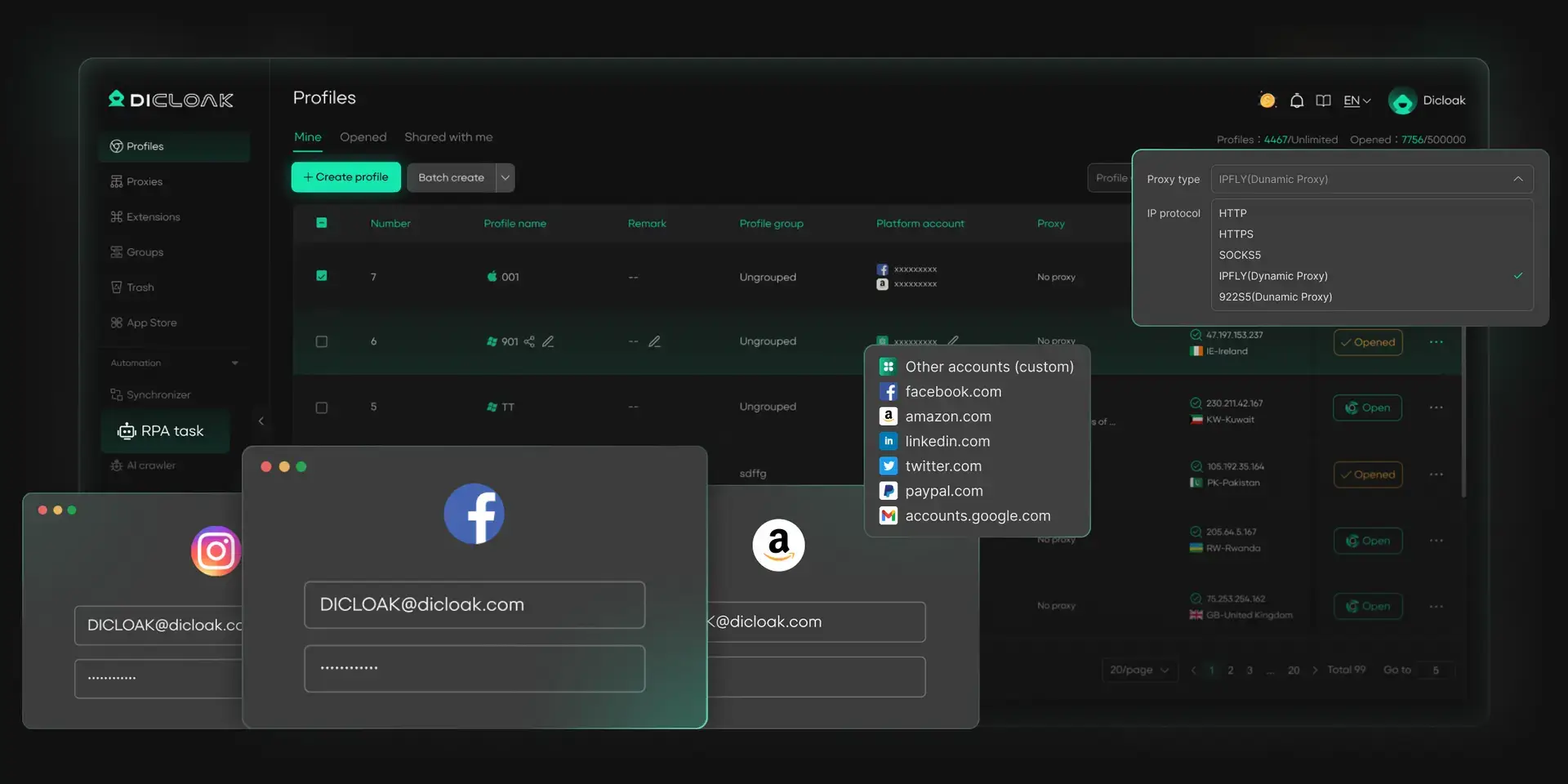
- Supported OS: Windows, macOS, and Linux.
- Amount of profiles on free plan: 5 profiles.
- Notable feature: A permanent free plan includes browser fingerprint customization and flexible proxy configuration.
2. GoLogin
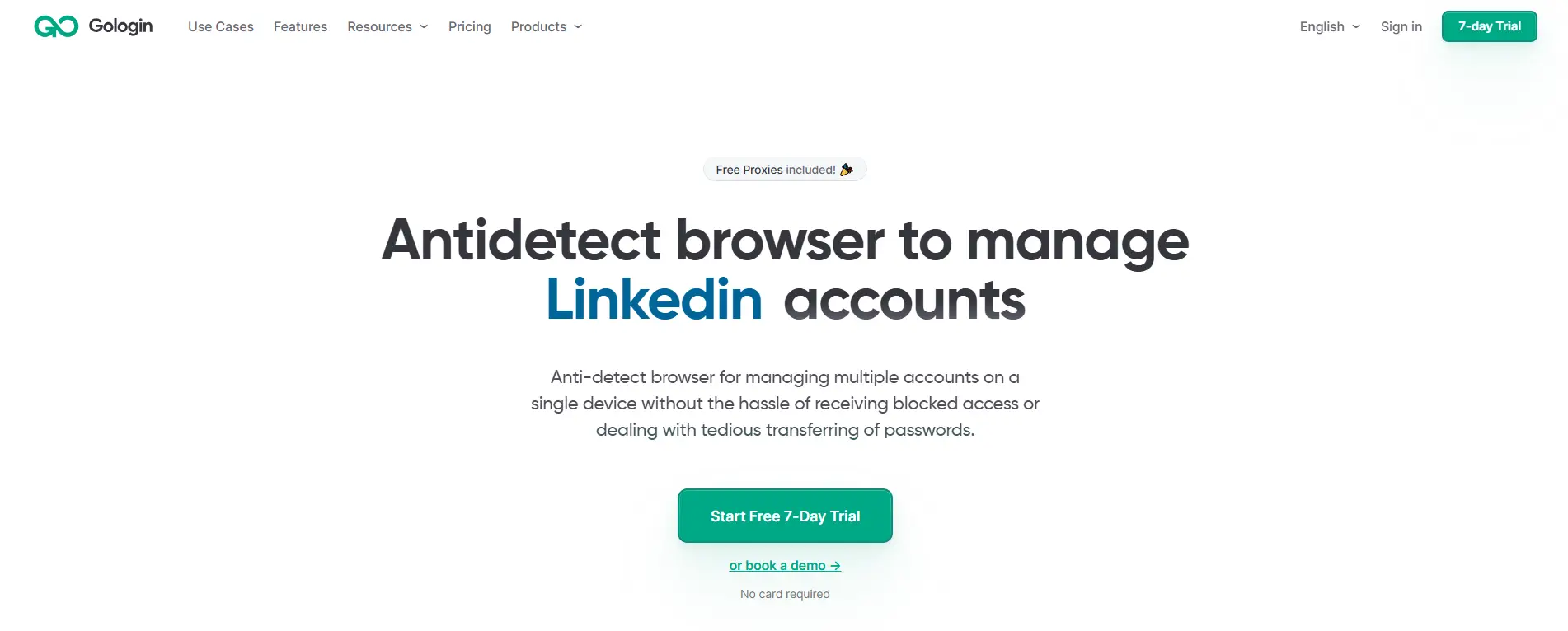
GoLogin is an option for solo users who want to test a simple multi-account setup. Its free data plan currently includes 3 profiles, but sharing profiles and adding team members are not included. This makes it better for individual testing than for agency or VA team workflows. If your business use case involves team access, client handoff, or profile sharing, you may outgrow the free plan quickly.
- Supported OS: Windows, macOS, Linux, Android, and web app access.
- Amount of profiles on free plan: 3 profiles.
3. AdsPower
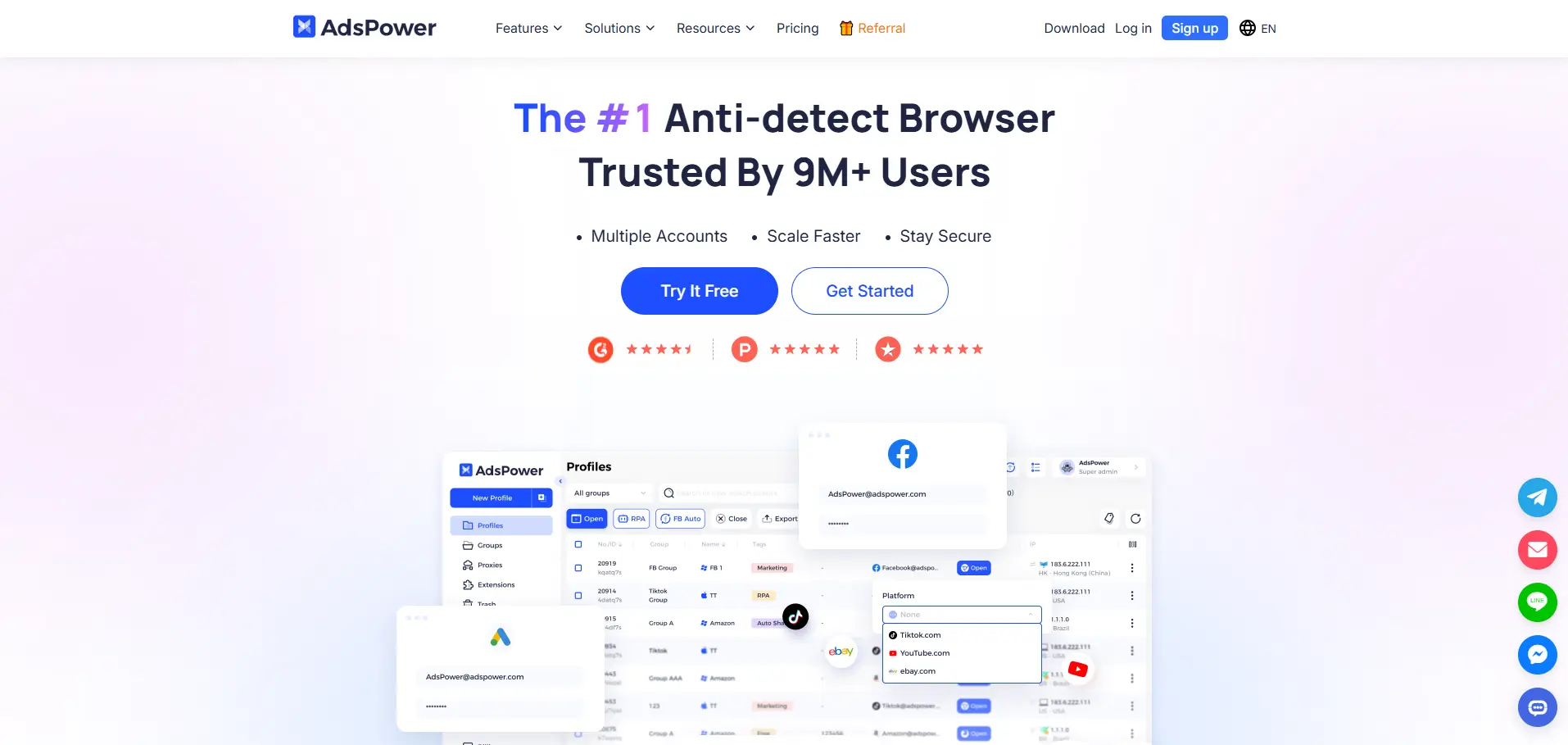
AdsPower can work for users who want to test a small e-commerce, ad account, or social account workflow. Its free plan currently lists 2 profiles and 0 members, so it is mainly useful for learning the interface or testing a very small setup. For business use, the key limit is team access. If more than one person needs to manage accounts, a free plan may not give enough structure.
- Supported OS: Windows, macOS, and Linux.
- Amount of profiles on free plan: 2 profiles.
4. Incogniton
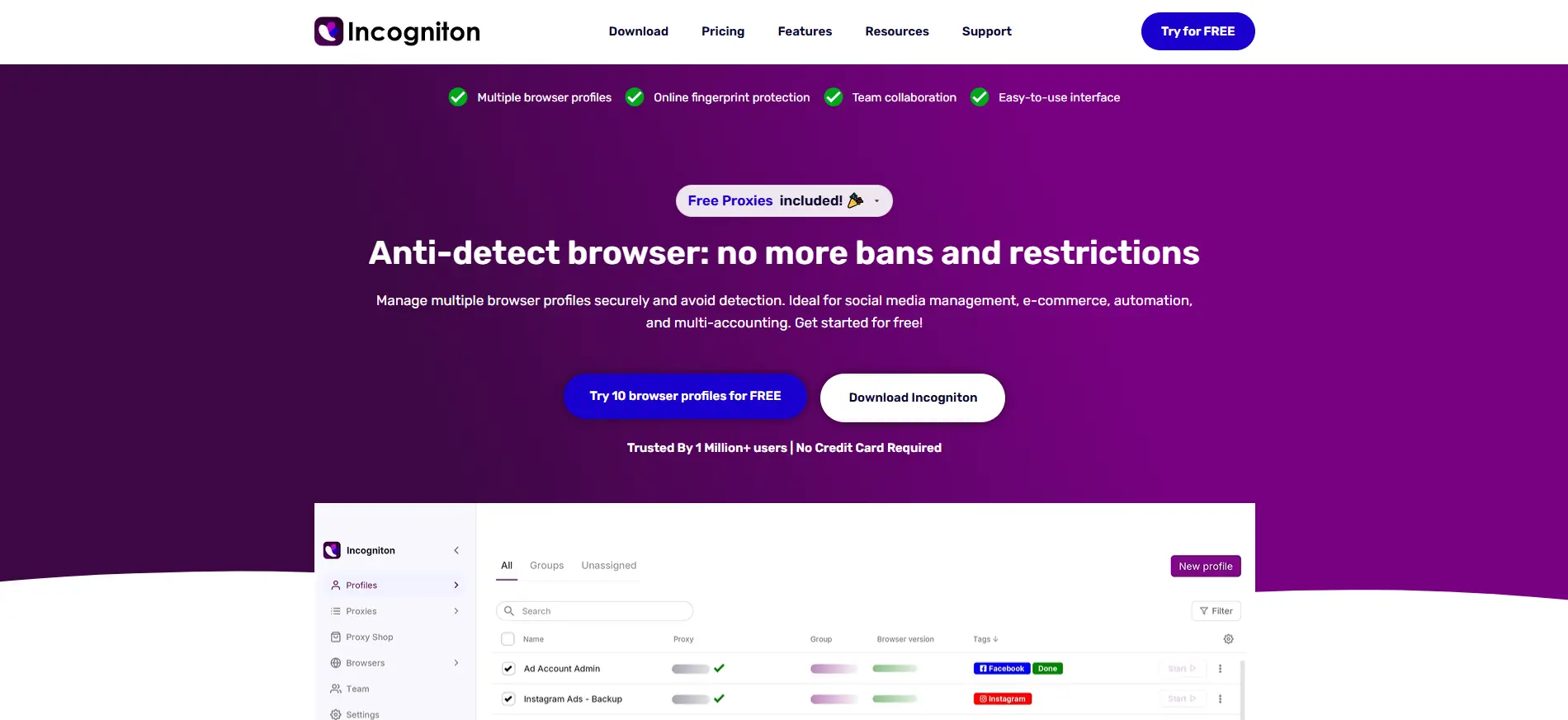
Incogniton may fit users who want to test more profiles during the first stage. Its free starter package currently includes 10 browser profiles for the first 2 months, then changes to 3 profiles. That is useful for short-term testing, but business users should not build a long-term workflow around the first 2 months only. If each account needs a stable profile over time, the later profile limit matters more than the starting offer.
- Supported OS: Windows and macOS.
- Amount of profiles on free plan: 10 profiles for the first 2 months, then 3 profiles.
5. Dolphin Anty
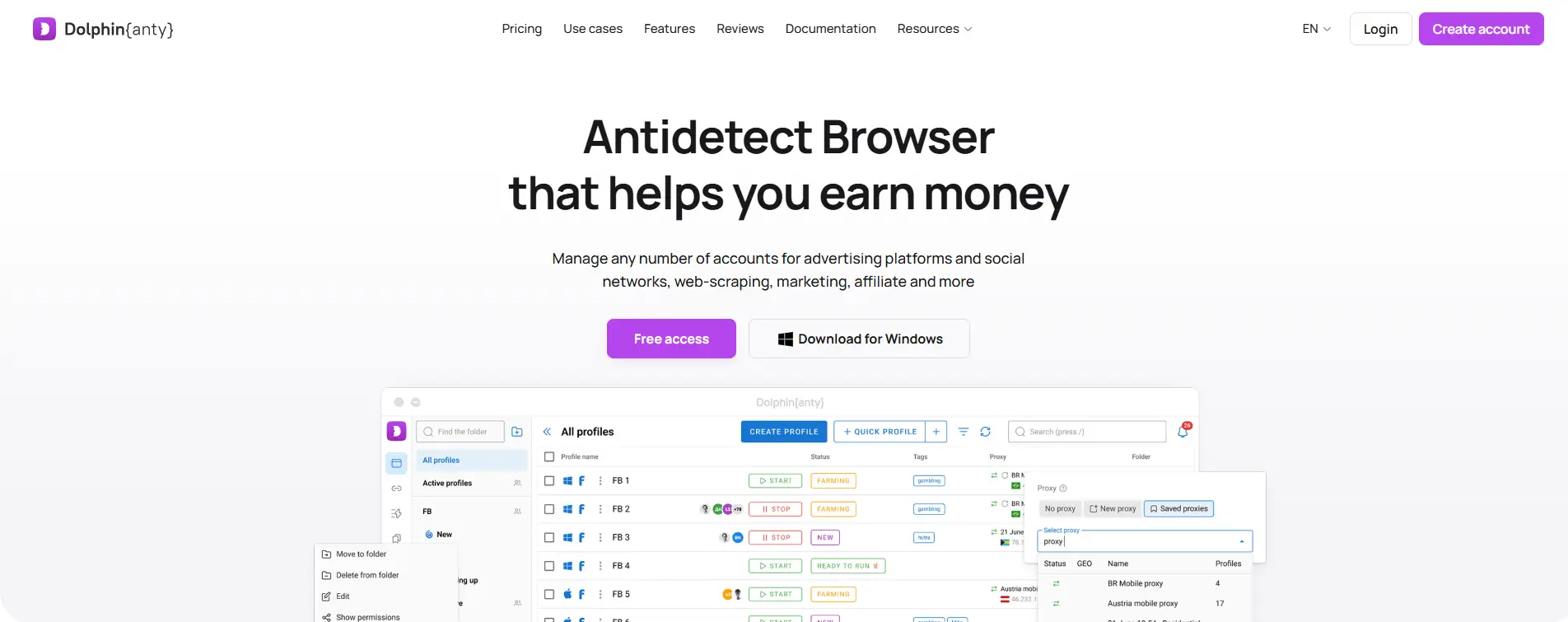
Dolphin Anty can work for solo users testing affiliate, traffic, or social media workflows. Its free plan currently gives 5 profiles with no time limit, which is enough for learning the browser and testing a small setup. For production-level work, users should check whether they need more profiles, cloud sync, automation, or team features before relying on the free plan.
- Supported OS: Windows, macOS, and Linux.
- Amount of profiles on free plan: 5 profiles.
6. MoreLogin
MoreLogin gives users a small free starting point. Its help center states that every new user gets a free package with 2 profiles and 2 members, including the super administrator. This may help users test a tiny team setup, but the profile count is too limited for most growing business workflows. If each account needs its own profile, 2 profiles can run out very fast.
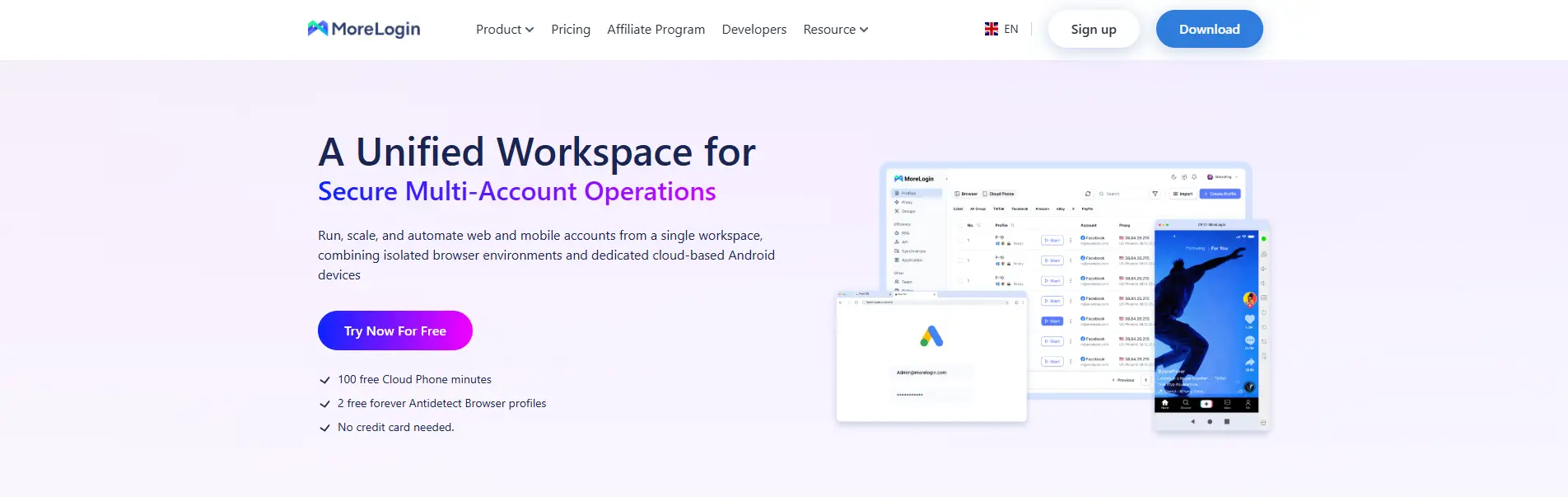
- Supported OS: Windows, macOS.
- Amount of profiles on free plan: 2 profiles.
How Should You Test a Free Antidetect Browser Before Using Business Accounts?
Test a free antidetect browser with a low-risk setup before you log in to business accounts. Do not start with client ad accounts, store accounts, payment accounts, or main work emails.
Start with a test profile before adding valuable accounts
Create one empty browser profile first. Do not import old cookies or log in to an important account right away. The first test should only check whether the browser profile works as expected.
Use a clear name for the profile, such as “Test - US Proxy - Social Account.” This helps you see whether the profile, proxy, and account purpose match. If the tool already feels confusing at this stage, it may become harder to manage when more accounts are added.
Add a steady proxy and check the visible environment
After the test profile is created, add one stable proxy to it. Then check whether the visible environment makes sense. The IP location, timezone, language, and browser settings should not conflict with each other.
Before using real accounts, check these basic items:
1. Download the browser only from the official website or a trusted source.
2. Create one empty test profile.
3. Add one stable proxy to that profile.
4. Check IP, timezone, language, WebRTC, and DNS.
5. Open a low-risk account or test site first.
6. Keep normal browsing behavior and avoid changing settings too often.
7. Decide whether the setup is ready for business accounts based on the test result.
A free antidetect browser is not ready for business use just because the profile opens. It should keep the account environment stable enough for normal work.
Run a small workflow before moving real business accounts
A small workflow test is better than a quick login test. For example, a small social media team can create three separate test profiles, assign one proxy to each profile, name each profile clearly, and use non-critical accounts first.
The risky version is using one profile for several accounts, changing proxies often, and then logging in to client accounts right away. That setup gives you very little room to find mistakes before they affect valuable accounts.
If the free browser works well in a small test, it may be useful for learning or low-risk workflows. But passing a basic test does not mean the free plan has no limits. The next thing to check is where free antidetect browsers usually fall short.
What Are the Limitations of Free Antidetect Browsers?
Free antidetect browsers are useful for learning, testing, and small workflows, but they are usually not built for long-term business operations. The main limit is not only the number of free profiles. It is whether the free plan can support real account work when more accounts, team members, and daily tasks are added.
Common limitations include:
- Limited browser profiles: Most free plans only allow a small number of active profiles. This may be enough for testing, but it can become a problem when each business account needs its own separate profile.
- Basic fingerprint settings: Some free plans may offer only basic fingerprint controls. This can be fine for early testing, but business users should check whether key settings such as timezone, language, WebGL, Canvas, fonts, and screen size can stay consistent with the account setup.
- Limited proxy management: A free plan may support proxy setup, but not always in a way that is easy to manage at scale. When profiles grow, users need to know which proxy belongs to which account and avoid changing the setup too often.
- No or limited team features: Many free plans are built for one user. If a team needs profile sharing, member roles, or controlled access, the free plan may not be enough.
- No advanced permission control: Without clear permissions, teams may still rely on shared passwords or unclear handoffs. This can create problems when a VA, freelancer, or team member leaves the project.
- Limited automation or API access: Free plans often restrict automation, scripting, API access, or repeated workflow tools. This matters when routine actions become too time-consuming to handle manually.
- Limited cloud sync: Some free plans may not support smooth profile syncing across devices or team members. This can make it harder to work from different machines or manage remote teams.
- Lower support priority: Free users may need to rely on help docs, community support, or slower responses. For low-risk testing, this may be acceptable. For business accounts, slow support can delay daily work.
The real risk is building a business workflow on a free plan before knowing where it stops. A free antidetect browser can be a good starting point, but once accounts carry revenue, client value, or team responsibility, its limits become part of the business risk.
When Should You Upgrade to a Paid Antidetect Browser?
You should upgrade to a paid antidetect browser when the accounts become too valuable to manage with a limited free setup. A free plan is fine for learning and small tests, but paid plans make more sense when account value, team access, and long-term stability matter.
Upgrading is not only about getting more browser profiles. It is about reducing the hidden cost of mistakes. If one wrong login, mixed profile, lost session, or unclear team handoff can slow down your business, the free plan may already be too small for the job.
Consider moving to a paid plan when you need:
- More browser profiles: Each business account should have its own profile. If you are reusing profiles because the free limit is too low, the setup is no longer clean enough.
- Stable long-term account environments: Business accounts need steady cookies, sessions, proxy settings, and fingerprint settings. Constant rebuilding or switching can create extra risk and wasted time.
- Team collaboration: A free plan may work for one person. It often becomes messy when a VA, freelancer, partner, or support member needs access to the same accounts.
- Profile sharing without sharing passwords: Once more people join the workflow, sharing raw passwords becomes hard to control. Paid plans often make profile access easier to manage.
- Permission control: Team members do not always need the same level of access. Paid plans are usually better when you need to control who can open, edit, share, or manage profiles.
- Operation records: When a team manages client accounts or revenue accounts, it helps to know who opened a profile, changed settings, or handled a task.
- Automation or API access: If repeated tasks take too much time, free plans may be too limited. Paid plans are often needed for automation, scripting, or API-based workflows.
- Better support: Slow support may be fine during testing. It is harder to accept when business accounts are stuck, sessions fail, or a team cannot work.
The clearest upgrade signal is when the cost of account mistakes becomes higher than the software cost. Free antidetect browsers are useful for starting, but paid plans are usually a better fit when accounts carry revenue, client trust, or team responsibility.
Frequently Asked Questions About Free Antidetect Browser Options for Business Use
1. Are free antidetect browser options reliable enough for business use?
Free antidetect browser options can be reliable for testing, learning, and small low-risk workflows, but they are not always enough for real business operations. Before using one for business accounts, check whether it supports separate profiles, proxy configuration, stable sessions, basic fingerprint settings, and a clear upgrade path. A free plan is a starting point, not a full business system.
2. What is the safest way to test a free antidetect browser before using business accounts?
The safest way is to create a test profile first, connect a stable proxy, check the visible environment, and use a low-risk account before logging in to valuable accounts. Business users should not start with client ad accounts, store accounts, payment accounts, or main work emails. Testing with low-risk accounts helps you find setup mistakes before they affect important assets.
3. Do I still need proxies with a free antidetect browser?
Yes, in most business workflows, proxies are still needed. An antidetect browser helps separate browser profiles, cookies, sessions, and fingerprint settings, but a proxy controls the IP address and network location. For multi-account work, each profile should usually have a steady proxy that matches the account’s region and use case.
4. When should a business upgrade from a free antidetect browser to a paid plan?
A business should upgrade when the accounts carry revenue, client value, or team responsibility. The main upgrade signal is not just needing more profiles. It is needing stable profile control, profile sharing, team permissions, operation records, better support, or a smoother way to manage accounts over time. For teams that need controlled access, using an antidetect browser like DICloak can be more practical than relying on a limited free setup.
5. Can a free antidetect browser support team account management?
Some free plans may support very small tests, but most are limited for team account management. Teams often need profile sharing, permissions, clear account ownership, and logs to reduce password sharing and handoff problems. If more than one person needs to work on the same business accounts, the free plan should be checked carefully before it becomes part of the daily workflow.
Conclusion
Free antidetect browser options can be reliable for business use, but only when they come from trusted providers and fit a low-risk workflow. They are useful for testing browser profiles, proxy setup, fingerprint settings, and small account workflows. But users should not judge them by free profile count alone. A stable setup with separate profiles, steady proxies, clean sessions, and a clear upgrade path is more important than getting more free profiles.
For real business use, free plans are best treated as a starting point. Once accounts carry revenue, client value, or team responsibility, users should check the limits around profiles, proxy management, team access, permissions, support, and migration. A free antidetect browser can help users learn and test, but a paid plan is usually a better fit when account stability and workflow control matter more than saving software cost.
 Web Proxy Tools
 Free Tools
 Cookie Plugin
 UA Generator
 MAC Address Generator
 IP Generator
 IP Address List
 2FA Code Generator
 World Clock
 Anonymous Check
 WebRTC Leak Test
 UUID Generator
 Free Web Proxy Site
 Proxy Checker
 FB Ad Checker
 AI Web Scraping
 Free SMM Tools
 Twitter Shadowban Checker
 Instagram Name Checker
 UTM Generator
 Username Generator
 AI Hashtag Generator
 LinkedIn Headline Generator
 Social Media Image Resizer