Tired of seeing "Access Denied" when you try to visit a website? You're not alone. Whether it's restrictions at school, firewalls at work, or regional censorship, countless internet users face blocked content every day.
The good news is that there's a simple and effective solution: an unblocked browser. These tools act as your personal master key to the internet, giving you unrestricted access while keeping your browsing private and secure. In this article, we’ll explore the best unblocked browser options available to help you find the perfect one for your needs.
What Exactly is an Unblocked Browser?
An unblocked browser is a web browser specifically designed to bypass network restrictions set by schools, internet service providers (ISPs), or governments. Unlike standard browsers, it comes with built-in tools that help you access websites that would otherwise be restricted or inaccessible.
These browsers often include integrated features such as proxies, traffic routing tools, or advanced anti-detect techniques to keep your browsing activity private and secure. By managing how your connection and digital identity appear online, an unblocked browser gives you the freedom to explore the internet with fewer limitations.
How to Choose the Right Unblocked Browser for You
With so many options, choosing the right unblocked browser depends on your specific needs. Here are the key factors to consider:
- Privacy & Security: Look for features like data masking, anonymous browsing protocols, and anti-detect tools. The best browsers prevent your online activity from being tracked and protect your personal information.
- Speed and Performance: There is often a trade-off between privacy and speed. Highly secure browsers like Tor offer maximum protection but may be slower, while options like Brave or Opera are optimized for faster performance.
- Ease of Use: A good unblocked browser should have a simple, user-friendly interface with minimal setup required. You shouldn’t need advanced technical knowledge to get started.
- Bypass Capabilities: Different browsers use techniques like proxies or traffic routing tools to circumvent blocks. Consider which method works best for the restrictions you face.
- Mobile Support: If you browse frequently on phones or tablets, choose a browser with a strong mobile experience that maintains privacy and performance comparable to desktop versions.
10 Top Unblocked Browser Choices for Unrestricted Access
Here is our review of the top unblocked browsers, where we've broken down their key features, pros, and cons to help you make an informed choice. We'll start with powerful professional tools and then move through options ideal for privacy, streaming, and everyday use, helping you pinpoint the right fit.
1.DICloak: The Professional's Unblocked Browser for Multi-Account Management
⚡The DICloak Antidetect Browser has become a global favorite for its unparalleled ability to efficiently and securely manage multiple accounts. Designed for professionals in social media management, affiliate marketing, traffic arbitrage, e-commerce, account farming, airdrops and more, DICloak offers powerful features like RPA automation, bulk operations, and a synchronizer. Additionally, it allows you to customize fingerprints and integrate proxies for each profile, ensuring top-level security and operational efficiency. It’s the ultimate tool for seamless, secure, and scalable operations.

What Makes DICloak Stand Out?
✅ Manage 1,000+ Accounts on One Device: Stop wasting money on extra hardware! DICloak allows you to manage multiple accounts on a single device, cutting costs and boosting efficiency.
✅ Guaranteed Account Safety, No Ban Risks: Every account gets its own isolated browser profile with custom fingerprints and IPs, drastically reducing the risk of bans. Your accounts, your control!
✅ Flexible Proxy Configuration for Maximum Performance: Seamlessly integrate with all major proxy protocols (HTTP/HTTPS, SOCKS5) and manage your proxy pool with bulk operations. No more struggling with IP management—DICloak has you covered.
✅ Streamlined Team Collaboration for Better Results: Easily manage your team with advanced tools like profile sharing, permission settings, data isolation, and operation logs. Your team works smarter, not harder.
✅ Automate the Grind with RPA: DICloak's built-in RPA saves you hours of manual work. Automate repetitive tasks, streamline workflows, and focus on what really matters—growing your business.
✅ Powerful Bulk Tools to Scale Your Operations: Create, import, and launch multiple browser profiles in one click. DICloak makes scaling your business as easy as it gets.
✅ Compatible with All Major Operating Systems: Based on the Chrome core, DICloak supports simulating Windows, Mac, iOS, Android, and Linux operating systems. No matter what platform you need, DICloak has you covered.
🔗 Ready to Get Started?
Visit the DICloak website to explore more details and choose the plan that’s right for you. Start for free today and experience the power of secure, efficient, and scalable multi-account management!
2. Opera Browser: A Flexible Browser for Easy Access
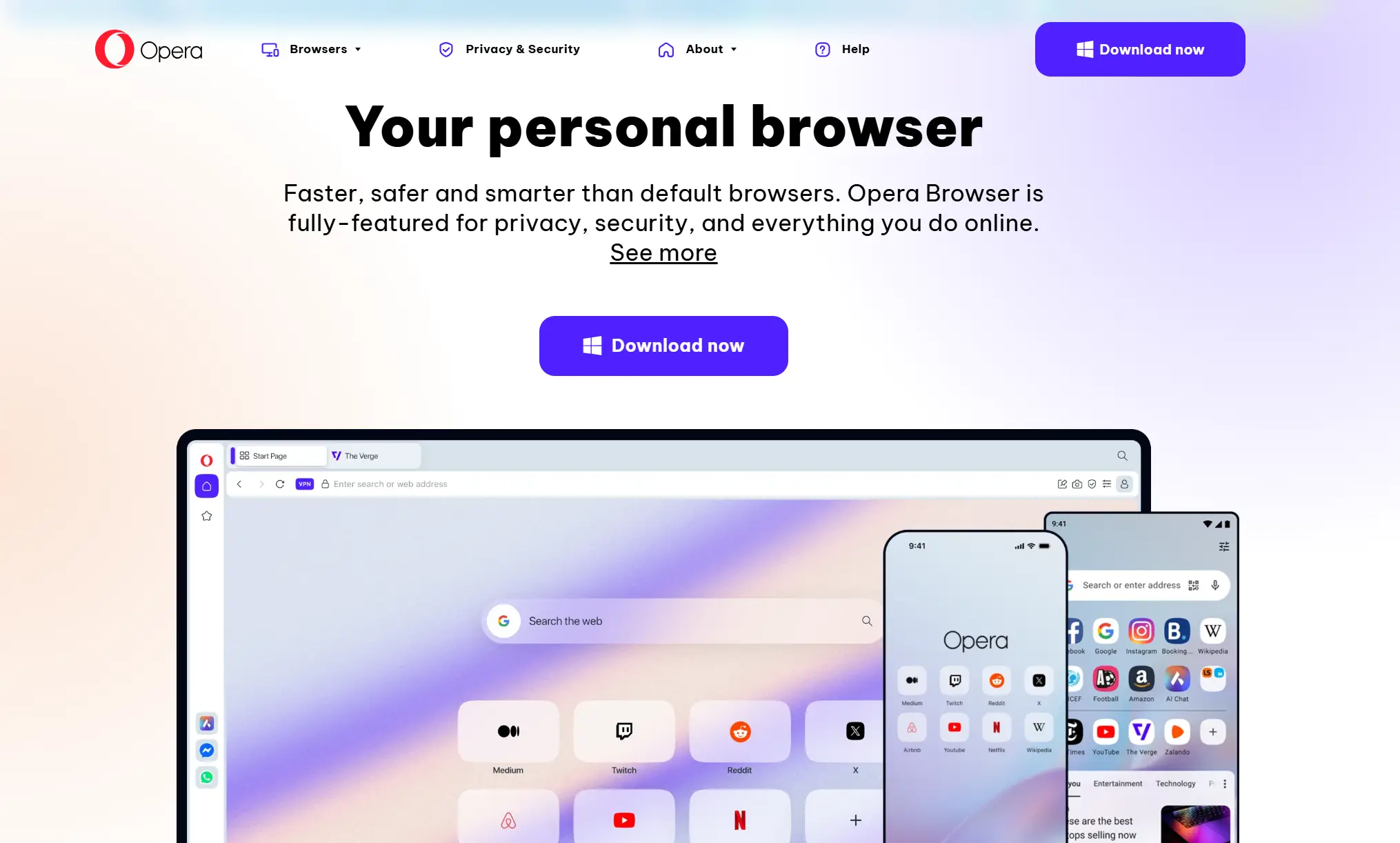
Opera has secured its place as a mainstream favorite thanks to its built-in browsing tools that make accessing region-restricted content simple and convenient. With cross-platform support for Windows, Mac, Android, and iOS, it delivers a smooth and consistent experience across all your devices. Opera also includes useful features like an integrated ad-blocker and performance optimizations, making it a solid choice for casual users who want quick, everyday access and smooth streaming. It’s an ideal “set it and forget it” option for enjoying your favorite shows with minimal setup and effort.
3.Tor Browser: The High-Anonymity Unblocked Browser
The Tor Browser is the gold standard for users who prioritize maximum anonymity and security. It routes your internet traffic through multiple encrypted layers using "onion routing," making your online activity nearly impossible to trace. It is the preferred tool for journalists, researchers, and individuals in highly restricted regions who need to bypass restrictions and access censored information with the highest level of privacy. For those whose primary concern is staying anonymous, Tor is the undisputed champion.
| Pros |
Cons |
| Excellent for anonymity and privacy |
Slower browsing speed |
| Effective against strong censorship |
Not ideal for streaming or heavy downloads |
| Free with no ads |
|
4.Psiphon: The Mobile Unblocked Browser for Tough Firewalls
Psiphon is a well-known browser designed for mobile users facing restrictive environments. It combines SSH and proxy technologies to effectively bypass even the strictest firewalls, making it a reliable tool for travelers, students, and anyone needing access to blocked sites on the go. Its simple mobile interface allows for quick connections without complex configuration. For reliable mobile access in tightly controlled networks, Psiphon is a proven and effective choice.
| Pros |
Cons |
| Reliable in highly censored environments |
Ads in the free version |
| Simple to use on mobile devices |
Speeds can vary depending on the network |
| Multiple connection methods |
|
5.Brave Browser: The Fast and Private Unblocked Browser
Brave is built for speed and privacy, automatically blocking invasive ads and trackers to deliver a faster, cleaner browsing experience. For users who need an extra layer of security, Brave includes an optional Tor browsing mode that enables access to restricted content while hiding your activity. This combination makes it ideal for users who want fast, privacy-focused browsing with a powerful unblocking option. Ultimately, Brave offers an excellent balance of speed and security for the everyday user.
| Pros |
Cons |
| Fast and ad-free experience |
The Brave Rewards system may display some ads |
| Tor option for high privacy |
|
6.Aloha Browser: The Mobile Unblocked Browser Built for Streaming
Aloha is designed with mobile streaming in mind. It focuses on fast page loading and smooth video playback, allowing users to watch videos and access region-restricted content with ease. It also features private file storage, built-in ad-blocking, and customizable privacy settings, making it a strong all-in-one choice for users who consume a lot of entertainment on their mobile devices. For media consumption on the go, Aloha remains a top-tier contender.
| Pros |
Cons |
| Great for mobile entertainment |
Mostly mobile-only |
| Smooth streaming |
Premium plan needed for advanced features |
7.Epic Privacy Browser: A Simple and Secure Unblocked Browser
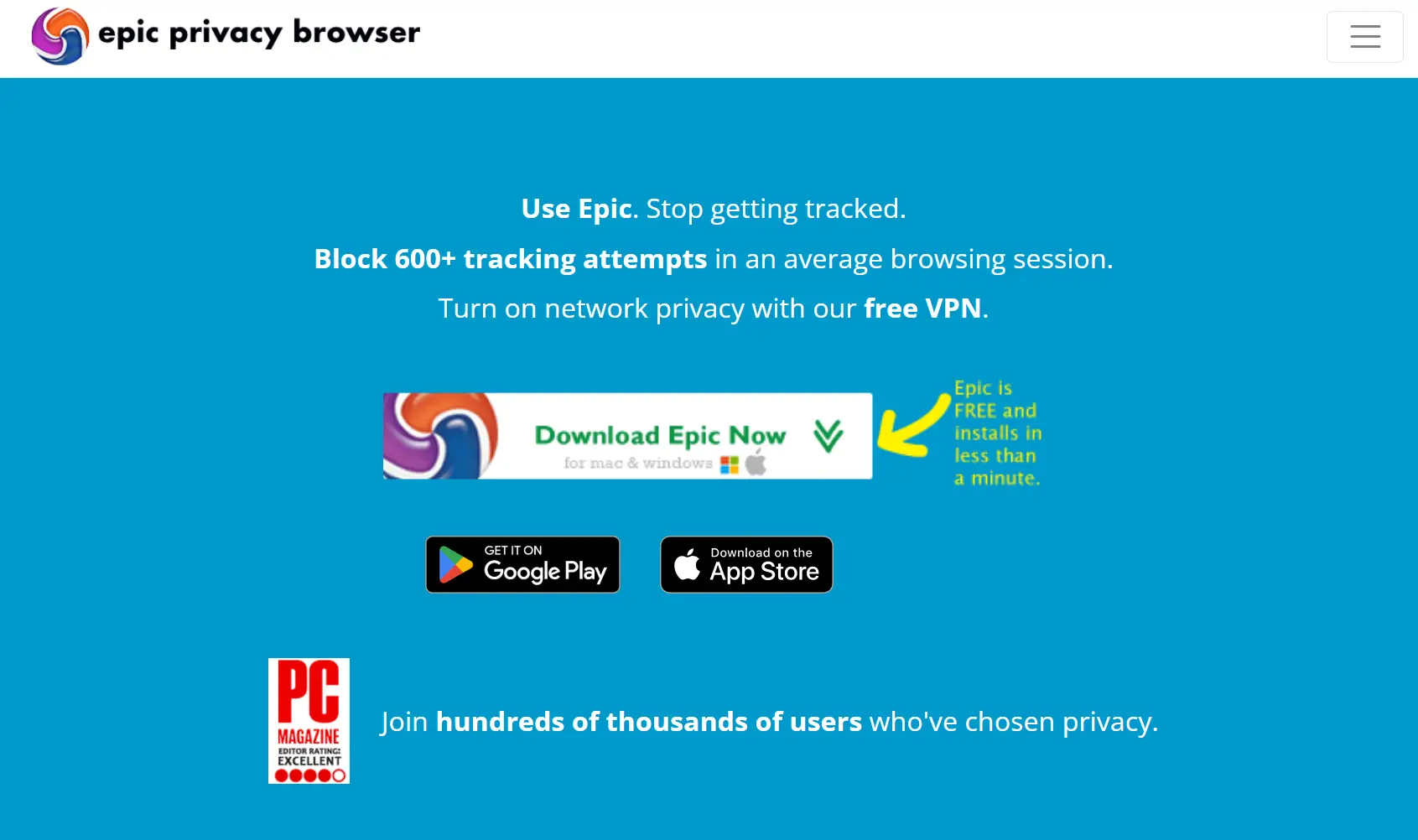
Epic Privacy Browser puts security first by blocking ads, trackers, cookies, and fingerprinting by default. It includes a built-in encrypted proxy that automatically masks your IP address, ensuring your browsing activity remains private. With no history or cache kept, Epic ensures your digital footprint is minimal. It's the perfect browser for users who want to bypass restrictions with a straightforward, always-on privacy shield.
| Pros |
Cons |
| Strong privacy with no history tracking |
Less customizable |
| Good for bypassing restrictions |
Some websites may break due to strict privacy settings |
| Free encrypted proxy |
|
8.UR Browser: A Lightweight Unblocked Browser
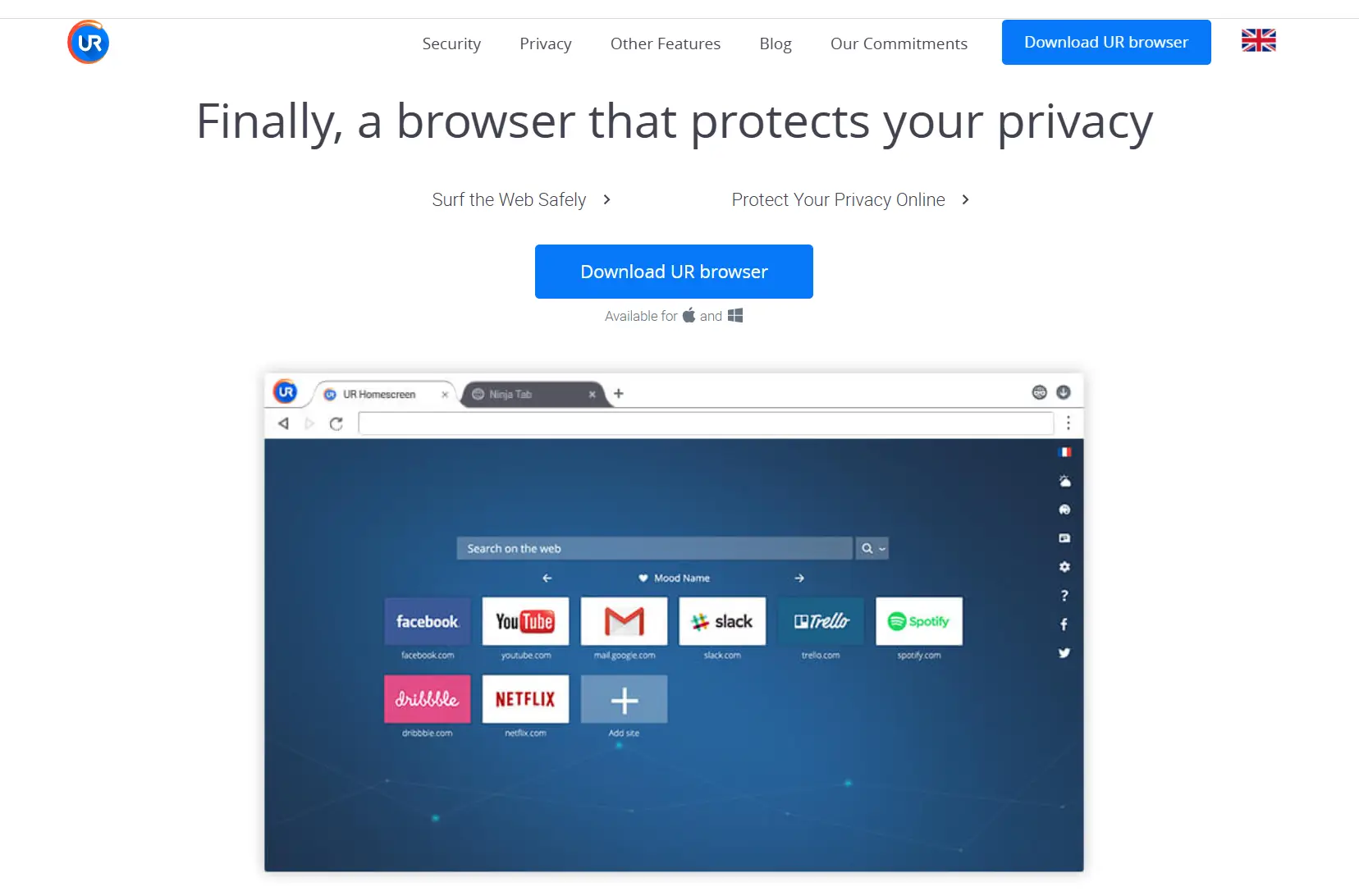
UR Browser is a great option for users seeking a lightweight, fast, and secure browsing experience. It comes with built-in ad-blocking and tracker protection, which helps pages load quickly while maintaining a good level of privacy. Its clean interface and focus on speed make it a solid choice for casual users with basic unblocking needs. If you're looking for a no-frills browser that balances speed with essential privacy, UR is a reliable pick.
| Pros |
Cons |
| Lightweight and fast |
Not as widely recognized |
| Good balance of speed and privacy |
Fewer advanced features |
| Ad-blocking improves experience |
|
9.Incogniton: The Accessible Antidetect Browser

Incogniton carves out a niche as an antidetect browser that is both powerful and accessible, even offering a generous free plan with 10 browser profiles. Like other professional tools, it isolates data between profiles to prevent detection when managing multiple accounts on one platform. With built-in proxy integration, users can easily assign a unique IP to each session for enhanced anonymity. Its combination of free access and professional features makes it a strong choice for individual users or small teams just starting with multi-account management.
| Pros |
Cons |
| Perfect for secure and stealth browsing |
Requires initial setup for casual users |
| Free plan includes 10 profiles |
More suited for professional use |
| Strong multi-account management tools |
|
10.DuckDuckGo Privacy Browser: The Mobile-First Privacy Choice
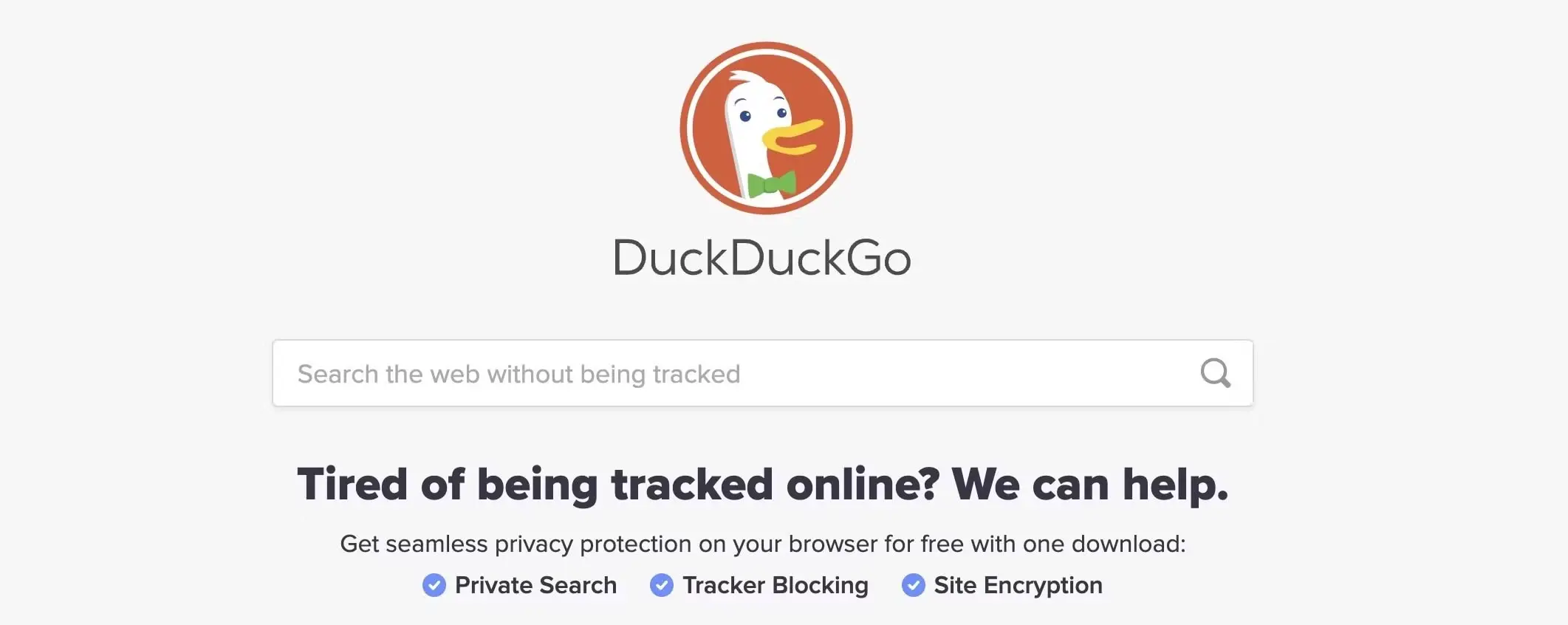
DuckDuckGo’s mobile browser is an ideal choice for users who want simple, effective privacy without complex configurations. It excels at blocking trackers and ads by default and includes a “Fire Button” that instantly clears all tabs and browsing data with a single tap. Its core focus is on preventing tracking, reducing data collection, and keeping browsing activity private at all times. For everyday mobile use where privacy is the top priority, DuckDuckGo remains a best-in-class option.
| Pros |
Cons |
| User-friendly with strong privacy protections |
Not available for desktop |
| One-tap data clearing |
Limited customization options |
| Blocks trackers automatically |
|
Comparison Table of the Top Unblocked Browser Options
| Browser |
Key Strength |
Device Support |
Best For |
| DICloak |
Anti-detect + Multi-Account Management |
Windows, Mac |
Professionals, agencies, and teams managing multiple online accounts. |
| Opera |
Easy access + Smooth streaming |
Windows, Mac, Android, iOS |
Streaming and casual daily use. |
| Tor |
High privacy & anonymity |
Windows, Mac, Linux |
Users in restricted regions and those needing maximum privacy. |
| Psiphon |
SSH + Proxy |
Android, iOS, Windows |
Mobile users behind strict firewalls. |
| Brave |
Ad-blocking + Tor tab |
Desktop & Mobile (Platform details not specified in source) |
Users who want fast, ad-free browsing with a privacy option. |
| Aloha |
Mobile-first media experience |
Android, iOS |
Mobile entertainment and streaming. |
| Epic |
Encrypted proxy + privacy |
Windows, Mac |
Privacy-conscious users. |
| UR Browser |
Lightweight + privacy tools |
Windows, Mac |
Fast everyday browsing. |
| Incogniton |
Anti-detect + Free Tier |
Windows, Mac |
Individuals and professionals starting with multi-account management. |
| DuckDuckGo |
One-tap privacy clearing |
Android, iOS |
Mobile users who prioritize simple, private browsing. |
Conclusion
Internet restrictions are common, but the right unblock browser can make access simple and secure. Tor Browser is ideal for maximum privacy and anonymity, Opera works well for casual streaming and everyday use, and antidetect browsers are essential for professionals managing multiple accounts. While Incogniton offers basic options, DICloak stands out as a powerful unblock browser with advanced automation, team features, and strong account protection, helping users browse freely and safely.
FAQs
1. Are unblocked browsers safe to use?
Reputable unblocked browsers like DICloak, Tor, and Opera are generally safe. However, you should always download software from official websites to avoid the risk of malware or other security threats.
2. Will using an unblocked browser slow down my internet?
Some unblocked browsers might slow down your connection because they reroute your traffic through different servers. However, browsers like Brave and Opera are optimized for speed. Furthermore, professional tools like DICloak are engineered for efficiency, allowing for smooth browsing without noticeable lag even while using advanced security features.
3. Is an unblocked browser good for managing multiple social media accounts?
While most simple unblocked browsers are not designed for this, specialized antidetect browsers are perfect for it. Tools like DICloak are built specifically for this purpose, allowing you to create unique, isolated browser profiles for hundreds of accounts. This prevents platforms from linking your accounts together and reduces the risk of bans.
 Web Proxy Tools
 Free Tools
 Cookie Plugin
 UA Generator
 MAC Address Generator
 IP Generator
 IP Address List
 2FA Code Generator
 World Clock
 Anonymous Check
 WebRTC Leak Test
 UUID Generator
 Free Web Proxy Site
 Proxy Checker
 FB Ad Checker
 AI Web Scraping
 Free SMM Tools
 Twitter Shadowban Checker
 Instagram Name Checker
 UTM Generator
 Username Generator
 AI Hashtag Generator
 LinkedIn Headline Generator
 Social Media Image Resizer