A YouTube creator with 120,000 subscribers saw their views drop by 85% overnight, no copyright strikes, no warnings, no answers from support. This is how most people first realize they’ve been hit with a youtube shadowbanned penalty. Your channel looks normal when you’re logged in, but your videos stop showing up in search, recommendations, and even on subscriber feeds. For many, it feels like YouTube just turned off the lights without saying why.
The worst part is, there’s no official alert for a youtube shadowban. Creators search for “youtube channel shadowbanned” and find only rumors, not a real detection method. Even YouTube Help says nothing specific about shadowbans. The confusion leads people to waste weeks tweaking tags, uploading new content, or even deleting videos, none of which help if you’re actually shadowbanned.
This guide cuts through the noise. You’ll see the practical signs that actually point to a youtube shadowban, the steps to test if your channel is affected, and what actions can really reverse or prevent hidden penalties. Before you pour more time into uploads or paid promotion, it’s worth knowing if you’re being seen at all. Here’s what creators are checking now to get their reach back.
What Does It Mean to Be Shadowbanned on YouTube?
Most creators only realize something’s wrong when their views or comments drop off, but no alert appears. A youtube shadowban means your channel or videos are hidden from most non-subscribers, your uploads still exist, but the algorithm quietly stops showing them to new viewers. You don’t get a warning, and your stats may look normal at first. That’s what makes shadowbans so confusing: you’re uploading as usual, but almost nobody outside your core audience ever sees your content.
How YouTube Shadowbans Actually Work
YouTube shadowbans are algorithm-driven, not manual. The system flags certain behaviors or patterns, like repetitive spam, sudden changes in upload style, or login from risky proxies, and restricts your reach without sending you any message. Your subscribers can still watch your videos, but your channel stops getting surfaced in recommendations, search, or browse features. There’s no dashboard alert, no email, and no clear way to appeal. That’s why creators searching for “youtube channel shadowbanned” or “youtube shadowban detection” often find only guesses and workarounds, not real answers from YouTube Help.
Shadowban vs Other YouTube Penalties
It’s easy to confuse a shadowban with more obvious penalties, but the impact and recovery process are different. Here’s how they compare:
| Penalty Type |
What Changes? |
Notification? |
| Shadowban |
Search/recommendation invisibility |
No |
| Demonetization |
Ads disabled, revenue stops |
Yes (dashboard) |
| Account Suspension |
Channel disabled |
Yes (email) |
Shadowbans cut off your reach quietly, while demonetization or suspension are loud and clear. If you’re shadowbanned, you may only notice after checking analytics over several days, sometimes the only sign is a steep, unexplained drop in non-subscriber views.
The real risk with a youtube shadowban is losing all your channel’s growth momentum, often without knowing why it happened. Next, you’ll see how to test if your channel is actually affected, so you don’t waste time on the wrong fixes.
How to Tell If Your YouTube Channel Is Shadowbanned
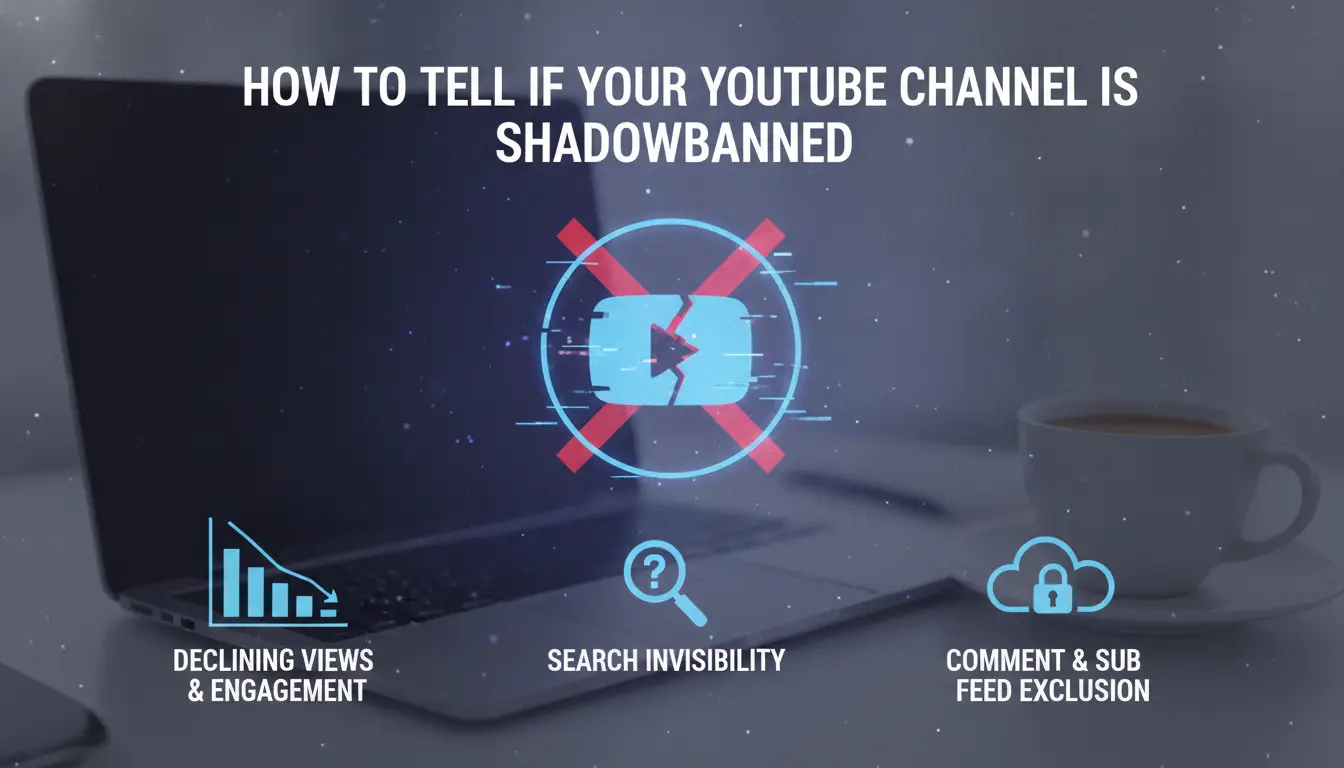
Knowing if your channel is actually hit by a youtube shadowban is not obvious. You won't get a warning, and most changes happen quietly. You have to look for signs that don't show up in your dashboard. The steps below show what real creators check when they suspect a shadowban, and how to avoid wasting time on false alarms.
Key Signs Your Channel Is Shadowbanned
The first red flag is a sudden drop in engagement. If your usual videos get 1,000 views and the last few are stuck at 50, without any topic or timing change, that's a clear signal. Watch for comments and likes disappearing too. Sometimes, your subscribers stop seeing your uploads, even if they didn’t change notification settings.
The other big clue is that your content vanishes from search and recommendations. Even searching your exact video title on a different account doesn’t bring it up, or your channel disappears from auto-complete. If your analytics show “impressions” dropping to near zero, but watch time and click-through rate stay the same, that points to a youtube shadowban rather than a content slump.
How to Test for Shadowban: Step-by-Step
Start by searching for your latest videos using a browser that isn’t logged into your account, use incognito mode or ask a friend. If you can’t find your content by title, even after scrolling several pages, that’s a strong hint. Repeat this from a second location or on mobile data. This rules out local glitches.
Next, check with 3-5 real subscribers. Ask if your uploads show up in their feed or notifications. If most report nothing new, but they get videos from other channels, you’re likely facing a youtube channel shadowbanned issue.
You can also compare your analytics with public stats on Social Blade or read about shadowban cases in Reddit’s r/youtube. If your numbers match known shadowban patterns, that’s your signal to start digging into causes, covered next.
Why YouTube Channels Get Shadowbanned: Main Causes in 2026
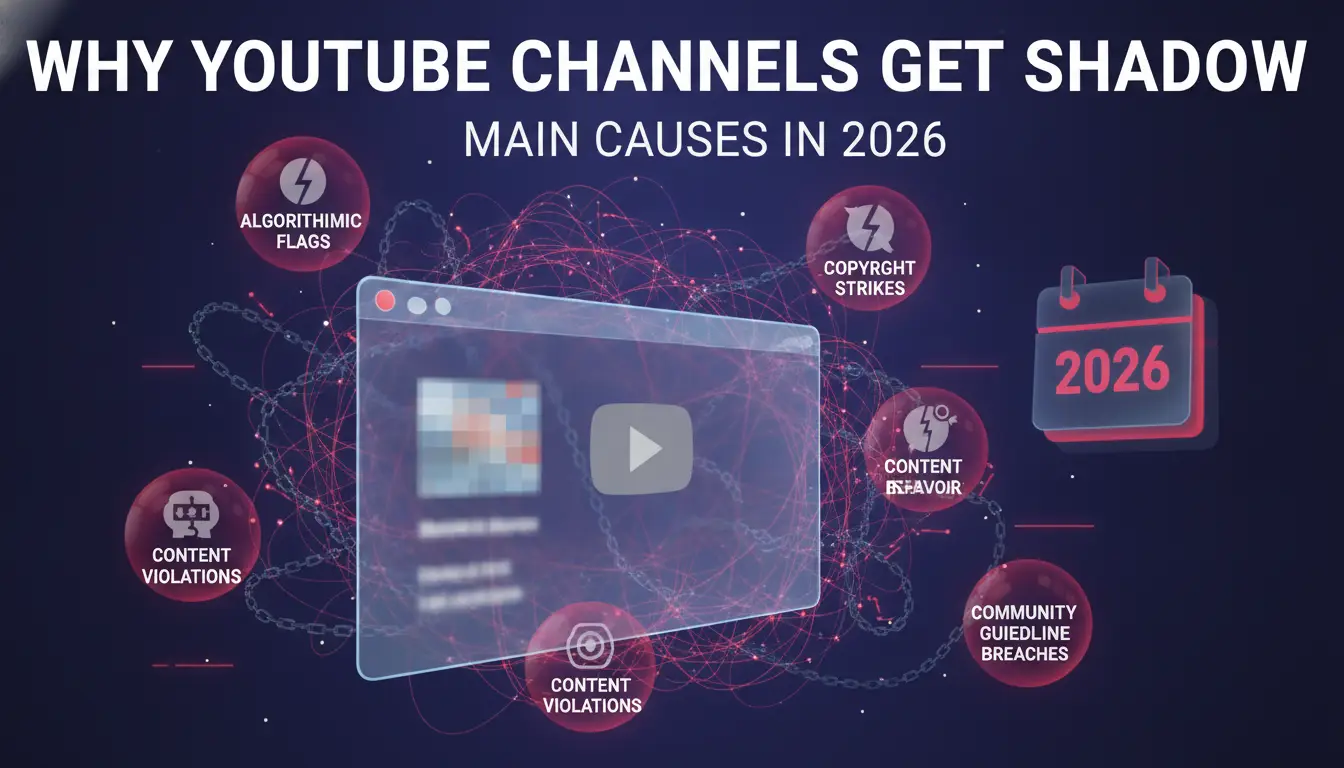
YouTube’s algorithm doesn’t announce when it shadowbans a channel. The real warning signs usually come after reach suddenly drops or videos stop appearing in search, even though you haven’t gotten a formal strike. To avoid hidden penalties, you need to know what actually triggers a youtube shadowban now. Most cases in 2026 trace back to just a few repeat patterns.
Algorithmic Triggers and Content Patterns
The most common technical cause is when YouTube’s system flags your channel for spam-like actions. This can mean uploading too many similar videos in a short time, posting the same comment over and over, or using clickbait titles that push policy lines. Bulk scheduling uploads or automating engagement, like mass likes or comments, also sets off alarms.
Another big trigger is repeated “edge testing.” That’s when a creator posts content that keeps skirting YouTube’s rules without breaking them outright. If you keep changing a video just enough to dodge copyright or community strikes, the system will eventually stop surfacing your uploads, even if you haven’t gotten a warning. This is why creators searching for “youtube shadowban detection” often find little help from official sources, there’s no transparent process, but the pattern repeats.
Community Flags, Reports, and Negative Feedback
Algorithmic risk isn’t the only path to a youtube shadowbanned state. Mass reporting by viewers, especially if organized, can lead to reduced reach fast. If your channel gets hit with a wave of reports for spam, misleading claims, or policy issues, YouTube often acts by suppressing content visibility before any manual review.
Subscriber complaints matter too. If a high percentage of viewers mark “not interested” or report your content, the algorithm takes that as a red flag, even without formal strikes. This negative feedback loop means even established creators can get hidden if engagement sours or content drifts too far from audience expectations.
If you see these triggers, it’s time to act, section 4 covers what to do next.
What to Do If You Suspect a Shadowban: Immediate Actions
Spotting the signs of being youtube shadowbanned is frustrating, but the worst move is to panic and start deleting or spamming new uploads. What works is a focused reset, checking for actual problems, then signaling to YouTube you’re not a risk going forward. Here’s what experienced creators do as soon as shadowban symptoms show up.
Audit Your Content and Channel Behavior
When you notice a sudden drop in impressions and no outside confirmation, don’t guess, start with your last 7–14 days of activity. Look for uploads, video descriptions, comments, or live chats that break YouTube’s Community Guidelines even in small ways. A single flagged comment or a reused video title can trigger hidden limits. Patterns that stand out: identical tags on every upload, rapid-fire posting, or links that send people off YouTube.
Also, check your engagement stats. If subscriber growth or likes flatline right after a specific action, that’s a red flag. Run a manual search for your recent videos while logged out and in incognito mode, if your content is missing from search but still visible when logged in, shadowban is likely.
Rebuild Trust with YouTube Algorithms
Once you’ve identified risky actions, stop them right away. Don’t mass delete videos or comments, this can make the penalty worse. Instead, go silent for 48–72 hours. During this cooldown, fix obvious problems: rewrite vague titles, remove link spam, and correct any misleading thumbnails.
Next, restart uploads slowly, maybe once every 3–5 days. Focus on natural engagement, real comments, likes, and shares, not artificial boosts. The most important step is to avoid sudden channel changes; YouTube’s system tracks abrupt shifts and can extend the shadowban if it senses manipulation.
If you manage your channel with others, remember: shared logins or multiple locations can trigger new issues. That’s where team workflows need extra care, especially as shadowban risks shift with new YouTube updates.
How Team Management and Account Sharing Can Trigger Shadowbans
Teams often share YouTube accounts to manage uploads, comments, or analytics. But handling a channel with multiple people means you’re stacking risks that solo creators rarely face. YouTube’s detection systems flag unusual access patterns, even if everyone has good intentions. Here’s where things break down.
Risks of Multiple People Accessing One Channel
Every time a new person logs in, YouTube spots a different IP address and device fingerprint. This isn’t just background noise. Sudden changes, like logging in from New York, then Paris, then Singapore within hours, look like account hijacking or bot activity. That’s a red flag for youtube shadowban detection. YouTube quietly limits your channel’s visibility to protect users from fraud, but you won’t get a warning.
Another issue: permission and access control mistakes. If you share a password instead of using YouTube’s official team features (like channel managers), you blur the line between legit access and risky behavior. Google’s account security guide warns that improper sharing can trigger security reviews. And if someone forgets to sign out or leaves a session open, YouTube sees conflicting activity, sometimes even two people editing at once. That’s how you end up with your youtube channel shadowbanned without realizing it.
Safer Ways to Share Access and Manage Accounts
The fix isn’t just “be careful”, it’s to set up isolated browser profiles for each team member. This means every person gets their own login environment, keeping device fingerprints consistent. If you use proxies tied to specific profiles, you cut the risk of location jumps that trigger YouTube’s protections. Teams can use tools like Google Chrome profiles, or specialized solutions that support secure access. Keeping access separate and controlled is the single most effective way to avoid hidden penalties.
Ready for a more solid approach? Next, see how DICloak helps social media marketers prevent youtube shadowbanned issues without the usual headaches.
How DICloak Helps Social Media Marketers Prevent YouTube Shadowbans
Managing several YouTube channels for clients or as a team makes you a target for hidden platform penalties. When accounts get linked by device fingerprints or shared access patterns, youtube shadowbanned issues become much more likely, especially now that YouTube flags rapid logins and IP overlaps. That’s where tools like DICloak come in.
Isolated Browser Profiles and Fingerprint Customization
Instead of running all channels in the same browser, you can use DICloak to create isolated browser profiles. Each channel runs in its own space, with unique fingerprints and settings. This stops YouTube from connecting your accounts through device or browser clues. Even if you manage dozens of channels, you can avoid being caught by youtube shadowban detection. Keeping every profile separated is the single most effective way to prevent silent reach loss.
Proxy Integration and Team Collaboration Tools
Flexible proxy setup lets each profile use a different IP, so team members don’t accidentally trigger account linkage. DICloak’s permission controls mean only trusted users touch each account, and operation logs track who did what. If you need safe collaboration, this is how you reduce shadowban triggers while keeping workflows efficient. See YouTube Help for platform policy details.
Recovery Timeline: How Long Does a YouTube Shadowban Last and What to Expect
Getting your YouTube channel shadowbanned can leave you guessing how long you’ll be hidden and what, if anything, will bring your reach back. Here’s what creators actually see when dealing with a youtube shadowbanned status.
Typical Duration of Shadowbans
Most shadowbans on YouTube last 2 to 14 days, but some cases drag out for weeks if the root problem isn’t fixed. Short-term bans usually happen for minor issues, like sudden spikes in activity or flagged uploads, which clear up faster if you stop risky actions right away. Long-term bans often result from repeated behavior or team account sharing with overlapping logins and device fingerprints. Your recovery speed depends on how quickly you address the exact cause; even one missed step can keep your channel suppressed.
| Type |
Typical Length |
What Speeds Recovery |
| Short-term |
2–7 days |
Stop risky actions, wait |
| Long-term |
2–6 weeks |
Correct all triggers, stay clean |
Table: Shadowban durations and recovery factors; based on creator reports on Reddit and YouTube Help.
What to Do During Recovery
Keep uploads and edits within YouTube’s rules. Don’t mass edit titles, tags, or descriptions, this can restart the penalty clock. Check your analytics for signs of reach returning: external traffic, impressions, and suggested video appearances. The biggest mistake is changing too much too fast, steady, compliant actions matter more than aggressive fixes. If your youtube shadowban detection checks show slow improvement, stay patient and avoid risky shortcuts.
Advanced Tips to Keep Your YouTube Channel Safe from Shadowbans in 2026
Hidden penalties like a youtube shadowban can stall your channel for weeks, and most creators only realize it after their reach drops hard. If you want to avoid getting your youtube channel shadowbanned, it’s not just about fixing issues after they happen, you need ongoing habits that catch problems before they turn into real bans.
Proactive Steps for Shadowban Prevention
A monthly content audit isn’t just a box to tick. Go back through your recent uploads and check: are there any videos with sudden drops in comments or likes, or topics that YouTube now flags under new policy updates? If you spot one, edit the description or tags to line up with current guidelines. Don’t assume old content is safe, YouTube can retroactively apply new rules. For policy changes, watch the YouTube Official Blog and set alerts for updates about copyright, spam, or community standards. This is where most shadowban triggers get announced, so catching them early means you’re less likely to get hit.
Using Analytics and Community Feedback
YouTube Analytics isn’t just for tracking views, it’s your best tool for youtube shadowban detection. If your engagement drops by 40% overnight but your traffic sources still show “Browse Features” and “Suggested Video” traffic, you’re likely not shadowbanned. But if those sources hit zero and only direct links remain, that’s a warning sign. Pair this with subscriber messages: if regulars say your videos stopped showing up, take it seriously. Respond to their comments and ask for screenshots, sometimes, that’s the only way to confirm a hidden penalty. The faster you spot these patterns and act, the less damage a shadowban can do.
For ongoing protection, make these checks part of your weekly routine. It’s better to catch a small issue early than spend months recovering from a penalty that could have been avoided.
Frequently Asked Questions About youtube shadowbanned
How can I check if my YouTube channel is shadowbanned?
To check if your YouTube channel is shadowbanned, search for your recent videos using different accounts or devices. Compare search results with your channel’s page. Also, monitor your analytics for sudden drops in views or engagement. If your content isn’t showing up and views fall sharply, you may be experiencing a youtube shadowban.
Can a youtube shadowban be reversed on YouTube?
Yes, a youtube shadowban can be reversed. First, stop any risky activities like spammy comments or keyword stuffing. Remove any suspicious links from your descriptions. Appeal to YouTube if you think there’s a mistake. Consistently follow YouTube’s guidelines and rebuild algorithmic trust by posting quality content over time.
Does sharing account access increase youtube shadowban risk?
Yes, sharing your account with multiple users, or logging in from many devices and different IP addresses, can trigger YouTube’s security systems. This may lead to a youtube shadowban detection. To lower risk, use isolated browser profiles and reliable proxies. Keep your login habits consistent to avoid raising red flags.
How long does a YouTube shadowban usually last?
A YouTube shadowban can last from a few days to several weeks. The duration depends on the reason for the ban and how quickly you fix any problems. Returning to normal activity, following community guidelines, and avoiding repeated violations can help your channel recover faster.
What are the best tools to prevent YouTube shadowbans?
To avoid getting your youtube channel shadowbanned, use antidetect browsers like DICloak to control your digital fingerprint. Analytics platforms help you spot unusual drops in performance. Good proxy management tools also reduce detection risk by keeping your login environment stable and secure. These steps lower your chances of triggering a shadowban.
Understanding YouTube shadowbanning is essential for creators who want their content to reach its intended audience without unexpected restrictions. Staying informed about platform policies and monitoring channel performance can help identify and address issues early. Try DICloak For Free
 Web Proxy Tools
 Free Tools
 Cookie Plugin
 UA Generator
 MAC Address Generator
 IP Generator
 IP Address List
 2FA Code Generator
 World Clock
 Anonymous Check
 WebRTC Leak Test
 UUID Generator
 Free Web Proxy Site
 Proxy Checker
 FB Ad Checker
 AI Web Scraping
 Free SMM Tools
 Twitter Shadowban Checker
 Instagram Name Checker
 UTM Generator
 Username Generator
 AI Hashtag Generator
 LinkedIn Headline Generator
 Social Media Image Resizer