Trying to figure out how WhatsApp Usernames actually work can turn into a guessing game fast. You see a new handle pop up, but it’s not clear if it’s public, searchable, or tied to your WhatsApp ID. Most users jump straight to privacy concerns, wondering if picking a username exposes their phone number or leaves them open to unwanted contact.
What’s tricky is the shift from basic phone-number identity to usernames. On one hand, handles give you more control over how people find you. On the other hand, your username can be linked to your account in ways you might not expect, especially if you use the same handle across platforms. That’s where privacy risks come in: someone searching your WhatsApp username could connect your chats to your online profiles, or even scrape your contact details if you haven’t set your permissions right.
The real catch? Managing your WhatsApp username isn’t just about picking something unique. You have to decide how much you want it to reveal, how it interacts with group chats, and what happens if you change it. If you skip the privacy check, your account might show up in places you didn’t intend, or your handle could get flagged for impersonation or spam. The safest workflow is to treat your WhatsApp handle like any public ID, review who can see it, test search visibility, and lock down recovery options before you start sharing.
Here’s what to confirm before setting or updating your WhatsApp username.
What Are WhatsApp Usernames and Why Did They Launch in 2026?
You now pick a handle, like @maria.ramirez or @techbuyer2026, that works as your public identity on WhatsApp. This means people can find or message you without knowing your phone number. The shift isn’t just cosmetic; it changes how others connect with you and how much personal detail you expose.
WhatsApp usernames vs phone numbers: What actually changed?
WhatsApp handles give you a layer between your real phone number and the outside world. Before, anyone messaging you needed your number, which exposed you to unwanted calls, spam, or even leaks if your contacts synced elsewhere. Now, you can share your handle instead, keeping your main number hidden in most chats. But don’t toss your SIM card yet: the app still requires a valid phone number for registration, password resets, and account recovery. If you remove your number or swap SIMs, you risk losing access or breaking group memberships.
| Feature |
Username (2026) |
Phone Number |
| Public search visibility |
Yes |
No |
| Required for login |
No |
Yes |
| Tied to account recovery |
No |
Yes |
| Hide from others |
Possible |
Not by default |
Table: Comparison of username and phone number role in WhatsApp accounts, 2026
Why WhatsApp launched usernames in 2026
The real driver was demand for more privacy. For years, WhatsApp forced you to trade your number for every chat, which made it easy for strangers, or even group admins, to scrape your contact data. Competitors like Telegram and Signal had already let users pick handles, so pressure built for WhatsApp to catch up. With new regulations and user complaints about phone number leaks, the company had to move. Now, a username lets you join groups or connect with businesses without giving away your private number by default.
But this update isn’t all upside. If you pick a handle that matches your public social media, anyone can tie your WhatsApp to your online identity in a few seconds. That makes impersonation, stalking, or targeted phishing much easier. Even if you choose a random handle, your username is now a searchable asset, so if you share it carelessly or in public groups, it can end up in spammer lists. Some users also found that linking their username to old groups exposed their contact history in ways they didn’t expect. Not every privacy risk disappeared; some simply shifted from number-based leaks to handle-based connections.
The key takeaway: your WhatsApp username is now a semi-public flag for your account. If you treat it as “just a nickname,” you risk leaks, spam, or being found by people you’d rather avoid.
Before you pick or change your username, decide how visible you want to be, and check every place it appears. If you rush this step, you may spend weeks cleaning up unwanted messages or untangling group access problems.
Next up: how to actually claim or reserve your WhatsApp username before someone else does.
How to Claim or Reserve a WhatsApp Username: Step-by-Step in 2026
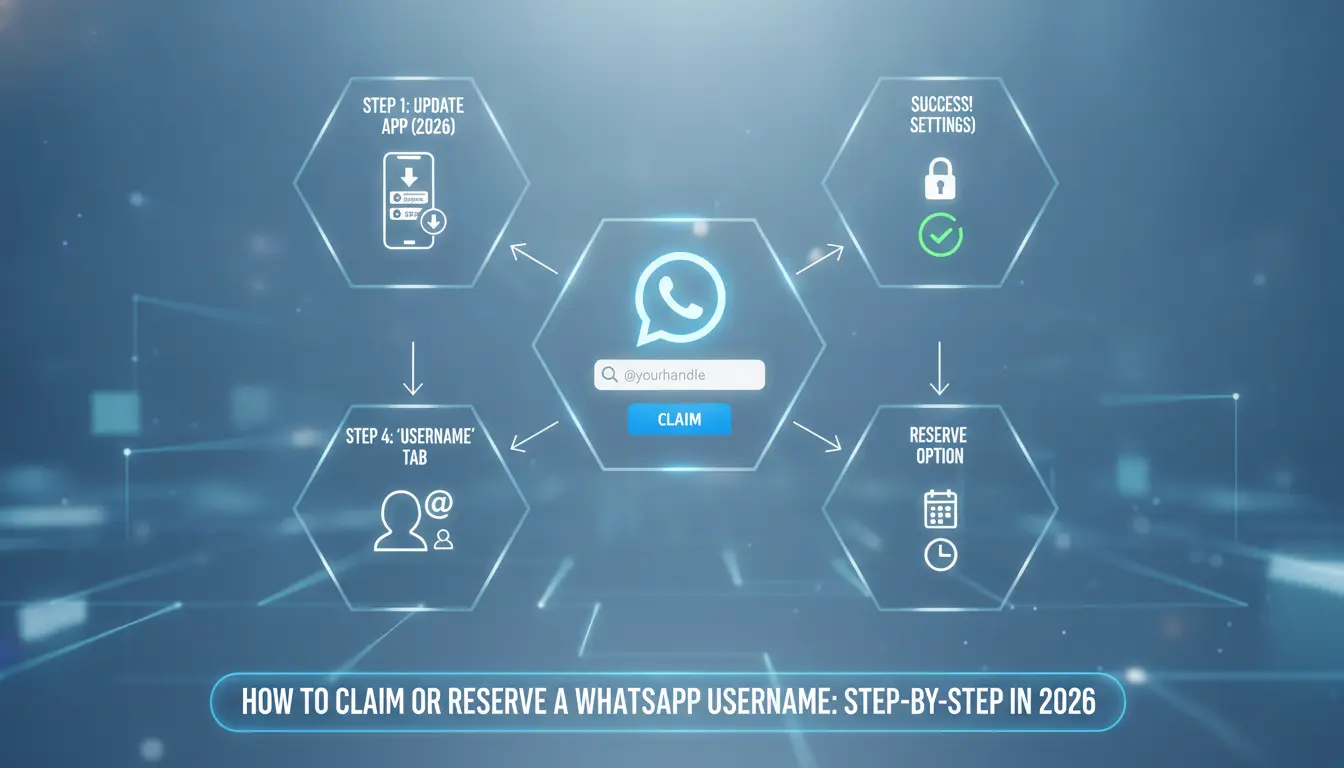
Claiming your WhatsApp username is quick, but missing a detail can lock you out or flag your handle. You need to check eligibility, pick a unique ID, and act fast, popular handles disappear in hours. Here’s exactly what to do, plus the mistakes that catch both new and experienced users.
Preparing to claim your username: What to check first
Before you open the app, check if your account is eligible. Only active numbers with a recent update can set or change a username. If your WhatsApp hasn’t updated since May 2026, the username option won’t show up, update the app first. Accounts banned or recently restricted can’t reserve handles until their status clears.
Picking your handle is the next step. Avoid names that match brands, public figures, or common words, those get blocked or flagged. Use a mix of letters, numbers, and underscores if your ideal name is taken. If you choose a handle that’s too short (under 4 characters), the app will reject it instantly.
The strongest move is to check the username’s visibility settings before you claim it, if you skip this, your handle might show up in public searches even when you don’t want it.
Step-by-step guide to reserving your WhatsApp username
Open WhatsApp and go to Settings. Tap your profile photo, then look for the “Username” field. If you don’t see it, your app is out of date or your account isn’t eligible.
Type your chosen handle in the box. The app checks availability in real time, if it’s taken, you’ll see a red warning. If it’s available, a green checkmark appears. You can’t use spaces or special symbols; only letters, numbers, and underscores are allowed.
Hit “Reserve” or “Save.” The app will prompt you to confirm, this is your last chance to spot typos. If you get an error, back out and try a slightly different handle. Some names trigger a “restricted” warning even if they aren’t taken, which usually means they match a blocked word or brand.
Once reserved, your handle is tied to your account. Changing it again usually triggers a waiting period, sometimes up to 7 days. If you’re reserving a username for business or group use, test search visibility in a group chat before sharing your new ID.
Common mistakes and how to avoid them
Typos are the most common error. People rush to grab a handle, misspell it, and then face a waiting period before changing. Always double-check before saving. If you enter the wrong handle, you may get stuck with it for days, WhatsApp doesn’t always let you fix it right away.
Choosing restricted words is another trap. Handles that match “admin,” “support,” or brand names get blocked. If you try to use a name that looks official, you may trigger a review or even a temporary lockout. The app won’t always tell you why, it just rejects the request.
Some users ignore the privacy settings. If you don’t check who can see your handle, your ID might show up in search or be visible to more people than you expect. Set your visibility before sharing your handle, or you risk exposing your account to unwanted searches.
If your account is flagged for spam or impersonation after reserving a handle, appeals are slow, most take at least 3 days. Avoid handles that look like real names of public figures, brands, or anything that could be confused for support roles. That’s where most bans start.
Up next, you need to know the restrictions and rules, some handles can’t be claimed at all, and others trigger hidden reviews even if they look safe.
What Restrictions and Rules Apply to WhatsApp Usernames?
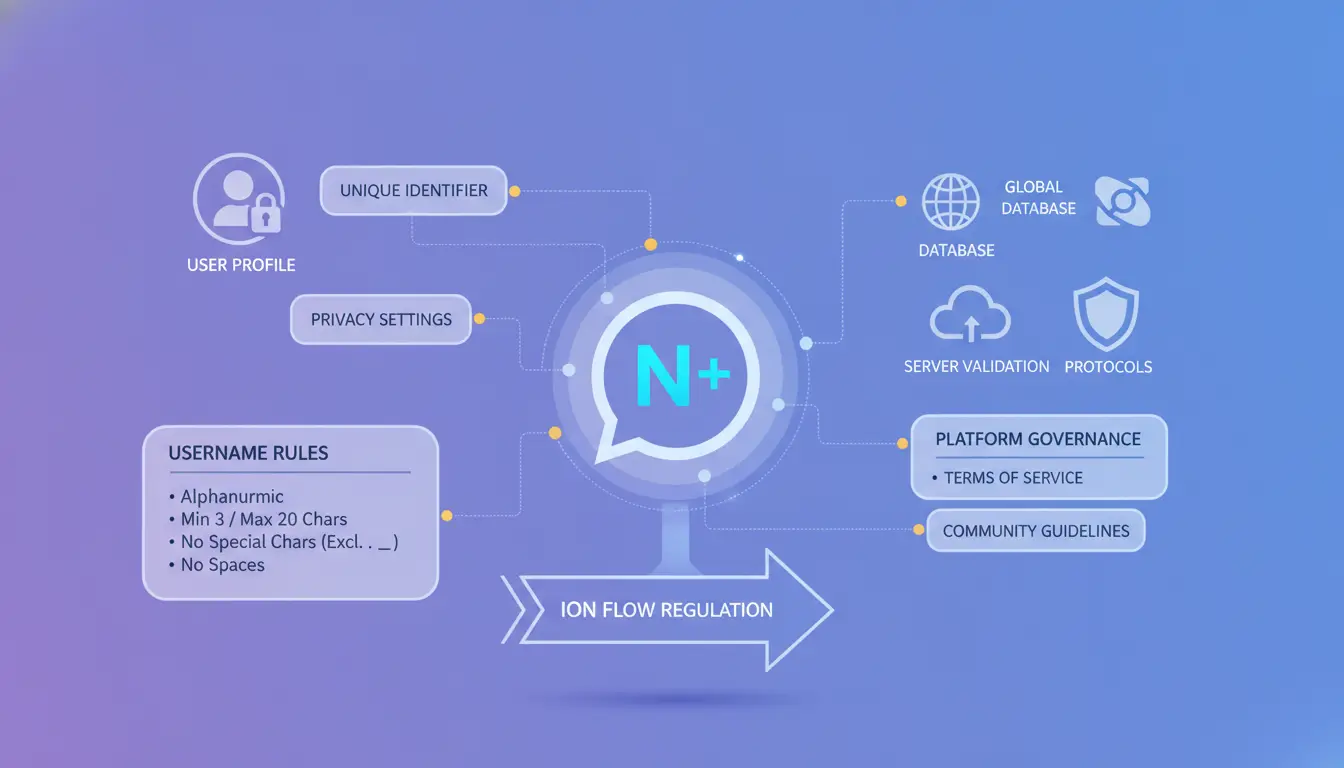
You can’t just pick any name and expect it to work on WhatsApp. The platform enforces strict rules on what you can set as your handle, how often you can change it, and which words or formats get blocked. Missing a restriction means your chosen username may be rejected, flagged, or even locked out. Here’s the breakdown so you don’t waste time guessing.
Allowed and forbidden characters
Handles must use only letters (A-Z, a-z), numbers (0-9), underscores, and periods. No spaces, special symbols (like @, #, $, %), or emoji are allowed. The minimum length is 5 characters; the maximum is 30. For example, “alex_123” is fine, but “alex@123” or “a.ex” won’t pass the filter. If you try to add an emoji, the field turns red and the Save button disables, meaning you have to remove the invalid character to continue. Watch for hidden spaces at the end; even an extra space can block saving the handle.
Reserved, banned, and restricted words
Some words and names are blocked at the platform level. This includes official brands (like “whatsapp”, “meta”, “support”), offensive terms, and anything that looks like a high-profile company or public figure. If you try to claim a reserved word, you’ll see “This username is not available” even if it looks free. These restrictions are not always obvious; a handle may appear unique but still get blocked due to internal lists.
Username changes and recovery rules
You can only change your WhatsApp handle once every 30 days. If you lose access to your account, recovering your username isn’t always possible, especially if someone else claims it during your downtime. Handle changes are final for the cooldown period, so test your choice with a small group before updating.
Checklist for WhatsApp Username Rules:
- Only use letters, numbers, underscores, and periods
- Length: 5 to 30 characters
- No spaces, emoji, or special symbols
- Avoid all official brand names and reserved words
- Handle changes: max once per 30 days
- Lost access can mean lost username
Next, it’s not just about rules, privacy and exposure risks come into play once your username is live.
Why WhatsApp Usernames Raise New Privacy and Security Risks

Giving your account a public handle means anyone can search for you, guess your username, or link your chats to other online profiles. This opens the door to more direct targeting, impersonation, and data scraping, especially if your permissions aren’t set tight. The real risk is how easily someone can fake your identity or scrape your info using just your username.
How usernames can be used for impersonation or scams
Handles make it simple for scammers to copy your ID and create fake profiles that look like yours. If your username is public, attackers might set up similar accounts to trick your contacts into sharing private info or clicking phishing links. Even a small typo in a handle can fool people, especially in fast-moving group chats.
How usernames affect your visibility and searchability
Switching from phone numbers to usernames means your account could show up in search results you never expected. If your privacy settings are loose, anyone can look up your handle and see your profile or join your groups. Private settings limit this, but most people forget to check who can search for them, so their ID becomes far more visible.
What to do if your username is compromised
If you spot signs your handle is being misused, like strange chats or contacts reporting fake accounts, take action right away. Change your username, review your privacy settings, and report the issue in-app. WhatsApp’s support team will flag suspicious accounts, but you need to act quickly before more damage is done.
How Teams and Marketers Can Manage Multiple WhatsApp Accounts with Usernames Safely
With usernames now tied to WhatsApp accounts, multi-account setups are much easier to spot and link, so teams and agencies face new risks. The main challenge: every handle is searchable, and repeating patterns across devices or IP addresses can get flagged.
Why multi-account management gets riskier with usernames
Running several WhatsApp accounts on the same device, browser, or network makes fingerprinting simple. If two accounts use similar usernames, share a device, or connect through the same IP, WhatsApp’s backend can link them, even if the teams use different emails or phone numbers.
Safer workflow tips for teams and agencies
The single best move is device isolation. Assign each account to a dedicated device (real or virtual), and use separate browser profiles for every WhatsApp ID. Keep profiles and cookies apart; never cross-use logins on the same machine. Profile separation reduces the risk of automatic account linkage and restriction.
What to avoid: Common mistakes that trigger restrictions
Logging into multiple WhatsApp accounts from one device, or letting several accounts share an IP, almost always triggers review. Repeated device logins and shared IPs are the fastest way to get all linked accounts flagged for spam or impersonation.
Using DICloak for Safer Multi-Account WhatsApp Workflows: Profiles, Proxies, and Team Controls
Managing multiple WhatsApp accounts tied to usernames gets risky fast, especially if you use one browser session for all. Isolation isn’t just a technical detail; it’s what stops cross-account fingerprint leaks and accidental session overlap.
Isolated browser profiles for each WhatsApp account
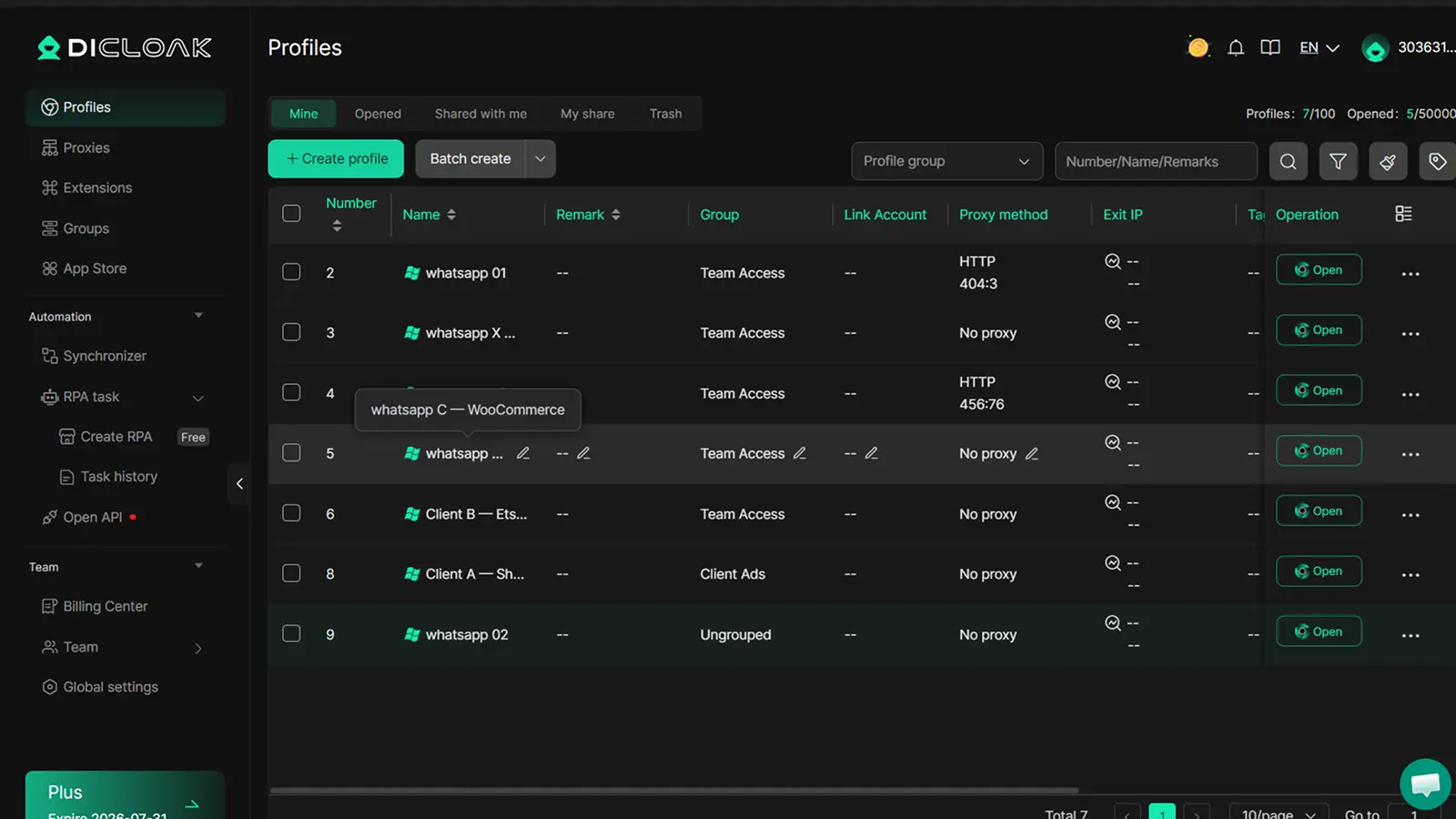
Every WhatsApp account should sit in its own browser profile. If you mix accounts, cookies and storage can cross over, making it easier for platforms to link your handles. Setting up a new profile for each account takes under two minutes and cuts most linkage risk.
Fingerprint and proxy configuration to reduce linkage risk
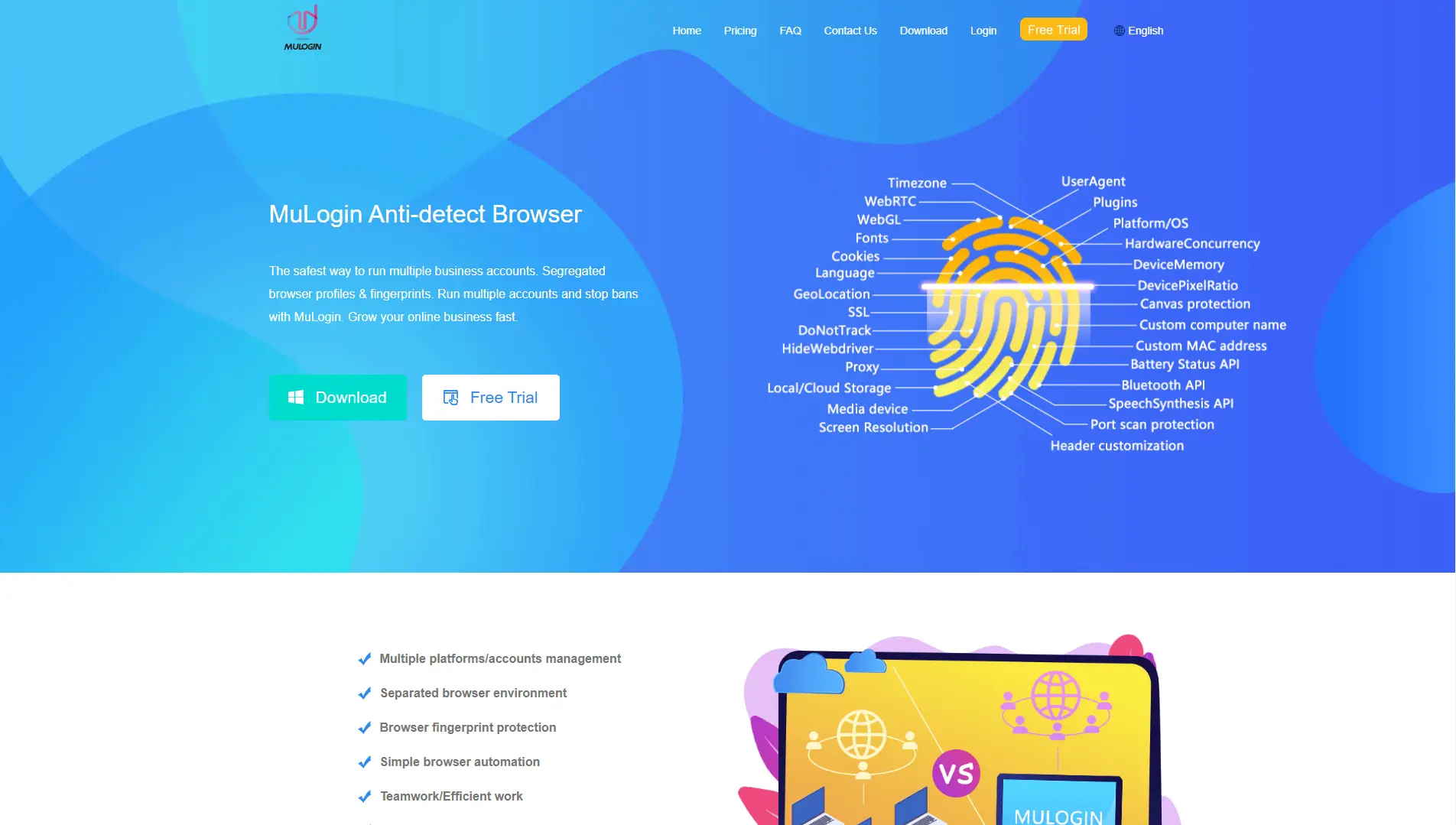
Fingerprint settings matter: platforms look for patterns in headers, screen size, and fonts. Customizing these for each profile, along with plugging in separate proxies, breaks up the digital trail. If you skip proxy separation, your accounts can get flagged together, so keep each proxy unique.
Team collaboration and permission control for safer access
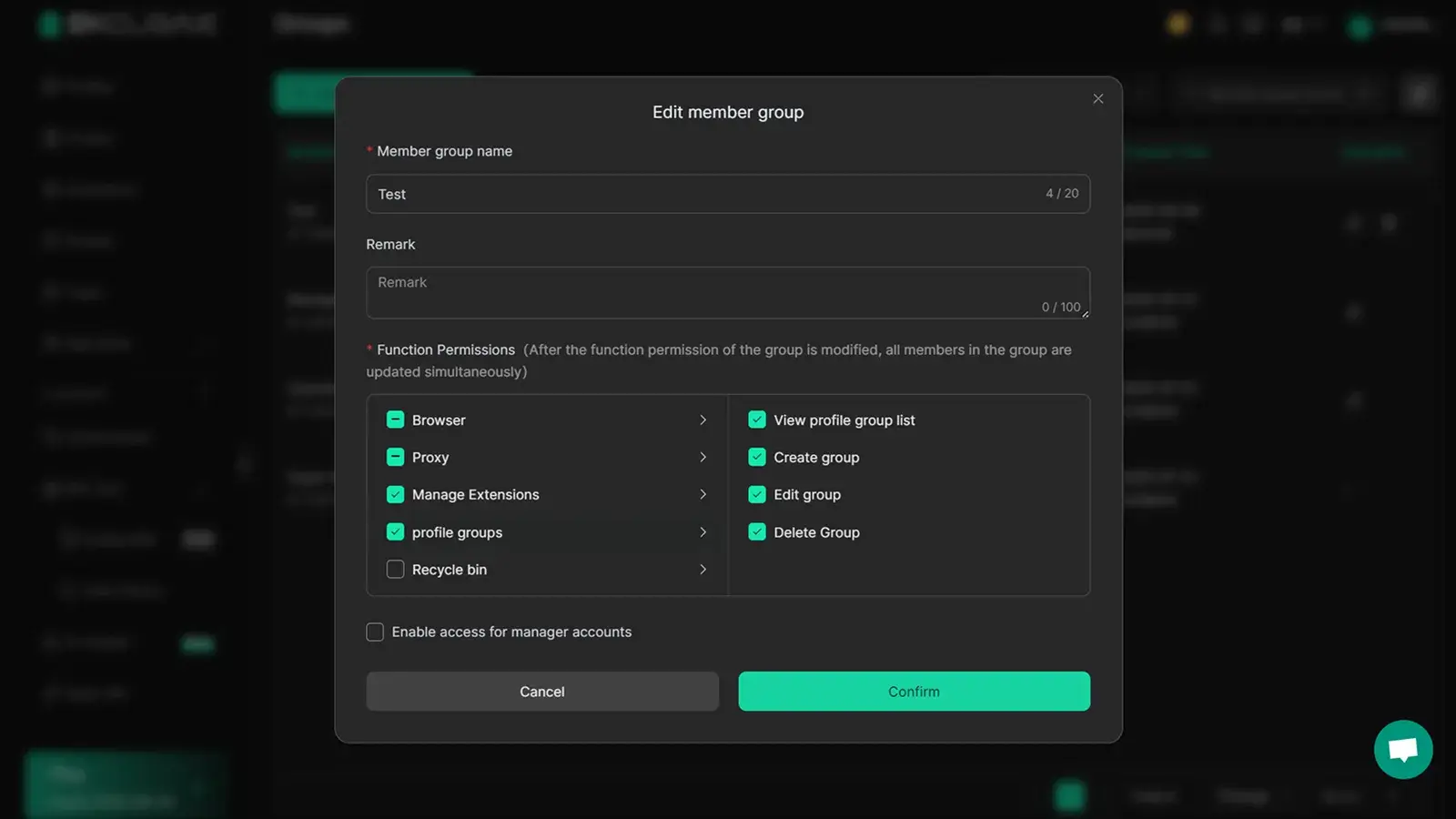
Profile sharing works best when tied to clear permission settings. Teams should use operation logs, if someone accesses a profile outside business hours or from a strange IP, you’ll see it right away. This stops accidental leaks and spots misuse before it spreads.
When Changing Your WhatsApp Username Makes Sense, and When It Doesn’t
Changing your WhatsApp username is worth it if you’re rebranding or need a privacy reset, but swapping it too often can cause more trouble than you think.
Situations where changing your username is recommended
| Scenario |
Why Change? |
What to Watch Out For |
| Branding update |
Match new identity |
Keep old contacts informed |
| Privacy reset |
Hide old handle |
Update permissions |
If your WhatsApp ID is tied to a business rebrand or you want to cut links to past accounts, a change can help. But skipping the privacy check leaves traces that defeat the purpose.
Risks and downsides of frequent username changes
Changing usernames too often confuses contacts and breaks recognition. You lose searchability, and old chats might not link to your new handle. Teams managing multiple accounts should use isolated browser profiles in DICloak to keep workflows clean, just remember, DICloak doesn’t guarantee detection avoidance.
How to Spot and Avoid WhatsApp Username Scams in 2026
Phishing, fake support, and impersonation are the main risks with public WhatsApp handles. Scammers use these to steal access, reroute recovery, or hijack accounts. If you respond without checking the sender, your WhatsApp could get locked or your contacts spammed.
Common scam tactics targeting WhatsApp usernames
Most scams start with a “support” message, often after you set or post a new WhatsApp username. You might see a link that asks you to “verify ownership” or “secure your account.” The real goal is to grab your login code or recovery email. If you click and type anything, your handle and number could be cloned for spam or fraud.
How to verify official WhatsApp communications
Official WhatsApp alerts only come through the app, never by SMS or email. Real support will not ask for your password or code.
Quick scam check:
- Ignore links from unknown contacts
- Check sender’s WhatsApp verification badge
- Never share codes or passwords
- Report suspicious messages in-app
Frequently Asked Questions About WhatsApp Usernames
Can I use the same WhatsApp username across multiple accounts?
No, each WhatsApp username is unique. You cannot use the same username for more than one account. Once a username is claimed, it is linked to that specific phone number. If you try to register another account with the same username, WhatsApp will not allow it.
What happens if someone else claims my preferred WhatsApp username?
If another user already claimed your preferred username, you must choose a different one. WhatsApp usernames are given on a first-come, first-served basis. There is no automatic recovery unless the holder changes or deletes their username. In rare cases of trademark issues, you may contact WhatsApp support.
Are WhatsApp usernames visible to everyone?
No, your WhatsApp handle is not automatically visible to all users. By default, only people you chat with or share your username with can see it. You can control who finds you by username through your privacy settings, so strangers can’t search for you unless you allow it.
Can I change my WhatsApp username after claiming it?
Yes, you can change your WhatsApp username, but there may be limits. WhatsApp may restrict how often you update your username to prevent abuse. If you give up a username, someone else might claim it, and you might not get it back. Always double-check before making changes.
Is it safe to share my WhatsApp username publicly?
Sharing your WhatsApp username in public places can lead to unwanted messages or spam. Anyone with your username can try to contact you. For safety, only share your username with people you trust. Use privacy settings to control who can message or find you by username.
Now that you understand how usernames can improve privacy and simplify sharing on messaging platforms, consider whether adopting this feature fits your communication needs. If you're interested in further protecting your identity online, explore tools designed to keep your conversations secure.
Try DICloak For Free
 Web Proxy Tools
 Free Tools
 Cookie Plugin
 UA Generator
 MAC Address Generator
 IP Generator
 IP Address List
 2FA Code Generator
 World Clock
 Anonymous Check
 WebRTC Leak Test
 UUID Generator
 Free Web Proxy Site
 Proxy Checker
 FB Ad Checker
 AI Web Scraping
 Free SMM Tools
 Twitter Shadowban Checker
 Instagram Name Checker
 UTM Generator
 Username Generator
 AI Hashtag Generator
 LinkedIn Headline Generator
 Social Media Image Resizer