Why Standard Research Fails: The Hidden Barriers Solved by Antidetect Browsers for Market Research
Standard web browsers are built for casual browsing, not professional data gathering. If you use a regular Chrome window to check a competitor's price fifty times a day, you will eventually get blocked. This is where Antidetect Browsers for Market Research become essential. They are the only reliable way to scale your operations without triggering security alarms. Professional researchers know that relying on basic tools leads to bad data and banned accounts.
The 'Cloaking' Crisis: Why Competitors Show You Fake Data
Competitors are smart. They know when a bot or a corporate IP address visits their site. When they detect you, they do not always block you. Instead, they might show you fake data. This technique is called price cloaking. You might see a higher price than a real customer sees, or you might see no ads at all. This completely ruins your market analysis.
To fix this, you need web scraping without blocking. You must look exactly like a normal customer from a specific city. If your digital footprint looks like a bot, the website feeds you junk data. This makes your research budget a waste. You need tools that mask your identity perfectly so you see the real prices that actual customers pay.
Why Data Center IPs Trigger Instant Security Alarms
Many businesses try to save money by using Data Center IPs. These are cheap internet addresses from cloud providers. The problem is that websites know exactly which IPs belong to data centers. Real people do not browse Amazon or Facebook from a cloud server.
When you use these cheap IPs, security systems flag you immediately. You will face endless CAPTCHAs or get blocked entirely. For a successful static residential ip workflow, you need IP addresses that belong to real home internet service providers. If you do not use the right proxy type, your accounts will be banned before you collect a single data point.
The Fallacy of Incognito Mode for Professional Data Gathering
Incognito mode does not make you invisible. It only stops your own computer from saving your history. It does not stop a website from tracking you. Websites use browser fingerprinting to identify who you are. They look at your screen size, your installed fonts, and even your graphics card.
Even if you clear your cookies, your unique fingerprint remains the same. The site recognizes you are the same person who visited five minutes ago. To avoid this, you need professional multiple account management tools. These tools create a fresh, unique digital fingerprint for every single session. This is the only way to truly start fresh and gather unbiased data.

Beyond the IP Address: Why Antidetect Browsers for Market Research Must Combat Digital Fingerprinting
Changing your IP address is not enough. It is like changing the license plate on a car but keeping a custom bright pink paint job. The website security systems will still recognize you immediately. This is why Antidetect Browsers for Market Research are mandatory for modern data gathering. In the previous section, we established that proxies alone fail to stop blocks. Now, we must diagnose the real technical cause: your digital fingerprint.
Websites combine hundreds of data points from your device to create a unique ID. This ID, or "fingerprint," allows them to track you across different sessions, even if you switch proxies. If you do not mask these hardware signals, your market research data will be corrupted by price cloaking or outright bans.
Canvas and WebGL: The Silent Identifiers in 2026
The most common way websites track you is through Canvas Fingerprinting. When you visit a page, the site secretly asks your browser to draw a hidden 3D image. Your specific graphics card and driver software render this image in a unique way. The result is a digital signature that is specific to your machine.
In 2026, security systems also heavily rely on WebGL parameters. This technology reveals the exact model of your video card and your screen resolution. Real users have standard consumer hardware. Bots running on servers often show "generic" or "virtual" video drivers. If your tool does not offer advanced browser fingerprinting protection 2026, the website detects this mismatch instantly. The site will then identify you as a bot and feed you false information.
AudioContext and Font Enumeration: The Subliminal Tracking Layers
Websites also "listen" to your hardware to identify you. They use the AudioContext API to test how your computer processes sound waves. Tiny differences in your sound card and drivers create a unique numerical hash. This happens in the background without you ever hearing a sound.
Another powerful tracker is font enumeration. This is simply a list of all the fonts installed on your computer. A standard home user has a predictable set of Windows or Mac fonts. A researcher or developer often has hundreds of custom fonts installed. Security scripts scan this list. If you claim to be a standard iPhone user but your browser lists custom Linux server fonts, the system flags you as a fake. High-quality browsers like DICloak spoof this list to match the profile you are emulating perfectly.
Behavioral Analysis: How Sites Track Your Mouse and Scroll Speed
Finally, websites watch how you physically interact with the page. Real humans are imperfect. They do not move their mouths in straight lines. They do not click a "Buy" button 0.1 seconds after the page loads. They hesitate, and they scroll at uneven speeds.
Modern security platforms use behavioral analysis to catch automated scrapers. If your competitor price monitoring software clicks at exact intervals, you will be banned. To avoid this, you need tools that mimic human behavior. This includes adding random "noise" to mouse movements and varying the time between clicks. This "humanizing" process is the only way to bypass sophisticated anti-bot systems found on major e-commerce platforms.
The Technical Architecture of High-Performance Antidetect Browsers for Market Research
We have identified the problem: websites track your hardware to block professional data gathering. The solution is not better proxies, but a fundamental change in how your browser handles data. Antidetect Browsers for Market Research do not just hide your identity; they manufacture a new one.
Standard browsers like Chrome or Safari are designed to connect everything. They link your tabs, share your cookies, and report your true hardware to improve performance. In contrast, antidetect architecture works on a principle of total isolation. It rebuilds the browser core (usually Chromium or Firefox) to separate every digital footprint into a secure, independent container.
Profile Isolation: Creating Independent Digital Silos
The first line of defense in a professional digital fingerprint spoofing guide is isolation. In a regular browser, if you log into Amazon in one tab and browse a competitor's site in another, the browser shares "local storage" and cache data between them. This cross-contamination links your accounts immediately.
High-performance tools like DICloak treat every profile as a completely different computer. When you launch a profile, the software creates a virtual container. This container holds its own cookies, cache, and local storage. Nothing leaks out, and nothing leaks in.
This architecture allows you to run a static residential ip workflow. You can assign a specific residential IP address to one profile (e.g., a "New York User") and a different IP to another profile (e.g., a "London User"). To the website, these look like two physical devices located thousands of miles apart, even though they are running on the same office computer.
Kernel-Level Parameter Spoofing vs. Extension-Based Hiding
Many businesses try to use free privacy extensions to block tracking. This is a mistake. Extensions usually just block the tracking script. When a sophisticated website asks, "What is your screen resolution?" and the extension blocks the answer, the website flags you as suspicious. Normal users do not hide their screen resolution.
Professional antidetect browsers use kernel-level spoofing. Instead of blocking the question, they provide a fake, realistic answer.
- Real Devices: Mac OS, M1 Chip, Safari.
- Spoofed Profile: Windows 10, Intel Core i7, Chrome.
When the website queries the Navigator API, the browser intercepts the request at the code level. It returns the data of the "Spoofed Profile" naturally. This passes the checks of anti-fraud systems like Cloudflare or Akamai because the data looks consistent and genuine.
The Role of Cookie Warming and Metadata Hygiene in Account Longevity
Even with a perfect fingerprint, a "blank" browser looks like a bot. Real users have history. They have cookies from Google, Facebook, and news sites. If you create a brand new account from a browser with zero history, security algorithms assign it a high "fraud score."
To solve this, advanced browsers include cookie warming tools. Before you use a profile for sensitive tasks, the software visits popular, neutral websites automatically. It collects cookies and populates the browser's history.
This creates metadata hygiene. When you finally visit your target site, you look like a trusted user with a valid browsing history. Tools that automate this process, such as the RPA (Robotic Process Automation) features found in DICloak, allow teams to maintain hundreds of "warm" profiles ready for instant deployment without manual work.
Ranking the Top 6 Antidetect Browsers for Market Research (2026 Review)
Now that we understand the importance of metadata hygiene, we need to choose the right tool to manage it. Antidetect Browsers for Market Research are not all built the same. Some focus on speed, while others focus on deep security for high-stakes accounts.
In 2026, the best multiple account management tools must offer team collaboration, automation, and strict fingerprint control. Below, we rank the top six contenders based on reliability, price, and scalability for business teams.
| Browser |
Best For |
Starting Price |
Free Plan? |
| DICloak |
Overall Security & Team Sync |
$8/mo |
Yes (5 Profiles) |
| Dolphin{anty} |
Traffic & Ad Automation |
$10/mo |
Yes (10 Profiles) |
| Incogniton |
Agencies & Bulk Profiles |
$19.99/mo |
Yes (10 Profiles) |
| Browser.lol |
Instant Cloud Sessions |
$9/mo |
Yes (Limited) |
| Octo Browser |
High-Fidelity Fingerprinting |
€29/mo |
No |
| MoreLogin |
Mobile & Cloud Phone |
$9/mo |
Yes (2 Profiles) |
DICloak: The Leader in Secure Account Synchronization

DICloak stands out in 2026 as the premier choice for professional research teams. It combines enterprise-grade security with an interface that is easy for anyone to use. While other tools focus only on affiliate marketing, DICloak is built for robust market research and secure account management.
The core strength of DICloak is its RPA (Robotic Process Automation) engine. You do not need to know code to use it. You can set up simple workflows to warm up cookies or check competitor prices automatically. This saves your team hours of manual clicking.
Key Features:
- Deep Fingerprint Spoofing: Customizes every parameter, from Canvas hash to AudioContext, ensuring you pass strict anti-fraud checks.
- Team Collaboration: Share profiles securely without revealing passwords. You can assign different permission levels to team members.
- Cloud Sync: Your browser profiles are backed up and synced instantly. You can start work in the office and finish on a laptop seamlessly.
Pricing:
- Free Plan: 5 Profiles (Forever free).
- Base Plan: $8/month for 20 Profiles.
- Plus Plan: $28.80/month for 100 Profiles.
Verdict: If you need a reliable, secure platform that scales with your business, DICloak is the top recommendation. It offers the best balance of advanced features and affordable pricing for teams.
Dolphin{anty}: Specialized Automation for Traffic and Price Analysis
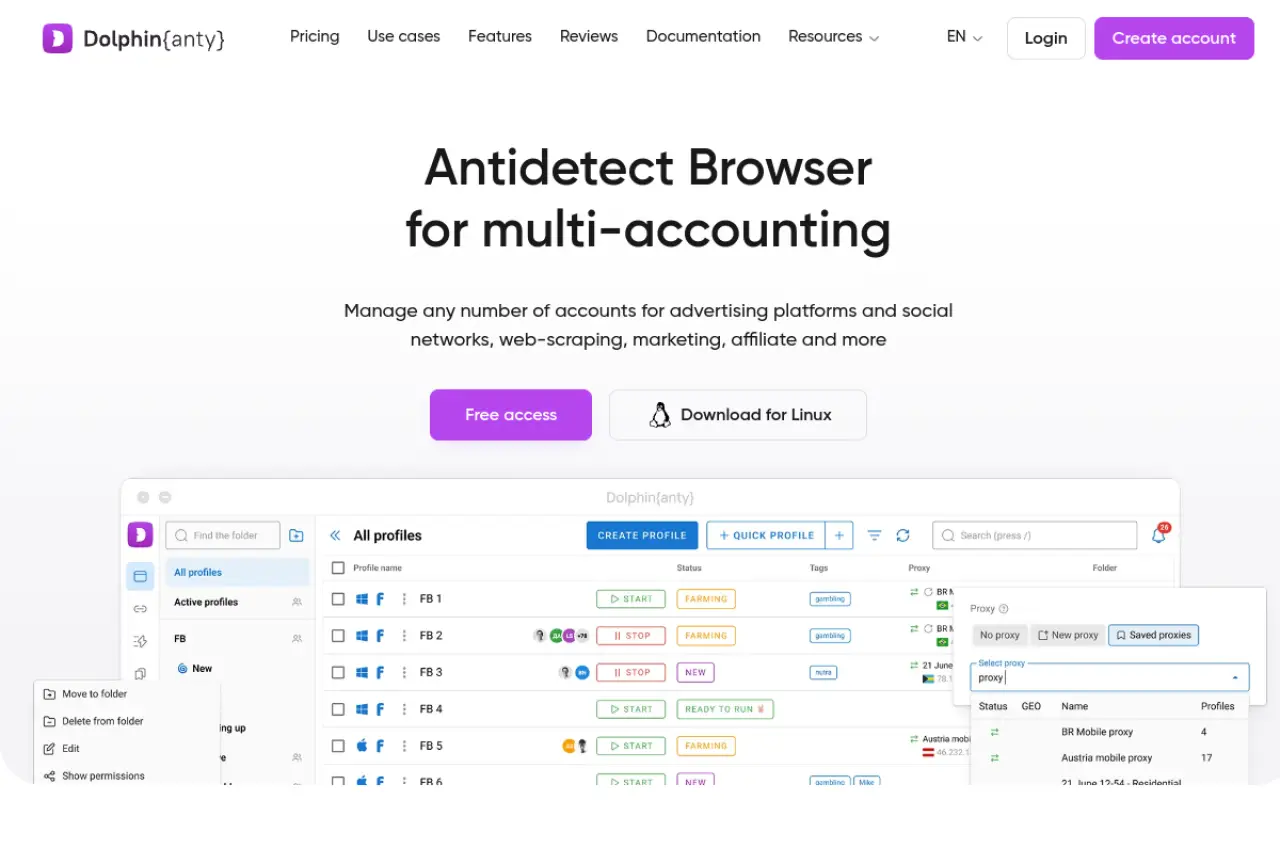
Dolphin{anty} is a strong contender, especially popular among affiliate marketers and traffic arbitrage teams. It is designed to handle hundreds of social media accounts at once. Its interface is modern and intuitive, making it easy to see the status of every profile at a glance.
This browser is known for its "smart notes" and status tags. You can tag a profile as "Banned," "Active," or "Warming Up," which is helpful for large teams managing messy datasets. It also includes a built-in cookie robot, similar to DICloak, to help generate history before you log in.
Key Features:
- Real Browser Fingerprints: Uses a database of real user fingerprints to generate profiles.
- Automation Scripts: Supports custom scripts for automating repetitive social media tasks.
- Bulk Actions: Create or edit dozens of profiles in a single click.
Pricing:
- Free: 10 profiles.
- Starter: $10/month (20 profiles).
- Base: $89/month (100 profiles).
Verdict: Dolphin{anty} is excellent for ad agencies focused on traffic. However, for broader market research and price scraping, the automation features in DICloak are often more versatile.
Incogniton: Flexible Profiles for Growing Research Agencies
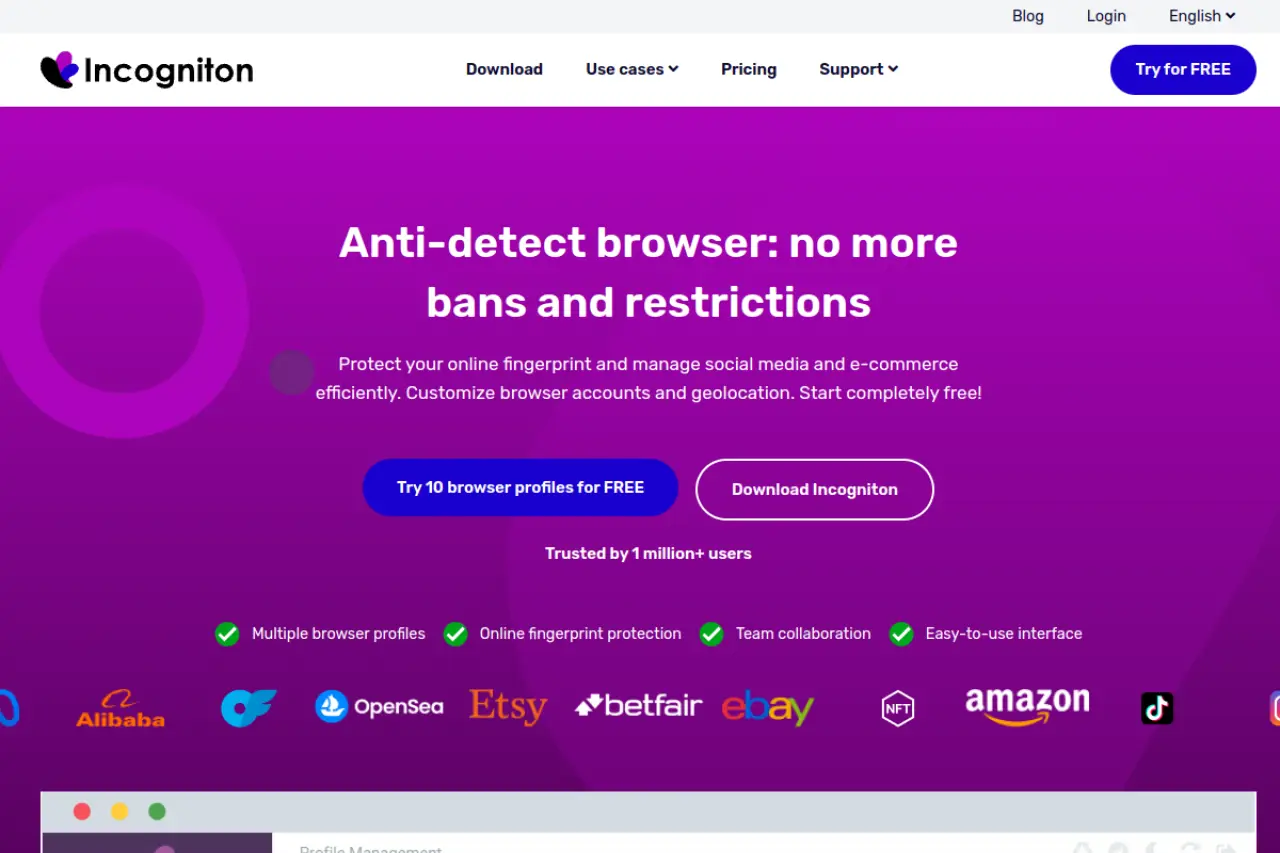
Incogniton has built a reputation for being reliable and offering a generous entry point for new businesses. It is one of the few multiple account management tools that allows a significant number of free profiles for testing. This makes it a favorite for freelancers or small agencies just starting their data collection journey.
Technically, Incogniton integrates well with automation frameworks like Selenium and Puppeteer. This is critical if you plan to build custom scrapers to monitor competitor pricing 24/7. It also offers data synchronization, so your profiles are safe even if your local computer crashes.
Key Features:
- Cookie Collector: Automatically visits sites to build cookie history.
- Team Seats: Allows you to add team members to manage specific profile groups.
- Bulk Creator: Upload a spreadsheet to create 50 profiles at once.
Pricing:
- Starter: Free (10 profiles).
- Starter Plus: $19.99/month (10 profiles).
- Entrepreneur: $29.99/month (50 profiles).
Verdict: Incogniton is a solid choice for those who need flexibility. But it is slightly more expensive per profile than DICloak.
Browser.lol: High-Speed Virtualized Isolation Without Installation
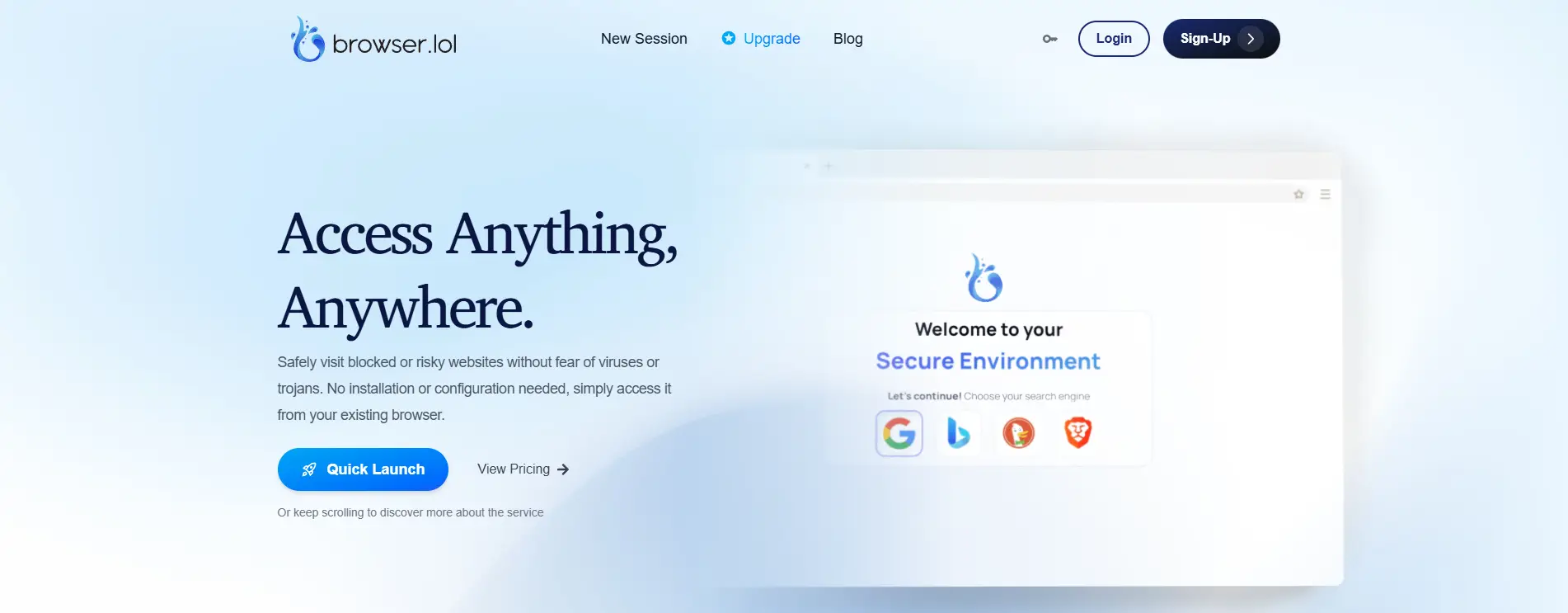
Browser.lol takes a completely different approach. Instead of installing software on your computer, it streams a browser from the cloud. This is known as remote browser isolation. When you use Browser.lol, the code from the website never actually touches your device.
This is perfect for quick, one-off research tasks where you need total safety. If you click a malicious link while researching a shady competitor, the virus stays in the cloud container and cannot infect your office network. It is highly secure but less customizable than a dedicated antidetect browser.
Key Features:
- No Installation: Runs entirely in your existing web browser.
- Disposable Sessions: Close the tab, and the session is destroyed forever.
- Malicious Link Analysis: Great for checking suspicious URLs safely.
Pricing:
- Free: Ad-supported, limited usage.
- Premium: $9/month.
Verdict: Browser.lol is a great utility tool for security checks, but for long-term account management, a persistent tool like DICloak is necessary to keep your cookies alive.
Octo Browser: Precision Fingerprinting for High-Stakes Data Gathering
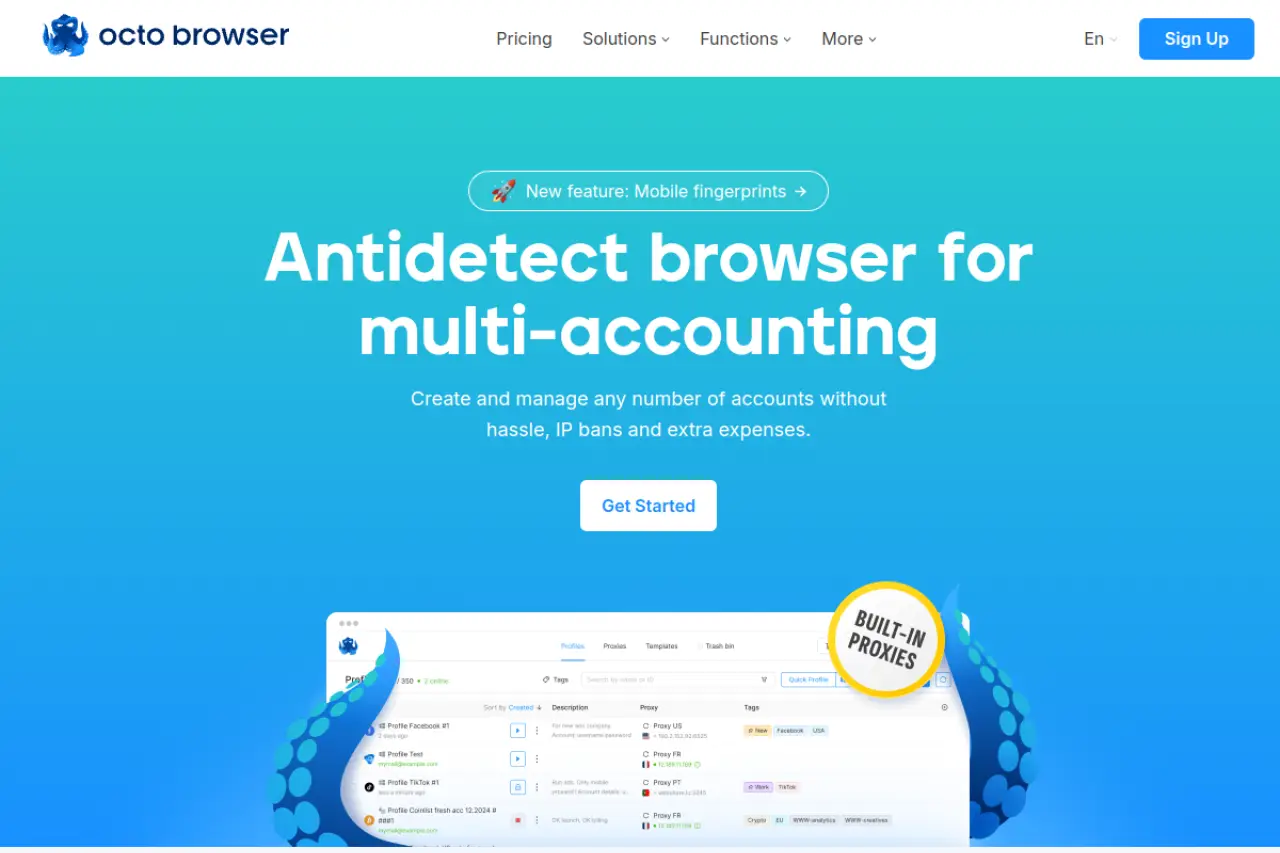
Octo Browser positions itself as a universal solution for all major platforms. It is designed to handle the most difficult security checks. Octo focuses heavily on the "quality" of the digital fingerprint. It uses code from the actual Chromium kernel to ensure that there are no discrepancies between what the browser says it is and how it behaves.
This tool is often used by teams managing high-value accounts, such as verified merchant profiles on Amazon or eBay. The interface is clean, and it supports fast profile switching. However, it is one of the more expensive options on the market, lacking a permanent free tier.
Key Features:
- Real Device Fingerprints: Minimizes the risk of "mismatched" parameters.
- API Automation: extensive API documentation for custom integrations.
- Tag Management: Efficient sorting for thousands of profiles.
Pricing:
- Lite: €29/month (10 profiles).
- Base: €79/month (100 profiles).
Verdict: Octo Browser offers premium protection for premium prices. It is excellent for high-stakes accounts, but smaller teams may find better value elsewhere.
MoreLogin: Combining Cloud Phone Tech with Browser Isolation
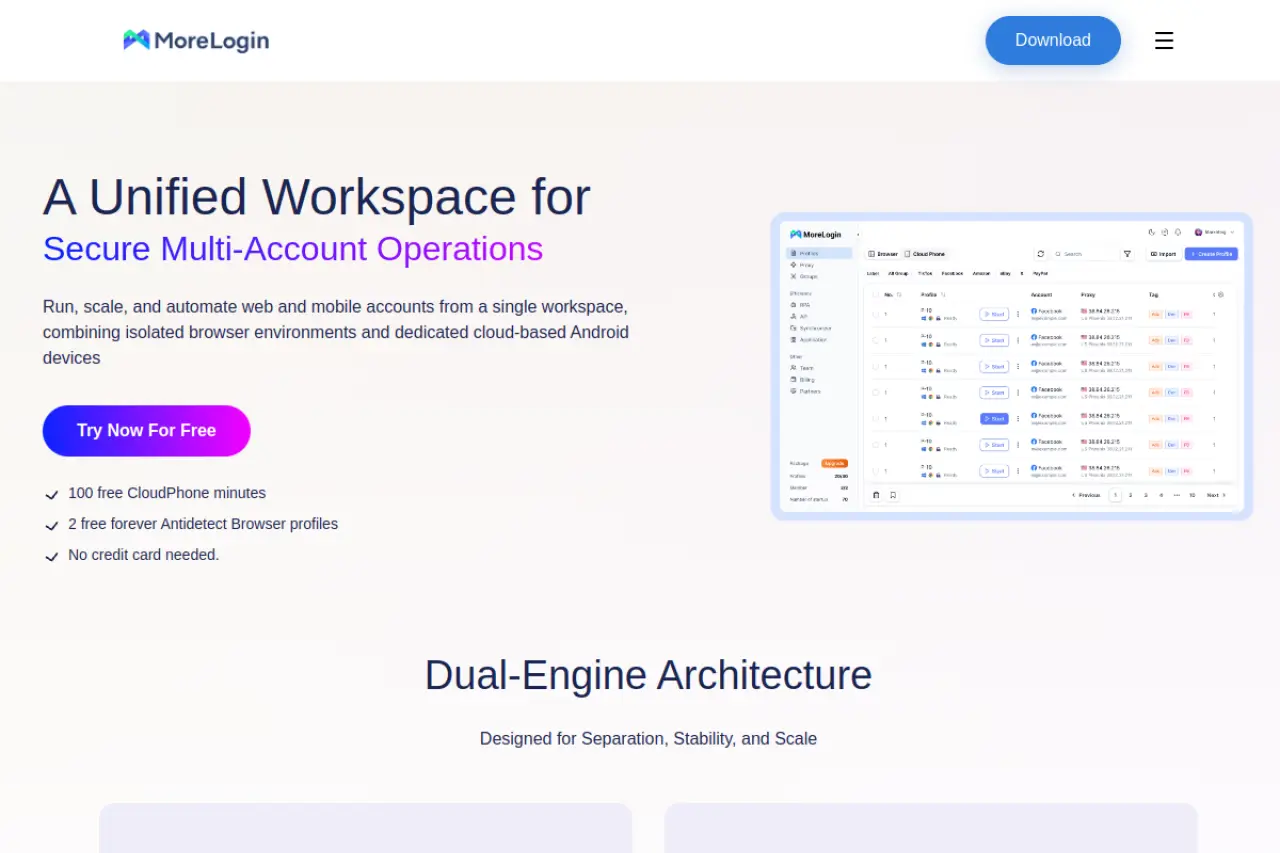
MoreLogin addresses a specific gap in the market: mobile emulation. Many modern platforms, like TikTok or Instagram, trust mobile traffic more than desktop traffic. MoreLogin offers a "Cloud Phone" feature that mimics a real Android device environment better than standard browser spoofing.
In addition to mobile features, it acts as a standard antidetect browser for desktop sites. It allows you to manage multiple accounts securely and includes collaboration features for teams.
Key Features:
- Cloud Phone: Emulates mobile hardware for app-based research.
- Canvas Fingerprinting: Standard protection for desktop profiles.
- Synchronizer: Control multiple profiles with one mouse (action replication).
Pricing:
- Free: 2 profiles.
- Pro: $9/month (10 profiles).
Verdict: If your market research relies heavily on mobile-only apps, MoreLogin is a unique and valuable tool. For general web scraping, however, a desktop-focused tool provides a smoother workflow.
Optimizing Your Antidetect Browsers for Market Research Operations
Selecting the right tool is only the first step. To get a real return on investment (ROI), you must integrate Antidetect Browsers for Market Research directly into your daily business workflow. A tool sitting idle does not protect your data. You need a system that scales.
This section explains how to move from simple manual browsing to a fully optimized, automated operation. We will cover connecting your software APIs, setting up global verification standards, and managing large teams without triggering security bans.
Integrating Competitor Price Monitoring Software with Profile APIs
Manual price checking is too slow for the fast-paced markets of 2026. To scale, you must use automation. However, standard bots get blocked instantly. The solution is to link your competitor price monitoring software directly to your antidetect browser via an API (Application Programming Interface).
Top-tier tools like DICloak provide a Local API. This allows your custom scripts to "drive" the browser profiles. Instead of your script trying to handle cookies and fingerprints (which is hard), it simply tells the antidetect browser to open a specific profile.
The Automation Workflow:
- Trigger: Your monitoring software requests a profile launch via the API.
- Masking: The browser opens with a unique fingerprint and a pre-set residential proxy.
- Action: Your automation script (using frameworks like Puppeteer) navigates to the target URL and extracts the price.
- Closure: The browser closes, saving the cookies for the next session.
This method effectively "wraps" your bot in a human disguise. The target website sees a valid Chrome user, not a Python script. This significantly reduces the rate of CAPTCHAs and IP blocks.
Establishing a Global Ad Verification Workflow
Ad fraud and geo-blocking can ruin your marketing data. To verify ads correctly, your digital identity must match your target location perfectly. A simple mismatch between your IP address and your browser settings causes immediate flags.
You need a strict static residential IP workflow. If you are verifying ads in Tokyo, your proxy must be from Tokyo. But your browser must also match that location. It needs a Japanese Timezone, Japanese Language headers, and consistent Geolocation coordinates.
Best Practices for Geo-Compliance:
- Proxy Health Check: Always test the connection speed and location before launching the profile. A dead proxy reveals your real location.
- WebRTC Handling: Ensure your browser creates a "media connection" that matches your proxy's IP. This prevents leaks.
- Strict Isolation: Never use the same profile for two different countries. Create a dedicated profile for each region (e.g., "Profile_Berlin_01", "Profile_Paris_01").
By aligning your browser fingerprint with your proxy, you ensure you see the "local" version of the web. This allows you to catch unauthorized resellers or broken ads that only appear to specific regions.
Managing Agency Teams: Permissions and Session Handoffs
Sharing passwords via chat apps is a major security risk. It also triggers "New Device Login" alerts that lock your accounts. In a professional environment, you need team collaboration browser sharing that syncs the session, not just the credentials.
Modern platforms allow you to store the entire browser state—cookies, open tabs, and history—in the cloud. A manager can create a profile, log in to a sensitive platform like Facebook Business Manager, and then grant access to a team member.
How to Structure Team Access:
- Cloud Sync: When the team member opens the profile, they are already logged in. They do not need the password.
- Role-Based Permissions: Use tools like DICloak to assign roles. Give "Admin" rights to managers and "Launch Only" rights to junior analysts. This prevents accidental deletion of data.
- Audit Trails: Keep a log of who launched which profile and when. This is critical for accountability.
This workflow eliminates the friction of 2FA (Two-Factor Authentication) codes. Since the "device" (the browser profile) stays the same, the website does not ask for a new code, even if the user operating it has changed.
FAQ: Frequently Asked Questions about Antidetect Browsers for Market Research
Adopting new security infrastructure often brings up questions about cost, legality, and technical limits. You need clarity before you integrate these tools into your business workflow. This section resolves common doubts regarding Antidetect Browsers for Market Research so you can scale your operations with confidence.
Can I use Antidetect Browsers for Market Research for free?
Yes, you can start without paying. Many top providers offer free tiers for small teams. For example, DICloak provides a generous free plan that lets you test its premium security features immediately. However, free plans usually limit the number of profiles you can create. If you need to manage hundreds of accounts for competitor price monitoring software, you will eventually need a paid plan to scale effectively.
Is using an antidetect browser for web scraping legal?
Gathering publicly available data is generally considered legal in many jurisdictions. Companies collect public pricing and ad data for competitive intelligence daily. However, you must still respect the target website’s Terms of Service. These tools help you perform web scraping without blocking, but they do not grant permission to access private user data or hack accounts. Always ensure your data collection methods comply with local privacy laws like GDPR or CCPA.
How do these browsers differ from regular privacy browsers?
Regular privacy browsers (like Tor or Brave) try to hide your identity by blocking trackers. Paradoxically, this makes you look suspicious to security systems because you stand out. In contrast, Antidetect Browsers for Market Research do not hide you; they mask you. They replace your digital fingerprint with a generic one. This makes you look like a standard Chrome user on a normal Windows PC, which ensures better browser fingerprinting protection 2026.
Which proxy type is best for market research in 2026?
You should use Static Residential IPs for the best results. These IP addresses belong to real internet service providers (ISPs) like Comcast or Verizon. They make your traffic look like it comes from a genuine home user. Datacenter proxies are cheaper, but modern security systems detect and block them almost instantly. A proper static residential ip workflow is essential for keeping your accounts alive long-term.
How many browser profiles can I run simultaneously?
This depends entirely on your computer's hardware, specifically your RAM (Random Access Memory). Each browser profile acts like a separate Google Chrome window, which consumes significant memory. On a standard business laptop (16GB RAM), you might run 10-15 profiles at once before it slows down. For larger operations, you will need a powerful server or you must rely on cloud synchronization to share sessions across a team.
 Web Proxy Tools
 Free Tools
 Cookie Plugin
 UA Generator
 MAC Address Generator
 IP Generator
 IP Address List
 2FA Code Generator
 World Clock
 Anonymous Check
 WebRTC Leak Test
 UUID Generator
 Free Web Proxy Site
 Proxy Checker
 FB Ad Checker
 AI Web Scraping
 Free SMM Tools
 Twitter Shadowban Checker
 Instagram Name Checker
 UTM Generator
 Username Generator
 AI Hashtag Generator
 LinkedIn Headline Generator
 Social Media Image Resizer