You opened Instagram, tried to like a photo, and saw, "Your account has been restricted for suspicious activity." In 2026, reports of this type skyrocketed on Reddit forums and Twitter. What worries you most is not only losing temporary access, but the real risk of having a restricted instagram account and, in a few days, seeing the entire history disappear without warning. Instagram doesn't explain details: sometimes the block comes after a peak in followers, other times it is enough to access from a new device or use a poorly configured proxy. Many people think that only those who use automation or buy followers run this risk, but recent cases show that even small IP changes, too many logins in a short time, or a malicious report can trigger restriction on Instagram.
The picture gets complicated when you rely on the account for business or customer service. Those who deal with multiple profiles feel the impact right away: stories crash, DM doesn't send, and official support takes time to respond, reports of waiting up to seven days are not rare. The fear of falling into an "Instagram blocked account" makes many people look for tips in closed groups, but most only repeat old advice that no longer works.
In this guide, you'll understand why Instagram restricted your account, what really causes the block, what risks can appear, and the practical ways to regain access without wasting time. Here's what to watch out for from the first alert.
What does it really mean to have a restricted Instagram account in 2026?
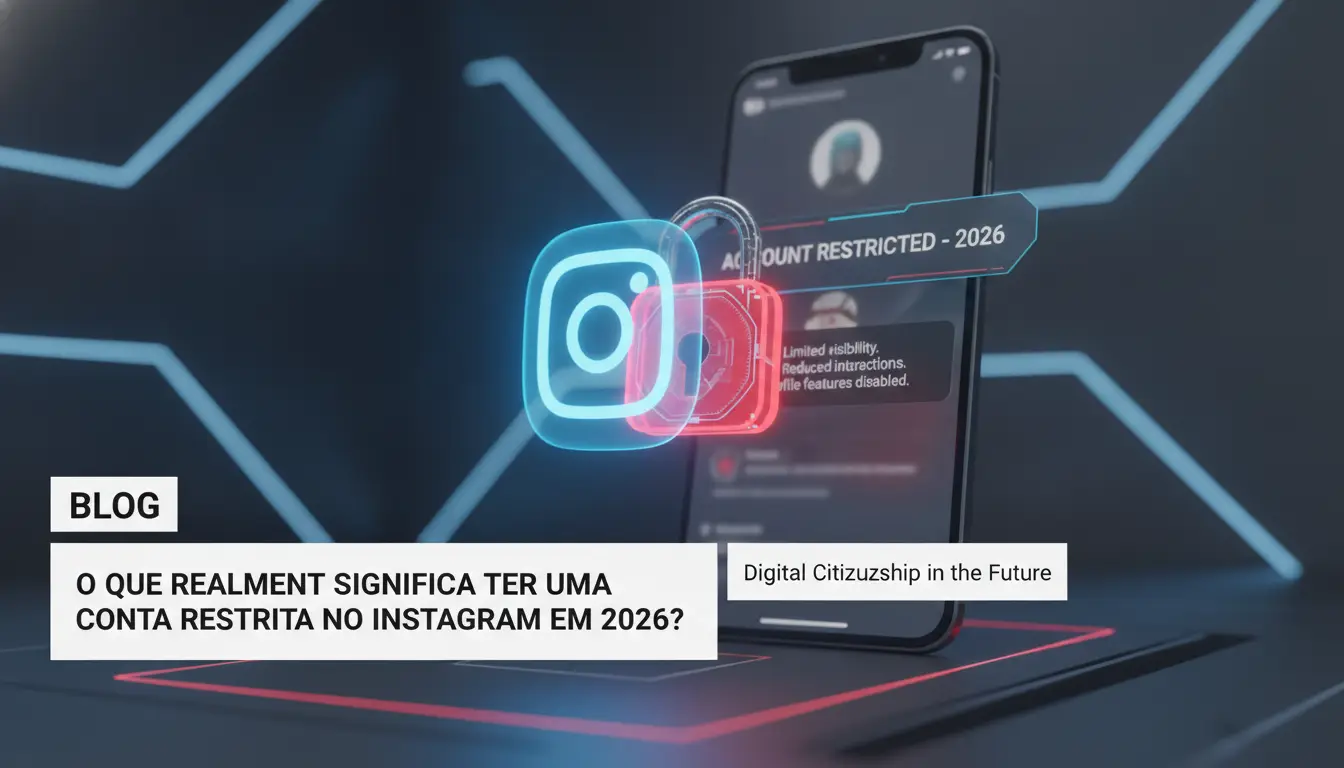
Having a restricted Instagram account is much more than receiving a warning or having a button blocked. You can see in practice: the profile is still active, but certain actions are limited without clear explanation. Those who depend on Instagram for sales, promotion or service feel the impact quickly. The problem is that the restriction usually doesn't arrive with details, and you only notice it when the range plummets or interactions fail. Understanding what changes helps to avoid mistakes that worsen the situation and to know when it is a case of alert or definitive blocking.
What actions are limited when the account is restricted?
Has Instagram restricted my account? Before panicking, it's worth checking which functions are gone. The main restrictions in 2026 affect:
- Sending direct messages: It's not just DM blocking. Sometimes, the messages sent do not reach the recipient, or fall straight into the request box, even for frequent contacts. This hinders those who do service or sales through the chat.
- Interactions in comments and posts: Liking, commenting, and even replying to stories can fail. Instagram can limit your participation in groups, prevent photo tags, or block posts in sequence. Often, the app doesn't show an error, it just seems like nothing happened.
The practical effect is an active but isolated profile. Your content stops appearing to followers, and interactions are restricted. Those who try to force their use only get worse: each blocked action increases the risk of entering the list of blocked accounts Instagram.
How to identify if your account has been restricted or just shadowbanned?
Not every drop in reach means restriction on Instagram. The signs of a restricted account are clear: functions crash, messages don't arrive, and Instagram can display a warning of violation of the guidelines. Shadowban is different, the content is invisible to those who don't follow you, but the functions are still available. Total blocking, on the other hand, prevents login, access to the profile and recovery by normal methods.
Understanding whether it is a restriction, shadowban or block is the first step to knowing how to act. The next point: why does Instagram do this and what are the most common causes that lead to the restriction in 2026?
Why does Instagram restrict accounts? Top causes in 2026
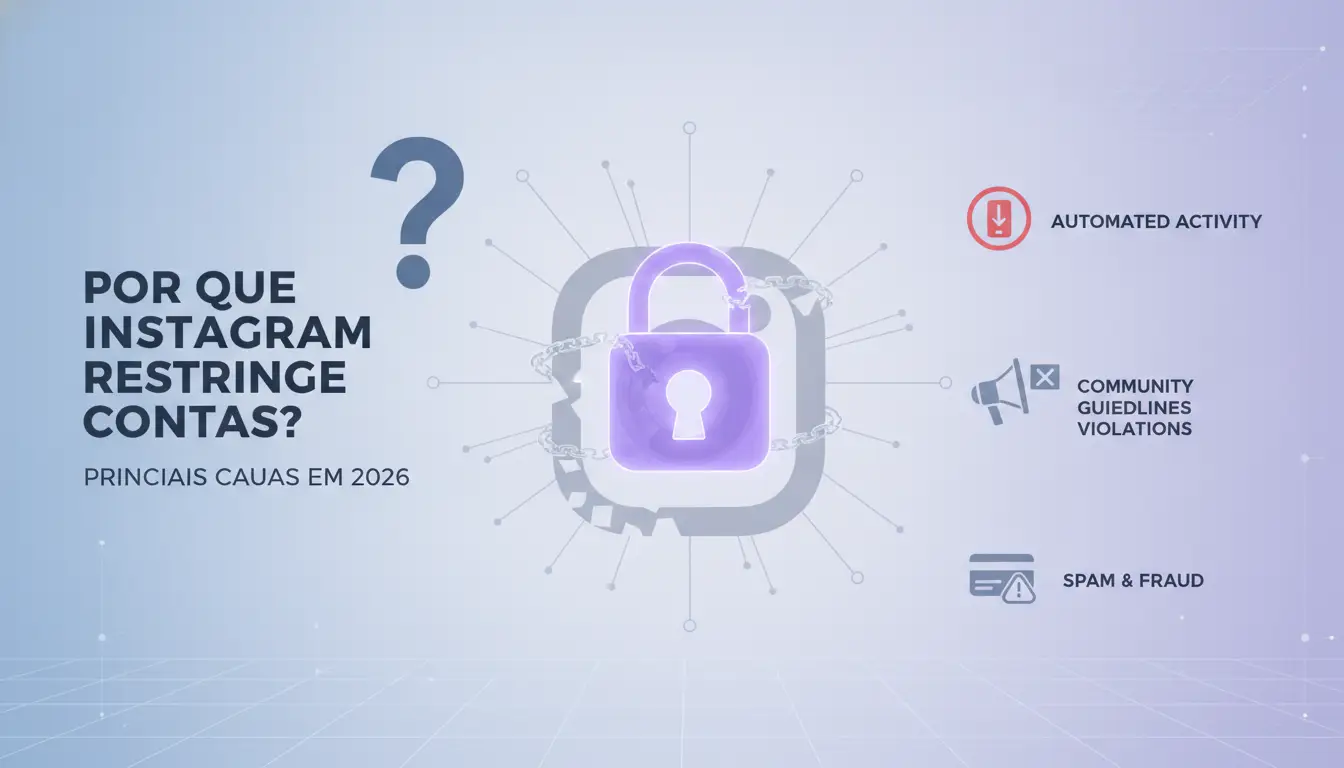
When the Instagram restricted account warning appears, it is usually not by chance or by technical error. Instagram has been tightening the rules since 2025 to curb automations, spam, and scams. The main causes of restriction have changed in recent months, so it's worth understanding what really triggers the block before trying to solve it.
Behaviors considered suspicious by Instagram
Instagram's algorithm has become stricter to detect actions that deviate from the standard. Those who use automation to follow, like, or comment en masse quickly draw attention. Tools that promise "automatic growth" tend to deliver likes and followers from fake accounts, which increases the risk of restriction on Instagram in the first few days of use.
Another point is the repeated use of suspicious links in the profile, bio or stories. If you share links that direct outside of Instagram itself, especially to sweepstakes, dubious offers, or sites that are poorly rated by Google Safe Browsing , the platform may limit your account without warning. Massive messages, even via DM, enter the radar and can generate temporary or permanent blocking.
Violations of updated guidelines and policies
Since the last update to the Community Guidelines, some topics have been blocked almost automatically. Sensitive content, nudity, hate speech, and fake news are on the list of restrictions. Posts on controversial topics, even if they are not offensive, can be taken down by group complaints.
A new detail in 2026: it only takes three complaints in less than 24 hours for the system to apply restriction, even if the content is within the rules. In cases of spam or disallowed product sales, Instagram restricted my account in less than an hour, according to reports from users on Reddit.
What weighs most today is the set of signs: non-standard behavior, added to complaints or dubious posts, practically guarantees restriction. This explains why so many people think they were caught "out of nowhere", when in fact recent history shows the signs.
In the next section, you'll understand what risks appear after the account is capped and how it may affect your profile.
What risks do you run by having a restricted Instagram account?
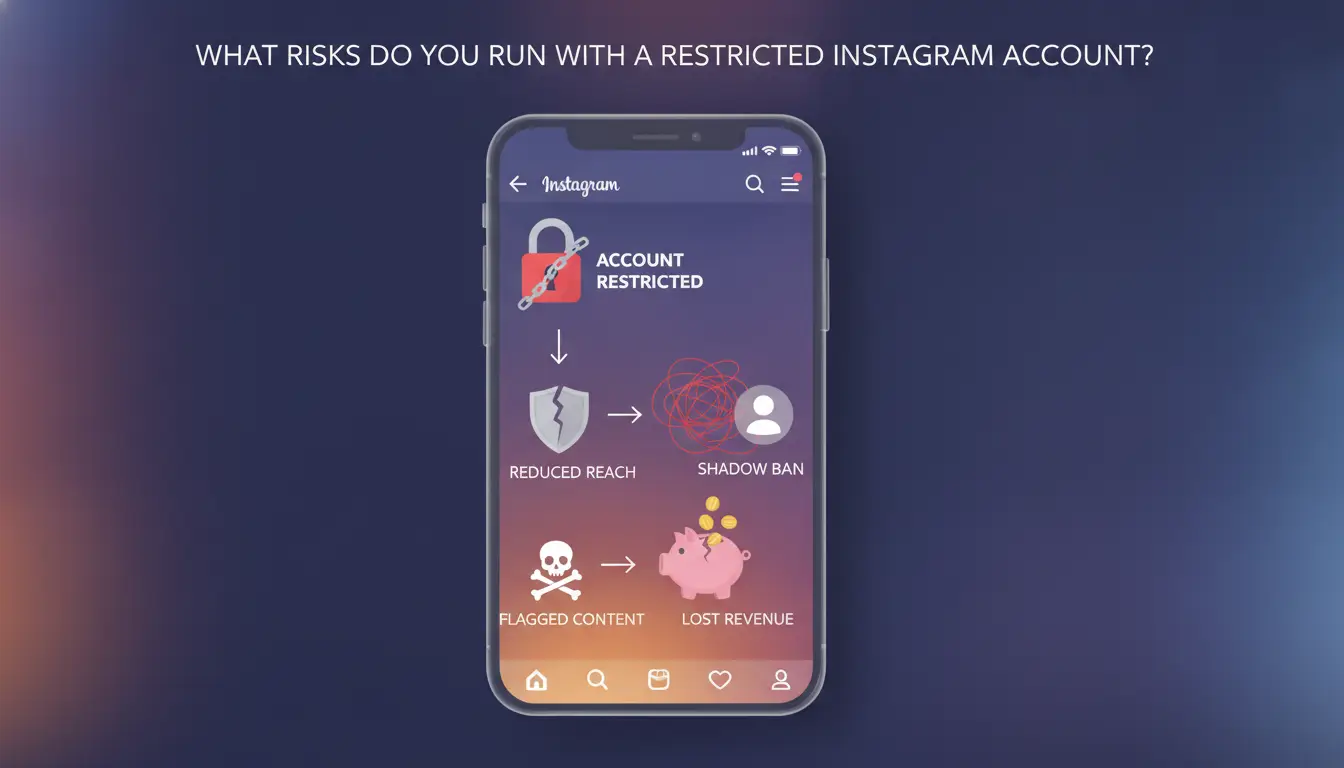
When Instagram restricts your account, the problems go beyond a simple on-screen warning. The impact appears quickly and can stop essential functions, whether for those who sell online, serve customers or just want to keep in touch with friends. Understanding these risks helps you act before the situation worsens, avoiding falling into a permanent blockage.
Loss of engagement and visibility
The first sign is usually the drop in the reach of publications. Stories, posts, and even Reels disappear from the radar of followers, even if you keep up the pace of posts. The restriction on Instagram also limits likes, comments, and answers in question boxes. You notice that people interact less, messages take time to arrive or don't appear at all.
In business accounts, this loss affects sales and support. A restricted profile may have ads paused, which locks campaigns in the middle of the month. Those who depend on Instagram to generate leads feel the difference in their bank balance at the end of the cycle. For personal profiles, the feeling is one of isolation: you post, but almost no one sees or responds.
The problem goes beyond the algorithm. Often, followers report that they cannot tag their profile or do not even find the account in searches. Failures of this kind indicate that the restriction is already affecting digital reputation, making it difficult to regain public trust later.
Risk of permanent blocking and deletion of the account
Not every restriction becomes a blocked Instagram account, but ignoring alerts increases this risk. Two or three warnings in a row, especially if they involve activities such as sending suspicious links or automations, are clear signs that Instagram may go for the definitive block.
In this situation, the profile goes offline without extra warning, and the recovery process can take weeks, if it is possible to revert. The exclusion happens when Instagram understands that there has been a serious violation of the rules, such as the use of bots or prohibited content. Accounts that have already gone through previous restrictions are in the crosshairs and have less chance of recovery.
The most critical point is: the sooner you act when you notice the restriction, the greater the chance of avoiding the total block.
Knowing how to recognize these signs prepares you to correct behaviors before falling into the mistakes that lead to restriction, the subject of the next section.
What are the most common mistakes that lead to Instagram account restriction?
Most blocks start with behaviors that seem small, but Instagram's algorithm interprets it as risk. Understanding what really triggers a restricted Instagram account avoids repeating mistakes that can be costly, especially when the account is used for business or service.
Misconfigured automations and use of insecure proxies
Uncontrolled automation is one of the main reasons for restriction on Instagram. Bots that like, follow, or send messages at high volume, with repetitive patterns, are usually detected within a few days. The problem worsens when access is made by shared or low-quality proxies, as many users may appear with the same IP, this delivers clear signs of manipulation to the system. Those who manage multiple profiles without isolating environment and IP are at increased risk. If Instagram restricted your account right after switching devices or proxy, that's a classic clue. For those who deal with multiple accounts, separating profiles in isolated browsers and own proxies greatly reduces Instagram blocked account notifications.
Buying followers, likes, and comments
Buying followers or engagement may seem like a shortcut, but it is one of the riskiest practices. Instagram identifies artificial growth spikes and fake account patterns in seconds. When it discovers, it limits reach, takes down posts from Explore, and can block the use of DMs or even temporarily suspend the profile. In the long run, buying fake interaction always becomes a restriction or even a definitive block. Anyone who has ever searched for "Instagram restricted my account" has usually experienced one of these scenarios.
How to recover a restricted account on Instagram: step-by-step updated for 2026
When Instagram restricts your account, reaction time matters. The process has changed in recent years: today, the app shows clearer alerts and the path to reverse the restriction has become more direct for those who act fast. Understand what to do to regain full access before the situation becomes a definitive block.
Checking account status and notifications
The first sign of a restricted Instagram account usually appears as soon as you try to post, DM, or comment. The app itself displays a notification, usually a red or orange banner on the home screen or in the activity area. To confirm, go to the "Settings and privacy" menu, then "Account status". There you can see if it was due to suspicious activity, reporting content or excessive actions.
Not every restriction message is the same. If the warning says that certain functions are temporarily disabled, there is a chance of a quick rollback. Warnings about "repeated violation of guidelines" require extra attention, in these cases, Instagram can limit reach, lock stories, or refuse links in the bio. The most important detail: the app now describes the reason, which makes it easy to adjust your next move.
Requesting Review and Filing Appeals
The restriction notice itself brings the "Request review" button. Use this direct channel within the app, there is no point in trying to appeal to the support email, as the response takes much longer. Explain that you understand the rules, show that it was a mistake (e.g., if you used licensed music or had an atypical engagement spike).
If Instagram asks for proof, prepare screenshots, proof of identity or screenshots of conversations (when blocking involves reporting in DMs). Users who send clear documentation usually regain access within 72 hours, but if the blocked Instagram account is commercial, also include CNPJ or registration data.
The most decisive point is to act right after the alert, using the app's official resource channels. If it takes too long, the risk of restriction becoming a permanent block grows. Manage multiple accounts? The next step is to avoid new restrictions, especially when switching profiles on the same device.
How to Avoid Restrictions When Managing Multiple Accounts on Instagram in 2026
Best practices for switching between accounts without generating suspicion
Anyone who operates more than one Instagram account knows that all it takes is one strange pattern to fall into a "restricted instagram account". The most common mistake is to access multiple profiles on the same browser or cell phone, always with the same IP, this lights up an alert in the Instagram system. To avoid this risk, keep each profile isolated: use different devices or, at the very least, separate profiles in the browser. Avoid quickly switching between accounts or repeating login times and places. If Instagram notices identical actions in a row, the chance of restriction on Instagram increases a lot.
How DICloak helps avoid restrictions in professional operations
Tools like DICloak are game-changers for those who need to manage multiple Instagram accounts. You can create an isolated browser profile for each account, with a unique fingerprint and dedicated proxy, so each access appears to come from a different person, rather than a robot or agency. The system records operation logs, making it easy to identify problematic patterns before they become a restriction or even a blocked Instagram account. The secret is to simulate natural behaviors and never repeat the same pattern between accounts. Agencies and teams can securely split access without falling into Instagram's filter.
If you ignore profile isolation, the risk of seeing "Instagram has restricted my account" only grows. In the next topic, see what differentiates a simple restriction from a definitive block and how to act fast.
When the restriction can become a permanent block and what to do
Warning signs for imminent blockade
If your restricted Instagram account starts showing messages like "suspicious activity detected" or "your account may be deleted soon", turn on the alert. Instagram almost never blocks by surprise: before, red warnings appear in the app or new limitations, such as stories disappearing, DMs stuck or links that stop working. Sudden changes in access, such as asking for verification at each login, disappearance of followers or inability to post, indicate that the system marked the profile as high risk. Ignoring these signs is asking to fall into the definitive block, which can be irreversible even for those who try to resort to support.
How to act so as not to lose count definitively
If you have received one of these alerts, don't waste time: back up the content (photos, customer contacts, important conversations) using Instagram's own options. Write down and save linked emails and numbers, losing access to them makes any recovery almost impossible. Request advanced support directly through the app, detailing the problem and attaching screenshots of the warnings. If Instagram has restricted your account after actions on multiple devices or proxies, explain it; Avoiding omission increases the chances of response. In cases of blocked Instagram account, insist on contacting the official help center and monitor the registered email. Acting quickly from the first warning is what weighs the most to avoid losing the profile for good.
How to keep your account secure and avoid new restrictions on Instagram
Security and authentication routines
Anyone who has ever gone through a restricted Instagram account knows that leaving security for later is usually expensive. Enable two-factor authentication, without it, all it takes is one awkward access for Instagram to restrict your account without warning. Prefer apps like Google Authenticator to SMS, as chips can be cloned. Always review active logins: if you see access from another state or country, change the password on the spot and review the sessions from the Instagram dashboard. If you share access with your team, make it a routine to change passwords every three months.
Constant update on platform policies and trends
Ignoring rule changes is asking to fall into a restriction on Instagram. Follow the official Instagram blog and profiles like @creators so you don't get caught off guard by new policies. Has the draw rule changed? Adjust the profile on the same day. The difference between maintaining access or falling into a blocked Instagram account almost always lies in acting before the algorithm. Those who work with multiple accounts can use tools like DICloak to isolate profiles and avoid blocks for suspicious activity.
Frequently asked questions about instagram restricted account
How long does the restriction of an Instagram account last?
The restriction time on Instagram varies depending on the reason. For actions such as spamming or violating guidelines, the restricted instagram account may be limited for a few hours or days. In severe cases, such as the use of prohibited tools, the restriction can last for weeks or be permanent, especially if there is a recurrence.
Is it possible to use the account normally while it is restricted?
When Instagram restricted my account, access to the profile typically continues. However, functions such as commenting, following new profiles or sending messages may be limited. These restrictions prevent full interactions, but you can still view photos and stories and edit profile information.
What to do if the review request is denied?
If Instagram denies review of the blocked Instagram account, try to fix potential violations, such as removing suspicious content or avoiding repetitive actions. Wait a while before new requests. In severe cases of restricted instagram account, seek expert support or official channels for guidance.
Does managing multiple accounts increase the risk of restriction?
Yes, managing multiple accounts carelessly can increase the risk of restriction on Instagram. Mixing profiles, using the same IP, or repeating posting patterns can be seen as suspicious activity. Separating devices, IPs, and times of use helps prevent Instagram from restricting your accounts.
Can automation tools cause restriction on Instagram?
Automation tools, such as followers or likes bots, can cause restriction on Instagram if used in excess or without simulating human behavior. Instagram detects repetitive actions and blocks accounts that violate the limits. To avoid restricted instagram account, use automation with caution and respect the platform's rules.
Understanding the reasons for a restricted Instagram account is key to avoiding blocks and ensuring a secure digital presence. By following the platform's guidelines and monitoring suspicious activity, it is possible to minimize risks and keep your profile active. Try DICloak for free
 Web Proxy Tools
 Free Tools
 Cookie Plugin
 UA Generator
 MAC Address Generator
 IP Generator
 IP Address List
 2FA Code Generator
 World Clock
 Anonymous Check
 WebRTC Leak Test
 UUID Generator
 Free Web Proxy Site
 Proxy Checker
 FB Ad Checker
 AI Web Scraping
 Free SMM Tools
 Twitter Shadowban Checker
 Instagram Name Checker
 UTM Generator
 Username Generator
 AI Hashtag Generator
 LinkedIn Headline Generator
 Social Media Image Resizer