Spending $500 on Facebook ads and seeing $500 back might sound fine, until you realize your competitor doubled their sales with the same budget last month, just by changing their scaling process. The real frustration starts when your campaigns stall: you raise daily ad spend, but conversions stay flat, cost per result spikes, or your ad account gets flagged without warning. Many guides on how to scale Facebook Ads skip these real issues, leaving advertisers guessing why their results tank after a few tweaks.
The truth is, scaling Facebook ads is less about “spending more” and more about controlling risk, understanding platform signals, and building a repeatable process. If you simply raise budgets, Facebook’s algorithm can push your ads to low-quality placements or audiences, burning cash fast. Overlapping audiences, creative fatigue, and poor account structure all undercut growth. Miss one of these traps, and you can lose weeks of ad spend without clear answers.
This guide breaks down what actually works, step-by-step scaling methods, real risks to watch for, and which tools help you stay in control as you scale. You’ll see how experienced advertisers use rules-based scaling, audience expansion, creative rotation, and tools like Meta’s official Business Manager or DICloak for multi-account workflow. Getting past the guesswork means spotting risks early, testing smarter, and making each new dollar in spend count. Here’s what changes when you approach scaling like a pro.
How to Tell If Your Facebook Ads Are Ready to Scale
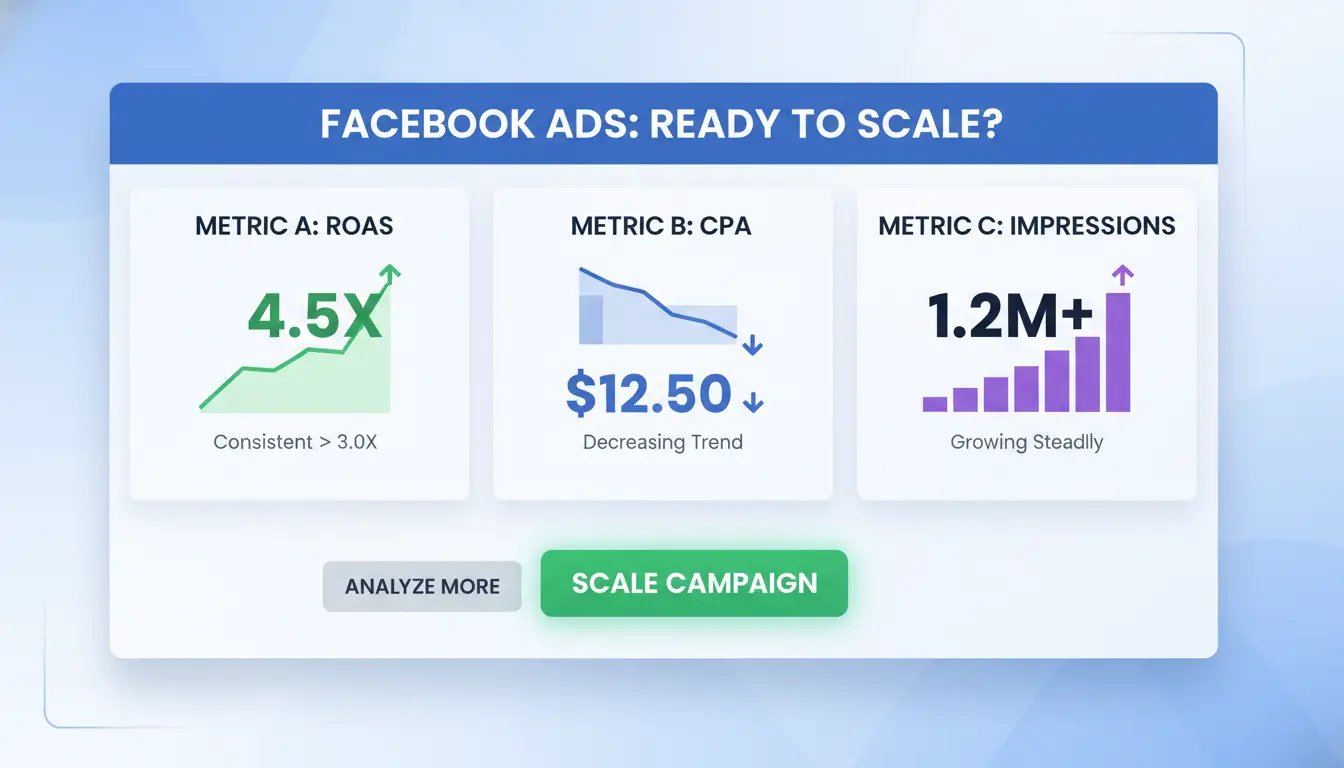
Scaling Facebook ads works only when your campaign shows clear signals. If you push spending too soon, you risk wasting budget and wrecking performance that took weeks to build. Here’s how to judge if your ads are truly ready for the next level.
What Metrics Signal Scaling Potential
The best campaigns have steady performance, not just a lucky day or two. Watch for at least 3-7 days of stable results. Two numbers matter most: ROAS (return on ad spend) and CPA (cost per action). If your ROAS is above your profit target and your CPA is at or below what you can afford, that’s a green light. For example, if your product margin is $25 and your CPA stays at $20 or less, scaling makes sense.
Consistent conversions count more than one big day. If you see at least 10-15 conversions per week per ad set, Facebook’s system has strong data to improve with. Volume below that can cause wild swings and make scaling risky. Make sure your frequency (how often the same person sees your ad) isn’t rising too fast, overexposure can kill results.
When Scaling Too Early Hurts Performance
Jumping the gun with budget increases is a common mistake. If you double your daily spend overnight, Facebook’s algorithm may reset and your costs can spike. Instead, raise budgets by 10-20% every few days if metrics stay strong.
Another risk is ignoring the learning phase. When you make big changes to targeting, creative, or budget, your campaign re-enters learning. During this period, results are unstable. Wait for the “Learning Limited” or “Learning” label to disappear in Meta Ads Manager. Only scale when your ads have exited learning and results are predictable.
Scaling before you see consistent, cost-effective results almost always backfires. Knowing when to wait sets you apart from impatient competitors searching “how to scale facebook ads” without real answers.
What Risks and Mistakes Most Advertisers Face When Scaling Facebook Ads
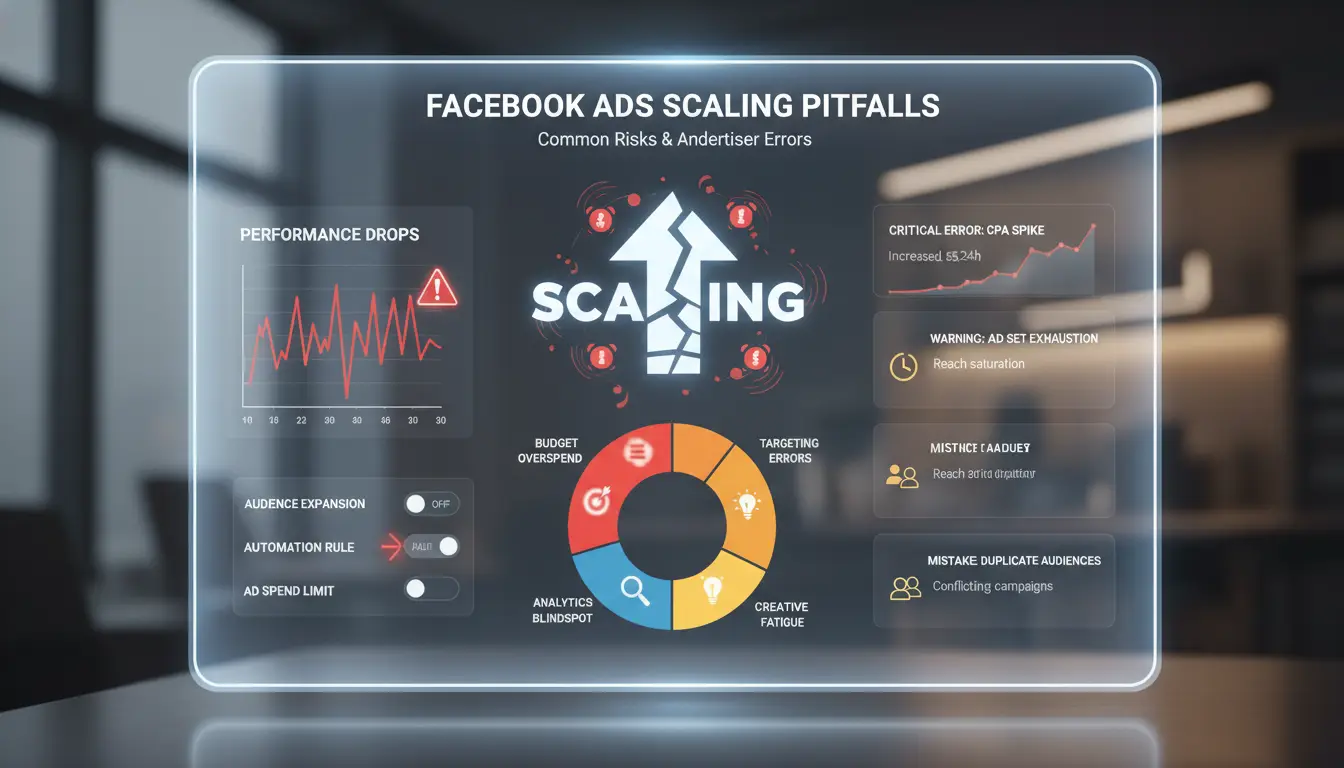
Scaling Facebook ads seems simple, raise your budget, reach more people, get more sales. But in practice, most advertisers hit problems fast. The biggest risks are account restrictions, wasted spend, and performance drops nobody saw coming. If you’re asking how to scale Facebook ads without crashing your campaigns, you need to spot these traps early.
Why Scaling Triggers Account Restrictions
Most bans happen when you change budgets too quickly or look suspicious to Facebook’s system. For example, doubling your daily spend overnight almost always flags your account. Facebook expects gradual increases, usually less than 20% per day. Sudden jumps signal risky behavior, especially if you’re running ads on new accounts or across multiple profiles.
Another common trigger: using the same payment method or IP across many ad accounts. That pattern matches banned sellers and bots. If you’re scaling with a team or using multiple accounts, keep each profile separate. You can use tools like Meta Business Manager for official multi-account workflow, or DICloak to isolate browser fingerprints and proxies for safer scaling.
Common Scaling Mistakes That Kill ROI
Scaling isn’t just about spending more. If you run the same creative for weeks, your ad performance tanks as audiences tire of seeing it. Refresh your creative every 7–14 days to keep engagement high. Too many advertisers miss this, then wonder why results drop.
Audience overlap is another silent killer. If two campaigns target the same users, you force Facebook to compete against itself, driving up costs and wasting spend. Always check audience sizes and exclude overlapping segments. Poor account structure, like mixing unrelated products in one campaign, makes tracking impossible and hides what’s working.
The biggest mistake is scaling fast without a clear plan. Make small changes, watch your data, and fix issues before they cost you real money. If you track actions, update creatives, and separate accounts, scaling gets safer and more predictable.
How to Scale Facebook Ads Budget Without Killing Performance
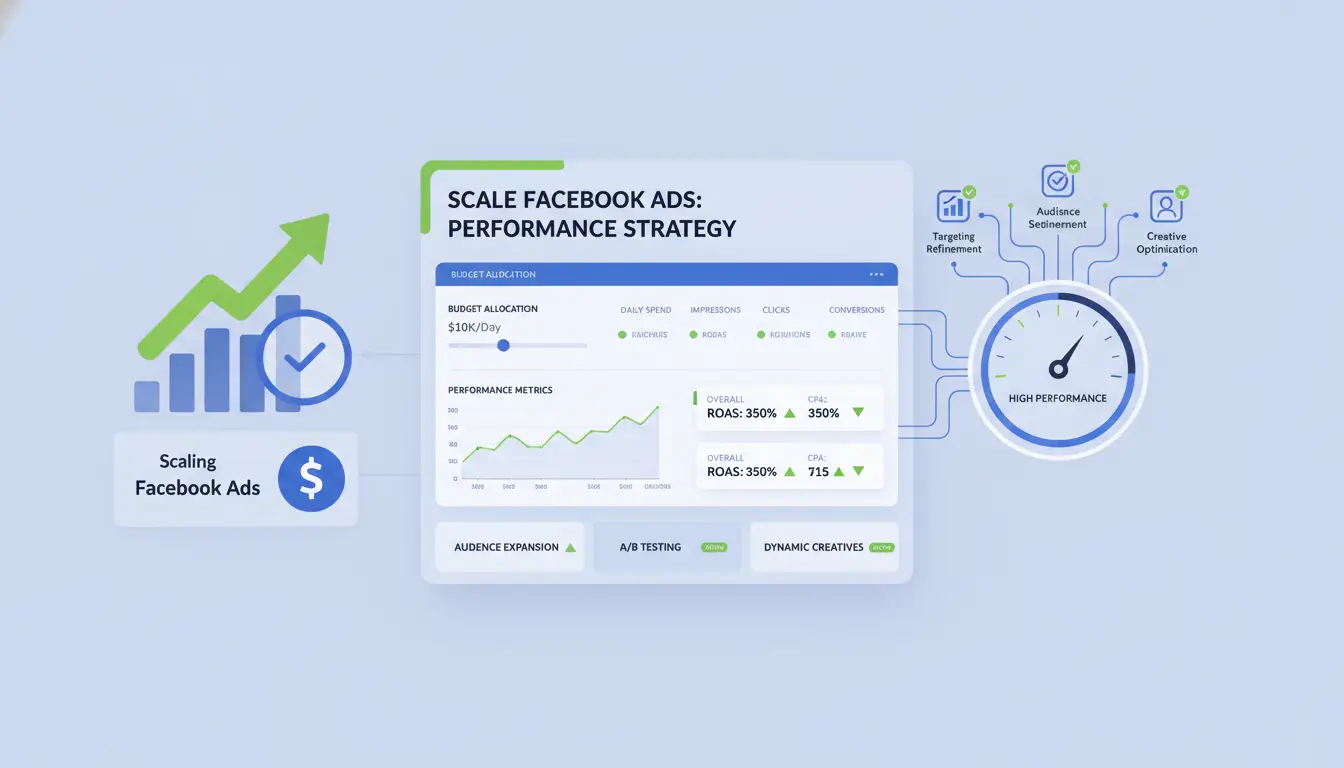
Scaling Facebook ads is tricky because small mistakes can ruin results fast. The main reason most ad accounts fail when increasing spend is jumping too quickly or ignoring how Facebook’s algorithm reacts to budget changes. The right approach to how to scale Facebook ads means you increase your budget in a way that protects winning ad sets and avoids the “learning phase reset”, which can wipe out weeks of progress. Below are two proven methods: vertical scaling and horizontal scaling. Each method has its own risks, but also gives you more control as you grow.
Vertical Scaling: Gradually Increasing Budget
The simplest way to scale is to raise the daily budget on ad sets that already perform well. Don’t double your budget overnight, this often resets the learning phase and causes cost spikes. A safer move is to raise the budget by 10-20% every 24-48 hours. For example, if your ad set spends $100 daily, test a bump to $110–$120, then check results before going higher. Watch for changes in cost per result and click-through rate. If performance drops, roll back to your last stable budget.
Using tools like Meta’s Business Manager helps you track changes and set up rules to pause underperforming ads. Some teams use DICloak to run separate profiles for each campaign, reducing the risk of account bans when scaling multiple ad accounts.
Horizontal Scaling: Expanding Campaigns and Audiences
Vertical scaling has limits. When a single audience is saturated, copy your winning ad set and target new audiences. This is called horizontal scaling. You can duplicate ad sets, change interest or lookalike targets, and test new creatives. For bigger growth, launch new campaigns with different budgets and objectives, such as switching from conversions to traffic to find untapped segments.
The main risk is overlap. Always exclude past audience lists to avoid bidding against yourself. By combining both scaling methods, you can grow spend while protecting your best results.
How to Scale Facebook Ads by Expanding Target Audiences
Scaling Facebook ads is not just about raising budgets, it’s about growing reach without wasting spend or running into rising costs. The key is broadening your target audience in smart ways, so you can find new customers while keeping performance stable.
Using Lookalike Audiences for Scaling
Lookalike audiences let you reach people similar to your best customers. Start with a solid seed list, like recent buyers or high-value leads. Upload this list to Meta’s Business Manager and create a lookalike audience. Test different similarity percentages: 1% is closest to your seed group, while 3–5% gets you a broader but less precise audience.
Don’t just pick the biggest group. Run split tests with several lookalike sizes. For example, a 1% lookalike might win on cost per purchase, but a 4% group could bring in more total sales when you raise spend. Watch for overlap with your existing audiences, using Meta’s Audience Overlap tool, to avoid bidding against yourself.
Broadening Detailed Targeting and Demographics
If you only target a narrow age range, location, or interest, your ad growth will stall fast. Try opening up your age filters and adding new cities or regions where orders can ship. Test wider interest and behavior layers, like combining “online shopping” with “pet owners” to find new groups.
When you move from narrow to broad targeting, Facebook’s algorithm has more room to find buyers. But don’t go too broad in one jump. Expand in steps, checking performance after each change. Overlap is a real risk, exclude past buyers or warm audiences from new tests to prevent wasted impressions.
The most reliable way to scale is to test one change at a time and watch results closely. This helps catch drops in return on ad spend before you burn budget. If you manage many accounts for clients, you can use tools like DICloak to keep each account’s profiles and proxies separate as you scale.
How to Scale Facebook Ads Safely When Managing Multiple Accounts or Teams
Scaling Facebook ads across several accounts or team members isn’t just about increasing spend. The real test is keeping your accounts stable while growing fast, especially when you add more people or automate tasks. If you don’t control your workflow and privacy setup, you’ll run into bans, spending limits, or even full account shutdowns. Here’s what actually changes when you start thinking about how to scale Facebook ads for multi-account or team use.
Why Multi-Account Scaling Gets Risky
Running several Facebook ad accounts from the same device or IP puts all your accounts at risk. Facebook tracks browser fingerprints, cookies, and IP history. If it sees two accounts linked by the same device or proxy, both can get flagged. This risk jumps when multiple team members log in from different locations or share passwords in unsafe ways.
Problems don’t stop at login. Shared access can mean permission mistakes, one wrong move and a new user can lock everyone out, or accidentally trigger a review. Teams sometimes skip steps like rotating proxies, or forget to update device fingerprints, making detection easier for Facebook’s security systems.
How DICloak Helps Secure Multi-Account Scaling
You can cut these risks by using DICloak to build isolated browser profiles for each ad account. Each profile gets its own fingerprint, cookies, and history, so Facebook can’t cross-link accounts by device. Bulk proxy integration means every account appears to log in from a stable, unique IP, no more mass bans because of reused addresses.
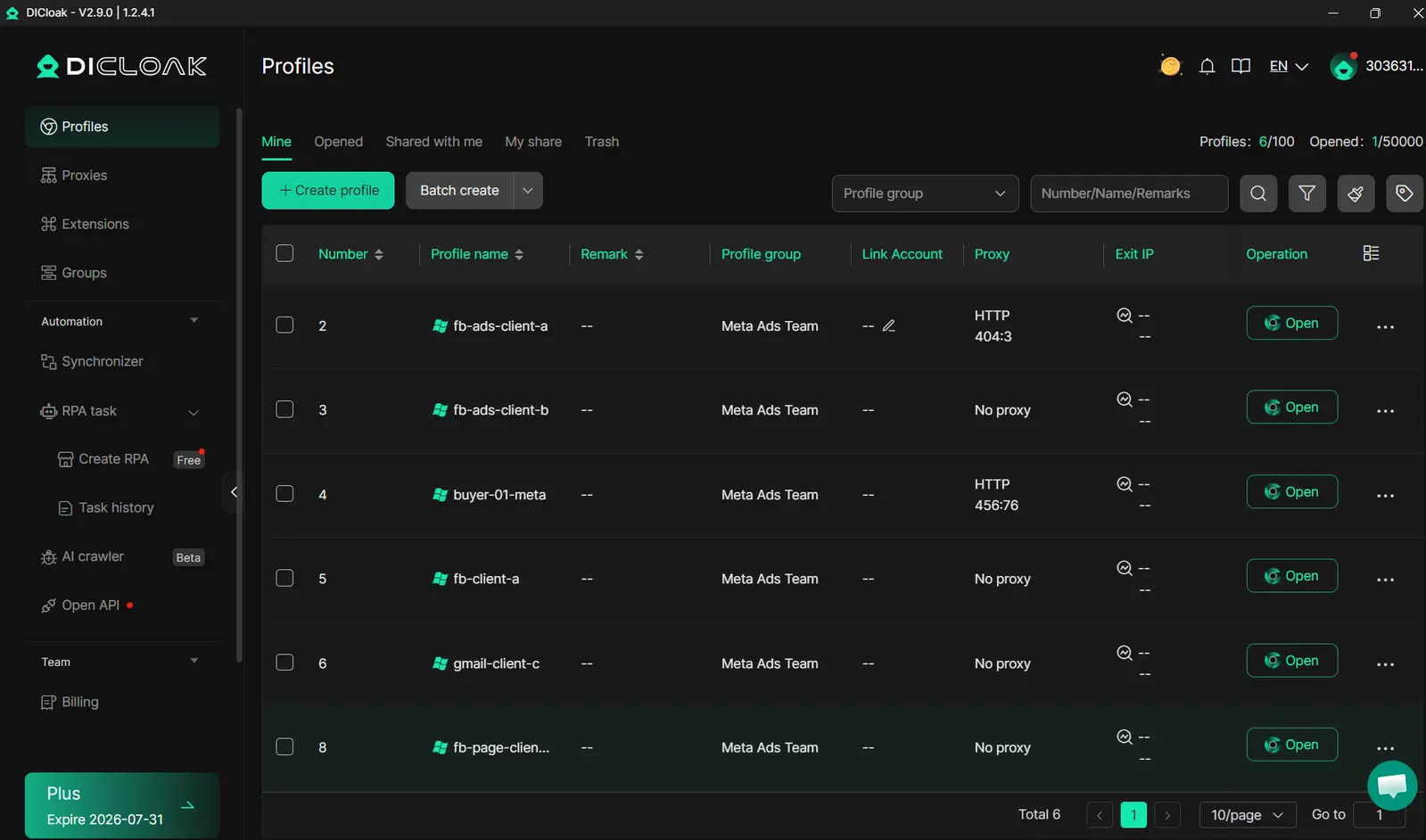
For teams, DICloak lets you set custom permissions and share browser profiles without handing out passwords. Members can access assigned accounts securely, even if they’re working from different cities. The audit log tracks every action, so you spot problems early and keep control. The single most important step is isolating each account’s environment, not just rotating proxies. This is what separates safe scaling from accounts getting banned in waves.
How to Automate and improve Scaling Workflows for Facebook Ads
Scaling Facebook ads gets messy fast, manual tweaks lead to missed signals, wasted budget, and inconsistent results. The real challenge is keeping changes tight and reducing errors as spend ramps up. Automated scaling controls risk and helps you catch problems before they drain your ad budget.
Automating Budget and Audience Adjustments
Using Facebook’s built-in rules, you can auto-pause poor performers, raise budgets for winners, and expand audiences based on real-time data. Scripts let you trigger changes at set thresholds, so you’re not stuck babysitting every campaign. Tools like Meta’s Business Manager and third-party platforms simplify bulk edits and reporting.
If you manage multiple accounts, tools like DICloak let you set up isolated browser profiles and bulk proxy integration. This prevents accounts from being linked and reduces ban risk. Permission controls help teams automate scaling without exposing accounts to platform detection.
Optimizing Creative and Funnel for Scaling
Scaling works best when creative doesn’t get stale. Refresh ad images and text every week. Build TOFU (top-of-funnel) offers, simple, broad hooks that catch new audiences. DICloak’s team collaboration lets you safely share account access and rotate creatives across profiles. This cuts manual errors and keeps campaigns running smoothly.
When Scaling Facebook Ads Stops Making Sense: Signs to Pause or Rethink
Scaling Facebook ads can push growth, but there’s a point where more spend only buys more headaches. The real challenge isn’t how to scale facebook ads, it’s knowing when scaling is actually hurting performance, not helping. Watch for these warning signs before you waste budget or burn out your team.
Performance Red Flags After Scaling
When you raise budgets, the first thing to check is cost per action (CPA). If CPA climbs while return on ad spend (ROAS) drops, you’re likely paying more for worse results. For example, a campaign that cost $10 per lead last week might jump to $18 this week after scaling, but not bring in more sales. Audience saturation is another trap. You might see frequency spike, meaning the same users see your ads too often. That leads to lower click-through rates and higher costs. If your audience size stays flat but impressions surge, expect weaker results.
Here’s a quick table to spot red flags:
| Metric |
Before Scaling |
After Scaling |
Warning Sign |
| CPA |
$10 |
$18 |
Rising |
| ROAS |
4.0x |
2.2x |
Falling |
| Frequency |
2 |
5 |
Too high |
| Audience Size |
50,000 |
50,000 |
Saturated |
How to Reset and improve After Scaling Fails
If scaling backfires, don’t just cut spend. Start by refreshing creative, new images, videos, or headlines can wake up tired audiences. Change targeting to reach new users or add lookalike audiences. Sometimes, old interests and demographics are tapped out. Budget reallocation is another move. Shift money from poor performers to ad sets with steady results, even if they’re smaller. Use Meta’s Business Manager to track each account and adjust quickly. For agencies running multiple accounts, you can use DICloak to keep profiles separate and reduce risk of bans when testing new audiences. Spotting these red flags early keeps your scaling strategy from draining your budget.
FAQ: Scaling Facebook Ads Safely and Efficiently
How fast should you increase your ad budget?
Raising your daily budget by more than 20% at once often triggers a new learning phase, which can hurt results. Most experienced advertisers scale by 10–20% every few days. Watching cost per result is key, if it jumps, pause and check for creative fatigue or audience overlap.
What’s the safest way to test new audiences as you scale?
Test one new audience at a time instead of stacking many together. Use split tests in Meta’s Business Manager to track which audience actually works. This helps avoid wasting spend on groups that don’t convert.
How do you prevent account bans when running many ad accounts?
Running accounts from the same device or browser can trigger Facebook’s detection systems. To lower this risk, you can use profile isolation tools like DICloak, each account gets a unique environment and proxy. This helps keep accounts separated and safe.
When should you duplicate a winning ad set?
Duplicate only after seeing steady results for 3–5 days. Duplicating too soon can reset optimization and increase costs.
What is the most common reason scaling fails?
Scaling fails most when ads burn out or budgets jump too quickly, watch for rising costs and test changes step by step.
Frequently Asked Questions
How fast can I safely scale Facebook ads without risking account bans?
When learning how to scale Facebook ads, increase your budget by no more than 20-30% every 2-3 days. Avoid sudden jumps, like doubling your spend overnight. Gradual changes let Facebook's algorithm adjust, reducing the risk of account bans or ad rejections. Always monitor performance and check for unusual activity after each increase.
What should I do if my Facebook ads performance drops after scaling?
First, refresh your ad creatives to fight audience fatigue. Next, review your targeting to ensure you’re not oversaturating the same audience. If you’re scaling Facebook ads and performance dips, try lowering the budget slightly or switching to manual bidding. Watch your metrics daily to catch problems early and maintain stable results.
Can I scale Facebook ads across multiple accounts without getting flagged?
To scale Facebook ads across several accounts, use separate business managers and isolated environments. Employ secure proxies and avoid sharing IP addresses between accounts. Keep workflows clean and consistent. This lowers the risk of being flagged for suspicious activity and helps each account stay compliant with Facebook’s policies.
How do I automate scaling steps for Facebook ads?
Automate how to scale Facebook ads by setting Facebook rules for budget increases, pausing underperforming ads, or adjusting bids. You can also use scripts with the Facebook Ads API or third-party tools like Revealbot or AdEspresso. Automation lets you scale faster and reduces manual errors while keeping campaigns improved.
What are signs that I should pause scaling my Facebook ads?
Pause scaling if you see a big drop in conversions, rising cost per result, or audience fatigue. Watch for higher frequency scores or negative feedback. If scaling Facebook ads leads to lower ROI or engagement, stop increasing budgets and re-evaluate your creative, targeting, and bidding strategies before resuming.
Mastering the art of scaling Facebook ads involves a strategic balance of data analysis, creative testing, and budget optimization. By closely monitoring performance metrics and making incremental adjustments, you can increase your return on ad spend while minimizing risk. Try DICloak For Free
 Web Proxy Tools
 Free Tools
 Cookie Plugin
 UA Generator
 MAC Address Generator
 IP Generator
 IP Address List
 2FA Code Generator
 World Clock
 Anonymous Check
 WebRTC Leak Test
 UUID Generator
 Free Web Proxy Site
 Proxy Checker
 FB Ad Checker
 AI Web Scraping
 Free SMM Tools
 Twitter Shadowban Checker
 Instagram Name Checker
 UTM Generator
 Username Generator
 AI Hashtag Generator
 LinkedIn Headline Generator
 Social Media Image Resizer