Expanding an Instagram presence is a primary requirement for scaling business operations and specialized brand reach. However, as Meta’s platform security reaches its most sophisticated level yet, users face hurdles that go beyond simple registration. While creating a single profile is easy, managing a fleet of accounts requires a rigorous technical framework to circumvent shadowbans, action blocks, and permanent terminations. In an environment with over 3 billion active monthly users, the focus has shifted from simple content creation to maintaining technical account integrity.
How do I create a new Instagram account from scratch in 2026?
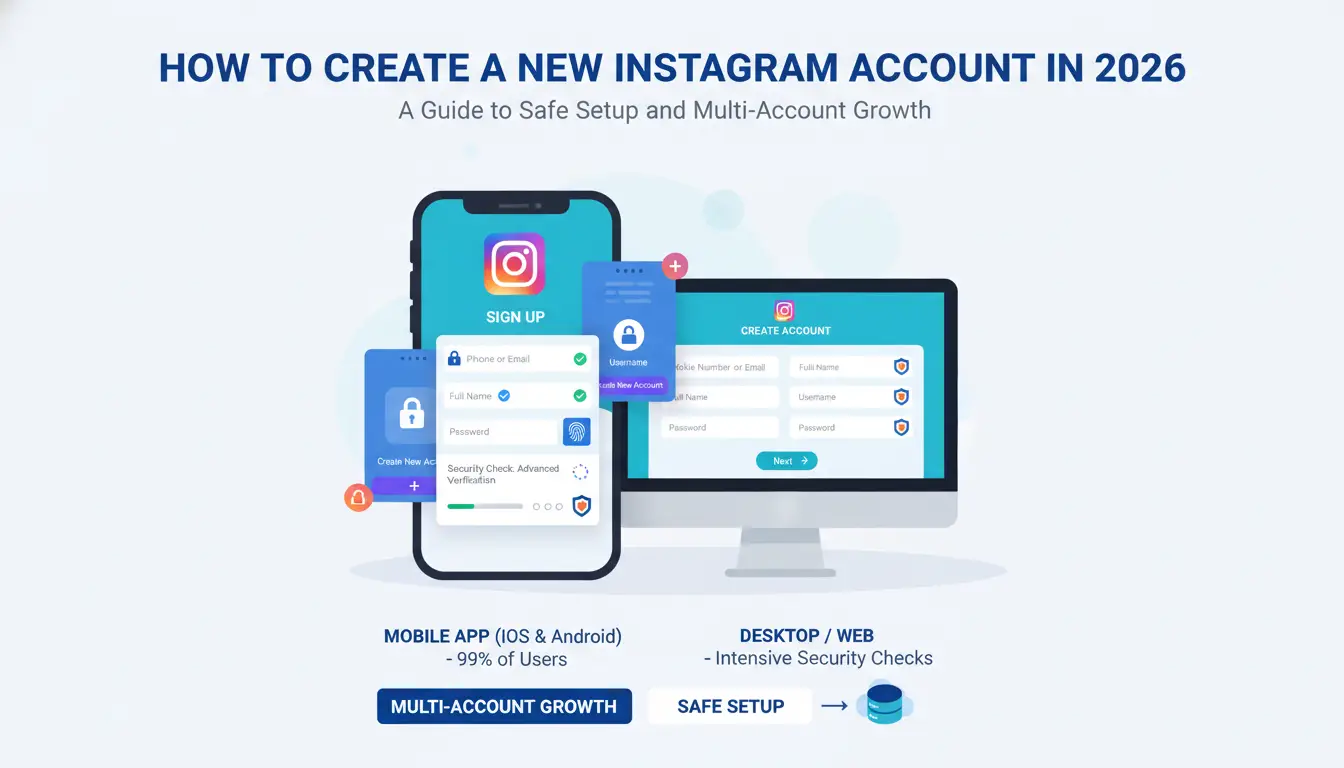
The registration process remains accessible via mobile and desktop, though the background security checks performed during these steps are now significantly more intensive.
On the Instagram Mobile App (iOS & Android)
Since nearly 99% of users access the platform via mobile, this is the most "natural" registration path and carries the highest initial trust score.
- Download the Instagram app from the official App Store or Google Play Store.
- Launch the app and select Create New Account.
- Enter a unique email address or mobile phone number.
- Enter the verification code sent to your contact method.
- Create a secure password and choose a username.
- Complete the setup by adding a profile picture and bio.
On the Instagram Website (Desktop)
While mobile-centric, desktop registration is a common starting point for professional social media managers.
- Navigate to Instagram.com on a clean browser.
- Click Sign Up on the home screen.
- Provide your mobile number or email, full name, username, and password.
- Click Sign Up and verify via the code sent to your provided contact method.
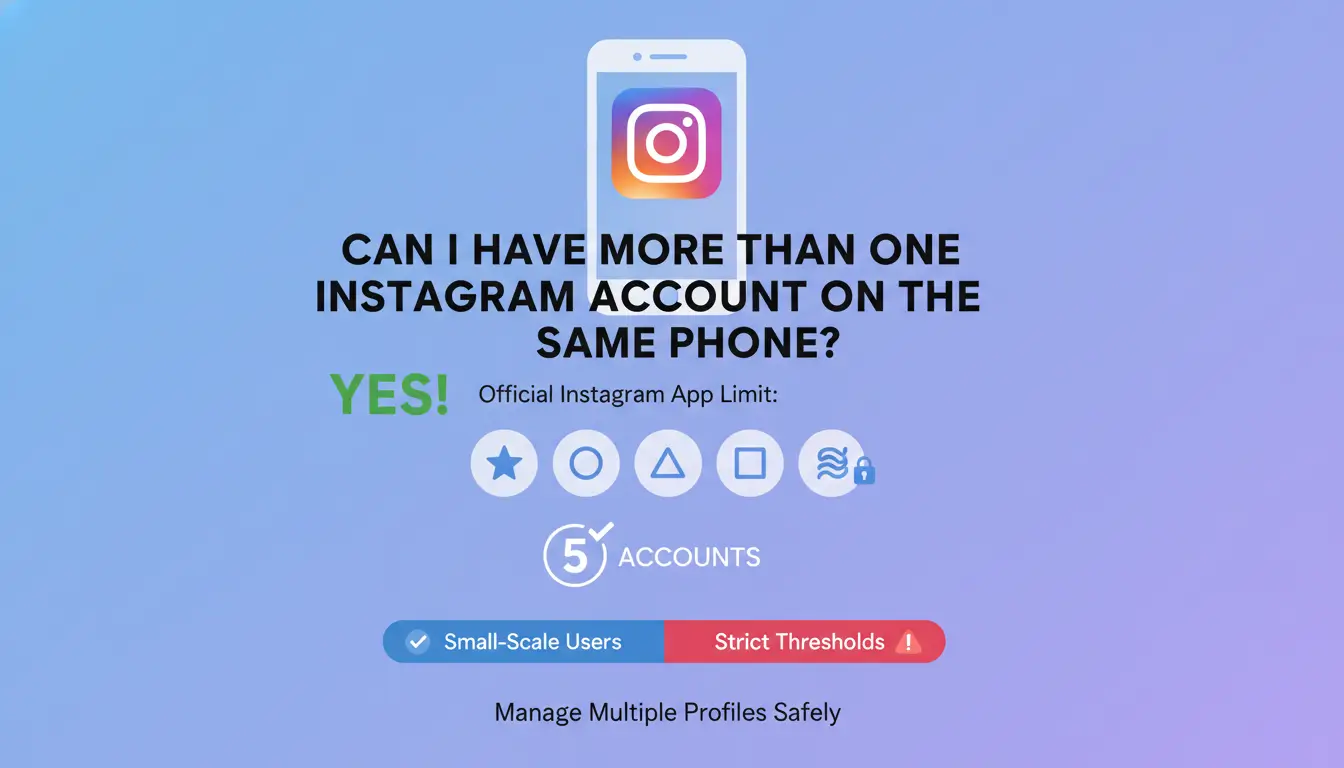
Can I have more than one Instagram account on the same phone?
Instagram provides built-in tools for small-scale users to manage multiple profiles, but there are strict thresholds to keep in mind.
The official limit for account switching
The official Instagram app allows a maximum of 5 accounts to be logged in simultaneously on a single mobile device. This is the platform's recognized threshold; exceeding this on a single device without isolation tools often triggers aggressive "linking" algorithms that can compromise the safety of all connected profiles.
How to add a second account step-by-step
To add additional profiles to your app:
- Go to your profile page by tapping your profile picture in the bottom right.
- Tap the Hamburger menu (≡) and navigate to Settings and privacy.
- Scroll to the bottom and select Add account.
- Choose Log into existing account or Create new account.
The "double-tap" shortcut for fast switching
For efficiency, you can toggle between your two most recently used profiles by double-tapping the profile picture icon in the bottom right corner of the navigation bar.
Why does Instagram block me when I try to make a second or third account?
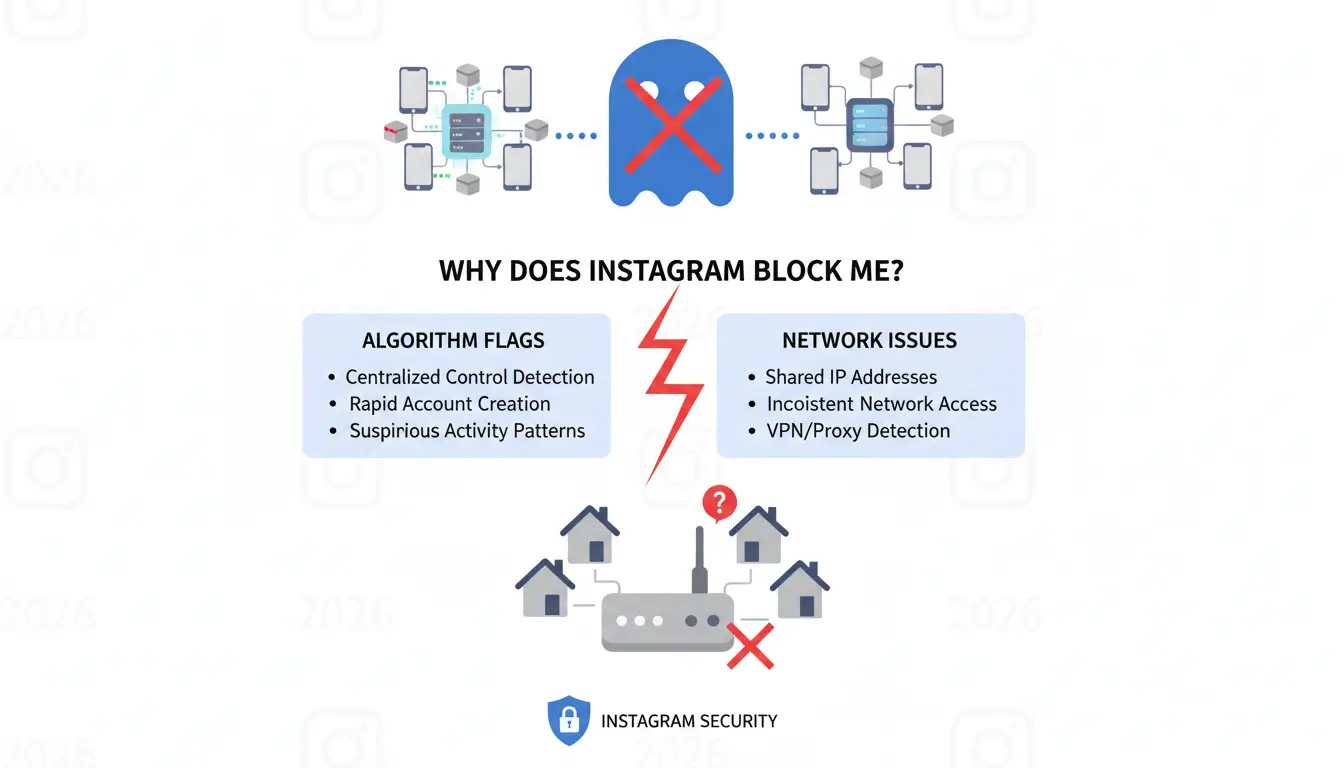
Scaling a multi-account operation often triggers security flags because Instagram’s algorithm is designed to detect and limit centralized control.
The trap of shared IP addresses and inconsistent network access
Shared IP addresses can be a liability. Many free or cheap services share IP addresses among thousands of users. If one user on that IP is flagged for spam, the entire IP is blacklisted. Furthermore, rapid changes in network location can trigger "Impossible Travel" alerts. This occurs when the Geo-IP data of a new login doesn't match the session metadata or physical location of the previous login within a realistic timeframe, causing an immediate security lock.
Device Fingerprinting: How Instagram identifies your hardware
Instagram tracks unique hardware identifiers to link multiple accounts to a single physical source. Key identifiers include:
- IMEI Number: The unique serial number of the phone hardware.
- MAC Address: The network interface identifier.
- Advertising ID (GAID/IDFA): Used to track user behavior across apps.
- Device Build: Specific hardware brand, model, and OS kernel version.
If 50 accounts share the exact hardware signature of one "iPhone 15," the platform identifies the operation as a single entity and applies chain bans.
"Incognito mode" provides no protection against modern tracking. Instagram uses browser fingerprinting to create a probabilistic ID of a user by collecting:
- User-Agent strings: Specific browser version and OS details.
- WebGL and AudioContext: Hardware details about your graphics and audio stack.
- WebRTC Leaks: A critical vulnerability where the browser reveals your real IP address even when anonymity measures are active.
- Canvas Fingerprinting: How your graphics card renders specific image data.
Should I create my new account on the app or a web browser?
Benefits of mobile-first activity
Mobile signals are significantly stronger for building account "trust." Unlike desktop browsers, mobile devices provide GPS data and SIM-related metadata that Meta treats as high-trust signals of a real human user.
Efficiency of web-based management
Desktop browsers are superior for administrative tasks like handling high-volume DMs and bulk uploads. However, the risk of detection is higher because browser fingerprints are complex and lack the inherent trust of a mobile device ID.
How do professional marketers manage 10+ Instagram accounts without bans?
Industry leaders use technical isolation to scale beyond official limits.
Full session and environment separation
Professional scaling requires each account to exist in a dedicated "silo." This involves isolating cookies, cache, local storage, and history to prevent cross-site scripting and cookie leakage between sessions. If these elements never interact, the risk of one account's suspension leading to a "chain ban" of others is eliminated.
The role of proxies in geographic targeting
To keep the account setup more regionally consistent, marketers often assign a dedicated proxy to each account. A 1:1 setup, with one proxy for one account, is usually a safer choice for sensitive accounts. For example, an account targeting the US can use a stable US-based proxy to keep its login region more consistent and reduce the chance of obvious network-level overlap.
How to use DICloak to safely scale your Instagram presence
- Separated Profile Management: With DICloak, users can create separate browser profiles for different Instagram accounts. Each profile can keep its own cookies, cache, local storage, proxy settings, and fingerprint, helping reduce account mix-ups during daily management.
- Flexible Fingerprint Settings: DICloak allows users to adjust browser signals such as User-Agent, Canvas, WebGL, WebRTC, language, timezone, and screen settings. Users can also set up mobile-like browser profiles when they need a mobile-style access environment.
- RPA for Repetitive Tasks: Built-in RPA tools can help reduce repetitive browser actions. This can make multi-account management more efficient, but users should still follow Instagram’s platform rules and avoid aggressive actions.
- Team Collaboration Controls: For agencies or teams, DICloak supports member permissions, profile assignment, and activity logs. This makes it easier to manage account access without sharing raw passwords or mixing accounts in one browser.
What are the most common mistakes when setting up a new Instagram business profile?
Skipping the "Warm-up" phase
A new account that immediately engages in mass following or heavy posting is flagged for bot-like behavior. A proper warm-up involves gradual, human-like activity—browsing, liking a few posts, and posting Stories—to build trust over several days.
Inconsistent login patterns
Rapidly changing your IP or device type is a high-risk activity. Consistency in your digital footprint (IP and hardware fingerprint) is mandatory for long-term account safety.
Frequently Asked Questions
Can I use the same phone number for two Instagram accounts?
While possible for a few accounts, professional scaling requires unique identifiers. Using the same number formally links the accounts in Meta’s database, creating a single point of failure.
Is it better to sign up with an email or a phone number in 2026?
The choice matters less than the quality of the registration setup. A clean email or phone number can both work, but the IP, region, browser profile, cookies, and device signals should stay consistent. A good identifier used in a messy or flagged setup can still cause problems.
Will Instagram ban me if I use a third-party scheduler for my new account?
Standard API-based schedulers are usually safer when they follow Instagram’s rules. For new accounts, keep posting slow and login behavior consistent. With DICloak, separate browser profiles, stable proxy settings, and isolated sessions can help manage accounts more cleanly without mixing account data.
How many Instagram accounts can I safely manage on one IP address?
The "safe" limit for standard users is 5. For professional operations, the industry-standard ratio is 1:1 (one unique proxy per account) to prevent chain bans.
Why did my new Instagram account get disabled immediately after creation?
This is typically due to a "dirty" environment. If your IP address was previously blacklisted or your device fingerprint is associated with previously banned accounts, the platform will auto-disable any new profiles.
Can I link multiple Instagram accounts to one Facebook Business Suite?
Yes, but this creates a permanent link between them. For high-volume or experimental marketing, keeping accounts isolated via DICloak is safer than linking them to a single Meta Business entity.
Conclusion
While Instagram permits multiple profiles, the secret to a "No-Ban" strategy in 2026 lies in controlling the digital footprint behind every login. By moving away from the standard app and adopting isolated workflows with professional tools like DICloak, you can scale your presence with the hardware-level authenticity and network isolation required for long-term growth.
 Web Proxy Tools
 Free Tools
 Cookie Plugin
 UA Generator
 MAC Address Generator
 IP Generator
 IP Address List
 2FA Code Generator
 World Clock
 Anonymous Check
 WebRTC Leak Test
 UUID Generator
 Free Web Proxy Site
 Proxy Checker
 FB Ad Checker
 AI Web Scraping
 Free SMM Tools
 Twitter Shadowban Checker
 Instagram Name Checker
 UTM Generator
 Username Generator
 AI Hashtag Generator
 LinkedIn Headline Generator
 Social Media Image Resizer