An antidetect browser is a specialized tool that allows you to create isolated browsing profiles, each with its own unique digital identity. In 2026, websites have moved beyond simple tracking. They now use aggressive "browser fingerprinting" to identify you based on hundreds of technical data points.
For professionals managing multiple accounts on social media, marketplaces, or ad platforms, traditional tools are no longer sufficient. While incognito mode may help to hide browsing history, it does not protect against sophisticated fingerprinting techniques. An antidetect browser, on the other hand, masks your real device data, providing websites with authentic-looking parameters instead. Moreover, the core mission of these tools in 2026 is to ensure that even if one account is flagged, your other identities remain completely disconnected and safe from "linked bans."
Understanding Antidetect Browsers: The Key to Safe Multi-Account Management
As digital environments become more sophisticated, managing multiple online identities has become increasingly challenging. Traditional browsers offer little protection against advanced tracking methods, which now include techniques like browser fingerprinting and behavioral analysis. Antidetect browsers provide a much-needed solution by isolating your browsing profiles and masking your unique device data. These tools simulate entirely different digital identities for each profile, allowing professionals to seamlessly manage numerous accounts across various platforms without the risk of cross-platform tracking or bans. By using an antidetect browser, you can ensure that each of your online identities remains completely separate, offering enhanced privacy and security.
How to Choose Antidetect Browser: Key Factors for Success
When deciding how to choose an antidetect browser, you must look for a tool that balances high-level security with professional efficiency. Here are the top six criteria:
- Fingerprint Granularity: You need deep control over User Agents, Canvas, WebGL, and WebGPU. The more detail the browser can spoof, the harder it is for sites to find "digital breadcrumbs."
- Ease of Use: A "Chrome-like" interface is vital. It significantly reduces the "entry threshold" for new users, allowing you to launch profiles in a familiar environment without reading a massive manual.
- Team Collaboration: Look for "Shielded Teamwork" features. You should be able to share profiles and set specific permissions without ever revealing passwords to employees or freelancers.
- Proxy Integration: Bulk proxy management is essential. The browser must support HTTP, HTTPS, and SOCKS5 while allowing you to assign a unique IP to every profile effortlessly.
- Update Frequency: In 2026, a browser with an outdated core is an immediate red flag. Choose a tool that updates its browser engine every few weeks to match the current versions of Chrome or Firefox.
- Pricing and ROI: Don't just look for the cheapest option. Evaluate the return on investment. A reliable tool like DICloak is 12x cheaper and much faster than maintaining a fleet of virtual machines.
Understanding Digital Fingerprints: How Sites Track You
Websites identify you through a complex portrait of data. Antifraud systems look for "inconsistencies." For example, if your browser claims to be Windows but your hardware (CPU, RAM, or GPU) signals point to Linux, your account will be flagged immediately.
| Data Point |
What It Tells the Site |
| IP Address |
Your location and whether you are using a home, office, or proxy connection. |
| Screen Resolution |
The exact pixel dimensions and layout of your display area. |
| Font List |
The specific collection of fonts installed on your device, used to build a unique "portrait." |
| Hardware (CPU/RAM) |
The actual processing power and memory capacity of your physical machine. |
| User Agent |
The specific ID string of your browser and operating system version. |
In 2026, modern tracking systems link accounts based on these fingerprints. If multiple profiles share the same Canvas or WebGL signature, they are identified as the same operator. To succeed, you must use a tool that fully emulates a real, consistent environment.
Comparing the Top 8 Antidetect Browsers in 2026
Based on technical performance and 2026 anonymity tests (PixelScan and IPhey), here is our assessment of the top contenders.
DICloak (Recommended)
- Expert’s Verdict: A top-tier solution for multi-account management with advanced security features.
- Best for Efficient Multi-Account Management. DICloak excels with customizable fingerprints, proxy integration, and RPA automation, making it the ideal choice for professionals across social media management, affiliate marketing, and e-commerce.

Multilogin
- Expert’s Verdict: A high-end tool for corporate-level players.
- Best Enterprise Solution. As a market veteran, Multilogin uses proprietary Mimic (Chromium) and Stealthfox (Firefox) engines. While it passes all tests, it is the most expensive option (€79 for 100 profiles) and lacks a free trial, requiring a paid subscription just to test.
MoreLogin
- Expert’s Verdict: A budget option with unique mobile features.
- Best Budget Focus on Mobile Platforms. MoreLogin offers a "Cloud Phone" feature for TikTok and mobile apps. However, 2026 testing showed it is "Inconsistent" on default settings, with PixelScan detecting time zone and location mismatches.

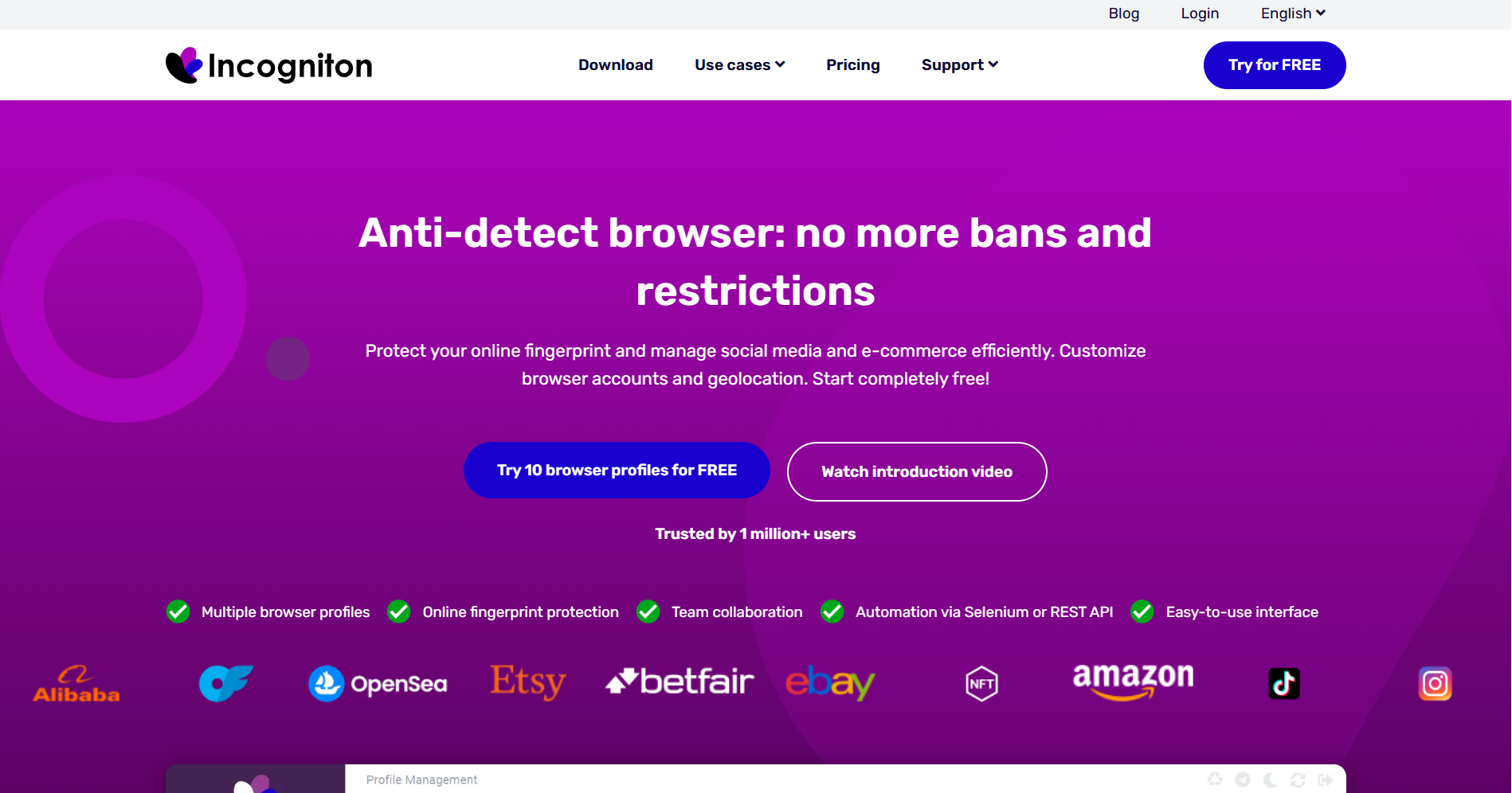
Incogniton
- Expert’s Verdict: High control for geeks but prone to glitches.
- Best for Techies and Frugal Users. Incogniton offers 10 free profiles but is notoriously glitchy. Launch times are slow (6+ seconds), and the default fingerprints often fail tests unless you manually adjust hardware parameters—a difficult task for beginners.
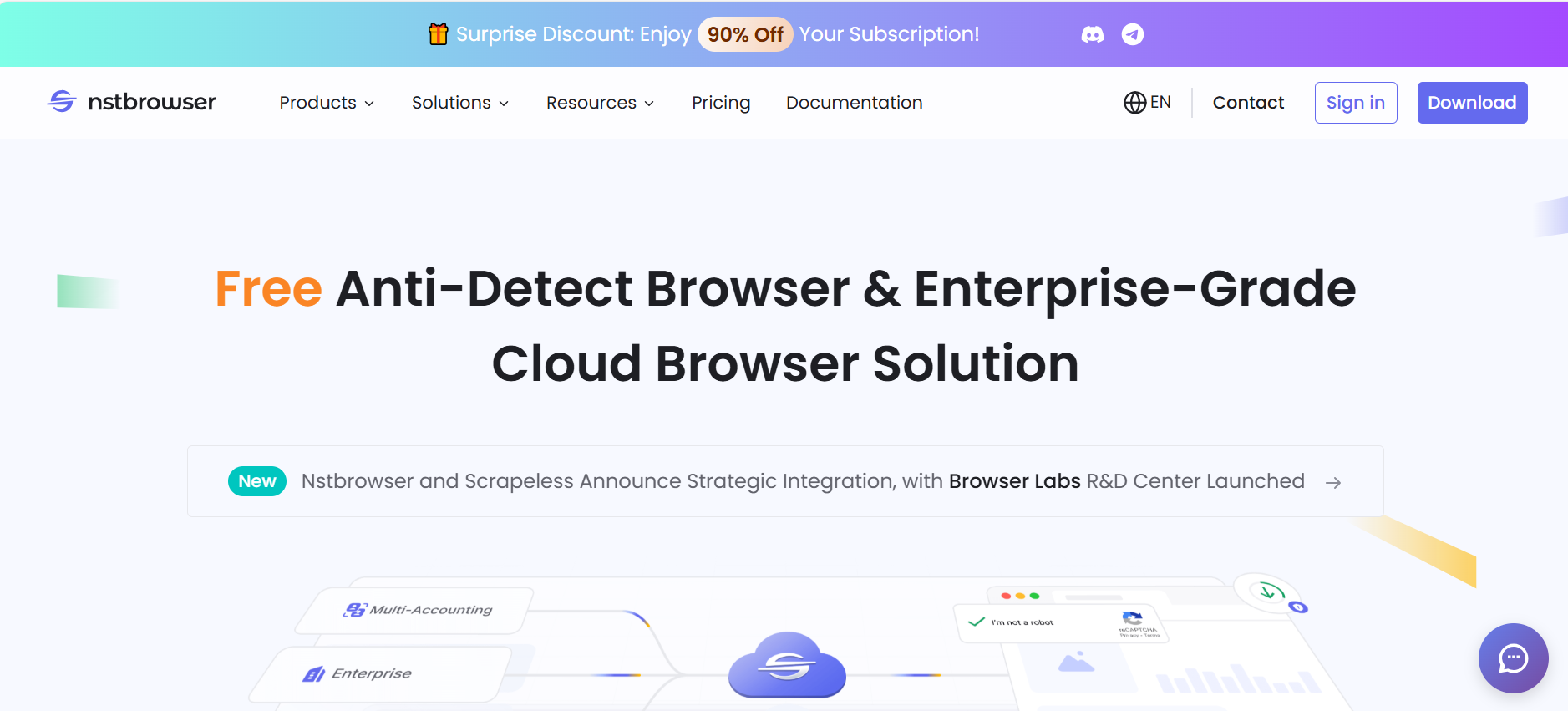
NSTBrowser
- Expert’s Verdict: Designed for large-scale automation and scraping.
- Best for Technical Tasks and Large-Scale RPA. NSTBrowser features a "Marketplace of ready-made RPA scripts" for developers. However, it is resource-heavy, consuming significant RAM, and is best suited for powerful server machines rather than standard PCs.
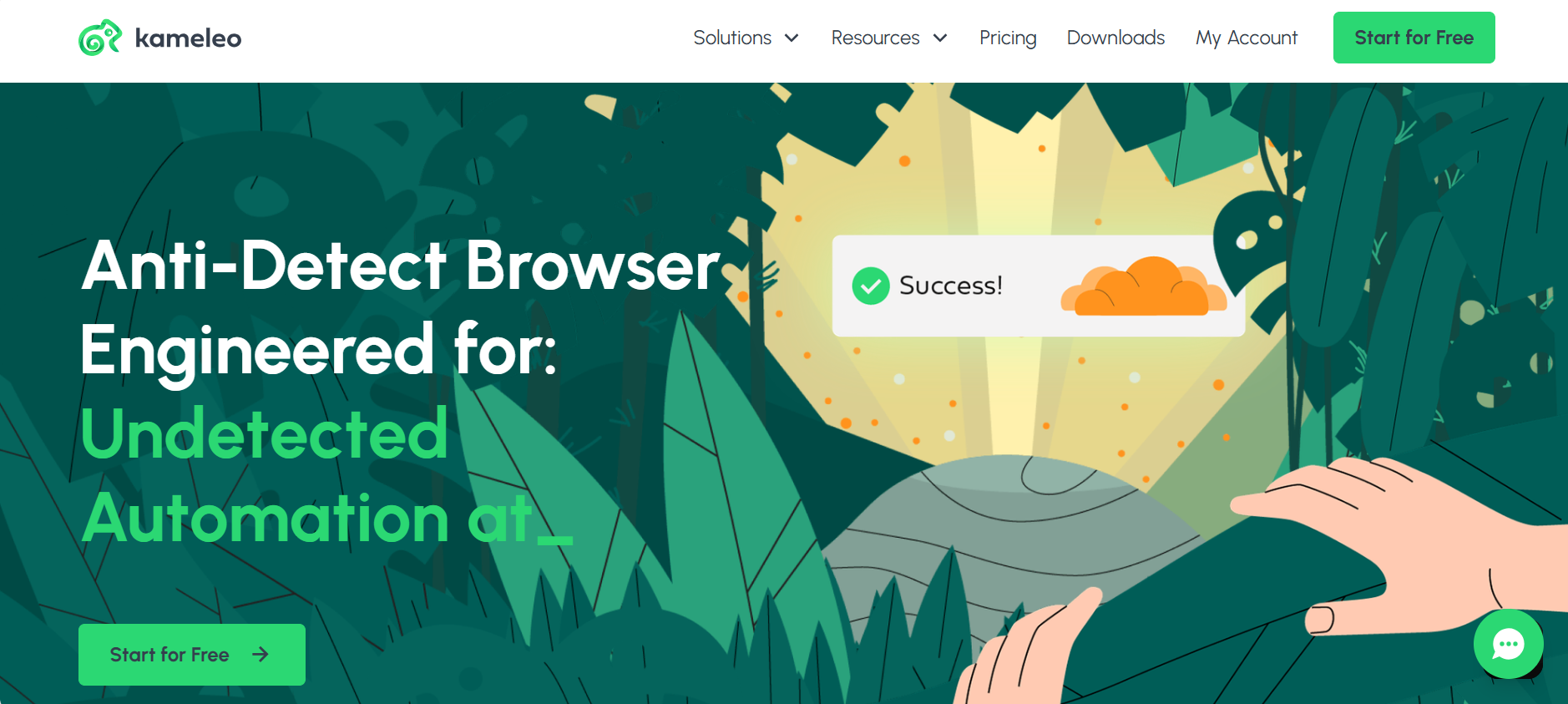
Kameleo
- Expert’s Verdict: Master of mobile emulation.
- Best for Mobile Multi-Accounting. Kameleo is the only tool that supports Playwright alongside Selenium and Puppeteer. It allows you to work "in the field" via an Android app, though its PC launch times are slower than DICloak at 6 seconds.
GeeLark
- Expert’s Verdict: Real Android device isolation in the cloud.
- Best for Mobile Farms (TikTok/Instagram). GeeLark provides remote access to virtual Android smartphones. This provides maximum security for mobile-only apps, but with a slow launch time of 12+ seconds, it is less efficient for standard web tasks.

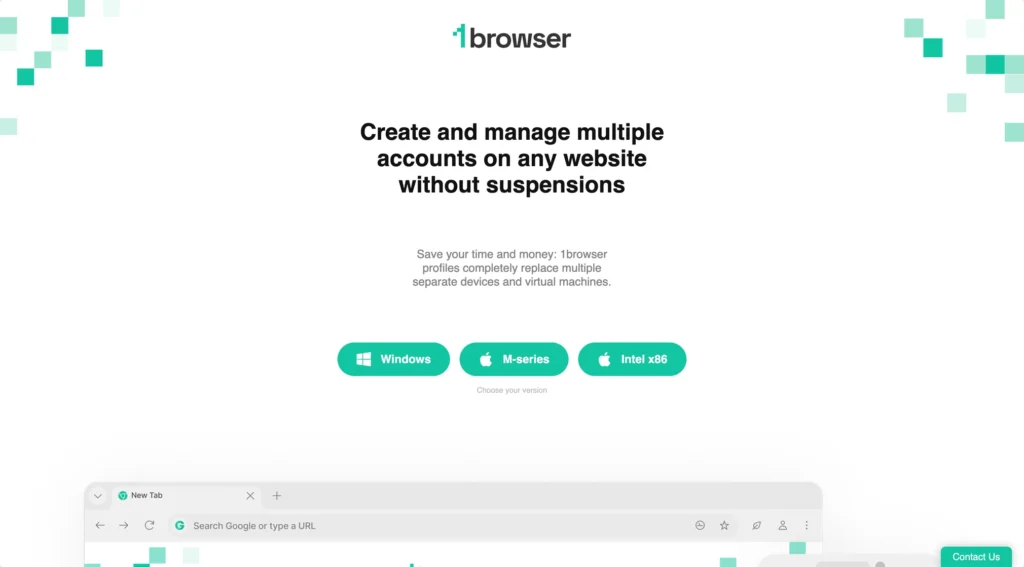
1Browser
- Expert’s Verdict: Simple, lightweight entry-level tool.
- Best Free Antidetect Browser. This "Best Free" option offers 20 profiles for free. It is fast (2-second launch) but lacks deep fingerprint customization, making it risky for high-value accounts on strict platforms.
Why DICloak is the Best Value for Professionals
In 2026, DICloak is the superior alternative to enterprise tools. It is used by over 6,800+ teams in 135+ countries for its unique combination of power and price.
- RPA Automation & Marketplace: Stop the manual grind. You can use the RPA editor to automate social media posting or airdrop farming across hundreds of accounts simultaneously.
- Synchronizer Tech: Control 100 profiles at once. When you click a button in your main window, the action is mirrored across all other open windows.
Testing Your Setup: How to Know if You Are Truly Anonymous
Before logging into your accounts, you must verify your setup using tools like PixelScan and IPhey. These simulate the checks used by Facebook, Google, and Amazon. You are looking for a "Consistent" status or the verdict: "Digital identity looks reliable."
Follow this pre-flight checklist for every new profile:
- Connect a high-quality residential proxy (avoid cheap datacenter IPs).
- Check for WebRTC and DNS leaks to ensure your real location is hidden.
- Verify the User-Agent matches the simulated hardware (CPU/RAM/GPU).
- Run the profile through a checker to ensure a "Green Zone" or "Reliable" result.
Common Mistakes Beginners Make When Using Antidetect Browsers
- Manual Over-Adjustment: Do not change settings at random. This creates "non-existent or incompatible combinations" of parameters (like a 2026 browser version on a 2015 OS) that trigger instant bans. Stick to DICloak’s default fingerprints.
- Using Cheap Proxies: A great browser cannot save you if your IP is blacklisted. Use residential or mobile proxies for important accounts.
- Skipping Updates: Sites detect when you use an "atypical" or outdated browser version. Keep your browser core current to match real-world web traffic.
- One Proxy for Multiple Profiles: Never link your accounts. The golden rule is: Each account = One unique IP.
Alternatives to Antidetect Browsers
- Tor Browser: Excellent for privacy, but too slow for business. Its standardized fingerprint makes you look "identical" to other Tor users, which sites find suspicious.
- Virtual Machines (VMs): These offer isolation but are 12x more expensive and massive resource hogs. Running 10 virtual Windows instances requires an incredibly powerful and expensive machine.
In 2026, the antidetect browser is the most efficient and cost-effective "Virtual Machine alternative," providing the same isolation without the massive hardware drain.
Frequently Asked Questions about How to Choose Antidetect Browser
1.Is it legal to use these browsers?
Yes. In most regions, using an antidetect browser for legal business activities like market research, managing multiple client accounts, or privacy protection is entirely permitted.
2.Can I manage 1,000+ accounts on one computer?
Yes. Unlike NSTBrowser, which requires high-end server machines, DICloak is optimized to save hardware resources, allowing you to run a massive volume of accounts on a single standard device.
3.How do I transfer profiles from other browsers to DICloak?
DICloak allows you to easily import cookies and User-Agent information, meaning you can move your existing accounts from other tools without losing your "warmed up" sessions.
4.What is the difference between a free and a paid antidetect?
Free versions often have outdated cores and strict profile limits. Paid versions provide the security of frequent updates, team collaboration features, and RPA automation.
5.Do I still need a proxy if I use DICloak?
Yes. DICloak masks your device's "DNA," but you still need a unique IP address for each profile to prevent websites from seeing that all your accounts are coming from the same home or office.
Conclusion: Securing Your Digital Future
Choosing the right antidetect browser is the most important decision you will make for your multi-accounting business in 2026. By prioritizing fingerprint consistency, update frequency, and ease of use, you can scale your operations without the constant fear of account bans.DICloakoffers the perfect balance of security and professional features like RPA and the Synchronizer.
Ready to grow your business? Start your free trial with DICloak today and experience the future of digital privacy in 2026.
 Web Proxy Tools
 Free Tools
 Cookie Plugin
 UA Generator
 MAC Address Generator
 IP Generator
 IP Address List
 2FA Code Generator
 World Clock
 Anonymous Check
 WebRTC Leak Test
 UUID Generator
 Free Web Proxy Site
 Proxy Checker
 FB Ad Checker
 AI Web Scraping
 Free SMM Tools
 Twitter Shadowban Checker
 Instagram Name Checker
 UTM Generator
 Username Generator
 AI Hashtag Generator
 LinkedIn Headline Generator
 Social Media Image Resizer